

Opensense Review 2026: Email Signature Marketing and Pricing Guide

By Kushal Magar · April 8, 2026 · 11 min read · Last updated: September 30, 2026
Key Takeaway
Opensense is an email signature management platform that turns employee email signatures into trackable marketing channels with banner campaigns, A/B testing, and recipient-level analytics. Signature plan starts at $1/user/mo with a $500/mo minimum. Pipeline at $3/user/mo adds banner scheduling and targeting. Complete at $5/user/mo adds CRM integrations and advanced recipient-based targeting. Strong customer support and branding consistency. Main limitations: the $500/mo minimum excludes small teams, design changes require Opensense team involvement, CRM integrations are locked to the Complete plan, and banner reach is capped by the email your team already sends.
Opensense manages email signatures across your entire company from a central dashboard — consistent branding, scheduled banner campaigns, A/B testing, and CRM-based ABM targeting by recipient. Signature plan starts at $1/user/mo. Pipeline adds banner scheduling at $3/user/mo. Complete adds recipient-level CRM targeting at $5/user/mo. As of September 2026, all plans have a $500/mo minimum.
The ABM targeting on the Complete plan is the genuine value for enterprise sales teams: when a prospect at an open opportunity receives your email, they see a banner promoting the relevant case study. When a cold prospect receives your email, they see a different banner. The $500/mo floor means per-user pricing only kicks in above 100 users on Complete, about 167 on Pipeline, and 500 on Signature; below that, you pay the minimum.
Opensense Review: What You Get (and What You Don't)
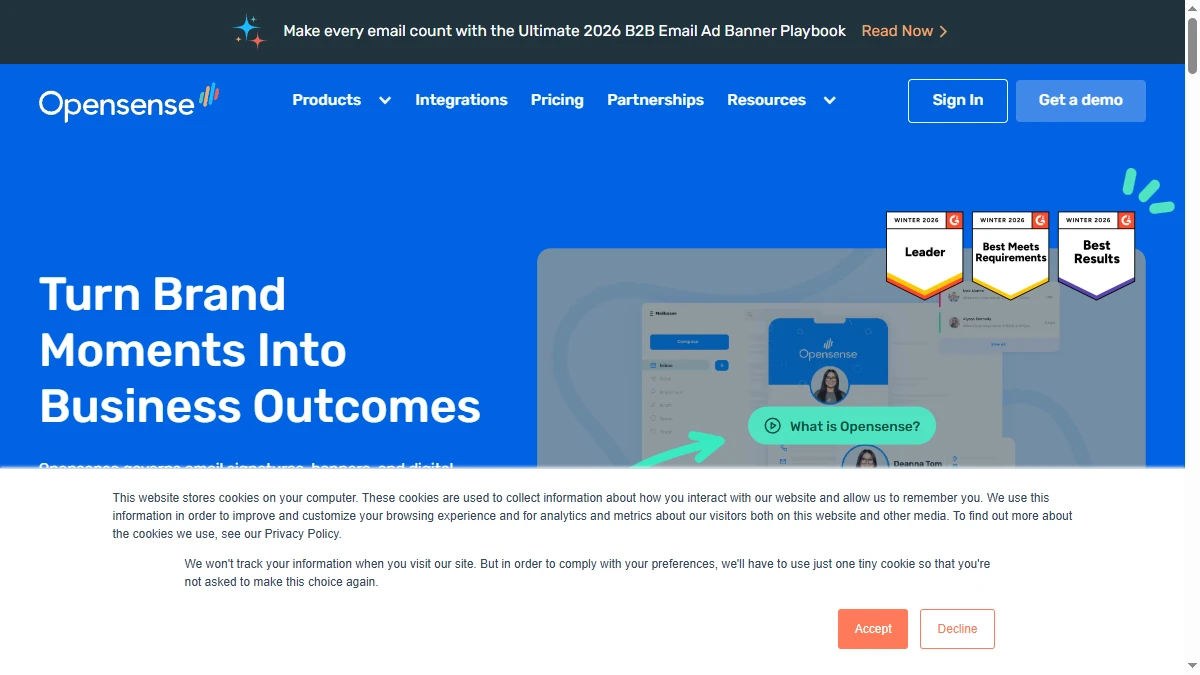
Opensense positions email signatures as a marketing channel — not just a branding necessity. See how users rate it on G2 (300+ reviews, per Opensense's homepage).
| Feature | What's Included | Limitations |
|---|---|---|
| Signature Management | Centrally managed, deployed across all devices and email clients | Design changes require Opensense team — not fully self-serve |
| Banner Campaigns | Scheduled banners, A/B testing, department targeting | Pipeline plan ($3/user/mo) minimum for banner features |
| Analytics | Opens, clicks, banner performance, recipient-level insights | Advanced analytics and tracking start at $20/user/mo extra |
| CRM Integration | Salesforce, Zoho, marketing automation platforms | Complete plan only ($5/user/mo) — not available on lower tiers |
| Lead Generation | Not available | Does not generate leads — optimizes the channel, not the audience |
The takeaway: Opensense turns email signatures into a measurable marketing channel, and its value scales with how much business email your team already sends.
Opensense Signature Banners: How the Marketing Channel Works
On the Pipeline plan and above, Opensense lets you schedule banner campaigns that rotate in every employee's email signature. You upload a banner image, set targeting rules (department, date range, audience), and it automatically appears below the signature block in every outgoing email.
Use cases include promoting webinars, case studies, product launches, or event registrations. A 200-person company sending 100 emails per person per day generates 20,000 daily banner impressions — all to people who are already in conversation with your team. That is warm, contextual reach that paid ads cannot replicate.
What works well
The A/B testing on banners is a genuine marketing feature. You test two banner designs, Opensense tracks click-through rates, and you promote the winner. The department targeting is smart — your sales team can run a case study banner while your support team runs a customer survey banner. Once configured, it just runs. Users consistently praise the set-it-and-forget-it nature of the platform.
Where it falls short
Signature banners are a complementary channel, not a primary demand generation engine. Click-through rates on email signature banners typically run 1-3%. The impact is real but incremental, and it depends entirely on the volume and relevance of the email your team already sends. Treat banners as a way to extend campaigns you are already running, not as a replacement for them.
Opensense ABM Targeting: Department and Recipient-Based Campaigns
The Complete plan ($5/user/mo) adds recipient-based targeting through CRM integrations. With Salesforce connected, you can show different banners based on the recipient's deal stage, account tier, or industry. A prospect in the evaluation stage sees a competitive comparison banner. A customer sees a referral program banner.
This is genuine ABM functionality. Every email from every employee becomes a personalized touchpoint that adapts to the recipient's position in your pipeline. For enterprise sales teams with long, multi-touch deal cycles, this turns email volume into a measurable ABM channel.
The limitation: recipient-based targeting requires the Complete plan, which is where the Salesforce, Zoho, HubSpot, and Marketo integrations live. And the ABM targeting only works on email you are already sending — it does not help you find new accounts to target. Combine with a CRM data enrichment tool to ensure your CRM records are accurate and complete enough for effective targeting.
Opensense Pricing Breakdown
Opensense publishes pricing on their pricing page. As of September 2026, all plans carry a $500/mo minimum plus a required service plan:
Email Signature plans
- •Signature ($1/user/mo): Centrally managed signatures, all devices and clients, custom fields, HTML templating, reply and forward signatures, department-specific designs
- •Pipeline ($3/user/mo): Everything in Signature plus scheduled banner campaigns, A/B testing, banner analytics, and internal, department, and account-based targeting
- •Complete ($5/user/mo): Everything in Pipeline plus stage-based and recipient-based targeting, Azure AD and Google directory integrations, HR integrations (Workday, BambooHR), HubSpot and Marketo, Salesforce and Zoho CRM, Outreach and Salesloft, and Calendly and Zapier plugins
Email Tracking add-ons
- •Bronze ($20/user/mo): Opens, clicks, multi-recipient tracking
- •Silver ($55/user/mo): Bronze plus document and website tracking
- •Gold ($65/user/mo): Silver plus advanced tracking with replay and CRM sync
What you actually pay
A 100-person company on the Pipeline plan: $3 x 100 = $300/mo in user fees, but the $500/mo minimum applies, plus service plan fees. Realistic cost: at least $500/mo before the service plan for signature management and banner campaigns. Move a 200-person org to the Complete plan for CRM targeting: $1,000/mo in user fees plus the service plan.
Hidden costs to watch
- $500/mo minimum makes it expensive for small teams (under 100 users)
- Service plan required on top of per-user pricing — not included in base cost
- CRM integrations locked to Complete ($5/user/mo) — Pipeline and Signature excluded
- Email Tracking is a separate add-on ($20-65/user/mo) — not part of signature plans
- Design changes go through Opensense team — adds turnaround time and dependency
What Are the Downsides of Using Opensense?
Minimum spend excludes small teams
The $500/mo minimum plus a required service plan means Opensense costs at least $500/mo regardless of team size. A 20-person startup paying that for email signature management is difficult to justify. Per-user pricing only matters once user fees pass the minimum: 100+ users on Complete, roughly 167 on Pipeline, and 500 on Signature.
Design changes are not self-serve
Users on Capterra report that major signature design changes need to go through the Opensense team. While turnaround is generally quick, marketing teams accustomed to instant self-serve tools find this dependency frustrating. The code editor exists but is confusing enough that most users avoid it.
Reach is capped by your email volume
Opensense optimizes what appears in your email signatures, so its reach is limited to people your team already emails. It will not surface new accounts or tell you who to contact. If that is the gap, look at buying intent data tools alongside it.
Email Tracking is expensive
The Email Tracking add-ons ($20-65/user/mo) quickly inflate the total cost. A 50-person team on Complete ($5/user/mo) plus Silver Tracking ($55/user/mo) pays at least $3,000/mo in user fees alone, before minimums and service plans. Many dedicated email outreach tools include tracking at a fraction of the cost.
How Opensense Works: From Setup to First Banner Campaign
Opensense is a managed rollout rather than a self-serve app, so it helps to know the sequence before you sign. Here is how a typical deployment runs, and where the plan limits show up.
- Connect your email platform. Opensense supports Microsoft 365, Outlook, Exchange, Google Workspace, and Gmail, and deploys signatures through an Outlook add-in, an Exchange transport rule, or the Gmail API. With both server-side and client-side options, signatures apply across devices and email clients.
- Design the templates. Custom signature template design and multi-domain setup help are included with every plan. This is where you configure Signature-plan features such as custom fields, HTML templating, reply and forward signatures, and department-specific versions.
- Sync employee data. On Complete, directory integrations with Azure AD and Google, plus HR systems such as Workday and BambooHR, keep names, titles, and phone numbers current as people join, move, or leave. Lower plans do not include these integrations.
- Launch banner campaigns. From Pipeline up, you can schedule banners, A/B test designs, and target them internally, by department, or by account. Banner analytics track clicks per campaign, employee, and account.
- Personalize by recipient. Complete adds stage-based and recipient-based targeting through its Salesforce, Zoho, HubSpot, Marketo, Outreach, and Salesloft integrations, so prospects and customers see different banners from the same sender.
- Add tracking if sales needs it. Email Tracking is a separate product line (Bronze, Silver, and Gold) covering opens, clicks, documents, website visits, and video, with its own $500/mo minimum.
Support is a strength throughout. Every plan includes a dedicated customer success manager, a technical contact, a 4-hour email response time, and 24/7 phone support. Trials are available for qualified accounts, so ask for one scoped to a single department before rolling out company-wide. Opensense is also SOC 2 Type II certified, which helps with security reviews.
Is Opensense Worth It?
Opensense is worth it for mid-market and enterprise marketing teams (100+ employees) that want centralized brand control over email signatures and see signature banners as an incremental marketing channel. The customer support is genuinely good, the platform works reliably once set up, and the A/B tested banner campaigns are a feature competitors should copy.
Opensense is harder to justify for small teams. Below roughly 100 users, the $500/mo minimum plus a service plan makes the per-user price irrelevant, and banner click-through rates of 1-3% will not move pipeline on their own. Treat it as an incremental channel on top of email your team already sends, not as a demand generation engine.
The verdict: best-in-class email signature marketing with strong ABM features at enterprise scale. Start with Pipeline if banner campaigns are the goal, and step up to Complete only when your CRM data is clean enough to power recipient-based targeting.
Exploring email and outreach tools? Read our reviews of Instantly, Lemlist, and our roundup of best sales prospecting tools for B2B teams.
If Opensense's reach being limited to people your team already emails is a dealbreaker, SyncGTM is one alternative worth a look: it tracks real-time buying signals such as funding, hiring, headcount growth, and job changes.