

ParseHub 2026: Visual Web Scraper — Free Plan and Pricing Review

By Kushal Magar · April 18, 2026 · 9 min read · Last updated: September 30, 2026
Key Takeaway
ParseHub is a solid visual web scraper with cross-platform support (Windows, Mac, Linux), strong JavaScript rendering, and a genuinely useful free tier (5 public projects, 200 pages per run). Standard at $189/mo unlocks private projects, cloud scheduling, IP rotation, and API access, but that is expensive next to Octoparse. The other limitation isn't the scraping itself: scraped data requires significant cleanup and enrichment before a sales team can use it.
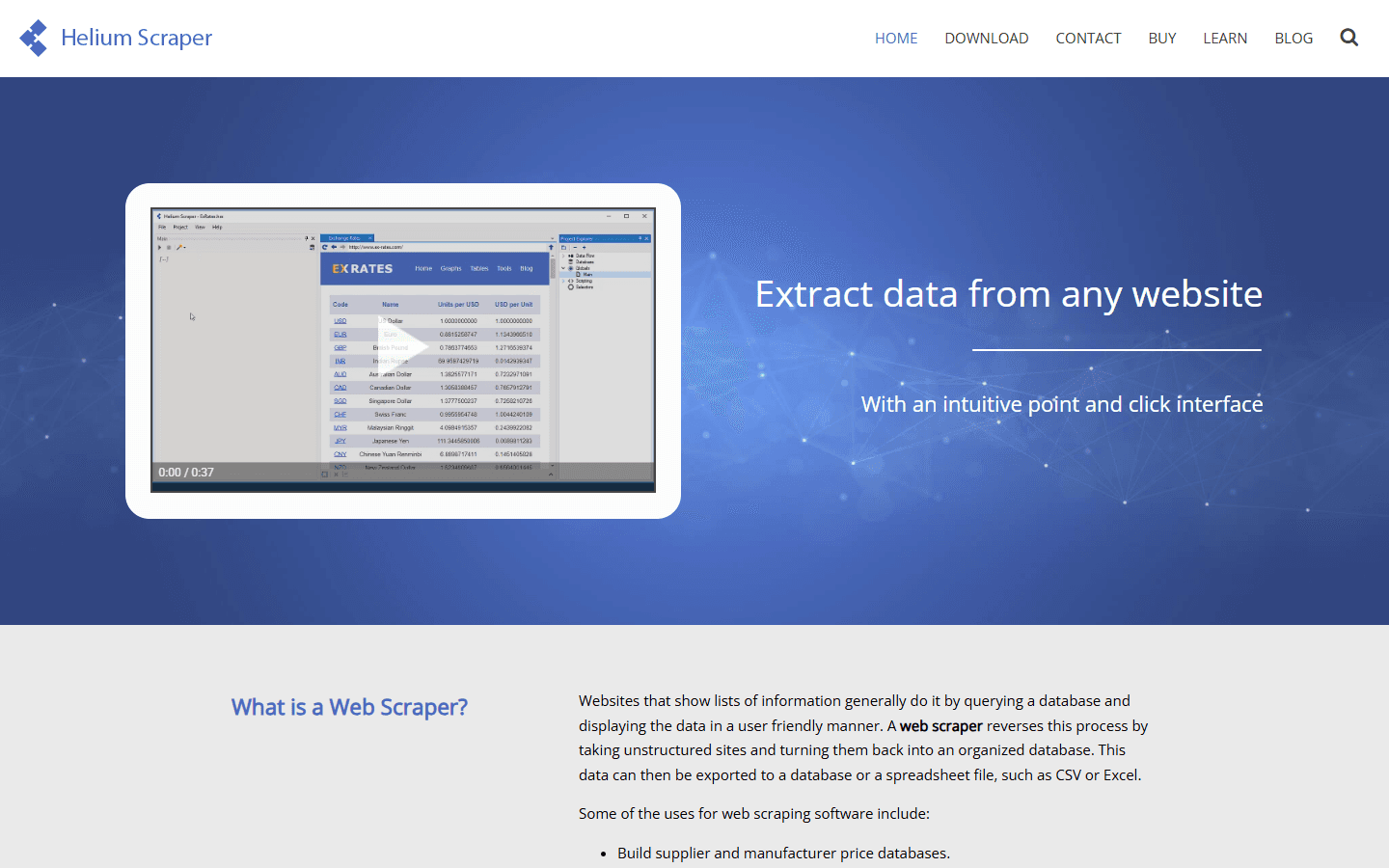
ParseHub handles JavaScript-rendered sites that simpler scrapers miss — Angular, React, dynamically loaded content. That is its real differentiator over WebScraper.io or Listly, and it explains why it is cross-platform (Windows, Mac, Linux) while desktop-only competitors like Helium Scraper stay Windows-only.
The free tier is genuinely usable for testing — 5 projects, sequential runs, 200 pages per run. The jump to Standard ($189/mo) is when private projects, cloud scheduling, and IP rotation unlock. And like every scraper, what you get out is raw data: no emails, no phones, no firmographic enrichment. The lead-building work starts after ParseHub finishes.
ParseHub Review: What You Get (and What You Don't)
ParseHub is a desktop-based visual web scraper available for Windows, Mac, and Linux. Unlike Octoparse, which is Windows-only for its full feature set, ParseHub's cross-platform desktop app is a genuine differentiator.

ParseHub desktop application — visual point-and-click scraping interface
| Feature | What's Included | Limitations |
|---|---|---|
| Visual selection | Point-and-click element selection | Conditional logic requires understanding the template system |
| JavaScript rendering | Full browser engine — captures dynamic content | Slower than HTTP scrapers; heavy sites take longer |
| Cloud runs | Scheduled cloud execution on paid plans | Free plan: local runs only, no scheduling |
| Cross-platform | Windows, Mac, Linux desktop apps | Full feature parity across platforms |
| Data export | JSON, CSV, Excel, Google Sheets, API | No direct CRM export |
| API access | Trigger runs and retrieve data via API | API access on paid plans only |
ParseHub Free Plan: Real Limits
ParseHub's free plan is genuinely usable for testing and light use — but it has meaningful constraints that push you toward paid plans faster than the marketing suggests.
- 200 pages per run: Enough for small datasets. A business directory with 1,000+ listings will hit this limit immediately.
- 5 public projects: Projects are visible to all ParseHub users on the free plan. Sensitive or proprietary scraping tasks need a private paid plan.
- 40-minute run time cap: Complex sites with JavaScript rendering can take time. 40 minutes limits what you can extract per session.
- No cloud scheduling: All free plan runs execute locally and manually. You can't schedule recurring scrapes without upgrading.
- No API access: API integration to trigger runs or pull data programmatically requires a paid plan.
For most real-world use cases beyond basic testing, the free plan runs out quickly. The jump to Standard at $189/mo is significant.
ParseHub Pricing Breakdown
ParseHub pricing is among the higher-priced options in the no-code scraping category. Here's what each tier includes:
ParseHub pricing tiers — Free, Standard, and Professional plans
- Free: 200 pages/run, 5 public projects, 40-min run limit, no cloud scheduling, no API.
- Standard ($189/mo): 5,000 pages/run, 5 private projects, cloud scheduling, API access, IP rotation.
- Professional ($599/mo): 25,000 pages/run, 20 private projects, faster parallel runs, priority support.
- Enterprise (custom): Unlimited projects and pages, dedicated infrastructure, SLA.
Annual billing discounts are available. Monthly billing is available at a premium.
What you actually pay: A team running weekly scrapes of 2–3 sites with 500–1,000 records each will fit on Standard at $189/mo. If you need more than 5 concurrent projects or higher page limits, you're at $599/mo — a steep jump. Compared to Octoparse Standard at $75/mo, ParseHub is expensive for equivalent functionality.
ParseHub JavaScript Rendering: How It Works
ParseHub's JavaScript rendering is its strongest technical feature. It runs a full Chromium browser instance during scraping, meaning content that loads via JavaScript — infinite scroll, AJAX requests, dynamically rendered tables — is captured correctly.
This matters for scraping modern web applications. Sites built on React, Angular, or Vue often load their data after the initial HTML response. Without a full browser engine, scrapers return empty containers. ParseHub captures the rendered DOM, not just the initial response.
The tradeoff is speed and resource usage. Running Chromium is computationally expensive. ParseHub scrapes are noticeably slower than HTTP-based scrapers for simple sites. For complex JavaScript-heavy sites, this is unavoidable — but for basic HTML sites, it's unnecessary overhead.
ParseHub Ease of Use: Setup and Learning Curve
ParseHub's basic workflow is genuinely accessible. Open the desktop app, enter a URL, click on elements to select them, configure pagination, and run. For a well-structured page with clean HTML, you can have a working scraper in under 20 minutes.
Complexity rises quickly with real-world requirements. Nested data structures (a list of companies, each with multiple contacts), conditional extraction (only extract rows where a column contains a specific value), and login-required pages require understanding ParseHub's template system — which has a distinct learning curve.
Documentation is solid but not comprehensive. The community forum and YouTube tutorials fill gaps, but there's no substitute for hands-on time with the tool to understand its capabilities and limits.
What Are the Downsides of Using ParseHub?
1. High Paid Plan Pricing
$189/mo for Standard is expensive relative to Octoparse ($75/mo) and WebScraper.io's cloud plans. Users on G2 and Reddit specifically call out the pricing gap. Unless ParseHub's specific JavaScript handling is required, competitors deliver similar functionality at lower cost.
- Standard plan at $189/mo is 2.5x the price of Octoparse Standard
- Free plan's public project requirement is a non-starter for proprietary scraping
- Page limits per run force upgrades for moderate-volume extraction
2. Slow Scraping Speeds
Full browser rendering is slow. ParseHub users report that large scraping jobs take significantly longer than equivalent tasks in Octoparse or Apify. If you're extracting tens of thousands of records regularly, speed becomes a real constraint.
3. No Built-In Enrichment
Like all web scrapers, ParseHub delivers raw data. For B2B GTM use cases, scraped company names and LinkedIn URLs are just the beginning — you still need enrichment for emails and direct dials before the data is actionable.
4. Template System Complexity
The template system for configuring complex extractions has a steep learning curve. Users frequently report spending hours debugging conditional logic and nested selections for sites that seem simple but have complex underlying HTML structures.
How ParseHub Works: From First Project to Scheduled Runs
ParseHub makes more sense once you see the full path from an empty project to a dataset you can use. Here is how a typical project runs, and where the plan limits covered above show up.
- Install the desktop app and load the page. ParseHub runs on Windows, Mac, and Linux. Start a project, enter the URL you want to scrape, and the page opens in ParseHub's built-in browser.
- Select the data visually. Click the elements you want (names, prices, addresses, links) and ParseHub builds the extraction from your selections. Because it renders pages in a full browser, content loaded by JavaScript, AJAX, or infinite scroll is captured.
- Add navigation and pagination. Tell ParseHub how to move through the site, such as clicking a next-page button or opening each item in a list, so one project can cover hundreds of pages.
- Handle complex structures with templates. Nested data (a company with several contacts), conditional extraction, and login-protected pages all run through ParseHub's template system. This is where most of the learning curve sits, so budget time for testing.
- Run the project. On the free plan, runs happen manually on your machine and stop at 200 pages or 40 minutes. Paid plans add scheduled cloud runs, IP rotation, and API access, so scrapes can repeat without anyone clicking run.
- Export the results. Download JSON, CSV, or Excel, send data to Google Sheets, or pull it through the API on a paid plan. There is no direct CRM export, so data headed for a CRM goes through a spreadsheet or your own integration.
- Clean the output before you use it. Scraped data arrives raw. Expect to dedupe rows, fix formatting, and, for lead lists, add emails and phone numbers from an enrichment source before outreach.
The practical way to evaluate ParseHub is to build your hardest target site on the free plan first. If the template system handles its structure and the 200-page cap is the only thing stopping you, Standard is a reasonable upgrade. Remember that free projects are public, so test on sites where that visibility is acceptable.
If the target sites are simple HTML, a lighter tool may do the same job for less. Octoparse is the closest visual alternative at a lower Standard price, and developer teams can look at Apify, which as of September 2026 offers a free plan with $5 of monthly usage and paid plans from $19/mo plus usage-based compute.
Is ParseHub Worth It?
ParseHub earns its place for teams that specifically need to scrape JavaScript-heavy websites on Mac or Linux without developer help. The cross-platform desktop app and strong JavaScript rendering are genuine advantages over some competitors.
The pricing on paid plans is hard to justify when Octoparse delivers similar output at less than half the cost. Unless JavaScript rendering on non-Windows platforms is your specific requirement, Octoparse Standard gives you more for less.
For GTM and sales teams, ParseHub is at best the first step. It can pull company lists from directories and websites, but you will still need to clean, dedupe, and enrich that data before outreach, so budget for those steps before choosing it as a lead source.
If ParseHub's raw, unenriched output is a dealbreaker, SyncGTM is one alternative worth a look: it runs waterfall enrichment across 50+ data providers for verified emails, phone numbers, and firmographics.