

HubSpot Review 2026: The All-in-One CRM — Pricing Tiers and Honest Verdict

By Kushal Magar · April 8, 2026 · 13 min read · Last updated: September 30, 2026
Key Takeaway
HubSpot is an all-in-one CRM platform with Marketing Hub, Sales Hub, Service Hub, and Data Hub (formerly Operations Hub). The free CRM includes contacts, deals, tasks, and email tracking for up to 2 users. As of September 2026, Sales Hub costs $20/seat/mo (Starter, billed monthly), $100/seat/mo (Professional), and $150/seat/mo (Enterprise). Marketing Hub Professional starts at $890/mo for 2,000 contacts. Rated 4.4/5 on G2 from 12,390+ reviews. Main strengths: unified ecosystem, strong free tier, excellent onboarding, massive app marketplace. Best for: growing B2B teams that want marketing, sales, and service tools in one ecosystem with a strong free tier and scalable upgrade path. Main weaknesses: steep pricing jumps at Professional tier, contact-based billing in Marketing Hub, limited native enrichment, Enterprise-gated features like custom objects.
HubSpot is an all-in-one CRM platform offering free CRM, marketing automation, sales pipeline management, and operations tools used by over 228,000 companies worldwide. Sales Hub starts at $20/seat/mo, Marketing Hub Professional at $890/mo, and the free tier is genuinely useful for small teams. G2 rating: 4.4/5 from 12,390+ reviews.
You are probably here because you are evaluating whether HubSpot is the right CRM for your team — or whether the pricing tiers make sense at your stage. Maybe you are already on HubSpot and wondering if the Professional upgrade is worth the jump. Or maybe you are looking for the data enrichment capabilities that HubSpot promises but does not fully deliver.
This HubSpot review covers what each Hub actually includes, what the real pricing looks like across tiers, where the enrichment and data capabilities fall short, and whether your team needs something beyond HubSpot's native tools.
HubSpot Review: What You Get (and What You Don't)
HubSpot organizes its platform into Hubs — each covering a different function. You can buy them individually or bundle them. The free CRM is the entry point, and it is genuinely useful. See how users rate each Hub on G2.
| Hub | What's Included | Limitations |
|---|---|---|
| Free CRM | Contacts, deals, tasks, email tracking, forms | Up to 2 users, limited reporting, no automation |
| Sales Hub | Pipeline management, sequences, playbooks | Advanced features gated to Professional/Enterprise |
| Marketing Hub | Email, ads, landing pages, workflows, analytics | Contact-based billing — costs rise with list size |
| Data Hub (formerly Ops Hub) | Data sync, programmable automation, data quality | Limited enrichment — no waterfall data sourcing |
| Data Enrichment | Breeze Intelligence (formerly Clearbit) | Coverage gaps, additional credit costs |
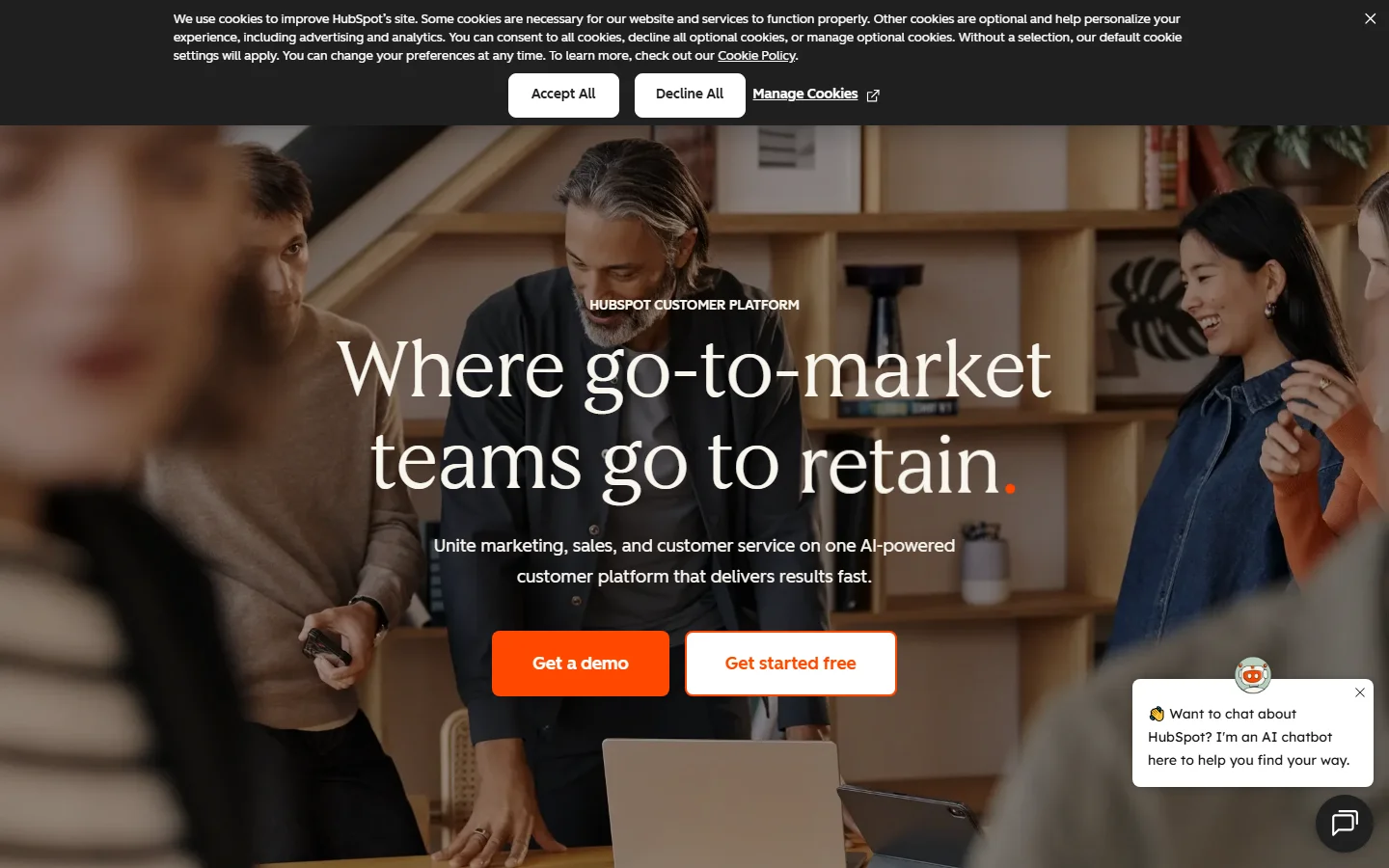
HubSpot homepage
The takeaway: HubSpot is a strong CRM with excellent marketing and sales tools. What it does not do well, below its Enterprise tiers, is enrich your data beyond basic company info or surface buying signals from external sources.
HubSpot Hubs Breakdown: Marketing, Sales, Service, and Data
Sales Hub
Sales Hub is where most B2B teams start. The Starter tier at $20/seat/mo gives you a CRM with pipeline management, email sequences, meeting scheduling, and basic reporting. Professional at $100/seat/mo adds custom reports, forecasting, playbooks, and sequences with more automation steps. Enterprise at $150/seat/mo adds predictive lead scoring, custom objects, and advanced permissions.
Marketing Hub
Marketing Hub is HubSpot's most expensive product — and the one where pricing surprises hit hardest. Starter at $20/mo covers basic email marketing and ad management for 1,000 contacts. Professional at $890/mo unlocks automation workflows, A/B testing, and SEO tools for 2,000 contacts. Every additional 5,000 contacts costs $250/mo.
Data Hub (formerly Operations Hub)
Data Hub handles data sync between tools, programmable automation with custom code, and data quality management. As of September 2026, HubSpot lists Data Hub Starter from $7/mo/seat, Professional from $720/mo, and Enterprise from $2,000/mo, with data sync across 100+ apps, duplicate management, custom datasets, and "AI-powered data enhancement." The pitch is that Data Hub makes your CRM data clean and actionable. The reality: it is strongest at syncing and cleaning the data you already have. It is not a multi-source enrichment engine, and it does not monitor buying signals outside HubSpot. For that, you need a dedicated enrichment tool. Read our guide on CRM data enrichment to understand the gap.
HubSpot Pricing Breakdown
HubSpot publishes pricing on their pricing page. Since 2024, pricing is seat-based for Sales and Service Hubs, and contact-based for Marketing Hub. The free tools cover up to 2 users. Prices below are monthly-billing rates as of September 2026:
Sales Hub
- •Starter ($20/seat/mo; listed from $7/seat/mo on annual billing): CRM, pipeline, sequences, meeting scheduler, up to 50 workflows, 500 HubSpot Credits
- •Professional ($100/seat/mo, $90 on annual billing): Custom reports, forecasting, playbooks, up to 300 workflows, 3,000 HubSpot Credits — $1,500 onboarding fee
- •Enterprise ($150/seat/mo): Custom objects, predictive lead scoring, advanced permissions, custom signals, 5,000 HubSpot Credits — $3,500 onboarding fee
Marketing Hub
- •Starter ($20/seat/mo): 1,000 marketing contacts, basic email, forms, ads, 500 HubSpot Credits
- •Professional ($890/mo, $800 on annual billing): 2,000 contacts, 3 seats (extra seats $45/mo), automation, A/B testing, SEO — $3,000 onboarding fee
- •Enterprise ($3,600/mo): 10,000 contacts, 5 seats (extra seats $75/mo), attribution, custom events — $7,000 onboarding fee
Every paid tier now includes HubSpot Credits for AI features: 500 on Starter, 3,000 on Professional, and 5,000 on Enterprise. Credits reset monthly and do not roll over, and additional credits cost $0.010 each.
What you actually pay
A 5-person sales team on Sales Hub Professional: 5 x $100 = $500/mo + $1,500 onboarding. Add Marketing Hub Professional at $890/mo + $3,000 onboarding. That is $1,390/mo, or more than $21,000 in year one once both onboarding fees are included.
And that is before marketing contacts beyond the 2,000 included, extra Marketing Hub seats, or additional HubSpot Credits. A database of 10,000 marketing contacts pushes the Marketing Hub line well past its $890 base.
Hidden costs to watch
- Marketing Hub charges per contact — costs grow with your database
- Mandatory onboarding fees: $1,500 to $7,000 depending on tier
- Custom objects, field permissions, and SSO are Enterprise-only
- HubSpot Credits for AI features reset monthly with no rollover; extra credits cost $0.010 each
- Per-seat pricing on Sales Hub scales quickly with team growth
HubSpot Data Enrichment: Where Breeze Intelligence Falls Short
After acquiring Clearbit in 2023, HubSpot rebranded it as Breeze Intelligence and integrated basic company enrichment into the CRM. When a new contact is created, HubSpot attempts to fill in company size, industry, revenue range, and other firmographic fields automatically.
What works
Basic company data enrichment is helpful — it saves manual research for common fields. The integration is native, so enriched data flows directly into HubSpot properties without additional setup.
What does not work
Breeze Intelligence relies on a single data source (Clearbit's database). When that source has gaps — and it does, especially for SMBs, non-US companies, and niche industries — your CRM records stay incomplete. There is no waterfall logic to query additional providers.
HubSpot's native signal coverage is also narrow. Most of what your CRM knows comes from activity inside HubSpot — form fills, email opens, page views. Breeze Intelligence adds buyer intent data, and as of September 2026 custom signals are listed only on Sales Hub Enterprise, so tracking events like job changes, funding rounds, hiring surges, or tech stack changes across target accounts usually means adding another tool.
Closing those gaps typically means pairing HubSpot with a dedicated enrichment tool that queries several providers in sequence, plus a signal source for events outside your CRM. Read our waterfall enrichment guide for a deep dive.
What Are the Downsides of Using HubSpot?
Pricing jumps are brutal
Going from Sales Hub Starter ($20/seat/mo) to Professional ($100/seat/mo) is a 5x increase. Marketing Hub jumps from $20/mo to $890/mo. For a growing startup, these jumps hit hard. G2 reviewers consistently flag pricing as HubSpot's biggest pain point.
Contact-based billing punishes growth
Marketing Hub charges based on contact count. A database of 50,000 contacts on Professional costs $890 + contact overages that can add thousands per month. Deleting contacts to stay under limits means losing marketing data. The incentive structure penalizes exactly the growth HubSpot is supposed to enable.
Enterprise-gated features
Custom objects, field-level permissions, advanced reporting dashboards, and hierarchical teams are locked behind Enterprise pricing. Growing businesses often outgrow Professional before they can justify the Enterprise spend. That creates a painful middle ground where you need features you cannot afford. See how users compare options in our best CRM data enrichment tools guide.
Limited data intelligence
HubSpot tells you what happened inside HubSpot — who opened emails, visited pages, filled forms. Outside of Breeze Intelligence buyer intent and Enterprise-only custom signals, it says little about what is happening outside HubSpot — which target accounts just raised funding, hired a new VP of Sales, or started evaluating competitors. That blind spot is where deals get lost.
How HubSpot Works: From Free CRM to Paid Hubs
Most teams do not buy HubSpot all at once. They start free and add Hubs and tiers as specific gaps appear. Here is the typical path, with the cost trigger at each step (prices as of September 2026, monthly billing).
- Start on the free CRM. Import contacts and companies, connect your inbox for email tracking, and set up a deal pipeline. The free tools cover up to 2 users and include no workflow automation, so they suit founders and very small teams.
- Add Sales Hub Starter when reps need sequences. Starter adds sequences, meeting scheduling, up to 50 workflows, and 500 HubSpot Credits a month for $20/seat/mo.
- Move to Professional for forecasting and scale. Forecasting starts on Sales Hub Professional ($100/seat/mo, or $90 on annual billing), along with up to 300 workflows and 3,000 HubSpot Credits. Budget for the one-time $1,500 onboarding fee.
- Add Marketing Hub for automated campaigns. Marketing Hub bills on marketing contacts: only the contacts you set as marketing contacts count toward your paid tier. Keep contacts you never email as non-marketing to hold costs down.
- Bring in Data Hub when data gets messy. Data Hub (formerly Operations Hub) adds data sync with 100+ apps, duplicate management, data quality automation, and custom datasets. Professional starts at $720/mo.
- Save Enterprise for governance needs. Custom objects, advanced permissions, and custom signals sit on Enterprise tiers, which also carry the largest onboarding fees: $3,500 for Sales Hub and $7,000 for Marketing Hub.
Two habits keep the bill predictable. Review seat counts and marketing contact tiers every quarter, since both creep up as the team grows. And watch HubSpot Credits usage: credits reset monthly and do not roll over, so heavy use of AI features can push you into buying more at $0.010 per credit.
Is HubSpot Worth It?
HubSpot is worth it as a CRM and marketing platform. The free tier is the best free CRM available. The ecosystem is mature, the UX is excellent, and the app marketplace has over 1,600 integrations. For teams that commit to the HubSpot ecosystem, it works.
HubSpot is not enough on its own for teams that need deep data enrichment, external buying signals, or multi-source data intelligence. Data Hub and Breeze Intelligence handle data hygiene and basic enrichment, but below Enterprise they do not give you the external signal layer many GTM teams use to prioritize accounts and time outreach.
The verdict: the best all-in-one CRM for growing teams, as long as you budget for the jump to Professional and plan how you will fill its enrichment and signal gaps.
Evaluating CRM and enrichment options? Read our reviews of Folk CRM, Clearbit, and our roundup of the best way to enrich CRM data for B2B teams.
If Breeze Intelligence's single-source enrichment is a dealbreaker, SyncGTM is one alternative worth a look: it runs waterfall enrichment across 50+ data providers and integrates natively with HubSpot.