

Leadfeeder Review 2026: Website Visitor ID — Pricing Plans and Real Accuracy

By Kushal Magar · April 9, 2026 · 11 min read · Last updated: September 30, 2026
Key Takeaway
Leadfeeder does company-level website visitor identification reliably. The gap is what comes after: finding the right contact, validating the timing, and building context. As of September 2026, Leadfeeder only covers the contact step on its Activate plan and above, so the entry tiers still leave that work to you.
The premise behind Leadfeeder is simple and genuinely useful: someone visited your website, they work at a company you want to sell to, and you had no idea. Reverse IP lookup turns anonymous traffic into a list of companies that have already shown enough interest to click.
The question is whether that premise holds up in 2026 after the Dealfront merger, with a distributed workforce that doesn't always browse from a company IP, and with cookie consent laws reducing trackable session data across European traffic.
This Leadfeeder review covers identification accuracy, what pricing looks like now that the Dealfront products are sold under the Leadfeeder name again, where the tool fits in a modern GTM stack, and where it falls short. If you're comparing Leadfeeder against newer visitor ID tools like Warmly or Clearbit Reveal, this gives you the honest comparison.
Leadfeeder Review: What You Get (and What You Don't)
Leadfeeder identifies companies visiting your website by matching IP addresses against a company IP database. When a visitor's IP resolves to a known company, Leadfeeder surfaces that company as a lead — showing pages visited, time on site, and visit frequency.
| Feature | What's Included | Limitations |
|---|---|---|
| Company Identification | Reverse IP lookup to company name + basic firmographics | Identifies the company, not the individual visitor |
| Contact Data | Verified emails and phones from a 400M-contact database, paid for with credits | Activate plan and above only (as of September 2026) |
| Visit Behavior | Pages visited, session duration, visit frequency, source | Individual user sessions cannot be tracked under GDPR |
| Lead Scoring | Basic scoring by pages viewed and visit recency | No ML-based scoring; rule-based only |
| CRM Integration | Salesforce, HubSpot, Pipedrive push (Zoho and Microsoft Dynamics also listed) | Two-way sync and CRM automations start on Activate |
| Filtering | Filter by industry, size, country, pages visited | Intent filtering requires the Activate plan or above |
| Alerts | Email and Slack notifications for target accounts | Alert latency — not always real-time |
Visitor ID Accuracy: How Reliable Is Leadfeeder Really?
Leadfeeder's accuracy depends heavily on your traffic profile. For B2B companies where most visitors are browsing from corporate offices or corporate VPNs, IP resolution accuracy runs 60–80% — meaning roughly 6–8 out of 10 identifiable visits get correctly attributed to a company.
Coverage is a separate question from accuracy. Leadfeeder's own homepage says it can identify up to 45% of the companies visiting your site, so even a well-tuned setup leaves most company visits anonymous. Use that ceiling, not your total traffic, when you estimate how much pipeline visitor identification can realistically feed.
In 2026, that accuracy is under pressure from two directions. First, remote work means more employees browse from home IPs or consumer ISPs rather than company networks — those visits don't resolve to a business. Second, cookie consent requirements in Europe have reduced trackable session data, which reduces the behavioral signals available per identified company.
The result: Leadfeeder works best for companies selling to enterprise and mid-market buyers at companies with physical offices and stable corporate IP ranges. SMB audiences, consumer companies browsing from home, and distributed remote-first teams are underrepresented in visitor identification.
Leadfeeder vs. Warmly: Accuracy and Orchestration
Warmly offers comparable company-level identification but adds an orchestration layer — automatically surfacing the right contacts at identified companies and triggering outreach workflows. Leadfeeder identifies the company; the follow-through is fully manual. For teams that want identification plus action, Warmly covers more of the workflow.
Leadfeeder Pricing Breakdown
Leadfeeder pricing has changed significantly since the Dealfront merger, and it changed again when the company brought everything back under the Leadfeeder name. As of September 2026, there is a free Lite plan plus three published paid tiers that scale with two things: how many companies you identify per month and how many credits you get for contact data. Every plan includes unlimited users, and new accounts start with a 14-day free trial with no credit card needed.
| Plan | Price (as of September 2026) | Identified Companies | What It Adds |
|---|---|---|---|
| Lite | €0 | Up to 100/month | Core features, basic company details, 7-day data history |
| Discover | From €79/mo billed annually (€113 monthly) | 50 to 1,000+, plus tiered credits | Unlimited data history, real-time identification, CRM push (HubSpot, Salesforce, Pipedrive), alerts, basic list building |
| Activate | From €369/mo billed annually (€527 monthly) | 1,000 to 4,000, plus 200 to 1,500 credits/month | Verified emails and phones, intent filtering, B2B display campaigns, CRM automations with two-way sync, AI-powered prospect lists |
| Scale | From €599/mo, annual billing only | 2,000 to 10,000, plus 1,000 to 5,500 credits/month | Unlimited data exports, automatic CRM enrichment, dedicated CSM |
| Enterprise | Custom | Volume-based | Custom company identification and credit allocation |
Which Leadfeeder Plan Fits
Lite is best treated as an extended test. A 100-company cap and 7 days of history are enough to see whether your traffic produces recognizable target accounts, not enough to run a pipeline from.
Discover is the real entry point for visitor identification. Unlimited history and CRM push cover the original Leadfeeder use case: see which companies are visiting and route them to the right account owner.
Activateis the jump that changes what the tool does. It adds verified contact data, intent filtering, and display campaigns, which closes the "who do I contact?" gap covered later in this review. It also starts at nearly five times Discover's entry price, so it only pays off if your team will act on the extra data every week.
Scale and Enterprise suit teams that need large export volumes, automatic CRM enrichment, and a dedicated success manager.
For former Leadfeeder customers on legacy plans, Dealfront migrated accounts at various pricing levels — some with price increases of 20–40%. If you're renewing or evaluating, check current pricing rather than relying on historical Leadfeeder or Dealfront rates.
Visit the Leadfeeder pricing page for current plan limits and credit tiers.
Leadfeeder and Dealfront: What the Merger Means for You
Dealfront acquired Leadfeeder in 2022 and merged it with the Echobot European B2B data platform. For existing Leadfeeder customers, the practical impact has been: a new interface, an expanded feature set, higher pricing for equivalent functionality, and access to Dealfront's European company data as an add-on.
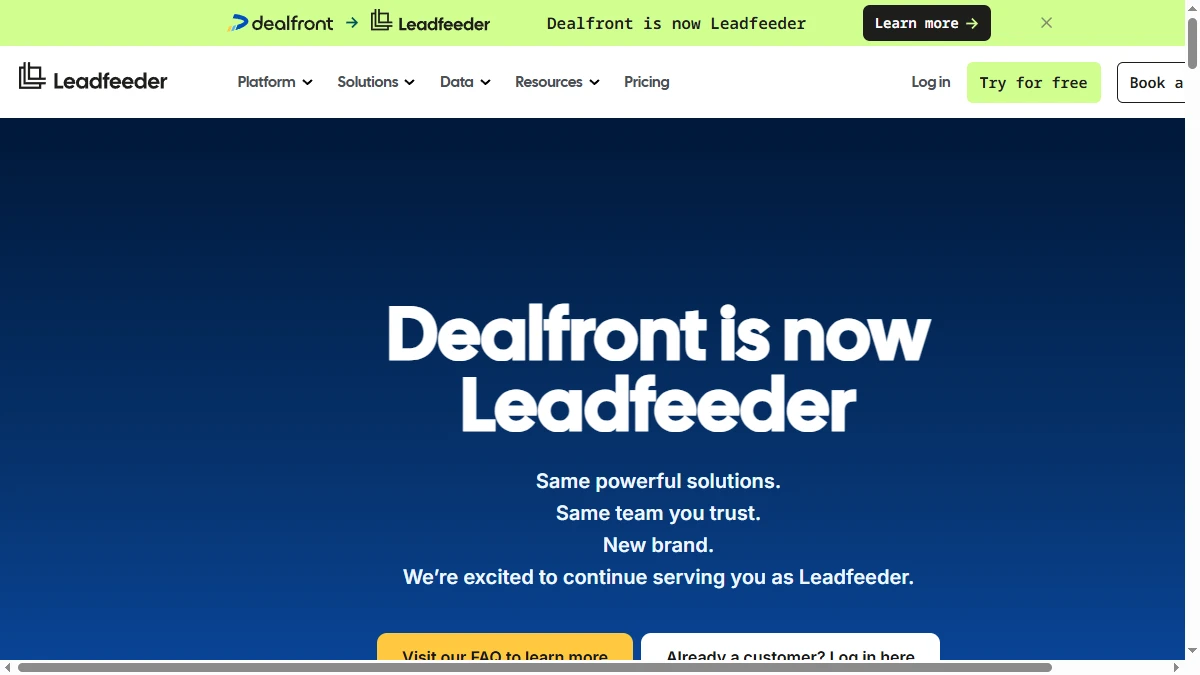
The branding has since come full circle. As of September 2026, Leadfeeder's site states that "Dealfront is now Leadfeeder," and the company has unified its products under the Leadfeeder name. The capabilities that arrived with the merger (contact data, intent signals, and B2B display ads) are now sold as Leadfeeder plans rather than as a separate Dealfront platform.
If you only need website visitor identification — the original Leadfeeder use case — the upper tiers can feel over-engineered, and the Discover plan is the closer match. The additional modules (prospecting, intent data, enrichment) are useful if you're selling in Europe and need GDPR-compliant data. For North America-focused teams, the European data advantage is irrelevant and you're paying a platform premium for features you won't use.
The merger also brought technical changes — some users report minor CRM sync discrepancies during the platform transition. Most of these appear to have stabilized, but it's worth verifying integration behavior when setting up new instances. For more detail on the broader Dealfront platform, see the full Dealfront review.
Leadfeeder Integrations: CRM and Sales Stack
Leadfeeder's core integration is CRM push. Native integrations cover Salesforce, HubSpot, Pipedrive, Zoho, and Microsoft Dynamics. When a target company visits your site, Leadfeeder can automatically create or update a company record in your CRM and log the visit as an activity.
The limitation: on its entry tiers, Leadfeeder pushes company records, not contacts. You identify that Acme Corp visited your pricing page — but Lite and Discover don't tell you who from Acme Corp to contact or provide their email address. As of September 2026, verified emails and phones, CRM automations, and two-way sync come with the Activate plan and above. Below that tier, the contact identification step still requires a separate enrichment tool or manual LinkedIn research.
Slack integration delivers real-time alerts when target accounts visit, which works well for account-based sales teams monitoring specific named accounts. Zapier and API access enable custom workflows for teams with more complex automation needs. Leadfeeder also lists integrations with Gong, Google Ads, and Looker Studio for teams that want visit data inside call intelligence, ad targeting, or reporting.
What Are the Downsides of Using Leadfeeder?
Company-Level Only — Contacts Cost Extra
The biggest Leadfeeder gap is that visitor identification stops at the company. Knowing that a company visited your site is a starting point, not a complete lead. You still need to find the right person to contact, get their email, verify the account is a real ICP fit, and build context before outreach. As of September 2026, the Activate plan and above include credits for verified emails and phones, but Lite and Discover stop at step one. G2 reviews consistently note this as the primary workflow gap.
Remote Work Kills Coverage
Any employee browsing from home, a coffee shop, or over a consumer ISP won't be identified by Leadfeeder. For companies with remote-first workforces — which is most companies in 2026 — this means a significant share of actual buyer traffic goes unidentified. The tool misses more than it identifies in high-remote-work environments.
Pricing Increased After Merger
Legacy Leadfeeder customers report substantial price increases post-Dealfront migration. As of September 2026, the free Lite plan still identifies up to 100 companies a month but keeps only 7 days of history, so teams that want to work leads over weeks need Discover, from €79/mo billed annually or €113 month to month. The value proposition is harder to defend at higher price points if you won't use the contact data and ad features bundled into the upper tiers.
GDPR Reduces European Signal Quality
For European website traffic, GDPR cookie consent requirements mean a significant portion of sessions are not trackable. The visitor ID pool from European traffic is smaller than what's visible from North American traffic. Paradoxically, Leadfeeder is weakest in the region where Dealfront's data is strongest. Leadfeeder says its data is GDPR compliant and stored in the EU, which helps with procurement reviews, but it does not change how many European visitors consent to tracking.
No Orchestration After Identification
Leadfeeder identifies. On its entry tiers, it does not act. Lite and Discover have no automated enrichment to find the right contact, and even the higher tiers list display campaigns and CRM automations rather than email sequencing. For teams that want to go from visitor signal to outreach sequence in a single workflow, Leadfeeder is only the first step — the rest is manual or requires additional tooling.
- Company-level visitor ID only — it identifies the company, never the individual visitor
- Contact data (verified emails and phones) needs credits on the Activate plan or above
- Free Lite plan is capped at 100 companies/month with only 7 days of data history
- Accuracy drops for remote-first companies (employees on home IPs or VPNs)
- High traffic volume doesn't equal high signal quality — ISP traffic adds noise
- Two-way CRM sync and CRM automations start on Activate — Discover only pushes records
Is Leadfeeder Worth It?
Leadfeeder is worth it for B2B companies with consistent organic or paid traffic from corporate networks — think enterprise SaaS selling to finance, legal, or manufacturing buyers who are browsing from corporate offices with fixed IP ranges. In this scenario, visitor identification catches warm intent before your SDRs would ever know to reach out.
Teams that should look elsewhere: companies with primarily remote audiences, SMB targets, or European traffic heavy enough that GDPR consent limits visitor identification. For those teams, the identification accuracy is too low to build a reliable pipeline workflow around.
If you want visitor ID plus an orchestration layer that actually tells you who to contact and surfaces the right context, the current crop of tools like Warmlyand Clearbit Reveal cover more of the workflow than Leadfeeder's entry tiers do.
Final verdict: Leadfeeder still works for its original use case, but the market has moved. Visitor identification is now table stakes, and the tools that win are the ones that take you from identification to contact to outreach in a single workflow — which Leadfeeder only partly covers, and only from its Activate tier up.
If paying for Leadfeeder's Activate tier just to get contact data is a dealbreaker, SyncGTM is one alternative worth a look: it is free to start and runs waterfall enrichment across 50+ data providers for verified emails and phone numbers.