

Tray.io Review 2026: RevOps Integration Platform — Pricing and Flexibility

By Kushal Magar · April 8, 2026 · 12 min read · Last updated: September 30, 2026
Key Takeaway
Tray.io is a low-code integration platform positioned between consumer tools (Zapier, Make) and enterprise middleware (Workato, MuleSoft). Rated 4.5/5 on G2 with 157 reviews. Pricing starts around $12,000/yr with Pro, Team, and Enterprise tiers — all custom and sales-led. Strengths: visual workflow builder with complex logic (branching, loops, data transformation), universal connector for any API, and strong positioning for RevOps teams. Best for: mid-market RevOps and marketing ops teams that need to build complex, multi-step workflows connecting cloud applications and APIs. Main limitations: opaque pricing, usage-based Tasks on top of the plan, custom build requirement for GTM-specific workflows, and time investment for implementation. A free trial is available before any sales conversation.
Tray.io is a low-code integration and automation platform designed for RevOps and technical business users who need to build complex workflows connecting cloud applications, APIs, and databases. It sits in the gap between consumer tools like Zapier and full enterprise middleware like MuleSoft — offering the visual interface of a no-code tool with the logic depth that complex RevOps workflows demand.
You are probably here because you need more than what Zapier can offer but do not want to commit to Workato-level pricing and enterprise procurement. Tray.io positions itself as the mid-market answer.
This Tray.io review covers how the workflow builder works, what the pricing actually looks like, the universal connector advantage, where the platform falls short for GTM teams, and whether the investment is justified in 2026.
Tray.io Review: What You Get (and What You Don't)
Tray.io (now branded as Tray.ai) is a cloud-based integration platform for technical business users. It handles the conditional logic, data transformation, looping, and API flexibility that simpler tools cannot accommodate. Users rate it 4.5/5 on G2 with 157 reviews.
| Feature | What's Included | Limitations |
|---|---|---|
| Visual Workflow Builder | Drag-and-drop with branching, loops, and error handling | Complex workflows require technical understanding |
| Universal Connector | Connect to any API without a pre-built integration | Requires API knowledge to configure |
| Data Transformation | Built-in mapping, parsing, and formatting tools | Advanced transformations take time to learn |
| Embedded iPaaS | Customer-facing integrations for SaaS products | Enterprise-tier feature with additional cost |
| GTM Workflows | Build-your-own with CRM and API connectors | No native enrichment, signals, or lead scoring |
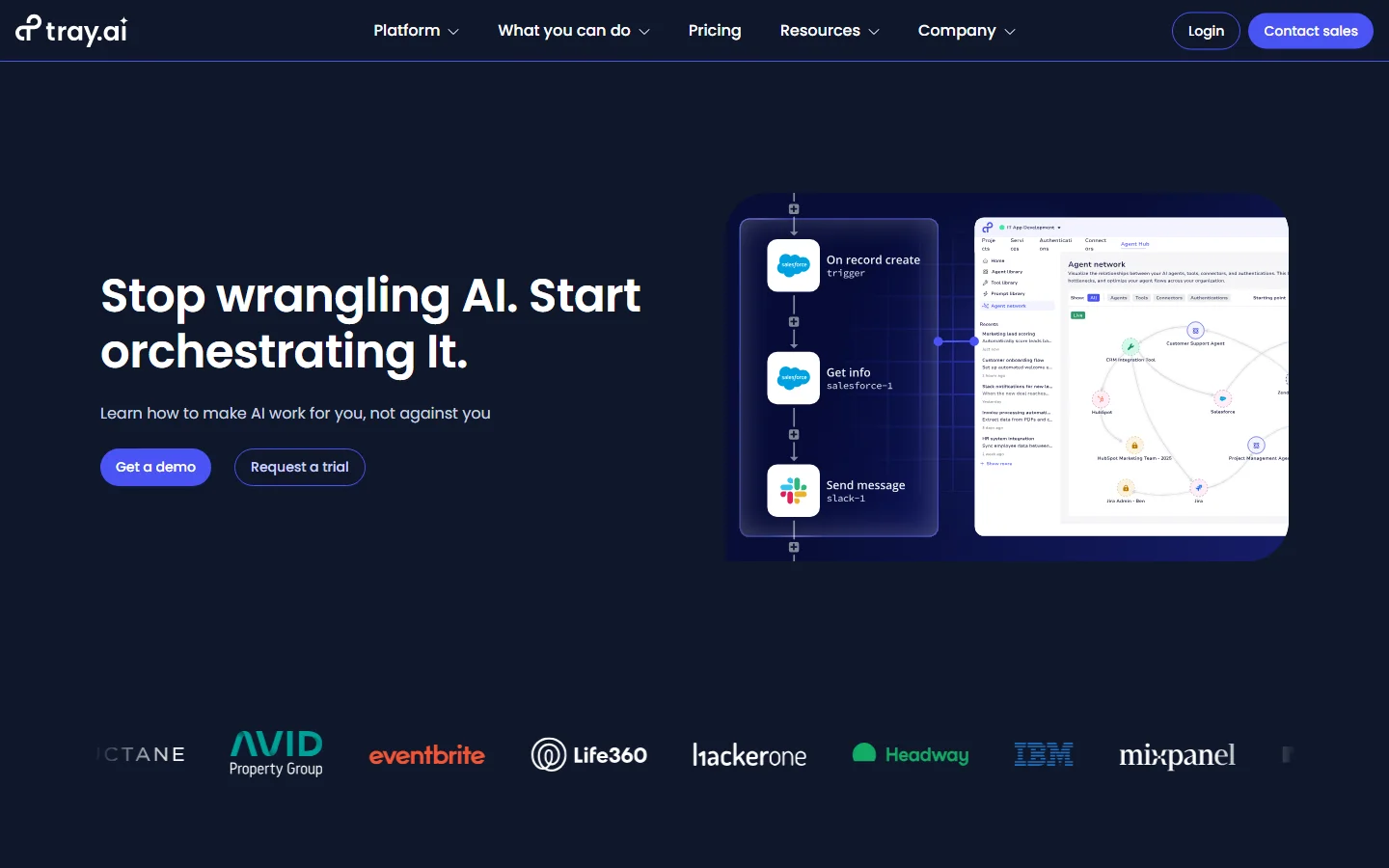
Tray.io homepage
The takeaway: Tray.io gives RevOps teams more power than Zapier at less cost than Workato. What it does not give you is data: enrichment, scoring, and signal sources have to come from other tools you connect and maintain.
Tray.io Workflow Builder: Visual Automation for Ops Teams
Tray.io's workflow builder uses a canvas-based interface where you chain steps together visually. Triggers start the flow — a CRM event, webhook, scheduled interval, or manual trigger. Then you add connectors, conditions, loops, and data transformations to build the automation.
The builder handles conditional branching (if/then/else), loop processing (iterate over arrays), error handling (catch and retry), and sub-workflow calls (modular automation). This is where Tray.io beats Zapier — you can build the logic that complex RevOps processes require without writing code.
What works well
The workflow builder balances power and accessibility well. G2 reviewers consistently praise the UI as "easy to understand" — once you learn the patterns, building multi-step workflows is fast. Sub-workflows let you create reusable modules that keep complex automations organized. Data mapping between connectors is visual and clear.
Where it falls short for GTM
Like every general-purpose integration platform, Tray.io requires you to assemble GTM workflows manually. An enrichment pipeline means connecting to each data provider API, parsing responses, handling failures, deduplicating results, and syncing to your CRM. That is a multi-day build project. If you would rather buy that pipeline than build it, see our best sales prospecting tools for B2B teams.
Tray.io Pricing Breakdown: Pro to Enterprise
Tray.io does not publish self-service pricing. As of September 2026, its pricing page lists three plans without prices, plus usage-based Tasks that cover integration, automation, MCP, and agent workloads. Combining the plan details with industry estimates, here is what the plans look like:
- •Pro (~$12,000/yr, industry estimate): For specific use cases. 3 workspaces, 700+ connectors, 7-day insights, and 7-day log retention.
- •Team (custom pricing): For multiple use cases within a department. 20 workspaces, 30-day insights, log retention management, Guardian Log Masking, and access to all add-ons.
- •Enterprise (custom pricing): For multiple departments and partner integrations. Unlimited workspaces, 180-day insights, advanced on-premise options, SSO, HIPAA, regional hosting, log streaming, and data engineering features.
Add-ons include Agent Development (Agent Gateway for MCP and the Merlin Agent Builder), SSO, HIPAA, regional hosting, and extra log retention. Every plan includes business-hours support; Team and Enterprise add 24/7/365 support with a dedicated Slack channel. A free trial is available before you commit.
What you actually pay
At ~$1,000/mo minimum, Tray.io is significantly more expensive than Make ($9-29/mo) or n8n (€24-60/mo) but much less than Workato ($25K+/yr). For mid-market RevOps teams, the pricing sits in a reasonable range — if you are building complex, multi-department integrations. For GTM-only use cases, the ROI is harder to justify.
Hidden costs to watch
- No public pricing — requires sales call for any quote
- Annual contracts with limited month-to-month flexibility
- Implementation fees and onboarding costs can add up
- Enterprise features (SSO, HIPAA, regional hosting) sit in the top tier or cost extra as add-ons
- Usage-based Tasks mean costs rise with workflow volume
- No built-in enrichment — third-party API costs are separate
Tray.io Universal Connector: Connect Anything with an API
The universal connector is Tray.io's differentiated feature. Any application with a REST API can be connected without waiting for Tray.io to build a native integration. You configure the authentication, endpoints, and data mapping yourself.
When the universal connector shines
If your GTM stack includes niche tools without native integrations — a custom-built lead scoring system, a proprietary CRM, or an internal data warehouse — the universal connector lets you integrate them without custom code. This flexibility is genuine and valuable for ops teams running non-standard stacks.
When it becomes a maintenance burden
Universal connector integrations require API documentation review, authentication setup, endpoint configuration, response parsing, and error handling — for each connection. When APIs change (and they do), you maintain each custom connection. For standard GTM tools (Salesforce, HubSpot, Outreach, enrichment APIs), this is unnecessary work when purpose-built platforms already have native connectors. Check our best CRM data enrichment tools guide for alternatives that handle this natively.
What Are the Downsides of Using Tray.io?
Pricing opacity
Like Workato, Tray.io does not publish transparent pricing. You cannot evaluate fit without a sales conversation. For RevOps teams that move fast and evaluate tools in days, not weeks, the sales-led model adds friction.
Learning curve despite visual interface
The visual workflow builder is accessible for simple automations, but building complex integrations with error handling, loops, and data transformations requires technical understanding. Non-technical RevOps team members report needing significant onboarding time before building workflows independently.
Support responsiveness varies
G2 reviewers have noted difficulty reaching customer support in some cases. For teams running production workflows that break outside business hours, delayed support can mean stalled pipeline operations. Check the current support experience on G2.
No native GTM intelligence
Tray.io connects applications — it does not enrich data, score leads, or monitor buying signals. Every GTM-specific workflow is a custom build. You assemble the data pipeline that buying intent tools provide natively.
How Tray.io Works: Building a Lead Routing Workflow
The clearest way to judge Tray.io is to walk through a workflow RevOps teams commonly build: enriching and routing new inbound leads. Here is how it comes together on the platform, and where effort and plan limits show up.
- Pick the trigger. The workflow starts when a new lead lands in Salesforce or HubSpot (both have native connectors that support triggers and custom objects), when a webhook fires from a form tool, or on a schedule for batch processing.
- Call your data sources.Tray.io has no enrichment data of its own, so you connect the providers you already pay for. If a provider is not among Tray's 700+ connectors, the universal connector handles its REST API, with authentication, endpoints, and response mapping configured by you.
- Transform and decide. Data mapping normalizes fields, then if/then/else branches route each lead by territory, company size, or whatever your ICP rules are. Loops handle arrays, such as several contacts returned for one account.
- Write back and notify. Update the CRM record, assign the owner, and alert the team through whichever connector you use for notifications.
- Handle failures. Add catch-and-retry error handling so a provider timeout does not silently drop a lead, and move reusable steps into sub-workflows that other automations can call.
- Monitor usage and logs. Workflows consume usage-based Tasks, and the plan sets how much history you keep: as of September 2026, Pro includes 7-day insights and 7-day log retention, Team 30-day insights, and Enterprise 180-day insights.
A first version of a workflow like this is realistic for someone comfortable with APIs, but expect iteration. Provider responses change, edge cases appear, and every connected API is one more thing to maintain. That is the core trade-off of Tray.io: full control over the logic in exchange for owning the build.
If your team will build many workflows across departments, that investment pays back across use cases. If lead enrichment and routing are the only jobs, weigh the build and maintenance time against the license cost, and use the free trial to build this exact workflow before signing a contract.
Is Tray.io Worth It?
Tray.io is worth it for mid-market RevOps and operations teams that need more workflow power than Zapier but cannot justify Workato's enterprise pricing. The visual builder handles complex logic well, the universal connector adds genuine flexibility, and the platform is reliable for production workloads.
Tray.io is not worth it for GTM teams that primarily need lead enrichment, buying signals, and CRM automation. At ~$12,000/yr minimum, you are paying for a general-purpose integration platform and then spending additional time building and maintaining those GTM workflows yourself.
The verdict: a strong mid-market integration platform, but overkill for GTM-specific automation on its own. Use the free trial to build one real workflow end to end before committing to an annual contract.
Comparing integration platforms? Read our reviews of Make, Workato, and our roundup of best RevOps AI tools for 2026.
If Tray.io's build-it-yourself approach to enrichment is a dealbreaker, SyncGTM is one alternative worth a look: it offers waterfall enrichment across 50+ data providers and AI lead scoring against your ICP, with native Salesforce and HubSpot integrations.