

Workato Review 2026: Enterprise Automation — Pricing and Integration Depth

By Kushal Magar · April 8, 2026 · 11 min read · Last updated: September 30, 2026
Key Takeaway
Workato is an enterprise automation platform with 17,000+ app and data connectors, AI-powered recipe building, and agent tooling such as Agent Studio and an AI Control Plane. Rated 4.7/5 on G2 with 751+ reviews and named a Leader in Gartner's Magic Quadrant eight times. Annual contracts range from $25,000 to $500,000+ depending on task volume and features. Strengths: massive connector library, enterprise governance and compliance, AI-assisted recipe creation, and deep API management. Best for: large enterprises that need to orchestrate hundreds of integrations with governance, compliance, and IT oversight across departments. Main limitations: opaque sales-led pricing, high minimum contract values, long implementation timelines, and overkill for most GTM use cases.
Workato is an enterprise automation platform that connects thousands of applications through visual recipes — automated workflows with triggers, actions, and conditional logic. It is the tool Fortune 500 companies use to orchestrate processes across sales, IT, HR, and finance.
You are probably here because your team needs powerful integration capabilities but you want to understand whether Workato's enterprise pricing and procurement process is justified for your GTM use case — or whether a lighter, more focused tool can do the job.
This Workato review covers how the recipe system works, what you actually pay, the integration depth, where the platform is overkill for GTM teams, and whether the enterprise investment delivers proportional returns in 2026.
Workato Review: What You Get (and What You Don't)
Workato is an enterprise iPaaS (integration platform as a service) — meaning it connects enterprise applications through automated workflows called recipes. Users rate it 4.7/5 on G2 with 751+ reviews — with 81% giving five stars.
| Feature | What's Included | Limitations |
|---|---|---|
| Recipe Builder | Visual workflow editor with AI-assisted creation | Complex recipes require training and onboarding |
| Connectors | 17,000+ app and data connectors (as of September 2026) plus a custom SDK | Premium connectors may cost extra |
| Governance | Role-based access, audit logs, compliance controls | Enterprise features locked behind highest tier |
| API Management | Built-in API gateway and management | Additional cost for high API volume |
| GTM Workflows | Build-your-own with CRM and sales tool connectors | No native enrichment, signals, or lead scoring |
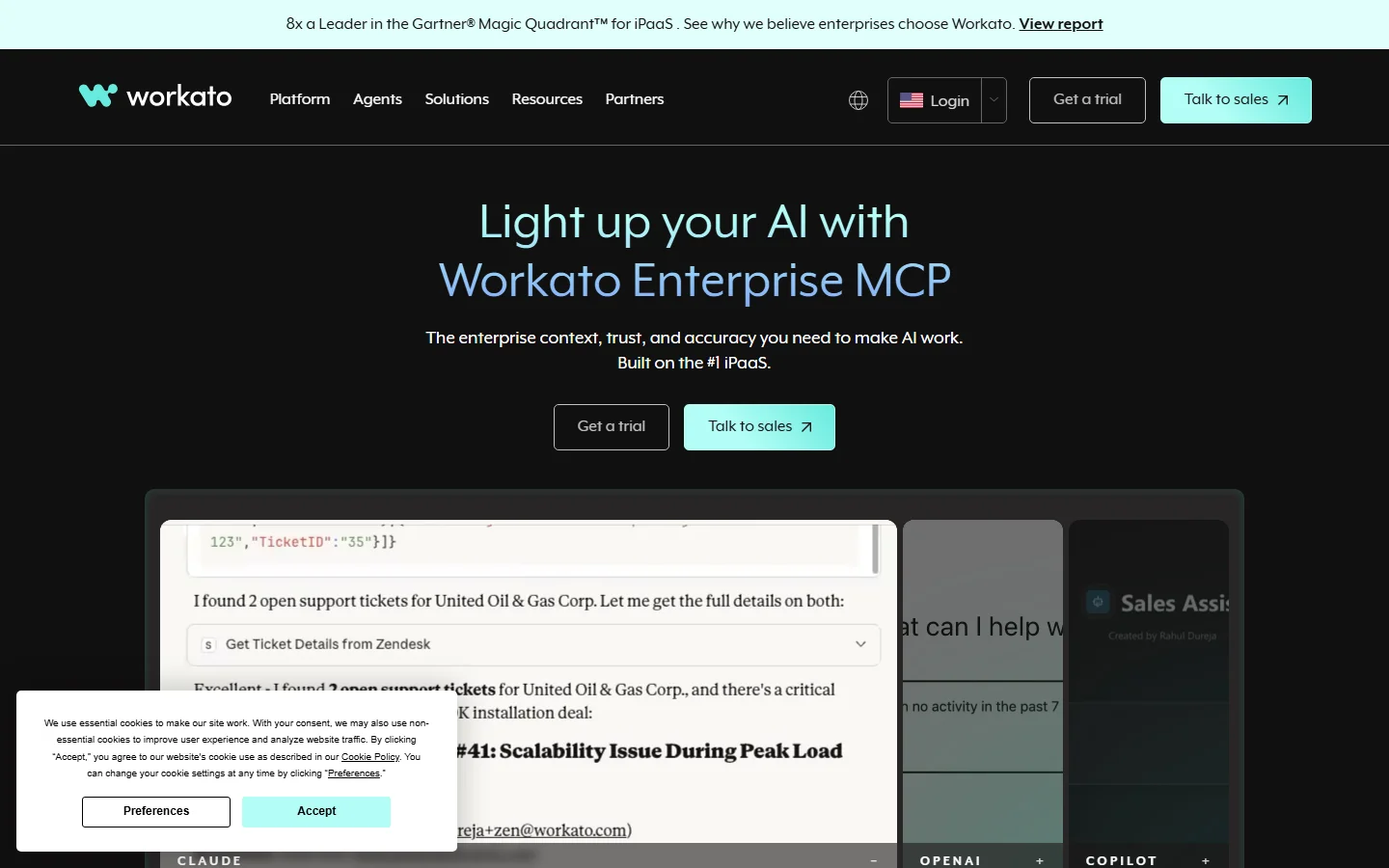
Workato homepage
The takeaway: Workato is the most powerful enterprise iPaaS on the market. What it is not: a purpose-built GTM automation tool. You are paying for enterprise infrastructure even if your use case is narrower.
Workato Recipes: How Enterprise Automation Works
Recipes are Workato's version of workflows. You start with a trigger — new lead in Salesforce, form submission in HubSpot, email received in Gmail. Then you add actions: update a record, send a notification, call an API, run a conditional check.
What separates Workato from Make or Zapier is the depth of each connector. The Salesforce connector does not just create and update records — it handles custom objects, metadata updates, bulk operations, and change data capture. The HubSpot connector supports workflows, deals, tickets, and custom properties at full depth.
AI-assisted recipe building
Workato now includes AI features that suggest recipe steps, map fields intelligently, and recommend error handling patterns. This accelerates recipe creation for experienced users. For new users, the AI helps but does not eliminate the learning curve — you still need to understand your data model and integration logic.
Where recipes fall short for GTM
Building a lead enrichment pipeline in Workato means creating recipes that call enrichment APIs, parse responses, handle failures, deduplicate data, and sync to your CRM. That is weeks of recipe building and testing before the pipeline is reliable, and every data provider you add is another connector to configure and maintain. See our guide to enriching CRM data for B2B sales teams for other approaches.
Workato Pricing Breakdown: What You Actually Pay
Workato does not publish self-service pricing. Everything goes through a sales conversation. Based on public data from Vendr and industry analyses, here is what companies actually pay:
- •Entry-level ($25,000-50,000/yr): Base platform fee, limited task volume, standard connectors
- •Mid-market ($50,000-150,000/yr): Higher task volumes, premium connectors, governance features
- •Enterprise ($150,000-500,000+/yr): Unlimited tasks, full API management, compliance, dedicated support
The pricing problem
Workato's pricing combines a platform edition fee plus usage fees tracked separately for each product capability. G2 reviewers describe this as "very expensive" with a structure that "lacks transparency." You do not know your actual cost until you talk to sales, and the cost can increase unpredictably as usage grows.
As of September 2026, Workato's pricing page still lists no prices; it routes visitors to a demo or a trial request, so budget time for a sales cycle even to get a first number.
Hidden costs to watch
- No public pricing — requires sales conversation for any quote
- Annual contracts with no month-to-month option
- Usage-based billing means costs grow unpredictably with volume
- Implementation and onboarding can take weeks to months
- Premium connectors and advanced governance features cost extra
Workato Integrations: 17,000+ Connectors Deep Dive
Workato's connector library is its strongest competitive advantage. As of September 2026, Workato advertises 17,000+ app and data connectors covering enterprise applications across CRM (Salesforce, HubSpot, Dynamics), ERP (SAP, Oracle, NetSuite), HRIS (Workday, BambooHR), and hundreds more. Each connector goes deeper than typical iPaaS integrations — supporting custom objects, bulk operations, and real-time triggers.
Connector SDK for custom integrations
If Workato does not have a native connector for your tool, the Connector SDK lets you build one. This is powerful for enterprise teams with proprietary internal systems — but it requires developer resources and ongoing maintenance. For GTM teams with standard tool stacks (CRM, enrichment, outreach), pre-built connectors cover most needs. The question is whether you need Workato's depth or just CRM sync that works.
What Are the Downsides of Using Workato?
Pricing is opaque and expensive
Multiple G2 reviewers call Workato "very expensive" and criticize the lack of pricing transparency. You cannot evaluate whether Workato fits your budget without a sales call, demo, and custom quote. For mid-market GTM teams spending $25K-50K/yr on an iPaaS just to sync CRM data and run enrichment, the ROI rarely pencils out.
Implementation takes time
Enterprise iPaaS deployments are not plug-and-play. Workato implementations typically involve discovery, planning, recipe development, testing, and rollout — spanning weeks to months depending on complexity. GTM teams that need automation running this quarter cannot wait for an enterprise implementation cycle. Compare to our best CRM data enrichment tools guide for faster alternatives.
Overkill for GTM-only use cases
Workato is designed for enterprises that need to connect hundreds of applications across every department. If your primary need is GTM automation — enriching leads, monitoring buying signals, syncing CRM data — you are paying for infrastructure you do not use. That is like buying a commercial kitchen to make toast.
Annual contracts lock you in
There is no month-to-month option. Annual contracts mean committing before you have fully validated whether the platform fits your workflow. If your GTM strategy shifts or your team size changes, you are locked into a contract that may no longer match your needs.
Workato's AI Platform: Agents, Governance, and Orchestration
Workato no longer sells itself as just an integration platform. As of September 2026, it positions itself as "the platform to govern and scale enterprise AI," layering agent tooling on top of the recipe engine covered above. The main pieces:
- •Agent Studio and orchestration: tooling for building AI agents and coordinating them with existing automations, so an agent can act through the same connectors your recipes already use.
- •AI Control Plane: governance, policy, and cost controls for AI usage — the part that matters most to the IT and security teams approving agent projects.
- •Enterprise Skills and Model Routing: platform components for extending what agents can do and directing work across AI models.
- •AIRO: a multi-agent system Workato describes as turning "intents into outcomes."
- •Data orchestration and intelligent document processing: moving data between systems and extracting it from documents as part of automated workflows.
For enterprises, the appeal is consolidation: one governed platform for integrations and AI agents instead of separate tools for each. Workato backs that with its connector library, an ecosystem of 800+ system integrators and 54,000+ certified experts, and a platform it says automates more than 100 million tasks a month.
For GTM teams, the calculus is the same as with recipes. Agent Studio could power lead routing, enrichment orchestration, or account research, but you design, govern, and pay for those agents inside an enterprise contract. If your AI and automation roadmap spans IT, finance, HR, and sales, that shared governance layer is a real advantage. If you only need a handful of revenue workflows, you are buying a control plane for problems you do not have yet.
Is Workato Worth It?
Workato is worth it for large enterprises that need deep integration across hundreds of applications with governance, compliance, and IT oversight. The 4.7/5 G2 rating and eight Gartner Magic Quadrant Leader placements are earned. If you need enterprise iPaaS, Workato is the benchmark.
Workato is not worth it for mid-market GTM teams that primarily need lead enrichment, buying signals, and CRM automation. You are paying $25K-500K/yr for infrastructure that is 90% beyond your use case. The sales-led pricing and annual contracts add friction that GTM teams cannot afford.
The verdict: the gold standard for enterprise automation, but massive overkill for GTM-specific workflows. If your needs stop at revenue workflows, start with lighter automation tools or purpose-built GTM software before committing to an enterprise contract.
Comparing automation platforms? Read our reviews of Make, Tray.io, and our roundup of best RevOps AI tools for 2026.
If Workato's sales-led pricing and annual contracts are a dealbreaker, SyncGTM is one alternative worth a look: it is free to start and pairs waterfall enrichment across 50+ data providers with native HubSpot and Salesforce integrations.