

Factors.ai Review 2026: Account Intelligence, Attribution, and Pricing

By Kushal Magar · April 8, 2026 · 12 min read · Last updated: September 30, 2026
Key Takeaway
Factors.ai is an AI-powered account intelligence platform that identifies website visitors (claims 75% match rate), tracks multi-touch attribution, and provides LinkedIn ad analytics. As of September 2026: Lite $199/month after a free trial (1,500 companies/mo), Basic $6,000/year (3,000 companies), Growth $20,000/year (8,000 companies), Enterprise $30,000+/year. Annual contracts required from Basic up. Main limitations: account-level data only, limited integrations, rigid dashboards, high entry price for small teams, and no outbound activation features.
Factors.ai combines three capabilities most platforms separate: website visitor de-anonymization, multi-touch revenue attribution, and account-level LinkedIn campaign analytics. Claims a 75% match rate on visitor identification. As of September 2026, pricing runs from $199/month for Lite (after a free trial) to $6,000/year for Basic (3,000 companies/month) and $20,000/year for Growth (8,000 companies). Annual contracts are required from Basic up.
The combination is the genuine value — most teams using attribution tools are also running LinkedIn Ads and wondering whether website visitors and ad engagers are the same accounts. Factors.ai answers that. The gap: it's a measurement platform. It tells you what happened; it doesn't help you act on those accounts with enrichment or outreach.
Factors.ai Review: What You Get (and What You Don't)
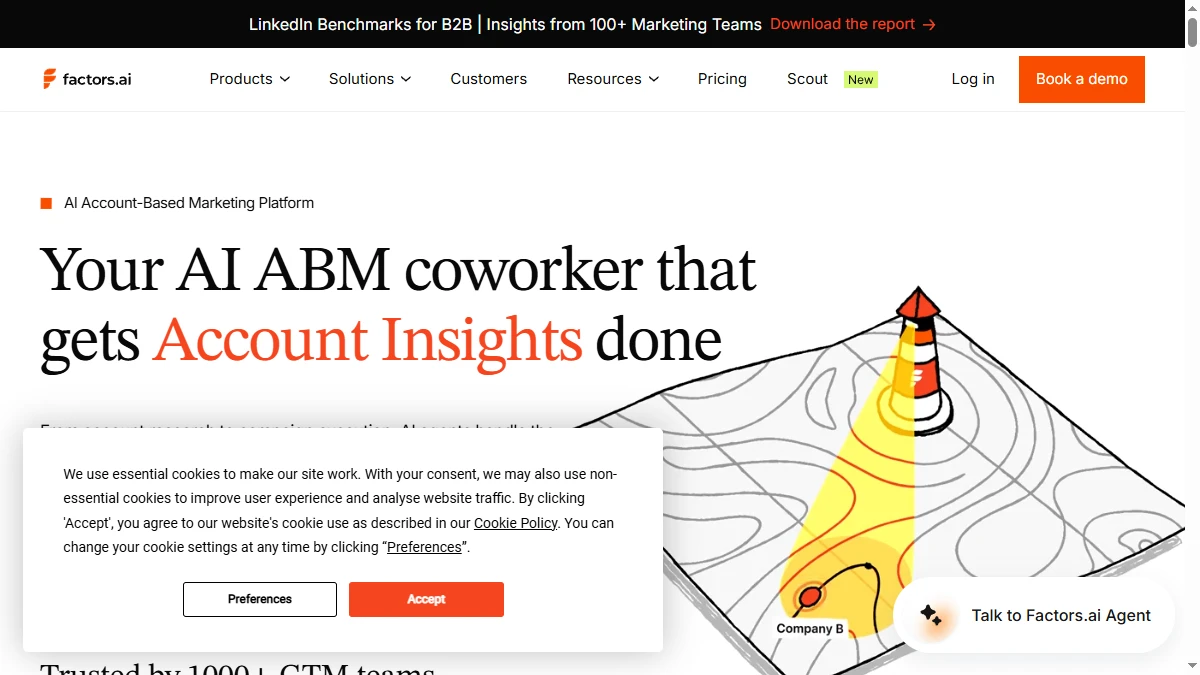
Factors.ai positions itself as an AI ABM platform for GTM teams. It identifies companies visiting your website, scores them based on engagement, attributes revenue across channels, and provides LinkedIn campaign analytics. The platform claims to identify more than 75% of companies visiting your website — the highest rate in the category. Check the reviews on G2.
| Feature | What's Included | Limitations |
|---|---|---|
| Account Identification | Website de-anonymization with 75%+ company match rate | Account-level only — no individual contact identification |
| Multi-Touch Attribution | Revenue attribution across web, ads, email, LinkedIn, G2 | Rigid dashboards with limited customization |
| LinkedIn Analytics | LinkedIn ad performance, impression tracking, influence measurement | Impression control requires Growth ($20,000/year) |
| Account Scoring | Rule-based alerts (Basic) and custom account scoring (Growth) | Predictive scoring locked to Enterprise tier |
| Outbound Activation | Slack/Teams alerts for account activity | No contact-level enrichment, no outreach automation |
The takeaway: Factors.ai tells you which companies are engaging and which channels drove them. It does not enrich contacts or activate outbound — you need a separate tool for that.
Factors.ai Account Intelligence: How De-Anonymization Works
Factors.ai uses IP-to-company matching and other proprietary methods to identify which companies are visiting your website. The platform claims a 75%+ match rate, which is among the highest in the category. Once identified, accounts are segmented by firmographic data (industry, size, geography) and behavioral signals (pages visited, time on site, return visits).
The segmentation feeds into account scoring. You can set rule-based alerts and workflows on the Basic plan, build custom account scores on Growth, and use predictive scoring on Enterprise. High-scoring accounts trigger Slack or Teams alerts so your sales team can follow up.
What works well
The account identification rate is genuinely strong. Users on G2 praise the ability to see which companies are engaging with specific pages and content. The firmographic segmentation helps marketing teams build targeted ad audiences. The G2 impact analysis (Growth plan) connects G2 buyer intent data to your website activity — useful for companies with active G2 profiles.
Where it falls short
Factors.ai identifies companies, not contacts. You know that Acme Corp visited your pricing page, but not who at Acme Corp was looking. For outbound teams, this creates an extra step — you still need to find and enrich the right contacts at those accounts before you can act on the signal. Read our best buying intent data tools guide for tools that bridge this gap.
Factors.ai Attribution: Multi-Touch and LinkedIn Analytics
Attribution is where Factors.ai differentiates from pure identification tools. The platform tracks how accounts move across channels — organic search, paid ads, LinkedIn, email, G2, direct traffic — and attributes pipeline and revenue to each touchpoint.
The LinkedIn analytics are particularly detailed. You can see which LinkedIn campaigns influenced which accounts, track impression-level data, and measure the true ROI of your LinkedIn ad spend. For B2B marketing teams spending $5K\u2013$50K/mo on LinkedIn ads, this visibility is hard to get from LinkedIn's native analytics alone.
Reporting flexibility is limited
Users on TrustRadius note that the dashboards are rigid. Custom reports are limited by plan (50 on Basic, 100 on Growth, 300 on Enterprise). If your attribution model does not fit Factors.ai's prebuilt frameworks, you may struggle to get the views you need. The team is reportedly responsive to feature requests, but out-of-the-box customization is not a strength. Compare to our best RevOps AI tools guide for analytics alternatives.
Factors.ai Pricing Breakdown
Factors.ai publishes plan tiers on their pricing page. As of September 2026:
- •Lite ($199/mo after a free trial): 5,000 tracked users, 1,500 companies/mo identified, 3 seats, website traffic analytics, Slack/Teams alerts. Billed monthly; no credit card needed to start the trial
- •Basic ($6,000/year): 10,000 tracked users, 3,000 companies/mo, 5 seats, account enrichment, LinkedIn ads influence tracking, rule-based alerts and workflows, 50 custom reports, CRM sync (HubSpot, Salesforce, Zoho)
- •Growth ($20,000/year): 50,000 tracked users, 8,000 companies/mo, 10 seats, custom account scoring, G2 impact tracking, custom agentic alerts and workflows, advanced ABM analytics, LinkedIn impression control, Google audience sync
- •Enterprise ($30,000+/year): 100,000 tracked users, custom companies/mo, 25 seats, predictive scoring, dynamic audience sync (Google and LinkedIn), enhanced Google Ads conversions, multi-party intent
What you actually pay
A growing B2B marketing team that outgrows Lite's 1,500-company cap lands on Basic: $6,000/year, or about $500/mo. If you want custom account scoring, LinkedIn impression control, and advanced ABM analytics, Growth costs $20,000/year (about $1,667/mo). Basic and above are annual contracts; only Lite bills monthly. Startup pricing is available on request.
Hidden costs to watch
- Annual contracts required from Basic up — only Lite bills monthly
- Account-level only — no contact enrichment included
- Custom scoring and advanced analytics locked behind Growth ($20,000/year)
- No free plan — Lite is a free trial, then $199/mo for 1,500 companies
- No outbound activation — you need separate enrichment and outreach tools
What Are the Downsides of Using Factors.ai?
Account-level data without contact enrichment
Factors.ai identifies companies, not people. You know Acme Corp visited your pricing page three times this week, but you do not get the VP of Sales's email or phone number. For outbound teams, this means a separate enrichment step — and a separate tool cost — before you can act on the signal.
Limited integrations for a platform play
Multiple users flag that Factors.ai is still early in its integration ecosystem. If you use niche CRMs, email platforms, or analytics tools outside the Salesforce/HubSpot/LinkedIn stack, you may find gaps. This creates friction in workflows that should be seamless.
Pricing is steep for small teams
At $6,000/year for Basic (as of September 2026), Factors.ai is priced for mid-market and enterprise marketing teams. Small teams or startups with limited traffic will struggle to justify the cost. The $199/mo Lite plan lowers the entry point, but it caps identification at 1,500 companies per month and leaves out CRM sync.
Analytics tool, not an activation tool
Factors.ai excels at telling you what happened and which accounts are engaged. It does not help you do much about it beyond alerts and audience syncs. There is no contact-level email enrichment and no outreach sequencing. For the complete signal-to-pipeline workflow, check our best sales prospecting tools guide.
How Factors.ai Works: From Tracking Script to Pipeline Reports
Factors.ai makes more sense once you see the order of operations. Here is how a typical rollout runs, and where plan limits show up along the way (plan details as of September 2026).
- Install tracking and connect sources. Add the Factors.ai tracking script to your website (or send data through Segment), then connect your ad accounts and CRM. CRM sync with HubSpot, Salesforce, or Zoho starts on the Basic plan; Lite covers website identification, traffic analytics, and alerts only.
- Identify visiting accounts. Factors.ai matches traffic to companies and caps how many it identifies each month: 1,500 on Lite, 3,000 on Basic, and 8,000 on Growth. Monthly tracked users are capped too, from 5,000 on Lite to 100,000 on Enterprise, so check your traffic before picking a tier.
- Segment and score. Group accounts by firmographics and on-site behavior. Basic supports rule-based alerts and workflows, Growth adds custom account scoring, and predictive scoring is reserved for Enterprise.
- Alert the right people. Send Slack or Microsoft Teams alerts when a target account hits a high-intent page. Growth adds custom agentic alerts and workflows for more complex routing.
- Measure attribution. Map touchpoints across LinkedIn, paid search, organic, G2, and email to pipeline and revenue. LinkedIn ads influence tracking starts on Basic; LinkedIn impression control and G2 impact tracking require Growth.
- Activate audiences. Push engaged accounts back into ad platforms. Growth includes Google audience sync, and Enterprise adds dynamic audience sync for Google and LinkedIn.
The biggest cost lever is the identification cap. A site with heavy traffic from many small companies can hit a monthly company limit fast, so run the Lite trial on your own traffic to see real match rates and volumes before committing to an annual contract.
The other lever is who owns the data. Factors.ai stops at the account. Decide up front which tool finds the contacts at those accounts and who works the alerts, or the insights end up in dashboards that nobody acts on.
Is Factors.ai Worth It?
Factors.ai is worth it for mid-market B2B marketing teams that run LinkedIn ads, invest in content marketing, and need to prove which channels drive real pipeline. The account identification rate is strong, the LinkedIn analytics fill a real gap, and the attribution models give marketing leaders the data they need to defend budgets.
Factors.ai is not worth it for sales-led organizations that need contact-level enrichment and outbound activation, small teams with limited traffic, or companies that primarily use outbound rather than inbound strategies. The platform tells you who is engaged — it does not help you reach them.
The verdict: strong account intelligence and attribution for marketing teams, but no outbound activation layer. Start with the Lite trial to check identification rates on your own traffic before signing an annual contract.
Comparing account intelligence platforms? Read our reviews of 6sense, Demandbase, and our best buying intent data tools roundup.
If Factors.ai stopping at account-level identification, with no contact data, is a dealbreaker, SyncGTM is one alternative worth a look: it pairs waterfall enrichment across 50+ data providers with buying signals like job changes, funding, and hiring.