

Inside Datagma: 2026 Review of Real-Time Enrichment (With Pricing)

By Kushal Magar · March 16, 2026 · 12 min read · Last updated: September 30, 2026
Key Takeaway
Datagma is a B2B data enrichment platform specializing in real-time contact and company data, with job change detection as its headline feature. As of September 2026, a free plan includes 3 phones and 90 emails a month, and paid plans run $49, $99, and $249 a month ($39, $79, and $209 billed yearly) for 100 to 750 phones and 3,000 to 22,500 emails, plus custom Enterprise pricing. Every plan includes API access, the Chrome extension, and a WhatsApp check on phone numbers; you only pay when a verified email or phone is found, and paid credits roll over for up to 12 months. Job change detection is fast, flagging role switches within one to two weeks of LinkedIn profile updates. Email match rates sit around 70 to 80 percent for US and Western European contacts. The main limitations are signal coverage that centers on job changes, a single data source with no waterfall fallback, a short list of native CRM integrations, and job change monitoring costs that the pricing page doesn't spell out.
Datagma is a B2B data enrichment platform specializing in real-time contact and company data, with job change detection as its headline feature. As of September 2026, a free plan covers 3 phones and 90 emails a month, and paid plans start at $49/mo ($39/mo billed yearly). Every plan includes a Chrome extension for LinkedIn prospecting and API access for developer workflows.
You are probably here because you need enrichment that stays current. Stale data is the silent killer of outbound campaigns. Datagma promises real-time updates, and job change alerts are genuinely useful for triggering timely outreach. Tools like Clearbit and People Data Labs take a different approach with broader enrichment databases.
But real-time job change data is only one signal. In 2026, the best GTM teams act on multiple buying signals simultaneously. This Datagma review covers what the tool actually delivers, what it costs at realistic volumes, where the data quality stands, how the workflow runs from first lookup to job change alert, and which teams it fits.
Datagma Review: What You Get (and What You Don't)
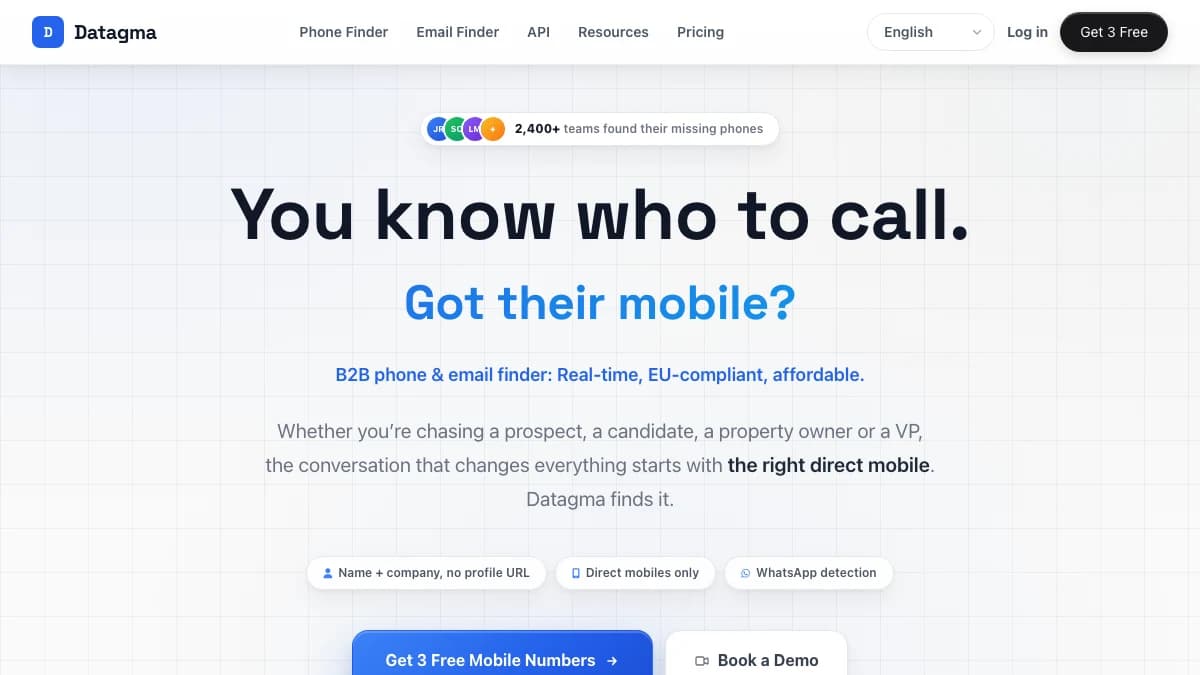
Datagma is a B2B data enrichment tool focused on real-time contact updates and job change monitoring. It enriches contacts with emails, phone numbers, company data, and technographics from its proprietary database.
Here is what is included and what is missing:
| Feature | What's Included | Limitations |
|---|---|---|
| Job Change Detection | Real-time alerts when contacts switch roles or companies | Only signal type available; no funding, hiring, or tech stack signals |
| Contact Enrichment | Email, phone, title, company data | Single data source; no waterfall fallback if data is missing |
| Chrome Extension | LinkedIn overlay for one-click enrichment, on every plan | No bulk enrichment from the extension; bulk jobs go through file upload (up to 50,000 rows) |
| WhatsApp Check | Flags which phone numbers are on WhatsApp, on every plan | Phone allowances are far smaller than email allowances on every tier |
| API Access | REST API for developer integrations, included on every plan | Rate limits on lower plans; documentation could be more thorough |
| CRM Integration | HubSpot and Salesforce, plus Clay, lemlist, Instantly, and Make | Not listed as a plan feature on the pricing page; no Pipedrive, Attio, or Zoho |
The takeaway: Datagma does real-time enrichment and job change detection well. But it is a single-signal, single-source tool. If you need broader coverage, you will need to pair it with other platforms.
Job Change Detection: Datagma's Headline Feature
Datagma's job change detection is its strongest feature. You upload a list of contacts, and Datagma monitors them for role changes, company switches, and promotions. When a change is detected, you get an alert with the updated contact information.
This is genuinely useful for sales teams. A prospect who just started a new VP role is 3x more likely to evaluate new tools in their first 90 days. Timing outreach to job changes is one of the highest-converting triggers in outbound sales.
What works well
Detection speed is fast — most job changes are flagged within 1-2 weeks of the LinkedIn profile update. The alert format includes the old and new role, company, and updated contact details. For teams running job-change-triggered campaigns, Datagma delivers on this promise. You can explore how the monitoring works on the Datagma job change detection page.
The limitation: job changes are just one signal
Job changes matter, but they are one buying signal among many. A company that just raised a Series B, hired 15 SDRs in 30 days, or adopted a new CRM is also signaling intent. Datagma does not track any of these. Platforms like Cognism and BetterContact offer broader signal coverage alongside multi-provider enrichment.
Datagma Data Quality: How Accurate Is It Really?
Datagma claims high accuracy rates for email and phone enrichment — up to 93% email accuracy and top-three EU phone coverage, per its pricing page as of September 2026. In practice, email match rates sit around 70-80% for US and Western European contacts. Phone number accuracy is lower, around 50-60%, which is typical for the industry.
Company-level data — revenue, headcount, industry classification — is reliable for mid-market and enterprise companies. Accuracy drops for startups under 20 employees and companies outside North America and Western Europe.
The single-source problem
Datagma relies on its own proprietary database. When that database has gaps, there is no fallback. No secondary provider is queried. No waterfall logic fills holes.
Waterfall enrichment solves this by querying multiple providers in sequence, so a miss from one provider gets caught by the next. Datagma does list Clay, BetterContact, and FullEnrich — all multi-provider enrichment tools — as integration partners, so it can sit alongside other sources rather than being your only one.
Datagma Pricing Breakdown
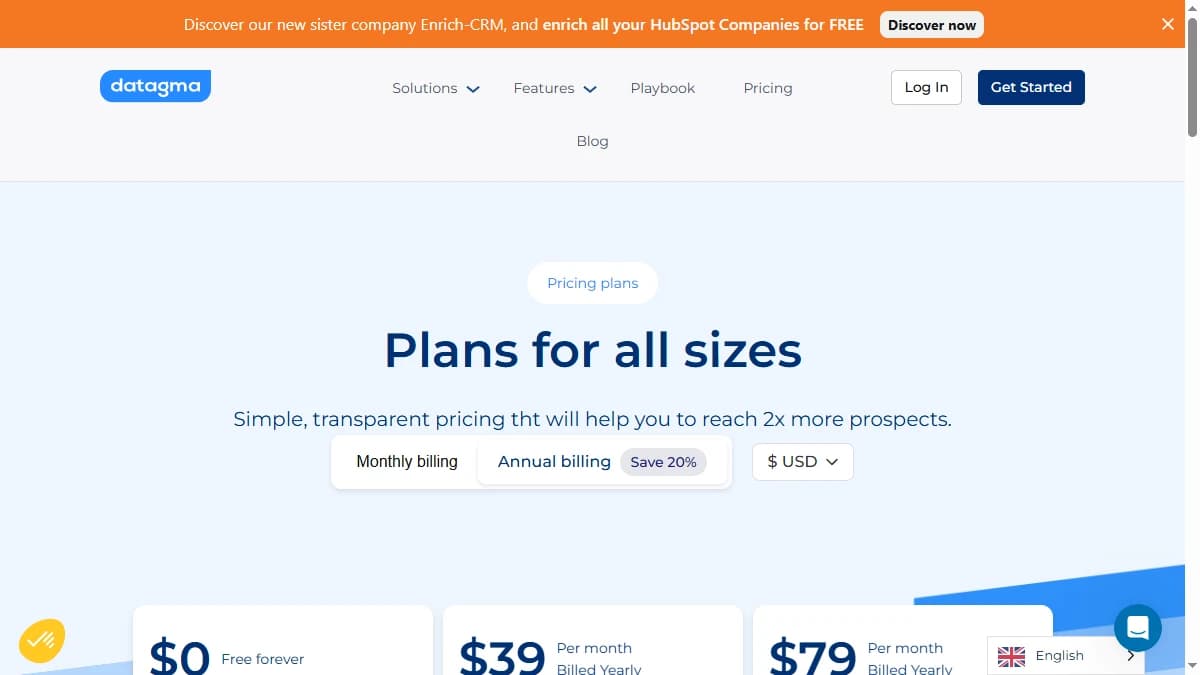
As of September 2026, Datagma prices on separate monthly email and phone allowances, and you only pay when it finds a verified email or phone — no match, no credit used. Every plan, including Free, gets API access, the Chrome extension, a WhatsApp check on phone numbers, free catch-all emails, and file uploads of up to 50,000 rows. Here are the current plans:
- --Free ($0): 3 phones and 90 emails a month, 1 seat. No credit card required.
- --Regular ($49/mo, or $39/mo billed yearly): 100 phones and 3,000 emails a month, 1 seat.
- --Popular ($99/mo, or $79/mo billed yearly): 250 phones and 7,500 emails a month, 3 seats.
- --Expert ($249/mo, or $209/mo billed yearly): 750 phones and 22,500 emails a month, 5 seats, priority support.
- --Enterprise (custom): For teams needing more than 750 phones a month, with custom limits, a dedicated account manager, and custom SLAs.
Extra seats cost $5/user/mo on paid plans, and the whole team shares one credit pool. Billing is month-to-month with no minimum commitment, and unused credits on paid plans roll over for up to 12 months.
What you actually pay: a realistic scenario
A team of 2 SDRs enriching 200 leads/week needs roughly 870 emails a month — comfortably inside Regular's 3,000. Phones are the tighter constraint. If each SDR wants direct mobiles for 100 of those leads a month, that is 200 phones, above Regular's 100 and within Popular's 250. Popular also includes three seats, where Regular includes one, so this team lands on Popular at $99/mo, or $79/mo billed yearly.
Hidden costs to watch
- Phones run out first: Even Expert includes 750 phones against 22,500 emails, so phone-heavy teams reach the Enterprise threshold quickly.
- Seats add up: Regular includes one seat, Popular three, and Expert five. Every extra seat is $5/user/mo.
- Monitoring costs aren't published: The pricing page doesn't say how job change tracking draws on credits, so get it in writing before monitoring a large contact list.
What Are the Downsides of Using Datagma?
The biggest downsides of Datagma in 2026 are limited signal coverage beyond job changes, single-source data with no waterfall fallback, a short list of native CRM integrations, and job change monitoring costs that aren't spelled out on the pricing page. Datagma reviews on G2 add user-reported detail on each.
One signal type is not enough
Job change detection is valuable, but it is one trigger among many. Funding rounds, hiring surges, technology adoptions, and intent data all indicate buying readiness. Datagma tracks none of these. You would need to bolt on additional tools to get a complete signal picture.
No waterfall enrichment
Datagma queries a single database. When it misses, you get nothing. There is no fallback to secondary providers. For teams with global prospect lists or SMB-heavy targets, this means lower match rates compared to waterfall-based tools.
Unclear monitoring costs
Datagma's pricing page is clear that enrichment only costs a credit when a verified email or phone is found. It says nothing about how job change tracking draws on credits. If you plan to monitor 5,000 contacts, ask how those contacts are billed before you commit — otherwise the cost of your headline use case is hard to predict.
Limited CRM ecosystem
Datagma lists HubSpot and Salesforce on the CRM side. If you use Pipedrive, Attio, Zoho, or Close, there is no native integration listed. You would need Make or custom API work to push data into your CRM.
How Datagma Works: From First Lookup to Job Change Alerts
Datagma is self-serve: outside Enterprise, you can sign up and run real lookups without talking to sales. Here is the typical path, and where each plan limit shows up.
- Start on the free plan. No credit card is required, and the free tier includes 3 phones and 90 emails a month. That is enough to spot-check hit rates on a sample of your own ICP before paying.
- Enrich one-off contacts from LinkedIn. The Chrome extension overlays LinkedIn profiles, so reps can pull a verified email or mobile while prospecting. Credits are only used when a verified email or phone comes back.
- Run bulk jobs by file upload or API. Upload a list of up to 50,000 rows, or call the REST API from your own tools. Both are included on every plan. Phone results come with a WhatsApp check, which shows which numbers are active on WhatsApp.
- Connect your CRM for job change tracking. Datagma's job change tracking works by connecting your CRM and alerting you when a customer or prospect leaves their job. Each alert includes where the person moved, their new role, their updated email and phone at the new company, and who took over their role at the original company.
- Push results into your stack. Datagma lists integrations with Salesforce, HubSpot, Clay, lemlist, Instantly, and Make, plus the waterfall enrichment tools BetterContact and FullEnrich.
Two practical tips. First, test phones and emails separately during the free plan, because they come from separate allowances and hit different limits: phones run out long before emails on every tier. Second, point job change tracking at your closed-won contacts first. A former champion who moves to a new company is one of the warmest outbound triggers there is, and the "who replaced them" detail gives you a second contact at the original account.
Is Datagma Worth It?
Datagma is worth it for teams that prioritize job change detection above all other signals and need a lightweight enrichment tool at low volumes. The free plan and $49/mo entry point ($39/mo billed yearly) are accessible, and the Chrome extension makes one-off lookups fast.
Datagma is not worth it for teams that need comprehensive buying signals, waterfall enrichment, or native integrations beyond Salesforce and HubSpot. The single-signal, single-source architecture limits what you can do as your outbound operation scales, and because monitoring costs aren't published, job change tracking at higher volumes needs a clear quote up front.
The verdict: Datagma is a focused tool that does one thing — job change detection — well. But modern GTM teams need more than one signal. If you want enrichment that works with your stack, covers multiple buying signals, and scales without credit anxiety, look at multi-signal alternatives.
If job-change-only signal tracking is a dealbreaker, SyncGTM is one alternative worth a look: it monitors job changes, funding, headcount growth, hiring, and web traffic, and scores leads against your ICP.