

LeadGibbon Review 2026: B2B Data Coverage, Pricing & Accuracy

By Kushal Magar · May 28, 2026 · 11 min read · Last updated: September 30, 2026
Key Takeaway
LeadGibbon is a budget LinkedIn email finder with pay-per-verified-email pricing from $39/month — but its single-source ~26M record database caps hit rates, its 97% accuracy claim is vendor self-reported, plans include no phone numbers, and the product appears to be in maintenance mode with reviews dating to 2023. Test freshness on your own ICP with the free weekly credits before paying.
This LeadGibbon review covers the tool's data coverage, pricing, and accuracy in 2026 — and where it falls short. LeadGibbon is a budget B2B email finder built around a LinkedIn Chrome extension, with a proprietary database of roughly 26M records, pay-per-verified-email plans from $39/month, and a free 15-credits-per-week tier. Our rating: 3.6/5.
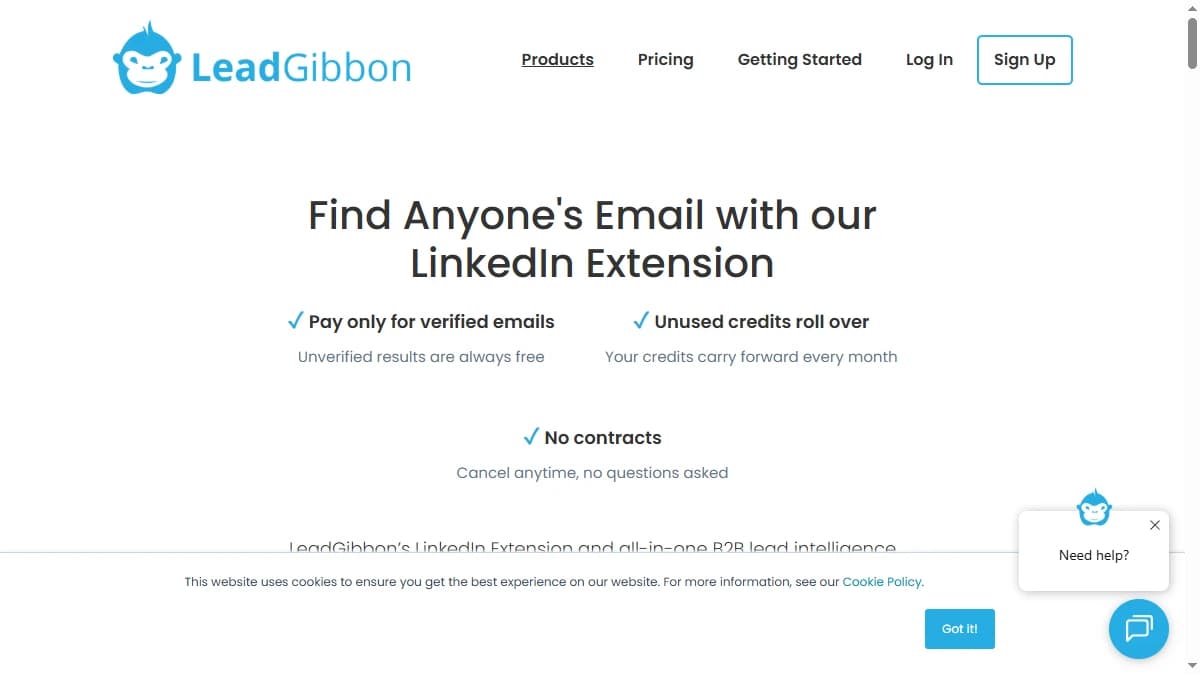
LeadGibbon's appeal is simple: install the Chrome extension, open a LinkedIn or Sales Navigator profile, click once, and get a verified work email. You only pay when a result is verified, so the entry cost is genuinely low.
The structural limit is just as simple. LeadGibbon pulls every contact from a single proprietary index. When that one database doesn't have a record, there is no second source to fall back on, which is why teams that need higher coverage often pair single-source finders with waterfall enrichment.
There is also a freshness question hanging over LeadGibbon in 2026 — its database appears to be in maintenance mode. This review breaks down the pricing math, the real accuracy picture versus the marketed 97%, its key features, how it works step by step, and the honest pros and cons for teams weighing their options.
What Is LeadGibbon?
LeadGibbon is a B2B email-finding tool built around a Chrome extension that reveals verified work emails from LinkedIn and LinkedIn Sales Navigator. It is aimed at founders, recruiters, and small sales teams who prospect profile by profile and want a low-cost way to turn a LinkedIn search into an outreach list.
Behind the extension sits a proprietary database that LeadGibbon markets at around 26 million records across 3.25 million companies, spanning 1,005 industries and 229 countries. The platform adds a searchable lead database, a CSV email enricher, and Google Sheets export. Pricing is pay-per-verified-email with rolling credits and no per-seat fee.
The key thing to understand is the data model. LeadGibbon is single-source: every lookup hits its own index. That keeps pricing simple, but it also caps hit rate at whatever that one database holds, which we cover in the data-coverage section below.
LeadGibbon Pricing: Plans, Credits, and What You Actually Pay
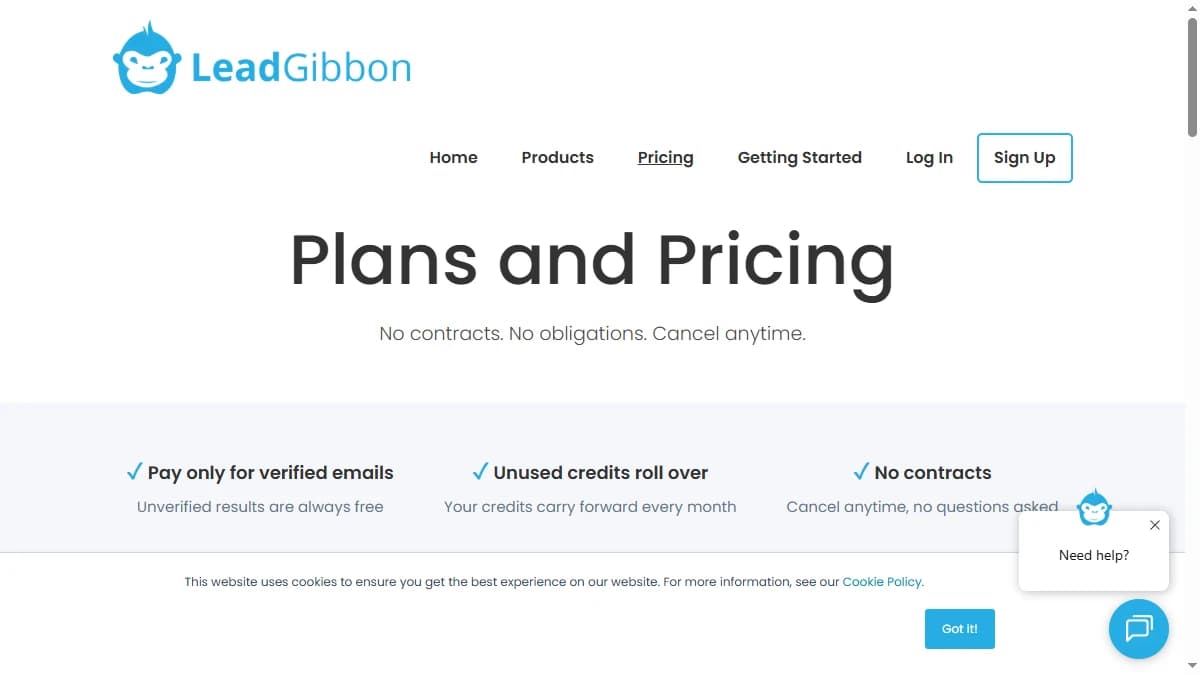
LeadGibbon pricing starts at $39/month and is structured around verified-email credits, plus a monthly allowance of email sends on each paid tier. As of September 2026, no plan lists a phone-number allowance. One credit is consumed only when LeadGibbon returns a verified result, unused credits roll over, every plan includes the same features, and there are no contracts.
| Plan | Monthly Price | Verified Emails / Email Sends | Effective Cost / Email |
|---|---|---|---|
| Free | $0 | 15 credits / week | — |
| Basic | $39/mo | 1,000 / 5,000 sends | ~$0.039 |
| Pro | $99/mo | 10,000 / 25,000 sends | ~$0.0099 |
| Business | $299/mo | 30,000 / 75,000 sends | ~$0.00997 |
The real cost math
On paper, the per-email cost is excellent — the Pro plan works out to roughly $0.01 per verified email, well below most single-source finders. The pay-per-verified-email model means you never burn budget on empty lookups, which is a genuine advantage for budget-conscious teams.
The first catch is scope. As of September 2026, no plan lists a phone-number allowance, so LeadGibbon is an email-only tool and teams that call at volume will need a separate phone data source. The second is the jump between tiers: Basic's 1,000 emails cost about $0.039 each, while Pro's 10,000 cost about $0.0099, so the best value only arrives if your team can actually use 10,000 verified emails a month. For a broader market view, see our roundup of the best B2B email finder tools.
LeadGibbon Review: Data Coverage and Accuracy Tested
LeadGibbon's accuracy claim looks excellent on paper and thinner in practice. The vendor markets 97% accuracy and a database of around 26 million records across 3.25 million companies, 1,005 industries, and 229 countries.
That 97% is self-reported and describes only the emails LeadGibbon already holds — not coverage across a full prospecting list. In independent extraction testing, LeadGibbon lands mid-pack: one public comparison found it returned valid emails for just 5 of 10 profiles, and independent sources put the genuinely usable database closer to 20 million records than the marketed 26 million.
The freshness problem
The bigger issue in 2026 is data freshness. LeadGibbon's G2 profile carries a notice that the product has not been active for over a year, and its most recent third-party reviews date to 2023. For a data tool, that is a serious flag — a single-source index that is no longer being actively refreshed accumulates stale records, and reviewers consistently report exactly that: old email addresses and outdated phone numbers.
The Capterra profile tells a similar story — useful for low-volume LinkedIn lookups, but inconsistent on harder-to-find or recently changed contacts. The 97% figure is the ceiling for clean, recently active profiles, not the real-world coverage you will see on a full list.
In practice, treat LeadGibbon's results as a first pass: run a sample of your target list through the free weekly credits, note which contacts come back unverified or stale, and plan a second source for those gaps. Our guide to waterfall email finders explains how multi-source tools handle those misses.
LeadGibbon Key Features
LeadGibbon's feature set is built around fast, manual email-finding from LinkedIn rather than automated GTM workflows. The highlights:
| Feature | What It Does |
|---|---|
| LinkedIn & Sales Navigator extension | Chrome extension that finds verified work emails directly from LinkedIn profiles and Sales Navigator search results in one click. |
| Searchable lead database | Filter ~26M records across 3.25M companies by title, location, and industry, then export targeted lists. |
| Email verification | Built-in deliverability checking so you only spend credits on validated addresses — unverified guesses are returned free. |
| CSV email enricher | Upload a list of names and companies and LeadGibbon appends validated email addresses where it finds matches. |
| Pay-per-verified-email pricing | Credits are consumed only on verified results, and unused credits roll over month to month with no long-term contract. |
| Google Sheets & CRM export | Push results straight into Google Sheets from the extension, or send contacts to a connected CRM — though integration depth is limited. |
How LeadGibbon Works: From Search to Verified Email
LeadGibbon keeps the workflow short. Here is how a typical session runs, from first search to a list you can use, and where credits come into play along the way.
- Start on the free tier. A new account gets 15 free credits per week with no credit card, enough to test hit rate and freshness on a sample of your own target accounts before choosing a plan.
- Find prospects. Search the lead database, which the vendor puts at 26M records including 15M US leads and 2.67M C-level executives, or work from LinkedIn and Sales Navigator profiles with the Chrome extension. Saved searches are unlimited on every plan.
- Reveal and verify emails. LeadGibbon combines its lead data with email pattern data and checks each address with its built-in verifier. A credit is spent only when the result is verified; unverified guesses are free.
- Enrich lists in bulk. Upload a CSV of names and companies to the Email Enricher to append addresses at scale. Duplicate lead detection flags contacts you already have.
- Send leads onward. Export to Google Sheets or send new leads to your CRM, then run outreach from your sequencing tool of choice.
Every plan includes the same features: email verification, contact data enhancement, complete lead data, email pattern data, duplicate detection, and unlimited saved searches. Choosing a tier is purely a question of volume. Because unused credits roll over and there is no contract, the practical approach is to start on Basic, measure how many verified emails your team actually uses in a month, and move to Pro only once you would clear its 10,000-email allowance.
Two habits improve results. First, re-verify older exports before a campaign, since LeadGibbon's index may not be refreshed often. Second, keep a second source ready for the contacts LeadGibbon cannot verify; our guide to B2B lead enrichment covers how teams fill those gaps.
LeadGibbon Pros: What It Does Well
- ✓Genuinely cheap per email. At roughly $0.01 per verified email on the Pro plan, LeadGibbon undercuts most single-source finders — a real advantage for budget-conscious founders and small teams.
- ✓Pay only for verified results. Credits are spent only when LeadGibbon returns a validated email, and unused credits roll over — so you don't burn budget on empty lookups.
- ✓Fast LinkedIn workflow. The extension works directly on LinkedIn and Sales Navigator, so turning a profile or a search into an outreach list takes a single click.
- ✓Usable free tier. 15 credits per week with no credit card is enough to test data quality on your own target profiles before paying anything.
- ✓Simple, no-contract setup. No long-term commitment, a clean interface, and direct Google Sheets export keep it low-friction for non-technical users.
LeadGibbon Cons: Where It Falls Short
- Single-source database. LeadGibbon pulls every email and phone from one proprietary index of roughly 26M records. When that index doesn't have a contact, there's no second source to fall back on.
- Appears to be in maintenance mode. LeadGibbon's G2 profile carries an inactivity notice and its most recent reviews date to 2023 — a worrying signal for a data product, since a database that isn't refreshed steadily decays into stale records.
- Accuracy claims outrun independent testing. The marketed 97% figure is vendor self-reported. In a public extraction test, LeadGibbon returned valid emails for only 5 of 10 profiles, and reviewers cite outdated emails and phone numbers as a recurring complaint.
- Thin database for niche industries. At ~26M records (with independent sources citing closer to 20M usable), coverage gaps hit hardest outside large US tech and professional categories.
- No phone data. As of September 2026, LeadGibbon's plans list verified emails and email sends only, with no phone-number allowance, so any team that calls prospects needs a separate phone data source.
- Thin workflow beyond finding. LeadGibbon is built to find and verify emails. Plans list a monthly email-sends allowance, but the site does not describe sequencing, and CRM support amounts to sending leads to a connected CRM, so most teams still run outreach in a separate tool.
Who Should Use LeadGibbon?
LeadGibbon is the right tool in a specific scenario: manual, low-volume email finding by a founder or small team that prospects from LinkedIn and wants the cheapest verified email possible.
Use LeadGibbon if:
- You are a solo founder or small team prospecting directly from LinkedIn or Sales Navigator at low volume.
- Budget is the deciding factor — the pay-per-verified-email model is one of the cheapest ways to source emails one at a time.
- You only need emails, not phone numbers or a full outreach platform.
- You have tested data freshness on your own target profiles using the free 15-credit weekly tier and are happy with the results.
Look elsewhere if:
- Coverage is your bottleneck — a single-source database will miss the harder-to-find contacts that a waterfall contact provider resolves.
- Data freshness matters — the maintenance-mode signals and stale-data complaints are a real risk for active outbound.
- You need phone numbers as well as emails — as of September 2026, no plan lists a phone allowance.
- You need automated CRM enrichment or a full sequencing platform rather than a find-and-export workflow.
If LeadGibbon's single-source, email-only data is a dealbreaker, SyncGTM is one alternative worth a look: it runs waterfall enrichment across 50+ data providers for verified emails and phone numbers.