

LeadMine Review 2026: B2B Data Coverage, Pricing & Alternatives

By Kushal Magar · May 28, 2026 · 11 min read · Last updated: September 30, 2026
Key Takeaway
LeadMine is a clean, low-cost B2B email finder with a Chrome extension and pricing from $29/month — but its single-source database caps hit rates, its 95% deliverability claim is vendor self-reported, credits don't roll over, and there is no API. It suits low-volume manual prospecting better than coverage-critical outbound.
This LeadMine review covers the tool's data coverage, pricing, and accuracy in 2026 — and where it falls short. LeadMine is a browser-based B2B email finder and verifier built for solo founders and small teams, with a proprietary database marketed at 200M+ corporate contacts, paid plans from $29/month, and a Chrome extension. Our rating: 3.7/5.
LeadMine's appeal is simple: search by name, title, company, or domain, install the Chrome extension, and pull a verified work email in seconds. For a founder doing a few dozen lookups a month, that workflow is hard to beat on price.
The structural limit is just as simple. LeadMine pulls every email from a single proprietary index. When that one database doesn't have a record, there is no second source to fall back on — the gap that waterfall enrichment tools are designed to close.
This review breaks down LeadMine's pricing math, the real accuracy picture versus the marketed numbers, its key features, the honest pros and cons, how the workflow runs day to day, and who should use it in 2026.
What Is LeadMine?
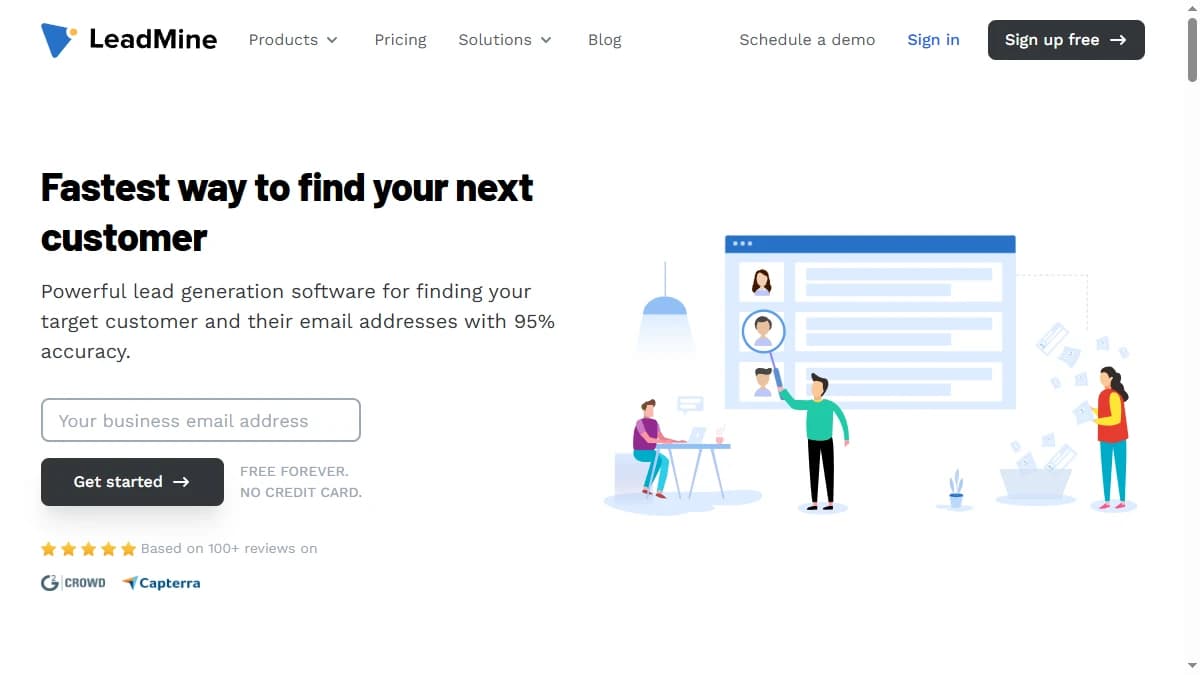
LeadMine is a B2B email-finding platform built around a web dashboard and a Chrome extension that reveals verified corporate emails from a proprietary contact database. It is aimed squarely at solo founders, small sales teams, and marketers who prospect manually, one search at a time.
Behind the dashboard sits an index that LeadMine markets at 200M+ business contacts collected from public web sources. You can search by name, title, company name, domain, location, or industry, then verify the resulting email by syntax, MX record, and SMTP ping. The Chrome extension extends the same workflow onto Crunchbase profiles and Google search results, and data leaves the platform through CSV export.
The defining trait is the data model. LeadMine is single-source: every lookup hits one index. Multi-provider waterfall tools query several providers in sequence and return whichever one resolves the contact — a structural difference that shows up directly in hit rate, which we cover in the data-coverage section below.
LeadMine Pricing: Plans, Credits, and What You Actually Pay
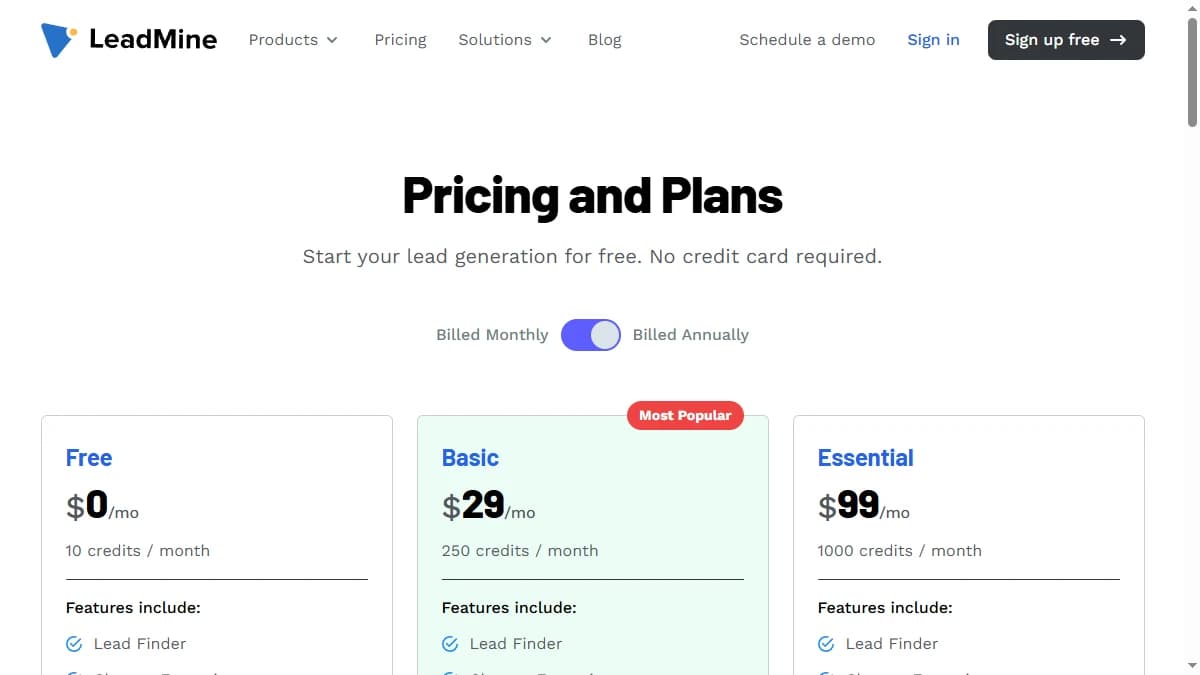
LeadMine pricing starts at $29/month and is structured around monthly credits. One credit covers a verified email search, an email lookup, or a verification check, and credits are refunded for bounces and duplicates. The catch: unused credits do not roll over.
| Plan | Monthly Price | Credits | Effective Cost / Credit |
|---|---|---|---|
| Free | $0 | 10 / mo | — |
| Basic | $29/mo | 250 | ~$0.116 |
| Essential | $99/mo | 1,000 | ~$0.099 |
| Custom | Contact sales | 1,000+ | Negotiated |
The real cost math
At $0.116 per credit on the Basic plan, LeadMine is cheaper to start than most email finders — but not as cheap as the $29 headline implies once you factor in coverage. Every credit that fails to resolve a contact in LeadMine's single index is a credit you spend re-running through a second tool.
The bigger gotcha is the no-rollover policy. Unused credits expire at the end of each month, so the 250-credit Basic plan punishes the irregular, campaign-driven prospecting cadence that solo founders actually run. Teams that outgrow 250 credits jump straight to the $99 Essential plan, where the per-credit math (about $0.099) is only marginally better. For a broader market view, see our roundup of the best B2B email finder tools.
LeadMine Review: Data Coverage and Accuracy Tested
LeadMine's accuracy claims look excellent on paper and thinner in practice. The vendor markets 95%+ deliverability — and 99% accuracy in places — across a database of 200M+ corporate contacts.
Those are self-reported numbers from LeadMine's own index, not independent benchmarks. LeadMine is notably absent from the large public enrichment studies that test many tools against real contact lists, so there is no independent check on the 95% figure.
Where the gap comes from
The 95% figure describes accuracy for contacts LeadMine actually has — clean records already in its index. It does not describe coverage across a full prospecting list, where a meaningful share of contacts simply won't resolve in any single database. That distinction between accuracy and coverage is where single-source tools lose ground.
Reviewers reinforce this. LeadMine scores a 4.3 out of 5 on G2 and a 4.6 out of 5 on Capterra, with consistent praise for the clean interface — but recurring complaints about bounces, credit limits, and thin integrations. The G2 profile also appears to have been inactive for over a year, a freshness signal worth weighing for a data tool.
If coverage matters more to you than price, test LeadMine on a sample of your own target contacts before committing, and compare it with multi-provider tools — our roundup of waterfall email finders covers how they handle the contacts a single index misses.
LeadMine Key Features
LeadMine's feature set is built around fast, manual email-finding rather than automated GTM workflows. The highlights:
| Feature | What It Does |
|---|---|
| Lead Finder | Search the 200M+ contact database by name, title, company, domain, location, or industry, then reveal verified corporate emails. |
| Chrome extension | Pull lead data and emails directly from Crunchbase profiles and Google search results without switching tabs. |
| Email lookup | Generate a verified work email from a person's name and company domain, or find emails by domain in bulk. |
| Email verifier | Three-step verification — syntax check, MX-record validation, and SMTP ping — to confirm an address before you send. |
| CSV export | Export prospecting lists to CSV for upload into a CRM or sequencer. CSV is the only way data leaves the platform. |
| Credit refunds | Credits are returned for bounces and duplicate results, so you don't pay twice for the same or undeliverable contact. |
LeadMine Pros: What It Does Well
- ✓Low entry price. At $29/month for 250 credits, LeadMine is one of the cheaper ways to start finding B2B emails — a genuine advantage for solo founders and early-stage teams testing outbound.
- ✓Clean, fast interface. Reviewers consistently praise how simple LeadMine is to navigate — a low-friction tool for non-technical users who just want an email without a learning curve.
- ✓Chrome extension for quick lookups. Pull lead data straight from Crunchbase and Google search results without switching tabs — handy for ad-hoc, manual prospecting.
- ✓Credit refunds for bounces and duplicates. You don't pay twice for the same contact or for an undeliverable address, which softens the cost of a single-source miss.
- ✓Built-in email verification. A three-step verifier — syntax, MX record, and SMTP ping — runs on the emails you find, so you can confirm an address before you send.
LeadMine Cons: Where It Falls Short
- Single-source database. LeadMine pulls every email from one proprietary index. When that index doesn't have a contact, there's no fallback to a second data source.
- No API. Data leaves LeadMine through CSV export only, with a thin integration footprint (essentially one documented CRM connector). That rules it out for any automated, programmatic enrichment workflow.
- Stingy credits with no rollover. The free plan grants only 10 credits, the Basic plan caps at 250/month, and unused credits expire monthly — forcing quick upgrades and wasting any budget you don't burn.
- Accuracy claims outrun independent testing. The marketed 95%+ deliverability (and 99% accuracy in places) is vendor self-reported. LeadMine is absent from major public enrichment benchmarks, and users report bounces and inconsistent data quality.
- Email-focused, thin on phone data. LeadMine centers on corporate emails; mobile and direct-dial phone numbers are not a core part of the product, so teams that call as well as email need a second tool.
- Signs of a stale product. Reviewers note an inactive G2 profile, outdated compliance documentation, and no published data-refresh cadence — concerns for any team that needs current, auditable contact data at scale.
How LeadMine Works: From Search to Verified Email
LeadMine's workflow is short, which is most of its appeal. Here is how a typical prospecting session runs and where credits get spent along the way.
- Search the database.Use Lead Finder to filter LeadMine's index, which it markets at over 200 million contacts, by name, title, company, domain, location, or industry.
- Add prospects with valid emails.Adding a prospect with a valid corporate email costs one credit. Under LeadMine's pricing terms, adding the same lead twice in a billing period counts only once, and credits apply only to verified business emails.
- Look up known contacts. If you already know who you want, Email Lookup finds a corporate email from a full name and company domain for one credit.
- Verify before sending. Email Verification checks an address for deliverability, also for one credit, which is useful for cleaning emails you found elsewhere.
- Prospect from the browser. The Chrome extension brings the same lookups to Crunchbase profiles and Google search results.
- Export to CSV. Download your list and upload it to your CRM or sequencer.
Two limits shape how far this workflow scales. Credits reset monthly with no rollover, and once you reach your plan's limit, LeadMine stops returning data until the next cycle or an upgrade. The paid plans also share one feature set — Lead Finder, the Chrome extension, verification, lookup, CSV export, and email and chat support — so the only difference between Basic and Essential is the credit allowance.
That makes plan choice a pure volume decision. If your monthly lookups sit comfortably under 250, Basic covers you. If you regularly run out mid-month, the $99 Essential plan's 1,000 credits are the next step, and anything beyond that is a custom quote. Subscriptions can be cancelled anytime, with service running to the end of the current cycle. For a complete lead enrichment process, plan on a separate tool for phone numbers and CRM automation.
Who Should Use LeadMine?
LeadMine is the right tool in a specific scenario: cheap, manual, low-volume email-finding by a solo founder or small team that prospects search by search and values a simple interface over maximum coverage.
Use LeadMine if:
- You are a solo founder or small team doing under 250 email lookups a month and want the cheapest clean tool to start.
- You prospect manually — searching by name, company, or domain — and don't need automation or CRM sync.
- You want a simple Chrome extension for ad-hoc lookups on Crunchbase and Google results.
- Email is your only channel and you don't need mobile or direct-dial phone numbers.
Look elsewhere if:
- Coverage is your bottleneck — a single-source database will miss the harder-to-find contacts that a waterfall contact provider resolves.
- You prospect at volume and the 250-credit cap or no-rollover policy would slow you down.
- You need API access or automated CRM enrichment rather than manual lookups and CSV exports.
- You want buying signals — hiring, funding, tech adoption — to prioritize accounts, not just contact data.
If LeadMine's single-source database is a dealbreaker, SyncGTM is one alternative worth a look: it runs waterfall enrichment across 50+ data providers for verified emails and phone numbers.