

CUFinder Review 2026: B2B Data Coverage, Pricing & Accuracy

By Kushal Magar · May 31, 2026 · 11 min read · Last updated: September 30, 2026
Key Takeaway
CUFinder is an all-in-one B2B data tool with a claimed 1B+ contacts, plans from $49/month, and a 15-credit free plan — but it relies on a single proprietary database, its 98% accuracy claim is vendor self-reported, its phone data draws the sharpest user criticism at ~90%, and unused credits expire monthly. It fits small, email-led teams better than call-heavy ones.
This CUFinder review covers the tool's data coverage, pricing, and accuracy in 2026 — and where it falls short. CUFinder is an all-in-one B2B marketing intelligence platform with a claimed 1B+ contacts, plans from $49/month, and a 98% accuracy claim. Our rating: 3.5/5.
CUFinder's appeal is breadth and price. One subscription covers people and company search, enrichment, reverse email lookup, tech-stack detection, and an API — starting at $49/month with a free 15-credit plan to test it.
The structural limit is just as clear. CUFinder leans on a single proprietary database.
When that one source can't resolve a contact, there is no second source to fall back on. That is the main trade-off versus waterfall enrichment tools, which query several providers in sequence and keep the best result.
This review breaks down CUFinder's pricing math, the real accuracy picture versus the marketed 98%, key features, the honest pros and cons, and how a typical CUFinder workflow runs, for teams weighing options in 2026.
What Is CUFinder?
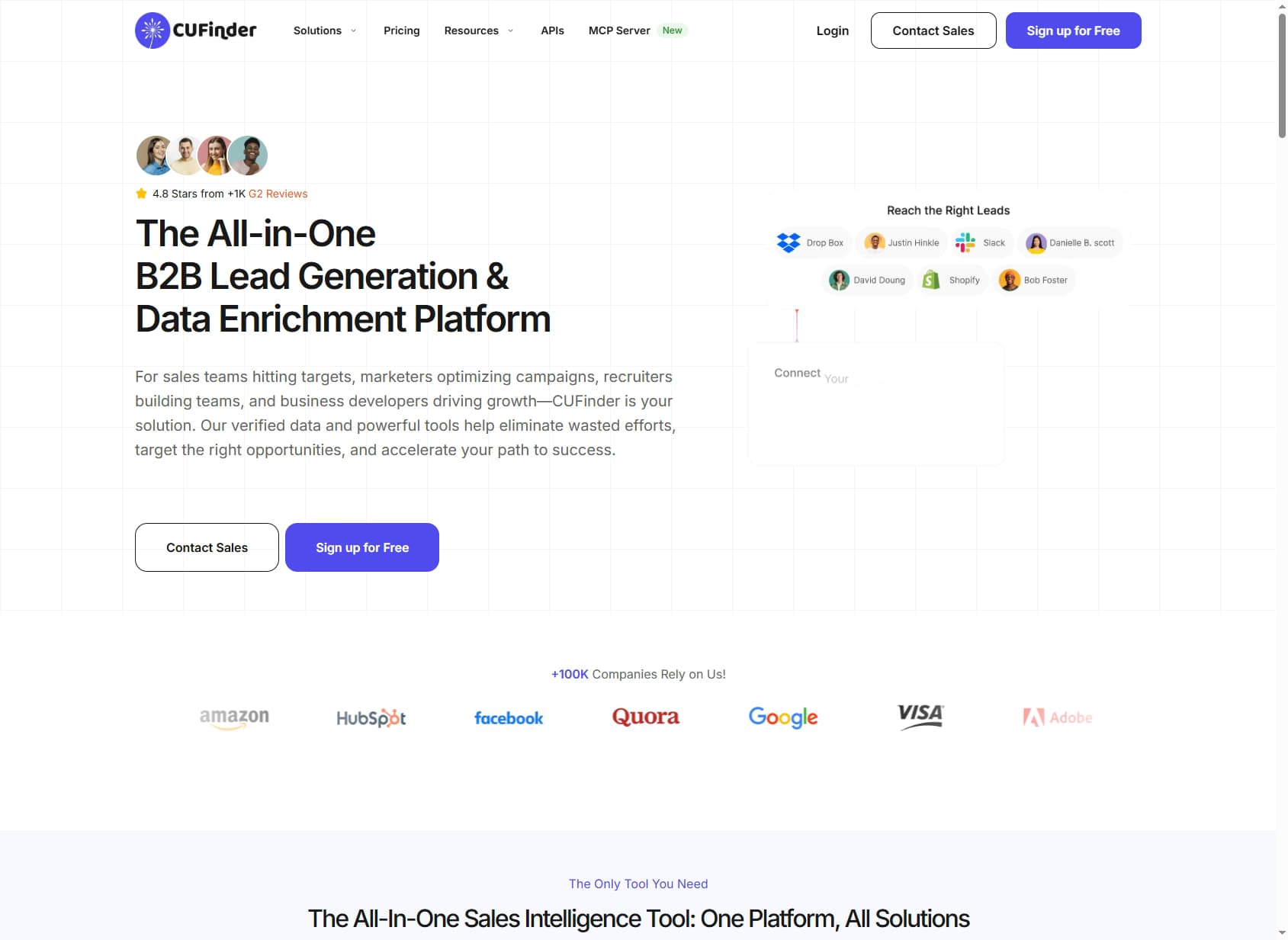
CUFinder is an all-in-one B2B marketing intelligence platform built for sales, marketing, and recruiting teams who need contact and company data.
You search a proprietary database — a claimed 1B+ contacts and 85M+ companies, plus 200M+ local businesses — with 40+ filters, then return work emails, phone numbers, LinkedIn profiles, and firmographics.
Beyond search, the platform packs in reverse email lookup, tech-stack detection, subsidiary finding, buying signals, a Chrome extension, a Google Sheets add-on, CRM integrations, an API with 50+ endpoints, and an MCP server for AI agents (figures as of September 2026).
It is positioned as a cheaper, broader alternative to enterprise sales-intelligence tools like ZoomInfo (~$15K/year).
The headline distinction from multi-provider enrichment tools is the data model. CUFinder is single-source: every lookup hits one in-house database.
A waterfall contact provider queries several vendors in sequence and returns whichever one resolves the contact — a structural difference that shows up directly in hit rate.
CUFinder Pricing: Plans, Credits, and What You Actually Pay
CUFinder pricing starts at $49/month and is structured around credits.
As of September 2026, a credit is consumed only when CUFinder returns a successful match (a revealed email, phone, or enriched record), and annual billing saves up to 30% off the monthly rates below.
| Plan | Monthly Price | Credits | Effective Cost / Credit |
|---|---|---|---|
| Free | $0 | 15 credits | Free |
| Lite | $49/mo | 1,000 credits | ~$0.049 |
| Standard | $129/mo | 3,000 credits | ~$0.043 |
| Pro | $299/mo | 10,000 credits | ~$0.030 |
| Premium | $449/mo | 20,000 credits | ~$0.022 |

The real cost math
The per-credit price looks reasonable — as low as $0.022 on Premium.
The catch is expiry, not failed lookups. CUFinder charges only for successful matches and never for "Not Found" results, but unused credits expire at the end of each billing month. Buying a bigger tier than your real monthly volume wastes money.
The free plan's 15 credits are enough to kick the tires but too small to pressure-test accuracy on a real list.
Teams pricing this against other providers should compare cost per verified contact, not cost per credit — see our roundup of the best B2B email finder tools.
CUFinder Data Coverage and Accuracy: What Users Actually Get
CUFinder's accuracy claim looks excellent on paper and uneven in practice. The vendor markets a 98% accuracy rate across emails, phone numbers, and company profiles, backed by a claimed 1B+ contacts and 85M+ companies.
That figure is self-reported, not an independent benchmark. The same goes for the finer breakdown on CUFinder's homepage, which puts its email data at 92% valid, 6% catch-all, and 2% invalid.
The few G2 reviewers who quantified their experience reported roughly 95% for emails and over 90% for phones — close on email, a clear gap on phone. Independent tests of single-source providers routinely land real enrichment rates well below the marketed numbers once you account for contacts the database doesn't hold.
Where the gap comes from
Phone data is where CUFinder draws the sharpest criticism. A Capterra reviewer reported receiving a contact's family members' numbers instead of a direct line.
Others flagged URL-conversion errors returning subsidiaries instead of parent companies. CUFinder now says its data is refreshed daily, but that is also a self-reported figure.
There is also a coverage-versus-accuracy distinction. The 98% figure describes accuracy on data CUFinder actually returns — not coverage across a full prospecting list, where a meaningful share of contacts won't resolve in any single database.
The G2 profile shows a 4.8 rating across nearly 1,000 reviews, but the 97% five-star concentration is high enough to warrant a skeptical read against the real user data.
This is the core argument for waterfall enrichment. By querying several providers and keeping the first verified result, a multi-provider tool raises coverage on the exact contacts a single database misses — and on phone numbers in particular, where one source's gaps hit hardest.
See our explainer on why waterfall email finders beat single-source tools on hit rate.
CUFinder Key Features
CUFinder's feature set is unusually broad for its price, built around search and enrichment rather than automated GTM workflows. The highlights:
| Feature | What It Does |
|---|---|
| People & company search | Search a claimed 1B+ contacts and 85M+ companies with 40+ filters, plus a 200M+ local business database, to build targeted prospect lists. |
| Contact enrichment | Append work emails, phone numbers, LinkedIn profiles, and firmographics to a name-and-company input across the app, Sheets, or API. |
| Reverse email lookup | Take an email address and resolve the person and company behind it — useful for enriching inbound leads and list cleanup. |
| Tech-stack detection | Identify the technologies a company uses, plus subsidiary finding, to add a technographic layer to account targeting. |
| Chrome extension & Sheets add-on | Find and enrich contacts while browsing, or run enrichment directly inside Google Sheets without exporting to a separate app. |
| Buying signals | Track 90+ signals across 10 categories, per CUFinder, to time outreach to account activity rather than working a static list. |
| API & MCP server | 50+ API endpoints for search, enrichment, and data quality, plus an MCP server so AI agents can query CUFinder data directly. |
CUFinder Pros: What It Does Well
- ✓Low entry price. At $49/month for 1,000 credits — and up to 30% off annually — CUFinder undercuts enterprise sales-intelligence tools by a wide margin, a fit for small teams on a data budget.
- ✓Broad all-in-one feature set. Search, enrichment, reverse email lookup, tech-stack detection, and subsidiary finding sit in one tool — more breadth than most budget email finders offer.
- ✓Pay only for found data. One credit per successful match, no charge for "Not Found" results, and unlimited teammates on every plan. The 15-credit free plan needs no credit card.
- ✓API, MCP server, and Sheets add-on. 50+ API endpoints, an MCP server for AI agents, and a Google Sheets add-on make CUFinder easy to wire into existing workflows.
- ✓CRM integrations and 24/7 support. Native connectors for Salesforce, HubSpot, Zoho, and Zapier, plus round-the-clock live-chat, email, and phone support.
CUFinder Cons: Where It Falls Short
- Single-database model. CUFinder relies on one proprietary index. When that database can't resolve a contact, there is no fallback — unlike multi-provider waterfall tools, which query several sources and keep whichever returns a verified result.
- Phone data is the weak link. The marketed 98% accuracy doesn't hold for phones — G2 users report ~90%, and a Capterra reviewer received family members' numbers instead of a direct line. For call-heavy teams, that's a real risk.
- The 98% accuracy claim is unverified. The figure is vendor self-reported and absent from independent benchmarks. The few quantified user reports land at ~95% for emails and ~90% for phones — close on email, lower on phone.
- Unused credits expire monthly. Credits don't roll over, so a slow month or an oversized plan wastes part of what you paid for. Right-sizing your tier matters more than the per-credit price.
- Cluttered all-in-one interface. Reviewers describe the UI as cluttered for an all-in-one tool, with requests for better dashboards and more granular targeting filters.
- No workflow automation. CUFinder is at heart a search-and-enrich tool. It now advertises a buying-signals module (90+ signals across 10 categories), but there is no no-code workflow builder to orchestrate enrichment and outreach.
How CUFinder Works: From Free Plan to Enriched List
CUFinder packs a lot into one subscription, so it helps to see the order of operations. Here is how a typical workflow runs, and where credits and plan limits show up along the way.
- Start on the free plan. The 15 free credits (no credit card) let you try every engine. Spend them on contacts you already know, so you can judge accuracy against records you trust.
- Build a list. The Prospect Engine searches a claimed 85M+ companies with 40+ filters, and a separate Local Business Database covers 200M+ small businesses for teams selling to SMBs.
- Enrich what you already have. Upload names and companies, or run bulk enrichment by formula in the Google Sheets add-on. Reverse email lookup turns an inbound address into a person and company record, which is handy for lead enrichment on form fills.
- Pay only for hits.Each successful match (a revealed email, phone, or enriched record) costs one credit. "Not Found" results are free, and re-viewing a lead you already revealed costs nothing extra.
- Push data where you work. Send records to your CRM through the native connectors, or call the 50+ API endpoints from your own apps. The MCP server lets AI agents query CUFinder directly.
- Layer in signals. The buying-signals module tracks 90+ signals across 10 categories, per CUFinder, so you can time outreach to account activity instead of working a static list.
Two habits keep costs and bad data in check. First, size your plan to real monthly volume: credits expire at the end of each billing month, and because every plan includes unlimited teammates, one shared plan usually beats several small ones. Second, spot-check phone numbers before any calling campaign. Phones draw the most user complaints, so verify a sample of direct dials before you load a full list into your dialer.
Who Should Use CUFinder?
CUFinder is the right tool in a specific scenario: a small, email-led team that wants a broad feature set at the cheapest sticker price and doesn't depend on rock-solid phone data or workflow automation.
Use CUFinder if:
- You are a small team or solo founder running email-focused outbound on a data budget under $300/month.
- You want breadth — search, enrichment, tech-stack data, reverse email lookup — in one affordable tool.
- Basic CRM enrichment for HubSpot, Salesforce, or Zoho covers your workflow, and you want to test on a free plan first.
- An API and MCP server matter to you for wiring data into your own apps or AI agents.
Look elsewhere if:
- Phone accuracy is critical — CUFinder's phone data is its weakest link, a real risk for call-heavy teams.
- Coverage is your bottleneck — a single database will miss harder-to-find contacts that a waterfall contact provider resolves.
- Buying signals are central to how you prioritize accounts. CUFinder advertises 90+ signals, but test them against dedicated signal tools before relying on them.
- You need automated CRM enrichment and workflow orchestration rather than a manual search-and-enrich tool.
For a broader market view, see our roundup of the best CUFinder alternatives.
If CUFinder's reliance on a single database is a dealbreaker, SyncGTM is one alternative worth a look: it runs waterfall enrichment across 50+ data providers for verified emails, phone numbers, and firmographics.