

Discoverly Review 2026: B2B Data Coverage, Pricing & Alternatives

By Kushal Magar · May 30, 2026 · 11 min read · Last updated: September 30, 2026
Key Takeaway
Discoverly is a free Chrome extension that overlays social-profile context across Facebook, LinkedIn, X, and Gmail. It is a convenient viewing layer, not a full contact-data tool: its listing now pitches LinkedIn email finding, but there is no phone extraction, no bulk search, and no published accuracy data. With undisclosed paid billing, broad permissions, and no published compliance statement, it is hard to recommend for serious prospecting.
This Discoverly review covers what the tool actually does, its pricing, and its data coverage in 2026 — and where it falls short for B2B prospecting. Discoverly (discover.ly) is a free Chrome extension that overlays social-profile information from Facebook, LinkedIn, X, and Gmail into a single view. Our rating: 2.9/5.
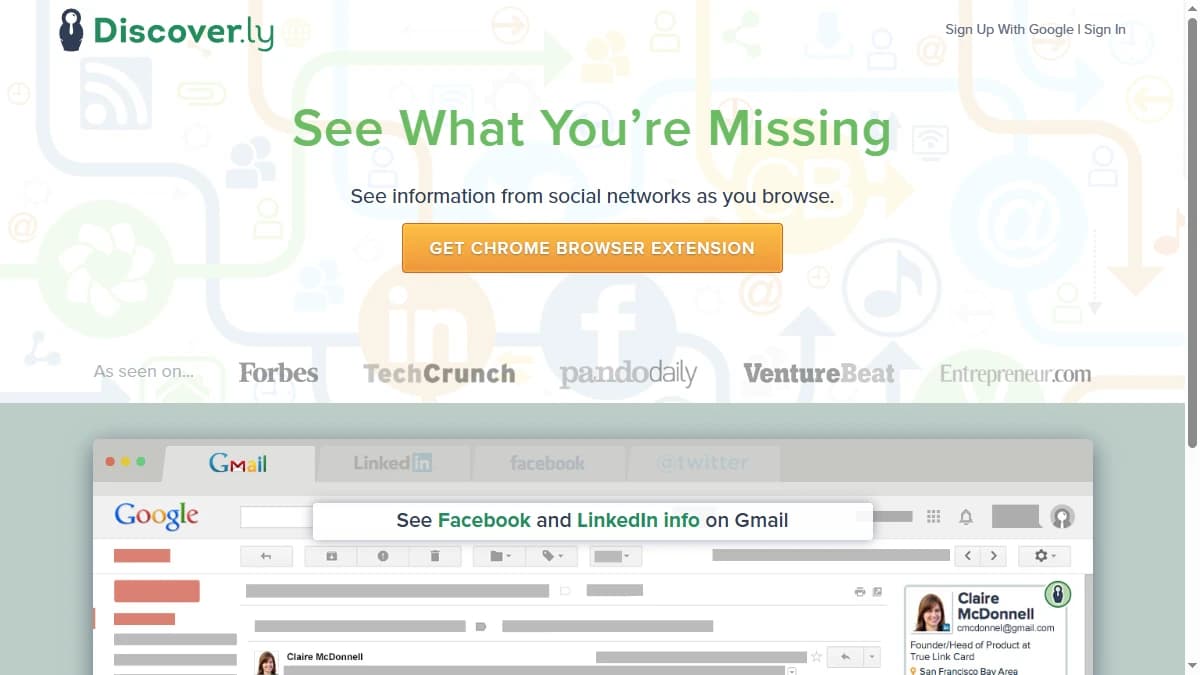
Discoverly's pitch is “Put Social to Work.” Install the extension, sign in with Google, and it shows you a contact's social details and mutual connections as you browse — Facebook and LinkedIn info inside Gmail, for instance.
That is genuinely handy for warming up a single conversation. The problem is what it is not: Discoverly is not a contact database and not an enrichment tool, and while its store listing now pitches LinkedIn email finding, it publishes nothing on how those emails are found or verified. It mostly reads social data that is already visible in your connected accounts — it does not run a waterfall across providers to resolve verified emails or phone numbers.
This review breaks down Discoverly's pricing question (it is messier than “free” suggests), what its data actually covers, its key features, the honest pros and cons, how it works day to day, and who should use it in 2026.
What Is Discoverly?
Discoverly is a free desktop Chrome extension that consolidates social-network information into the pages you already browse. Its tagline is “Put Social to Work,” and it surfaces data across Facebook, LinkedIn, X (Twitter), and Gmail in one panel.
In practice that means seeing a contact's Facebook and LinkedIn details inside Gmail, mutual Facebook friends while you view a LinkedIn profile, or LinkedIn context on someone's X account. The goal is warm-intro discovery and social context — knowing who you are emailing and whether you share a connection.
The headline distinction from a dedicated email finder or enrichment platform is the data model. Discoverly is a passive overlay: it reads social data already visible in your connected accounts and arranges it for you. It has no contact database you can search, publishes nothing about how it finds or verifies emails, extracts no phone numbers, and does not enrich lists. That single design choice shapes everything below.
Discoverly Pricing: Free to Install, Unclear to Pay
Discoverly pricing is the messiest part of this review. The product is free to install, and discover.ly has no public pricing page — the homepage's only call to action is “Install the extension on your desktop Chrome to get started.”
But “free” is not the whole story. Discoverly's Terms of Service reference “Paid Services” for premium and enterprise users, and multiple recent reviewers report being billed a subscription with no clear documentation — and no straightforward way to cancel. One reviewer said they had to block their credit card to stop the charges.
One more clue that a paid tier exists: as of September 2026, the extension's Chrome Web Store privacy disclosure lists “financial and payment information” among the data it handles, even though discover.ly still shows no plans or prices.
| Tier | Price | What You Get |
|---|---|---|
| Free (install) | $0 | Chrome extension with cross-network social overlay |
| Premium | Undisclosed | Referenced in Terms of Service; not documented publicly |
| Enterprise | Undisclosed | Referenced in Terms of Service; no public details |
Why opaque pricing matters
For a free social-context toy, undisclosed pricing might be forgivable. For a tool you connect to your inbox and social accounts, it is a real risk. You cannot model cost, you cannot compare value, and — per recent reviews — you may not be able to cancel cleanly.
Compare that to the rest of the contact-data market, where transparent, published pricing is now the norm. Our roundup of the best B2B email finder tools shows what clear per-credit and per-seat pricing looks like — something Discoverly does not offer at all.
Discoverly Review: Data Coverage and Accuracy Tested
Discoverly publishes no database size, no hit rate, and no accuracy metric — because it does not run on a contact database at all. It displays the social data that is already visible in your connected Facebook, LinkedIn, and X accounts.
The one wrinkle: as of September 2026, the Chrome Web Store listing describes the extension as a way to “find LinkedIn emails and reveal mutual connections across Gmail, Twitter, and Facebook.” Discoverly does not document where those emails come from, how they are verified, or how often a lookup succeeds, so treat the email-finding claim as untested until you run it on your own prospects.
That distinction matters. A dedicated email finder or enrichment platform resolves data the profile does not show you — a verified work email, a direct mobile number, a current job title. Discoverly only consolidates what is already on screen. If a LinkedIn profile hides the email, Discoverly has no second source to fall back on.
What the reviews actually say
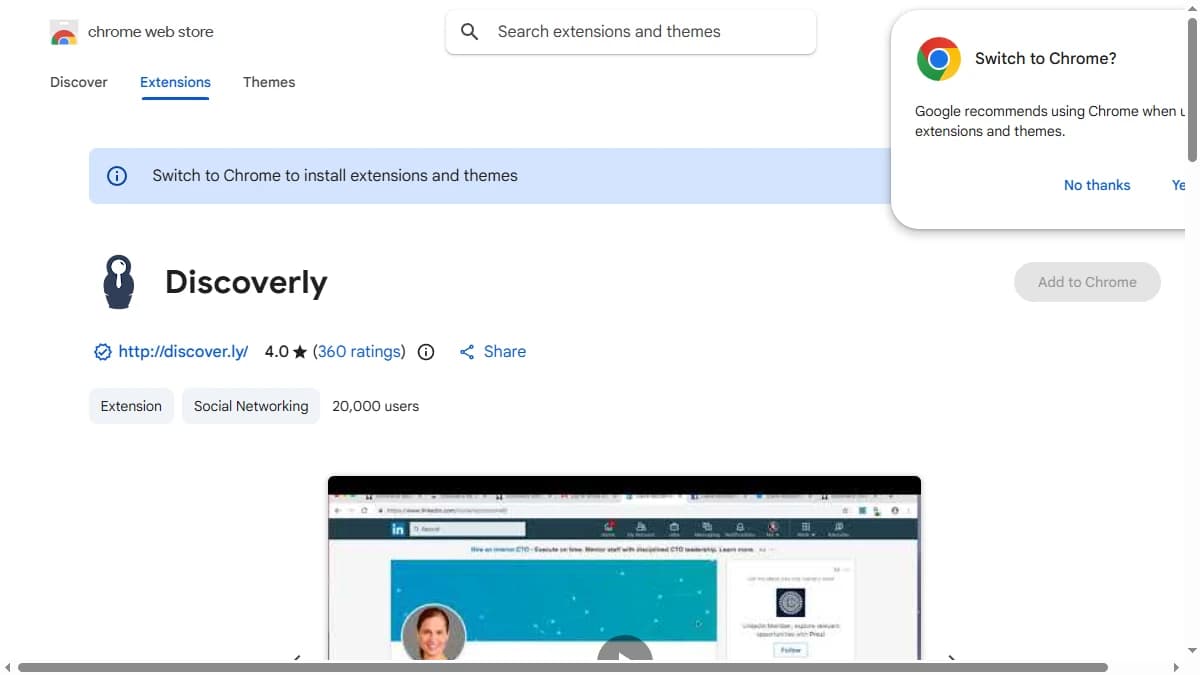
On the Chrome Web Store, Discoverly holds a 4.0/5 rating across roughly 361 reviews from about 20,000 users — modest reach for a tool that has existed for over a decade. The extension is still maintained (version 2.6.4, updated August 14, 2026, as of September 2026), but recent reviews flag broken functionality and website downtime.
Third-party reviews echo the gap. Independent write-ups, including a detailed Discoverly review on Prospeo, conclude that the tool functions primarily as a social overlay rather than the email finder some listings imply, and that its opaque billing and broad permissions are the standout concerns.
This is the core argument for a different data model entirely. Multi-provider waterfall tools query several data sources in turn and keep the first verified result, which raises coverage on exactly the contacts a social profile leaves blank — see our explainer on why waterfall email finders beat single-source and overlay tools on hit rate.
Discoverly Key Features
Discoverly's feature set is narrow and built around browsing, not building lists. The highlights:
| Feature | What It Does |
|---|---|
| Cross-network social overlay | Shows Facebook and LinkedIn information inside Gmail, plus LinkedIn info on Facebook and Facebook/LinkedIn info on X — one consolidated social view as you browse. |
| Mutual-connection discovery | Surfaces mutual Facebook friends and shared LinkedIn connections, useful for finding a warm intro path to a prospect. |
| Gmail social context | Injects a social panel into Gmail so you can see who you are emailing across their connected social profiles. |
| LinkedIn email lookup (claimed) | As of September 2026, the Chrome Web Store listing pitches finding LinkedIn emails. Discoverly does not document the sources, hit rate, or verification behind it. |
| Chrome extension only | Desktop Chrome extension (v2.6.4 as of September 2026) installed via the Chrome Web Store with Google sign-in. No web app, mobile app, or API. |
| Profile-by-profile workflow | Designed for one-at-a-time browsing rather than bulk lists. No CSV upload, no list enrichment, no batch export. |
Discoverly Pros: What It Does Well
- ✓Free to install. There is no upfront cost to add the extension and try the social overlay, which lowers the barrier to a quick test.
- ✓Useful social context in one view. Seeing Facebook and LinkedIn details inside Gmail is a genuinely convenient way to know who you are talking to before you reply.
- ✓Mutual-connection discovery. Surfacing shared connections across networks helps you find a warm-intro path to a prospect — the strongest single use case.
- ✓Lightweight, low setup. Install, sign in with Google, and it works inside the pages you already use — no dashboard, no list management, no learning curve.
- ✓Still maintained. As of September 2026, the extension is on version 2.6.4, updated August 14, 2026, so it is not abandoned despite its age.
Discoverly Cons: Where It Falls Short
- Thin contact data. Discoverly is built around social-profile context. Its Chrome listing now pitches LinkedIn email finding, but there is no phone-number extraction, no bulk search, and no published hit rate or verification method — it is a viewing layer, not an enrichment engine.
- Opaque billing. There is no public pricing page, yet the Terms of Service reference 'Paid Services,' and recent reviewers report charges they could not easily cancel. Undisclosed subscription pricing is the single most common complaint.
- Broad, high-impact permissions. The extension requests read access across Gmail, Facebook, X, and LinkedIn at once — a wide attack surface for a tool with no published privacy or compliance statement.
- Static social data, not real-time verification. Discoverly consolidates what is already visible in your connected accounts rather than resolving and verifying fresh contact data, so it cannot fill the gaps a profile leaves blank.
- No CRM, ATS, or workflow integration. Data stays inside the browser panel. There is no way to push contacts into HubSpot or Salesforce, enrich a list, or automate anything.
- Reliability and maintenance concerns. Recent reviews flag broken functionality and website downtime, and 14 years in, adoption sits at roughly 20,000 users with a 4.0/5 rating — modest for a tool this old.
How Discoverly Works: From Install to First Profile
Discoverly is quick to set up, and the day-to-day workflow is simple. Here is what using it actually looks like, and where the workflow stops.
- Install the extension. Discoverly runs only as a desktop Chrome extension from the Chrome Web Store. As of September 2026, the listing shows version 2.6.4 (updated August 14, 2026), about 20,000 users, and a 4.0/5 rating from 361 ratings.
- Sign up with Google.Account creation is a single “Continue with Google” step from the discover.ly homepage.
- Grant site access. To overlay data, the extension needs access to Gmail, LinkedIn, Facebook, and X. This is the moment to decide whether you are comfortable with that reach on a work machine.
- Open Gmail.When you open an email thread, a social panel shows the contact's Facebook and LinkedIn details alongside it.
- Browse social profiles. On LinkedIn you see mutual Facebook friends; on Facebook you see LinkedIn information; on X you see Facebook and LinkedIn details for the account you are viewing.
- Act on a warm path. If the panel reveals a shared connection, that is your cue to ask for an introduction instead of sending a cold message.
The workflow ends there. Nothing you see can be saved to a list, exported to CSV, or pushed to a CRM, so any detail worth keeping has to be copied by hand, one profile at a time. That makes Discoverly a research aid for a handful of high-value conversations, not a way to build pipeline.
Two practical tips if you test it. First, run it in a separate Chrome profile so the extension's access is limited to accounts you choose. Second, if you are ever prompted to upgrade, pay with a card you can freeze, given the cancellation complaints covered above. And if you need to go from a warm path to full account and contact data, our guide to B2B lead enrichment covers the tools built for that job.
Who Should Use Discoverly?
Discoverly is the right tool in a narrow scenario: a solo user who wants free social context while browsing and is comfortable with the permissions and unclear billing it carries.
Use Discoverly if:
- You want a quick, free way to see Facebook and LinkedIn context inside Gmail.
- Finding a mutual-connection intro path matters more to you than extracting verified contact data.
- You browse profiles one at a time and do not need lists, exports, or CRM sync.
- You are comfortable granting an extension read access across your inbox and social accounts.
Look elsewhere if:
- You need verified emails and phone numbers — Discoverly has no phone extraction and no documented email verification, so a waterfall contact provider is the fit.
- You build prospect lists at scale and need bulk search, CSV enrichment, and verification.
- You want buying signals — hiring, funding, tech adoption — to prioritize accounts, not just social context.
- Transparent pricing and a clear privacy or compliance statement are non-negotiable for a tool that touches your data.
If a LinkedIn-first email finder is what you actually want, our GetProspect review and Hunter.io review cover stronger, transparently priced options. For full enrichment orchestration, see our Clay review.
If Discoverly's profile-by-profile workflow, with no phone numbers or CRM sync, is a dealbreaker, SyncGTM is one alternative worth a look: it runs waterfall enrichment for verified emails and phone numbers across 50+ data providers, with native HubSpot and Salesforce integrations.