

Zapier Review 2026: 9,000+ Integrations — But Is the Pricing Too Expensive?

By Kushal Magar · April 8, 2026 · 12 min read · Last updated: September 30, 2026
Key Takeaway
Zapier is a general-purpose automation platform connecting 9,000+ web applications with no-code workflows. Free plan offers 100 tasks/month with two-step Zaps. Professional is $19.99/mo billed annually ($29.99 monthly) for 750 tasks with multi-step Zaps. Team is $69/mo billed annually ($103.50 monthly) for 2,000 tasks. Enterprise is custom. AI Copilot builds workflows from natural language. Best for: non-technical users who need simple, low-volume automations connecting many different apps. Main limitations: task-based pricing gets expensive at scale (100,000 tasks costs $489/mo on Pro, billed annually), complex multi-step workflows are difficult to debug, and GTM-specific use cases have to be built from generic components.
Zapier connects 9,000+ web applications with no-code automation workflows called Zaps. It is the default answer when someone asks how to connect Tool A to Tool B. But the default answer is not always the right answer, especially when task-based pricing turns a $30/mo tool into a $600/mo expense.
You are probably here because your Zapier bill keeps climbing, your multi-step Zaps keep breaking, or you are wondering whether chaining multi-step Zaps is the right way to run your GTM workflows.
This Zapier review covers what the pricing tiers actually include, how task-based billing works (and why it gets expensive fast), where the platform struggles with complex workflows, and how it compares with Make and n8n once volume grows.
Zapier Review: What You Get (and What You Don't)
Zapier is the most widely used no-code automation platform. It connects apps through triggers and actions: when something happens in App A (trigger), do something in App B (action). Check user reviews on G2.
| Feature | What's Included | Limitations |
|---|---|---|
| App Integrations | 9,000+ apps connected | Quality varies; some integrations are basic |
| Multi-Step Zaps | Conditional logic, filters, branching paths | Each step counts as a task (billing impact) |
| AI Copilot | Build workflows from natural language descriptions | Scaffolds only; still requires manual configuration |
| Tables | Built-in database for workflow data | Basic compared to Airtable or dedicated databases |
| GTM-Specific | Lead routing, CRM updates, and alerts via custom Zaps | No built-in contact data; enrichment relies on third-party apps |
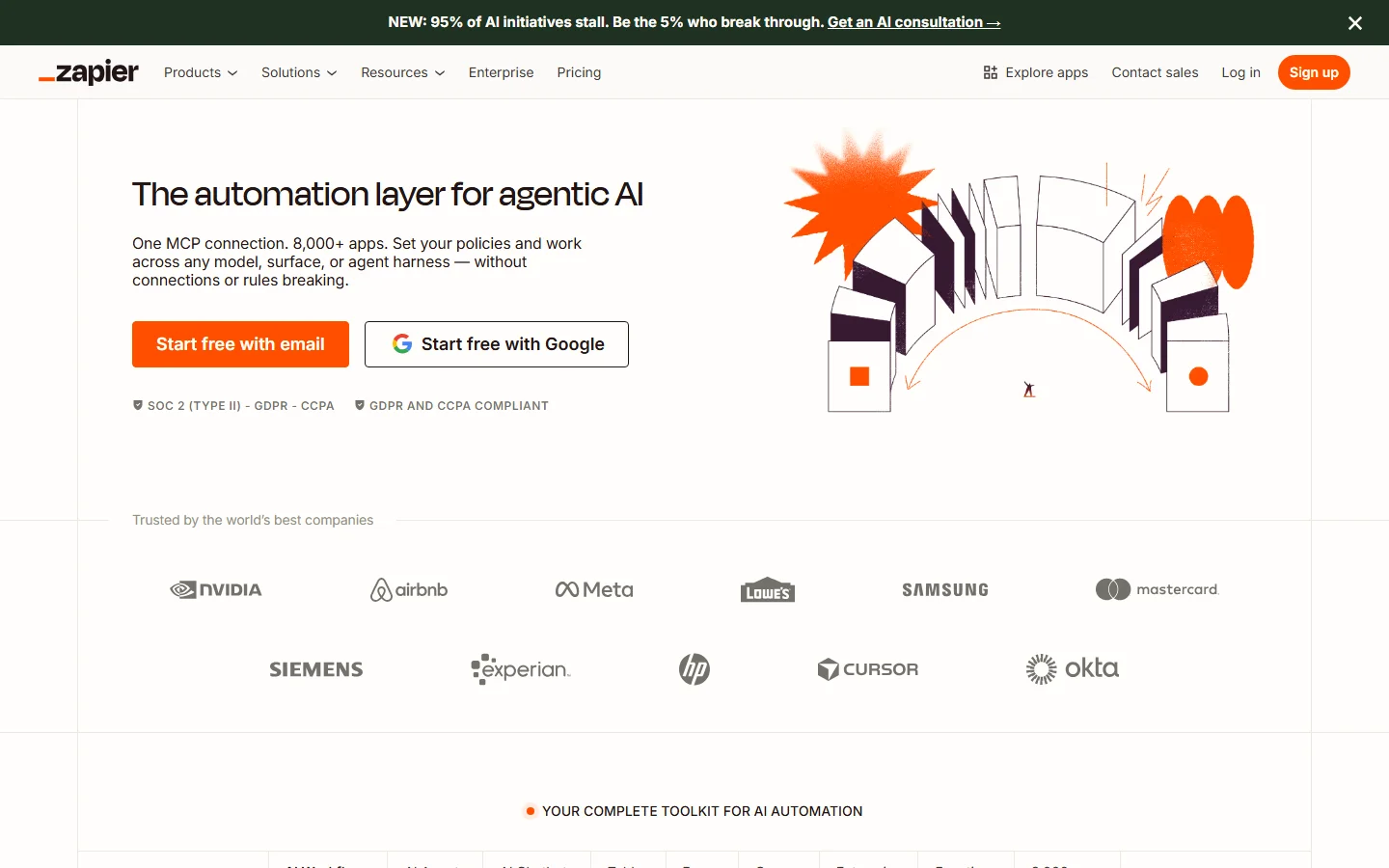
Zapier homepage
The takeaway: Zapier connects everything but specializes in nothing. For GTM workflows, you are building from scratch every time.
Zapier Automation: How Multi-Step Zaps Work
A basic Zap connects one trigger to one action: new form submission triggers a Slack notification. Multi-step Zaps chain multiple actions: new form submission creates a CRM contact, sends a welcome email, adds to a Google Sheet, and notifies the team on Slack. Each successful action step counts as a separate task against your plan limit, while the trigger and built-in tools like Filters, Formatter, and Paths do not.
Zapier's Copilot is an AI-powered builder that converts natural language descriptions into Zap scaffolds. Describe your workflow and Copilot generates the structure. It speeds up the initial setup but you still need to configure each step manually, map fields, and test the flow.
What works well
The breadth of integrations is unmatched. If two apps have APIs, Zapier probably connects them. Simple 2-3 step workflows are genuinely easy to build. The pre-built templates library covers common use cases. For a non-technical marketer connecting their form tool to their CRM, Zapier is fast and intuitive. The ecosystem is the moat: no competitor comes close on app coverage.
Where it falls short for GTM teams
Building a GTM workflow in Zapier means chaining 4-7 Zaps: trigger on new lead, enrich with Clearbit, check against CRM, route based on criteria, create outreach task, notify rep. Each Zap breaks independently. Debugging across connected Zaps is painful. And every action step in every run costs a task. Review our best RevOps AI tools guide for tools built specifically for revenue workflows.
Zapier Pricing Breakdown
Zapier publishes pricing on their pricing page. Prices below are as of September 2026; annual billing is 33% off the monthly rate:
- •Free: 100 tasks/month, unlimited two-step Zaps, 1 user; no premium apps, webhooks, filters, paths, or formatter
- •Professional ($19.99/mo billed annually, $29.99 monthly): 750 tasks/month, multi-step Zaps, premium apps, webhooks, filters, paths, formatter, unlimited Copilot messages
- •Team ($69/mo billed annually, $103.50 monthly): 2,000 tasks/month, up to 25 users, shared workspaces and app connections, SAML SSO
- •Enterprise (custom): Unlimited users, advanced admin controls, annual task limits, SCIM provisioning, technical account manager
Professional and Team both scale through task tiers. For example, 2,000 tasks on Professional costs $49/mo billed annually, and 100,000 tasks costs $489/mo on Professional or $599/mo on Team.
What you actually pay
A task is any successful action step. A Zap with five action steps running 100 times uses 500 tasks. An SDR team running lead enrichment workflows across 200 leads/week with 4 action steps each burns 3,200 tasks/month, pushing past the 2,000-task entry tier on both Professional and Team, so every new workflow moves you up the task tiers. Make, by comparison, bills per credit and starts at $9/month for 10,000 credits, which is why high-volume teams often compare the two.
Hidden costs to watch
- Every action counts: multi-step Zaps multiply task consumption dramatically
- Monthly billing premium: annual plans are 33% off, so paying monthly costs 50% more
- Free plan limits: two-step Zaps only, no filters, 100 tasks/month
- Premium AI models and extended Code by Zapier runtimes can consume extra tasks
What Are the Downsides of Using Zapier?
Task-based pricing punishes growth
Zapier's pricing model charges per successful action. The more you automate, the more you pay. Teams that start on the entry Professional plan ($19.99/mo billed annually) can find themselves paying several hundred dollars a month as they add workflows and scale volume. The pricing model penalizes exactly the behavior it should reward: doing more with automation.
Multi-step workflows are fragile
Complex Zaps with 5+ steps, conditional branching, and filters break more often than simple ones. When a step fails mid-workflow, debugging requires checking each step individually. Error messages lack clarity. Users on G2 and Capterra consistently mention confusion during multi-step debugging.
No domain expertise
Zapier is a horizontal platform. It does not understand GTM workflows, sales processes, or marketing operations. Every GTM-specific workflow has to be built from scratch: pull data from this API, transform it with a formatter, filter by criteria, send to CRM. Waterfall enrichment in Zapier means chaining several enrichment apps with paths and fallbacks, and handling each provider's failures yourself.
Feature gates create upgrade pressure
Filters, formatters, multi-step Zaps, and conditional logic are all locked behind the Professional plan. The free plan is essentially a demo. Teams start with simple workflows on Professional, realize they need Team features for collaboration, and suddenly the bill triples. Read our best CRM enrichment tools guide for native alternatives that do not require Zapier as middleware.
Zapier vs Make vs n8n: How the Pricing Models Compare
Most teams that outgrow Zapier's task bills end up comparing it with Make and n8n. All three connect apps without much code, but they count usage very differently, and that difference decides what a high-volume workflow costs.
| Tool | How Usage Is Billed | Entry Paid Plan | Best For |
|---|---|---|---|
| Zapier | Per task: each successful action step; triggers, Filters, Formatter, and Paths are free | $19.99/mo billed annually for 750 tasks | Non-technical users who want the largest app catalog (9,000+ apps) |
| Make | Per credit: each module action uses one; routers and error handlers are free | From $9/mo for 10,000 credits | Visual builders running complex, branching scenarios at volume |
| n8n | Per workflow execution on cloud plans, regardless of step count | Cloud plans, or self-host the free Community Edition | Technical teams that want self-hosting, code steps, and control |
The billing unit matters more than the sticker price. Take a workflow with five action steps that runs 1,000 times a month: on Zapier that is 5,000 tasks, on Make at least 5,000 credits, and on n8n 1,000 executions. The more steps a workflow has, the bigger n8n's advantage, while Zapier and Make costs grow with every step you add.
Zapier still wins on breadth and ease. Its 9,000+ app catalog is roughly three times Make's 3,000+ standard apps, its editor is the easiest of the three for non-technical users, and Copilot can scaffold a Zap from a plain-English description. Make's visual scenario builder handles branching and data transformation well once you learn it. n8n asks the most of its users but gives the most control, including code steps and the option to keep data on your own servers.
A practical rule: keep Zapier for low-volume, many-app workflows where setup speed matters, and move high-volume, many-step workflows to Make or n8n, where the same run costs far fewer billable units.
Is Zapier Worth It?
Zapier is worth it for non-technical users who need simple, low-volume automations across many different apps. The free plan handles basic two-step connections. Professional at $19.99/mo billed annually covers most individual workflows. If you value speed to first workflow over long-term cost efficiency, Zapier's ecosystem is unmatched.
Zapier is not worth it for GTM teams running high-volume, multi-step workflows. Task-based pricing punishes scale. Building GTM-specific workflows from generic components means slower setup, fragile connections, and no domain expertise. Teams spending $300+/mo on Zapier should price the same workflows on Make or n8n.
The verdict: the best general-purpose automation tool, with a pricing model that gets expensive at scale. Start on Free or Professional, and re-price your busiest workflows on Make or n8n before moving up the task tiers.
Comparing automation tools for GTM? Read our reviews of Clay, best RevOps AI tools, and our best CRM enrichment tools guide.
If chaining Zapier steps to enrich and route leads is a dealbreaker, SyncGTM is one alternative worth a look: it combines waterfall enrichment across 50+ data providers, AI lead scoring, and native HubSpot and Salesforce integrations.