

Bardeen 2026 Review: AI Browser Automation — Pricing and Playbook Library

By Kushal Magar · April 18, 2026 · 8 min read · Last updated: September 30, 2026
Key Takeaway
Bardeen is a genuinely capable AI browser automation and web scraping tool with credit-based plans from $10/mo — 1,000+ pre-built playbooks, natural language workflow creation, LinkedIn scraping, CRM pushes, and newer contact enrichment. The limitations for GTM teams: every workflow is a DIY project, playbooks that depend on page structure break when sites like LinkedIn update, and per-row credits (3 per enriched row) add up fast on high-volume workflows.
Bardeen is one of the cheapest capable browser automation tools in GTM, with paid plans from $10/mo as of September 2026. You describe a workflow in natural language and it builds the playbook: scrape LinkedIn profiles, push data to HubSpot, send a Slack message when a prospect opens an email. The 1,000+ pre-built playbooks mean you rarely start from scratch.
The tradeoff is that Bardeen is a general-purpose automation tool. Every GTM workflow is a configuration project, and playbooks that depend on a site's page structure need repair when that site changes. For individuals automating specific repetitive tasks, that is fine. For teams running systematic outbound at scale, it creates ongoing maintenance overhead.
Bardeen Review: What You Get (and What You Don't)
Bardeen is a Chrome extension and cloud automation platform that combines browser automation with AI workflow generation. You can describe a task in natural language ("when I'm on a LinkedIn profile, add the contact to HubSpot") and Bardeen's AI generates the automation playbook.
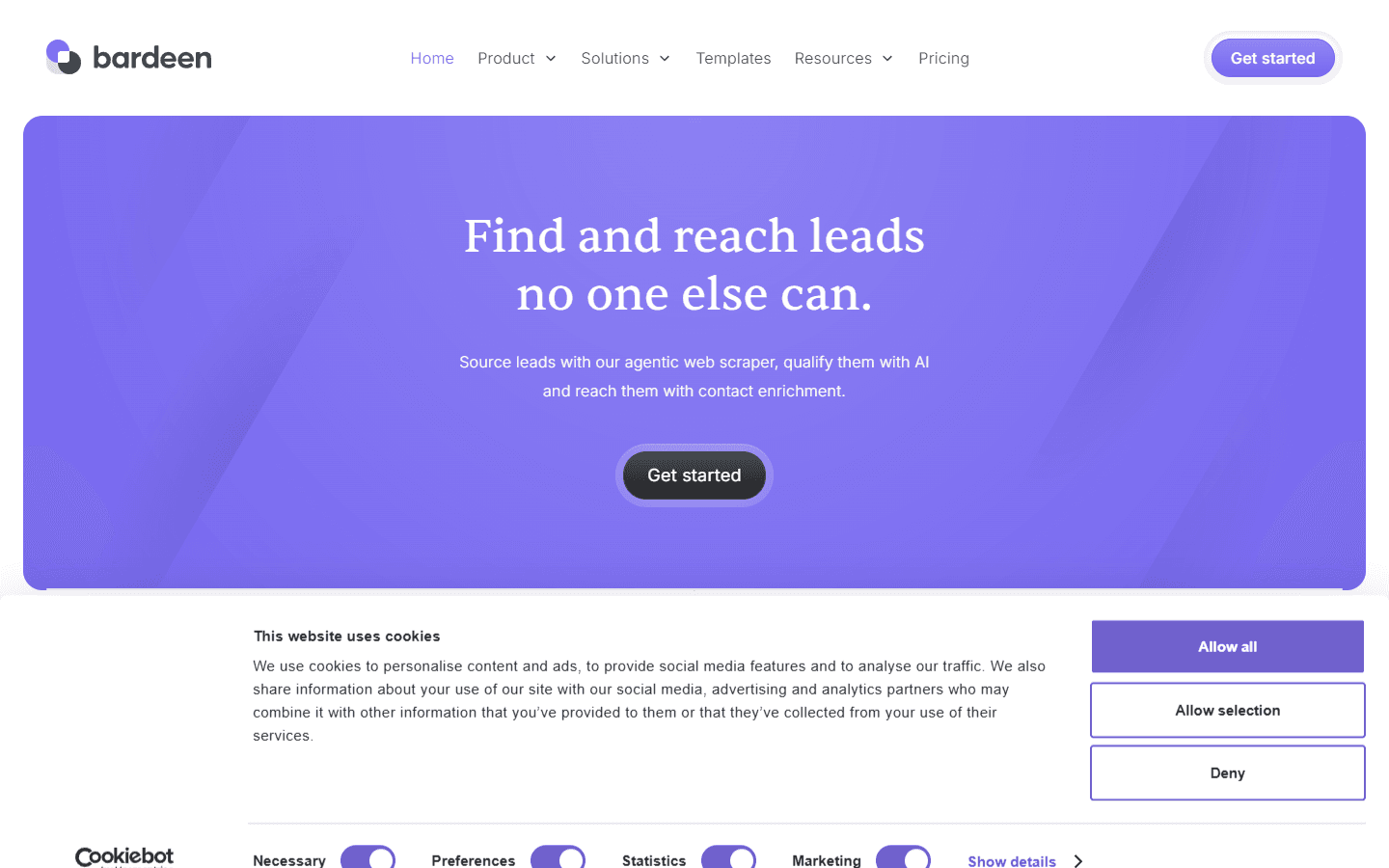
Bardeen AI browser automation — natural language playbook builder
| Feature | What's Included | Limitations |
|---|---|---|
| AI workflow builder | Natural language to automation playbook | Complex multi-step flows often need manual editing |
| Playbook library | 1,000+ pre-built automation templates | Playbooks break when websites update structure |
| Web scraping | Extract data during browser sessions | Limited to what's visible in the active browser |
| CRM integrations | HubSpot, Salesforce, Pipedrive, Airtable | Authentication issues can interrupt workflows |
| Cloud automations | Background cloud runs on paid plans | Credit-based — high-volume runs deplete credits fast |
| LinkedIn automation | Profile enrichment and CRM push playbooks | LinkedIn regularly updates interface — playbooks break |
| Contact enrichment | Validated phone numbers and emails (as of September 2026) | 3 credits per enriched row vs 1 per scraped row |
Bardeen AI Workflows: What the Automation Can Actually Do
Bardeen's AI workflow builder is its most distinctive feature. You type a task description in natural language and Bardeen generates a playbook — a sequence of automation steps — to execute it. For common tasks like "scrape this table and add rows to Google Sheets" or "when I click this trigger, create a HubSpot contact from the LinkedIn profile I'm viewing," the AI gets it right most of the time.
The accuracy of AI-generated playbooks varies with task complexity. Simple, well-defined tasks work well. Complex conditional flows with multiple data sources and branching logic often need manual editing. The AI is a starting point, not a complete solution for sophisticated automation.
For GTM teams, the most useful Bardeen automations are: LinkedIn profile to CRM push, web page data to spreadsheet, and simple email personalization triggers. These cover common repetitive tasks that eat up SDR time.
Bardeen Pricing Breakdown
Bardeen's pricing is accessible — significantly cheaper than many GTM tools — and built entirely on credits. As of September 2026, the pricing page lists three plans.
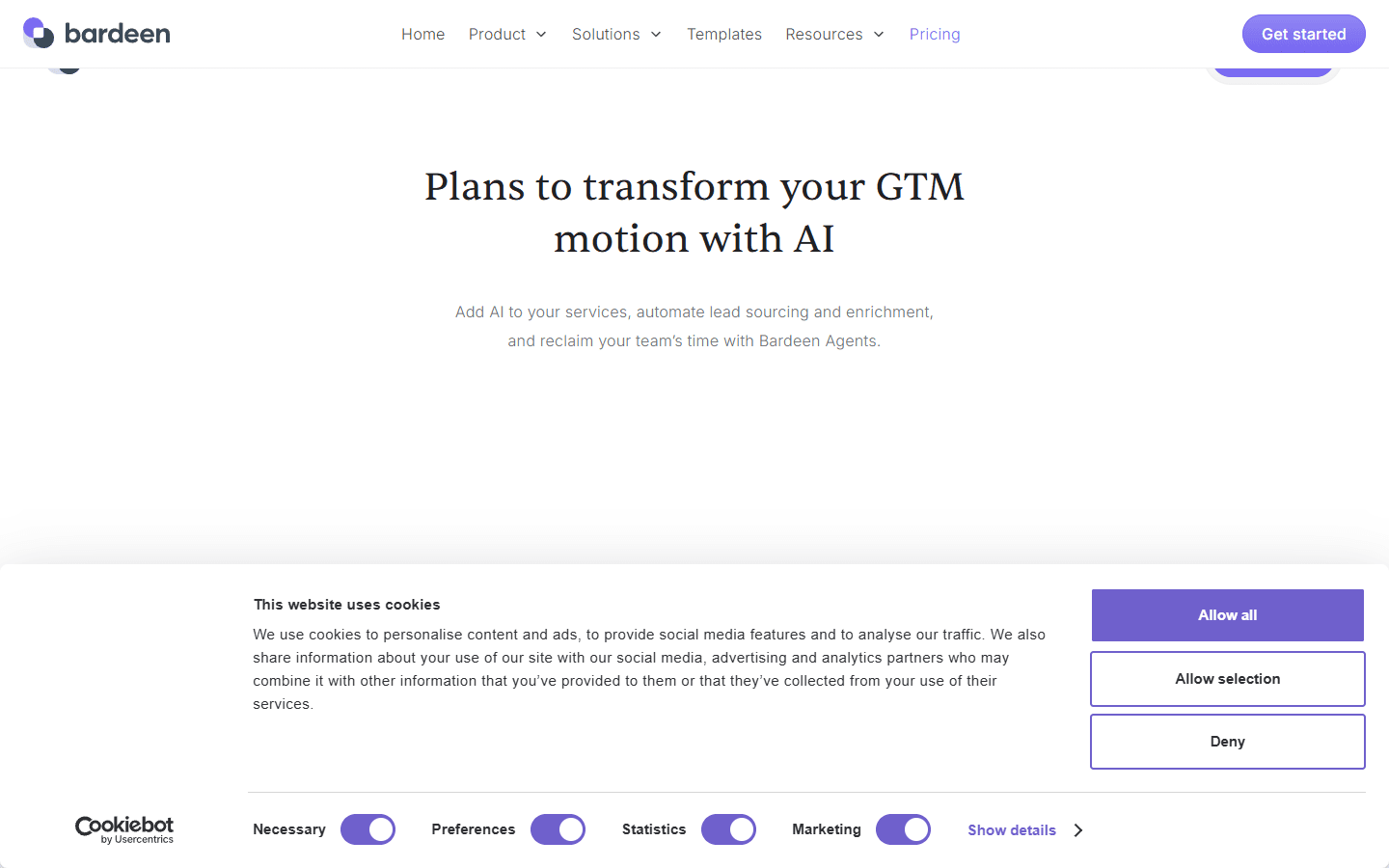
Bardeen pricing page — plan names and prices change often, so check the live page before buying
- Basic ($10/mo): 100 credits per month. Includes custom and premium scrapers, enrichment, and team features. Good for testing and light individual use.
- Premium ($50/mo, or $480/yr billed annually): 1,000 credits per month (12,000 per year on the annual plan). Same feature set with ten times the credits.
- Enterprise (custom): Custom bulk credits, premium support, and Bardeen builds and maintains custom scrapers for you.
Credits are spent per row: 1 credit per row for scraping, web search, and AI tools, and 3 credits per row for enrichment. Utilities and import/export are free. The pricing page also advertises 100 free credits, and unused credits expire monthly.
What you actually pay:Credits, not seats, drive the bill. Basic's 100 credits cover 100 scraped rows or about 33 enriched rows a month — enough for testing, not for prospecting. Premium's 1,000 credits cover roughly 330 enriched rows. A scheduled cloud automation scraping a few hundred rows a day would exhaust even Premium within a week, so estimate rows per month before you pick a plan, and price Enterprise bulk credits if you plan to run high-volume automations.
Bardeen Playbook Library: How Many Actually Work?
Bardeen's playbook library has 1,000+ pre-built automation templates. Common GTM playbooks include: LinkedIn profile to HubSpot, scrape Google search results to spreadsheet, enrich CRM contacts with web data, and sync Slack messages to project management tools.
The quality varies. Playbooks built for stable interfaces (Google Sheets, Airtable, Gmail) work reliably. Playbooks targeting social platforms like LinkedIn break regularly when those platforms update their HTML structure. Maintaining a production-grade LinkedIn enrichment workflow on Bardeen requires ongoing maintenance.
For teams that need reliable, high-volume lead data workflows, this maintenance burden is a real cost. You're essentially running a fragile scraper with a nice UI — not a robust enrichment pipeline.
Bardeen Integrations: CRM, Scraping, and App Connections
Bardeen integrates with 100+ applications including HubSpot, Salesforce, Pipedrive, Airtable, Google Sheets, Slack, Notion, and LinkedIn. The CRM integrations allow playbooks to push data directly into contact and company records without manual import.
The integrations work well for bi-directional data flow in simple scenarios. Complex field mapping — particularly when CRM schemas have custom fields or required validation — occasionally trips up automated playbooks and requires manual review.
Does Bardeen Integrate with HubSpot?
Yes, with a native HubSpot integration. Bardeen can create and update HubSpot contacts, companies, and deals via playbooks. The integration covers the most common use case: you're viewing a LinkedIn profile and want to create or update a HubSpot contact with the profile data. This playbook category is well-supported.
What Are the Downsides of Using Bardeen?
1. Playbooks Break When Sites Update
Any automation built on browser scraping is fragile. When LinkedIn, Salesforce, or any target site updates its interface, Bardeen playbooks that depend on specific element selectors break. Users report needing to rebuild or repair playbooks every few weeks for LinkedIn-dependent workflows.
- LinkedIn interface changes break enrichment playbooks regularly
- No automated playbook monitoring to detect breakage
- Maintenance overhead increases as your playbook library grows
2. Credit Depletion on Cloud Automations
Cloud automations — running in the background without the browser active — consume credits. For teams running high-frequency automated workflows, monthly credits can run out mid-cycle. Team users report needing to monitor credit usage carefully to avoid interruptions.
3. Enrichment Is Newer and Credit-Heavy
Bardeen now offers contact enrichment with "validated phone numbers & emails" (as of September 2026), but each enriched row costs 3 credits versus 1 for a scraped row. Its home and pricing pages do not describe match rates or data sources, so test enrichment on a sample of your own ICP before relying on it for verified emails or direct dials. Firmographic depth beyond what scrapers capture from the page may still require a separate data provider.
4. Extension-Dependent for Browser Automation
The most powerful Bardeen features require the Chrome extension to be installed and active. For distributed teams where every member needs the extension configured, that's a coordination overhead. Cloud automations reduce this dependency but not entirely.
How Bardeen Works: From First Playbook to Reliable Automation
Bardeen rewards a deliberate rollout. Starting with one well-defined workflow and scaling only after it proves stable gets more from your credits than switching on dozens of playbooks at once. Here is a practical path from install to production.
- Start from a template or a prompt. Search the playbook library for your task, or describe it in natural language and let Bardeen generate the playbook. Simple, well-defined tasks are where the AI builder is most reliable.
- Test on a handful of rows. Scraping, web search, and AI steps cost 1 credit per row and enrichment costs 3, so run a new playbook on 10 to 20 rows and check the output before scaling.
- Connect your destination. Map fields to Google Sheets, Airtable, Notion, or your CRM. Check custom and required CRM fields up front, since that is where automated pushes most often trip.
- Move stable playbooks to the cloud. Once a playbook works reliably, run it as a background cloud automation on a paid plan so it no longer depends on an open browser tab.
- Watch credits and breakage. Review credit usage weekly, because unused credits expire monthly and heavy runs can exhaust a plan mid-cycle. Re-test LinkedIn-dependent playbooks whenever the site changes its interface.
- Scale deliberately. If a workflow proves valuable at volume, compare Premium's 1,000 monthly credits with Enterprise, where Bardeen builds and maintains custom scrapers for you.
The pattern that works best is using Bardeen for the repetitive, browser-bound steps around your process (capturing a profile into your CRM, pulling a directory list into a sheet, researching an account before a call) rather than as the only engine behind a high-volume lead pipeline. That keeps the maintenance burden proportional to the value each playbook delivers.
Is Bardeen Worth It?
Bardeen is worth it for individual productivity automation — reducing browser-based repetitive tasks, syncing data between tools, and building lightweight personal workflows. The price point is good and the AI workflow builder genuinely lowers the barrier to automation.
For GTM teams building production-grade lead pipelines, Bardeen's browser-scraping foundation creates maintenance overhead. Every LinkedIn interface change can break scraping playbooks. Every credit-heavy workflow creates budget uncertainty.
If your team is spending hours on manual browser tasks that Bardeen could automate, the $10–$50/mo price is easy to justify. If you're trying to build a high-volume, always-on lead pipeline, budget for Enterprise credits and ongoing playbook maintenance, or pair Bardeen with a dedicated data provider.
If playbooks breaking whenever LinkedIn changes its interface is a dealbreaker, SyncGTM is one alternative worth a look: it runs waterfall enrichment across 50+ data providers with native HubSpot, Salesforce, and Pipedrive integrations.