
By Kushal Magar · September 18, 2026 · 13 min read · Last updated: September 28, 2026
7 Best AI Agent Tools for GTM and Sales Teams in 2026
Every vendor now calls their product an "AI agent," but a chatbot that drafts an email and an autonomous system that researches a prospect across ten sources before writing a word are not the same category. We tested seven AI agent tools GTM and sales teams are actually paying for in 2026, and split them by what they really are: general-purpose builders you wire up yourself, or GTM-native agents that already understand your pipeline.
Gartner expects 40% of enterprise applications to ship with task-specific AI agents by the end of 2026, up from under 5% the year before. Sales and GTM software adopted that shift faster than almost any other category — every enrichment tool, sequencer, and CRM now bolts on an "agent" of some kind.
The problem is that "AI agent" describes wildly different levels of autonomy. Some tools are general-purpose agent builders — flexible frameworks you configure with your own prompts, data sources, and logic, useful for GTM but not built for it. Others are GTM-native: they arrive already wired into contact data, buying signals, and CRM fields, so the agent knows what a "qualified lead" or "warm signal" means without you teaching it. McKinsey's research on B2B growth champions found the teams pulling ahead are the ones matching the agent type to the job — not defaulting to whichever tool has the flashiest demo.
We evaluated seven tools split across both camps on autonomy, data access depth, integration effort, and — critically — what each one costs once you run it at real outbound volume, not the sticker price on the pricing page. SyncGTM's own AI Research Agents are in this list, and we say so upfront — but every tool here, including ours, gets the same pros-and-cons treatment.
Quick Summary
Seven AI agent tools for GTM and sales teams in 2026, split by autonomy type. GTM-native agents — SyncGTM, Unify — ship pre-wired to contact data, buying signals, and CRM fields, so they need less setup and produce fewer false positives out of the box. SyncGTM leads this group with AI Research Agents that pull from websites, PDFs, and search results and write outreach off 76+ enriched data points, starting at $49 per month with a free tier. Explorium.ai sits in between: a B2B data foundation for AI agents, with a hosted MCP server and a Claude Code plugin that give general-purpose agents live company, contact, and signal data, priced on credit packages from $29.99. Artisan and 11x are full-autonomy AI SDR agents built for enterprise outbound volume, both on custom pricing with limited published rates. Relevance AI and Lindy are general-purpose, no-code agent builders — flexible enough for any department, but GTM logic has to be configured by the buyer; both offer free tiers with paid plans from roughly $19 and $49.99 per month respectively. The deciding factor at volume is rarely the monthly seat price — it's data access depth (does the agent already see your CRM and signals, or do you feed it) and whether usage is credit-metered, which can make a tool with a low entry price cost more than a $99/mo one once you scale past a few thousand contacts a month.
TL;DR
- SyncGTM — Best GTM-native agent for data-backed outreach. AI Research Agents work across websites, PDFs, and search results, then write outreach off 76+ enriched data points, from $49/mo.
- Explorium.ai — Best data layer for agents you build yourself. A hosted MCP server and Claude Code plugin give agents live company, contact, and signal data, credit packages from $29.99.
- Artisan (Ava) — Best for full-cycle autonomous outbound. One agent persona owns research, sequencing, and replies end-to-end, custom enterprise pricing.
- 11x — Best for high-volume enterprise outbound. Digital worker agents (Alice, Julian) run parallel outbound programs at scale, custom pricing.
- Relevance AI — Best general-purpose multi-agent builder. No-code canvas for assembling custom agent teams across any function, free tier plus paid plans from ~$19/mo.
- Lindy — Best general-purpose agent builder for non-technical teams. Template-driven AI assistants for GTM and ops tasks, free tier plus paid from $49.99/mo.
- Unify — Best for signal-triggered outbound at the account level. GTM-native agents fire sequences off intent and firmographic signals, custom pricing.
What We Evaluated
- Autonomy — how much of the research-to-outreach workflow the agent runs without a human in the loop
- Data access — whether the agent is pre-wired to contact, firmographic, and signal data, or requires you to connect and maintain sources yourself
- Cost at volume — real monthly spend once usage scales past a few thousand contacts, not the entry-tier sticker price
- Setup and time-to-value — how long before the agent produces usable output versus needing prompt/workflow engineering
- Accuracy and hallucination handling — how the agent behaves on incomplete or conflicting data instead of guessing
- CRM and workflow integration — native bidirectional sync versus webhook/Zapier bridges
1. SyncGTM — GTM-native AI Research Agents with the deepest pre-wired data access
SyncGTM — GTM-native AI Research Agents with the deepest pre-wired data access
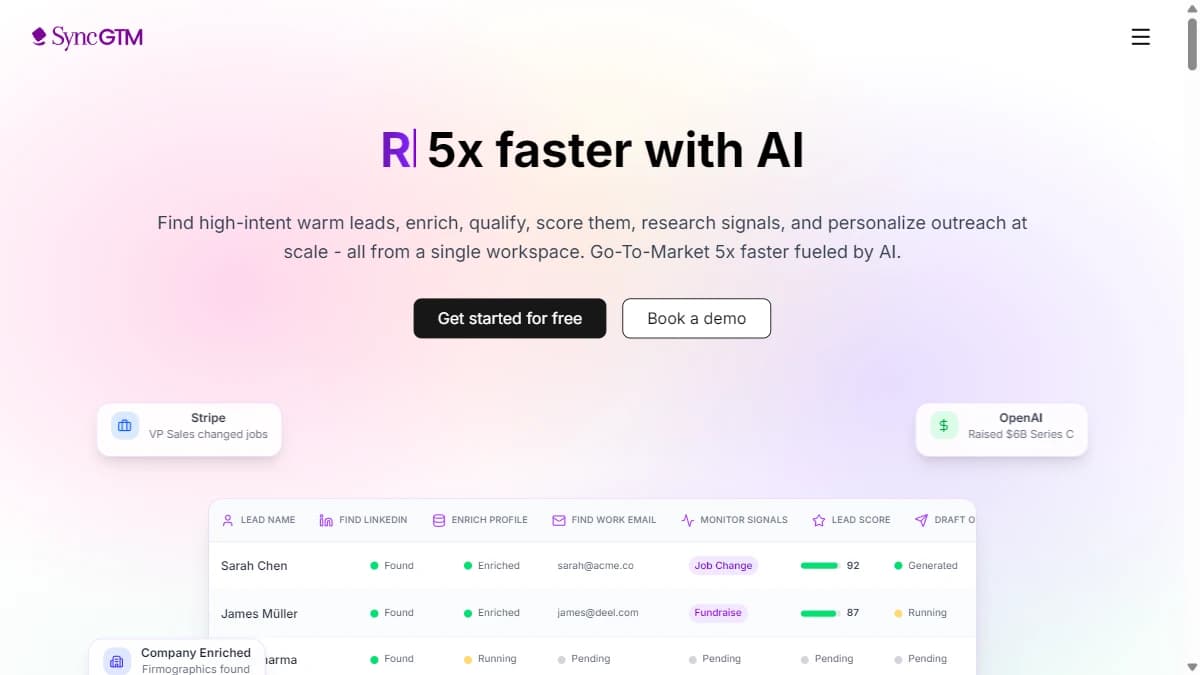
SyncGTM is a GTM-native AI agent platform built around AI Research Agents that work across websites, PDFs, and search results to build a full picture of a prospect before a single outreach message goes out. Unlike a general-purpose agent builder, SyncGTM already knows what enrichment, firmographic, and signal data look like — the agent does not need to be taught your data model.
Each agent runs a waterfall across 50+ data providers to assemble 76+ enriched data points per contact — verified email and phone, firmographics, technographics, buying signals, and freeform research pulled from the open web. Outreach copy is generated off that full context, not a name-and-company mail merge, which is why teams report meaningfully higher reply rates than single-source enrichment tools.
Because the agent and the data layer are the same product, setup is fast: connect a CRM, define an ICP, and the agent starts researching and enriching without a separate integration project. Explore prebuilt agent workflows in the GTM agents library or start from a workflow template to see the output before committing to a build.
Pros
- +AI Research Agents work across websites, PDFs, and search results, not just a single database
- +76+ enriched data points per contact from a 50+ provider waterfall
- +Flat monthly pricing — no credit metering that spikes at volume
- +Native CRM sync (Salesforce, HubSpot, Pipedrive) on every paid plan
- +Free tier available to test agent output before paying
Cons
- −Newer agent library than legacy enrichment-only tools, so some niche data sources are still being added
- −Full end-to-end autonomy (agent sends without review) is opt-in, not default — by design, but not for teams wanting zero-touch sending
Best for: GTM-native AI Research Agents with the deepest pre-wired data access
Pricing: Starts at $49/mo. Free tier available with limited credits.
2. Explorium.ai — Teams building their own agents that need live B2B company, contact, and signal data
Explorium.ai — Teams building their own agents that need live B2B company, contact, and signal data
Explorium.ai is not an agent itself. It is the B2B data foundation that agents run on, which puts it between a general-purpose builder and a GTM-native tool. Its AgentSource product exposes one REST API and a hosted MCP server that let any agent resolve, fetch, enrich, and monitor company and prospect data across 146M+ companies and 767M+ professional profiles.
The MCP route is where Explorium stands out for agent builders. Vibe Prospecting installs in one click from the Claude and ChatGPT connector directories, and the AgentSource plugin for Claude Code (explorium-ai/agentsource-plugin on GitHub) brings the same data into a developer's terminal. An agent built in Claude or your own framework can pull firmographics, technographics, contact details, and 4,000+ signals such as funding rounds, job changes, and hiring without you maintaining a stack of separate provider connections.
The trade-off is the same as with any data layer: Explorium supplies the context, but you still own the agent logic and the send step. There is no built-in sequencing, inbox, or dialer, and credit use varies by enrichment type (1-5 credits each), so cost at volume depends on how many lookups each agent run makes. Packages start at $29.99 for 500 credits after a 100-credit free trial.
Pros
- +Hosted MCP server and REST API built for AI agents
- +One-click Vibe Prospecting install from the Claude and ChatGPT connector directories
- +AgentSource plugin for Claude Code for developer-built agents
- +146M+ companies, 767M+ profiles, and 4,000+ signals from 100+ data sources
Cons
- −Data layer only — you build or bring the agent that acts on it
- −No built-in sequencing, inbox, or dialer; hands off to a separate engagement tool
- −Credit cost varies by enrichment type (1-5 credits), so heavy agent runs need budgeting
Best for: Teams building their own agents that need live B2B company, contact, and signal data
Pricing: Free trial: 100 credits. Credit packages from $29.99 (500 credits) to $7,499.99 (500K credits). Enterprise custom.
3. Artisan (Ava) — Teams wanting one autonomous agent to own the full outbound cycle end-to-end
Artisan (Ava) — Teams wanting one autonomous agent to own the full outbound cycle end-to-end
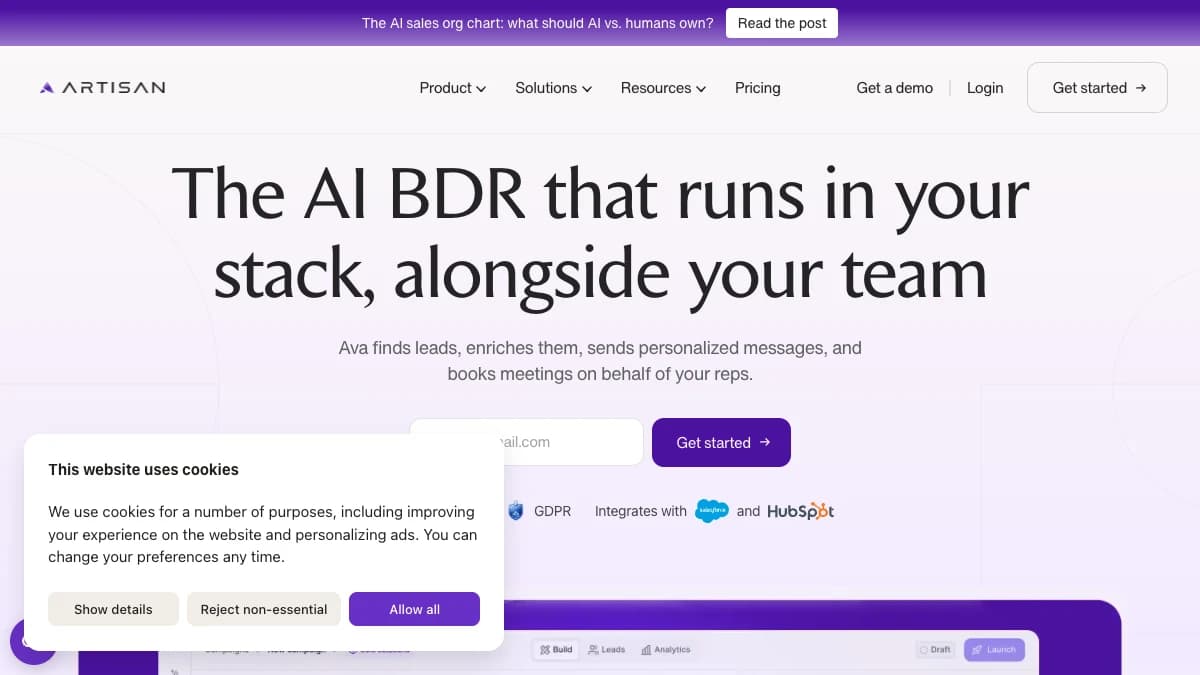
Artisan markets its AI BDR, Ava, as a single agent persona that owns the full outbound cycle: prospect research, list building, personalized sequencing, and inbox reply handling. It is one of the highest-autonomy tools in this list by design — the pitch is replacing a chunk of SDR headcount, not just assisting one.
Ava operates inside Artisan's own platform rather than plugging into your existing sequencer, which means less integration work but also less control over individual send logic compared to a modular stack. The company has leaned heavily into brand and positioning (its "AI will take your job" billboard campaign generated significant attention), which draws scrutiny on whether output quality matches the autonomy claims.
For teams evaluating Artisan, the practical question is less "can it write an email" and more "do we trust an agent to own timing, tone, and follow-up cadence without a rep reviewing every send." That trade-off is the entire value proposition.
Pros
- +Full-cycle autonomy — research, sequencing, and reply handling in one agent
- +Purpose-built for outbound, not a repurposed general agent framework
- +Reduces the number of point tools needed for a pure outbound motion
Cons
- −Custom/opaque pricing — no published rate card, harder to budget at volume
- −Closed platform — less flexibility to swap in your own data sources or sequencer
- −High autonomy means less human review by default, which raises risk on message quality at scale
Best for: Teams wanting one autonomous agent to own the full outbound cycle end-to-end
Pricing: Custom enterprise pricing. Contact sales — no published rate card.
4. 11x — Enterprise teams running high-volume outbound across multiple parallel programs
11x — Enterprise teams running high-volume outbound across multiple parallel programs
11x builds "digital workers" — named AI agents like Alice and Julian — aimed at enterprise teams that need to run several parallel outbound programs at once without scaling human headcount linearly. The pitch is explicitly enterprise: 11x positions itself against hiring additional SDRs rather than against a specific software category.
Each digital worker is trained on a defined ICP and playbook, then runs prospecting and outbound largely unsupervised. For enterprise teams running multiple segments or products, 11x's model of standing up a dedicated agent per motion can parallelize outbound in a way a single shared tool cannot.
That enterprise focus shows up in the buying process too — 11x is not a self-serve, credit-card signup product. Expect a sales cycle and a custom quote scoped to your outbound volume and number of agents deployed, which puts it out of reach for smaller teams testing agentic outbound for the first time.
Pros
- +Built for parallel, high-volume enterprise outbound across multiple segments
- +Named digital workers can be scoped to specific ICPs or product lines
- +Enterprise-grade onboarding and account support included in engagement
Cons
- −Not accessible for smaller teams — no self-serve tier or transparent starting price
- −Long sales cycle to get quoted, which slows evaluation compared to self-serve tools
- −Best value only materializes at genuinely high outbound volume
Best for: Enterprise teams running high-volume outbound across multiple parallel programs
Pricing: Custom pricing based on volume and number of digital workers. Contact sales.
5. Relevance AI — RevOps and GTM engineering teams building a fully custom multi-agent stack
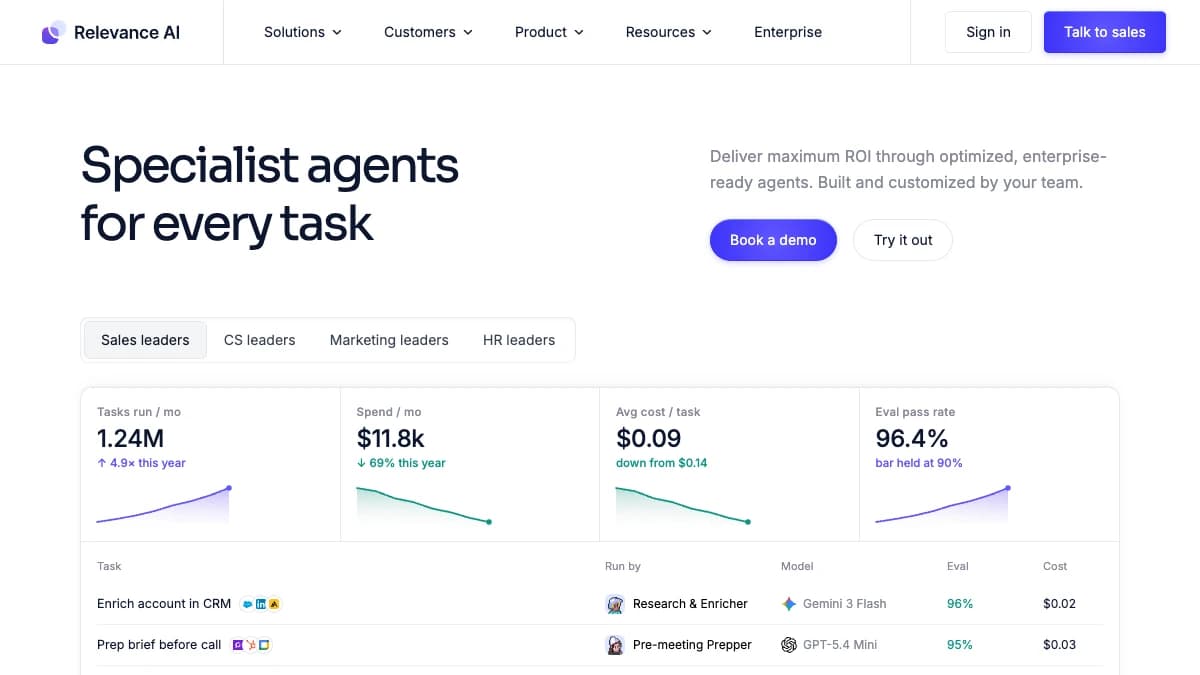
Relevance AI — RevOps and GTM engineering teams building a fully custom multi-agent stack
Relevance AI is a general-purpose, no-code agent builder — a canvas for assembling multi-agent "teams" that can be pointed at GTM, RevOps, support, or research workflows equally. It is the most flexible tool on this list because it makes no assumptions about your data model at all.
For GTM use, teams typically wire Relevance AI to their own CRM, enrichment providers, and messaging tools, then define the agent logic themselves — a research agent that hands off to a scoring agent, which hands off to a drafting agent, for example. That flexibility means Relevance AI can model almost any process, but none of the GTM-specific logic (what a signal means, what "enriched" means) ships pre-built the way it does in a GTM-native tool.
Relevance AI is a strong fit for RevOps or GTM engineering teams who want to build a tailored agent stack and are comfortable owning the integration and prompt work, rather than teams that want a working agent on day one.
Pros
- +Genuinely general-purpose — usable across GTM, support, ops, and research
- +No-code multi-agent canvas lowers the bar to build custom agent teams
- +Free tier available to prototype before committing to a paid plan
Cons
- −No GTM-specific logic out of the box — you configure what "qualified" or "enriched" means
- −Longer time-to-value than a pre-wired GTM-native agent for sales-specific use cases
- −Requires ongoing prompt and workflow maintenance as your process changes
Best for: RevOps and GTM engineering teams building a fully custom multi-agent stack
Pricing: Free tier available. Paid plans start around $19/mo and scale with agent and credit usage.
6. Lindy — Non-technical teams deploying template-based AI assistants for common GTM tasks

Lindy — Non-technical teams deploying template-based AI assistants for common GTM tasks
Lindy is a general-purpose AI agent builder aimed at non-technical users, with a large library of templates — including several GTM ones for lead qualification, meeting scheduling, and inbox triage — that can be deployed with light configuration instead of a full build from scratch.
Where Relevance AI leans toward technical, multi-agent orchestration, Lindy leans toward single-purpose assistants that are easy to set up: connect your calendar, inbox, or CRM, pick a template, adjust the prompt, and the agent runs. That makes it a reasonable entry point for smaller GTM teams that want agentic automation without hiring for it.
The trade-off is depth. Lindy's GTM templates handle common, well-defined tasks well, but they do not carry the enriched data context or waterfall provider access that a purpose-built GTM agent platform ships with — you are still responsible for connecting good data in.
Pros
- +Large template library lowers setup time for common GTM tasks
- +Approachable for non-technical teams — no prompt engineering background required
- +Free tier available to test before paying
Cons
- −Templates cover common tasks well but lack deep GTM-specific data access
- −Less suited to complex, multi-step outbound workflows than purpose-built agents
- −Per-seat and usage pricing can add up once multiple team members deploy agents
Best for: Non-technical teams deploying template-based AI assistants for common GTM tasks
Pricing: Free tier available. Paid plans start at $49.99/mo.
7. Unify — Signal-triggered outbound at the account level for mid-market and enterprise teams
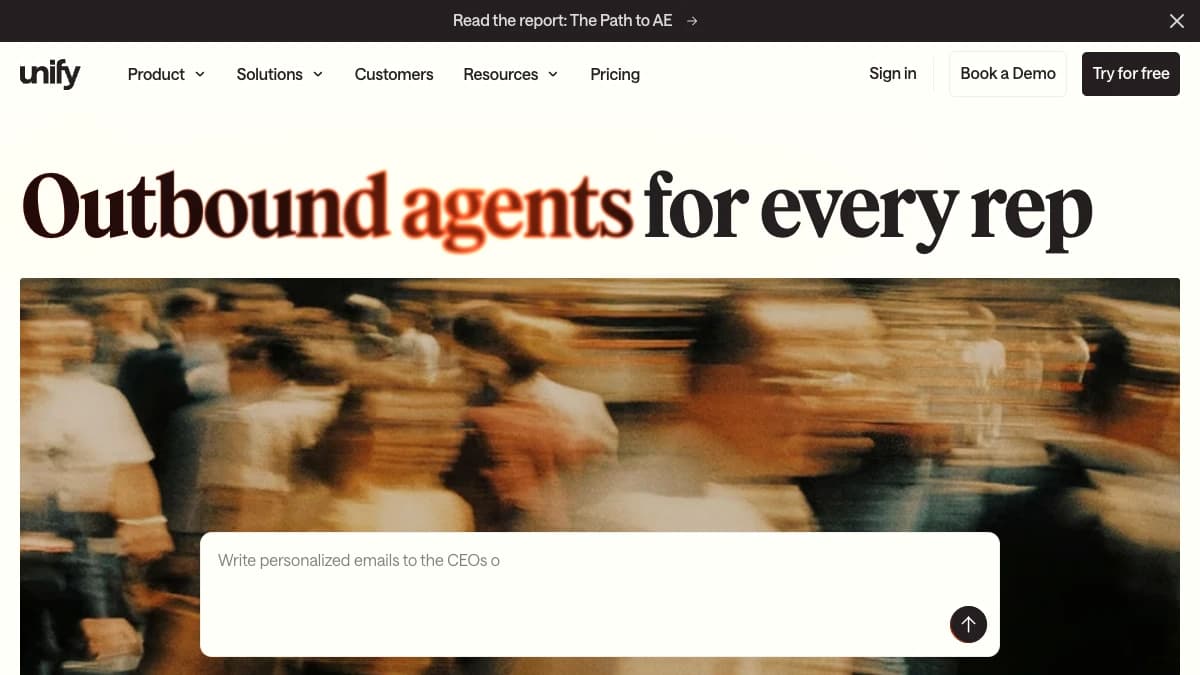
Unify — Signal-triggered outbound at the account level for mid-market and enterprise teams
Unify is a GTM-native platform where AI agents trigger outbound based on intent signals and firmographic changes — a new hire, a tech stack change, a spike in website visits — rather than running against a static, pre-built list. The agent's job is to watch signals and act, not just draft copy on request.
Because Unify's agents are built around signal detection, the value depends heavily on signal quality and relevance to your ICP — a team without a clearly defined set of buying signals will get less out of Unify's agent layer than a team that already knows what "in-market" looks like for their product.
Unify combines prospecting data, agent logic, and sequencing in one workflow, which reduces the number of tools needed for a signal-driven outbound motion, but pricing is not published, and the platform is positioned toward mid-market and enterprise teams rather than early-stage self-serve buyers.
Pros
- +Signal-triggered agents act on real-time buying signals instead of static lists
- +Combines data, agent logic, and sequencing in one connected workflow
- +Reduces tool sprawl for teams running a signal-driven GTM motion
Cons
- −Custom pricing with no published rate card — harder to evaluate cost upfront
- −Value depends on how well-defined your buying signals already are
- −Positioned toward mid-market/enterprise, less accessible for small teams testing the category
Best for: Signal-triggered outbound at the account level for mid-market and enterprise teams
Pricing: Custom pricing based on signal volume and seats. Contact sales.
Comparison Table
| Tool | Best For | Free Tier | Starting Price | Standout Feature |
|---|---|---|---|---|
| SyncGTM | GTM-native AI Research Agents with the deepest pre-wired data access | Yes | $49/mo | 76+ enriched data points per contact via AI Research Agents across web, PDFs, and search |
| Explorium.ai | Teams building their own agents that need live B2B company, contact, and signal data | Yes (100 credits) | $29.99/pkg | Hosted MCP server and Claude Code plugin that connect agents to 4,000+ B2B data signals |
| Artisan (Ava) | Teams wanting one autonomous agent to own the full outbound cycle end-to-end | No | Custom pricing | Single agent persona (Ava) runs research through reply-handling without handoffs |
| 11x | Enterprise teams running high-volume outbound across multiple parallel programs | No | Custom pricing | Named digital worker agents (Alice, Julian) scoped per outbound program |
| Relevance AI | RevOps and GTM engineering teams building a fully custom multi-agent stack | Yes | ~$19/mo | No-code canvas for assembling custom multi-agent teams across any department |
| Lindy | Non-technical teams deploying template-based AI assistants for common GTM tasks | Yes | $49.99/mo | Large ready-made template library for GTM, scheduling, and inbox tasks |
| Unify | Signal-triggered outbound at the account level for mid-market and enterprise teams | No | Custom pricing | AI agents fire outbound directly off real-time intent and firmographic signals |
How to Choose
- SyncGTM if you need GTM-native AI Research Agents with the deepest pre-wired data access
- Explorium.ai if you need teams building their own agents that need live B2B company, contact, and signal data
- Artisan (Ava) if you need teams wanting one autonomous agent to own the full outbound cycle end-to-end
- 11x if you need enterprise teams running high-volume outbound across multiple parallel programs
- Relevance AI if you need revOps and GTM engineering teams building a fully custom multi-agent stack
- Lindy if you need non-technical teams deploying template-based AI assistants for common GTM tasks
- Unify if you need signal-triggered outbound at the account level for mid-market and enterprise teams