

3 Best Email Warm-up Schedule in 2026 (Ranked and Compared)

By Kushal Magar · April 24, 2026 · 12 min read
Key Takeaway
This guide ranks the 3 best email warm-up schedule tools in 2026: SyncGTM (first) for B2B GTM teams who want warm-up embedded inside enrichment and sequencing at $49/mo; Warmforge for cold email agencies managing 25+ mailboxes with AI-driven ramp and Instantly/Smartlead integrations at ~$24/mo per mailbox; MailReach for pure B2B mailbox accuracy with a Google Workspace and Office 365 weighted network and bundled inbox placement testing at $25/mo per inbox. All three automate the ramp, adapt to live reputation signals, and protect sender reputation during cold outreach scale-up.
An email warm-up schedule is the difference between your cold outreach landing in the primary inbox and getting buried in spam before anyone reads it.
Gmail and Outlook raised their spam thresholds in 2024 and again in early 2026. A new sending domain without a structured warm-up ramp hits spam on the first campaign — not after a few weeks, but immediately.
The problem is that not all warm-up tools use the same schedule logic. Some ramp too fast and trigger spam filters. Others ramp too slowly and waste weeks of outreach capacity.
This post compares the 3 best email warm-up schedule tools in 2026 with real ramp data, honest pricing, and clear verdicts for each use case. No affiliate padding. No padded lists when 3 tools actually matter.
Quick Summary
The best email warm-up schedule tool depends on your ESP, team size, and whether you want warm-up standalone or embedded in your GTM stack. SyncGTM ($49/mo) leads for B2B GTM teams — automated warm-up runs inside the same platform as waterfall enrichment, AI sequencing, and CRM sync. Warmforge (~$24/mo per mailbox) wins for agencies managing 25+ inboxes with AI-driven ramp and Instantly/Smartlead integrations. MailReach ($25/mo per inbox) wins for pure B2B mailbox accuracy with a Google Workspace and Office 365 weighted network. Pair any of these with clean, verified contact data for best deliverability outcomes — see our email validation services guide.
TL;DR: Best Email Warm-up Schedule Tools in 2026
- SyncGTM — Best for B2B GTM teams. Automated warm-up schedule embedded inside waterfall enrichment, AI sequencing, and CRM sync. Reputation signals trigger automatic campaign re-routing. From $49/mo Solo.
- Warmforge — Best for cold email agencies. AI-driven warm-up ramp adapts per mailbox automatically. Native Instantly and Smartlead integrations. Continuous placement monitoring. From ~$24/mo per mailbox.
- MailReach — Best for B2B inbox accuracy. Network weighted 85%+ toward Google Workspace and Office 365. Schedule auto-throttles when spam rate exceeds 0.3%. Inbox placement testing bundled. From $25/mo per inbox.
What Is an Email Warm-up Schedule?
An email warm-up schedule is a structured ramp plan that gradually increases a new or dormant sending domain's daily email volume to build sender reputation with inbox providers like Gmail and Outlook.
Without a schedule, sending 200 cold emails from a brand-new domain triggers spam filters immediately. With a proper schedule, the same domain can safely send 500+ emails per day within 4–6 weeks.
Definition: Email Warm-up Schedule
A day-by-day or week-by-week ramp plan that controls sending volume, inbox engagement signals, and spam complaint rate for a new email address or domain. The goal is to establish a positive sender reputation with inbox providers before launching cold outreach at scale.
A warm-up schedule works by sending emails to a network of real or managed inboxes that open, reply, and rescue messages from spam. These engagement signals tell Gmail and Outlook that your domain sends mail people want — not bulk spam.
The schedule component is critical. Ramp too fast and inbox providers flag the sudden volume spike. Ramp too slowly and you lose weeks of outreach capacity. The best tools automate this calibration based on real-time inbox health data.
According to Google's bulk sender guidelines, spam complaint rates must stay below 0.10% to maintain inbox placement. A well-calibrated warm-up schedule keeps your complaint rate well below that threshold during the critical ramp period.
Pair a warm-up schedule with verified contact data and you compound the benefit. Clean lists mean lower bounce rates. Lower bounce rates mean higher sender scores. Our soft bounce email guide covers how to classify and handle bounces before they damage your warm-up progress.
How We Ranked These Tools
We ranked the 3 best email warm-up schedule tools on five criteria that matter to B2B outbound teams:
- Ramp logic quality — does the schedule adjust automatically based on real inbox health data, or is it a fixed calendar?
- Inbox network quality — are the warm-up inboxes real business accounts (Google Workspace, Office 365) or consumer and seed-list accounts?
- Schedule flexibility — can you customize the ramp speed, target volume, and pause/resume windows?
- Integration depth — does warm-up tie into your cold email sequencer, CRM, and enrichment layer — or is it a standalone island?
- Pricing transparency — is per-inbox pricing clear, and what happens when you scale to multiple sending domains?
We did not rank on brand awareness or feature count. We ranked on what actually determines whether your emails land in the primary inbox during and after the ramp period.
1. SyncGTM — Best Email Warm-up Schedule for B2B GTM Teams
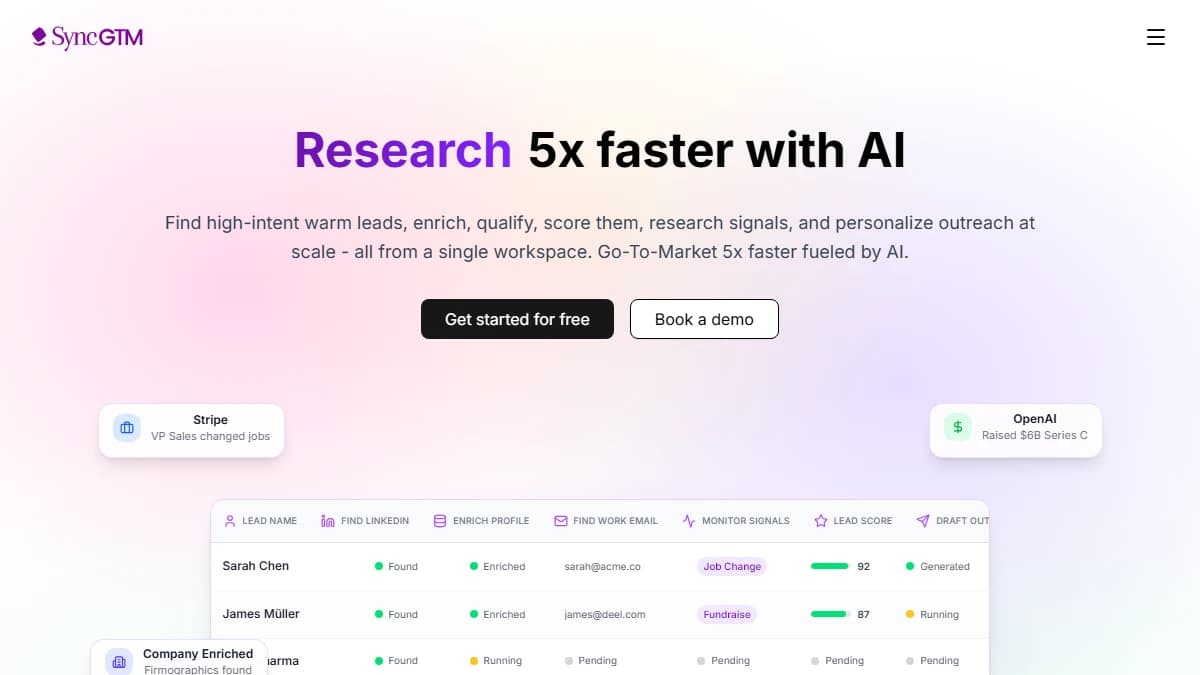
SyncGTM — automated email warm-up schedule embedded inside a full B2B GTM platform
SyncGTM is the only tool on this list that treats email warm-up as part of the outbound workflow rather than a standalone pre-flight task. When you connect a new mailbox to SyncGTM, the platform automatically runs the warm-up schedule before routing any cold sequences through that address. There is no separate warm-up app to configure — no manual ramp to track — and no risk of a rep accidentally sending a sequence from an un-warmed mailbox.
The warm-up schedule SyncGTM runs is built around real engagement signals. The platform sends low-volume emails through a B2B-focused network in week one (10–20/day), increases by 20–30% every 3–4 days based on open rates and reply patterns, and flags any reputation drift — soft bounces, spam folder placement, blocklist hits — before it compounds. Mailboxes that show healthy signals graduate to the active sending pool automatically.
What differentiates SyncGTM is the context layer. Warm-up health signals sit alongside your enrichment data, sequence performance, and CRM state in one dashboard. When a mailbox starts drifting toward spam during a live campaign, SyncGTM re-routes those sequences to a warmed backup mailbox while the primary recovers — without pausing the campaign. That kind of infrastructure-level redundancy is not available in any standalone warm-up tool.
SyncGTM also integrates warm-up directly with automated email warm-up workflows and email validation — catching bad addresses before they hit the warm-up queue and inflate your bounce rate artificially.
Pros
- ✓ Warm-up runs automatically — no manual schedule management
- ✓ Embedded in enrichment, sequencing, and CRM sync — one platform
- ✓ Mailbox reputation signals trigger automatic campaign re-routing
- ✓ Email validation prevents bad sends during warm-up
- ✓ Free tier available — AI agents and CRM integration included
- ✓ No per-seat pricing — team growth does not compound costs
Cons
- ✗ Not a standalone warm-up tool — best value when using the full GTM stack
- ✗ Narrower warm-up network than MailReach for pure mailbox reputation work
- ✗ Agency multi-client workflows need the Business tier ($249/mo)
Best for:
B2B GTM teams running cold outbound who want email warm-up, enrichment, sequencing, and CRM sync in one platform — without stitching together 3–4 separate tools.
Pricing:
Free tier with AI agents and CRM integration. Starter $49/mo with waterfall enrichment, verified emails, warm-up scheduling, and deliverability signals. Pro and Business tiers for higher volume.
2. Warmforge — Best Email Warm-up Schedule for Cold Email Agencies
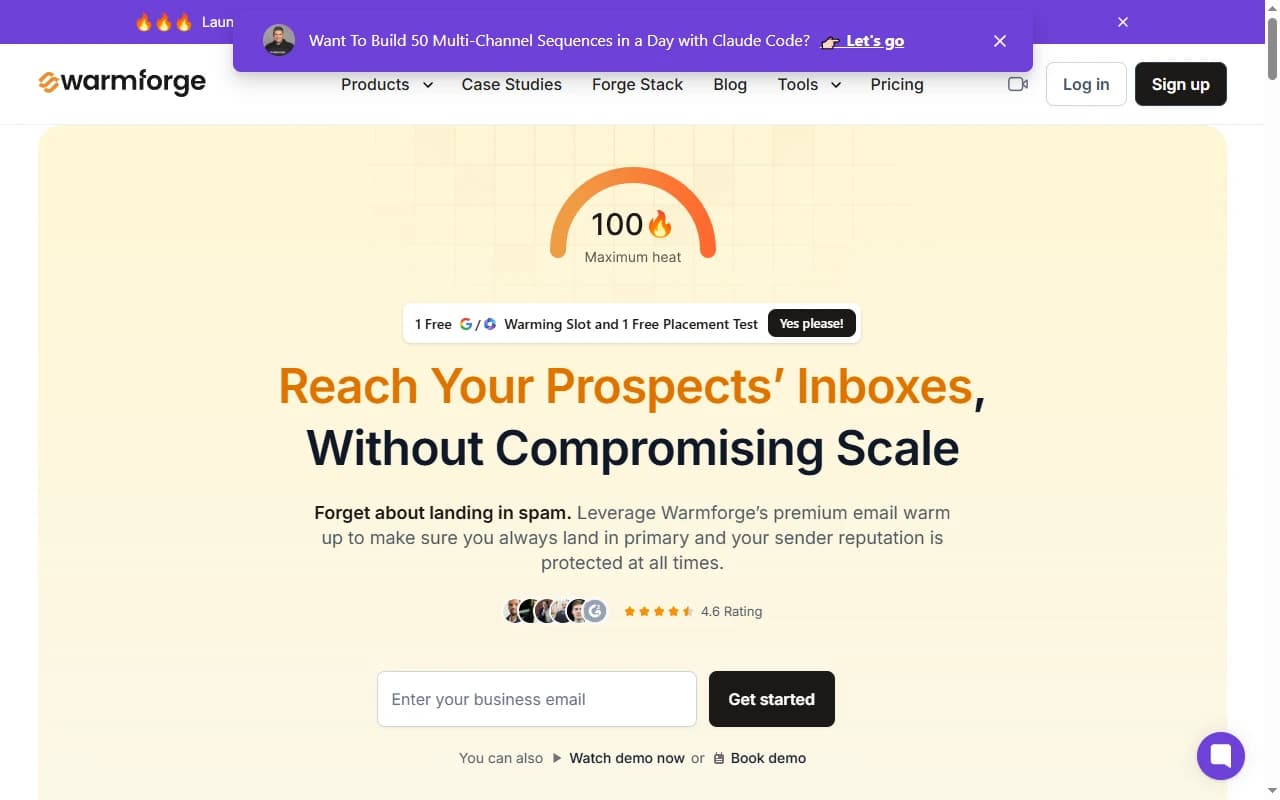
Warmforge — AI-driven email warm-up schedule with continuous placement monitoring
Warmforge is a purpose-built AI-driven warm-up tool for cold email agencies, lead-gen shops, and outbound operators managing 25–500+ mailboxes across multiple clients. The AI layer handles what would otherwise require a full-time deliverability specialist: adjusting ramp speed per mailbox, pulling back sends when reputation signals deteriorate, and re-accelerating when health metrics recover.
Warmforge connects natively with Instantly and Smartlead. When you add a new mailbox in either platform, Warmforge automatically starts the warm-up schedule in parallel — no manual handoff required. Continuous placement monitoring runs on a rolling basis, so reputation trends surface before campaigns fail.
Per-mailbox pricing is a deliberate fit for agencies that add and retire sending addresses constantly. At 50+ mailboxes, volume discounts bring the per-unit cost well below MailReach's per-inbox rate. The tradeoff: Warmforge is a pure infrastructure tool. It does not include enrichment, sequencing, or CRM sync — you need your sequencer and data stack to sit alongside it.
Pros
- ✓ AI adapts warm-up ramp speed per mailbox automatically
- ✓ Continuous placement monitoring — not just one-off tests
- ✓ Native integrations with Instantly and Smartlead
- ✓ Per-mailbox pricing scales for agencies at volume
- ✓ Reputation trend reports surface drift before campaigns tank
Cons
- ✗ No enrichment, sequencing, or CRM — pure warm-up and placement
- ✗ Lighter authentication diagnostics than GlockApps
- ✗ Per-mailbox model gets expensive for solo senders below 5 mailboxes
- ✗ Newer platform with a smaller reference community
Best for:
Cold email agencies, lead-gen shops, and outbound operators managing 25+ sending mailboxes who need AI-driven warm-up on autopilot with native Instantly and Smartlead integration.
Pricing:
From ~$24/month per mailbox. Volume discounts for 25+ mailboxes. Free trial available on request.
3. MailReach — Best Email Warm-up Schedule for B2B Mailbox Accuracy

MailReach — B2B-weighted email warm-up schedule with bundled inbox placement testing
MailReach is a dedicated email warm-up and inbox placement platform that runs a warm-up schedule weighted toward Google Workspace and Office 365 inboxes. For B2B senders targeting business emails — the vast majority of cold outbound — this weighting matters more than raw network size.
A warm-up network dominated by consumer Gmail accounts sends reputation signals that don't accurately reflect how business inbox providers evaluate your domain. MailReach solves this by keeping 85%+ of its network on Google Workspace and Office 365 — the same providers your prospects use, per MailReach's published network data.
The warm-up schedule in MailReach adjusts automatically when spam complaint rates approach 0.3%. It slows sending, increases rescue signals (pulling emails out of spam), and alerts you before you cross Google's 0.10% complaint threshold. Inbox placement testing is bundled — no separate subscription needed to check where your emails land.
Pros
- ✓ Network weighted 85%+ toward Google Workspace and Office 365
- ✓ Inbox placement testing bundled at no extra cost
- ✓ Schedule auto-throttles when spam complaint rate exceeds 0.3%
- ✓ Works with any ESP: Google Workspace, Office 365, Zoho, custom SMTP
- ✓ Flat $25/mo per inbox — no per-email fees or credit systems
Cons
- ✗ No built-in enrichment, sequencing, or CRM
- ✗ No native integration with Instantly or Smartlead
- ✗ Per-inbox pricing gets expensive fast at 10+ mailboxes
- ✗ Consumer ESP coverage narrower than standalone diagnostic tools
Best for:
B2B outbound teams targeting business emails who want the most accurate warm-up schedule for Gmail and Outlook inbox placement — especially for domain reputation recovery.
Pricing:
$25/mo per inbox. No per-email charges. Inbox placement tests included. 7-day free trial available.
Side-by-Side Comparison: Email Warm-up Schedule Tools
| Feature | SyncGTM | Warmforge | MailReach |
|---|---|---|---|
| Starting price | $49/mo (Starter) | ~$24/mo per mailbox | $25/mo per inbox |
| B2B inbox weighting | B2B signals + enrichment context | Business-focused, AI-selected | 85%+ Google Workspace / O365 |
| Schedule logic | Automated + campaign re-routing | AI-adaptive per mailbox | Auto-throttle on spam rate |
| Inbox placement testing | Yes — deliverability signals built in | Yes — continuous monitoring | Yes — bundled |
| Enrichment + sequencing | Yes — full GTM stack | No | No |
| CRM integration | HubSpot, Salesforce, Pipedrive, Attio | None | API only |
| Cold email sequencer integration | Native (built in) | Instantly, Smartlead | None |
| Free tier | Yes | Trial only | Trial only |
| Best for | B2B GTM teams | Agencies, 25+ mailboxes | Pure B2B accuracy, 1–10 mailboxes |
Email Warm-up Schedule by Goal
The right ramp timeline depends on what you are trying to accomplish. Different goals require different schedule lengths and intensity.
New Domain — First Campaign
A new domain needs 4–6 weeks of warm-up before launching cold outreach at scale. Target ramp: 10–20 emails/day in week 1, 50–75 emails/day by week 3, 150–200 emails/day by week 5. All three tools support this ramp automatically.
Dormant Domain — Resuming After 3+ Months Inactive
A dormant domain needs 2–3 weeks of warm-up before resuming cold outreach.Start at 20–30 emails/day and increase by 25% every 3 days. Your domain's reputation partially decays during inactivity but does not reset to zero. A shorter schedule than new domains is sufficient if original deliverability was strong.
Penalized Domain — Recovering from Spam Flag
A penalized domain needs 6–8 weeks of conservative warm-up before resuming any cold outreach.Start at 5–10 emails/day for the first two weeks. Focus heavily on rescue signals (pulling warm-up emails out of spam) before increasing volume. MailReach's auto-throttle is particularly valuable here — it prevents re-triggering the spam flag during recovery. See our warm up email address guide for the address-level recovery checklist.
Active Campaign — Maintenance Warm-up
Run 10–20 warm-up emails per day continuously, even during live campaigns. This maintenance schedule keeps positive engagement signals flowing between active send windows. All three tools support maintenance mode. SyncGTM and Warmforge run it automatically in the background without manual configuration.
See our inbox placement testing guide to benchmark your warm-up progress against industry standards for Gmail and Outlook.
How to Choose the Right Email Warm-up Schedule Tool
Choose SyncGTM if:
- You want warm-up embedded inside your outbound workflow — no separate app
- You need enrichment, sequencing, and CRM sync alongside deliverability monitoring
- Automatic campaign re-routing on reputation drift matters to your pipeline
Choose Warmforge if:
- You manage cold email for multiple clients or 25+ sending mailboxes
- You use Instantly or Smartlead and want warm-up to run natively alongside them
- Per-mailbox cost control at volume is a priority
Choose MailReach if:
- Your entire prospect base uses Google Workspace or Office 365
- You want inbox placement testing bundled without a separate subscription
- You are recovering from spam flag on 1–10 high-value mailboxes
Whichever tool you choose, pair it with clean, verified contact data. High bounce rates from bad email lists undo warm-up progress faster than any scheduling decision. Our cold email response rate guide covers the full stack of signals that determine whether your outreach actually converts.
Final Verdict
The best email warm-up schedule is not the one with the biggest inbox network. It is the one whose ramp logic matches how inbox providers actually evaluate sender reputation — and how well that data connects to the rest of your outbound workflow.
SyncGTM wins for B2B GTM teams. Warm-up runs automatically inside the same platform as enrichment, sequencing, and CRM sync. Reputation drift triggers campaign re-routing — not just an alert. That is the only tool here that turns warm-up data into outbound action.
Warmforge wins for agencies and operators managing 25+ mailboxes at scale. AI-driven ramp, continuous monitoring, and Instantly/Smartlead integration make deliverability infrastructure run without manual oversight.
MailReach wins for pure B2B mailbox accuracy on 1–10 high-value inboxes. The Google Workspace and Office 365 weighted network gives the most realistic signal for where your cold outreach will land. Start here for domain recovery — migrate to SyncGTM once your GTM workflow expands.
None of these tools fixes a broken outreach strategy. Warm-up schedules protect your deliverability infrastructure — they are the foundation, not the ceiling. See our spam word checker guide for pre-send content hygiene, and our direct email marketing tools comparison for the full sending stack.