

Datamorf Review 2026: AI Data Transformation — Pricing and Capabilities

By Kushal Magar · April 8, 2026 · 10 min read · Last updated: September 30, 2026
Key Takeaway
Datamorf is a no-code GTM orchestration platform that lets marketing, sales, and RevOps teams build extract-process-activate workflows without engineering help. As of September 2026, the Core plan costs seventy-one euros per month billed yearly for ten thousand runs, two seats, and five integrations; Growth costs one hundred fifty-nine euros per month billed yearly for fifty thousand runs, ten seats, and unlimited integrations; and Enterprise starts from nine hundred euros per month. Paid lookups such as email finders, phone lookups, and AI transformations draw on a separate credit wallet. Best for: teams that already have their CRM, outreach, and enrichment tools and need them connected, with templates for AI lead scoring and lead routing. Weaknesses: a smaller integration library than dedicated ETL tools, enrichment that depends on external providers billed through credits, and a learning curve for complex multi-step workflows.
Datamorf is a no-code GTM orchestration platform that connects, cleans, and enriches data across your sales and marketing tools. You build multi-step workflows — extract from a source, process with AI or custom logic, activate to a destination — and let them run on schedule or in real time.
You are probably here because your team spends too much time wrangling data between tools. Lead lists arrive dirty. CRM fields are half-empty. Your enrichment process involves five spreadsheets and a prayer.
This Datamorf review covers how the transformation workflows actually work, what each pricing tier includes, where the AI features deliver and where they fall short, and which teams it actually fits.
Datamorf Review: What You Get (and What You Don't)
Datamorf follows a three-step workflow model: extract data from sources, process it with transformations or AI, and activate it to downstream destinations. Each run covers all three steps as a single billed unit. Check user feedback on Capterra.
| Feature | What's Included | Limitations |
|---|---|---|
| Workflow Builder | Visual multi-step data pipelines | Complex branching requires learning curve |
| AI Transformations | AI-assisted data cleaning and enrichment | Generic AI — not trained on GTM data |
| Data Sources | CSV, Google Sheets, APIs, web scraping | Fewer native connectors than Fivetran or Airbyte |
| Real-time Processing | Live data sync and scheduled runs | Monthly run limits apply per plan tier |
| GTM Templates | AI lead scoring, signal-based targeting, HubSpot lead routing | You still configure each workflow; Core caps you at 10 workflows |
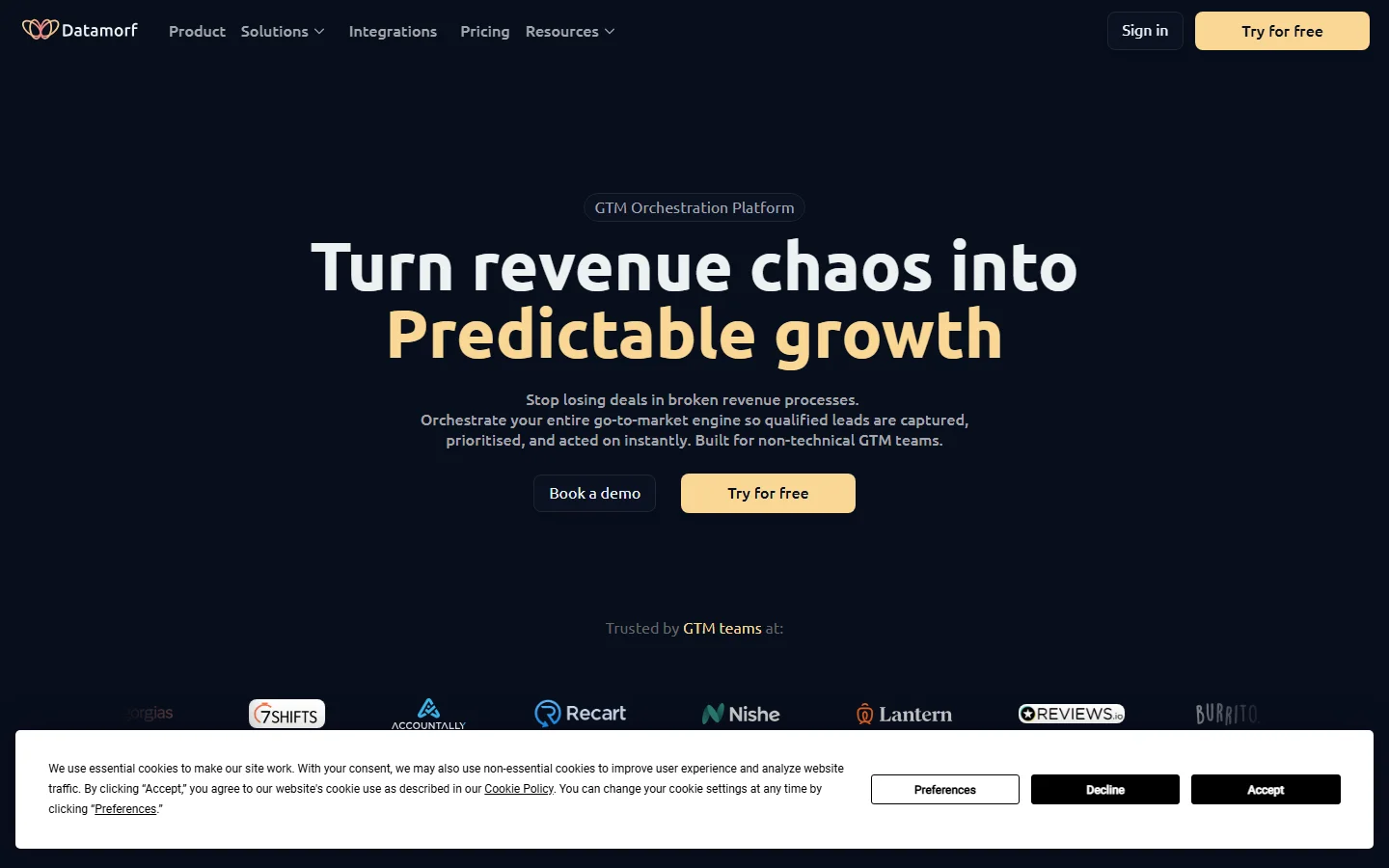
Datamorf homepage
The takeaway: Datamorf is a builder, not a data provider. It orchestrates data between the tools you already use, and paid lookups such as email finders and phone numbers run through third-party services billed from a separate credit wallet.
Datamorf Workflows: How the Data Transformation Works
You start by connecting a data source — a CSV upload, a Google Sheets link, an API endpoint, or a web scraper. Then you chain processing steps: clean empty fields, normalize formatting, deduplicate rows, enrich with AI-generated content, or run custom code transformations.
The activation step pushes processed data to a destination: another spreadsheet, a CRM via API, a data warehouse, or a webhook. Each full extract-process-activate cycle counts as one run, regardless of how many processing steps you add.
What works well
The workflow builder is visual and approachable. Setting up a basic data cleaning pipeline takes under 30 minutes. The run-based billing is predictable — one run covers every step in the workflow. Real-time processing means you can trigger workflows on data changes rather than waiting for batch schedules.
Where it falls short for GTM teams
Templates get you started, but every workflow is still yours to build and maintain. A lead enrichment flow means choosing an email finder, mapping its response fields, handling errors and empty results, and setting up the CRM push. Each paid lookup also draws on the credit wallet, so the order in which you call providers affects cost. Our waterfall enrichment guide covers how to order providers so fallback lookups only run when earlier ones come back empty.
Datamorf AI Features: Real Capability vs. Marketing
Datamorf markets AI as a core differentiator. The AI features let you generate content from data, classify records, extract entities from unstructured text, and suggest data transformations. These work through connections to external AI models.
What the AI actually does
The AI transformations are essentially prompt-based processing steps. You write a prompt, Datamorf sends your data row to an LLM, and returns the result as a new field. Useful for tasks like summarizing company descriptions, categorizing industries, or generating email copy from profile data.
What it does not do
The AI is not a proprietary sales dataset. It can score a lead against your ICP criteria or classify accounts, but only using the data your workflow feeds it. It does not know on its own which companies are showing buying intent or which contacts recently changed jobs; those signals have to come from a connected source. For signal-driven enrichment, review our guide on the best buying intent data tools for 2026.
Datamorf Pricing Breakdown
Datamorf publishes pricing on their pricing page. As of September 2026, plans are priced in euros and based on monthly workflow runs, seats, and integrations. The prices below are billed yearly; paying monthly costs more:
- •Core (€71/mo): 10,000 runs/month, 10 workflows, unlimited tasks, 2 seats, 5 integrations, data extractor (Reverse ETL), 7-day run history, community support
- •Growth (€159/mo): 50,000 runs/month, unlimited workflows and integrations, 10 seats, unlimited run history, priority email support
- •Enterprise (from €900/mo): Custom run volume, unlimited seats, multi-workspace, custom transformations and integrations, professional implementation services, dedicated phone and video support
Two billing units matter. A run is one full workflow execution, however many steps it contains. Credits are a separate pay-as-you-go wallet for external services such as email finders, phone lookups, AI transformations, and scrapers, and they never expire. Core and Growth both come with a free trial.
What you actually pay
If each lead record triggers one workflow run, a small GTM team processing 10,000 records a month fits the Core plan's 10,000 runs at €71/mo, as long as it stays within 5 integrations and 2 seats. Every email lookup, phone lookup, or AI step inside those workflows is billed from the credit wallet on top of that, so the plan price is the floor, not the total.
Hidden costs to watch
- Run limits reset monthly — spikes in volume can force a plan upgrade
- Email finders, phone lookups, AI transformations, and scrapers are billed from a separate credit wallet
- The Core plan caps you at 5 integrations, 10 workflows, and 2 seats
- Headline prices are in euros and assume yearly billing
What Are the Downsides of Using Datamorf?
Limited native integrations
Datamorf covers the core GTM stack — HubSpot, Salesforce, Instantly, HeyReach, Apollo — plus CSV, Google Sheets, APIs, and web scraping. But compared to dedicated ETL tools like Fivetran (300+ connectors) or Airbyte (350+ connectors), the integration library is thin. If your data lives in niche SaaS tools, you are building custom API connections for each one.
Run-based pricing scales in steps
At 10,000 runs on Core and 50,000 on Growth, teams processing large lead databases hit limits fast. A mid-market company enriching 100,000 contacts a month is likely looking at Enterprise, which starts from €900/mo and goes through a sales consultation.
You bring the data sources
Datamorf orchestrates data; it does not sell it. Contact details come from the enrichment services you connect or pay for through the credit wallet, and signals come from the tools feeding your workflows. Teams that want contact data and enrichment out of the box should compare it with CRM enrichment platforms before committing.
Learning curve for complex workflows
Simple data cleaning is straightforward. But multi-step workflows with conditional logic, API error handling, and data mapping between different schemas take time to build and debug. Users on review sites note that documentation could be more comprehensive for advanced use cases.
Who Should Use Datamorf (and Who Shouldn't)
Datamorf pitches itself as the GTM orchestration platform marketing and sales teams use "when engineering can't help." That framing is the best filter for deciding whether it fits your team.
A good fit if you
- Already have your stack and data sources. Datamorf connects tools like HubSpot, Salesforce, Instantly, HeyReach, and Apollo. If the data already exists somewhere and the problem is moving, cleaning, and acting on it, that is exactly what the workflows are for.
- Run RevOps without engineering support. AI lead scoring and routing leads to the right rep inside HubSpot are among the use cases Datamorf showcases, and templates give you a starting point instead of a blank canvas.
- Run a lead generation agency.Two of the three customer stories on Datamorf's homepage are lead generation agencies, one of which reports cutting costs by 70% compared with its previous Zapier and n8n setup.
Look elsewhere if you
- Need contact data out of the box. Datamorf orchestrates data rather than selling it. Email finders and phone lookups run through external services billed from the credit wallet, so teams starting without a contact source should pick an enrichment provider first.
- Need warehouse-grade pipelines. Syncing hundreds of SaaS apps into a data warehouse is the job of dedicated ETL tools like Fivetran or Airbyte, which offer far larger connector libraries.
- Process very high volumes on a small budget. Growth lists 50,000 runs a month, and Enterprise, with custom run volumes, starts from €900/mo.
A quick sizing checklist
Before you start a trial, count four things: how many workflow runs you expect each month (one run is one full execution, however many steps it has), how many tools you need to connect (Core allows 5 integrations), how many people need seats (2 on Core, 10 on Growth), and how many paid lookups or AI steps each run triggers, since those draw on the separate credit wallet. Those four numbers tell you which plan you need and what the real monthly cost will be.
Is Datamorf Worth It?
Datamorf is worth it for marketing, sales, and RevOps teams that need flexible transformation workflows without engineering help. The visual builder is clean, run-based billing is predictable, and AI-assisted processing adds genuine value for tasks like content generation, lead scoring, and data classification.
Datamorf is a weaker fit for teams that want enrichment to work out of the box. You still choose the data providers, pay for lookups through the credit wallet, and build each workflow, so the value depends on having someone who will own those workflows.
The verdict: a capable no-code orchestration layer for GTM teams that already have their tools and data sources in place and need them connected without engineering help. If you need the data itself, start with an enrichment provider and add orchestration later.
Exploring data transformation tools? Read our reviews of Census, Clearbit, and our guide on the best way to enrich CRM data for B2B teams.
If building and maintaining every enrichment workflow yourself is a dealbreaker, SyncGTM is one alternative worth a look: it runs waterfall enrichment across 50+ data providers with native HubSpot, Salesforce, and Pipedrive integrations.