

6 Best Email Deliverability Test Tools for Cold Email 2026

By Kushal Magar · October 20, 2026 · 14 min read
Key Takeaway
The best email deliverability test tool for most cold email teams in 2026 is GlockApps, which shows inbox placement per provider (2 free tests, then $59/mo for 360). MailReach is the best cold-email-first pick, with a free spam test (3 per 24 hours) across 30+ Google, Microsoft, and Yahoo seed mailboxes. mail-tester is the best free spam score check, EmailGuard fits agencies running many domains, MailGenius fixes risky copy, and MxToolbox diagnoses DNS and blocklist problems. Verify your list before you test, because no deliverability test catches the bounces a bad list causes.
An email deliverability test tells you where your cold email lands before your prospects do. You send one message to a test address or a seed list, and you get back a spam score, authentication results, a blocklist scan, or an inbox placement report by provider.
This guide ranks 6 email deliverability test tools for cold email in 2026: GlockApps, MailReach, mail-tester, EmailGuard, MailGenius, and MxToolbox. Each one is compared on inbox placement testing, spam scoring, DNS and blocklist checks, and price.
Prices and limits come from each vendor's pricing page as of October 2026. SyncGTM has no affiliate deal with any tool on this list.
Quick Summary
Use GlockApps for the most detailed inbox placement report. Use MailReach if you run cold email and want a free placement check. Use mail-tester for a free spam score in 30 seconds. Pick EmailGuard for dozens of domains, MailGenius for copy fixes, and MxToolbox when DNS or a blocklist is the problem.
TL;DR: Best Email Deliverability Test Tools in 2026
- 1. GlockApps: Best overall. Seed-list placement by provider, spam filter results, and DMARC analytics. 2 free tests, then $59/mo for 360.
- 2. MailReach: Best for cold email teams. Free spam test across 30+ Google, Microsoft, and Yahoo seeds, plus warmup at $19.5 per inbox.
- 3. mail-tester: Best free quick check. SpamAssassin-based score out of 10, 3 free tests per 24 hours, packs from $5.
- 4. EmailGuard: Best for agencies. 300 inbox placement tests and 25 domains for $49/mo.
- 5. MailGenius: Best for copy audits. AI copy analysis and rewrites, from $23/mo for 60 tests.
- 6. MxToolbox: Best for DNS and blocklist diagnostics. Free lookups and ping test; Delivery Center from $129/mo.
- Before any test: clean the list with SyncGTM email verificationso bounces don't burn the inboxes you are testing.
What an Email Deliverability Test Actually Checks
An email deliverability test checks four layers: authentication, sender reputation, content, and inbox placement. Cheap tools cover one or two layers; paid seed-list tools cover all four.
- Authentication. Do SPF, DKIM, and DMARC pass and align? Since 2024, Google's sender guidelines require SPF, DKIM, and DMARC for anyone sending 5,000+ messages a day to Gmail. Microsoft started enforcing the same rules for Outlook.com in May 2025.
- Reputation and blocklists. Is your domain or sending IP listed on a public blocklist? One listing can push an otherwise clean campaign into spam.
- Content and spam score. Do your words, links, images, or tracking pixels trip a filter? Most spam scores are built on Apache SpamAssassin rules.
- Inbox placement. Where does the email land at Gmail, Outlook, and Yahoo: inbox, spam, a tab, or nowhere? Only seed-list tests answer this one.
Google also asks senders to keep the spam rate in Postmaster Tools below 0.1% and never reach 0.3%. Yahoo's sender rules set the same authentication and complaint expectations.
None of the six tools checks a fifth layer: whether the addresses on your list exist. That is a list verification job, covered in Step Zero below.
How We Ranked These Deliverability Test Tools
Each tool was scored on five criteria that matter for cold email. We weighted inbox placement depth and price per test highest, because cold email teams test many inboxes, often.
- Inbox placement depth: seed-list results per provider, not just a score.
- Spam and content scoring: how clearly the report explains what to fix.
- DNS and blocklist checks: SPF, DKIM, DMARC, MX, and blocklist coverage.
- Cold email fit: support for many inboxes, many domains, and recurring tests.
- Price per test: free allowance and the cost of testing at volume.
We compared published features and plan limits; we did not run a side-by-side lab test. If you only need seed-list placement, our inbox placement testing roundup goes deeper on that one layer.
Step Zero: Verify Your List Before You Test (SyncGTM)
A deliverability test checks your sending setup, but it cannot see the bounces your list will cause once the campaign goes live. Hard bounces tell Gmail and Outlook you are mailing addresses that don't exist, and reputation drops with every one.
Most cold email operators keep hard bounces under 2%. A list scraped or bought six months ago can blow past that on day one, even from an inbox that scored 10/10 in every test.
SyncGTM's Verify Email action runs syntax, domain, MX, and mailbox-level SMTP checks across multiple verification providers in a waterfall. It flags disposable, role-based, and catch-all addresses so you can drop or segment them before sending.
Each check costs 0.1 credits, and plans start at $49/mo (see SyncGTM pricing). Pair it with Find Work Email so every lead is found and verified in one pass, then push the clean list into your sequencer.
Then run the tests below. With a clean list, a placement drop points to your domain, inbox, or copy, not to bad data.
Comparing standalone verifiers instead? See our free email verifier roundup.
1. GlockApps: Best Overall Inbox Placement Test
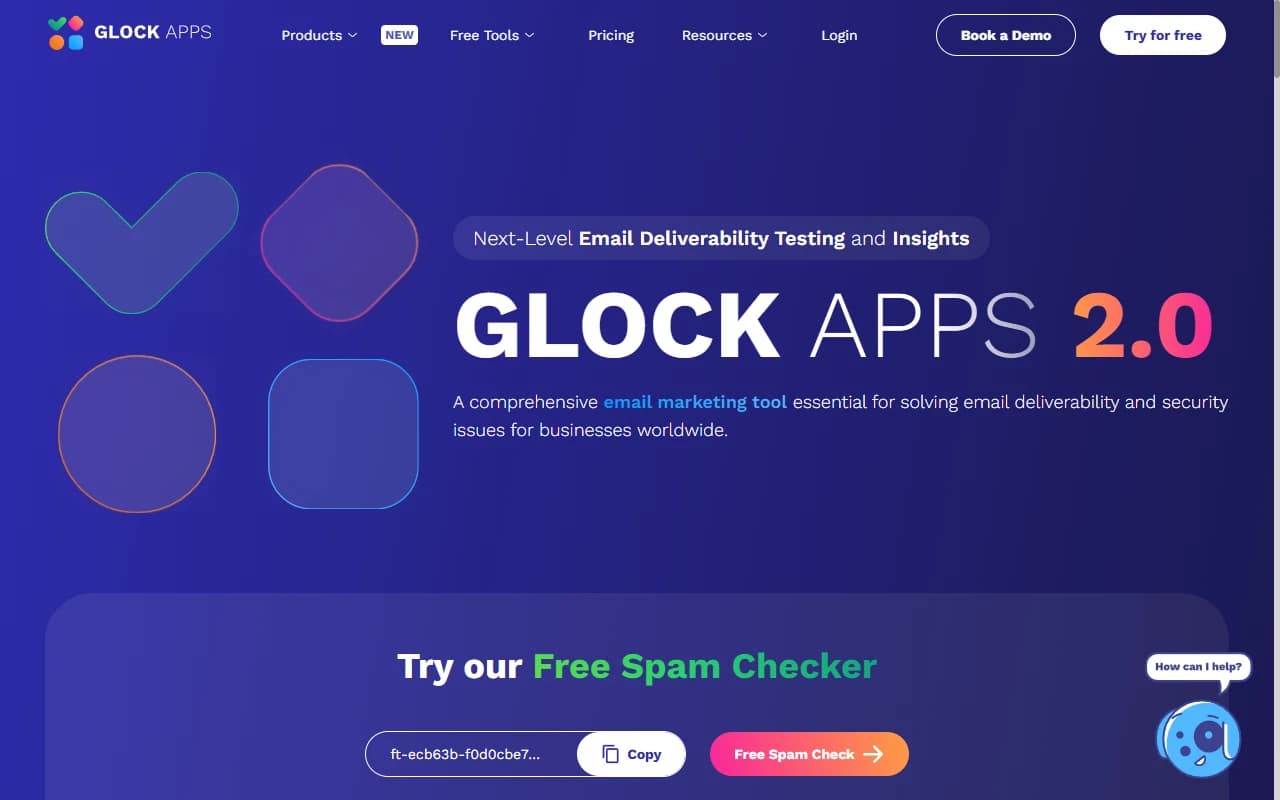
GlockApps: seed-list inbox placement, spam filter checks, and DMARC analytics
GlockApps is an inbox placement testing platform for teams that want results by provider, with seed-list tests, spam filter checks, and DMARC analytics from $59/mo. You send your email to a seed list, and GlockApps reports whether each copy hit the inbox, spam, a tab, or went missing.
Each report also checks SPF, DKIM, and DMARC and shows how spam filters scored the message. Paid plans bundle DMARC Analytics, uptime monitors, and IP reputation monitoring, so one subscription covers testing and ongoing monitoring.
For cold email, test each sending inbox on its own. A domain can look healthy at Gmail and land in spam at Outlook, and the per-provider breakdown tells you which inbox to pause.
Pros
- ✓ Per-provider inbox, spam, tab, and missing results from one test
- ✓ DMARC Analytics with unlimited domains on every plan
- ✓ Free plan includes 2 spam test credits
- ✓ Monthly credits scale to 1,800 tests on Enterprise
Cons
- ✗ Seed accounts don't open or reply, so results can differ from real B2B placement
- ✗ Credits go fast if you test every inbox before every campaign
- ✗ Free plan is too small for ongoing cold email monitoring
Best for: Teams that want the most detailed per-provider placement report before launching a campaign.
Pricing: Free (2 tests, 10,000 DMARC messages). Essential $59/mo (360 tests), Growth $99/mo (1,080 tests), Enterprise $129/mo (1,800 tests), per GlockApps pricing.
2. MailReach: Best for Cold Email Teams
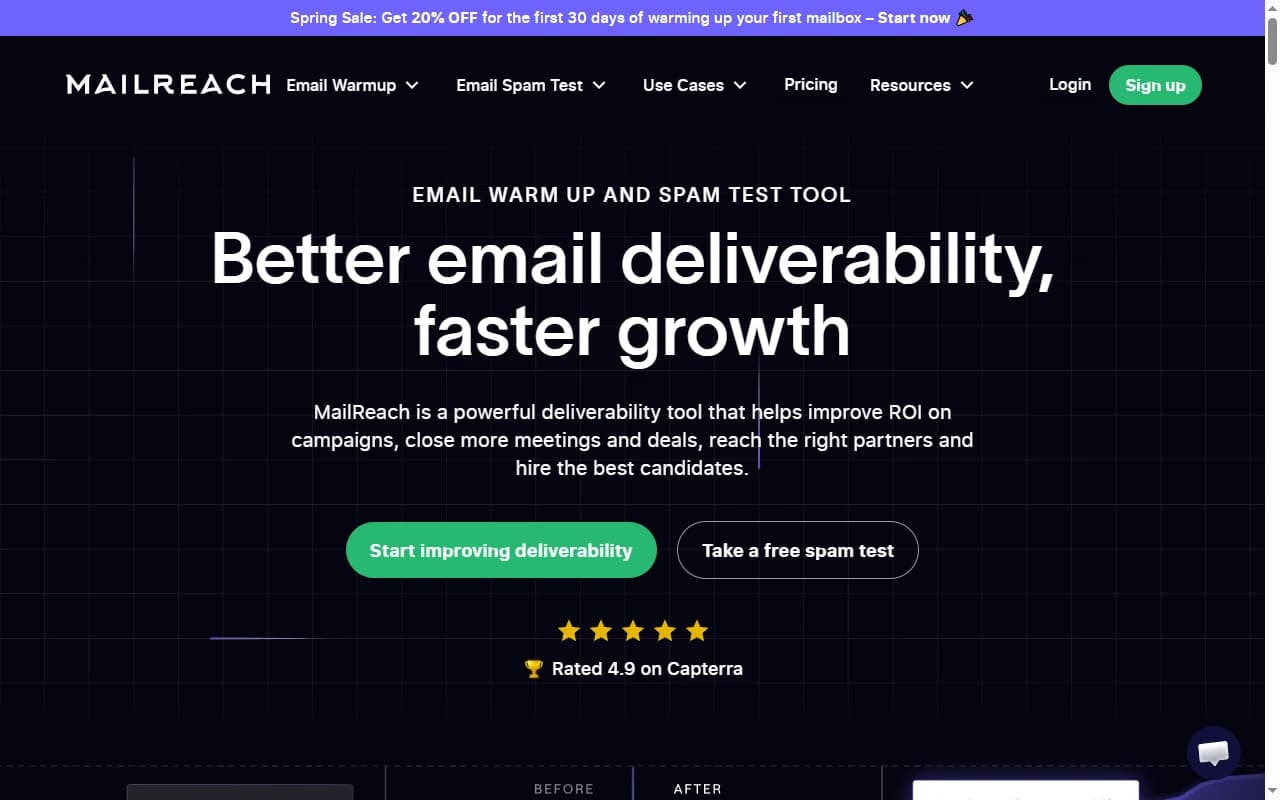
MailReach: free spam test across Google, Microsoft, and Yahoo seed mailboxes
MailReach is a cold email deliverability platform for outbound teams, with a free spam test and inbox warmup at $19.5 per mailbox per month. Its spam test sends your email to 30+ seed mailboxes across Google, Microsoft, and Yahoo and reports where each copy landed.
The same report checks blocklists for your domain and sending IP and validates SPF, DKIM, DMARC, and MX records. It also flags content risks: spam words, links, HTML, images, attachments, and tracking pixels.
Because MailReach also sells warmup, you can test, fix, and warm an inbox in one place. Our cold email warm-up comparison covers how it stacks up against other warmup networks.
Pros
- ✓ Free spam test, up to 3 per 24 hours
- ✓ Placement, blocklist, DNS, and content checks in one report
- ✓ Warmup network built on Google Workspace and Office 365 inboxes
- ✓ Designed for cold email senders, not newsletters
Cons
- ✗ Spam test credit prices aren't listed on the pricing page
- ✗ Smaller seed coverage than GlockApps
- ✗ Warmup is billed per mailbox, which adds up past 20 inboxes
Best for: Cold email teams that want a free placement check and warmup from the same vendor.
Pricing: Free spam test (3 per 24 hours). Spam test credits sold in tiers from 20 to 10,000+. Warmup $19.5 per mailbox per month, 20% less billed yearly, per MailReach pricing.
3. mail-tester: Best Free Spam Score Check
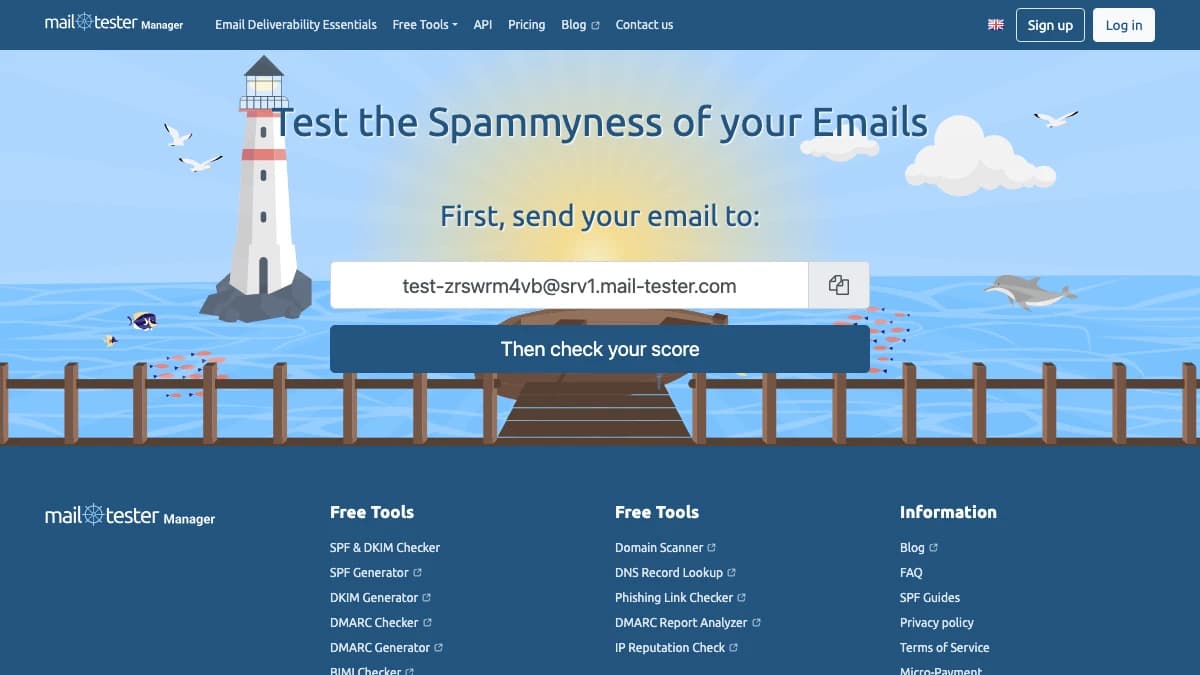
mail-tester: send one email, get a SpamAssassin-based score out of 10
mail-tester is a free spam score checker for quick pre-send checks, scoring one email out of 10. You send a message to a unique test address, and mail-tester analyzes the message, your mail server, and your sending IP.
The score runs on SpamAssassin with the scale reversed, so 10/10 is the goal. The report lists what is configured correctly and what isn't, which makes it a fast way to catch setup or content problems before launch.
The limit is scope. mail-tester grades one message against one filter stack; it does not tell you whether Gmail or Outlook will put it in the inbox.
Pros
- ✓ 3 free tests in any 24-hour window, no account needed
- ✓ Clear score out of 10 that anyone on the team can read
- ✓ Cheap paid packs, from $5 for 10 tests
- ✓ Results kept 30 days with an account and your own prefix
Cons
- ✗ No inbox placement data for Gmail, Outlook, or Yahoo
- ✗ A 10/10 score doesn't guarantee inbox delivery
- ✗ One-off checks only, with no monitoring or alerts
Best for: A free sanity check on new copy, signatures, or DNS changes before every campaign.
Pricing: Free for 3 tests per 24 hours. Packs from $5 for 10 tests; subscriptions from $10/mo for 50 tests up to $250/mo for 7,500, excluding VAT, per mail-tester pricing.
4. EmailGuard: Best for Agencies With Many Domains
EmailGuard: scheduled placement tests, content checks, and blocklist monitoring
EmailGuard is a deliverability and monitoring platform for agencies running many domains, with 300 inbox placement tests and 25 domains for $49/mo. You can run ad-hoc or scheduled placement tests across major email providers and pair them with content spam checks.
Around the tests, EmailGuard adds blocklist monitoring for domains, IPs, and sending servers, DMARC reporting, and delisting guidance. Paid plans also include domain masking proxies and hosted redirects for teams managing secondary domains.
Plans scale by domains and email accounts. That makes EmailGuard a better fit for an agency with 75 domains than for a founder with one.
Pros
- ✓ Free plan includes 10 email tests and 20 content spam checks
- ✓ Scheduled placement tests, not just one-off runs
- ✓ Weekly blocklist checks on every plan, unlimited ad-hoc checks on paid
- ✓ Plans priced by domains and inboxes, not seats
Cons
- ✗ Seed providers and seed counts aren't detailed on the website
- ✗ Free plan has no inbox placement tests
- ✗ Masking proxies and redirects are overkill for a single domain
Best for: Agencies and outbound teams managing dozens of domains and hundreds of inboxes.
Pricing: Free (1 domain, 3 email accounts). Pro $49/mo (300 placement tests, 25 domains), Business $129/mo (500 tests, 75 domains), Agencies $199/mo (1,500 tests, 200 domains), per EmailGuard pricing.
5. MailGenius: Best for Copy and Content Audits
MailGenius is an email audit tool for fixing copy and content, with AI copywriting analysis and tests from $23/mo. You send an email to a MailGenius test address and get an audit of the message plus deliverability advice.
Every plan includes an AI deliverability consultant and AI copy analysis that rewrites risky lines. MailGenius also offers standalone SPF, DKIM, DMARC, blacklist, and spam checkers for quick lookups.
The top plan tests every email you send automatically and monitors blocklists for unlimited domains. If you want to check copy by hand first, our spam word checker guide lists the phrases filters flag most.
Pros
- ✓ AI copy analysis and rewrites on every plan
- ✓ Unlimited tests from $39/mo
- ✓ Can audit competitor or prospect emails on the Genius plan
- ✓ Automatic testing of every sent email on the $79 plan
Cons
- ✗ No free tier listed on the pricing page
- ✗ Built around auditing a message, not per-provider seed placement
- ✗ Annual prices aren't shown, only a 20% discount
Best for: Founders and SDRs who want plain-English fixes for copy that trips spam filters.
Pricing: Beginner $23/mo (60 tests), Genius $39/mo (unlimited tests), Automatic Email Testing and Domain Monitoring $79/mo, per MailGenius pricing. Yearly billing saves 20%.
6. MxToolbox: Best for DNS and Blocklist Diagnostics
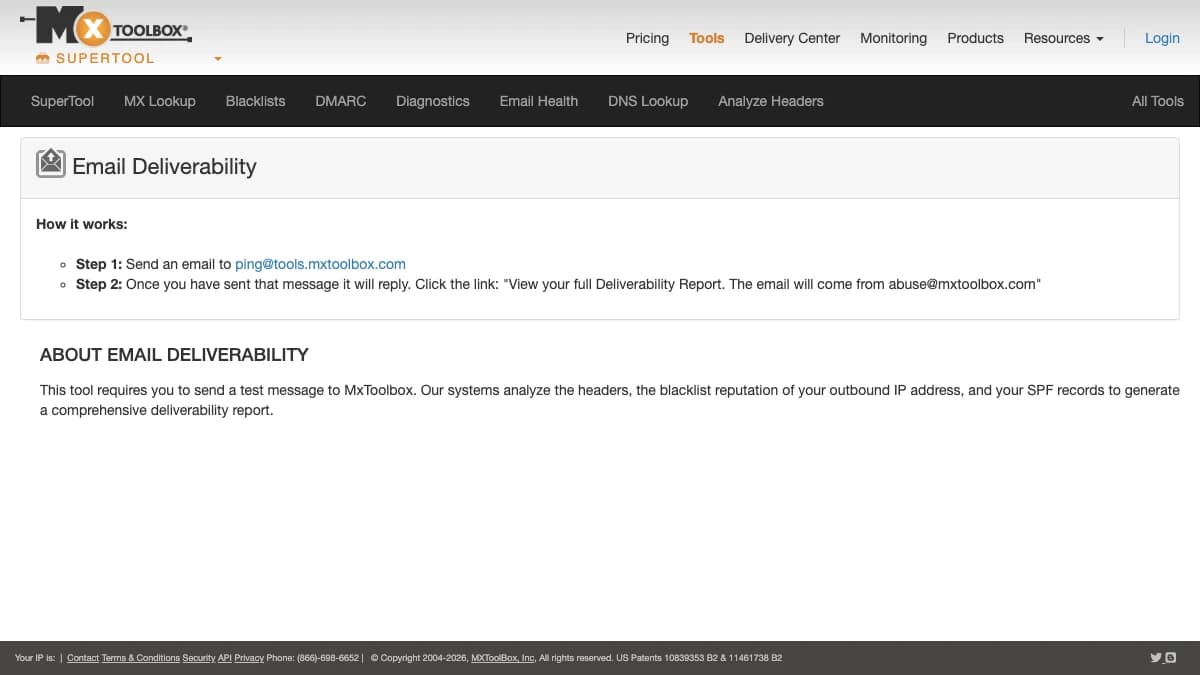
MxToolbox: free deliverability ping test, DNS lookups, and blocklist checks
MxToolbox is a DNS and email diagnostics suite for troubleshooting authentication and blocklists, with free lookups and paid monitoring from $129/mo. Its free deliverability test works by emailing ping@tools.mxtoolbox.com and opening the report link it sends back.
That report analyzes your message headers, your outbound IP's blocklist reputation, and your SPF record. The free MX, SPF, DKIM, DMARC, and blacklist lookups are the fastest way to confirm a DNS change has propagated.
The paid Delivery Center adds 30 inbox placement analyses per month, DMARC delivery reports, complaint reporting, and blocklist monitoring for 5 domains. Expect raw data and fewer guided fixes than cold-email-first tools.
Pros
- ✓ Free ping test plus free MX, SPF, DKIM, DMARC, and blacklist lookups
- ✓ Header analysis shows where a message failed authentication
- ✓ Delivery Center bundles DMARC reports with placement analyses
- ✓ Standard reference for DNS troubleshooting
Cons
- ✗ Free blocklist monitoring is weekly and covers 1 domain
- ✗ Paid plans start at $129/mo for 30 placement analyses
- ✗ Interface is built for email admins, not SDRs
Best for: Diagnosing SPF, DKIM, DMARC, and blocklist problems after another test flags an issue.
Pricing: Free plan (weekly blocklist monitoring, 1 domain). Delivery Center $129/mo (30 placement analyses, 5 domains), Delivery Center Plus $399/mo (100 analyses, SPF flattening), per MxToolbox Delivery Center.
Side-by-Side Comparison
Here is how the six email deliverability test tools compare on the checks that matter for cold email. Prices are entry-level paid plans as of October 2026.
| Tool | Main test | Inbox placement | Spam / content | DNS + blocklist | Free tier | Paid from |
|---|---|---|---|---|---|---|
| GlockApps | Seed-list placement | Yes, per provider | Spam filter results | Yes + DMARC analytics | 2 tests | $59/mo (360 tests) |
| MailReach | Cold email spam test | Yes, 30+ seeds | Words, links, HTML, pixels | Yes | 3 tests / 24h | Credit tiers; warmup $19.5/inbox |
| mail-tester | Spam score out of 10 | No | SpamAssassin score | Server and IP checks | 3 tests / 24h | $5 for 10 tests |
| EmailGuard | Placement + monitoring | Yes, scheduled | Content spam checks | Yes + DMARC monitoring | 10 email tests | $49/mo (300 tests) |
| MailGenius | Message audit + AI copy | Not seed-based | Yes + AI rewrites | Standalone checkers | None listed | $23/mo (60 tests) |
| MxToolbox | DNS + header diagnostics | Paid only (30/mo) | No | Deepest DNS toolset | Lookups + ping test | $129/mo |
Not on the table: list quality. SyncGTM Verify Email is not a deliverability tester; it removes bad addresses before you send, at 0.1 credits per check.
How to Run an Email Deliverability Test Before a Cold Campaign
A reliable email deliverability test is a five-step routine, not a single score. Run it before every new campaign and again whenever you change copy, DNS, or volume.
- Verify the list. Run every lead through email verification and drop invalid and risky addresses. If you already see bounces, our soft bounce guide explains which ones to retry.
- Check DNS. Confirm SPF, DKIM, and DMARC pass for every sending domain with MxToolbox lookups. Our Gmail DKIM setup guide walks through the Google Workspace side.
- Score the real copy. Send your actual first email, with signature, links, and tracking, to mail-tester or MailGenius. Aim for 9/10 or higher, and cut link trackers, images, or phrases that drop the score.
- Run a seed placement test from each inbox. Use GlockApps, MailReach, or EmailGuard. Test every sending inbox, because reputation is tracked per domain and per IP.
- Monitor after launch. Add each domain to Google Postmaster Tools and keep the spam rate under 0.1%. Pause any inbox whose placement drops and send it back through domain warmup.
How to Choose the Right Deliverability Test Tool
Match the tool to the question you need answered today.
- "Is anything obviously broken?"Start with mail-tester. It's free and takes under a minute.
- "Where does it land at Gmail vs Outlook?"Use GlockApps for the deepest report, or MailReach's free test if budget is tight.
- "We run 50+ domains for clients."EmailGuard's domain-based plans and scheduled tests fit agency workflows.
- "Our copy keeps landing in spam." MailGenius explains which lines to rewrite.
- "We might be blocklisted or DNS is wrong."MxToolbox's free lookups confirm it fast.
- "Bounces keep climbing." No test tool fixes this. Verify the list with SyncGTM before the next send.
Final Verdict
GlockApps is the best email deliverability test tool for most cold email teams in 2026. Its per-provider placement report shows exactly which inbox is failing and where, and $59/mo covers 360 tests.
MailReach is the best value for outbound teams, since its free test covers 30+ seed mailboxes and warmup lives in the same tool. mail-tester stays the best free first check, EmailGuard fits agencies, MailGenius fixes copy, and MxToolbox is where you go when DNS or a blocklist is the problem.
Whichever tester you pick, clean the list first. Every bounce costs the reputation you just tested, and SyncGTM plans start at $49/mo for finding and verifying the emails you send to.