

5 Email Verification Tools for Better Campaign Results

By Amy Johnson · November 10, 2026 · 10 min read
A list that hasn’t been cleaned in months costs you twice. You pay your email platform for messages that bounce, and every bounce tells Gmail, Outlook and Yahoo to trust your domain a little less. An email verification tool removes the bad addresses before you hit send.
This guide compares five verification tools on the same terms: what 10,000 and 100,000 checks cost, free options, speed, how each handles catch-all addresses, and security certifications. Every figure comes from the vendor’s own website and was checked on October 19, 2026. Prices change, so confirm on the vendor’s site before you buy.
TL;DR
- QuickEmailVerification: 100 free checks every day with no card, 15 data fields per API check, and the only one of the five with HIPAA coverage. 10,000 emails cost $60.
- MillionVerifier: 100,000 emails cost $149, 30–40% of catch-all addresses are resolved for the normal one credit, and your last payment is refunded if hard bounces top 4%.
- Emailable: the fastest published bulk speed at 40,000+ emails per minute, with a 0–100 quality score on every address. It has the highest price at 100,000 emails ($420).
- DeBounce: the lowest published prices ($25 for 10,000 and $135 for 100,000), plus Lead Finder for new B2B emails. The catch-all check costs 10 credits per address.
- BriteVerify: no public price or free trial. It suits Validity customers who also verify phone numbers and US postal addresses.
At-a-glance comparison
QuickEmailVerification is the only one with an ongoing free tier and HIPAA coverage, MillionVerifier and DeBounce compete on price, and BriteVerify suits teams already buying from Validity.
| Criterion | QuickEmailVerification | MillionVerifier | Emailable | DeBounce | BriteVerify |
|---|---|---|---|---|---|
| Best for | Free daily checks and developer APIs | Very large lists and B2B lists with many catch-alls | Fast cleaning of big lists | Low cost at 100,000 emails and finding new B2B emails | Validity customers who also verify phone numbers and addresses |
| Accuracy promise | 99% accuracy | 99%+; refund if hard bounces top 4% | Under 1% of “Deliverable” results bounce | 97.5% deliverability; full refund above 8% bounces | Not published |
| Bulk speed | 100,000 in about 1 hour | 100,000 in about 37 minutes | 40,000+ per minute | 100,000 in under 2 hours | Not published |
| Real-time API speed | Under 1.2 seconds | Under 1 second | Not stated | Not stated | Not published |
| Catch-all handling | Flagged and kept out of “safe to send” | Resolves 30–40% at no extra cost | Flagged, plus a 0–100 quality score | Optional deeper check, 10 credits each | Returned as “risky” |
| Native integrations | 50+ | 40+ | 50+ | 20+ | Not listed |
| Security and compliance | ISO 27001; GDPR, CCPA, HIPAA | GDPR; follows SOC 2 controls | SOC 2 Type II; GDPR, CCPA | GDPR | SOC 2 Type II; ISO 27001 and 27701; GDPR, CCPA |
How Email Verification Actually Works
Every verification tool runs an address through a series of checks, and order matters. It starts with syntax, confirming the address is formatted correctly. Then it checks whether the domain exists and carries functioning MX records. After that comes the SMTP handshake: the tool connects to the receiving mail server and mimics a delivery attempt without actually sending a message.
That handshake is where most invalid addresses get caught. But it’s also where things get complicated. Catch-all mail servers accept every incoming connection regardless of whether the specific mailbox exists, which is why no tool can fully resolve a catch-all address without an actual send. Most tools flag these as a separate category and leave the call to the sender.
Some tools add greylisting detection, and it’s an important extra step. When a receiving server issues a temporary rejection (a common anti-spam tactic), greylisting-aware tools wait and retry rather than immediately marking the address unknown. That retry logic is what separates a 95% result rate from a higher one on messy lists.
1. QuickEmailVerification
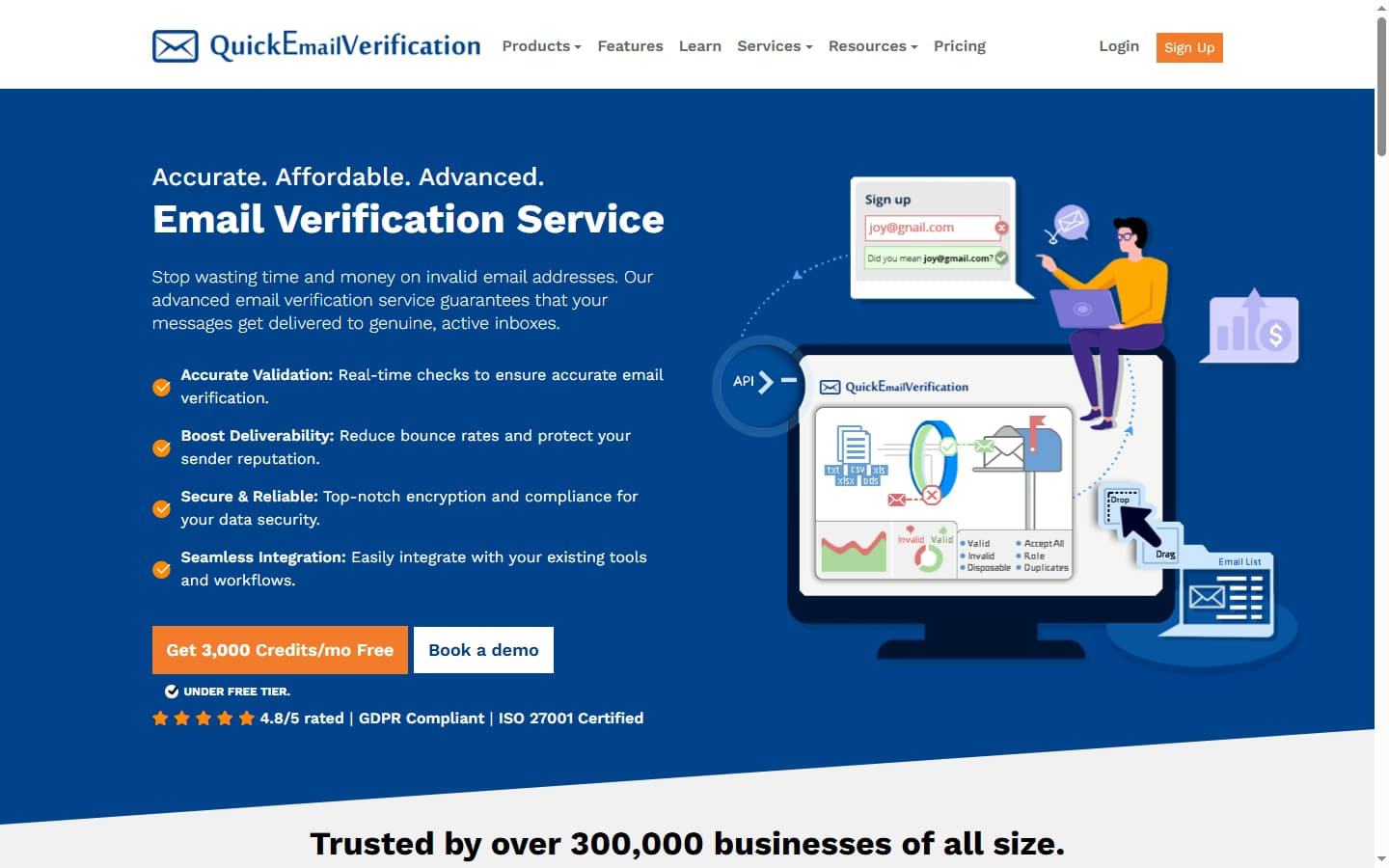
QuickEmailVerification is an email verification service, running since 2014, that cleans lists in bulk or checks single addresses through an API. It says it has served over 300,000 businesses, including PwC, IBM, Salesforce and Adobe.
Price: 10,000 emails cost $60 and 100,000 cost $320. The smallest purchase is $4 for 500 credits, and pay-as-you-go credits never expire. You get 100 free checks every day with no card, and you aren’t charged for “unknown” results.
Performance: About 100,000 emails per hour in bulk, and API responses in under 1.2 seconds. Catch-all addresses are flagged and kept out of the “safe to send” group.
Considerations: At 100,000 emails it costs about twice as much as DeBounce or MillionVerifier. Daily-plan credits reset each day, and uploaded lists are deleted after 90 days, so download your results promptly.
The free daily allowance is what sets QuickEmailVerification apart: the other tools give a one-time batch of credits, while this one resets every day. It also suits developers. Each API check returns 15 data fields, including a safe_to_send field that gives one yes-or-no answer and typo suggestions such as turning “gmial.com” into “gmail.com”. SDKs cover eight languages, from PHP to Go, and a sandbox endpoint lets you test without using credits. For hard-to-verify lists, anti-greylisting retries addresses that a mail server turns away at first, which cuts down “unknown” results. Over 50 integrations cover the main email platforms and CRMs.
2. MillionVerifier

MillionVerifier is a low-cost verification service founded and led by deliverability specialist Tamás Hám-Szabó, and used by more than 70,000 businesses. Since October 19, 2026, it has been run by Southern Vector Limited, a New Zealand company.
Price: 10,000 emails cost $39 and 100,000 cost $149. The smallest purchase is 10,000 credits for $39, and credits never expire. You get 100 free credits on sign-up with no card, and you aren’t charged for “unknown” results or catch-all addresses it can’t resolve.
Performance: About 2,700 emails per minute in bulk, and a sub-second API. Its built-in catch-all check resolves 30–40% of catch-all addresses into a clear valid or invalid result, for the normal one credit.
Considerations: The 10,000-credit minimum is poor value for small lists. Live human support runs during working hours only, with a 24/7 chat assistant outside them.
MillionVerifier’s pitch is price certainty. If your hard-bounce rate tops 4% after you verify a list, it refunds your last payment, which gives you a rule you can check yourself. Not charging for unresolved catch-alls also helps on B2B lists, where they are common. The company says the team, prices, credits and guarantee stay the same after the ownership change. EverClean re-checks new contacts in Mailchimp, HubSpot or ActiveCampaign every day and removes bad ones, and 40+ integrations cover other platforms. Every account also gets free lifetime access to EmailAcademy PRO, a deliverability training course.
3. Emailable
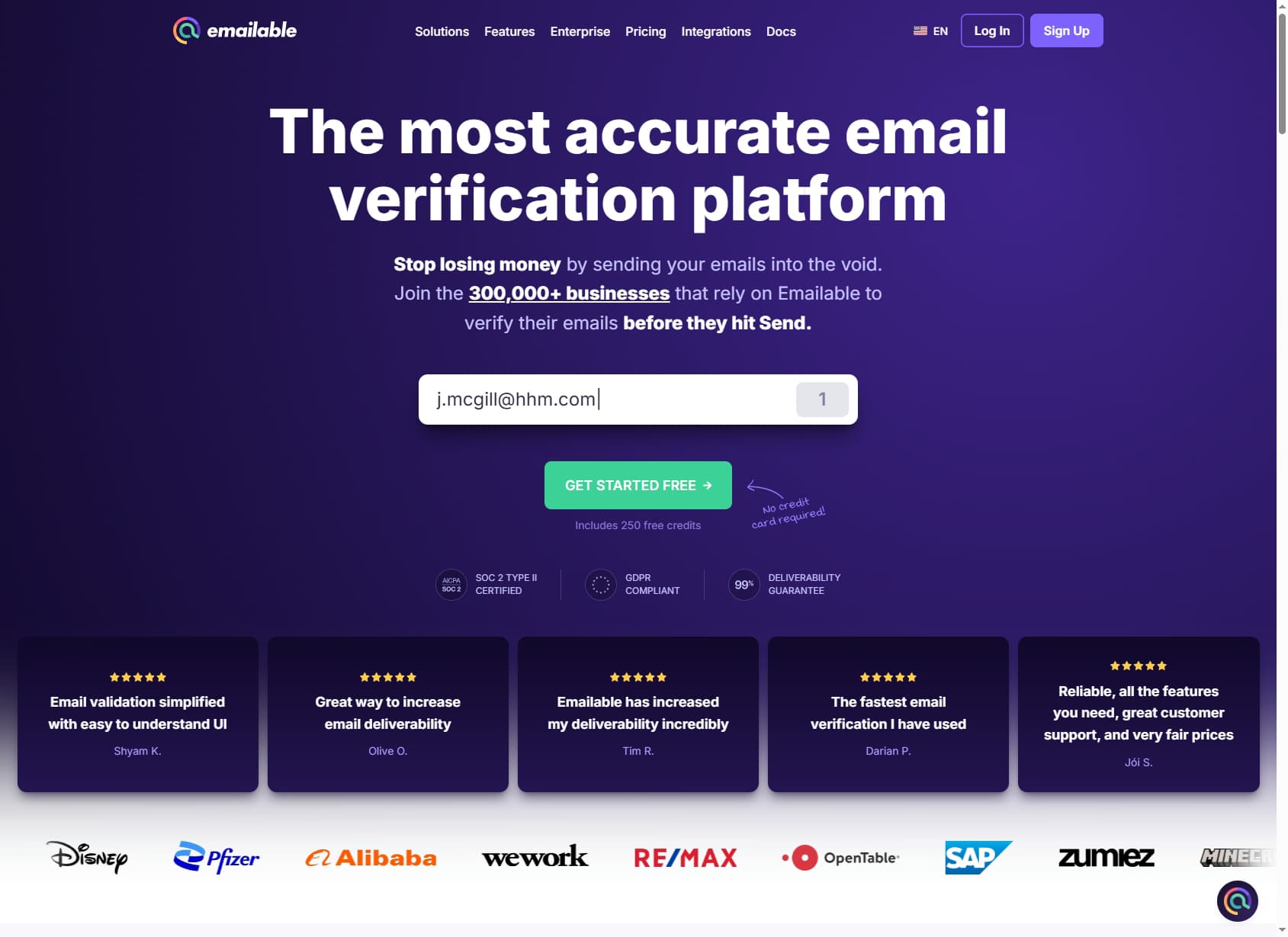
Emailable is a New York-based verification service, founded in 2017, that says it has verified more than 15 billion emails for 300,000+ businesses, including Disney, Pfizer and SAP.
Price: 10,000 emails cost $60 and 100,000 cost $420. The smallest purchase is $38 for 5,000 credits, credits never expire, and a monthly subscription takes 15% off. You get 250 free credits on sign-up, and unknown results and duplicates are refunded to your balance.
Performance: 40,000+ emails per minute in bulk, and a 250,000-address list typically finishes in about 7 minutes. Catch-all addresses are flagged and given a 0–100 quality score.
Considerations: It has the highest price at 100,000 emails of the four tools that publish one. It doesn’t publish a response time for its real-time API.
Emailable is built for speed and detail. Every address gets a 0–100 quality score plus extra data such as the email provider, MX record, typo fixes and a likely name. It promises that no more than 1% of addresses it marks “Deliverable” will bounce, and refunds the misses if more do. The same credits pay for inbox-placement reports and blacklist monitoring, so one account covers verification and deliverability checks. A real-time widget checks web forms, and client libraries cover Node.js, Ruby and Python. Over 50 native integrations cover the major email platforms and CRMs.
4. DeBounce
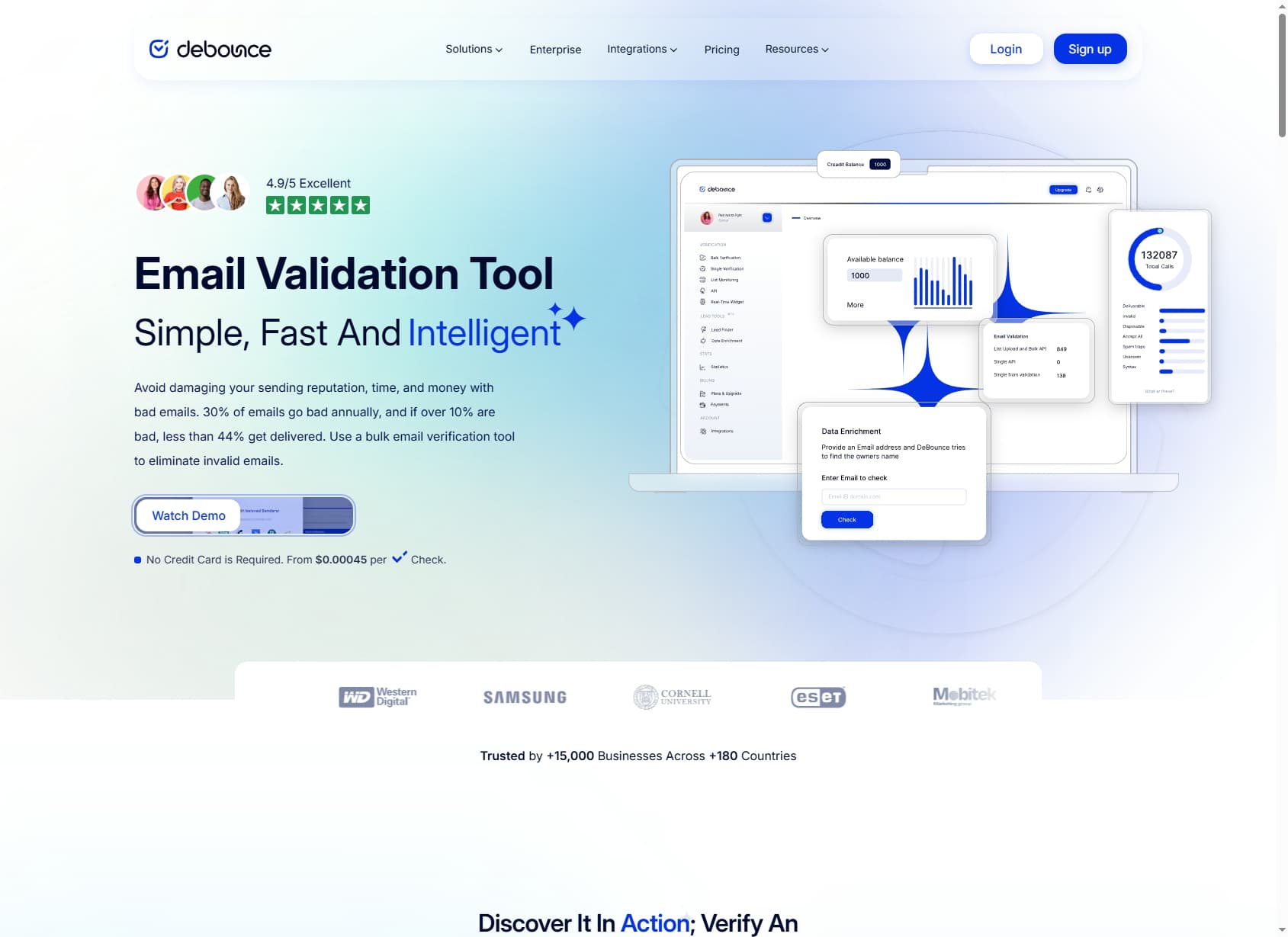
DeBounce is a pay-as-you-go validation service, running since 2018, used by 15,000+ businesses in more than 180 countries. Besides verifying lists, it finds and enriches contact details.
Price: 10,000 emails cost $25 and 100,000 cost $135. The smallest purchase is $15 for 5,000 credits, and credits never expire. You get 100 free credits on sign-up with no card, and duplicates are free.
Performance: 100,000 emails in under 2 hours in bulk. The API handles 5 calls at a time by default, with higher limits on enterprise plans, and no response time is published. An optional catch-all check, which DeBounce says is 95% accurate, resolves catch-all addresses.
Considerations: The catch-all check costs 10 credits per address and contact enrichment costs 20, which raises the real price on B2B lists. The guarantee excludes Yahoo and AOL accounts being shut down, and DeBounce warns of more bounces on GMX and WEB.de addresses.
Sales teams use DeBounce mostly for cold outreach. Lead Finder tests likely email addresses built from a person’s name and company domain, and reverse lookup returns a name for an address you already hold. Its catch-all check also covers addresses behind corporate security gateways. List monitoring re-checks lists connected to your email platform every day and removes addresses that go bad. A JavaScript widget checks emails on web forms as people type, and there is a WordPress plugin and a Google Sheets add-on. The guarantee is 97.5% deliverability, with extra credits if results fall short and a full refund above 8% bounces. It applies to opt-in lists of 1,000+ addresses sent within 48 hours of verifying.
5. BriteVerify
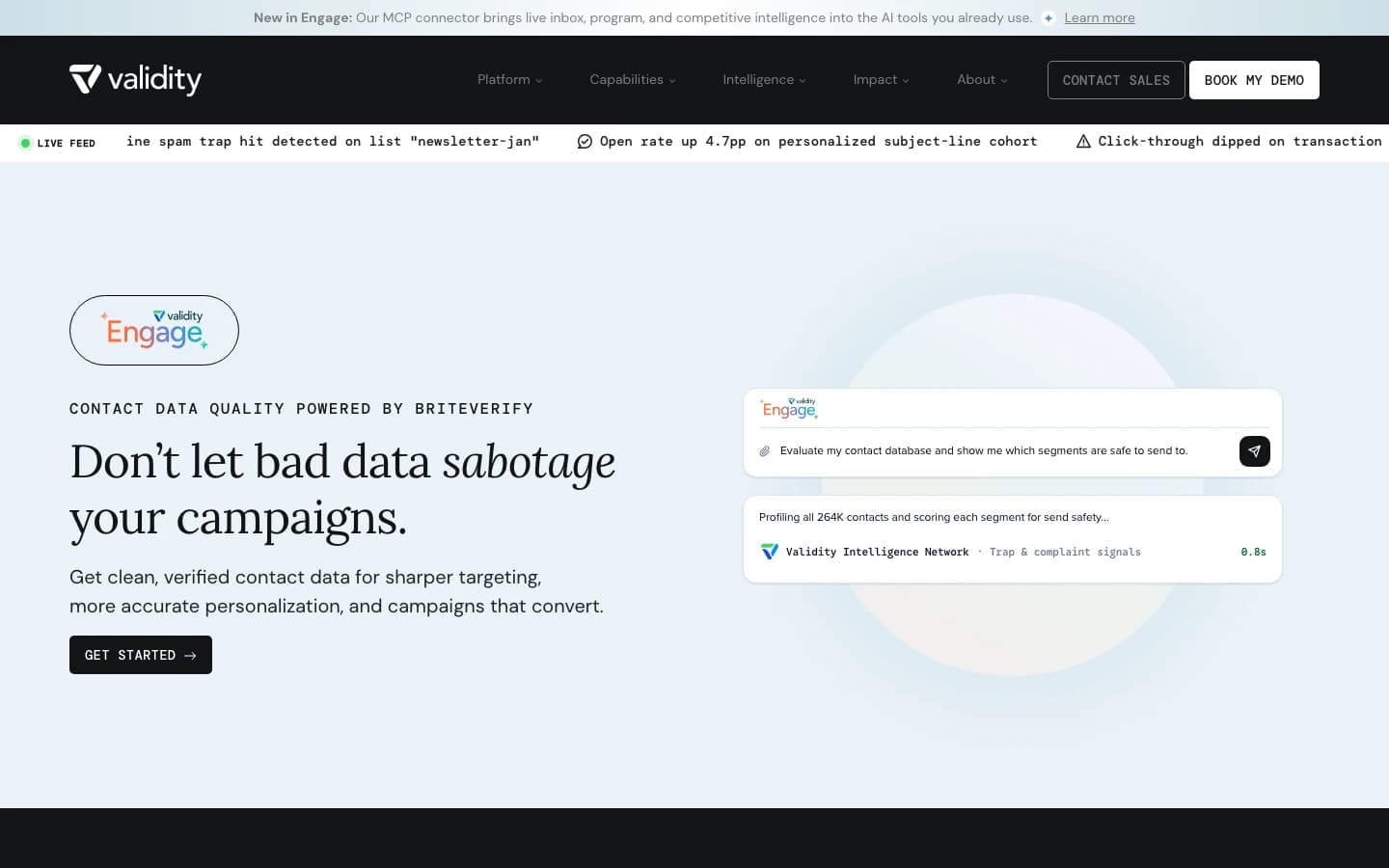
BriteVerify is one of the oldest names in email verification, founded in 2009 and owned by Validity since 2018. It is now sold as the “Contact Data Quality” part of Validity Engage, and briteverify.com redirects there.
Price: There is no public price for 10,000 or 100,000 emails. You need a quote from Validity’s sales team, and the website lists no free trial.
Performance: Each address comes back as valid, invalid or risky. Bulk speed, API response time and catch-all handling aren’t published.
Considerations: There is no self-serve sign-up, so you can’t test it on your own list before talking to sales. Engage is sold as one platform, so you may pay for features beyond email verification.
BriteVerify suits teams that want all their contact data checked in one place. Besides email, it validates phone numbers, including line type, and US postal addresses against USPS-certified data. It sits alongside Validity’s inbox-placement testing, email previews and competitor tracking inside Engage, so teams already using those tools can keep everything with one vendor. The trade-off is transparency: with no published prices, speeds or accuracy figures, you’ll need a demo to compare it fairly with the other four.
How to compare the accuracy claims
The accuracy figures in the table can’t be compared directly, because each vendor measures something different.
- Accuracy rates (QuickEmailVerification’s 99%, MillionVerifier’s 99%+) state how often results are correct. Neither vendor publishes how it measures this.
- Bounce guarantees (Emailable, DeBounce, and MillionVerifier’s refund) promise a result once you send, and come with conditions. DeBounce’s, for example, applies only to opt-in lists of 1,000+ addresses sent within 48 hours of verifying.
- No published figure (BriteVerify) means you’ll need to ask sales.
The number that counts is the one you measure yourself. Take a sample of 1,000 to 2,000 addresses, including some you know have bounced, and run it through two or three free tiers. Compare how many each tool marks valid, invalid and unknown.
How email verification works, and why it improves campaign results
Verification removes the addresses that would bounce or damage your reputation, so the rest of your list keeps reaching the inbox.
Gmail, Outlook and Yahoo track bounces, spam-trap hits and complaints for every sending domain. When those climb, they start filtering your mail, including mail to real subscribers. Most email platforms also charge by list size or sending volume, so every bad address costs money as well as reputation.
Most tools run each address through four checks:
- Syntax: is the address formatted correctly?
- Domain and MX records: does the domain exist, and is it set up to receive mail?
- Mailbox check: the tool connects to the receiving mail server and asks whether the mailbox exists, without sending a message.
- Risk flags: it marks disposable addresses, role addresses such as info@ or sales@, known spam traps and likely typos.
Two things make the mailbox check harder. Catch-all servers say yes to every address, so no tool can be fully certain about them without a real send. Greylisting servers turn away the first attempt as an anti-spam measure. Tools with anti-greylisting retry later instead of marking the address “unknown”.
Common questions about email verification
How often should you re-verify an email list?
Re-verify any list you haven’t emailed in about three months, and check new sign-ups as they arrive. Lists decay as people change jobs and abandon accounts. DeBounce estimates that around 30% of addresses go bad within a year.
Do you need real-time verification as well as bulk cleaning?
Most senders benefit from both. Bulk cleaning fixes the list you already have, before a campaign or after an import. Real-time verification checks each address on your sign-up or checkout form, so typos and fake addresses never get in. QuickEmailVerification, MillionVerifier, Emailable, and DeBounce all offer both.
Which security certifications matter for enterprise buyers?
SOC 2 Type II is the audit most enterprise procurement teams ask for. An independent auditor checks that security controls worked over several months. ISO 27001 certifies how a company manages information security, and ISO 27701 extends it to privacy. GDPR and CCPA are privacy laws rather than certifications, and HIPAA matters if your subscriber data includes US health information. The comparison table at the top shows which tool holds which.
Bottom Line
Choose by list size, how often you send, whether developers need an API, and what your procurement team requires. Shortlist two or three tools from the comparison table, then run the same sample list through each one’s free credits before you buy. Four of the five let you test without paying.