

Helium Scraper Review 2026: Desktop Scraping Tool — Pricing and Features

By Kushal Magar · April 18, 2026 · 7 min read · Last updated: September 30, 2026
Key Takeaway
Helium Scraper is the best value in desktop web scraping — a $99 one-time Basic license, an association engine for complex multi-level extractions, JavaScript rendering in off-screen Chromium browsers, and proxy rotation. The hard limits: Windows-only, no cloud execution, your computer must stay on and running, and major upgrades are included for only 3 to 24 months depending on the license. For power users who scrape locally, the one-time model is far cheaper than cloud subscriptions; for teams that need unattended cloud runs, it is the wrong architecture.
Helium Scraper's $99 one-time license is the best deal in desktop web scraping. No subscription, unlimited minor updates, and an association engine that handles complex multi-level scraping flows most visual scrapers cannot manage.
The tradeoffs are equally clear: Windows-only, no cloud execution, your machine must stay on during every run, and no native scheduling without Windows Task Scheduler workarounds. If you are on a Mac, Helium Scraper does not exist for you. If you want to run overnight batch jobs unattended in the cloud, that is also not Helium Scraper.
This review covers the association engine in depth, pricing, what Windows-only means in practice, and when the one-time license makes sense versus a cloud-based alternative.
Helium Scraper Review: What You Get (and What You Don't)
Helium Scraper is a Windows desktop application for web data extraction. Unlike Octoparse and ParseHub which have moved toward cloud-first models with SaaS subscription pricing, Helium Scraper maintains a traditional software model: one-time license, local execution, no cloud infrastructure.
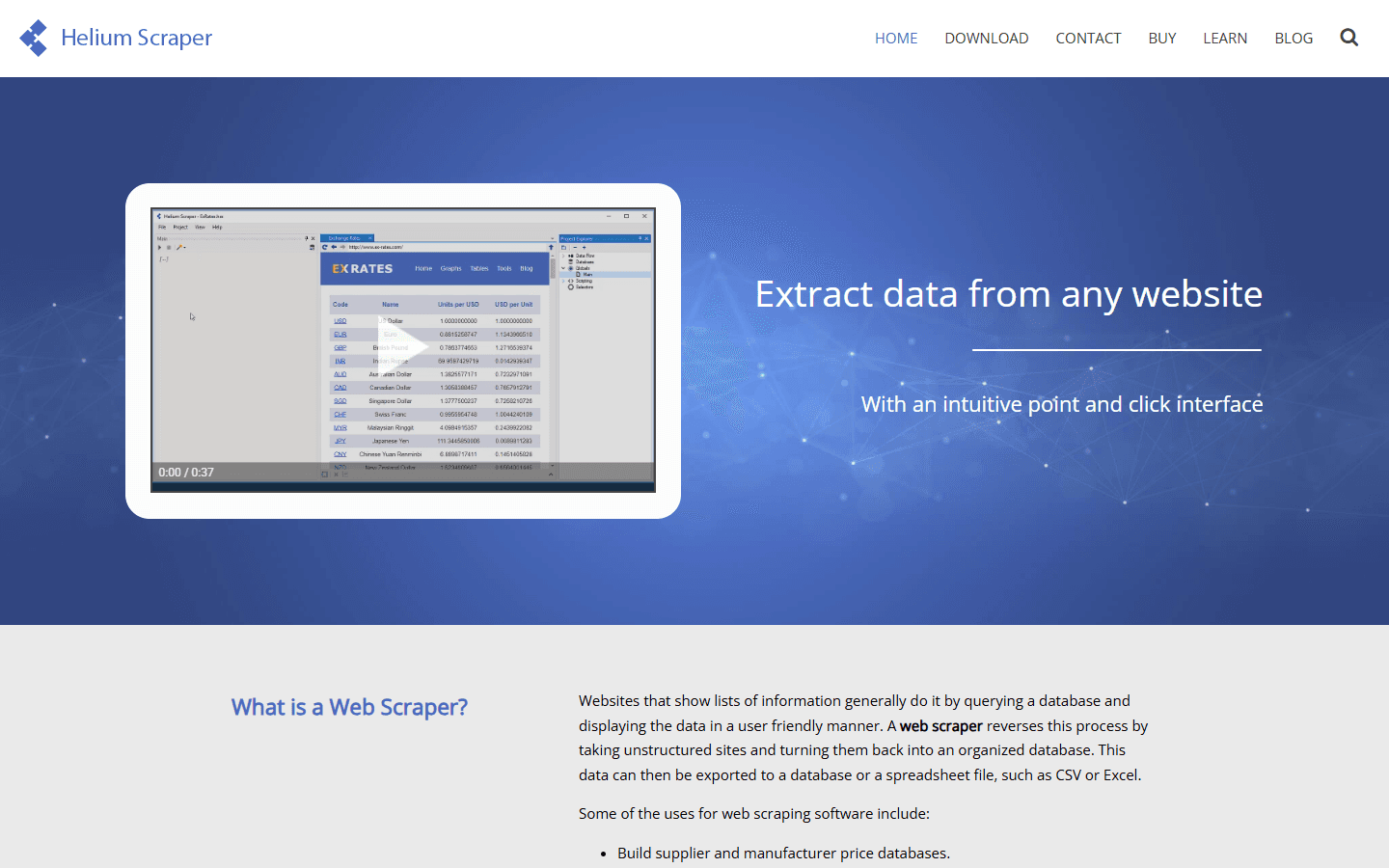
Helium Scraper — Windows desktop web scraping application
| Feature | What's Included | Limitations |
|---|---|---|
| Association engine | Define relationships between page elements | Requires learning the association concept — not intuitive at first |
| JavaScript rendering | Embedded browser renders dynamic content | Local execution only — no cloud browser |
| Proxy support | Rotates a proxy list you supply at any interval | No built-in proxy pool — BYO proxies |
| Scheduling | Windows Task Scheduler integration | Local machine must be running — no cloud scheduling |
| Platform | Windows desktop app | Windows only — no Mac or Linux support |
| Pricing model | One-time license fee | Major upgrades included for 3–24 months, depending on license |
Helium Scraper Association Engine: The Core Feature
The association engine is what sets Helium Scraper apart from other visual scrapers. Instead of defining a flat list of elements to extract, you define relationships between elements — associations — that let the scraper navigate complex multi-level site structures.
Practical example: you're scraping a company directory where each company listing links to a detail page with contacts. In Octoparse or ParseHub, you'd set up pagination on the directory and configure a follow-link action. In Helium Scraper, you define an association between the company list element and the detail page URL — the engine handles the traversal.
For experienced users, this model is more powerful than basic point-and-click configuration. You can model complex multi-level hierarchies that would require significant workarounds in other tools. The tradeoff is the learning curve — you need to understand the association concept before you can use it effectively.
Helium Scraper Pricing Breakdown
Helium Scraper's one-time license model is the most distinctive aspect of its pricing. Unlike Octoparse ($75–$599/mo) or ParseHub ($189–$599/mo), you pay once and own the software permanently.
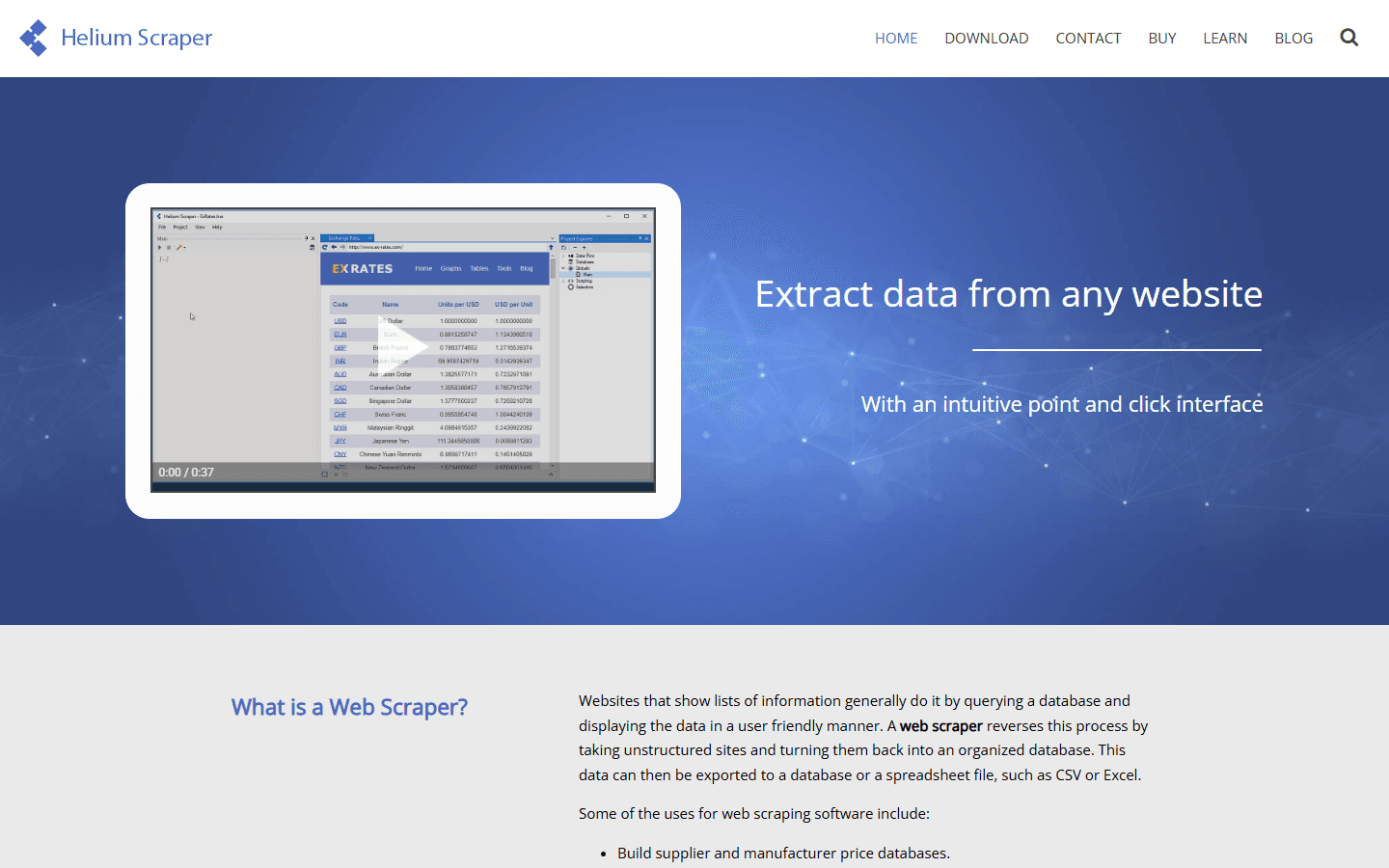
Helium Scraper pricing — one-time license model
As of September 2026, there are four one-time licenses:
- Basic ($99 one-time): 1 user, 3 months of major upgrades, unlimited minor updates, no premium support.
- Professional ($199 one-time): 2 users, 6 months of major upgrades, 1 month of premium support.
- Business ($399 one-time): 5 users, 12 months of major upgrades, 3 months of premium support.
- Enterprise ($699 one-time): 10 users, 24 months of major upgrades, 6 months of premium support.
Every license is pay once, use forever, with unlimited minor updates. A fully functional 10-day trial comes with the download.
What you actually pay:For individual power users, $99 is an exceptional value compared to $75/mo for Octoparse Standard ($900/year). The break-even point is 1–2 months of cloud scraping subscriptions. Teams can license up to 10 users with Enterprise for $699, still less than a year of most cloud plans, but every run happens on a local Windows machine, so Helium Scraper doesn't scale to team workflows the way cloud platforms do.
Helium Scraper Ease of Use: Setup and Learning Curve
Helium Scraper is not designed for beginners. The association engine requires understanding a scraping model that's conceptually different from Octoparse or ParseHub's visual selector approaches. Expect to spend several hours with documentation and tutorial videos before building your first complex scrape.
Once the model clicks, experienced users find it more expressive than other visual tools. The ability to define hierarchical relationships between page elements handles multi-level scraping scenarios that would break simpler tools.
Basic single-page scraping is straightforward. The difficulty scales with site complexity. For simple directory extractions, Helium Scraper is usable within an hour. For complex e-commerce sites with nested product categories and dynamic loading, expect significant setup time.
Helium Scraper Proxy Support and Anti-Bot Handling
Helium Scraper supports proxy configuration, including HTTP, HTTPS, and SOCKS5 proxies. You provide your own proxy credentials — there's no built-in proxy pool like Octoparse Professional includes.
For users with existing proxy subscriptions (Bright Data, Oxylabs, etc.), this is straightforward to configure. For users who don't already have proxies, you'll need to purchase them separately to handle anti-bot protection on major platforms.
Helium Scraper will rotate through the proxy list you supply at whatever interval you set, but sourcing and maintaining that list is on you. That is more work than a scraper with a built-in proxy pool, but power users who want control over their proxy infrastructure appreciate the flexibility.
What Are the Downsides of Using Helium Scraper?
1. Windows Only
Helium Scraper runs on Windows exclusively. Teams with Mac-heavy environments cannot use it without virtualization. In 2026, with most startups and growth teams running Macs, this is a hard limitation that disqualifies it for many buyers.
- No Mac or Linux desktop app — Windows only
- No web interface or cloud alternative for non-Windows users
- Virtualization workarounds add complexity
2. No Cloud Scheduling
Helium Scraper uses Windows Task Scheduler for automated runs, which means your local machine must be on and running when scrapes execute. Cloud competitors run scheduled scrapes on their servers — your machine can be off. For regular automated monitoring, this is a significant workflow constraint.
3. Niche User Base and Documentation
Helium Scraper has a smaller user community than Octoparse or Apify. This means fewer tutorials, less active forum support, and a smaller pool of template scrapers to reference when building your own. Troubleshooting complex issues relies more heavily on official documentation.
4. No Enrichment or Lead Context
Like all web scrapers, Helium Scraper extracts what's on the page. Emails, phone numbers, technographics, and buying signals require separate tooling. For GTM teams, that's the full enrichment and sequencing stack still to build.
How Helium Scraper Works: From First Project to Scheduled Export
Helium Scraper follows a classic desktop workflow: you build an extraction project locally, run it on your own machine, and export the results. Here is what that looks like in practice.
- Install the trial. The download includes a fully functional 10-day trial, which is enough time to rebuild one real scraping job and judge the learning curve before buying a license.
- Define what to extract. Select the elements you want, then use the association engine to link list pages to detail pages so the scraper can walk multi-level structures such as directories or product catalogs.
- Handle dynamic sites. Extraction runs in off-screen Chromium browsers, so JavaScript-rendered content loads as it would for a visitor. For stubborn pages, you can inject and run custom JavaScript.
- Scale the run. Increase the number of parallel browsers for larger jobs, and supply a proxy list that Helium Scraper rotates at whatever interval you set.
- Export the data. Results export to CSV, Excel, XML, JSON, or SQLite, which covers most spreadsheet and database workflows without extra conversion.
- Automate recurring jobs. Projects can be launched from the command line or Windows Task Scheduler, as long as the machine is on when the job fires.
The pattern that works best is to treat Helium Scraper as a data-collection step, not an end-to-end pipeline. It is good at turning messy, nested websites into clean tables. What happens next, from deduplication to enrichment to loading records into a CRM, happens in other tools.
That split is also why the license math is attractive for solo operators: you pay once for extraction and choose your own downstream stack, rather than paying a monthly platform fee for features you may not use.
Is Helium Scraper Worth It?
Helium Scraper is worth it for Windows power users who want a capable desktop scraper with one-time pricing. The association engine handles complex multi-level scraping well, and $99 is genuinely inexpensive compared to cloud scraping subscriptions for equivalent functionality if you only need local execution.
It's not right for Mac users, teams that need cloud scheduling without a always-on local machine, or anyone who wants an actively developed cloud-first platform. The product feels like it has aged relative to cloud competitors.
For GTM teams specifically: Helium Scraper can turn company directories and listings into clean tables, but emails, phone numbers, and buying signals still need separate enrichment tools before anything reaches your CRM. Budget for that second step before counting the license fee as the full cost.
If Helium Scraper leaving emails, phone numbers, and buying signals to separate tools is a dealbreaker, SyncGTM is one alternative worth a look: it combines waterfall enrichment across 50+ data providers with real-time buying signals such as job changes and funding.