

Hunter.io vs Lusha: Email Finder or Phone Data? 2026 Compared

By Kushal Magar · October 5, 2026 · 12 min read
Key Takeaway
Hunter.io leads on verified email accuracy (91–96%) and month-to-month flexibility. Lusha leads on direct dials and LinkedIn-first enrichment. Pick Hunter for email-only sequences; pick Lusha when cold calls are part of your motion. Most teams end up needing both — or a waterfall enrichment layer that covers both channels.
In Hunter.io vs Lusha, the two tools solve the same problem from opposite angles. Hunter is a domain-first email finder — you enter a company domain and it returns every verified business email it has indexed from public sources. Lusha is a person-first data tool — you open a LinkedIn profile and its Chrome extension surfaces the direct dial and email in under three seconds.
Both have Chrome extensions, CRM integrations, and bulk export. Both are used daily by SDRs, marketers, and recruiters. But their core data types are fundamentally different: Hunter owns verified email accuracy; Lusha owns direct phone dials.
This comparison covers accuracy benchmarks, credit pricing, CRM sync depth, deduplication gaps, and the specific outreach motions where each tool wins — so you can decide without subscribing to both just to find out.
TL;DR
| Dimension | Hunter.io | Lusha | Winner |
|---|---|---|---|
| Email accuracy | 91–96% verified | 60–75% deliverable | Hunter.io |
| Phone numbers | None | Yes — all paid plans | Lusha |
| Domain search | Yes (core feature) | No | Hunter.io |
| LinkedIn extension | Basic | Core use case | Lusha |
| Free tier | 25 searches/mo | 40 credits/mo | Lusha |
| Starter price (annual) | $34/mo — 500 searches | $37/mo — 400 credits | Hunter.io |
| Month-to-month billing | Yes | Yes (20% premium) | Hunter.io |
| CRM integrations | SF, HubSpot, Pipedrive | SF, HubSpot, Pipedrive, Outreach, Salesloft | Lusha |
| Credit system | 1 credit = 1 email | 1 credit = email + phone | Lusha |
| Built-in sequencing | Yes (email campaigns) | No | Hunter.io |
| GDPR posture | Public-web sourced | Mixed commercial sources | Hunter.io |
What Are Hunter.io and Lusha?
Hunter.io is a domain-first email discovery and verification platform. Founded in 2015, it has indexed 100M+ business email addresses from public web sources — company websites, LinkedIn, newsletters, GitHub, and press releases. A built-in verifier assigns a confidence score to every address, flagging which ones are safe to send to. Hunter also runs cold email campaigns directly, so it doubles as a lightweight outreach tool.
Lusha is a person-first B2B contact platform built around direct dial discovery. Its Chrome extension overlays contact data — work email, direct phone, and mobile number — directly on LinkedIn profiles. Lusha aggregates data from commercial data sources and user-contributed signals. Its unified credit system means one credit unlocks a complete contact record: email and phone together when both are available.
Both tools connect to Salesforce, HubSpot, and Pipedrive. Both have Chrome extensions and bulk export. The core divergence is the starting point and the data returned: Hunter starts with a company domain and returns verified emails. Lusha starts with a LinkedIn profile and returns email plus direct dial.
Hunter.io Deep Dive

Hunter.io domain search — returns all indexed emails at a company domain with confidence scores
Hunter.io is the benchmark for email accuracy in B2B prospecting. Enter a company domain and Hunter surfaces every business email it has crawled from public sources, ranked by confidence score. A score above 90% means the format is verified and the address is likely deliverable. Scores below 70% indicate catch-all domains or guessed formats — Hunter flags these rather than hiding them.
The domain search workflow excels at account-based prospecting. If you need everyone at Acme Corp whose email matches firstname.lastname@acmecorp.com, Hunter returns that list in seconds — without manual research. Bulk CSV upload lets you run domain searches at scale.
Hunter also runs cold email campaigns natively. Its built-in sequencer covers sending limits (500 emails/day on Starter), tracking, and follow-up scheduling. For teams that want email finding and email sending in one tool, Hunter is the most straightforward option at its price point.
Pros
- ✓ 91–96% verified email accuracy — best-in-class deliverability
- ✓ Domain search finds all emails at a company in one query
- ✓ Generous free tier: 25 searches + 50 verifications/month
- ✓ Built-in cold email campaigns (500 emails/day on Starter)
- ✓ Month-to-month billing with no annual lock-in
- ✓ GDPR-friendly — data sourced from public web only
- ✓ Simple, fast UI — no learning curve
Cons
- ✗ No phone numbers — email-only on every plan
- ✗ Accuracy drops for companies under 50 employees
- ✗ Catch-all domains return low-confidence results
- ✗ Thin profile data — no LinkedIn URL, social handles, or title enrichment
- ✗ Credits are account-level — teams share the same pool and burn through fast
- ✗ No LinkedIn-first workflow (extension is basic compared to Lusha)
Best for: SDRs and marketers running email-only outbound who need high deliverability and want month-to-month flexibility without committing to annual contracts.
Pricing
| Plan | Annual price | Searches/mo | Verifications/mo |
|---|---|---|---|
| Free | $0 | 25 | 50 |
| Starter | $34/mo | 500 | 1,000 |
| Growth | $104/mo | 5,000 | 10,000 |
| Business | $209/mo | 20,000 | 40,000 |
Month-to-month billing available at ~20–25% premium. Searches and verifications run on separate credit pools.
Exploring other options? See 9 Hunter.io alternatives ranked for B2B enrichment.
Lusha Deep Dive
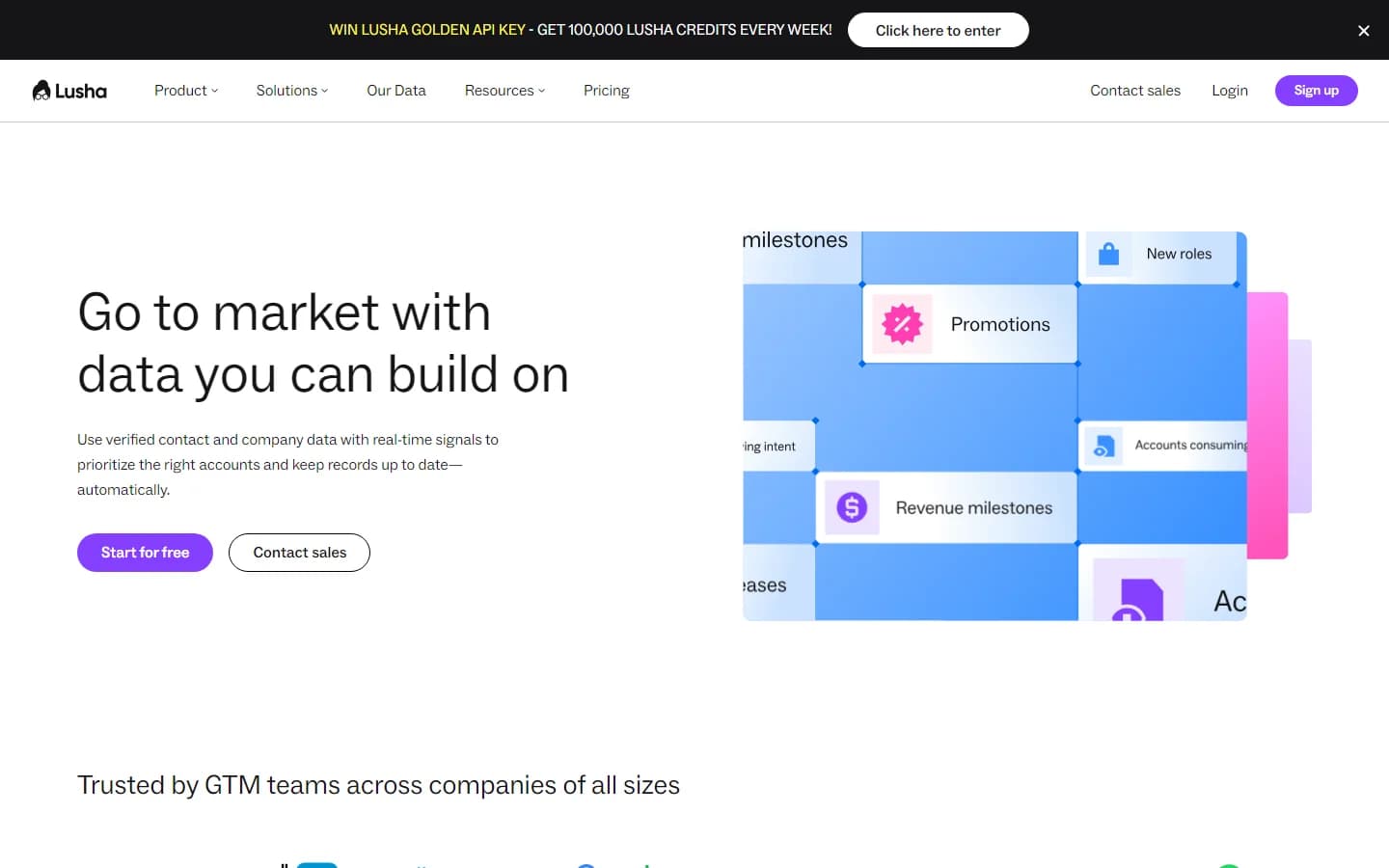
Lusha Chrome extension — reveals direct dial and email on LinkedIn profiles in one click
Lusha is built around the SDR workflow of LinkedIn-first prospecting. Its Chrome extension sits inside LinkedIn. When you open a prospect’s profile, Lusha overlays their work email, direct dial, and mobile number without leaving the page. This one-click enrichment is Lusha’s defining feature — it removes the context-switching between LinkedIn and your CRM.
Lusha uses a unified credit system: one credit unlocks a complete contact record. If both email and phone are available, one credit returns both. This is meaningfully different from Hunter’s model, where one credit returns only one email address. At 400 credits/month on the Pro plan, you get up to 400 full contact records — email and direct dial included.
Email accuracy on Lusha sits at 60–75% deliverable, lower than Hunter. This is the expected trade-off when a tool aggregates commercial data sources rather than verifying from public-web signals. For high-volume email campaigns where bounce rate matters, Lusha’s emails need a separate verification step.
Pros
- ✓ Direct dials and mobile numbers on all paid plans
- ✓ LinkedIn extension is the core use case — fast, in-context
- ✓ Unified credits: 1 credit = email + phone when available
- ✓ 40 free credits/month — most usable free tier of the two
- ✓ CRM integrations include Outreach and Salesloft (Hunter lacks these)
- ✓ Shared team credit pools — no per-seat credit fragmentation
- ✓ Job change alerts on premium plans
Cons
- ✗ Email accuracy 60–75% — needs verification before bulk send
- ✗ Phone accuracy ~65–70% — expect 3 in 10 numbers to fail
- ✗ No domain search — can't bulk-find all emails at a company
- ✗ No built-in email sequencing or campaign tool
- ✗ Coverage thinner outside US, UK, and Western Europe
- ✗ Annual plan required for best pricing
Best for: SDR teams that cold call and need direct dials, prospect via LinkedIn, and want phone + email from a single credit rather than managing two separate tools.
Pricing
| Plan | Annual price | Monthly price | Credits/mo |
|---|---|---|---|
| Free | $0 | $0 | 40 |
| Pro | $37/mo | $49.90/mo | 400 |
| Premium | $69/mo | $89/mo | 1,000 |
| Scale | Custom | Custom | Custom |
Each credit unlocks one contact record — email and phone when available. Credits do not roll over month to month.
Looking at other options? See the top Lusha alternatives compared for B2B enrichment.
Hunter.io vs Lusha: Head-to-Head Comparison
| Feature | Hunter.io | Lusha |
|---|---|---|
| Primary use case | Domain email discovery | LinkedIn-first person enrichment |
| Email accuracy | 91–96% verified | 60–75% deliverable |
| Phone numbers | None | Direct dial + mobile (all paid plans) |
| Domain search | Yes — core feature | No |
| Chrome extension | Basic (email focus) | Full (email + phone on LinkedIn) |
| Credit model | 1 search = 1 email | 1 credit = email + phone |
| Free tier | 25 searches, 50 verifications | 40 credits (email + phone) |
| Starter plan (annual) | $34/mo — 500 searches | $37/mo — 400 credits |
| Month-to-month | Yes | Yes (+20% premium) |
| Built-in sequencer | Yes | No |
| CRM connectors | Salesforce, HubSpot, Pipedrive | Salesforce, HubSpot, Pipedrive, Outreach, Salesloft |
| Bulk export | Yes (CSV) | Yes (CSV) |
| API access | All paid plans | Premium and above |
| GDPR data source | Public web only | Mixed commercial sources |
| Global coverage | 190+ countries | 40+ countries (US/EU strongest) |
| Data freshness | Crawl-based (static) | Commercial database (updated periodically) |
| Job change alerts | No | Yes (Premium+) |
5 Key Differences That Actually Matter
1. Email Accuracy: Hunter wins by a wide margin
Hunter.io’s public-web crawling and verification pipeline produces 91–96% deliverable accuracy. Lusha’s commercial database sources deliver 60–75%. The gap is 15–30 percentage points. At 1,000 emails sent, Hunter produces 10–50 fewer bounces than Lusha. For teams running cold email at volume, that difference directly affects sender reputation and domain health.
Lusha’s emails are accurate enough for low-volume outreach. They are not accurate enough for high-volume sending without a separate verification pass.
2. Phone Data: Lusha wins — Hunter has none
Hunter.io does not return phone numbers on any plan. Not a single direct dial, not a mobile, not a switchboard. If cold calling is in your outreach motion, Hunter is half a tool.
Lusha returns direct dials and mobile numbers on all paid plans starting at $37/month (annual). Phone accuracy sits at 65–70% — expect 3 in 10 numbers to ring through to the wrong person or be out of service. That is consistent with industry benchmarks for commercial direct-dial databases. G2 reviewers consistently rate Lusha’s phone data above alternatives in the same price range.
3. Workflow Model: Domain-first vs. person-first
Hunter is built for the domain-first workflow: you start with a target company and pull all the emails. This suits account-based selling where you need every relevant person at Acme Corp before deciding who to contact first.
Lusha is built for the person-first workflow: you start with a LinkedIn profile of a specific prospect and pull their contact data. This suits SDRs who research prospects individually, qualify on LinkedIn, and then want contact data without leaving the page. Neither workflow is superior — they serve different prospecting styles.
4. Credit Math: What you actually get per dollar
Hunter’s Starter plan: $34/month for 500 email searches. That is $0.068 per email. Each credit returns one email address only — no phone, no LinkedIn URL, no enrichment.
Lusha’s Pro plan: $37/month for 400 credits. That is $0.093 per credit. Each credit returns email + phone when available. If Lusha has phone data for 50% of your contacts (a realistic hit rate for US enterprise), you’re paying $0.093 for what would cost $0.068 + separate phone data elsewhere. Lusha is more expensive per credit, but cheaper per full multi-channel contact record.
5. CRM Integration Depth
Both sync to Salesforce, HubSpot, and Pipedrive. Lusha adds Outreach and Salesloft — a meaningful advantage for sales teams already on a sequencing platform. Hunter has no native Outreach or Salesloft connector.
Neither tool offers ongoing CRM record refresh — they push new contacts but do not automatically update stale data in your CRM. A contact who changed jobs six months ago stays wrong in your Salesforce until someone manually updates it. That is the deduplication gap neither tool solves natively.
See the best B2B data providers for sales teams for a broader view of how Hunter and Lusha stack up against fuller-stack enrichment platforms.
CRM Records and Deduplication: The Gap Both Tools Leave
Hunter and Lusha both push contacts into your CRM. Neither pulls them back out to refresh them. In a fast-moving B2B market where 30% of contact data goes stale every year (per MarketingProfs research), that means a CRM populated in January has 7–8% wrong data by April and 15%+ by mid-year.
The deduplication problem is compounded when teams use both tools. Hunter pushes a contact on Monday. An SDR enriches the same person via Lusha on Wednesday and pushes them again with a different email format. The CRM now has two records for the same prospect — one email-only, one with phone. Neither tool detects the duplicate.
For teams building outbound infrastructure, the right approach is a waterfall enrichment layer that enriches both email and phone in a single pass, deduplicates against existing CRM records before writing, and re-enriches on a schedule to catch job changes. This is the gap that tools like SyncGTM fill — free email address finders cover the top of the funnel, but CRM hygiene requires ongoing enrichment, not one-time pushes.
If you’re running Hunter and Lusha in parallel today, deduplicate your CRM on a monthly cadence or you will accumulate duplicate records faster than you clean them.
Which One Should You Pick?
Choose Hunter.io when:
- → Email is your only outreach channel — no cold calling
- → Deliverability is critical (agencies, high-volume senders)
- → You prospect by company first, then identify people
- → You want month-to-month billing without annual commitment
- → You need a lightweight built-in sequencer at no added cost
- → GDPR compliance is a hard requirement — public-web sources only
Choose Lusha when:
- → Cold calling is part of your pipeline generation
- → Your SDRs live on LinkedIn and need in-context enrichment
- → You need mobile numbers for senior decision-makers
- → You use Outreach or Salesloft and want native sync
- → You want email + phone from a single credit, not two tools
- → Job change alerts matter for your re-engagement workflow
When to use both (or neither):
Many outbound teams run Hunter for domain-level email discovery and Lusha for LinkedIn-based phone enrichment on priority accounts. Combined spend on entry plans is $71/month. That covers the data gap, but creates CRM duplication risk and two billing cycles to manage. If your team is enriching more than 1,000 contacts a month, a waterfall enrichment platform — or a broader comparison including RocketReach — often delivers better unit economics with less operational overhead.
Final Verdict
Hunter.io is the right tool for email-first outbound. Its 91–96% verified accuracy, domain search workflow, built-in sequencer, and month-to-month billing make it the most straightforward option for teams that send cold email at volume and care about deliverability above everything else. It does not do phones, and it never will — that is by design.
Lusha is the right tool for multi-channel outbound where phone calls close the loop. Its LinkedIn extension, unified credit model (email + phone in one click), Outreach and Salesloft integrations, and broader CRM connectivity make it the better fit for SDR teams running email-and-call sequences. Accept the lower email accuracy and plan for a separate verification step before bulk sends.
If you run email-only: Hunter wins. If you cold call: Lusha wins. If you need both channels covered without managing two subscriptions, consider whether a waterfall enrichment platform fits your stack better than two single-channel tools running in parallel.
Whichever you choose, SyncGTM can strengthen the enrichment behind it — waterfalling verified emails, direct dials, and firmographics across 50+ providers to fill gaps Hunter and Lusha both leave behind.