

LeadRocks Review 2026: B2B Data Coverage, Pricing & Accuracy

By Kushal Magar · May 31, 2026 · 11 min read · Last updated: September 30, 2026
Key Takeaway
LeadRocks is a cheap 100M+ B2B contact database from $29/month with a Chrome extension, basic email sequencing, and a $79 AppSumo lifetime deal — but independent reviewers tested its emails at only 18-53% valid against a marketed 98%+ claim, credits are spent on blanks, geo-targeting misfires, and there are no native CRM integrations. It fits one-off, budget list builds where every email gets verified externally, not ongoing outbound at volume.
This LeadRocks review covers the tool's data coverage, pricing, and accuracy in 2026 — and where it falls short. LeadRocks is a low-cost B2B contact database with a claimed 100M+ records, plans from $29/month, and a 98%+ accuracy claim that independent tests put at 18-53%. Our rating: 3.2/5.
LeadRocks' appeal is price. One subscription covers a 100M+ contact database, a Chrome extension for LinkedIn scraping, a built-in email verifier, and basic Gmail/Outlook sequencing — from $29/month or via a $79 AppSumo lifetime deal.
The structural limit is accuracy. LeadRocks leans on a single static database.
When that one source can't resolve a contact — or returns an invalid email — there is no second source to fall back on. That gap is the problem waterfall enrichment is designed to solve by checking several providers in sequence.
This review breaks down LeadRocks' pricing math, the real accuracy picture versus the marketed 98%+, key features, the honest pros and cons, how a typical list build works, and who should (and should not) use it in 2026.
What Is LeadRocks?
LeadRocks is a B2B contact database and LinkedIn scraping tool built for solo founders, freelancers, and small sales teams who need cheap access to email, phone, and LinkedIn data.
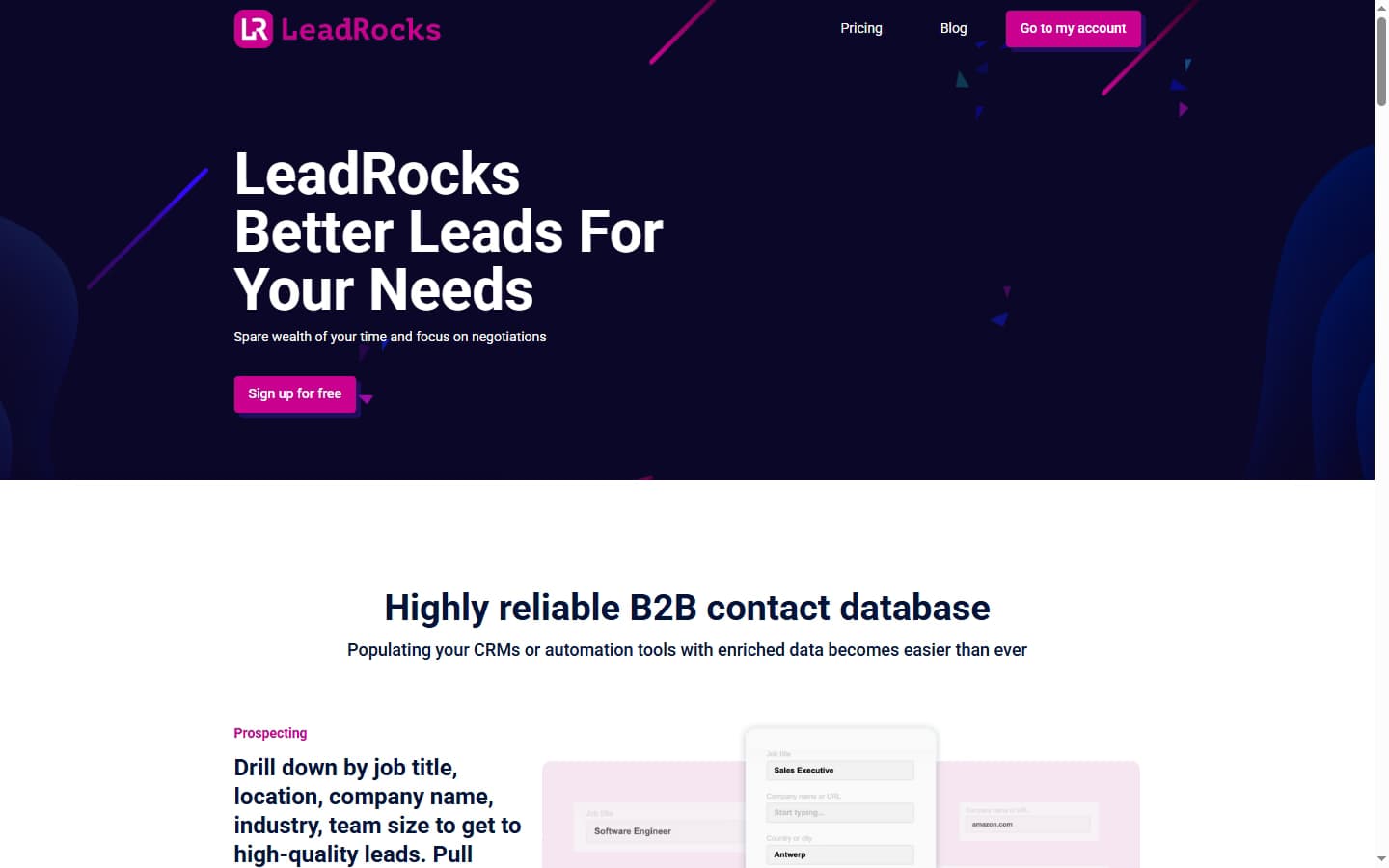
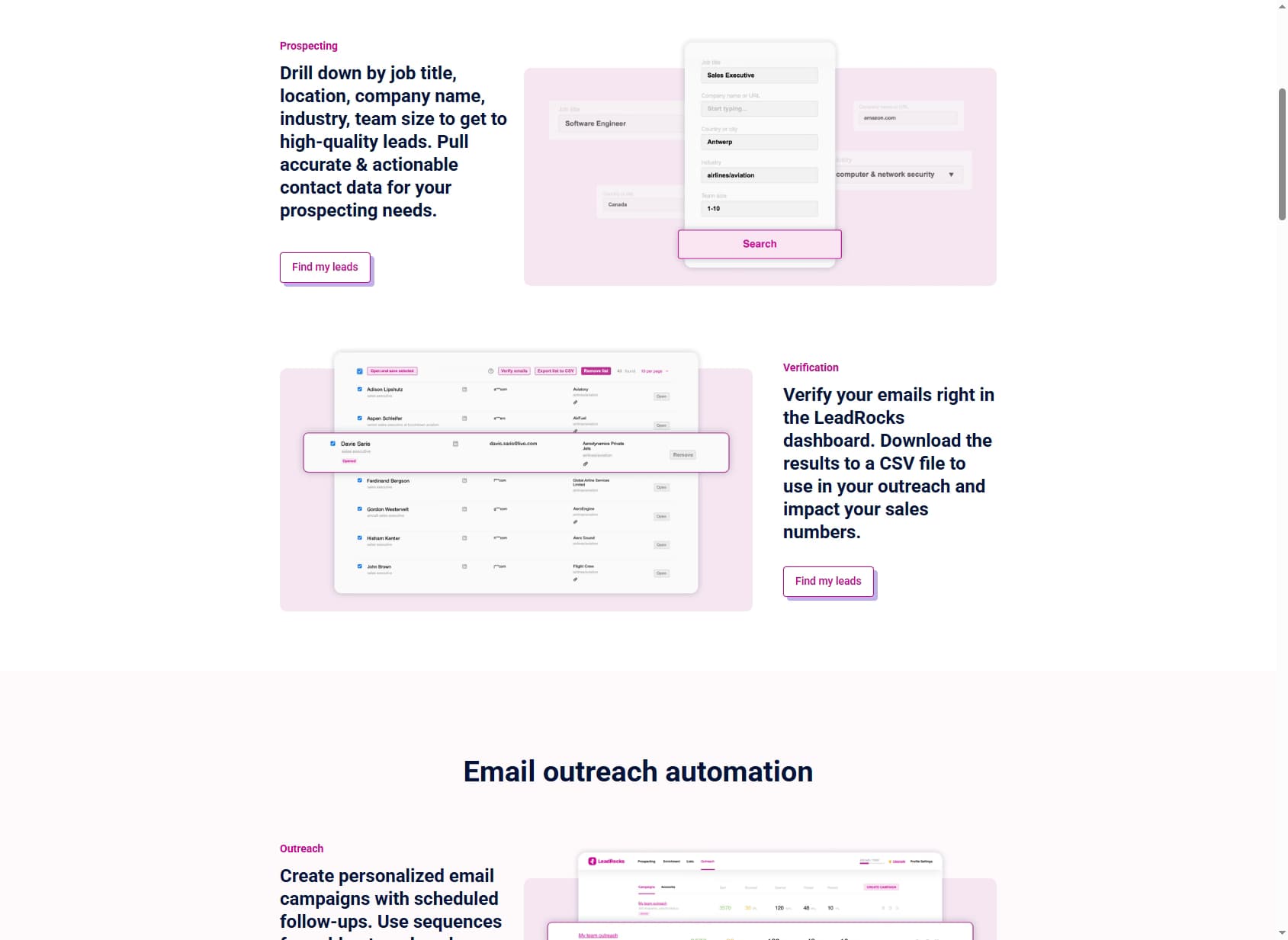
You search a claimed 100M+ contact index with filters across role, industry, geography, and company size, then return work emails, phone numbers, and LinkedIn URLs.
Beyond search, the platform packs in a Chrome extension for bulk extraction from LinkedIn Sales Navigator, a built-in email verifier, basic Gmail/Outlook sequencing, CSV export, and an API limited to email verification.
It is positioned as the cheapest entry point to a six-figure contact database, with a Free plan, a $29/month Starter, and a heavily promoted $79 AppSumo lifetime deal.
The headline distinction from multi-provider enrichment tools is the data model. LeadRocks is single-source — every lookup hits one static database.
A waterfall contact provider queries dozens of vendors in sequence and returns whichever one resolves the contact, which is the structural difference that shows up directly in real, deliverable hit rate.
LeadRocks Pricing: Plans, Credits, and What You Actually Pay
LeadRocks pricing starts at $0/month for a Free plan with 50 credits, then climbs to a $580/month Enterprise tier.
Credits are consumed on every lookup — including ones that return invalid or blank contacts.
| Plan | Monthly Price | Credits | Notes |
|---|---|---|---|
| Free | $0 | 50 credits | Trial of database and verifier |
| Starter | $29/mo | 1,000 credits | Entry tier for solo prospectors |
| Growth | $145/mo | 5,000 credits | Most-promoted monthly plan |
| Professional | $290/mo | 10,000 credits | Higher-volume outbound teams |
| Enterprise | $580/mo | 20,000 credits | Top published monthly tier |
| AppSumo LTD | $79 one-time | 5,000 credits/mo | Lifetime deal, code stacking allowed |
The real cost math
The per-credit price looks attractive — as low as $0.029 on Starter, and effectively pennies on the $79 AppSumo lifetime deal.
But the credit model hides a real cost. Credits are spent on every lookup, even when the email comes back invalid — and independent tests put real validity at 18-53%.
That math turns the $29/month Starter tier into a real cost of roughly $0.10-$0.15 per usable contact, before factoring in the external verifier you will need to run on top.
The 50-credit free tier is enough to kick the tires but too small to pressure-test accuracy on a real list.
Teams pricing this against other tools should compare cost per verified, deliverable contact — not cost per credit. See our roundup of the best B2B email finder tools for a like-for-like comparison.
LeadRocks Data Coverage and Accuracy: What Users Actually Get
LeadRocks' accuracy claim and its real performance live in different worlds. The vendor markets 98%+ email accuracy across a claimed 100M+ contact database.
That figure is self-reported, not an independent benchmark.
Independent reviewers consistently land at a fraction of the marketed number. One Prospeo review found 53% of LeadRocks emails valid after external verification. A separate batch of 4,828 emails came back at just 18% valid — 873 usable out of 4,828 — after deduplication and verification.
Where the gap comes from
Geo-targeting is where LeadRocks draws some of the sharpest criticism. One reviewer searching for Rhode Island business owners received 17,775 nationwide records — only 56 were actually in Rhode Island, which makes territory-based prospecting effectively unworkable.
The built-in email verifier is the other structural weakness. It appears to check captured emails against LeadRocks' own database rather than running real multi-source validation, and a January 2026 AppSumo reviewer reported it returned 'unknown status' for every email tested.
There is also a coverage-versus-accuracy distinction. The 98% figure describes accuracy on data LeadRocks marks as verified — not real-world deliverability across a working outbound list, where a meaningful share of contacts won't resolve in any single static database.
This is the core argument for multi-provider waterfall tools: when one database misses a contact or returns a bad email, the next provider in the sequence gets a chance to resolve it.
See our explainer on why waterfall email finders beat single-source tools on usable hit rate.
LeadRocks Key Features
LeadRocks' feature set is narrow but coherent — built around search, scrape, verify, and send. The highlights:
| Feature | What It Does |
|---|---|
| 100M+ contact database | Search a claimed 100M+ B2B contact index with filters across role, industry, geography, and company size to build prospecting lists. |
| Email, phone, and LinkedIn lookup | Return work emails, phone numbers, and LinkedIn URLs for contacts surfaced from the database or scraped via the Chrome extension. |
| Chrome extension | Extract bulk contact data from LinkedIn Sales Navigator searches and individual LinkedIn profiles without leaving the browser tab. |
| Built-in email verifier | Run captured emails through a verifier before export, though independent tests suggest it relies on LeadRocks' own data rather than multi-source validation. |
| Basic email sequencing | Send 1:1 or short outbound sequences through Gmail or Outlook directly from the LeadRocks dashboard, without a separate outreach tool. |
| CSV export & API | Export contact lists as CSV for use in other tools. The API is limited to email verification rather than full enrichment endpoints. |
LeadRocks Pros: What It Does Well
- ✓Cheapest 100M+ database on the market. At $29/month for 1,000 credits — and $79 one-time on AppSumo — LeadRocks undercuts almost every comparable contact database by an order of magnitude.
- ✓Lifetime deal is genuinely useful. The $79 AppSumo LTD with code stacking gives solo founders 5,000 credits per month forever — a strong fit for a one-time list build.
- ✓Free tier with no card. The 50-credit free plan with no credit card required lets you spot-check the database and Chrome extension before paying.
- ✓All-in-one for solo prospectors. Search, scrape, verify, and send sit in one tool — a single $29/month subscription covers what would otherwise need a database, a verifier, and an outreach tool.
- ✓Chrome extension covers LinkedIn workflows. Bulk-extract contacts from LinkedIn Sales Navigator searches without leaving the browser, then return emails and phones in the same flow.
LeadRocks Cons: Where It Falls Short
- Email accuracy collapses in real use. LeadRocks markets 98%+ accuracy, but independent reviewers found only 18-53% valid emails after external verification. One test of 4,828 emails returned just 873 usable — an 18% hit rate that turns a cheap sticker price into 5x the effective cost.
- You pay for blanks. Credits are consumed on the lookup, not on a verified result. When 47-82% of contacts are unusable, the real cost per valid lead runs 2-5x the advertised per-credit math.
- Geo-targeting is unreliable. One reviewer searching for Rhode Island business owners received nationwide results — only 56 of 17,775 records were actually in-state, which makes territory-based prospecting effectively unworkable.
- The built-in verifier is weak. It appears to check against LeadRocks' own database rather than running real multi-source validation, and a January 2026 AppSumo reviewer reported it returned 'unknown status' for every email tested.
- No native CRM integrations. Export is CSV-only — there is no real-time push into HubSpot, Salesforce, Pipedrive, or Attio. Records go stale the moment you download them, and re-imports are manual.
- Single static database. LeadRocks finds only the contacts already in its 100M+ index. There is no fallback to a second or third provider when a lookup comes back empty, so a miss in its index is simply a miss.
How LeadRocks Works: From Search to Sent Email
LeadRocks keeps the whole prospecting loop in one dashboard. Here is how a typical list build runs, and where the accuracy issues covered above show up along the way.
- Build the search. Filter the database by role, industry, geography, and company size. Spot-check a sample of results against your territory before exporting anything, since geo filters are where reviewers report the worst mismatches.
- Or pull from LinkedIn. The Chrome extension bulk-extracts contacts from LinkedIn Sales Navigator searches and individual profiles, then returns emails and phone numbers in the same flow.
- Reveal contact details. LeadRocks charges one credit for all the contact details of one person. Credits are spent on every lookup, including ones that come back invalid, so budget by the number of people you look up rather than the number of usable contacts you expect.
- Verify before you send.Run the built-in verifier as a first pass, then an external one such as NeverBounce or ZeroBounce. The built-in check appears to compare against LeadRocks' own data, so it should not be the last word on deliverability.
- Send or export.Launch short sequences with scheduled follow-ups from the LeadRocks dashboard, or export a CSV for your sequencer or CRM. As of September 2026, LeadRocks' own FAQ says it does not offer CRM integrations yet, and its API covers email verification rather than full enrichment.
How to run a fair LeadRocks pilot
The free plan's 50 credits are enough to check the interface and the Chrome extension, not the data. For a real test, take 200-300 contacts you already know are valid (recent customers or closed-won contacts work well), run them through LeadRocks on the Starter plan, and verify every returned email externally.
Then work out three numbers: the share of people LeadRocks found at all, the share of found emails that pass external verification, and your cost per verified contact. Run the same list through one or two other lead enrichment tools and compare on that last number, not cost per credit. If LeadRocks' figures don't hold up on your own data, our roundup of LeadRocks alternatives is a good place to start.
Who Should Use LeadRocks?
LeadRocks is the right tool in a narrow scenario: a solo founder or freelancer building a single, one-off contact list on a tight budget, who can absorb spending hours re-verifying data through an external tool.
Use LeadRocks if:
- You are a solo founder or freelancer building a one-off prospecting list on a sub-$100 budget.
- You will run captured emails through a separate verifier like NeverBounce or ZeroBounce before sending, and accept a 18-53% usable rate.
- The $79 AppSumo lifetime deal — 5,000 credits/month forever — is the structurally cheap entry point you need.
- CSV export covers your workflow and you have no need for native CRM sync, buying signals, or AI workflow automation.
Look elsewhere if:
- Deliverability is critical — LeadRocks' real 18-53% validity rate is a non-starter for cold-email campaigns where sender reputation matters.
- You run ongoing outbound at volume — a waterfall contact provider that checks several sources per contact may deliver more usable leads per dollar at scale — pilot both on the same list.
- You need native CRM integrations — LeadRocks ships CSV export only, with no HubSpot, Salesforce, or Pipedrive push.
- You want buying signals, deep firmographics, or AI workflow automation to prioritize accounts beyond basic contact data.
If LeadRocks' single static database is a dealbreaker, SyncGTM is one alternative worth a look: it runs waterfall enrichment across 50+ data providers for verified emails, phone numbers, and firmographics.