

Vocus.io Review 2026: B2B Data Coverage, Pricing & Alternatives

By Kushal Magar · May 29, 2026 · 11 min read · Last updated: September 30, 2026
Key Takeaway
Vocus.io is a cheap, Gmail-native send-and-track tool with strong conditional follow-ups from $5/month — but it ships no contact data, runs no waterfall enrichment, returns no phone numbers, supports Gmail only, and shows signs of slow development. It fits solo founders and small teams who already have a contact list; anyone whose bottleneck is finding contacts needs a separate data source.
This Vocus.io review covers the tool's data coverage, pricing, and accuracy in 2026 — and where it falls short for B2B prospecting. Vocus.io is a Gmail sales engagement tool with email tracking, automated follow-ups, and mail merge, with paid plans from $5/month. Our rating: 3.4/5.
Vocus.io's appeal is price and simplicity. Install a Chrome extension, send from the normal Gmail compose window, and get tracking, templates, and conditional follow-ups for as little as $5/month.
The structural limit is just as simple. Vocus.io is a send-and-track layer — it ships no contact data and runs no waterfall enrichment. You bring your own list, which means paying for a separate finder or database on top of it.
This review breaks down Vocus.io's pricing math, the data gap it leaves open, its key features, how the workflow runs day to day, and the honest pros and cons for teams weighing their options in 2026.
What Is Vocus.io?
Vocus.io is a Gmail sales engagement tool built for solo founders, SDRs, and small teams who run outbound from inside their inbox. It installs as a Chrome extension and layers email tracking, automated follow-ups, templates, mail merge, and scheduling onto Gmail and Google Workspace.
You compose in the normal Gmail window. Vocus.io tracks opens and link clicks per recipient, fires conditional follow-up sequences, logs activity to a CRM, and gives you snooze-style reminders to keep threads moving. It has been around since the mid-2010s and leans into one motion: making Gmail behave like a lightweight sales engagement platform.
The headline limitation is the data model — or the lack of one. Vocus.io is a send-and-track layer with no contact database and no waterfall contact provider behind it. A small name-to-email lookup is included, but the leads you email come from a list you build or buy elsewhere — which is exactly the gap we cover in the data section below.
Vocus.io Pricing: Plans, Limits, and What You Actually Pay
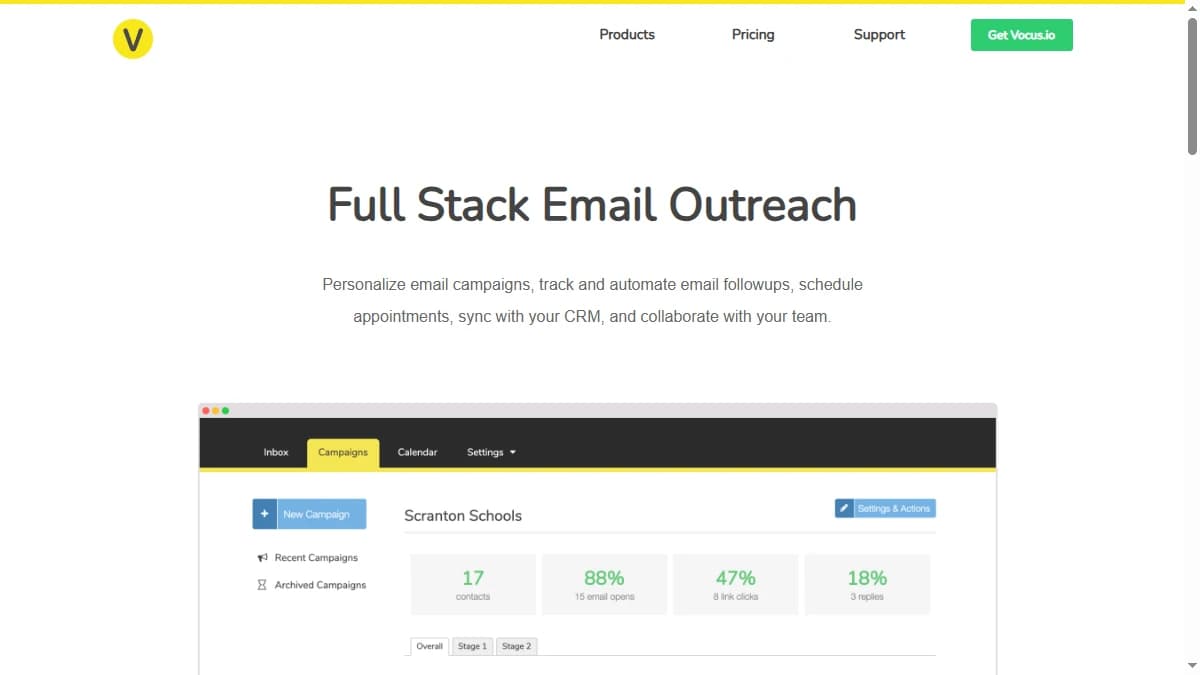
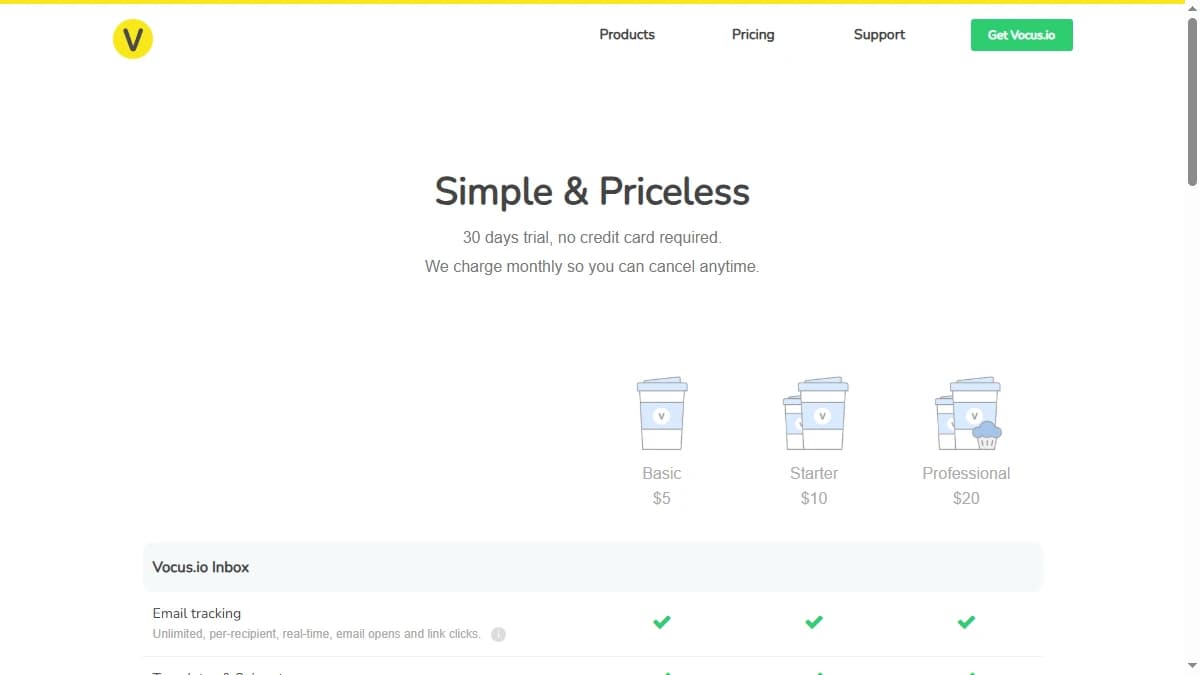
Vocus.io pricing starts at $5/month and is structured around inbox count, template limits, and follow-up volume rather than data credits — because there is no data to meter. Billing is month-to-month with no per-inbox surcharge.
| Plan | Monthly Price | Inboxes | Templates / Follow-ups |
|---|---|---|---|
| Basic | $5/mo | 5 | 50 / 50 |
| Starter | $10/mo | 5 | 100 / 100 |
| Professional | $20/mo | 10 | 200 / 500 |
| Growth | $80/mo | 10 | 800 + external SMTP |
The real cost math
The sticker price is genuinely low — $5/month is among the cheapest in sales engagement. But the price buys send tooling only. Vocus.io ships no contact data, so the total cost of an outbound stack runs higher than the Vocus.io line item suggests.
To actually run outbound, you pair Vocus.io with a separate email finder or database — and that second tool is where most of the spend lands. A 30-day free trial with no credit card lets you test the send features first. When you compare Vocus.io against an all-in-one platform, weigh the combined cost of finder plus sender, not the $5 headline — see our roundup of the best B2B email finder tools.
Vocus.io Review: Data Coverage and Accuracy Tested
Vocus.io's data coverage is the easiest part of this review to assess, because there isn't any. Vocus.io does not sell contact data — it tracks emails and automates follow-ups on a list you supply.
There is no enrichment hit rate to benchmark and no email-accuracy figure to validate, because Vocus.io is not a data vendor. The only data-adjacent feature is a light name-to-email lookup, and Vocus.io publishes no accuracy statistics for it. Whether your sends reach real inboxes depends entirely on the list you import from a separate finder — not on Vocus.io.
Where the gap comes from
For an outbound team, finding the contact is usually the hard part — not sending the email. Vocus.io solves the easy half and leaves the hard half to you.
The public footprint reinforces the caution about relying on Vocus.io long-term. It holds a 4.3/5 rating across only about 15 reviews on G2 and roughly 12 on Capterra, with most written reviews dating from 2018–2019 and a vendor profile that has been inactive for over a year.
If contact data is your bottleneck, plan on pairing Vocus.io with a dedicated finder upstream. Our guide to waterfall email finders compares multi-source options with single-source tools.
Vocus.io Key Features
Vocus.io's feature set is built around in-Gmail sending, tracking, and follow-up rather than data or workflow orchestration. The highlights:
| Feature | What It Does |
|---|---|
| Email & link tracking | Tracks opens and link clicks per recipient directly inside Gmail, so you know who engaged before you follow up. |
| Automated follow-ups | Schedules conditional follow-up sequences from the compose window — including "only if they don't respond" logic — Vocus.io's strongest feature. |
| Templates & snippets | Save and reuse email templates and snippets for fast composition, with limits scaling from 50 on Basic to 800 on Growth. |
| Mail merge | Send personalized bulk emails from a spreadsheet of contacts, merging fields into a template for one-to-many outreach. |
| Scheduling & reminders | Schedule sends for later and set snooze-style reminders to nudge yourself when a thread needs attention. |
| Name-to-email lookup | A light built-in lookup to guess a work email from a name — convenient, but not a coverage-grade finder, and no accuracy stats are published. |
Vocus.io Pros: What It Does Well
- ✓Very low entry price. At $5/month, Vocus.io is one of the cheapest ways to add tracking and follow-up automation to Gmail — a fit for solo founders and small teams on a tight budget.
- ✓Strong follow-up automation. Conditional sequences — including “only if they don't respond” logic — are Vocus.io's standout feature and run straight from the compose window.
- ✓Gmail-native workflow. Everything happens inside the inbox you already use, with no new app to learn — send, track, and follow up without leaving Gmail.
- ✓No-credit-card trial. A 30-day free trial lets you test tracking, follow-ups, and mail merge before paying — though the trial caps scheduled sends and merge contacts.
- ✓Multiple inboxes, no surcharge. Even the Basic plan supports 5 Gmail or G Suite inboxes with no per-inbox charge, which suits founders juggling several sending addresses.
Vocus.io Cons: Where It Falls Short
- No contact data or waterfall enrichment. Vocus.io sends and tracks — it ships no contact database and runs no multi-provider enrichment. You bring your own list, which means paying for a separate email finder or database on top of Vocus.io.
- No phone numbers. Vocus.io returns no mobile or direct-dial data. Teams that call as well as email need a second tool entirely to cover phone outreach.
- Dated interface, slow development. Reviewers describe a UI that feels "stuck in 2018," most written reviews date from 2018–2019, and the G2 profile has been inactive for over a year — signals of limited product evolution.
- Gmail-only — no Outlook. Vocus.io works inside Gmail and Google Workspace only. There is no Outlook support and no shared-inbox handling, which rules it out for any Microsoft-based team.
- Thin integrations. As of September 2026, Salesforce and Pipedrive are the only CRMs Vocus.io lists with API sync; other CRMs rely on Auto BCC rather than a proper integration, and the broader integration ecosystem is narrow.
- Tracking links look unprofessional. Multiple reviewers note that Vocus.io's tracking and unsubscribe links rewrite hyperlinks and attachments in a way that can make polished emails look spammy to recipients.
How Vocus.io Works: From Install to First Follow-Up
Vocus.io is quick to set up because it lives inside Gmail. Here is how a typical outbound workflow runs, with plan limits as of September 2026:
- Install and connect. Add the Chrome extension and connect your Gmail or Google Workspace inboxes: 5 on Basic and Starter, 10 on Professional. Outlook is not supported.
- Bring your list. Vocus.io has no contact database, so import contacts from your CRM, a spreadsheet, or a separate email finder. The built-in name-to-email lookup covers the odd missing address, not a full list.
- Write once, reuse often. Save snippets and templates (50 on Basic, up to 800 on Growth) and use mail merge to personalize one-to-many sends from a spreadsheet.
- Send and track. Compose in the normal Gmail window. Opens and link clicks are tracked per recipient in real time, and Send Later and Snooze help you time sends and resurface threads.
- Automate the follow-up. Set conditional follow-ups, such as a second email only if there is no reply. Follow-up limits scale with the plan: 50 on Basic, 100 on Starter, and 500 on Professional.
- Log activity. Sync to Salesforce or Pipedrive, or copy other CRMs through Auto BCC. Professional adds branded tracking URLs, campaigns with attachments, and team sharing.
The practical limits show up at steps two and five. Every contact has to come from somewhere else, and follow-up caps decide how many live sequences you can run before you upgrade. For a solo founder running a few dozen personalized threads, Basic or Starter covers it. Teams that want to send through their own mail server can move to Growth for external SMTP support.
Who Should Use Vocus.io?
Vocus.io is the right tool in a specific scenario: light, Gmail-based send and track by a solo founder or small team that already has a contact list, wants the cheapest tracking and follow-up automation, and doesn't need data, phone numbers, or Outlook.
Use Vocus.io if:
- You run outbound from Gmail and want the lowest-cost way to add tracking and conditional follow-ups.
- You already have your contact list and just need to send, track, and follow up.
- You are a solo founder or small team on a tight budget testing an in-inbox sales motion.
- You manage several Gmail inboxes and want multi-inbox support without a per-seat surcharge.
Look elsewhere if:
- Finding contacts is your bottleneck — Vocus.io ships no data, so you need a waterfall contact provider to feed it.
- You need phone numbers — Vocus.io returns none, so calling teams need a separate tool entirely.
- You use Outlook — Vocus.io is Gmail and Google Workspace only.
- You want buying signals and automated CRM enrichment, not just a send-and-track layer — see our roundup of Vocus.io alternatives.
If Vocus.io's lack of contact data is a dealbreaker, SyncGTM is one alternative worth a look: it runs waterfall enrichment across 50+ data providers for verified emails and phone numbers, with native Salesforce, HubSpot, and Pipedrive integrations.