


7 Best W3Techs Alternatives for B2B Enrichment in 2026

By Kushal Magar · September 21, 2026 · 13 min read · Last updated: September 30, 2026
Key Takeaway
W3Techs is a free, aggregate survey of web technology usage — it reports that 40%+ of sites run WordPress, but never which specific companies do, and it has no contact data. The 7 best W3Techs alternatives for B2B enrichment in 2026 are: SyncGTM (tech-stack lookup plus waterfall enrichment across 50+ providers and native CRM integrations), BuiltWith (491.9M+ domains and 18+ years of trend history from $295/mo), Wappalyzer (browser extension plus lead-list API from $250/mo, free tier available), WhatRuns (a completely free browser extension with no paid tier), HG Insights (enterprise technographics bundled with IT-spend and buyer-intent data on custom pricing), TheirStack (pay-as-you-go technographic and job-signal data from $49/mo), and SimilarTech (technographic lead lists now part of Similarweb's Sales Intelligence suite).
The best W3Techs alternatives solve a problem W3Techs was never built to solve: identifying which specific companies run a given technology, not just what percentage of the web does.
W3Techs earns its place as a free, well-sourced survey of web technology usage — CMS market share, server distribution, SSL adoption, and dozens of other categories, updated on a rolling basis. For technology-trend research, it works well.
The problem is scope. W3Techs publishes aggregate, anonymized percentages — it does not name individual websites, does not export company lists, and has no search function to find businesses by tech stack. For B2B teams that want to prospect companies running a specific technology, that means W3Techs answers a different question than the one they're asking.
Company-level tech-stack lookups are table stakes for the tools below — the differences show up in coverage depth, pricing model, and whether the tool stops at "here's their stack" or goes further into verified contact data. This guide compares seven alternatives.
Quick Summary
The best W3Techs alternatives in 2026 are SyncGTM, BuiltWith, Wappalyzer, WhatRuns, HG Insights, TheirStack, and SimilarTech.
TL;DR: Best W3Techs Alternatives in 2026
- SyncGTM — Best overall for B2B prospecting. Tech-stack lookup plus waterfall enrichment across 50+ providers, buying signals, and native CRM integrations; free to start.
- BuiltWith — Best for historical trend depth. 491.9M+ domains tracked across 18+ years of technology adoption data from $295/mo.
- Wappalyzer — Best browser extension plus lead-list combo. Free tier with 50 lookups/mo, paid plans from $250/mo.
- WhatRuns — Best free option. Completely free browser extension, no paid tier, 450,000+ active users.
- HG Insights — Best for enterprise GTM. Technographics bundled with IT-spend and buyer-intent data on custom, contact-sales pricing.
- TheirStack — Best pay-as-you-go option. Technographics plus job-posting signals, credits roll over 12 months, from $49/mo.
- SimilarTech — Best for Similarweb users. Technographic lead lists combined with traffic intelligence, custom pricing.
Why Teams Look for W3Techs Alternatives
W3Techs answers one question well: "What share of the web uses this technology?" It cannot answer "Which companies use it, who do I contact there, and are they a fit for my product?" That gap drives four recurring pain points for B2B teams.
No company-level identification. W3Techs reports aggregate percentages across millions of sites — it never names an individual company or domain in its public survey results. Every team trying to prospect "companies using Shopify" or "companies migrating off Nginx" needs a different tool entirely, because W3Techs has no lookup or filter function for that.
No lead export or list building. Even if you could identify a company manually, W3Techs has no CSV export, no saved searches, and no API. According to G2's research on technographic data, sales and marketing teams use tech-stack signals specifically to build targeted account lists — a workflow W3Techs' survey format was never designed to support.
No contact data. Knowing that a target account runs HubSpot or AWS is only useful if you can reach someone there. W3Techs has no email, phone, or LinkedIn data of any kind — a gap several tools on this list address to varying degrees.
Survey cadence, not live signal tracking. W3Techs updates its aggregate stats on a research schedule, not as a real-time trigger feed. Teams that want to act the moment a target account adopts or drops a technology need a tool built for monitoring and alerts, not a periodic market-share report.
Per Gartner's research on B2B data quality, B2B contact and firmographic data decays at roughly 30% per year — reinforcing why a static, anonymized survey can't substitute for a live, company-level data source. The seven alternatives below each close one or more of these gaps.
1. SyncGTM
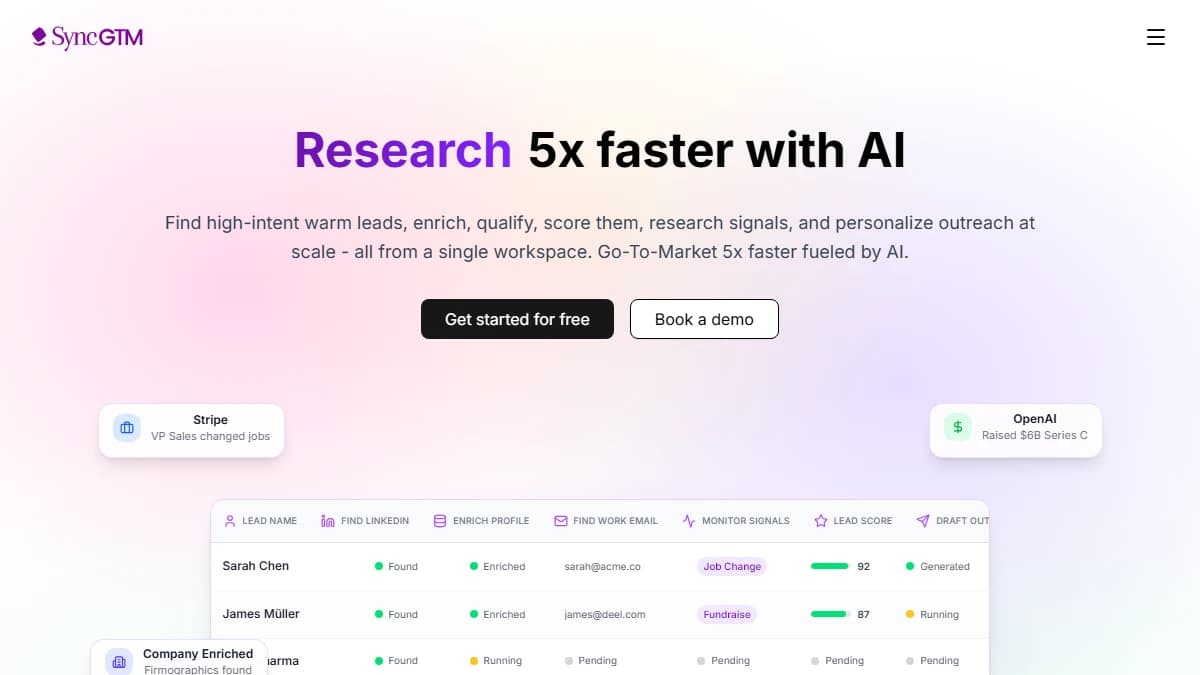
SyncGTM — tech-stack lookup plus waterfall enrichment across 50+ providers and native CRM integrations
SyncGTM is a B2B prospecting platform where technographic lookup is one input into a much larger enrichment pass, not the end product. Point it at a target company and it returns the technologies that company runs alongside contact data — emails, phone numbers, and firmographics — sourced through waterfall enrichment across 50+ providers queried in sequence.
That's the core difference from W3Techs and most of the tools below: SyncGTM doesn't stop at "here's their stack." A tech-stack match — say, a company running a competitor's tool or missing a category you sell into — becomes a filter condition, not a dead end, because the same platform can immediately surface contact data at that account.
Buying signals — job changes, funding, headcount growth, hiring, and web traffic — layer on top of the technographic data to flag in-market accounts. Native CRM integrations with Salesforce, HubSpot, Pipedrive, Attio, and Close move the enriched account into the CRM your team already uses, and MCP access lets you query SyncGTM from Claude, ChatGPT, or Cursor.
SyncGTM pulls contact and firmographic data from 50+ data providers rather than a single proprietary crawler.
Pros
- • Tech-stack lookup feeds directly into contact enrichment — no second tool needed to reach a match
- • Waterfall enrichment across 50+ providers — emails, phone numbers, and firmographics
- • Buying signals surface in-market accounts, not just static tech-stack snapshots
- • Native CRM integrations: Salesforce, HubSpot, Pipedrive, Attio, Close
- • AI lead scoring to prioritize accounts
- • Free to start, with MCP access from Claude, ChatGPT, and Cursor
Cons
- • Not a public aggregate market-share tool — W3Techs' free stats are simpler for pure research use
- • No 18-year historical technology-trend archive comparable to BuiltWith's
Best for: B2B teams that want to act on a technology signal immediately — identify the stack, enrich the account, and find contact data in one workflow.
Pricing: Free to start.
2. BuiltWith
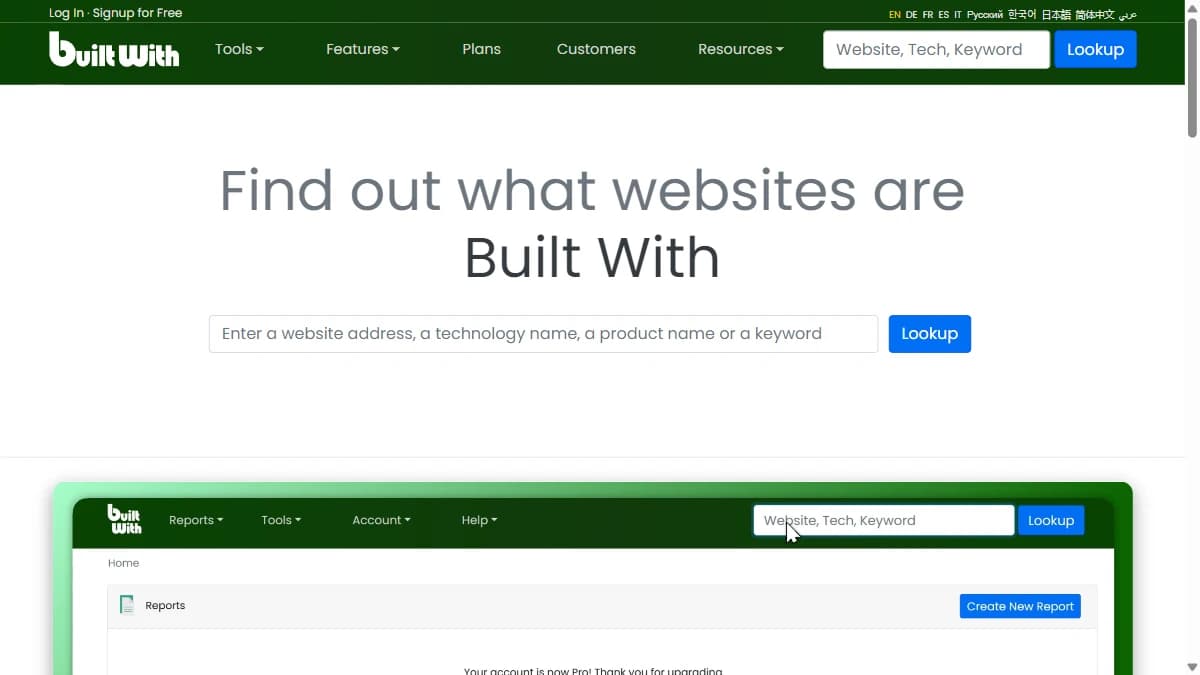
BuiltWith — technology profiling across 491.9M+ domains with 18+ years of trend history
BuiltWith is the closest thing to a direct W3Techs upgrade: free single-site lookups for casual research, plus a paid tier that adds exactly what W3Techs lacks — company names, lead lists, and export. It covers 491.9 million domains with technology-adoption history stretching back 18+ years, the deepest trend archive of any tool in this comparison.
Where W3Techs shows "62% of sites use technology X," BuiltWith shows the actual list of sites, with filters by technology, keyword, and even estimated ecommerce revenue on its Retail Reports. That list-building capability is the entire reason B2B teams outgrow W3Techs.
The gap is what happens after the list. BuiltWith exports company and domain data with CRM integration, but it has no verified email, phone, or outreach layer built in — you still need a separate enrichment and sequencing tool to turn a BuiltWith list into contacted pipeline.
Pros
- • 491.9M+ domains tracked with 18+ years of historical technology-trend data
- • Free individual site lookups forever — no account required for basic research
- • Real-time alerts when a target company adopts or drops a technology
- • Retail Reports add estimated ecommerce revenue to technology filters
- • CRM export to Salesforce, HubSpot, Dynamics 365, Zoho, and more
- • The most recognized brand in technographics — widely cited as the category benchmark
Cons
- • Steep jump from free to $295/mo for the entry paid plan (Basic, 2 technologies/2 keywords)
- • Unlimited technology and keyword tracking requires Pro at $495/mo
- • No verified contact data — email, phone, and LinkedIn are out of scope
- • No outreach or sequencing layer — lists still need a downstream tool
Best for: Teams that need the deepest historical technology-adoption data and company-level lead lists, and already have a separate contact-enrichment tool.
Pricing: Free (single lookups). Basic $295/mo. Pro $495/mo. Team $995/mo.
3. Wappalyzer

Wappalyzer — browser extension and API for technographic lead lists, free tier available
Wappalyzer started as a browser extension for identifying what a single site is built with, and it's still the fastest way to check one URL. The paid product builds on that same detection engine to generate lead lists filtered by technology, giving small teams a lighter-weight alternative to BuiltWith's enterprise pricing.
The free tier is genuinely useful: 50 technology lookups and email verifications a month, plus 5 website alerts, with no credit card required. That's enough for light, ongoing research — well beyond what W3Techs' anonymous survey format allows.
Pricing scales by seat and API credit rather than flat tiers, which keeps Pro accessible at $250/mo for a single user but adds up quickly for teams — Business jumps to $450/mo for 5 users and unlimited lookup targets, and API credits expire within 60–365 days depending on how they were purchased.
Pros
- • Free tier with 50 lookups/mo and 5 website alerts — no card required
- • Browser extension for instant single-site checks, same engine that powers the API
- • Lead lists filterable by specific technology or technology combination
- • CRM enrichment available on Business and Enterprise plans
- • Annual billing saves 17% versus monthly
- • Widely embedded — many other SaaS tools license Wappalyzer's detection data
Cons
- • Per-user seat pricing scales fast — Business is $450/mo for just 5 users
- • API credits expire (60 days on plan credits, 365 on bundle purchases)
- • No direct-dial phone data or outreach/sequencing layer
- • Pro tier limits lookup targets to 2 — a real ceiling for active prospecting
Best for: Small teams that want a browser extension for quick checks and a lighter-weight paid tier for building technology-filtered lead lists.
Pricing: Free (50 lookups/mo). Pro $250/mo. Business $450/mo. Enterprise from $850/mo.
4. WhatRuns
WhatRuns — completely free browser extension that detects the technologies behind any website
WhatRuns is a free Chrome extension, full stop — no paid tier, no credit card, no account wall. Click the icon on any site and it lists the CMS, hosting, analytics, fonts, and dozens of other technologies detected on that page, with 450,000+ active users and 50–100 new technologies added to its database daily.
That makes it the most direct upgrade from W3Techs for someone who just wants company-level answers without paying for a platform: W3Techs tells you the aggregate percentage, WhatRuns tells you exactly what this one site runs. You can also "follow" a site and get notified when its stack changes.
The limitation is scale. WhatRuns has no bulk search, no lead-list export, no API, and no way to find companies matching a technology filter — it only works one URL at a time, in a browser tab you have to visit manually.
Pros
- • 100% free with no paid tier, no signup, and no usage limits
- • One-click detection covering CDN, hosting, analytics, CMS, plugins, and fonts
- • Site-follow feature alerts you when a tracked site's stack changes
- • 450,000+ active users and a database updated daily
- • Zero learning curve — install the extension and click
Cons
- • No bulk search or lead-list building — one site at a time only
- • No API, so it can't plug into an automated prospecting workflow
- • No contact data, firmographics, or outreach features of any kind
- • Chrome-only browser extension, no standalone web app for teams
Best for: Individual marketers, developers, or founders who need to check a handful of sites manually and don't need list-building or contact data.
Pricing: Free. No paid plans.
5. HG Insights
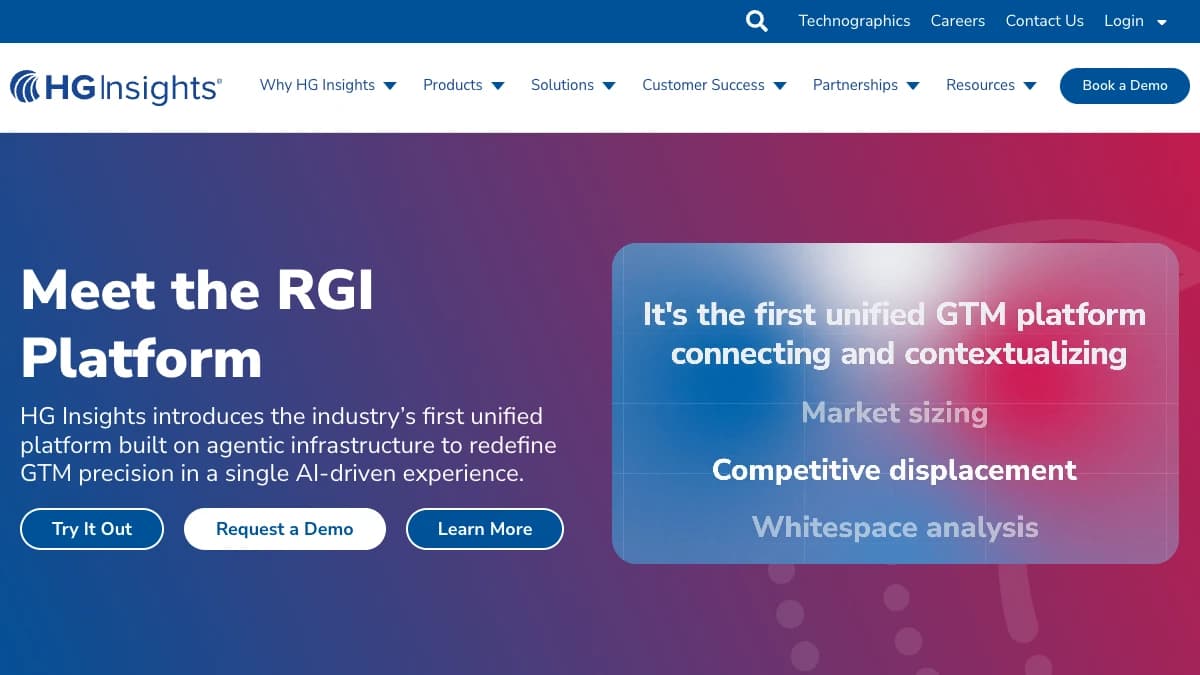
HG Insights — enterprise technographics bundled with IT-spend and buyer-intent data
HG Insights targets a different buyer than the rest of this list: enterprise GTM and market-intelligence teams that need technographics folded into a much wider data set. Its RGI Fabric layer blends firmographics, technographics, IT spend, buying-center mapping, and intent signals into one modeled dataset, surfaced through the RGI Platform's Market Analyzer, Data Studio, and Sales Copilot modules.
That IT-spend layer is the real differentiator versus every other tool here. Knowing a company runs Salesforce is one signal; knowing their estimated annual spend on the CRM category is a materially different qualification signal for enterprise sellers.
The tradeoff is accessibility. HG Insights doesn't publish pricing, requires a sales conversation to get a quote, and standard contracts run two years — a commitment level that puts it out of reach for most SMB and mid-market teams evaluating W3Techs alternatives on a self-serve basis.
Pros
- • IT-spend data layered on top of technographics — deeper qualification signal than stack alone
- • Buyer-intent and buying-center data bundled into the same platform
- • Sales Copilot module adds AI-guided account engagement on top of the data
- • Built for enterprise-scale account coverage, not single-site lookups
- • Established data provider widely used in enterprise ABM stacks
Cons
- • No public pricing — every deal requires a sales conversation
- • Standard 2-year contract term, with 1-year available only at a premium
- • No free trial to test data quality before committing
- • Overbuilt and overpriced for small teams that just need company-level tech lookup
Best for: Enterprise GTM and market-intelligence teams that want technographics bundled with IT-spend and buyer-intent data in one platform.
Pricing: Custom, contact sales. No public tiers. No free trial. Standard 2-year contract.
6. TheirStack
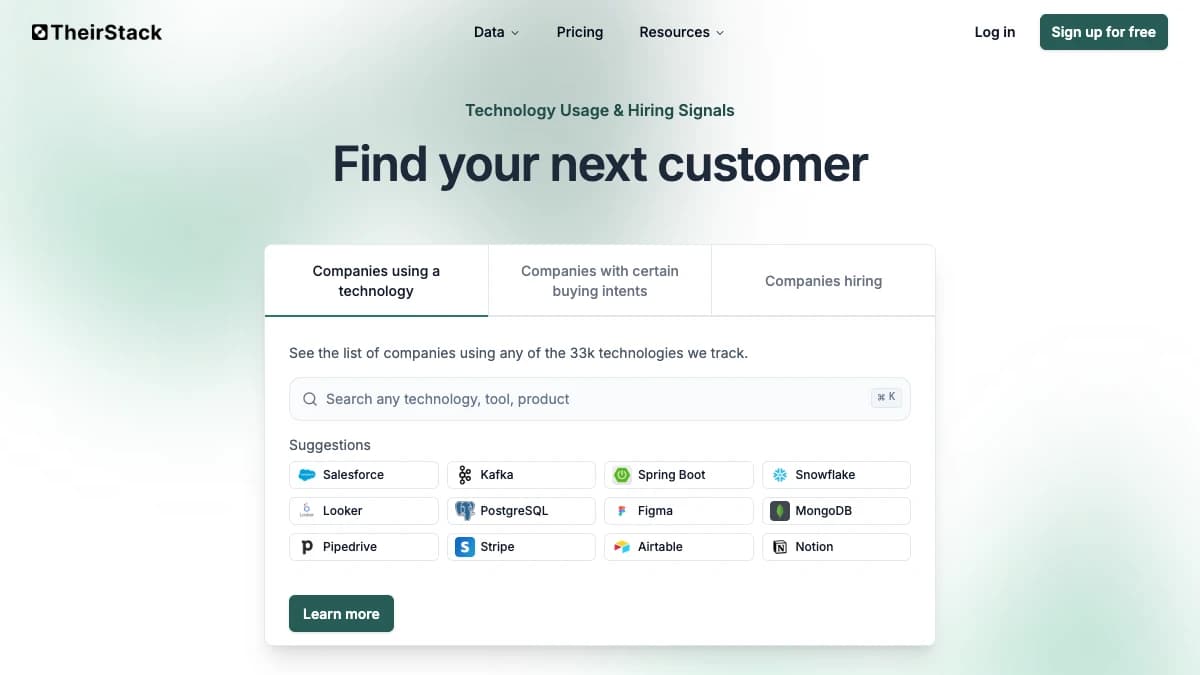
TheirStack — pay-as-you-go technographic and job-posting signal data, credits roll over 12 months
TheirStack combines two signal types W3Techs doesn't touch at all: which companies run a given technology, and which companies are actively hiring for roles tied to it. Searching "companies using Snowflake that are hiring data engineers" is a single query, not a manual cross-reference between two tools.
Pricing is credit-based and genuinely flexible — one-time web-interface credits starting at $109 for 1,000, or monthly API subscriptions from $49/mo for 1,500 credits, with unused credits rolling over for 12 months and no long-term commitment required.
Every plan includes company search, company lookup, enrichment, and unlimited export pages, which makes TheirStack one of the more transparent, self-serve options in this list next to HG Insights' contact-sales model. It has no native outreach layer, so exported lists still route to a separate sequencing tool.
Pros
- • Combines technographic data with job-posting signals in one search
- • Transparent, self-serve pricing with no sales call required
- • Credits roll over for 12 months — no use-it-or-lose-it pressure
- • Unlimited export pages at 500 results per page on every plan
- • Cancel-anytime monthly subscriptions, no long-term contract
- • Free trial credits for new users to test data quality first
Cons
- • Credit-based cost adds up quickly at high search volume
- • No native outreach or sequencing — exports still need a separate tool
- • No direct-dial phone data comparable to a full enrichment platform
- • Primarily a data/API product — less turnkey than a full GTM platform
Best for: Teams that want flexible, pay-as-you-go pricing and value job-posting signals layered on top of technographic search.
Pricing: From $109 one-time (1,000 credits) or $49/mo API (1,500 credits). Credits roll over 12 months.
7. SimilarTech
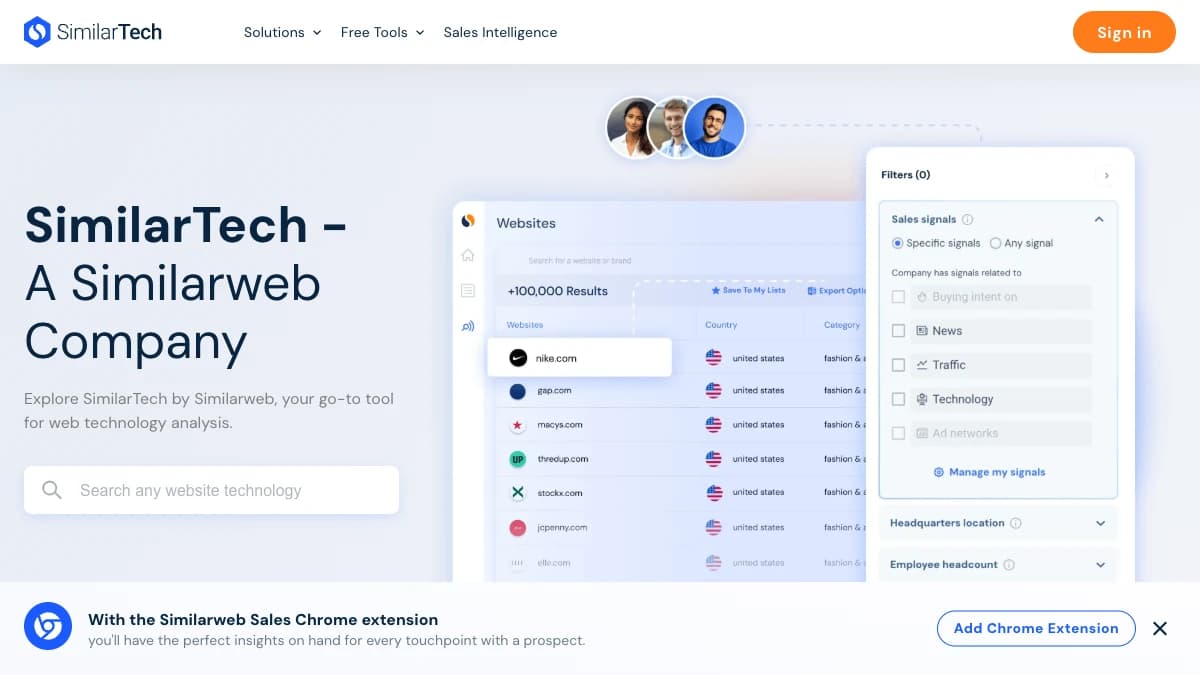
SimilarTech — technographic lead lists and website monitoring, now part of Similarweb's Sales Intelligence suite
SimilarTech covers the same core job as BuiltWith and Wappalyzer — technology lookup, lead lists filtered by tech stack, and website monitoring with change alerts — and now ships as part of Similarweb's Sales Intelligence suite rather than as a fully standalone brand.
That integration is the main selling point for teams already using Similarweb for traffic and market intelligence: technographic data sits alongside traffic rank, engagement, and competitive benchmarking in one account instead of a separate login. SimilarTech also includes email verification and CRM integrations with Salesforce, HubSpot, and Pipedrive.
Pricing is not published — every plan requires contacting sales, and third-party software directories estimate entry plans starting somewhere in the $200–$290/mo range, though those figures have not been independently verified against SimilarTech's current rate card.
Pros
- • Bundled with Similarweb's traffic and competitive intelligence data
- • Lead lists filterable by technology, with website change monitoring
- • Built-in email verification alongside technographic lookup
- • CRM integrations with Salesforce, HubSpot, and Pipedrive
- • Browser extensions available for Chrome, Firefox, Edge, and Safari
Cons
- • No public pricing — opaque cost until a sales conversation
- • Less prominent as a standalone brand since the Similarweb integration
- • No outreach or sequencing layer built in
- • No direct-dial phone data beyond email verification
Best for: Teams already inside the Similarweb ecosystem that want technographic lead lists alongside traffic and competitive data in one account.
Pricing: Custom, contact sales. No public tiers listed.
Side-by-Side Comparison
| Tool | Best For | Free Tier | Starting Price | Standout Feature |
|---|---|---|---|---|
| SyncGTM | B2B technographic + contact enrichment | Yes | Free to start | Tech-stack lookup + waterfall enrichment across 50+ providers, native CRM integrations |
| BuiltWith | Historical tech-adoption trend data | Yes (single lookups) | $295/mo | 491.9M+ domains across 18+ years of technology trend history |
| Wappalyzer | Browser extension + lead-list combo | Yes (50 lookups/mo) | $250/mo | Same engine powers browser extension and API lead lists |
| WhatRuns | Free single-site technology checks | Yes (unlimited, free) | Free | 450,000+ users, zero cost, no paid tier at all |
| HG Insights | Enterprise IT-spend + buyer intent | No | Custom | RGI Fabric blends technographics with IT spend and intent data |
| TheirStack | Pay-as-you-go tech + job signals | Yes (trial credits) | $49/mo | Credits roll over 12 months; combines tech stack + job postings |
| SimilarTech | Similarweb ecosystem teams | No | Custom | Technographic lead lists bundled with Similarweb traffic data |
How to Choose the Right W3Techs Alternative
The right alternative depends on what you do after you identify a company's tech stack.
- If you need to reach a contact the moment you spot a tech signal → choose SyncGTM (tech-stack lookup plus waterfall enrichment and native CRM integrations in one pass).
- If you need the deepest historical technology-adoption archive → choose BuiltWith (18+ years of trend data across 491.9M+ domains).
- If you want a browser extension and a lighter-weight paid lead-list tier → choose Wappalyzer.
- If your budget is $0 and you just need to check a handful of sites → choose WhatRuns — completely free, no paid tier.
- If you're an enterprise team that wants IT-spend and buyer-intent data bundled in → choose HG Insights.
- If you want pay-as-you-go pricing with job-posting signals layered on tech data → choose TheirStack.
- If you're already paying for Similarweb → choose SimilarTech to keep traffic and technographic data in one account.
Final Verdict
W3Techs does exactly what it sets out to do — a free, well-maintained survey of aggregate web technology usage. For tracking macro trends like CMS market share or SSL adoption, nothing on this list replaces it, because that was never the job these seven tools are trying to do.
The problem is every B2B use case beyond that research question: naming the companies behind a technology, exporting a lead list, and reaching a verified contact at the account that matches your ICP. All seven alternatives above close at least one of those gaps. Most close several.
For B2B prospecting teams, the strongest pick is SyncGTM — not because it's the deepest technographic archive (that's BuiltWith), but because it turns a tech-stack match directly into enriched contact data in one workflow. Tech-stack lookup, waterfall enrichment across 50+ providers, buying signals, and native CRM integrations come together in one platform, and it's free to start.
If you need the deepest historical trend data and already own an enrichment tool, BuiltWith at $295/mo is the direct fit. If your budget is zero and you just need occasional single-site answers, WhatRuns costs nothing. And if you're an enterprise team that wants IT-spend and intent data bundled with technographics, HG Insights is built for that scale.
This post was last reviewed in September 2026. Pricing and features change — always verify on the vendor's pricing page before purchasing.