

Attio Review 2026: Modern CRM for Data Teams — Pricing and Features

By Kushal Magar · April 8, 2026 · 11 min read · Last updated: September 30, 2026
Key Takeaway
Attio is a modern, API-first CRM with a flexible data model built around custom objects and relationship intelligence. Free plan supports 3 users with 50,000 records. As of September 2026, Plus is $35/user/mo and Pro is $79/user/mo billed annually ($44 and $99 billed monthly). G2 rating: 4.7/5 with 96% satisfaction for pipeline management. Strengths include a Notion-like interface, custom objects for any data model, automatic record enrichment, AI attributes and agents, and an excellent developer API. Best for: data-driven startups and growth-stage teams that want a flexible, modern CRM with custom objects, API-first design, and a generous free tier. Weaknesses: limited native integrations (Zapier required for many tools), no built-in calling, a 10-seat cap on Plus, reporting that trails Salesforce and HubSpot, and a product that is still maturing compared to established CRMs.
Attio is a modern, API-first CRM with custom objects, relationship intelligence, and a free plan for up to 3 users with 50,000 records, priced from $35/user/mo on paid plans billed annually. G2 rating: 4.7/5 with 96% satisfaction for pipeline management. Custom objects, real-time data sync, and a Notion-like UI that appeals to startups and growth-stage companies.
You are probably here because you have outgrown spreadsheets or a basic CRM, and you want something flexible enough to model your actual business — not just contacts and deals. You want to know if Attio delivers on the "modern CRM" promise or if it is still too early-stage for serious use.
This Attio review covers how the custom objects and relationship intelligence work, what the AI features actually do, what each plan costs, and where the platform falls short for teams that need more than a beautiful data model.
Attio Review: What You Get (and What You Don't)
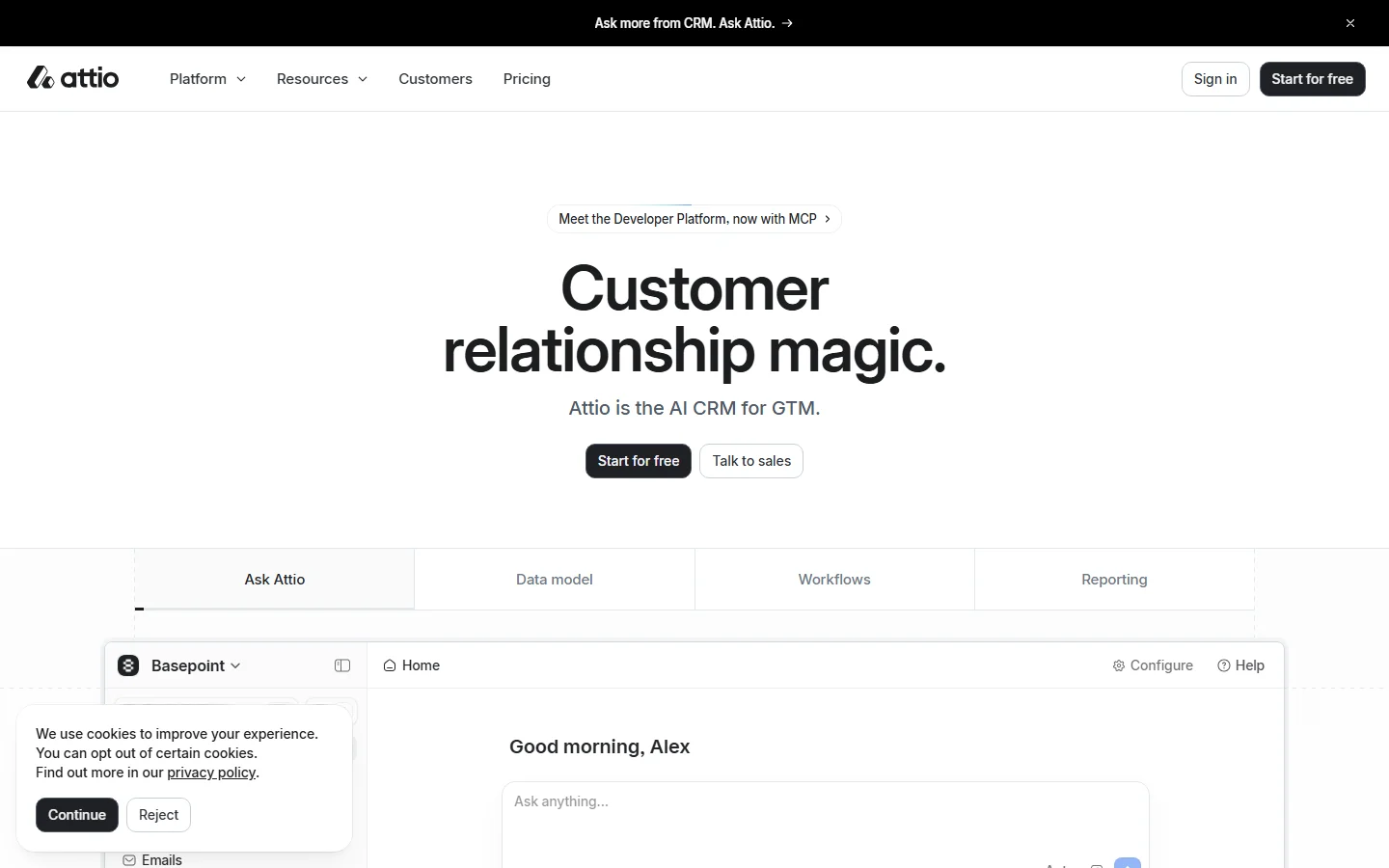
Attio is a cloud-based CRM that breaks away from the traditional contacts-and-deals model. You define your own objects, relationships, and data structures. See how users rate it on G2 (4.7/5 rating, 96% satisfaction for pipeline management).
| Feature | What's Included | Limitations |
|---|---|---|
| Custom Objects | Define any object type with custom fields and relationships | Capped by plan: 3 on Free, 5 on Plus, 12 on Pro |
| Relationship Intelligence | Auto-captures email and calendar interactions | Requires connected email/calendar for full value |
| AI Attributes | AI-filled fields for classification, summarization, research | Usage draws on monthly credits that scale by plan |
| API | Full REST API, real-time webhooks, developer-friendly docs | Rate limits on free plan |
| Enrichment and Signals | Auto-enriched records; research agent flags funding rounds, role changes, and hiring | Enriches records you already have; not a prospecting database |
Attio homepage
The takeaway: Attio gives you the most flexible data model of any CRM available, and it now layers enrichment, AI research, and signals on top. What it does not give you is a prospecting database: it enriches the records you already have rather than supplying verified contact data for new leads.
Attio Data Model: Custom Objects and Relationship Intelligence
Attio's data model is its core differentiator. Instead of being locked into a contacts-deals-accounts structure, you create custom objects for anything your business tracks: partnerships, product feedback, investor relationships, customer success milestones, or hiring pipeline candidates.
Each object gets custom fields (text, number, currency, date, select, multi-select, relationship links), custom views (list, board, calendar, timeline), and automation triggers. You can link objects together — a "Deal" object linked to a "Company" object linked to "Contact" objects, with a custom "Product Interest" object tracking which features they care about.
What works well
The flexibility is unmatched among CRMs. G2 reviewers frequently compare the experience to Notion — "it feels like building your own CRM, not using someone else's." Relationship intelligence automatically captures email and calendar interactions, building a timeline of every touchpoint without manual logging. The UI is fast, clean, and modern. Setup takes hours, not months.
Where it falls short
A flexible data model is only as good as the data inside it, and someone has to design it. Without a clear owner, custom objects multiply, fields go half-filled, and reports get harder to trust. Attio's auto-enrichment covers company context, but verified work emails and direct dials for new contacts still have to come from a dedicated data provider. See our best CRM data enrichment tools guide for the full enrichment landscape.
Attio Automation and AI Attributes
Attio's automation engine lets you trigger actions based on record changes, stage movements, or field updates. When a deal moves to "Qualified," auto-assign an account executive and send a Slack notification. When a contact's email bounces, update their status and flag for review.
AI Attributes are Attio's standout AI feature. You add a custom field to any object and configure it to auto-fill using AI. Examples: an AI attribute that summarizes a company based on all linked records, classifies a contact into an ICP tier, or researches a company's tech stack by crawling their website.
The AI layer has since grown beyond attributes. Ask Attio lets you analyze data and create records in plain language, a web agent researches accounts on autopilot, and custom agents can take on other repeatable tasks. Usage counts against each plan's monthly credits, so heavy AI users should check the allowances in the pricing section below.
AI Attribute limitations
AI Attributes work best with structured, existing data. If your records are sparse, the AI output is thin. The web research agent is useful but works from public web pages, so it is not a substitute for dedicated enrichment tools when you need verified contact data at scale. For deeper enrichment, compare our buying intent data tools roundup.
Attio Pricing Breakdown
Attio publishes pricing on their pricing page. As of September 2026, Plus and Pro can be billed monthly or annually (annual saves 20%), while Enterprise is billed annually:
- •Free ($0): Up to 3 users, 50,000 records, 3 custom objects, 3 reports, 100 seat credits per user and 250 workspace credits per month. Generous for startups and small teams.
- •Plus ($35/user/mo annually, $44 monthly): Up to 10 users, 250,000 records, 5 custom objects, 15 reports, basic permissions, and 500 seat credits per user. The first paid tier for small teams.
- •Pro ($79/user/mo annually, $99 monthly): Unlimited users, 1,000,000 records, 12 custom objects, 100 reports, advanced permissions, email sequences, call intelligence, and 1,000 seat credits per user. For scaling teams.
- •Enterprise (custom, billed annually): Unlimited custom objects, 100+ reports, SSO and SCIM, 2,500 seat credits per user, advanced admin tools, flexible invoicing, and dedicated support. For organizations with strict security requirements.
What you actually pay
A 10-person team on Plus: $350/mo billed annually ($440/mo billed monthly). On Pro: $790/mo billed annually. Plus is competitive with Pipedrive Growth ($390/mo for 10 users), and both tiers are cheaper than Salesforce Enterprise ($1,750/mo for 10 users). Watch the seat cap: Plus stops at 10 users, so the 11th hire moves the workspace to Pro. The free plan is genuinely useful — 3 users with 50K records and custom objects is enough for early-stage teams to validate the tool before committing.
Hidden costs to watch
- Monthly billing costs about 25% more than annual on Plus and Pro ($44 vs $35 and $99 vs $79 per user)
- AI and automation credits are capped per plan — heavy users may hit limits
- No built-in calling or SMS — requires third-party tools
- Native integrations are limited — Zapier required for many connections
- Plus caps a workspace at 10 users, 5 custom objects, and 15 reports
- Email sequences and call intelligence require Pro or Enterprise
What Are the Downsides of Using Attio?
Limited native integrations
Attio's integration catalog is small compared to established CRMs. G2 reviewers consistently flag this: "The lack of native integrations, particularly with email marketing tools, forces you to use Zapier for connections." If your tech stack relies on niche tools, you will need Zapier or custom API work to connect everything.
Plan caps force upgrades
Attio's tiers are separated by hard caps, not just features. Plus stops at 10 users, 5 custom objects, and 15 reports; email sequences, call intelligence, and advanced permissions sit on Pro; SSO and SCIM require Enterprise. A team that outgrows any one of those limits pays the Pro rate for every seat. Older reviews also list the missing mobile app as a dealbreaker, but as of September 2026 Attio lists iOS and Android apps, so field reps should test those before ruling it out.
Reporting is still maturing
Attio's reporting has improved but still lags behind Salesforce and HubSpot. Custom dashboards are available on Pro, but the depth of filtering, drill-down capabilities, and scheduled report delivery is not at enterprise level yet. Teams that live in reports will find the experience frustrating.
Limited built-in communication channels
Attio syncs emails and captures interactions, and Pro adds email sequences plus call intelligence for recording and analyzing meetings. It still does not make calls or send SMS from within the platform. For teams that want an all-in-one communication hub, compare our Close CRM review — Close includes calling, email, and SMS natively.
How Attio Works: From Setup to First Results
Attio's flexibility makes more sense once you see the order of operations. Here is how a typical rollout runs, step by step, and where plan limits (as of September 2026) show up along the way.
- Connect email and calendar. Attio syncs your inbox and meetings, builds company and person records from the people you already talk to, and logs every interaction on a timeline. You start with a populated CRM instead of an empty one.
- Let enrichment fill in the basics. Records are auto-enriched as they are created, so a company arrives with context rather than just a domain. Spot-check the enriched fields on a sample of your own accounts before you build reports on them.
- Model your business with custom objects. Add objects for whatever you track beyond people, companies, and deals, such as partners, investors, or product feedback. Free allows 3 custom objects, Plus 5, Pro 12, and Enterprise is unlimited.
- Build views for each team. The same object can power a pipeline board for sales, a table for RevOps, and a calendar or timeline view for customer success, without duplicating data.
- Automate with workflows and AI. Workflows trigger on record changes, while AI attributes, Ask Attio, and agents handle classification, summaries, and web research. AI and automation usage draws on monthly credits: 100 seat credits per user on Free, 500 on Plus, 1,000 on Pro, and 2,500 on Enterprise.
- Report and reach out. Reports are capped at 3 on Free, 15 on Plus, and 100 on Pro. Email sequences and call intelligence, which records and analyzes meetings, are limited to Pro and Enterprise.
The biggest planning decision is the tier. Plus tops out at 10 users and 5 custom objects, so a team that expects to grow past either limit should model costs on Pro from day one. Attio's 14-day Pro trial is the easiest way to test the full feature set, including sequences and call intelligence, on your own data before paying.
The payoff for the setup work is a CRM that matches how your business actually runs. The cost is design time: someone has to own the data model, and teams without a clear owner for CRM structure get less out of Attio's flexibility than teams with one.
Is Attio Worth It?
Attio is worth it for data-driven teams, startups, and companies that need a CRM flexible enough to model their unique business processes. The free plan is the best in the CRM market — 3 users with 50K records and custom objects. The Plus plan at $35/user/mo (billed annually) is excellent value for small teams, though its 10-seat cap means growing teams should budget for Pro.
Attio is not enough for teams that need built-in calling, deep native integrations, or enterprise-grade reporting today. The product is maturing fast, but it is not yet a full replacement for Salesforce or HubSpot in organizations with complex requirements.
The verdict: the most flexible CRM for teams that think in data models, with a free plan that makes it easy to test. Start on Free, run the 14-day Pro trial on your real pipeline, and confirm that the integrations you rely on exist natively before you commit.
Comparing CRM options? Read our reviews of Salesforce, Pipedrive, Close CRM, and our guide to enriching CRM data for B2B sales teams.
If Attio's lack of verified contact data for new leads is a dealbreaker, SyncGTM is one alternative worth a look: it runs waterfall enrichment across 50+ data providers for verified emails and phone numbers, with a native Attio integration.