

6 Best Email Hosting Providers for Cold Email in 2026

By Kushal Magar · October 18, 2026 · 14 min read
Key Takeaway
The best email hosting for cold email in 2026 is Google Workspace for most B2B teams: it has the strongest baseline sender reputation and costs $7 per user per month on Business Starter. Microsoft 365 ($7 per user per month on Business Basic) is the second pick and the right add-on when prospects use Outlook. InboxKit sells the same Google and Microsoft mailboxes for $2.50 to $3 per inbox with automated DNS. Mailforge ($3 per slot, 10-slot minimum) and Maildoso (from $2.50 down to $0.49 per mailbox at volume) are cheaper SMTP options where you trade some deliverability control for price. Zoho Mail is the cheapest business email but restricts bulk sending and is a poor fit for cold outreach. Whichever host you pick, keep each inbox to roughly 30 cold sends per day and verify every address before it is sent to.
The best email hosting for cold email is the one whose inboxes still land in primary after month three. Price per inbox matters, but a cheap inbox that lands in spam costs more than an expensive one that books meetings.
This guide ranks 6 email hosting options for cold outreach inboxes. It covers the two big platforms (Google Workspace, Microsoft 365), a budget business host (Zoho Mail), and three providers built for outbound (InboxKit, Mailforge, Maildoso).
Every provider is scored on per-inbox cost, sender reputation, sending limits, and setup effort. Pricing comes from each vendor's own pricing page as of October 2026. We have not run our own inbox placement tests on these providers, so treat deliverability claims as vendor-reported or documented policy.
Quick Summary
Pick Google Workspace for the best baseline deliverability. Add Microsoft 365 for Outlook-heavy markets. Use InboxKit to get those same mailboxes cheaper and faster. Go Mailforge or Maildoso when you need hundreds of inboxes on a tight budget. Skip Zoho Mail for cold outreach.
TL;DR: Best Email Hosting for Cold Email in 2026
- Google Workspace — Best overall. Strongest default reputation, works with every sequencer. $7/user/mo (Business Starter).
- Microsoft 365 — Best for Outlook-heavy and enterprise targets. $7/user/mo (Business Basic).
- InboxKit — Best value on real Google and Microsoft mailboxes. $2.50–$3 per mailbox, no minimums, automated DNS.
- Mailforge — Best for spinning up shared-IP SMTP inboxes in minutes. $3 per slot, 10-slot minimum.
- Maildoso — Cheapest at high volume. $2.50 per mailbox at 30, down to $0.49 at 1,000.
- Zoho Mail — Cheapest business email, wrong tool for cold email. About $1/user/mo, bulk sending not supported.
- Bonus: pair any of them with SyncGTM email verification so bounces never touch your new inboxes.
Why Email Hosting Matters for Cold Email
Your email host decides which servers and IPs send your mail. Gmail and Outlook filters judge that infrastructure before they ever read your subject line.
Google and Microsoft mailboxes send from the same infrastructure as millions of normal business users. Private SMTP providers send from their own IP pools, so your placement partly depends on how other customers on that pool behave.
The rules also got stricter. Google's email sender guidelines require SPF, DKIM, and DMARC for anyone sending 5,000+ messages a day to Gmail. They also ask senders to keep the Postmaster Tools spam rate below 0.10% and never reach 0.30%.
That is why serious outbound teams never send cold email from their main domain. They buy 5 to 20 lookalike domains, put 2 to 3 inboxes on each, and warm up every domain before the first campaign.
How We Ranked These Cold Email Hosting Providers
Four criteria, weighted in this order:
- Sender reputation: Whose infrastructure sends the mail — Google, Microsoft, or a private IP pool — and who else shares it.
- Sending limits:Documented daily or hourly caps, plus whether the provider's policy tolerates cold outreach at all.
- Per-inbox cost: Real monthly price per mailbox, including minimums, domains, and add-ons.
- Setup effort: How long it takes to get SPF, DKIM, DMARC, and sequencer connections working across many domains.
1. Google Workspace — Best Overall for Cold Email
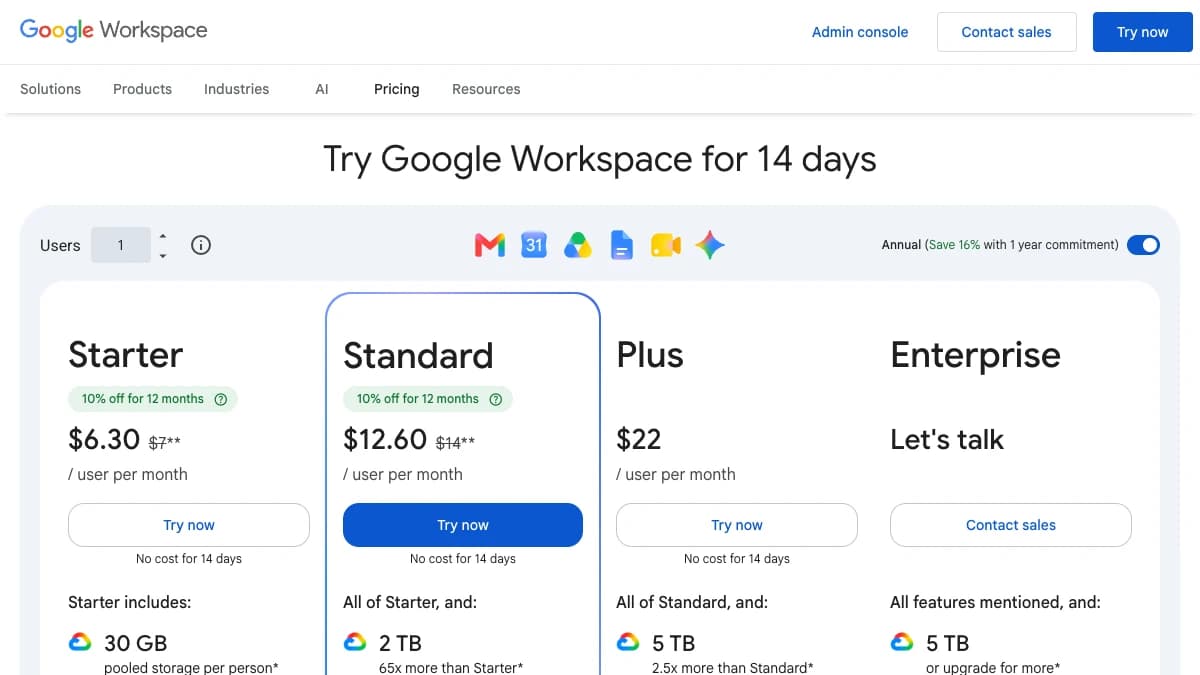
Google Workspace — Business Starter from $7/user/mo, with a 10% intro discount for new customers
Google Workspace is the best email hosting for cold email for most B2B teams. It costs $7 per user per month and sends from the same infrastructure as millions of normal business accounts.
Sending limits are generous on paper. Google's Workspace sending limits allow 2,000 messages and 3,000 external recipients per user per day, on a rolling 24-hour window.
Cold email should use a fraction of that. Most practitioners keep a warmed Workspace inbox at 30 to 50 cold sends per day so engagement stays high and complaints stay low.
The real cost is setup time. Each new domain needs its own MX, SPF, DKIM, and DMARC records, which gets tedious past 5 domains.
Pros
- ✓ Sends from Google's own infrastructure, the strongest default reputation
- ✓ Every cold email sequencer supports Gmail OAuth natively
- ✓ 2,000 messages/user/day cap leaves huge headroom
- ✓ Familiar admin console and Gmail interface
Cons
- ✗ Most expensive per inbox at scale ($7+/user/mo)
- ✗ Manual DNS setup per domain unless you use a reseller
- ✗ Free trial accounts are capped at 500 messages/day
- ✗ Google can suspend accounts that look like spam operations
Best for: B2B teams that want the safest default and run up to a few dozen inboxes.
Pricing: Business Starter $7/user/mo (annual), Business Standard $14, Business Plus $22. New customers get 10% off Starter and Standard for 12 months (first 20 users), per Google's pricing page.
2. Microsoft 365 — Best for Outlook-Heavy Targets
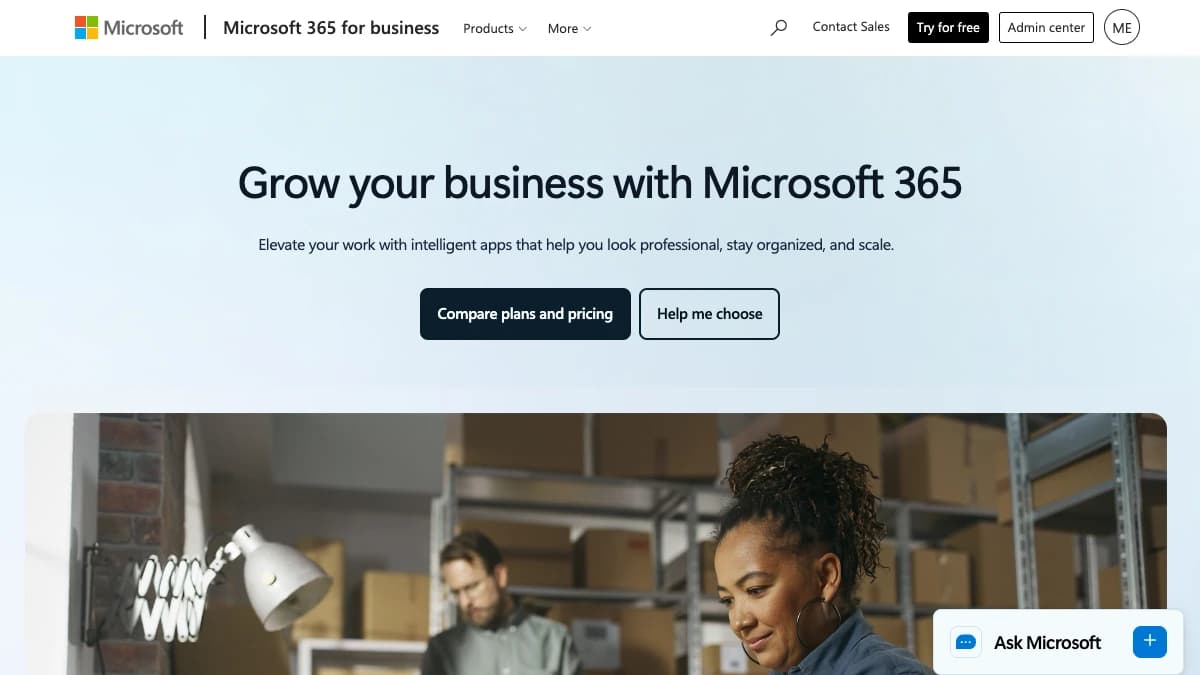
Microsoft 365 — Exchange Online mailboxes from $7/user/mo on Business Basic
Microsoft 365 is the second-best email hosting for cold email and the natural pair to Google Workspace. Business Basic costs $7 per user per month and gives each inbox an Exchange Online mailbox.
Microsoft documents its caps clearly. The Exchange Online limits page lists 10,000 recipients per day and 30 messages per minute per mailbox.
A tenant-wide external recipient limit also applies, scaled by license count. Never send from the default onmicrosoft.com domain — Microsoft caps it at 100 external recipients per day.
Many agencies split inboxes 50/50 between Google and Microsoft. If one provider tightens filtering, half the program keeps running.
Pros
- ✓ Exchange Online infrastructure with a strong reputation
- ✓ Can land better with prospects on corporate Outlook
- ✓ 10,000 recipients/day per mailbox documented limit
- ✓ Diversifies risk if you already run Google inboxes
Cons
- ✗ Business Basic rose from $6 to $7/user/mo on July 1, 2026
- ✗ Trial tenants capped at 5,000 external recipients/day
- ✗ onmicrosoft.com domains limited to 100 external recipients/day
- ✗ Admin and DNS setup is clunkier than Google's
Best for: Teams selling into enterprise, government, manufacturing, or financial services, where Outlook dominates.
Pricing: Business Basic $7/user/mo (annual), Business Standard $14, Business Premium $22. See Microsoft 365 for business.
3. InboxKit — Best Value on Google and Microsoft Mailboxes
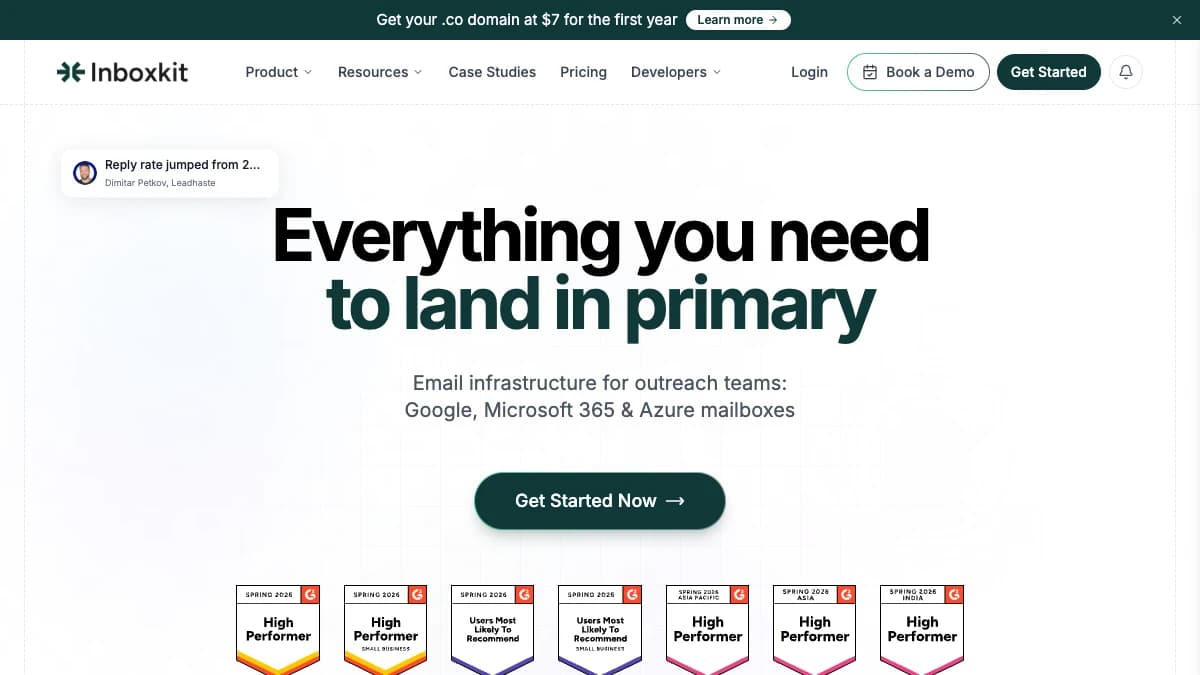
InboxKit — Google, Microsoft 365, and Azure mailboxes for outreach teams
InboxKit sells Google Workspace and Microsoft 365 mailboxes built for cold outreach, starting at $2.50 per mailbox per month. That is roughly a third of buying Workspace seats directly.
The main win is setup speed. InboxKit automates DNS records and app passwords, then connects mailboxes to your sequencer, so 50 inboxes take minutes instead of a weekend.
Budget for warm-up separately. InboxKit bills its isolated warm-up network per mailbox, and third-party reviews put the all-in price closer to $5.50 per inbox once warm-up is added.
Pros
- ✓ Real Google Workspace and Microsoft 365 mailboxes
- ✓ $2.50–$3 per mailbox, no plan minimums
- ✓ Automated SPF, DKIM, DMARC, and app passwords
- ✓ Native connections to Instantly, Smartlead, and 20+ platforms
Cons
- ✗ Reseller model — you depend on InboxKit's tenant management
- ✗ Warm-up is a paid add-on on top of the mailbox price
- ✗ Domain pricing not listed on the pricing page
- ✗ Less direct control than owning your own Workspace tenant
Best for: Agencies and outbound teams that want Google/Microsoft deliverability without doing DNS by hand.
Pricing: $3/mailbox/mo monthly or $2.50/mailbox/mo billed annually, same price for Google or Microsoft. Azure tenants $30/mo for up to 100 mailboxes. Warm-up and monitoring are add-ons. See InboxKit pricing.
4. Mailforge — Best for Fast Shared-IP Setup
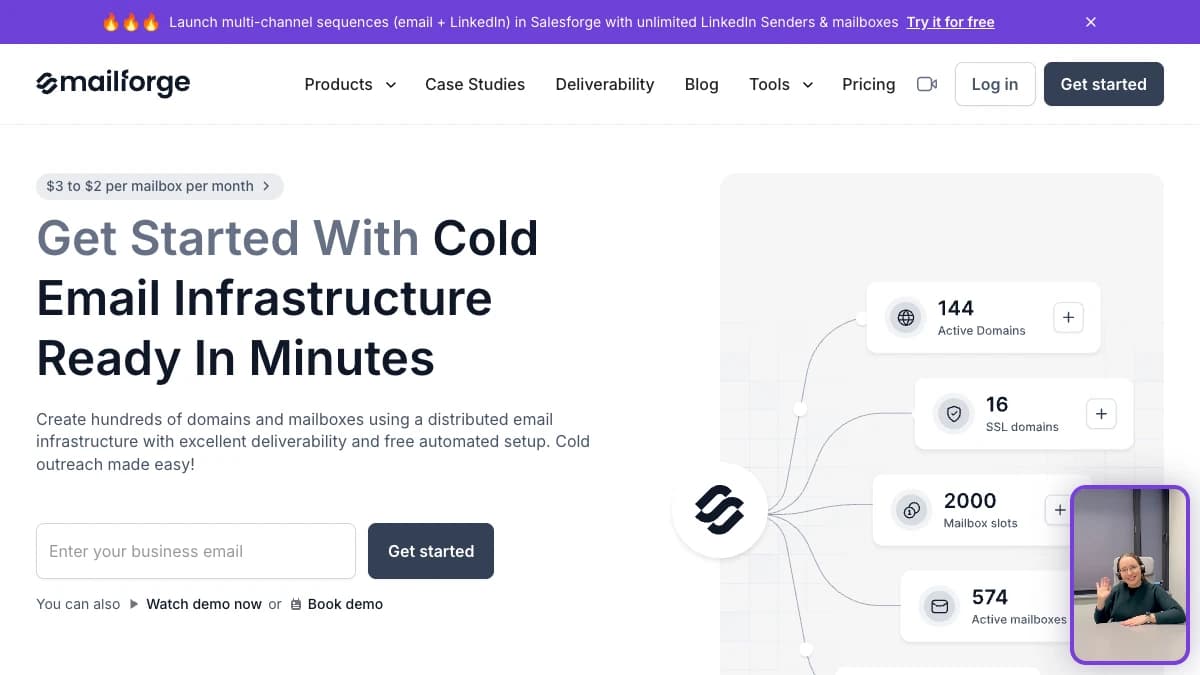
Mailforge — cold email infrastructure on a shared IP pool, from $3 per mailbox slot
Mailforge is a cold email hosting provider that sends from its own shared IP pool, priced at $3 per mailbox slot per month. It is built for outbound from day one.
Setup is the selling point. You buy domains inside Mailforge, and DNS authentication is configured automatically before you connect inboxes to a sequencer.
The trade-off is shared infrastructure. Your mailboxes sit on IPs used by many businesses, so a bad neighbor can drag placement down — its sister product Infraforge sells dedicated IPs for teams that want isolation.
Pros
- ✓ Automated SPF, DKIM, and DMARC on every domain
- ✓ Delete and recreate mailboxes inside paid slots at no cost
- ✓ Annual billing gives 2 months free
- ✓ No contract, cancel anytime
Cons
- ✗ Shared IP pool — other customers' behavior affects you
- ✗ 10-slot minimum, billed whether used or not
- ✗ Warm-up sold separately (Warmforge)
- ✗ SSL and domain masking cost $2/domain/mo extra
Best for: Teams that need dozens of SMTP inboxes fast and accept shared-IP risk for lower cost.
Pricing: $3/slot/mo, 10-slot minimum; 25 slots cost $75/mo monthly or $60/mo billed yearly. Domains $14/year per .com. See Mailforge pricing.
5. Maildoso — Cheapest Inboxes at High Volume
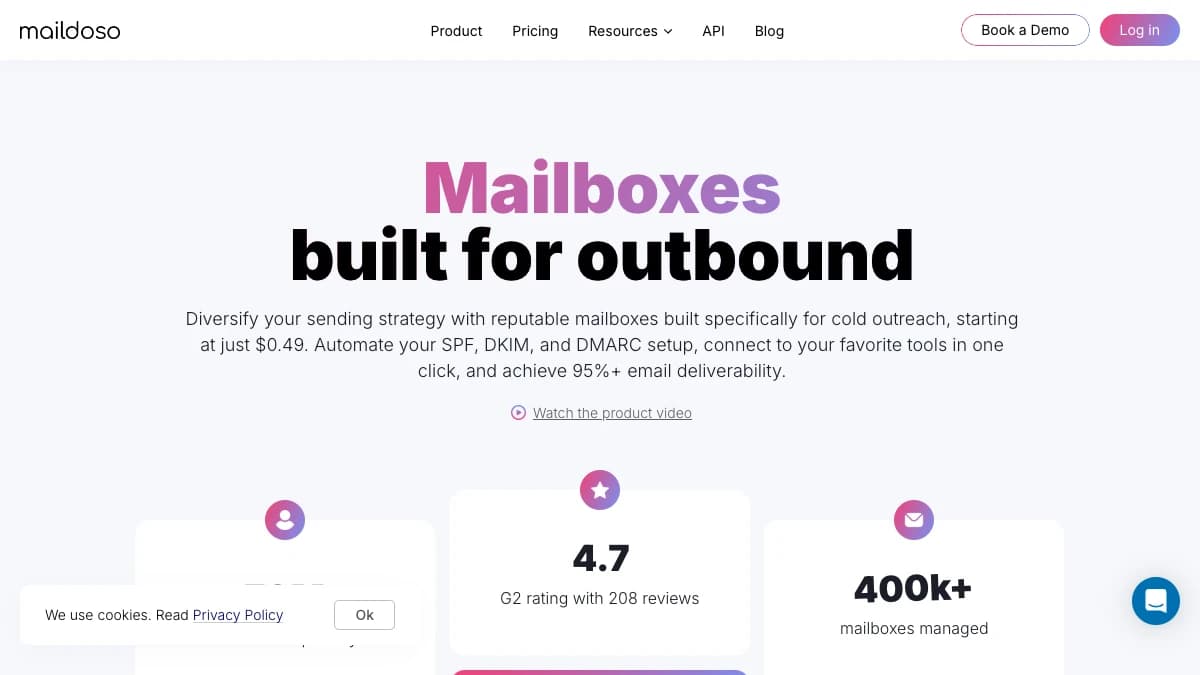
Maildoso — SMTP mailboxes built for outbound, from $0.49 per mailbox at volume
Maildoso is the cheapest cold email hosting at scale, with SMTP mailboxes from $0.49 each on its 1,000-mailbox plan. It reports managing 400,000+ mailboxes.
Maildoso is upfront about volume. It recommends up to 15 cold emails per mailbox per day, at least 14 days of warm-up, and no more than 8 mailboxes per domain.
Lower per-inbox sends mean you need more inboxes. At $0.49 each that math still wins, but at the 30-mailbox tier ($2.50 each) Google-based resellers cost about the same.
Pros
- ✓ Lowest per-mailbox price at volume ($0.49 at 1,000)
- ✓ Self-healing mailboxes and IP rotation included
- ✓ API and MCP access for programmatic setup
- ✓ 30-day money-back guarantee on monthly SMTP plans for new users
Cons
- ✗ SMTP only — not Google or Microsoft infrastructure
- ✗ 30-mailbox minimum on monthly plans
- ✗ Recommends only 15 cold emails per mailbox per day
- ✗ Domains not included on monthly plans
Best for: Agencies and lead-gen shops running hundreds of inboxes where cost per send matters most.
Pricing: 30 mailboxes $75/mo ($2.50 each), 300 for $225/mo ($0.75), 1,000 for $499/mo ($0.49). Domains $15/year from October 1, 2026. See Maildoso pricing.
6. Zoho Mail — Cheapest Business Email, Weakest for Cold
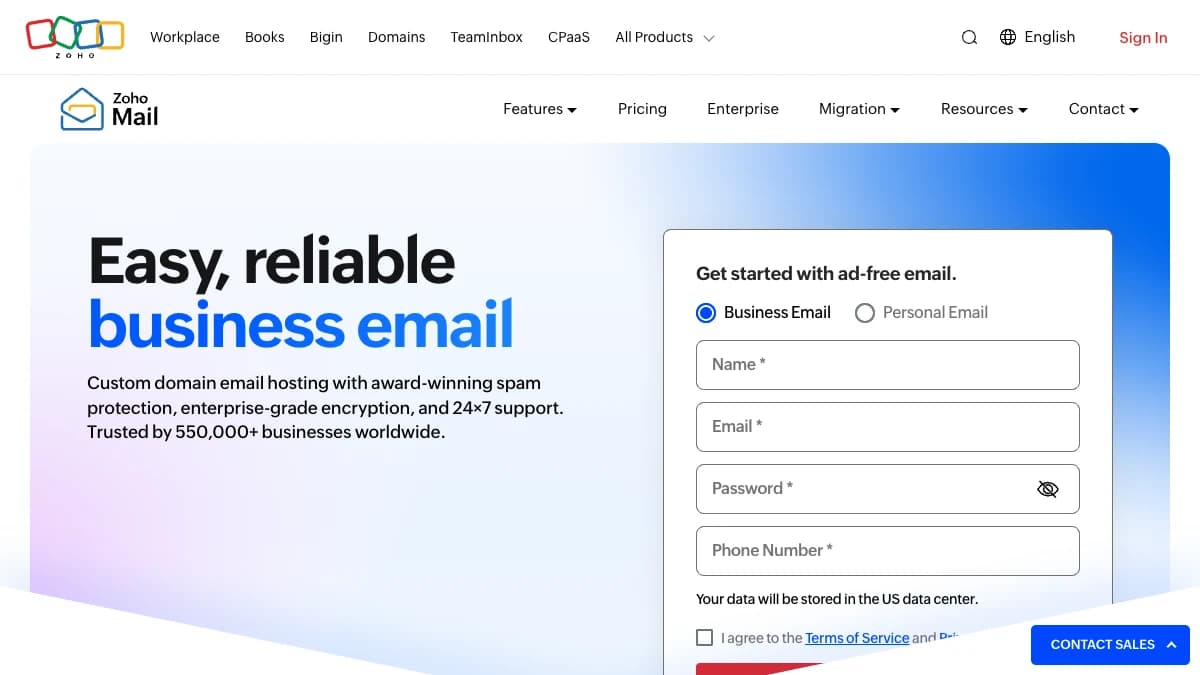
Zoho Mail — ad-free custom-domain business email from about $1/user/mo
Zoho Mail is the cheapest legitimate business email host, at roughly $1 per user per month. It ranks last because its policies are built against cold outreach.
Zoho's limits and policies page caps external sending at 50 to 500 emails per hour, adjusted by reputation. It also states bulk sending is not supported.
Use Zoho for your main domain's day-to-day mail if budget is tight. Put your cold sending on one of the five providers above.
Pros
- ✓ Cheapest paid business email (about $1/user/mo)
- ✓ Forever Free plan for up to 5 users on one domain
- ✓ Solid spam filtering and encryption for regular business mail
- ✓ Good fit if you already run Zoho CRM or Workplace
Cons
- ✗ Bulk or burst sending not supported under its usage policy
- ✗ External sending capped at 50–500 emails/hour by reputation
- ✗ Free plan has no IMAP/POP, so sequencers can't connect
- ✗ Paid plans billed annually only
Best for: Founders who need low-cost business email for replies and warm follow-ups, not high-volume cold sends.
Pricing: Forever Free (5 users, 5 GB). Mail Lite about $1/user/mo and Mail Premium about $4/user/mo, both billed annually. See Zoho Mail pricing.
Side-by-Side Comparison of Cold Email Hosting Providers
| Provider | Infrastructure | Price per inbox | Documented limit | Setup effort | Best for |
|---|---|---|---|---|---|
| Google Workspace | $7/mo | 2,000 msgs/day | Manual DNS per domain | Safest default | |
| Microsoft 365 | Microsoft | $7/mo | 10,000 recipients/day | Manual, clunkier admin | Outlook-heavy targets |
| InboxKit | Google / Microsoft | $2.50–$3/mo | Follows Google/Microsoft | Automated | Big-platform inboxes, cheaper |
| Mailforge | Shared-IP SMTP | $3/slot (10 min) | Not published | Automated | Fast SMTP setup |
| Maildoso | SMTP, IP rotation | $0.49–$2.50/mo | 15 cold sends/day advised | Automated via API | Lowest cost at volume |
| Zoho Mail | Zoho | ~$1/mo | 50–500 external/hour | Manual | Regular business mail |
What 20 Cold Email Inboxes Actually Cost
Here is the monthly mailbox bill for a common setup: 20 inboxes, roughly 600 cold sends per day at 30 per inbox. Domains are extra on every option — budget about $12–$15 per domain per year.
| Provider | 20 inboxes / month | Notes |
|---|---|---|
| Google Workspace | $140 | 20 × $7 Business Starter |
| Microsoft 365 | $140 | 20 × $7 Business Basic |
| InboxKit | $50–$60 | Annual vs monthly; warm-up add-on extra |
| Mailforge | $50–$60 | 20 slots; annual = 2 months free |
| Maildoso | $75 | 30-mailbox minimum plan |
| Zoho Mail | ~$20 | Cheap, but bulk sending not supported |
The gap between $140 and $50 a month is real but small next to one booked meeting. Most teams should pick on deliverability first and price second.
Do not forget ramp time. New inboxes need two to four weeks of warm-up — our email warm-up timeline guide covers the day-by-day schedule.
Feeding Verified Leads Into Your Cold Email Inboxes
Good hosting cannot save a bad list. Hard bounces tell Gmail and Outlook you are mailing addresses you never had permission to contact, and that drags down every inbox on the domain.
SyncGTM sits before your sequencer, not instead of your email host. It finds work emails through waterfall enrichment across 50+ data providers, then verifies each address before it ships.
- Find Work Email costs 1 credit per found email; misses are not billed.
- Verify Email costs 0.1 credits and checks deliverability across multiple verification providers.
- Verified leads push straight into Instantly or Smartlead campaigns, where your new inboxes are connected.
Plans start at $49/mo on SyncGTM pricing. If you are still picking a sequencer, see our roundup of cold email marketing tools.
How to Choose the Best Email Hosting for Cold Email
- Under 10 inboxes, want zero risk → Google Workspace bought directly. Simple, trusted, easy to support.
- Selling into enterprise or regulated industries → Add Microsoft 365 inboxes alongside Google.
- 10–100 inboxes, want big-platform deliverability → InboxKit, for Google and Microsoft mailboxes with automated DNS.
- Hundreds of inboxes, cost per send rules → Maildoso at volume, or Mailforge for quick shared-IP setup.
- Just need cheap mail for your main domain → Zoho Mail — but keep cold sends off it.
Whatever you pick, measure it. Run regular inbox placement tests to see where mail actually lands per provider.
Final Verdict
Google Workspace is the best email hosting for cold email in 2026. It is not the cheapest, but it gives new domains the most forgiving start.
Microsoft 365 is the best second provider. InboxKit is the best way to buy both at scale, while Maildoso and Mailforge win when budget outweighs control.
Then protect the investment. Verify every lead with SyncGTM before it reaches a sequencer, so your inboxes spend their reputation on real prospects.