

4 Best LinkedIn Lead Generation Tools in 2026 (Ranked and Compared)

By Kushal Magar · April 19, 2026 · 10 min read · Last updated: September 16, 2026
Key Takeaway
This guide ranks the four best LinkedIn lead generation tools in 2026 by features, pricing, data quality, and integration depth. LinkedIn Sales Navigator is the foundation for serious prospecting with advanced filters and buyer intent alerts at $99.99 per month. SyncGTM scrapes LinkedIn post engagers and profiles, enriches them with verified emails and phone numbers through waterfall enrichment across twenty-plus data providers, and pushes them to your CRM, with a free tier and paid plans from ninety-nine dollars per month. Postbeam takes a content-first approach, helping B2B teams publish LinkedIn content and identify which engagers match their ideal customer profile, with Solo plans from forty-nine dollars per month. Expandi automates LinkedIn outreach at $99 per month per seat but requires Sales Navigator and carries account safety risks.
LinkedIn has 1 billion members and over 65 million decision-makers. For B2B sales teams, it is the single most valuable prospecting channel. But scrolling through profiles manually and copying data into spreadsheets does not scale — and aggressive automation gets accounts restricted.
This post ranks four LinkedIn lead generation tools that actually work in 2026. Each takes a different approach — native prospecting, enrichment-first workflows, content-led demand, and cloud-based automation. We cover real pricing (including hidden costs), honest trade-offs, integration depth, and which tool fits which use case. No marketing fluff.
Quick Summary
The best LinkedIn lead generation tools in 2026 are LinkedIn Sales Navigator for advanced prospecting and buyer intent signals, SyncGTM for scraping LinkedIn engagers and enriching them with verified emails and phone numbers from 20+ data providers, Postbeam for LinkedIn content creation and identifying warm leads among post engagers, and Expandi for cloud-based LinkedIn automation with smart safety limits.
TL;DR: Best LinkedIn Lead Generation Tools in 2026
- LinkedIn Sales Navigator — Best for targeted prospecting. Advanced filters, buyer intent alerts, and InMail credits built into LinkedIn's own platform.
- SyncGTM — Best for enriching LinkedIn leads. Scrape post engagers and profiles, add verified emails and phones via waterfall enrichment, and push to your CRM. Free tier available.
- Postbeam — Best for content-led LinkedIn lead generation. AI-assisted posts, multi-profile publishing, and ICP filtering of the people engaging with your content.
- Expandi — Best for LinkedIn automation. Cloud-based connection requests, follow-ups, and InMail sequences with smart safety limits.
Why LinkedIn Lead Generation Still Matters in 2026
Email deliverability is getting harder. Cold calling conversion rates are declining. But LinkedIn remains the one channel where B2B buyers actively signal their intent — through job changes, content engagement, and company updates. The platform's first-party data is unmatched for identifying who to talk to and when.
The challenge in 2026 is that LinkedIn's algorithm and enforcement have evolved. The spray-and-pray connection request era is over. LinkedIn now uses AI to detect repetitive, robotic behavior and penalizes accounts that exceed daily limits or send generic messages. Effective LinkedIn lead generation requires a combination of sharp targeting, genuine personalization, and tooling that respects platform boundaries.
The four tools below represent the strongest approaches: native prospecting (Sales Navigator), enrichment-first workflows (SyncGTM), content-led demand (Postbeam), and cloud-based automation (Expandi). Most serious B2B teams use at least two of these together. If you are also evaluating broader sales prospecting tools for B2B teams, LinkedIn-specific tooling is a core layer in that stack.
1. LinkedIn Sales Navigator — The Foundation for Targeted Prospecting

LinkedIn Sales Navigator — advanced prospecting with buyer intent signals and lead recommendations
LinkedIn Sales Navigator is LinkedIn's own premium prospecting tool and the foundation of any serious LinkedIn lead generation strategy. It provides access to LinkedIn's full network with advanced search filters that free LinkedIn search does not offer — including headcount growth, recent funding rounds, technologies used, and seniority level.
The real value is in the buyer intent signals. Sales Navigator surfaces alerts when prospects change jobs, get promoted, post content, or when their company announces funding or hiring sprees. These signals tell you when to reach out — not just who to reach out to. For teams that already have a defined ICP, this timing intelligence can double response rates compared to cold outreach without context.
Pricing starts at $99.99/month for the Core plan (or $79.99/month billed annually). The Advanced plan at $179.99/month adds team collaboration features, shared lists, and CRM sync with Salesforce and HubSpot. Advanced Plus is custom-priced for enterprise teams and includes deep CRM integration with bidirectional data sync. A 30-day free trial is available on all plans.
The main limitation is that Sales Navigator is a discovery tool, not an outreach tool. It helps you find and prioritize prospects, but it does not send automated connection requests, follow-up sequences, or emails. You need a separate tool — like Expandi — for automation. If you need to find emails from Sales Navigator, you will also need an enrichment layer like SyncGTM that pulls verified contact data from multiple providers.
Pros
- ✓ Access to LinkedIn's full network with 40+ advanced search filters
- ✓ Buyer intent alerts — job changes, funding, hiring, content activity
- ✓ Lead recommendations based on saved searches and existing accounts
- ✓ 50 InMail credits per month on Core (bypasses connection requirements)
- ✓ CRM sync with Salesforce and HubSpot on Advanced plans
- ✓ Zero account restriction risk — it is LinkedIn's own product
Cons
- ✗ No outreach automation — prospecting only, not sending
- ✗ No email addresses or phone numbers included — you need a separate enrichment tool
- ✗ Expensive at scale — $180/month per seat for team features
- ✗ Data cannot be exported natively — requires third-party tools to extract
Best for: B2B sales teams that need precise targeting and intent-based prospecting on LinkedIn. Essential as the discovery layer in any LinkedIn lead generation stack.
Pricing: Core $99.99/month ($79.99 annual). Advanced $179.99/month. Advanced Plus: custom. 30-day free trial on all plans.
2. SyncGTM — LinkedIn Lead Scraping, Enrichment, and CRM Sync

SyncGTM — turn LinkedIn engagers and profiles into enriched, CRM-ready leads
SyncGTM is a GTM automation platform that turns LinkedIn activity into contactable leads. Where Sales Navigator helps you find the right people, SyncGTM fills the gap it leaves: verified emails, phone numbers, and firmographic data for every LinkedIn prospect — pushed straight into your CRM.
For LinkedIn lead generation, SyncGTM includes dedicated actions to scrape LinkedIn post engagers, post commenters, profile posts, and company posts. That means you can pull everyone who reacted to a competitor's post or an industry influencer's content, filter them by title and company, and build a warm prospect list without a Chrome extension or manual copy-pasting.
Scraped profiles then flow into waterfall enrichment across 20+ data providers — if one provider misses an email or phone number, the next one is queried automatically. Enriched leads sync to HubSpot, Salesforce, or Pipedrive through native CRM integrations, and AI agents can research accounts and draft personalized first lines. SyncGTM also supports LinkedIn connection requests, DMs, and prospect activity monitoring through its browser extension.
Pros
- ✓ Scrapes LinkedIn post engagers, commenters, and profiles
- ✓ Waterfall enrichment across 20+ providers for verified emails and phones
- ✓ Native HubSpot, Salesforce, and Pipedrive sync
- ✓ AI agents for account research and personalization
- ✓ Free tier available, no feature gates on paid plans
Cons
- ✗ Broader GTM platform — LinkedIn is one capability among many
- ✗ Browser extension needed for connection requests and DMs
- ✗ No LinkedIn content creation or scheduling
Best for: B2B sales and GTM teams that want to turn LinkedIn prospects and post engagers into enriched, CRM-ready leads without stitching together separate scraping, enrichment, and sync tools.
Pricing: Free tier available. Starter $49/month. Pro and Business tiers for higher volume.
3. Postbeam — LinkedIn Content Creation, Engagement Analytics, and Warm-Lead Identification
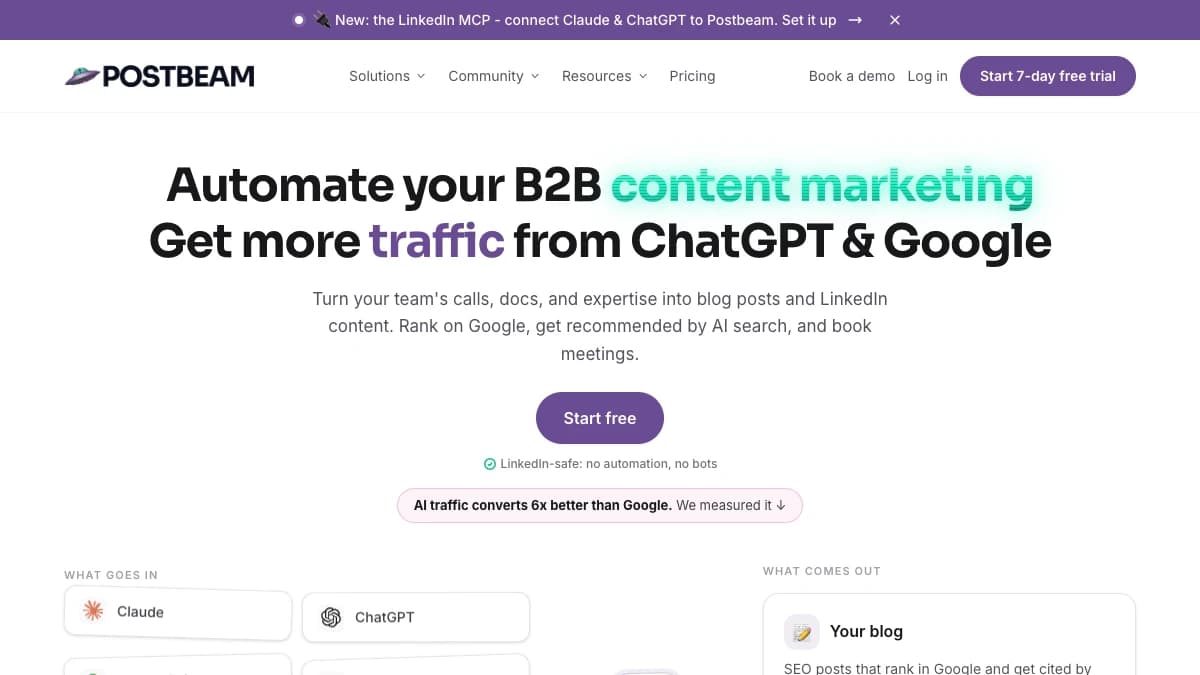
Postbeam — turn your team's expertise into LinkedIn content and identify warm leads among post engagers
Postbeam takes a content-first approach to LinkedIn lead generation. Instead of building prospect lists and sending cold outreach sequences, it helps B2B teams publish content across multiple profiles and identify which people engaging with those posts match their ideal customer profile.
Teams can create posts with AI assistance trained on their voice, schedule and manage content, and track performance from one dashboard. When people engage with a post, Postbeam identifies individual engagers and filters them using criteria such as job title, seniority, company size, and industry. This helps teams separate potential buyers from general engagement and prepare more relevant follow-up messages based on the content each prospect interacted with.
The platform also supports multiple LinkedIn accounts, content approval workflows, team analytics, and employee advocacy features such as Slack notifications and leaderboards. Publishing runs through LinkedIn's official APIs, making Postbeam different from tools that automate connection requests, profile visits, or direct messages.
Solo plans start at $49 per month. Team plans start at $39 per user per month with a two-user minimum. A seven-day free trial is available.
The main limitation is that Postbeam focuses exclusively on LinkedIn. It does not provide a large contact database like Apollo.io or automated connection-request and messaging sequences like Expandi. Teams that need cold outbound automation or verified contact data will still require additional tools.
Pros
- ✓ Combines LinkedIn content creation, scheduling, and lead identification
- ✓ Identifies individual post engagers and filters them against ICP criteria
- ✓ Supports multiple LinkedIn profiles and team approval workflows
- ✓ Includes employee advocacy features, team analytics, and Slack notifications
- ✓ Publishes through LinkedIn's official APIs
- ✓ AI writing assistance can be trained on the user's voice
Cons
- ✗ Focused only on LinkedIn rather than multichannel lead generation
- ✗ Broader than necessary for teams that only need basic engagement analytics
Best for: B2B founders, marketing agencies, and GTM teams that use LinkedIn content to generate demand and want to identify warm prospects among the people engaging with their posts.
Pricing: Solo plans start at $49/month. Team plans start at $39 per user per month with a two-user minimum. Seven-day free trial available.
4. Expandi — Cloud-Based LinkedIn Automation
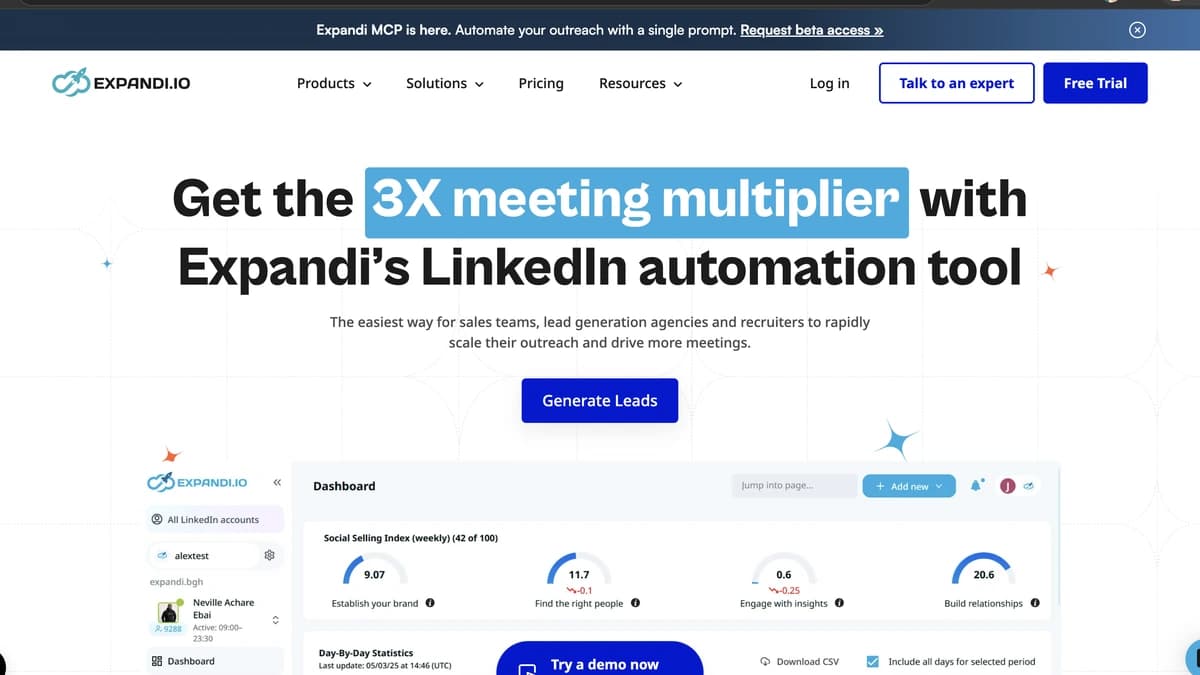
Expandi — cloud-based LinkedIn automation with smart safety limits and campaign analytics
Expandi is the most established cloud-based LinkedIn automation tool, handling connection requests, follow-up messages, InMail sequences, and profile visits from a dedicated cloud environment. Unlike browser extensions that run on your local machine, Expandi operates from its own servers with a dedicated IP per account — which is significantly safer from LinkedIn's detection perspective.
The platform includes smart safety limits that mimic human behavior: randomized delays between actions, daily activity caps, and warm-up periods for new accounts. You can build multi-step campaigns that combine connection requests, follow-up messages, and InMails with conditional logic — for example, if a connection request is accepted within 3 days, send a follow-up message; if not, try an InMail instead.
The base price is $99/month per seat. But the real cost is higher. Expandi's image and GIF personalization features require a separate Hyperise subscription ($69/month). Video personalization needs Sendspark ($49/month). And you almost certainly need Sales Navigator ($99.99/month) to build the targeted prospect lists that Expandi works from. Budget $200-$300/month per seat for the complete stack.
Account safety is the elephant in the room. While Expandi is safer than browser-based tools, LinkedIn still detects and restricts accounts that automate actions. LinkedIn's terms of service explicitly prohibit automation. Some reports suggest up to 67% of users experience some form of account restriction when using automation tools. Staying under 100 connection requests per week and using genuine personalization reduces risk, but no automation tool eliminates it entirely.
Pros
- ✓ Cloud-based with dedicated IP — safer than browser extensions
- ✓ Smart safety limits that mimic human behavior patterns
- ✓ Multi-step campaigns with conditional logic and A/B testing
- ✓ Supports connection requests, follow-ups, InMails, and profile visits
- ✓ Campaign analytics with reply rates and connection acceptance tracking
Cons
- ✗ Violates LinkedIn's terms of service — account restriction risk is real
- ✗ Real cost is $200-$300/month when you add Sales Navigator and personalization add-ons
- ✗ Each LinkedIn account requires a separate Expandi subscription
- ✗ No built-in contact data — you need Sales Navigator for lead lists and an enrichment tool like SyncGTM for emails
- ✗ Personalization features (images, GIFs, video) require third-party add-ons
Best for: B2B outbound teams that need automated LinkedIn outreach sequences and accept the trade-off between efficiency and account restriction risk. Pairs best with Sales Navigator for targeting.
Pricing: $99/month per seat (base). $79/month billed annually. Real cost with add-ons: $200-$300/month per seat.
Side-by-Side Comparison
| Tool | Best For | LinkedIn Automation | Contact Data | Free Tier | Starting Price |
|---|---|---|---|---|---|
| Sales Navigator | Targeted prospecting | No (manual only) | No (LinkedIn profiles only) | 30-day trial | $99.99/mo |
| SyncGTM | LinkedIn lead enrichment | Yes (browser extension) | Waterfall across 20+ providers | Yes | $49/mo |
| Postbeam | Content-led warm leads | No (official API publishing) | No (engager ICP filtering) | 7-day trial | $49/mo |
| Expandi | LinkedIn automation | Yes (cloud-based) | No | 7-day trial | $99/mo |
Note: Expandi's real cost is $200-$300/month when you include Sales Navigator and personalization add-ons. Postbeam Team plans start at $39 per user per month with a two-user minimum.
How to Choose the Right LinkedIn Lead Generation Tool
The right choice depends on where you are in your outbound maturity and what gaps you are trying to fill. Here is a decision framework:
If you need to find the right people
Sales Navigator is non-negotiable. Its advanced filters and buyer intent signals are unmatched for identifying decision-makers.
If you need enriched data from LinkedIn profiles
SyncGTM enriches LinkedIn prospects with verified emails, phone numbers, and firmographic data from 20+ providers using waterfall enrichment. Free tier available; paid plans start at $49/month with no feature gates.
If you generate demand with LinkedIn content
Postbeam helps you publish across multiple profiles and spot the ICP-fit prospects engaging with your posts — without automating connection requests or DMs.
If you want to automate LinkedIn actions
Expandi handles connection requests and follow-ups at scale. Understand the account restriction risk before committing.
The optimal stack for most mid-market B2B teams: Sales Navigator for discovery + SyncGTM for CRM data enrichment and waterfall enrichment + Postbeam if LinkedIn content is a core demand channel. Add Expandi only if you have validated your messaging manually and accept the automation risk.
LinkedIn Account Safety: What You Need to Know
This is the section most competitor blogs skip — and it is the most important one. LinkedIn automation tools operate in a gray area. LinkedIn's terms of service explicitly prohibit automated actions, scraping, and bot-driven behavior on the platform.
In 2026, LinkedIn's detection has become more sophisticated. The platform uses AI to identify patterns: repetitive messaging, unusually high connection request volumes, and actions that happen at machine speed. Consequences range from temporary warnings to permanent account suspension.
Here are the guidelines that reduce risk:
- Keep connection requests under 100 per week — this is the widely reported safe threshold, though LinkedIn does not publish official numbers
- Use personalized connection notes — generic templates trigger detection algorithms
- Warm up new accounts gradually — start with 10-15 actions per day and increase over 2-3 weeks
- Cloud-based tools are safer than browser extensions — but neither is risk-free
- Do not run automation on your primary LinkedIn account — use a secondary profile for outbound if possible
Sales Navigator carries zero account restriction risk because it is LinkedIn's own product, and Postbeam publishes through LinkedIn's official APIs rather than automating connection requests or messages. They are the safest options for teams that cannot afford to lose their LinkedIn presence. Expandi is the safest automation option available, but it is still automation — and LinkedIn treats all automation the same way in its terms.
Final Verdict
LinkedIn Sales Navigator is the non-negotiable foundation for LinkedIn lead generation in 2026. Its advanced filters and buyer intent signals are unmatched. Pair it with SyncGTM to turn LinkedIn prospects and post engagers into enriched, CRM-ready leads — waterfall enrichment across 20+ data providers, AI agents, and CRM integrations, with a free tier to start. If LinkedIn content is how you generate demand, add Postbeam to publish consistently and surface warm prospects among your engagers. Add Expandi only after you have validated your messaging manually and understand the account restriction trade-off.
The role that typically owns this entire LinkedIn lead generation stack is the GTM engineer — a function that is becoming essential as outbound tooling grows more complex.
This post was last reviewed in September 2026. Pricing and features may change — verify with each vendor before purchasing.