

ContactOut in 2026: Find Anyone's Email — Review and Pricing Breakdown

By Kushal Magar · March 16, 2026 · 11 min read · Last updated: September 30, 2026
Key Takeaway
ContactOut is a B2B contact data platform that specializes in finding personal and business email addresses through a Chrome extension for LinkedIn and a standalone search portal with 300 million or more profiles. As of September 2026, the free plan offers 5 emails, 5 phones, and 5 exports per day. The Email plan costs $49 per month ($39 billed annually) and Email + Phone costs $99 per month ($79 billed annually), both limited to one user, while Team and API pricing is custom. ContactOut differentiates by surfacing personal Gmail and Outlook addresses alongside corporate emails, making it popular with recruiters. Business email accuracy sits around 75 to 85 percent for US contacts, while phone number reliability is lower at 50 to 60 percent. The main limitations are no buying signals, no waterfall enrichment, a single data source with no fallback, capped monthly exports, and GDPR concerns when using personal emails for European prospects.
ContactOut is a B2B contact data platform that specializes in finding personal and business email addresses, with a Chrome extension for LinkedIn and a standalone search portal. Paid plans start at $49/mo for the Email plan, or $39/mo billed annually (as of September 2026). The tool is popular with recruiters who need personal emails.
You are probably here because you need to reach decision-makers and standard business email finders keep coming up empty. ContactOut's pitch is that it finds the emails other tools miss — including personal Gmail and Outlook addresses.
That capability is genuinely useful in some workflows. But for B2B sales teams, the question is whether personal email outreach is the right approach, and whether ContactOut provides enough beyond email finding to justify the cost.
ContactOut Review: What You Get (and What You Don't)
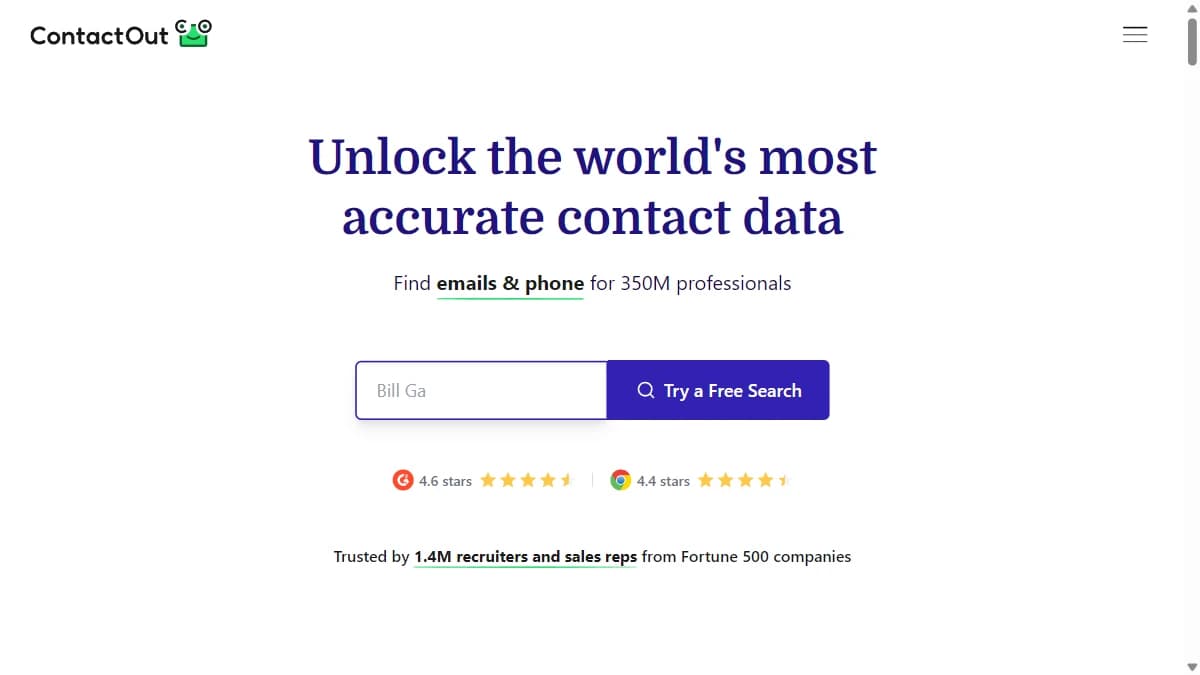
ContactOut provides email and phone data through a Chrome extension (LinkedIn overlay) and a standalone search portal with 300M+ profiles. The database includes both personal and business email addresses. For teams focused on business email only, Hunter.io and FindyMail may deliver higher accuracy.
| Feature | What's Included | Limitations |
|---|---|---|
| Personal Emails | Gmail, Outlook, and other personal addresses | GDPR compliance concerns for European prospects |
| Business Emails | Corporate email addresses | Single source; accuracy varies by company size |
| Search Portal | 300M+ profile search with filters | Exports capped at 300–600 per month on self-serve plans |
| Buying Signals | Not available | No job change, funding, or intent data |
| Waterfall Enrichment | Not available | Single data source for all lookups |
Personal Email Finding: ContactOut's Key Differentiator
ContactOut's ability to surface personal email addresses is what sets it apart. While most B2B tools focus exclusively on corporate emails, ContactOut also returns Gmail, Yahoo, and Outlook addresses. This is popular with recruiters reaching candidates at personal addresses and sales reps trying to bypass corporate spam filters. Compare this approach with Snov.io and Wiza, which focus on business emails through different channels.
However, cold-emailing personal addresses in B2B sales is increasingly seen as intrusive. It can also create GDPR compliance issues for European prospects. Use this capability carefully and with clear opt-out mechanisms.
ContactOut Data Quality: How Accurate Is It?
Business email accuracy sits around 75-85% for US contacts. Personal email accuracy is harder to measure but appears to be in the 60-70% range. Phone numbers are less reliable at around 50-60%.
The search portal provides good filtering options but the database is a single source. When ContactOut misses, there is no fallback, which is why some teams pair a single-source tool with waterfall enrichment across multiple providers.
ContactOut Pricing Breakdown
- --Free: 5 emails, 5 phones, and 5 exports per day, browser extension, search portal, and a trial of premium features. One user; ContactOut labels it limited time only.
- --Email ($49/mo, or $39/mo billed annually): Unlimited emails under a fair use policy, 300 exports per month, email campaigns, and list builder.
- --Email + Phone ($99/mo, or $79/mo billed annually): Unlimited emails and phones under the fair use policy, 600 exports per month, data enrichment, and an AI email writer.
- --Team / API (custom): Team seats with management and reports, API access, Salesforce and ATS integrations, and a dedicated account manager.
Prices are as of September 2026. Self-serve plans are limited to one user per company, and plans that exclude US and UK data cost roughly half (for example, $25/mo for Email on monthly billing). Check ContactOut's pricing page for the most current plan details and limits.
Hidden costs
- Export caps: "Unlimited" emails and phones are subject to a fair use policy, and exports are capped at 300 (Email) or 600 (Email + Phone) per month.
- No buying signals: You need separate tools for intent data and signal monitoring.
- One user per self-serve plan: Team seats, Salesforce and ATS integrations, and API access require a custom Team / API plan.
What Are the Downsides of Using ContactOut?
No signal layer
ContactOut gives you email addresses but no context about timing. No job change alerts, no funding triggers, no technology adoption signals. You are reaching out without knowing if the prospect is ready.
GDPR concerns with personal emails
Using personal email addresses for cold outreach in Europe creates compliance risk. Dropcontact and other GDPR-first tools exist for a reason. ContactOut's personal email feature should be used carefully in regulated markets.
Single data source
No waterfall fallback means lower match rates than multi-source tools. For teams needing high coverage across diverse prospect lists, this is a real limitation.
How ContactOut Works: From Chrome Extension to Export
ContactOut makes more sense once you see where the limits sit. Here is how a typical workflow runs, with plan details as of September 2026:
- Reveal contacts on LinkedIn. Install the Chrome extension and open a LinkedIn profile. ContactOut overlays the emails and phone numbers it holds for that person, including personal addresses. The free plan allows 5 emails, 5 phones, and 5 exports per day, which is enough to test coverage on your own targets.
- Build lists in the Search Portal. Instead of working profile by profile, filter the portal to build prospect or candidate lists. The Email plan adds a list builder.
- Export or enrich. Paid self-serve plans advertise unlimited emails (and phones on Email + Phone) under a fair use policy, but exports are capped at 300 per month on Email and 600 on Email + Phone. Email + Phone also adds data enrichment for lists you already have.
- Send outreach. Email campaigns come with the Email plan, and Email + Phone adds an AI email writer, so small teams can run simple campaigns without a separate tool.
- Scale to a team. Self-serve plans are limited to one user per company. Team seats, team management and reports, Salesforce and ATS integrations, API access, and a dedicated account manager come with the custom Team / API plan.
The practical bottlenecks are exports and seats, not reveals. A recruiter or founder working one list at a time rarely hits the caps, but a sales team that wants every rep on the tool and records flowing into Salesforce is buying a custom Team plan, not a self-serve subscription.
ContactOut's product menu also lists Gmail Enrichment, a Cloud Phone Dialer, ContactSheets, and a ContactOut MCP integration. Confirm which of these your plan includes before building a workflow around them.
Is ContactOut Worth It?
ContactOut is worth it for recruiters who need personal email addresses and sales reps who specifically target hard-to-reach contacts via personal inboxes. The 300M+ profile database and Chrome extension are genuinely useful for these use cases. See our best CRM data enrichment tools roundup for platforms with broader capabilities.
ContactOut is not worth it for B2B sales teams that need business email enrichment at scale, buying signals, waterfall data, or CRM automation. The tool is too narrow for modern GTM workflows. Visit ContactOut's official site for the latest features, and check ContactOut reviews on G2 for user feedback.
The verdict: ContactOut is a personal email specialist. If that is what you need, it delivers. If you need a full GTM data stack, it is one piece of a larger puzzle.
If ContactOut's single-source data with no fallback is a dealbreaker, SyncGTM is one alternative worth a look: it runs waterfall enrichment across 50+ data providers for verified emails and phone numbers.