

Get Warm Slack Leads Using Claude Code

By Kushal Magar · March 11, 2026 · 12 min read
Your ideal customers are inside gated Slack communities right now. They are asking questions, describing their pain points, and actively seeking solutions. If you are building a B2B prospecting stack, Slack communities should be part of it. But scrolling through dozens of communities every morning is not sustainable — it costs an hour a day and produces inconsistent results.
This guide shows you how to build a Claude Code agent that monitors Slack communities automatically, identifies warm leads based on your ICP definition, and delivers a CSV of qualified threads with direct links — every single morning.
How do you get warm leads from Slack communities?
Warm Slack leads come from monitoring gated communities where your ICP is active. Using Claude Code with Playwright, you can build an agent that scrolls through Slack channels, reads conversations, identifies threads where someone describes a problem your product solves, and exports those threads as a CSV with direct links. This replaces an hour of daily manual scrolling with a 5-minute automated run.
Key Takeaways
- Slack communities are the last ungated signal source — people describe their exact problems in their own words, making these leads warmer than any database.
- Manual monitoring does not scale. Scrolling 10+ communities daily costs ~1 hour and produces inconsistent results.
- Claude Code + Playwright automates the entire workflow — from scrolling channels to qualifying threads to exporting a CSV.
- The setup takes 2–3 hours. Most of that time goes into writing a thorough skill definition that teaches the agent your ICP.
- Daily output: a CSV of warm leads with thread links, ready for you to respond with a helpful answer — not a cold pitch.
- Respond with value, not sales. The people posting in Slack communities are already looking for help. Show up with the right answer.
What Are Slack Leads?
Slack leads are potential customers identified through conversations in Slack communities — people who have publicly described a problem, asked for a recommendation, or expressed a need that your product or service can address.
Unlike leads pulled from a contact database or a CRM enrichment tool, Slack leads come with built-in context. You know what they need because they told you — in their own words, in a public thread. This makes them significantly warmer than cold outbound prospects.
According to a HubSpot marketing report, community-sourced leads convert at 2–5x the rate of cold outbound leads. The reason is simple: you are responding to expressed intent, not manufacturing it.
B2B Slack communities have exploded since 2023. There are now thousands of communities for SaaS operators, founders, marketers, engineers, and RevOps professionals — each one a dense concentration of your ICP talking openly about their problems.
Why Does Manual Slack Monitoring Not Scale?
Manual Slack community monitoring fails at scale because the signal-to-noise ratio is brutal. For every relevant thread, there are dozens of off-topic conversations, introductions, job posts, and general chatter.
A typical B2B founder or growth marketer monitors 5–15 Slack communities. At that volume, reading through every channel every morning takes 45–90 minutes. The work is repetitive, easy to skip, and impossible to delegate without losing context.
The core problems with manual monitoring:
- Time cost: 1 hour per day is 260 hours per year — more than six working weeks
- Inconsistency: You miss threads when you skip a day, travel, or get busy with other priorities
- No systematic qualification: What counts as a “good lead” lives in your head, not in a repeatable process
- Response lag: By the time you see a thread, someone else has already answered — the window closes fast
The pattern is clear: this is exactly the kind of task that should be automated. High-volume reading, pattern matching, and structured output — the three things AI agents handle better than humans. Platforms like Apollo.io and Clay automate enrichment, but Slack monitoring requires a different approach.
“The best leads I have ever closed came from Slack communities. Someone described their exact problem, I showed up with a useful answer, and the deal closed in two weeks. The challenge was always doing that consistently — you cannot scroll 15 communities every morning forever.”
— Sam Blond, Former CRO at Brex
How Does Claude Code Automate Slack Lead Generation?
Claude Code is an AI coding agent that can control a browser, read web pages, make decisions based on what it sees, and write structured output — all within a single session. Combined with Playwright, a browser automation library, it becomes a full lead-monitoring agent.
The workflow is straightforward. Claude Code opens Slack in a browser, navigates to each community, scrolls through recent messages, reads every thread, and decides whether the conversation matches your ICP criteria. Qualified threads get exported to a CSV with the thread URL, a summary, and a relevance score.
What makes Claude Code different from a simple web scraper is the reasoning layer. It does not just match keywords. It reads the full context of a conversation and determines whether someone is describing a real problem that your product solves — the same judgment call you would make manually, but at machine speed.
| Manual Process | Claude Code Agent |
|---|---|
| Open each Slack community one by one | Navigates all communities in a single session |
| Scroll and read every message | Reads and scrolls with natural delays to mimic human behavior |
| Mentally qualify each thread | Applies your ICP definition and scoring criteria consistently |
| Copy links into a spreadsheet | Exports qualified threads to a CSV automatically |
| 45–90 minutes per day | Under 5 minutes of compute time |
Step 1: Join Every Relevant Slack Community
Your signal source is only as good as the communities you are in. Start by identifying every Slack community where your ICP actively participates — not just where they have an account, but where they post and engage.
Use these methods to find them:
- Search Google for
[your niche] + “slack community” - Check community directories like Standuply's Slack community list
- Ask your existing customers which communities they are active in
- Look at competitors' websites — many sponsor or participate in specific communities
Join them all in your browser. Use the same browser profile you will use for Claude Code — this matters for cookie persistence. Aim for 5–15 communities to start.
Examples of high-signal B2B Slack communities:
- RevGenius (revenue and GTM professionals)
- Pavilion (sales and marketing leaders)
- dbt Community (data and analytics teams)
- Demand Curve (growth marketers)
- Exit Five (B2B marketing)
Step 2: Set Up Claude Code with Playwright
Playwright is a browser automation library that gives Claude Code the ability to interact with web pages. Install it and configure Claude Code to use a headed browser — not headless — so you can save cookies and stay logged into Slack across sessions.
The key configuration steps:
- Install Playwright: Add it to your environment with
npm install playwrightand install the Chromium browser - Use headed mode: Set
headless: falseso the browser window is visible — this helps with initial login and debugging - Save cookies: Use Playwright's storage state feature to persist your Slack login. This means you log in once and the agent stays authenticated on every subsequent run
- Set natural delays: Configure wait times between scroll actions (1–3 seconds) to mimic human reading speed and avoid rate limits
Once Playwright is configured, test it manually. Open Slack in the automated browser, navigate to one of your communities, and confirm you can see the messages. If that works, the agent will be able to see them too.
Step 3: Build the Skill
This is where most people underinvest — and where the quality of your output is determined. A Claude Code skill is a structured instruction file that tells the agent exactly what to do, how to do it, and what to look for.
Your skill definition should cover four areas:
Define your ICP precisely
Do not say “B2B SaaS companies.” Say “Series A to Series C SaaS founders with 10–200 employees who are building outbound sales motions and have mentioned struggling with lead data quality, enrichment, or CRM hygiene.”
The more specific your ICP description, the better the agent filters. Give it examples of job titles, company stages, and the specific problems your product solves.
Provide example threads
Include 3–5 examples of real Slack threads that would qualify as leads. Show the agent what a good thread looks like — someone asking for tool recommendations, describing a workflow problem, or comparing solutions.
Also include 2–3 negative examples. Threads that look relevant at first glance but are not — job postings, event promotions, off-topic discussions that happen to mention a keyword.
Set browsing behavior
Tell the agent how to scroll and read. Specify natural delays between actions (1–3 seconds between scrolls, 2–5 seconds when reading a thread). This prevents rate limiting and keeps the behavior indistinguishable from a human user.
Define the output format
Structure the CSV output with these columns:
| Column | Description |
|---|---|
| Thread URL | Direct link to the Slack conversation |
| Community | Name of the Slack workspace |
| Channel | Channel where the thread was posted |
| Summary | 2–3 sentence summary of what the person needs |
| Relevance Score | 1–10 rating based on ICP match |
| Suggested Response | Draft reply that leads with value, not a pitch |
The key insight: have Claude Code write the full skill itself. Give it your ICP definition and example threads, then ask it to generate the complete skill file. The agent is better at writing instructions for itself than you are at writing them for it.
Step 4: Run It Daily
Give the agent your full list of Slack communities. Run it manually once a day or set up a cron job with a simple bash script to trigger it on a schedule.
A typical daily run against 10 communities takes 3–5 minutes. The output is a CSV file sitting in your project folder when you wake up — warm leads with direct links, ready for you to respond.
Start with a morning run. Review the CSV over coffee. Respond to the 2–3 highest-scoring threads immediately — while the conversation is still active and before other vendors show up.
Automation tip:
Set up a cron job to run the agent at 6 AM every weekday. Pipe the output CSV to a Slack channel or email notification so you see the results without opening your terminal. Some teams also push the CSV into a Google Sheet for shared visibility across the sales team.
What Makes a Good Slack Lead Thread?
Not every Slack thread is a lead. The agent needs clear criteria to distinguish signal from noise. Here is what separates high-converting Slack leads from everything else.
High-signal threads
- Someone asks for tool recommendations in your category
- A founder describes a specific operational pain point you solve
- A team evaluates alternatives and asks for real-user experiences
- Someone shares a failed workflow and asks how others handle it
Low-signal threads (filter out)
- Job postings that mention your keywords incidentally
- Event promotions and webinar announcements
- Self-promotional posts from other vendors
- General discussion that mentions a pain point but with no intent to act
The best lead threads share one trait: the person posting has a decision to make. They are evaluating tools, building a workflow, or solving a problem this week — not someday. Recency and urgency are the two strongest signals.
How SyncGTM Fits Into a Slack Lead Generation Stack
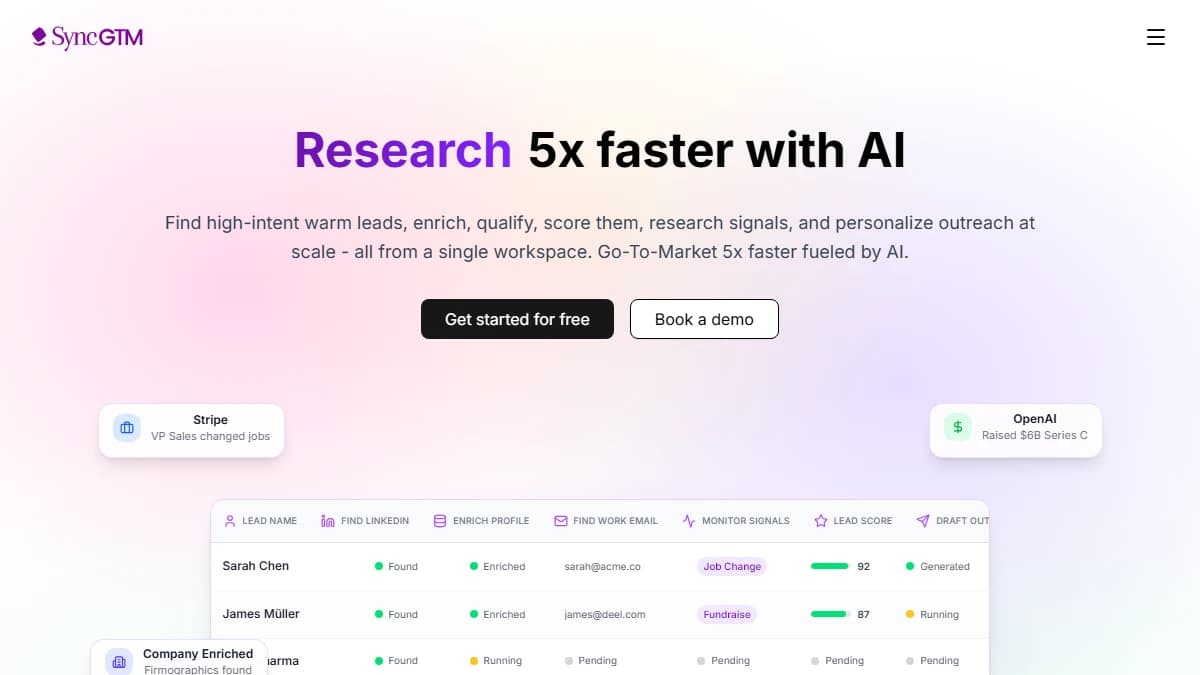
Slack monitoring gives you the signal. But once you identify a warm lead, you still need to enrich, qualify, and route that lead into your pipeline. That is where SyncGTM fits in.
After your Claude Code agent exports a batch of qualified Slack leads, you can feed those names and companies into SyncGTM's waterfall enrichment to get verified emails, phone numbers, firmographic data, and buying intent signals — all in a single workflow.
Slack leads + SyncGTM workflow:
- Claude Code exports qualified Slack threads as a CSV
- Import leads into SyncGTM for waterfall enrichment across 20+ data sources
- Enrich with verified emails, firmographics, and buying intent signals
- Route enriched leads directly into your CRM via CRM integration
- Trigger personalized outbound sequences based on the original Slack thread context
The combination turns a community signal into a fully enriched, CRM-ready opportunity — without any manual data entry. Pair this with buying intent data and you have a complete warm-lead pipeline.
Final Thoughts
Gated Slack communities are the last place cold outreach has not ruined yet. The people posting in there are already describing their problems. They are already looking for help. You just have to show up with the right answer.
What used to be an hour of manual scrolling every morning is now a CSV sitting in your folder when you wake up. Warm leads. Direct links. Ready to respond. Claude Code and Playwright turn community monitoring from a daily chore into an automated signal engine.
The setup takes an afternoon. The return compounds daily. Every morning you wake up to a fresh list of people who are actively looking for what you sell — sourced from conversations they started, not from a cold database you purchased.
Start with 5 communities. Build the skill. Run it for a week. The results will speak for themselves.
This post was last reviewed in March 2026.