

n8n Review 2026: Open-Source Automation — Self-Hosted Pricing and Features

By Kushal Magar · April 8, 2026 · 13 min read · Last updated: September 30, 2026
Key Takeaway
n8n is an open-source workflow automation platform available as a free self-hosted Community Edition or paid cloud service. As of September 2026, with annual billing, cloud pricing is Starter at €20/mo (2,500 executions) and Pro at €50/mo (10,000 executions); the self-hosted Business plan is €667/mo (40,000 executions) and Enterprise is custom. All plans include unlimited users and workflows. n8n charges per execution, not per step — making it cheaper than Zapier for complex workflows. Self-hosted is free but requires server infrastructure ($20-150/mo) and DevOps maintenance. Best for: developer-heavy teams that want full control over automation infrastructure with unlimited executions and the flexibility to write custom code nodes. Main limitations: steep learning curve, maintenance overhead for self-hosted, and no pre-built sales data or lead scoring.
n8n is an open-source workflow automation platform that lets you build, deploy, and self-host automations connecting 500+ apps. You design workflows visually, add custom code nodes when the visual builder is not enough, and run everything on your own servers or on n8n's cloud.
You are probably here because you want the flexibility of open-source automation but need to understand the real cost — both the subscription price and the hidden cost of self-hosting and maintaining infrastructure.
This n8n review covers self-hosted vs cloud, what each plan costs, how the code nodes work, where the platform falls short for GTM teams, and whether the open-source advantage translates to real-world value in 2026.
n8n Review: What You Get (and What You Don't)
n8n is a fair-code licensed automation platform — meaning the source code is available and you can self-host for free, but there are restrictions on commercial redistribution. Users rate it 4.8/5 on G2 with 233+ reviews.
| Feature | What's Included | Limitations |
|---|---|---|
| Self-Hosted Option | Free Community Edition, unlimited executions | Requires server infrastructure and DevOps |
| Code Nodes | JavaScript and Python inline code execution | Requires coding skills to leverage fully |
| Integrations | 500+ native integrations plus HTTP requests | Fewer than Make (2,000+) or Zapier (7,000+) |
| Pricing Model | Per execution, not per step | Cloud execution limits can be restrictive |
| Sales & Marketing Workflows | Build-your-own from 10,000+ templates, code, and HTTP nodes | No built-in contact data or lead scoring |
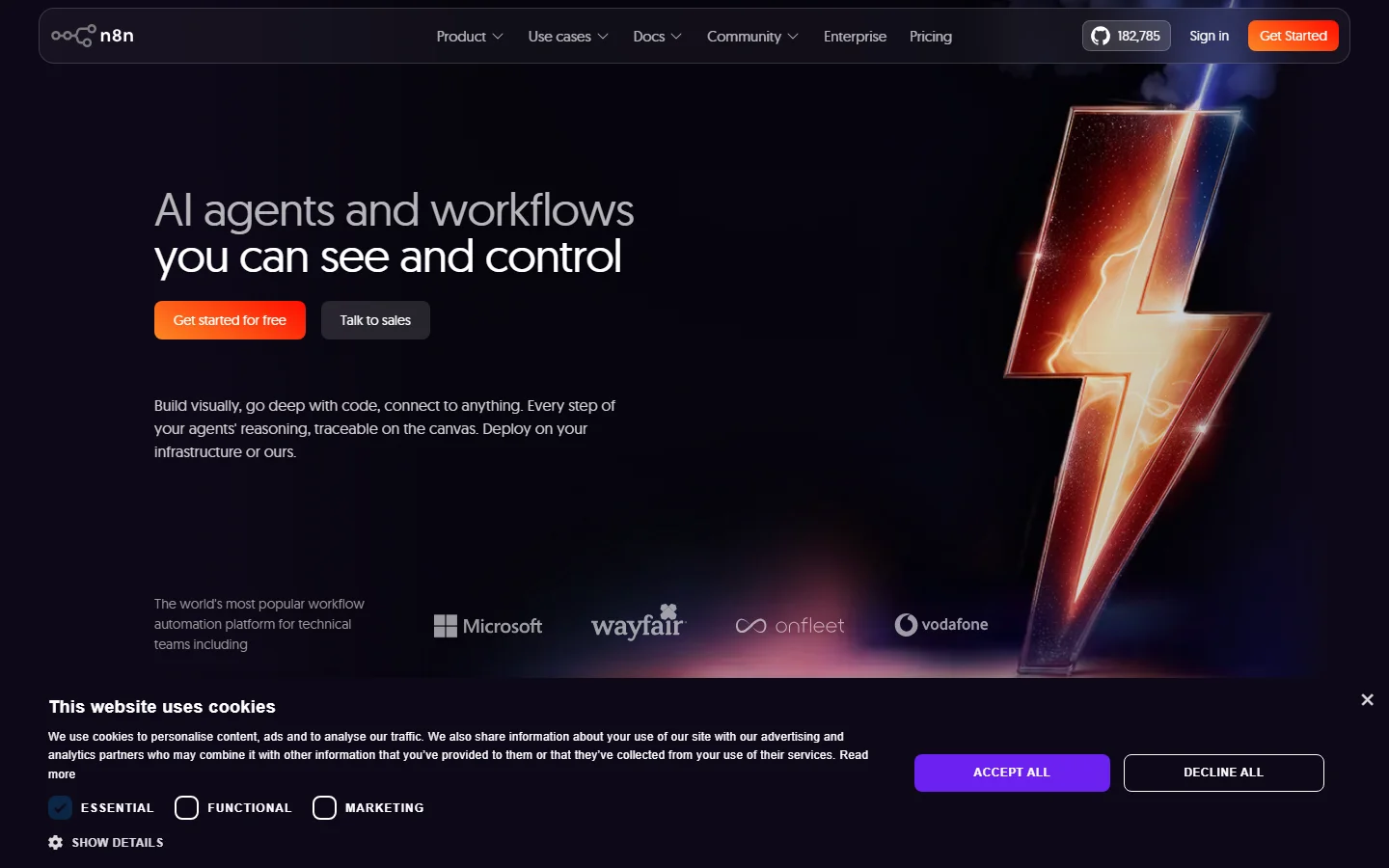
n8n homepage
The takeaway: n8n gives developers maximum control over automation infrastructure. What it does not give you is GTM workflows that work without coding and DevOps.
n8n Self-Hosted vs Cloud: Which Should You Choose?
This is the first decision every n8n user faces. The Community Edition is free and unlimited — but you run it on your own servers. The cloud version is managed by n8n but has execution limits and monthly fees.
| Dimension | Self-Hosted | Cloud |
|---|---|---|
| Price | Free (+ $20-150/mo hosting); Business €667/mo for advanced features | €20-50/mo billed annually; Enterprise custom |
| Executions | Unlimited (Community); 40,000/mo on Business | 2,500 (Starter) or 10,000 (Pro); custom on Enterprise |
| Maintenance | You handle updates, backups, scaling | Managed by n8n |
| Advanced Features | Requires paid Business plan for SSO, Git | Enterprise tier (custom pricing) |
The hidden cost of self-hosting
Most production n8n deployments run $20-150/mo in server costs. But the real cost is engineering time — updates, backups, monitoring, and troubleshooting infrastructure issues. A senior engineer spending 4 hours per month on n8n maintenance costs your company far more than the hosting fee. For GTM teams that need automation without the ops burden, that time investment rarely pays off. Compare our best sales prospecting tools guide for managed alternatives.
n8n Pricing Breakdown: Free to Enterprise
n8n publishes cloud pricing on their pricing page. As of September 2026, prices below are for annual billing, and every plan includes unlimited users, unlimited workflows, and every integration:
- •Community (self-hosted, $0): Unlimited executions, unlimited workflows, 500+ integrations, community support
- •Starter (€20/mo): 2,500 executions/month, 5 concurrent executions, 1 shared project, 1,600 AI Assistant credits/month, forum support
- •Pro (€50/mo): 10,000 executions/month, 20 concurrent executions, 3 shared projects, admin roles, global variables, workflow history, execution search, 7 days of insights
- •Business (€667/mo, self-hosted only): 40,000 executions/month, 30 concurrent executions, SSO/SAML/LDAP, Git version control, multiple environments, 30 days of insights
- •Enterprise (custom): Custom execution volume, 200+ concurrent executions, 365 days of insights, external secret stores, log streaming, dedicated support with SLA, invoice billing
Startups with fewer than 20 employees can get 50% off Business through n8n's Startup Program.
Per-execution pricing advantage
n8n's biggest pricing advantage: it counts per workflow execution, not per step. A 10-step workflow uses 1 execution on n8n but 10 tasks on Zapier. For complex workflows, this makes n8n dramatically cheaper. A GTM workflow that enriches and routes a lead through 8 steps costs 1 execution on n8n vs 8 tasks on Zapier.
Hidden costs to watch
- Self-hosted infrastructure costs $20-150/mo plus engineering time
- Cloud execution limits can be tight for high-volume GTM workflows
- Advanced features (SSO, Git, environments) require the self-hosted Business plan at €667/mo billed annually
- No built-in enrichment — third-party API costs add up separately
- The Startup Program's 50% Business discount is limited to companies under 20 employees
n8n Code Nodes: The Developer Advantage
This is where n8n separates itself from Make and Zapier. Code nodes let you write inline JavaScript or Python directly inside a workflow. Need to parse a complex API response, run a scoring algorithm, or transform data in a way that no-code tools cannot handle? Drop in a code node.
When code nodes shine
Custom data transformations that would require 5-6 no-code modules become a single code node with 20 lines of JavaScript. API integrations without native nodes work through HTTP request nodes combined with code nodes for response parsing. If your team has developers, this flexibility is genuine and valuable.
When code nodes become a liability
Code nodes create maintenance debt. When the developer who wrote the custom code leaves, the rest of the team inherits workflows they cannot modify or debug. For GTM teams where the operators are RevOps, marketing ops, or SDR managers — not engineers — code nodes become a bottleneck, not an advantage. If you adopt n8n, comment custom code inside the workflow, move reusable logic into sub-workflows, and make sure at least two people can maintain each critical automation.
How n8n Works: Building a Lead-Routing Workflow
The fastest way to judge n8n is to follow one real workflow from trigger to result. Here is how a typical inbound lead-routing automation comes together using n8n's core building blocks.
- Start from a trigger.Add a Webhook trigger that receives form submissions, or a Schedule trigger that polls a source on a timer. You can also start from one of n8n's 10,000+ workflow templates and adapt it.
- Call your data sources. Use a native integration node where one exists (n8n lists 500+), or the HTTP Request node for any API that lacks one, such as a data enrichment provider.
- Transform and score in code. Drop in a Code node to clean fields, normalize company names, or apply your own scoring rules in JavaScript or Python.
- Route the result. Branch on the score to create or update records in your CRM, alert a rep in Slack, or add the lead to an outreach sequence. Steps you reuse across workflows can live in sub-workflows.
- Handle failures. Add error handling so a failed API call retries or notifies someone instead of silently dropping the lead.
- Test and debug. Re-run single steps and replay or mock data from earlier executions while you build, so you are not re-triggering the whole flow after every change.
Every run of this workflow counts as one execution, no matter how many steps it has, so a six-step lead router costs the same as a one-step one. That is why n8n's cloud limits stretch further than they look: 2,500 executions on Starter means 2,500 leads routed, not 2,500 steps. Concurrency is the other limit to watch; Starter runs 5 executions at once and Pro runs 20, which matters when a campaign sends a burst of form fills.
The same structure extends to AI use cases. n8n's AI agent nodes let you add an agent step inside an ordinary workflow, so the agent inherits the triggers, integrations, and error handling around it. The trade-off is ownership: someone on your team is responsible for each workflow, and when an API changes or a field is renamed, the fix is yours to make.
What Are the Downsides of Using n8n?
Self-hosting is not free in practice
The Community Edition is free to download, but running it in production requires server provisioning, Docker or Kubernetes setup, database configuration, SSL certificates, monitoring, and regular updates. That is 4-8 hours of engineering time for initial setup and 2-4 hours per month for ongoing maintenance. At a $150/hr engineering rate, your "free" automation platform costs $300-600/month in labor.
Learning curve is steep
G2 reviewers consistently flag the learning curve as n8n's top drawback. The visual builder is approachable for simple workflows, but complex automations with error handling, sub-workflows, and code nodes require significant ramp-up time. Non-technical GTM operators struggle to build and maintain workflows independently.
Fewer integrations than competitors
n8n offers 500+ integrations — strong, but behind Make (2,000+) and Zapier (7,000+). For less common GTM tools, you may need to use HTTP request nodes and build the integration manually. For a broader tool comparison, see our best CRM data enrichment tools guide.
No pre-built sales data
Like Make and Zapier, n8n is a general-purpose automation builder. It connects to data providers and CRMs, but it does not supply contact data or lead scores itself, so every sales automation depends on third-party APIs you pay for separately. Templates help you start, but most teams still adapt and maintain their own versions.
Is n8n Worth It?
n8n is worth it for developer-heavy teams that want full control over their automation stack and have the engineering capacity to build, deploy, and maintain custom workflows. The self-hosted option with unlimited executions is unmatched on price. The code nodes give developers flexibility that no-code-only tools cannot match. The per-execution pricing model saves significant money on complex workflows.
n8n is not worth it for GTM teams without dedicated engineering resources. The self-hosting burden, steep learning curve, and lack of pre-built GTM workflows mean your RevOps or marketing ops team will spend more time on infrastructure than on pipeline generation.
The verdict: the best open-source automation platform available, but only if you have the engineering team to support it. Prototype one real workflow on the cloud Starter plan or a local Docker install before committing to self-hosting.
Comparing automation platforms? Read our reviews of Make, Workato, and our roundup of best RevOps AI tools for 2026.
If building and maintaining your own enrichment workflows in n8n is a dealbreaker, SyncGTM is one alternative worth a look: it includes waterfall enrichment across 50+ data providers and AI lead scoring against your ICP.