

Pipedream 2026 Review: Developer-First Automation — Free Tier and Pricing

By Kushal Magar · April 8, 2026 · 11 min read · Last updated: September 30, 2026
Key Takeaway
Pipedream is a developer-first workflow automation platform that supports custom code execution in Node.js, Python, Go, and Bash alongside 2,500+ API integrations. Free tier includes 100 credits/day and 3 active workflows. Basic plan at $29/mo adds 2,000 credits/day. Advanced at $79/mo adds 10,000 credits/day. Rated 4.6/5 on G2 with 5/5 on Capterra. Best for: developers and technical teams that need code-first API integrations with event-driven triggers and full programming language support. Main strengths: code-first flexibility, event sources for real-time triggers, generous free tier. Main weaknesses: requires developer skills, credit-based pricing expensive at scale, no GTM-specific features. Pipedream is now owned by Workday, which announced the acquisition in November 2025.
Pipedream is a developer-first automation platform that lets you write code — Node.js, Python, Go, or Bash — inside visual workflows connected to 2,500+ APIs. Unlike Zapier or Make, Pipedream gives developers full code access at every step. You can install npm packages, process data with Python scripts, and trigger workflows from any event source.
You are probably here because you need more than drag-and-drop automation. Maybe Zapier's no-code constraints are limiting your integrations. Maybe you need to write custom logic that no-code platforms cannot handle. Or maybe you just want a free automation tier that actually works.
This Pipedream review covers how the code-based workflows compare to no-code alternatives, what the free tier actually delivers, what each paid plan costs, what Workday's acquisition of Pipedream means for buyers, and whether a developer-first tool is the right choice for GTM teams.
Pipedream Review: What You Get (and What You Don't)
Pipedream sits between full-code solutions and no-code automation platforms. You get a visual workflow canvas where each step can be a pre-built integration or a custom code block. The platform earned 4.6 stars on G2 and a perfect 5/5 on Capterra.
| Feature | What's Included | Limitations |
|---|---|---|
| Code Execution | Node.js, Python, Go, Bash with npm/PyPI | Requires developer skills |
| API Integrations | 2,500+ pre-built API connectors | Some niche integrations missing |
| Event Sources | Real-time triggers from any API or webhook | Complex to configure for non-developers |
| Free Tier | 100 credits/day, 3 workflows, unlimited testing | Low credit limit for production usage |
| GTM Features | Not available natively | No enrichment, signals, or lead scoring |
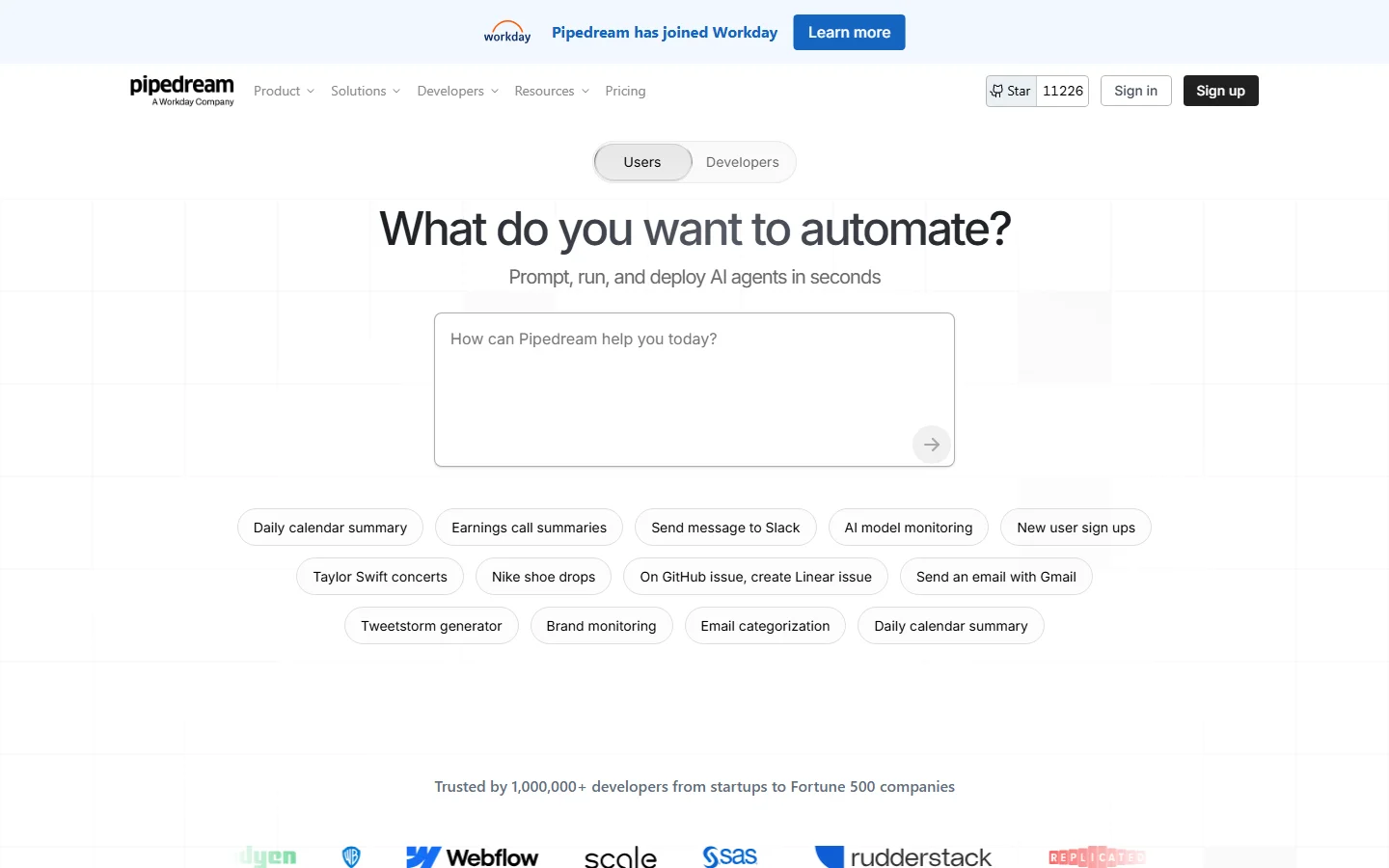
Pipedream homepage
The takeaway: Pipedream gives developers unmatched flexibility in workflow automation. What it does not do is provide any GTM-specific intelligence — enrichment, signals, or CRM automation require building everything from scratch.
Pipedream Workflows: How the Developer-First Automation Works
A Pipedream workflow starts with a trigger — an HTTP webhook, a scheduled cron, an event from Stripe, a new row in Google Sheets, or any of the 2,500+ supported event sources. Then you chain steps: pre-built actions, custom code blocks, or a mix of both.
The code steps are where Pipedream separates from Zapier and Make. You write real Node.js or Python, import any package from npm or PyPI, and have full access to the data flowing through the workflow. No sandboxed formulas or limited expressions — actual code execution.
What works well
The combination of visual workflows and code execution is powerful. Building a webhook that receives data, transforms it with a Python script, and pushes it to an API takes 15 minutes instead of deploying a Lambda function. The event source model means workflows trigger in real time rather than polling on intervals. Workflow testing is unlimited on all plans, including free.
Where it falls short for GTM teams
Building a lead enrichment pipeline in Pipedream means writing code to call each data provider API, parse responses, handle rate limits, implement waterfall logic, and push to your CRM. That is a multi-day development project, plus ongoing maintenance whenever a provider changes its API. Read our waterfall enrichment guide to understand what you would need to build.
Pipedream Free Tier: What You Actually Get for $0
Pipedream's free tier is one of the most generous in the automation space. You get 100 credits per day, 3 active workflows, 3 connected accounts, 2M AI tokens, and unlimited workflow testing. Credits are consumed based on compute time — one credit per 30 seconds of execution at 256MB memory.
What 100 credits/day covers
For lightweight automations — a webhook that processes a few records, a scheduled job that runs once per hour, a Slack bot that responds to commands — 100 credits/day is enough. A typical workflow step using a pre-built action consumes 1 credit. Custom code that runs for 30 seconds consumes 1 credit.
Where the free tier breaks down
Production GTM workflows — enriching every new lead, syncing CRM records in real time, processing webhook events from multiple sources — burn through 100 credits fast. The 3-workflow limit also constrains serious usage. Most teams outgrow the free tier within their first month of real usage.
Pipedream Pricing Breakdown
Pipedream publishes pricing on their pricing page. Plans are credit-based, not task-based — a meaningful distinction:
- •Free: 100 credits/day, 3 active workflows, 3 connected accounts, 2M AI tokens
- •Basic ($29/mo): 2,000 credits/day, unlimited workflows, unlimited connected accounts
- •Advanced ($79/mo): 10,000 credits/day, everything in Basic, priority support
- •Business (custom): Unlimited credits, SSO, dedicated support, custom SLAs
What you actually pay
A developer running 10 workflows that process a few hundred events daily: Basic at $29/mo works fine. A GTM team running continuous enrichment and CRM sync across thousands of records: Advanced at $79/mo, and you may still need to build every integration yourself. Remember that the subscription is only part of the bill: every data provider the workflow calls charges for its own API usage.
Hidden costs to watch
- Credit-based pricing is unpredictable — compute-heavy steps burn credits fast
- Developer time to build and maintain custom workflows is the real cost
- No built-in enrichment — data provider API costs are separate
- AI tokens capped per tier — heavy AI usage requires plan upgrades
What Are the Downsides of Using Pipedream?
Requires developer skills
Pipedream's core value proposition is code execution. If your GTM team does not have developers, Pipedream becomes a bottleneck. Users on G2 noted that the AI code assistant helps but does not replace developer expertise for complex workflows — and it burns through credits quickly.
Credit pricing gets expensive at scale
Pipedream charges per compute time, not per task. A long-running Python script that processes data for 5 minutes consumes 10 credits. Running that hourly adds up. Users on review sites report unexpected cost increases when workflows scale — the credit model is harder to predict than flat per-task pricing.
No GTM intelligence layer
Pipedream does not know what a lead is, which accounts show buying intent, or how to enrich a prospect record. You build all of that from scratch — calling enrichment APIs, writing scoring logic, handling CRM sync. Review our best buying intent data tools guide for the signal layer Pipedream lacks.
UI and debugging limitations
G2 and Capterra reviewers note that managing many workflows gets cluttered, and debugging multi-step workflows lacks visual status indicators. When a complex workflow fails at step 7, finding the root cause takes more digging than it should.
How Pipedream Works: Building a GTM Workflow Step by Step
To see where Pipedream's strengths and costs show up, here is what a common GTM automation looks like when you build it yourself: enriching every new inbound lead and pushing the result to your CRM.
- Pick a trigger. Start with an HTTP webhook from your form tool, a new-record event from your CRM, or a schedule that sweeps new leads every hour. Event sources fire in real time rather than polling on intervals.
- Connect accounts. Authenticate the apps the workflow touches, such as your CRM, Slack, and each data provider. The free plan limits connected accounts and active workflows, so multi-provider workflows usually need a paid plan.
- Write the enrichment step.Add a Node.js or Python code step that calls your data provider's API, handles rate limits, and falls back to a second provider when the first returns nothing. Any npm or PyPI package is available.
- Add your logic. Score or route the lead with your own rules, for example sending high-fit leads to a Slack channel and everyone else to a nurture list.
- Write back to the CRM.Use a pre-built action or the CRM's API to update the record. Pre-built actions save code, but field mapping is still yours to maintain.
- Test, deploy, and watch credits. Testing is unlimited on every plan. In production, each run consumes credits based on compute time (one credit per 30 seconds at 256MB of memory), so slow provider APIs cost more than fast ones.
A developer can wire up a single-provider version of this quickly, which is the real argument for Pipedream. A full multi-provider waterfall with retries, error alerts, and deduplication is the multi-day project described above, and everything after launch, from provider API changes to schema drift, lands on whoever wrote the code.
What the Workday acquisition means
Workday announced a definitive agreement to acquire Pipedream in November 2025 and has since completed the deal. Workday's stated goal is to let its AI agents trigger workflows, retrieve data, and act across Workday and third-party systems using Pipedream's pre-built connectors, which Workday puts at more than 3,000.
As of September 2026, Pipedream's documentation and pricing page still describe its own free and paid plans, and credits are still billed on compute time. Teams planning to build long-term GTM automation on Pipedream should watch how pricing and the product roadmap evolve now that it sits inside a large HR and finance software company.
Is Pipedream Worth It?
Pipedream is worth it for developers and technical teams that need code-level control over workflow automation. The combination of visual workflows and full code execution is genuinely unique. The free tier is real and useful for testing and lightweight production use.
Pipedream is not the right tool for GTM teams without developers. If your sales and marketing team needs enrichment, signals, and CRM sync, building those capabilities in Pipedream costs weeks of developer time and ongoing maintenance — more expensive than any subscription fee.
The verdict: the best developer-first automation platform, but a poor fit for non-technical GTM teams, who will get further with a no-code tool like Zapier or Make. Start on the free tier, and keep an eye on how pricing and the roadmap evolve under Workday before you build long-term workflows on it.
Comparing automation platforms? Read our reviews of Activepieces, Clay, and our roundup of best RevOps AI tools for 2026.
If Pipedream's need for developers to build enrichment and CRM workflows is a dealbreaker, SyncGTM is one alternative worth a look: it runs waterfall enrichment across 50+ data providers and syncs results natively to HubSpot, Salesforce, and Pipedrive.