

4 Best WhatCMS Alternatives for B2B Enrichment in 2026

By Kushal Magar · September 21, 2026 · 10 min read · Last updated: September 30, 2026
Key Takeaway
WhatCMS is a free, artifact-based CMS and technology detector for single URLs — fast and free up to 500 detections a month, but rate-limited on the free tier, metered by volume on paid API plans, and split across sister sites for hosting and theme data, with no contact data anywhere. The 4 best WhatCMS alternatives for B2B enrichment in 2026 are: SyncGTM (tech-stack lookup plus waterfall enrichment across 50+ providers and native CRM integrations), BuiltWith (491.9M+ domains and 18+ years of trend history from $295/mo), Wappalyzer (browser extension plus lead-list API built for sales and GTM teams, free tier available, plans from $250/mo), and WhatRuns (a completely free browser extension with no paid tier and no API).
The best WhatCMS alternatives go further than a single-URL lookup — they turn a detected technology into a reachable account, not just a name for what a site is running.
WhatCMS checks a page against thousands of artifacts — meta tags, image paths, custom headers, session names — to identify the CMS and technologies behind it, covering 1,540+ detectable technologies. For a quick, free answer to "what is this one site built with," it does the job well.
The gap shows up at volume. WhatCMS's free API tier caps out at 500 detections a month, one URL every 10 seconds, with no batch processing — batch and higher volume require a paid plan starting at $20/mo. Hosting data, WordPress themes, and Shopify themes each live on a separate sister site rather than in one unified profile, and even the paid Technology Reports feature that filters companies by tech stack returns a list of domains, not a verified contact at any of them.
Company-level tech-stack lookups are table stakes for the four tools below — the differences show up in detection depth, pricing model, and whether the tool stops at "here's their stack" or goes further into verified contact data. If you're also weighing aggregate technology-survey tools, see our W3Techs alternatives comparison.
Quick Summary
The best WhatCMS alternatives in 2026 are SyncGTM, BuiltWith, Wappalyzer, and WhatRuns.
TL;DR: Best WhatCMS Alternatives in 2026
- SyncGTM — Best overall for B2B prospecting. Tech-stack lookup plus waterfall enrichment across 50+ providers, buying signals, and native CRM integrations; free to start.
- BuiltWith — Best for historical trend depth. 491.9M+ domains tracked across 18+ years of technology adoption data from $295/mo.
- Wappalyzer — Best for sales and GTM teams. Browser extension plus lead-list API, free tier with 50 lookups/mo, paid plans from $250/mo.
- WhatRuns — Best free option. Completely free browser extension, no paid tier, 450,000+ active users.
Verdict: SyncGTM is the best overall WhatCMS replacement for B2B prospecting — tech-stack lookup, waterfall enrichment across 50+ providers, buying signals, and native CRM integrations, free to start. BuiltWith wins on historical trend depth. Wappalyzer is built specifically for sales and GTM lead lists. WhatRuns costs nothing and covers single-site checks indefinitely.
Why Teams Look for WhatCMS Alternatives
WhatCMS answers "what does this one site run" quickly and for free. It struggles the moment a team needs that answer at volume, unified across data types, or attached to a person they can actually contact. Four recurring pain points drive the search for WhatCMS alternatives.
A metered, rate-limited free tier. The free API plan caps out at 500 detections a month at one URL every 10 seconds, with batch processing locked out entirely. Any team that wants to check more than a handful of sites a day, or run detections in bulk, needs a paid plan starting at $20/mo for 10,000 detections and scaling to $300–$800/mo at 200,000+.
Detection fragmented across sister sites. WhatCMS covers CMS and general technology detection, but hosting data lives on Who-Hosts-This.com, WordPress themes on ThemeDetect.com, and Shopify themes on Shopify-Themes.com — four separate lookups to build one profile of a target company's stack, instead of one unified result.
Technology Reports stop at the domain. WhatCMS's Technology Reports feature can filter companies by technology profile, hosting provider, or WordPress theme — a real step beyond a pure aggregate survey tool. But per G2's research on technographic data, sales and marketing teams use tech-stack signals specifically to build targeted, contactable account lists — and a domain list with no verified email, phone, or LinkedIn attached still leaves that last step to a separate tool.
No outreach or sequencing layer. A matched company is still just a domain until someone enriches it and reaches out. Per Gartner's research on B2B data, B2B contact and firmographic data decays at roughly 30% per year — reinforcing why a static detection result can't substitute for a live, enrichable data source that stays current and connects to a contact. The four alternatives below each close one or more of these gaps.
1. SyncGTM
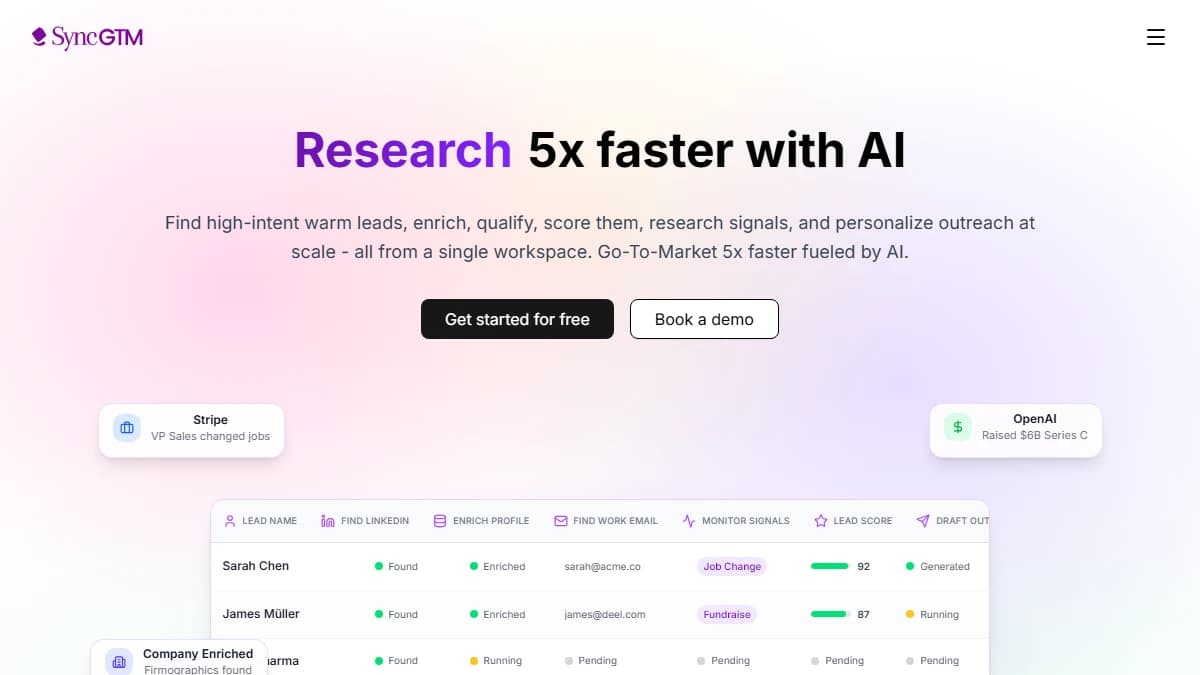
SyncGTM — tech-stack detection plus waterfall enrichment across 50+ providers and native CRM integrations
SyncGTM is a B2B prospecting platform where a tech-stack match is a filter condition, not an endpoint. Point it at a company and it returns the technologies that company runs — the same category of signal WhatCMS detects — alongside contact data — emails, phone numbers, and firmographics — sourced through waterfall enrichment across 50+ providers queried in sequence.
That's the gap SyncGTM targets versus WhatCMS. WhatCMS's Technology Reports can filter companies by tech profile, but the output stops at a domain list; SyncGTM turns the same kind of match into an enriched account with contact data in the same workflow, with buying signals — job changes, funding, headcount growth, hiring, and web traffic — layered on top to flag in-market accounts.
Native CRM integrations with Salesforce, HubSpot, Pipedrive, Attio, and Close move the enriched account straight into your CRM without a manual export — something WhatCMS's metered API-and-export model was never built to do. MCP access also lets you query SyncGTM from Claude, ChatGPT, or Cursor.
SyncGTM pulls contact and firmographic data from 50+ data providers rather than a single detection engine.
Pros
- • Tech-stack detection feeds directly into contact enrichment — no second tool needed to reach a match
- • Waterfall enrichment across 50+ providers — emails, phone numbers, and firmographics
- • Buying-signal detection surfaces in-market accounts, not just a static tech-stack snapshot
- • Native CRM integrations: Salesforce, HubSpot, Pipedrive, Attio, Close
- • AI lead scoring to prioritize accounts
- • Free to start, with MCP access from Claude, ChatGPT, and Cursor
Cons
- • Not a dedicated CMS-detection tool — WhatCMS's free single-URL lookup is faster for a quick one-off check
- • No 18-year historical technology-trend archive comparable to BuiltWith's
Best for: B2B teams that want to act on a detected technology immediately — identify the stack, enrich the account, and find contact data in one workflow.
Pricing: Free to start.
2. BuiltWith
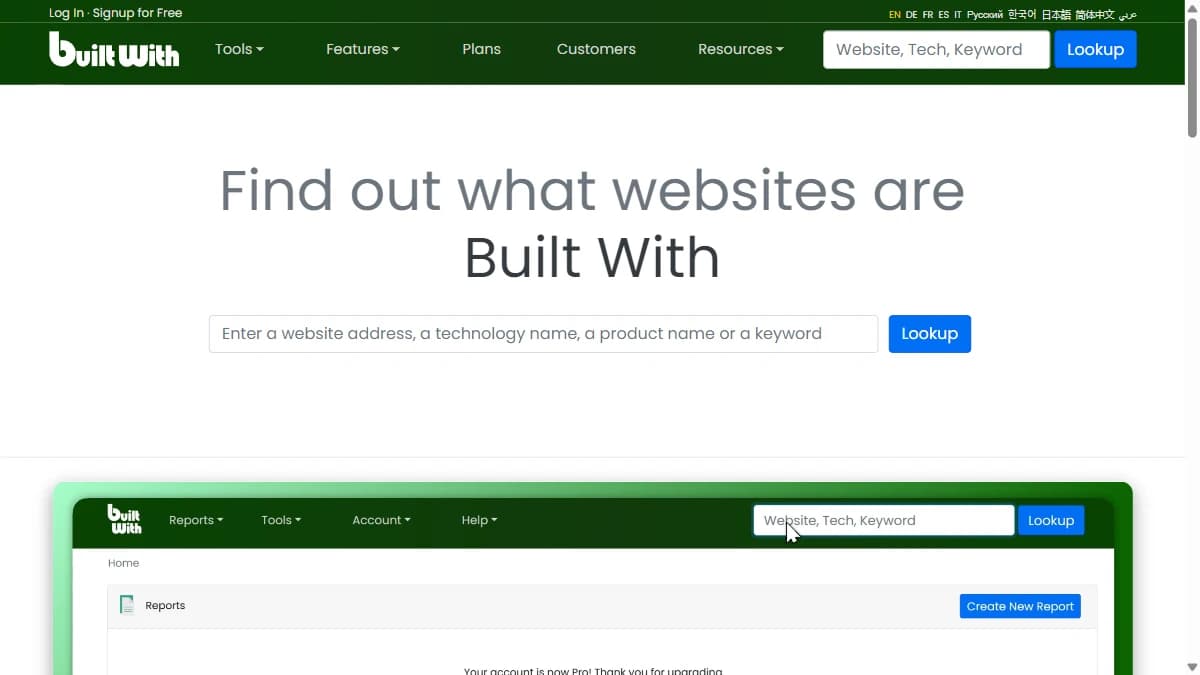
BuiltWith — technology profiling across 491.9M+ domains with 18+ years of trend history
BuiltWith shares WhatCMS's core model — free single-site lookups forever, no account required — and builds a much deeper paid product on top of it: 127,622 tracked technologies across 491.9 million domains, with adoption history stretching back 18+ years, the widest and deepest detection archive of any tool in this comparison.
Where WhatCMS caps its free API tier at 500 detections a month and meters batch access by paid plan, BuiltWith's Basic plan at $295/mo unlocks 2 tracked technologies and keywords with no per-detection rate limit at all, and Pro at $495/mo removes the tracking cap entirely.
The gap is what happens after the list. BuiltWith exports company and domain data with CRM integration, but it has no verified email, phone, or outreach layer built in — the same core gap as WhatCMS, just at a higher price point and with far deeper historical data attached.
Pros
- • 491.9M+ domains tracked with 18+ years of historical technology-trend data
- • Free individual site lookups forever — no account required, same starting point as WhatCMS
- • No per-detection rate limit on paid plans, unlike WhatCMS's metered API tiers
- • Retail Reports add estimated ecommerce revenue to technology filters
- • CRM export to Salesforce, HubSpot, Dynamics 365, Zoho, and more
- • 127,622 tracked technologies — the widest detection catalog in this list
Cons
- • Steep jump from free to $295/mo for the entry paid plan (Basic, 2 technologies/2 keywords)
- • Unlimited technology and keyword tracking requires Pro at $495/mo
- • No verified contact data — email, phone, and LinkedIn are out of scope
- • No outreach or sequencing layer — lists still need a downstream tool
Best for: Teams that need the deepest historical technology-adoption data and company-level lead lists, and already have a separate contact-enrichment tool.
Pricing: Free (single lookups). Basic $295/mo. Pro $495/mo. Team $995/mo.
3. Wappalyzer

Wappalyzer — "find accounts by the technologies they use," with a free 50-lookup tier
Wappalyzer positions itself explicitly for sales and GTM teams — its own homepage pitch is "find accounts by the technologies they use" — rather than WhatCMS's developer-first, single-URL framing. The same detection engine powers a browser extension for one-off checks and a paid API for building technographic lead lists at scale.
The free tier gives 50 technology lookups and email verifications a month plus 5 website alerts, no credit card required — a fraction of WhatCMS's 500 free detections, but each lookup here comes with a sample lead list and basic CRM enrichment, which WhatCMS's raw API does not provide.
Pricing scales by seat and API credit: Pro is $250/mo for 1 user with 2 technology targets and 5,000 lookups; Business jumps to $450/mo for 5 users and unlimited targets; Enterprise starts at $850/mo. API credits expire after 60 days, a shorter runway than WhatCMS's rolling monthly quota.
Pros
- • Free tier with 50 lookups/mo, 5 website alerts, and sample lead lists — no card required
- • Browser extension for instant single-site checks, same engine that powers the API
- • Lead lists filterable by specific technology, built for sales and GTM use from the ground up
- • CRM enrichment available on Business and Enterprise plans
- • Annual billing saves 17% versus monthly
- • Widely embedded — many other SaaS tools license Wappalyzer's detection data
Cons
- • Per-user seat pricing scales fast — Business is $450/mo for just 5 users
- • API credits expire after 60 days, unlike WhatCMS's rolling monthly allowance
- • No direct-dial phone data or outreach/sequencing layer
- • Pro tier limits lookup targets to 2 — a real ceiling for active prospecting
Best for: Sales and GTM teams that want a browser extension for quick checks plus a lighter-weight paid tier for building technology-filtered lead lists.
Pricing: Free (50 lookups/mo). Pro $250/mo. Business $450/mo. Enterprise from $850/mo.
4. WhatRuns
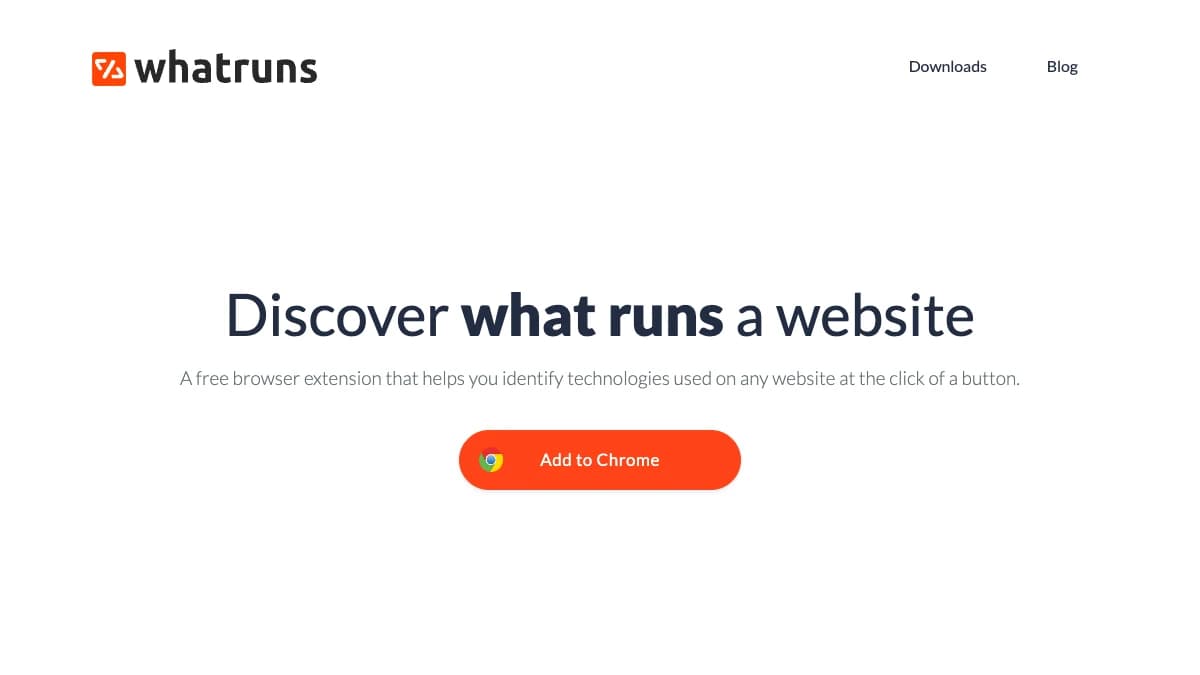
WhatRuns — a free browser extension that detects the technologies behind any website, no sign-up required
WhatRuns is the most direct free-to-free swap for WhatCMS's own free tool: a Chrome extension, no sign-up, no rate limit, no credit-card wall. Click the icon and it lists the CMS, hosting, analytics, fonts, and dozens of other technologies detected on that page, with 450,000+ active users and 50–100 new technologies added to its database daily.
Where WhatCMS's free tier caps out at 500 API detections a month before asking for a card, WhatRuns has no cap to hit because there's no API to meter — every lookup runs client-side in the browser, one tab at a time. You can also "follow" a site and get notified when its stack changes.
The limitation is scale and structure. WhatRuns has no bulk search, no lead-list export, and no API — no way to filter companies by technology the way WhatCMS's Technology Reports or Wappalyzer's lead lists do. It only ever answers "what does this one site run," never "which companies run X."
Pros
- • 100% free with no paid tier, no signup, and no usage limits — nothing rate-limited like WhatCMS's metered API
- • One-click detection covering CDN, hosting, analytics, CMS, plugins, and fonts
- • Site-follow feature alerts you when a tracked site's stack changes
- • 450,000+ active users and a database updated with 50–100 new technologies daily
- • Zero learning curve — install the extension and click
Cons
- • No bulk search or lead-list building — one site at a time only, no Technology Reports equivalent
- • No API, so it can't plug into an automated prospecting workflow
- • No contact data, firmographics, or outreach features of any kind
- • Chrome-only browser extension, no standalone web app or company-level search
Best for: Individual marketers, developers, or founders who need to check a handful of sites manually and don't need list-building, an API, or contact data.
Pricing: Free. No paid plans.
Side-by-Side Comparison
| Tool | Best For | Free Tier | Starting Price | Standout Feature |
|---|---|---|---|---|
| SyncGTM | B2B tech-stack + contact enrichment | Yes | Free to start | Tech-stack lookup + waterfall enrichment across 50+ providers, native CRM integrations |
| BuiltWith | Historical tech-adoption trend data | Yes (single lookups) | $295/mo | 491.9M+ domains across 18+ years of technology trend history |
| Wappalyzer | Sales/GTM technographic prospecting | Yes (50 lookups/mo) | $250/mo | Same engine powers browser extension and lead-list API |
| WhatRuns | Free single-site technology checks | Yes (unlimited, free) | Free | 450,000+ users, zero cost, no paid tier at all |
How to Choose the Right WhatCMS Alternative
The right alternative depends on what you do after you detect a company's tech stack.
- If you need to reach a contact the moment you spot a tech signal → choose SyncGTM (tech-stack lookup plus waterfall enrichment and native CRM integrations in one pass).
- If you need the deepest historical technology-adoption archive → choose BuiltWith (18+ years of trend data across 491.9M+ domains).
- If you're a sales or GTM team that wants a browser extension plus lead lists → choose Wappalyzer.
- If your budget is $0 and you just need to check a handful of sites → choose WhatRuns — completely free, no paid tier.
Final Verdict
WhatCMS does its narrow job well — fast, artifact-based detection for a single URL, a free tier generous enough for occasional checks, and a Technology Reports feature that goes further than a pure survey tool. For quick, one-off lookups under its 500-detection monthly cap, nothing on this list needs to replace it.
The problem shows up at any B2B use case beyond that: exporting a lead list at volume without hitting a metered API tier, unifying detection with hosting and theme data that WhatCMS splits across separate sister sites, and reaching a verified contact at a company that matches the tech profile. All four alternatives above close at least one of those gaps.
For B2B prospecting teams, the strongest pick is SyncGTM — not the deepest detection archive (that's BuiltWith), but the option that turns a tech-stack match directly into enriched contact data in one workflow. Tech-stack lookup, waterfall enrichment across 50+ providers, buying signals, and native CRM integrations come together in one platform, and it's free to start.
If historical trend depth matters more than contact data, BuiltWith at $295/mo is the direct fit. If sales and GTM lead lists on a lighter budget are the priority, Wappalyzer's free tier and $250/mo Pro plan work well. And if the budget is genuinely zero, WhatRuns costs nothing and covers single-site checks indefinitely.
This post was last reviewed in September 2026. Pricing and features change — always verify on the vendor's pricing page before purchasing.