

LeadSwift Review 2026: B2B Data Coverage, Pricing & Alternatives

By Kushal Magar · June 8, 2026 · 11 min read · Last updated: September 30, 2026
Key Takeaway
LeadSwift is a real-time local lead scraper, not a verified B2B database. It pulls fresh data from Google Maps, Yelp, and Facebook from $24.99/month — great for agencies targeting local SMBs. But pricing is throttled by searches per day, emails are often generic rather than verified direct, and there are no buying signals or CRM enrichment. Teams selling into software, mid-market, or enterprise accounts need a verified B2B contact database instead.
LeadSwift is a real-time local lead generation platform that scrapes business data live from Google Maps, Yelp, and Facebook. Pricing starts at $24.99/month and is metered by searches per day. It is built for agencies and founders selling to local SMBs — not a verified B2B contact database. Our rating: 4.0/5 for local lead gen; 2/5 for classic B2B sales prospecting.
Most people who search for a LeadSwift review want one answer: is the data good enough to build outreach on? The honest version depends entirely on who you sell to.
If you run an agency pitching SEO, web design, or marketing services to local businesses — contractors, salons, restaurants, dentists — LeadSwift is a fast, cheap way to build targeted lists. If you sell B2B SaaS or into mid-market accounts, the picture is different. This review covers both honestly, including where B2B contact databases and waterfall enrichment cover the B2B use cases LeadSwift does not.
Key facts upfront: LeadSwift data is fresh because it is scraped in real time. Coverage is strongest for businesses with a Google Maps or Yelp presence. Emails returned are often generic (info@, contact@) rather than verified direct addresses. Pricing is throttled by searches per day, and there are no buying signals or CRM enrichment. For B2B sales prospecting beyond the local segment, LeadSwift is not the right tool.
What Is LeadSwift?
LeadSwift is a local B2B lead generation and outreach platform. Instead of querying a static database, it scrapes business data live from sources like Google Maps, Yelp, Facebook, and other local directories — so the listings, ratings, and reviews you pull are current.
You search by keyword and location (“dentists in Austin”, “roofers in Manchester”), and LeadSwift returns a list of matching businesses with enriched data: decision-maker names and titles, business emails, ratings and reviews, SEO scores and issues, website tech stacks, advertising status, and social profiles. Built-in email outreach with unlimited sender rotation, A/B testing, and personalization lets you contact those leads without leaving the tool.
The target user is clear from the data model. LeadSwift serves agencies, service providers, and founders selling to local, consumer-facing businesses — the kind that show up on Google Maps. It holds a 4.8/5 rating across 145 reviews on G2 and 4.9/5 across 89 reviews on Capterra.
| Capability | What LeadSwift Provides | Notable Gaps |
|---|---|---|
| Lead Sourcing | Real-time scrape of Google Maps, Yelp, Facebook by keyword and location. | Only finds businesses with local listings. Thin coverage for SaaS and B2B service firms. |
| Contact Data | Decision-maker names/titles plus business emails and social profiles. | Emails often generic (info@, contact@). No verified direct emails or mobile numbers at scale. |
| Enrichment Data | Ratings, reviews, SEO scores, website tech stack, ad status. | No firmographics (revenue, headcount) or verification waterfall for B2B records. |
| Outreach | Built-in email with unlimited sender rotation, A/B testing, personalization. | Email only. No multichannel (LinkedIn, calling) or CRM-synced sequencing. |
| B2B Sales Workflow | List building + email for local SMBs. | No buying signals, no CRM enrichment, no waterfall data for revenue teams. |
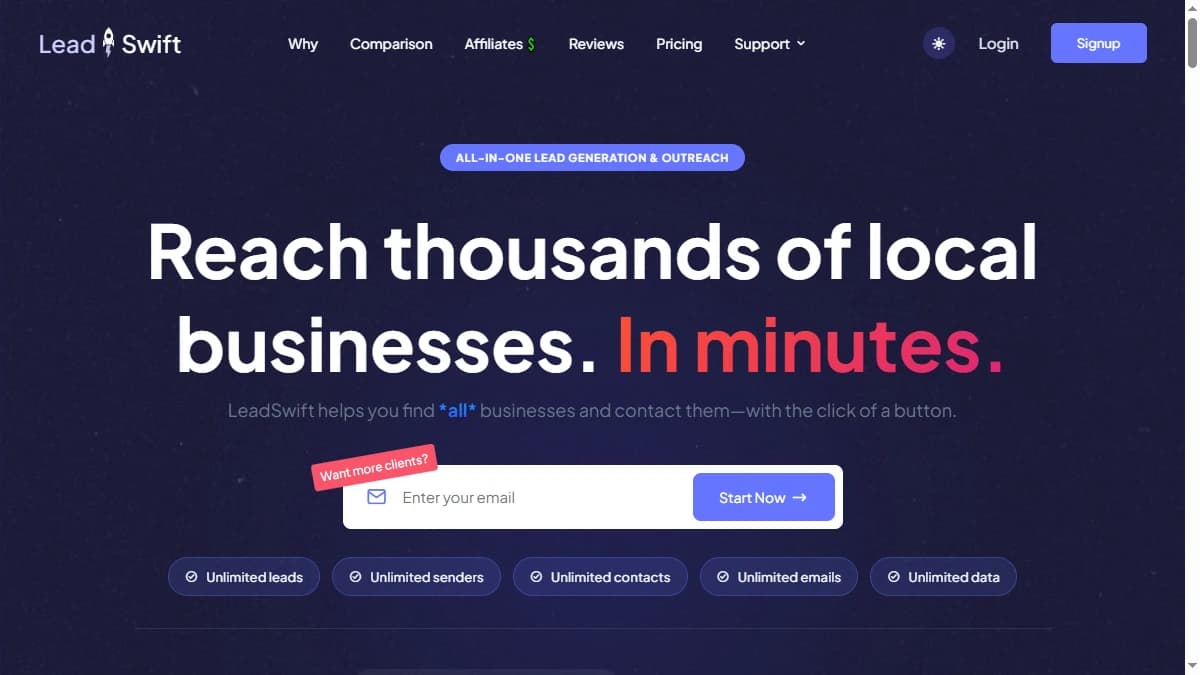
LeadSwift homepage — real-time local lead generation from Google Maps, Yelp, and Facebook for agencies and service providers.
LeadSwift Pricing: Plans, Costs, and What You Actually Pay
LeadSwift has three published plans. Every tier includes unlimited leads, contacts, exports, data points, and email senders — the only thing that changes between plans is the number of searches per day. The rates below are flagged as 50% early-adopter pricing with locked-in rates for current sign-ups.
| Plan | Monthly | Annual (per mo) | Searches / Day |
|---|---|---|---|
| Starter | $24.99 | $19.99 | 1 |
| Professional | $49.99 | $39.99 | 5 |
| Agency | $99.99 | $79.99 | 20 |
| Custom | Contact sales | Contact sales | 20+ |
The pricing model is unusual and worth understanding before you buy. One search can return tens of thousands of businesses, so on paper the value is high. The catch is the daily cap: a single “search” is one keyword-plus-location query. If your workflow is one broad query, Starter at $24.99/month is a bargain. If you run many narrow queries across cities and niches in a day, the cap pushes you up the tiers fast.
There is a 7-day free trial with no credit card required — enough to test data quality for your specific niche before committing. Annual plans can be paused for up to three months, and unused time does not expire, which is a fair flexibility term for seasonal agency work.
One caveat on the published prices: they are described as early-adopter rates. Confirm what you will actually pay and whether your rate is locked for renewal before choosing annual billing.
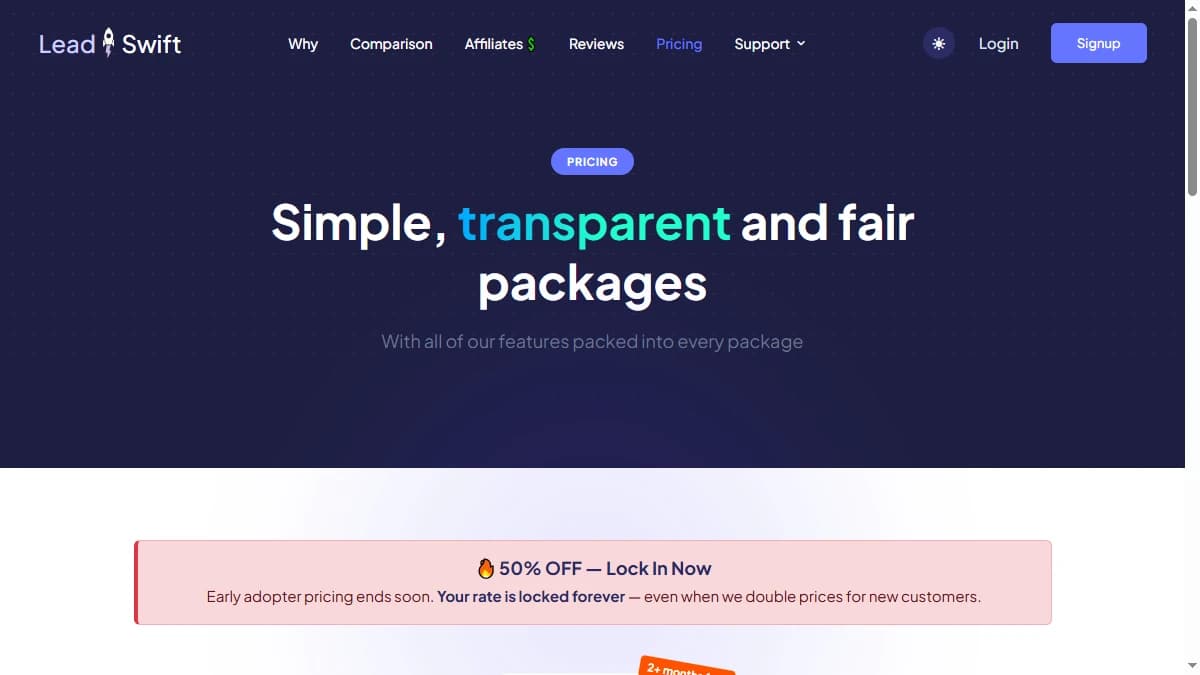
LeadSwift pricing 2026 — three plans tiered by searches per day, with unlimited leads, contacts, and exports on every tier.
LeadSwift Key Features
Real-Time Local Data Scraping
LeadSwift's core engine pulls business data live from Google Maps, Yelp, Facebook, and other directories at search time. Because nothing is cached in a stale database, listings, ratings, and review counts reflect what is live right now.
This is the platform's biggest genuine advantage over database tools for local niches. A roofing agency targeting a new city gets a fresh, accurate snapshot of every roofer with a Google presence rather than data scraped months ago.
Rich Local Enrichment
Each lead comes with more than a name and email. LeadSwift attaches ratings, review counts, SEO scores and issues, the website's tech stack, advertising status, and linked social profiles.
For agencies, this doubles as qualification data. A web design agency can filter for businesses with a low SEO score or an outdated site — instant, relevant talking points for the pitch.
Advanced Filtering
You can filter results by ratings, review volume, website content, and even HTML keywords on the target's site. This lets agencies build highly specific lists — for example, businesses running a particular platform or missing a specific feature.
Built-In Email Outreach
LeadSwift includes native email outreach with unlimited sender rotation, A/B testing, and personalization. You can move from list to campaign without exporting to a separate sending tool — a real convenience for solo operators and small agencies.
The limitation is channel. Outreach is email-only. There is no LinkedIn, no calling, and no CRM-synced sequencing — so it does not replace a full multichannel sales engagement platform.
Dual Contact Approach
For each business, LeadSwift surfaces both a generic business email and, where available, a named decision-maker with title and email. In practice the named-contact coverage is thinner than the generic email coverage — useful, but not a substitute for a verified direct-email database when you need to reach a specific person.
LeadSwift Pros: What It Does Well
- Fresh, real-time local data. Scraping live from Google Maps, Yelp, and Facebook means no stale database. For local niches, the listings, ratings, and reviews are accurate at search time — a real edge over database tools for SMB targeting.
- Low entry price with unlimited volume. Starter is $24.99/month ($19.99 annual) and every plan includes unlimited leads, contacts, exports, and data points. The cost-per-lead is hard to beat if your searches are broad.
- Qualification data baked in. SEO scores, tech stacks, ratings, and ad status double as pitch ammunition for agencies. You can find businesses with a specific weakness and lead the outreach with it.
- Built-in email outreach. Unlimited sender rotation, A/B testing, and personalization let you run campaigns without a separate tool — convenient for solo operators and small teams.
- Strong review scores. 4.8/5 on G2 (145 reviews) and 4.9/5 on Capterra (89 reviews), with no sub-four-star reviews on G2 — consistent praise for lead quality and ease of use in its niche.
- Genuine free trial and flexible terms. A 7-day trial with no card, plus the ability to pause annual plans for up to three months without losing unused time — fair terms for seasonal agency work.
LeadSwift Cons: Where It Falls Short
- Search-per-day throttling is the core limitation. Every plan is metered by searches per day — 1 on Starter, 5 on Professional, 20 on Agency. A single search can return thousands of leads, but if your workflow needs many narrow searches across cities or niches in one day, the cap forces you up a tier or into a custom plan. Multiple reviewers cite the throttle as the platform's biggest friction point.
- Contact data leans generic, not verified-direct. Because LeadSwift scrapes public listings, the emails it returns are frequently generic business addresses (info@, contact@, hello@) rather than verified direct emails for named decision-makers. There are no mobile phone numbers and no email verification waterfall — a significant gap for outbound that depends on reaching a specific person.
- Built for local businesses, weak for classic B2B. LeadSwift's data model assumes a Google Maps, Yelp, or Facebook presence. Software companies, B2B service firms, and enterprise accounts often have thin or no local listings, so coverage drops sharply outside the local SMB segment. It is the wrong tool for SaaS or mid-market B2B prospecting.
- No buying signals or intent data. LeadSwift returns a static snapshot of a business — ratings, reviews, tech, social. It does not detect hiring surges, funding rounds, tech stack changes, or job changes that tell a sales team when to reach out. Timing is left entirely to the user.
- No native CRM enrichment. LeadSwift can enrich lists you upload and push leads out through Zapier and CRM integrations, but it does not continuously enrich existing HubSpot, Salesforce, or Pipedrive records. Teams that run pipeline inside a CRM will need a separate enrichment layer.
- Early-adopter pricing is not guaranteed to last. The published rates ($24.99–$99.99/month) are flagged as 50% early-adopter pricing with locked-in rates for current sign-ups. New buyers should confirm what they actually pay and whether the rate is locked before committing to annual billing.
LeadSwift vs Outscraper vs Apollo
The comparison below covers LeadSwift against Apollo (B2B sales prospecting) and Outscraper (pay-as-you-go Google Maps scraping). These are the tools teams most often weigh against LeadSwift.
| Feature | LeadSwift | Apollo | Outscraper |
|---|---|---|---|
| Starting Price | $24.99/mo (Starter, 1 search/day) | $59/mo (Basic) | $3/1k records (pay-as-you-go) |
| Pricing Model | Subscription tiered by searches/day | Per-seat + credits | Pay-per-task |
| Data Source | Real-time scrape: Google Maps, Yelp, Facebook | Own 275M+ contact database | Google Maps + business listings scrape |
| Primary Use Case | Local SMB lead gen for agencies | B2B sales prospecting & outreach | Bulk local data extraction |
| Email Type | Mostly generic business emails + some named | Verified work emails | Scraped generic emails (unverified) |
| Buying Signals | No | Basic intent via Bombora | No |
| CRM Enrichment | No native CRM enrichment | HubSpot, Salesforce native | No |
| Native Outreach | Built-in email with sender rotation | Yes — sequences included | No |
| Free Tier | 7-day free trial (no card) | Yes — limited credits | Free trial credits |
| B2B (non-local) Coverage | Weak — built for Google Maps businesses | Strong — 275M+ B2B contacts | Weak — local listings only |
For local SMB outreach, LeadSwift is cheaper than the B2B databases and the live data is an advantage. If you sell into software, mid-market, or enterprise accounts, LeadSwift's local-listing model will leave gaps.
LeadSwift vs Outscraper
Outscraper is the closest direct competitor for local scraping. Both pull from Google Maps and business directories. Outscraper is pay-as-you-go (from $3 per 1,000 records) with no daily cap, which suits occasional bulk pulls. LeadSwift is a flat subscription with the searches/day throttle but adds enrichment (SEO scores, tech) and built-in outreach that Outscraper does not have. See the full Outscraper review for the trade-offs.
LeadSwift vs Apollo for B2B Teams
Apollo is the right comparison for teams who evaluate LeadSwift for classic B2B prospecting. Apollo has 275M+ contacts, verified work emails, built-in sequences, and native HubSpot and Salesforce integrations. LeadSwift has none of these for non-local B2B. Teams that need more coverage than one database provides can add one of the waterfall contact providers on top. For SDR tooling and B2B prospecting, LeadSwift is the wrong category.
How LeadSwift Works: From First Search to First Campaign
LeadSwift's workflow is short, but the order matters because your daily search allowance is the scarce resource. Here is how a typical agency run looks, step by step.
- Pick a niche and a place.Each search is one keyword-plus-location query, such as “plumbers in Allentown, PA”. LeadSwift scrapes matching businesses live at search time and says it covers every country available on the mapping services it pulls from.
- Filter for fit.Narrow results by ratings, review counts, website issues, and even keywords or code on the prospect's site. That last filter lets you find businesses that mention a competitor's product or run a specific platform.
- Review the enrichment. Each lead carries a generic business contact, a named decision-maker with title and email where one is found, plus ratings, reviews, SEO data, tech stack, ad details, and social profiles.
- Enrich lists you already own. List uploads are unlimited on every plan, so existing spreadsheets can run through the same enrichment without spending a search.
- Launch outreach. Build email sequences with unlimited sender rotation, A/B testing, scheduling, open and reply tracking, event-based follow-ups, and AI personalization tokens, then work replies from the shared Unibox inbox.
- Export or sync. Exports are unlimited, and Zapier and CRM integrations move leads into the rest of your stack.
The part that needs planning is the search budget. Map your keyword and city combinations before you pick a tier: an agency covering three niches across five cities needs 15 searches, which fits the Agency plan's 20-per-day cap in one day, or Professional's five per day over three days. Use the 7-day trial (no card required) to run your real niches and check how often a named decision-maker appears versus a generic inbox, since that ratio decides how personal your outreach can be.
Who Should Use LeadSwift?
LeadSwift is the right fit for:
- Agencies selling to local businesses. SEO, web design, and marketing agencies pitching contractors, salons, restaurants, dentists, and law firms get fresh lists plus qualification data (SEO scores, tech) to lead the pitch.
- Founders doing local SMB outreach. The low entry price and built-in email outreach make LeadSwift a fast way to test a local market without stitching tools together.
- Teams that value freshness over depth. If a current snapshot of every local business matters more than verified direct dials, the real-time scrape is a genuine advantage.
- Solo operators on a budget. Unlimited leads and exports from $24.99/month is hard to match for broad local searches.
LeadSwift is not the right fit for:
- B2B SaaS and mid-market sales teams. No verified direct emails at scale, no firmographics, no buying signals, and weak coverage for companies without local listings. See LeadSwift alternatives if you need B2B data enrichment.
- Teams that need verified direct contacts. Returned emails are often generic (info@, contact@) with no verification waterfall or mobile numbers — a problem for outbound that must reach a named person.
- Teams that run pipeline inside a CRM. LeadSwift does not enrich HubSpot, Salesforce, or Pipedrive records automatically. You will need a separate enrichment layer.
- Teams that need to time outreach with signals. No hiring, funding, or tech-change detection. Timing is entirely manual.
- High-volume operators hitting the search cap. If you run many narrow searches a day, the searches/day throttle forces you up the tiers or into a custom plan.
If LeadSwift's generic, unverified contact data is a dealbreaker, SyncGTM is one alternative worth a look: it runs waterfall enrichment across 50+ data providers for verified emails, phone numbers, and firmographics.