

6 Best LinkedIn Inbox Apps in 2026, Ranked by Account Safety

By Kushal Magar · November 26, 2026 · 14 min read
Key Takeaway
LinkedIn's own app is the only inbox fully inside LinkedIn's rules. Among third-party LinkedIn inbox apps, browser extensions that work in your own session and send only on your click (syncIn, Kondo) leave the smallest footprint. Cloud tools that hold your session (Breakcold, HeyReach, Expandi) keep working with your laptop closed but run your account from another IP. No tool can promise LinkedIn won't restrict an account.
A LinkedIn inbox app changes two things at once: how easy your DMs are to work through, and how your account looks to LinkedIn while the app runs. Most comparisons cover the first and skip the second.
Every app here reaches your messages in one of three ways. LinkedIn's own app, a browser extension inside the session you're already signed in to, or a cloud tool that holds your LinkedIn session on its servers.
This guide ranks six apps by that method, from smallest footprint to largest, using each vendor's own documentation. For feature depth (tags, filters, AI triage, CRM sync), see our LinkedIn inbox manager ranking.
One rule before we start: no tool can promise LinkedIn won't restrict your account, ours included. SyncGTM makes syncIn, which sits at #2.
TL;DR: LinkedIn Inbox Apps Ranked by Account Safety
- LinkedIn's own app (mobile and web): free and the only option fully inside LinkedIn's rules. Built-in categories and filters only.
- syncIn: browser extension in your own session. One request at a time, a daily request budget, auto-pause on LinkedIn errors, sends only on your click. Early access; $29 or $55 a seat a month.
- Kondo: browser extension that uses your browser's session cookie and doesn't automate. From $28 per user a month billed yearly.
- Breakcold: social CRM you connect with your LinkedIn credentials, so Breakcold holds the session. Not an automation tool. From $49 a seat a month.
- HeyReach: cloud automation for many senders, with a dedicated static residential proxy per account. $79 per sender a month.
- Expandi: cloud automation on a dedicated data-center IP, with a warm-up option. $99 a month, or $79 billed yearly.
What LinkedIn Says About Inbox Tools
LinkedIn's Help Center has a page called Prohibited software and extensions. It makes no exception for inbox tools.
“We don't permit the use of any third party software, including ‘crawlers’, bots, browser plug-ins, or browser extensions that scrape, modify the appearance of, or automate activity on LinkedIn's website.”
The same page says members who use such tools “risk having their accounts restricted or shut down,” and that the tools may stop working without notice.
So account safety is relative, not absolute. LinkedIn doesn't approve any third-party app below, and its wording is broad enough to cover tools that copy your messages into another inbox.
What does vary is how closely an app's activity matches you using LinkedIn by hand. If you've already had a warning, our guide to a restricted LinkedIn account covers common triggers and how to recover.
How a LinkedIn Inbox App Connects to Your Account
The connection method decides three things: where your login lives, whether your browser has to stay open, and how your activity looks from LinkedIn's side.
LinkedIn's own app (mobile and web)
You sign in to LinkedIn directly, and nothing sits in between. Your footprint is just your own activity.
Browser extension in your signed-in session
The extension uses the LinkedIn session already open in your browser. Requests leave from your device, your IP address and your login, so they look like normal use.
The trade-off is uptime. Syncing and sending stop when the browser closes or you sign out of LinkedIn.
Cloud tool that holds your session
You give the vendor your session cookie or your LinkedIn email and password. The vendor then runs your account from its servers, usually through a dedicated proxy IP, so it keeps going with your laptop shut.
That suits high-volume automation. It also means your account is active from an IP that isn't yours, at the kind of volume LinkedIn's policy targets.
| Method | Where your login lives | Browser open? | Relative footprint |
|---|---|---|---|
| LinkedIn's app | With LinkedIn | Not applicable | Lowest; inside LinkedIn's rules |
| Extension (syncIn, Kondo) | Your browser | Yes | Low; your device, IP and session |
| Cloud (Breakcold, HeyReach, Expandi) | Vendor servers | No (Breakcold doesn't say) | Higher; vendor IP, often built for volume |
Method isn't the whole story. An extension that fired off hundreds of automated messages would still stand out, and a cloud CRM used only to read and reply sits lower than a campaign tool.
1. LinkedIn's Own App: Lowest Risk, Fewest Tools
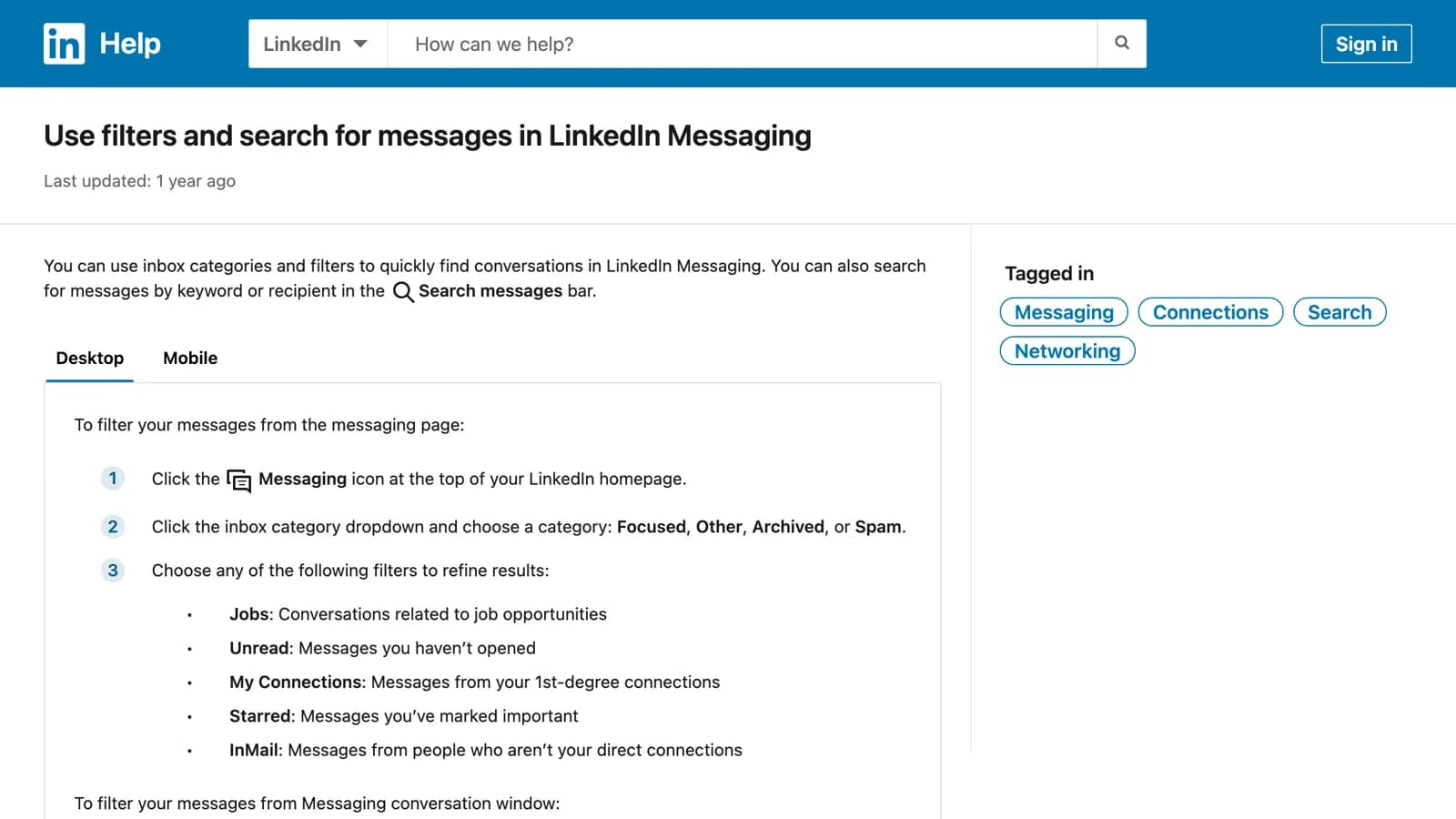
LinkedIn Messaging: built-in inbox categories and filters on desktop and mobile.
LinkedIn's own messaging, on the mobile app and LinkedIn on the web, is the baseline LinkedIn inbox app: free, and the only option that works fully inside LinkedIn's rules.
LinkedIn's Help Center lists four inbox categories: Focused, Other, Archived and Spam. On top of those, you can filter by Jobs, Unread, My Connections, Starred and InMail, or search by keyword or recipient.
That covers light DM volume. Once you run pipeline through DMs, the gaps show: no custom tags or folders, no job-title filters and no CRM sync.
Our walkthrough of the LinkedIn message inbox explains what each built-in view does and how to get more out of it.
How it connects: you sign in to LinkedIn itself. No third party ever sees your session.
Native isn't the same as immune. LinkedIn can still restrict an account for spam reports or other User Agreement breaches, whichever app you use.
Pros
- Free on every account
- No third party touches your login or session
- Same inbox on phone and desktop
- Focused and Other split routes much of the noise away
Cons
- No custom tags, folders or job-title filters
- No CRM sync; deal context stays in LinkedIn
- Starred is the only manual way to flag a thread
Best for: light DM volume, and anyone whose account is too valuable to test third-party tools on.
Pricing: messaging is free. Paid plans start at US$39.99 a month for Premium Career and US$69.99 a month for Premium Business.
2. syncIn: Browser Extension With a Human-Paced Footprint
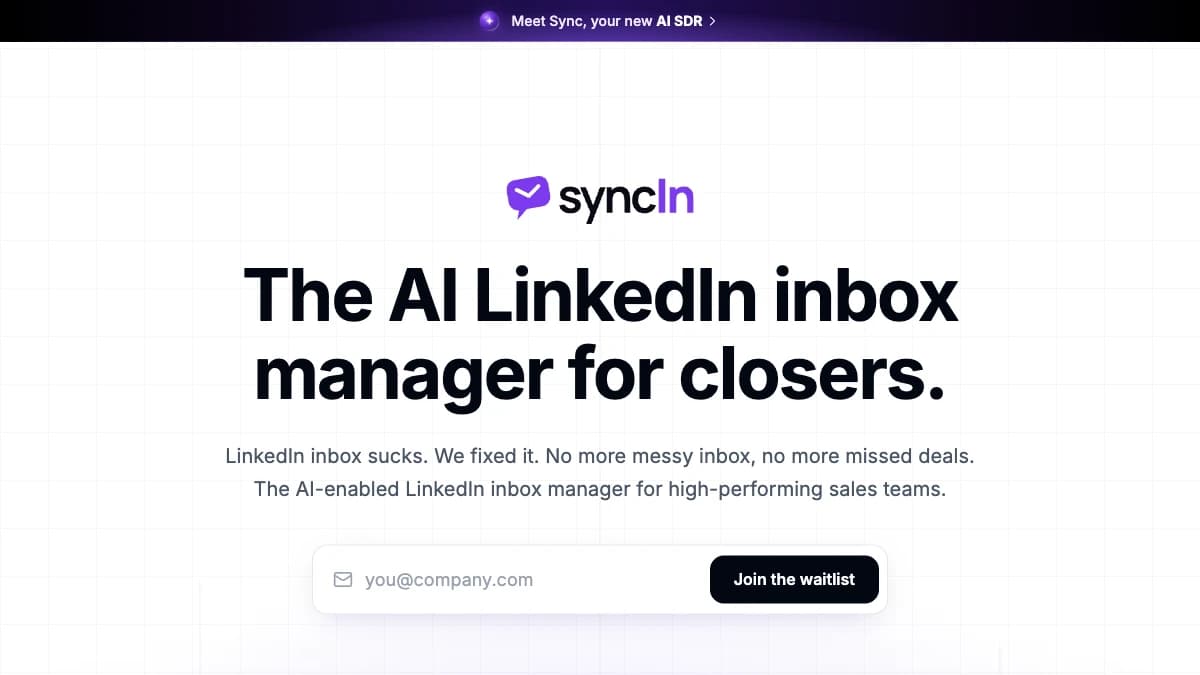
syncIn: LinkedIn inbox manager from SyncGTM, in early access.
syncIn is a LinkedIn inbox manager that runs through a browser extension in your own signed-in session, built for founders and closers who sell in DMs. It's in early access, with a waitlist on the syncIn page.
We rank it below LinkedIn's own app on purpose. No third-party tool should claim to be safer than the platform itself.
How it connects: the extension installs in Edge, Chrome or Brave, where you're already signed in to LinkedIn. It isn't on the Chrome Web Store; you install it from syncIn directly.
syncIn asks the extension to make LinkedIn's own web requests with your session and pass the response back. You never hand over your LinkedIn password, and your LinkedIn cookies never leave the browser.
How syncIn keeps a human-like footprint
- One request at a time: calls to LinkedIn go through a single queue, seconds apart. Your own clicks go ahead of background syncing.
- A daily request budget: syncIn counts its LinkedIn requests each day. Background syncing stops short of the budget, so the rest is kept for what you do yourself.
- Auto-pause on LinkedIn errors: if LinkedIn signs the session out, refuses a request or asks it to slow down, syncIn pauses all LinkedIn calls for a while before trying again.
- Login never leaves the browser: no password, no session cookie on a server, and it reads only your own inbox and connections.
- Sends only on your click: no connection requests, new threads or scheduled sends. AI agents connected over MCP can only save drafts; see our LinkedIn inbox API guide for how that compares.
None of that makes syncIn invisible to LinkedIn. It keeps the footprint close to one person reading and answering their own inbox.
Browser open: yes. Keep the browser open and signed in to LinkedIn so syncIn can sync and send; new messages come in as they arrive.
On top of that you get tags, folders, job-title and seniority filters, snooze with reminders, AI triage and drafts in your voice. CRM sync is listed as coming soon.
Pros
- Sends only when you click; no auto-send of any kind
- Paced queue, daily request budget and auto-pause, all documented
- LinkedIn password and cookies stay in your browser
- Filters by job title, seniority and department
- Pro adds a Claude MCP connector that has no send tool
Cons
- Early access only; you join a waitlist
- Browser must stay open to sync and send
- Not on the Chrome Web Store, so install is manual
- CRM sync isn't live yet
Best for: founders and closers who run live deals in LinkedIn DMs and want organization without automation.
Pricing: Basic $29 and Pro $55 a seat a month on the syncIn page. Yearly billing takes 25% off ($21.75 and $41.25).
3. Kondo: Speed-First Extension That Doesn't Automate
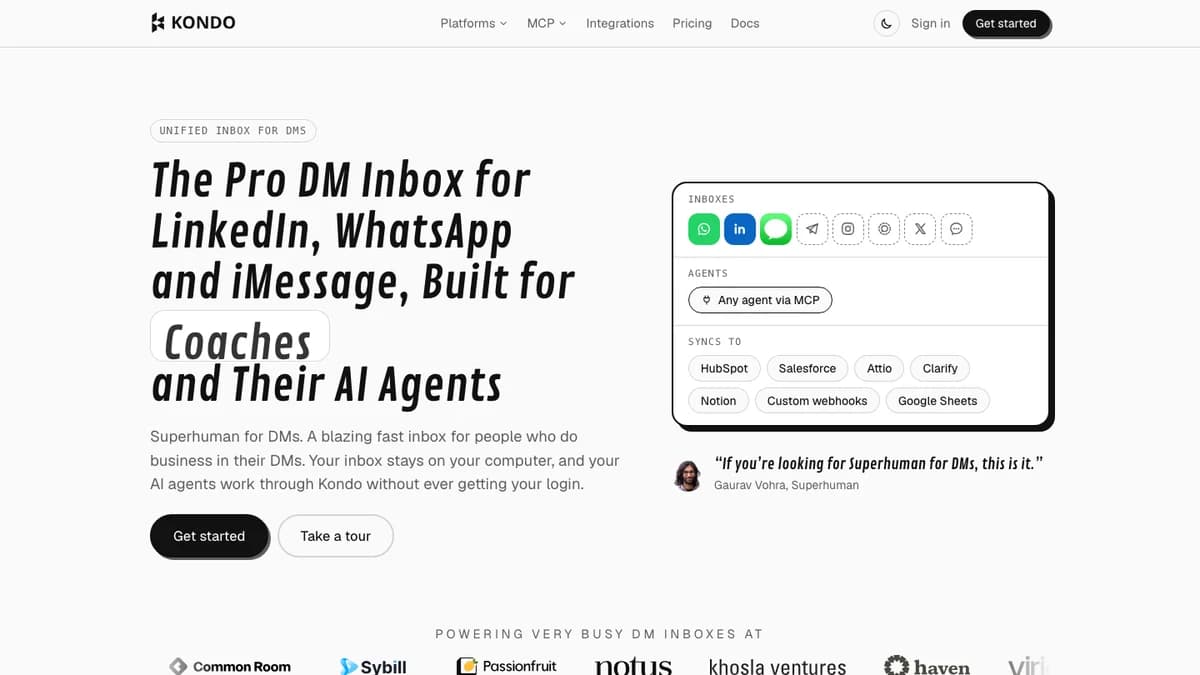
Kondo: keyboard-driven LinkedIn and WhatsApp inbox.
Kondo is a LinkedIn inbox productivity tool for high-volume SDRs, recruiters and founders, built around keyboard shortcuts, labels and snippets.
How it connects: through your browser. Kondo says “We use the active session cookie on your browser to access LinkedIn, and once you log out of LinkedIn.com, Kondo stops working.”
Its docs add that it does not proxy your account or log in to LinkedIn on its servers. The flip side: no unified inbox across several LinkedIn accounts.
Safety approach: the homepage says Kondo “does not automate, even though we're asked to all the time,” and that it backs off when a platform signals it's busy.
Its MCP setup docs say requests to LinkedIn “run one at a time, a few seconds apart.” That puts Kondo in the same low-footprint tier as syncIn.
Browser open: Kondo needs you signed in to LinkedIn in that browser, and its MCP docs say the extension must stay running.
Our Kondo review covers its CRM sync and plans in detail.
Pros
- No automation, by stated policy
- Uses your browser session; no server-side LinkedIn login
- Documented pacing: one request at a time, a few seconds apart
- Business plan adds Sales Navigator inbox, CRM integrations and MCP
Cons
- No unified inbox for multiple LinkedIn accounts
- No free plan; a 14-day refund guarantee instead
- Stops working when you log out of LinkedIn in that browser
Best for: one-account SDRs and recruiters who answer a lot of DMs and want keyboard speed.
Pricing: Basic $28, Business $36 and Enterprise $52 per user a month billed yearly; $35, $45 and $65 billed monthly (Kondo pricing).
4. Breakcold: Social CRM That Holds Your Session
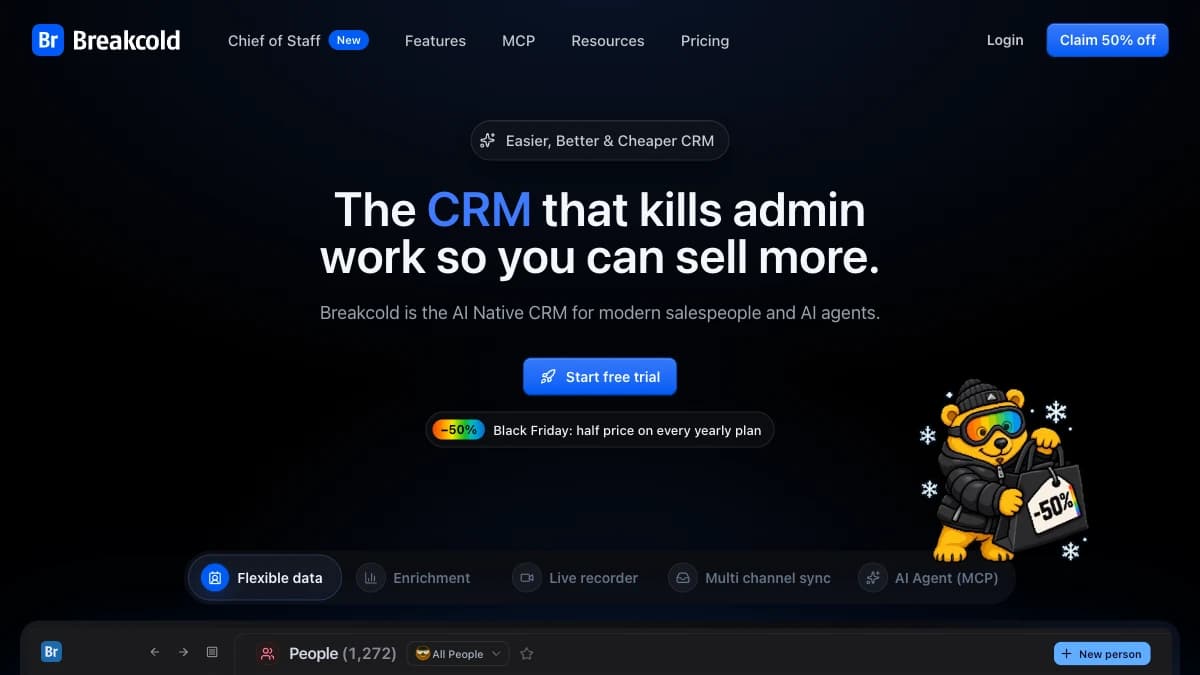
Breakcold: CRM with one inbox for LinkedIn, WhatsApp, Telegram and email.
Breakcold is a CRM for salespeople that puts LinkedIn, WhatsApp, Telegram and email conversations in one place, priced per seat.
How it connects: you add LinkedIn from Breakcold's Accounts page, where its help center tells you to “Enter your LinkedIn credentials.”
Another help article says “the IP location is determined by the person who connects the account,” even when a teammate works from another country. That points to a session Breakcold runs on its side; the docs don't say where.
You can add your own proxy at connection time, which Breakcold says is only useful if you run many LinkedIn tools at once. Its Chrome extension is for adding leads and viewing lead details from LinkedIn.
Safety approach: Breakcold's safety page says it “is not a LinkedIn automation tool” and claims “0 bans out of 10,000+ users.” That's the vendor's own figure, and we can't verify it.
Browser open: Breakcold doesn't document whether a browser needs to stay open for inbox sync.
Pros
- Not built for automated outreach
- LinkedIn, WhatsApp, Telegram and email in one CRM
- Each seat includes 2 connected accounts
- Optional custom proxy for teams running several tools
Cons
- Asks for your LinkedIn credentials
- Doesn't document where the session runs
- The 14-day free trial needs a card
Best for: social sellers who want LinkedIn and messaging apps inside one CRM rather than a dedicated LinkedIn inbox.
Pricing: X1 $49, X5 $99 and X20 $199 per seat a month, per Breakcold's pricing page. Each seat includes 2 connected accounts.
5. HeyReach: Multi-Sender Unibox for Automation Teams
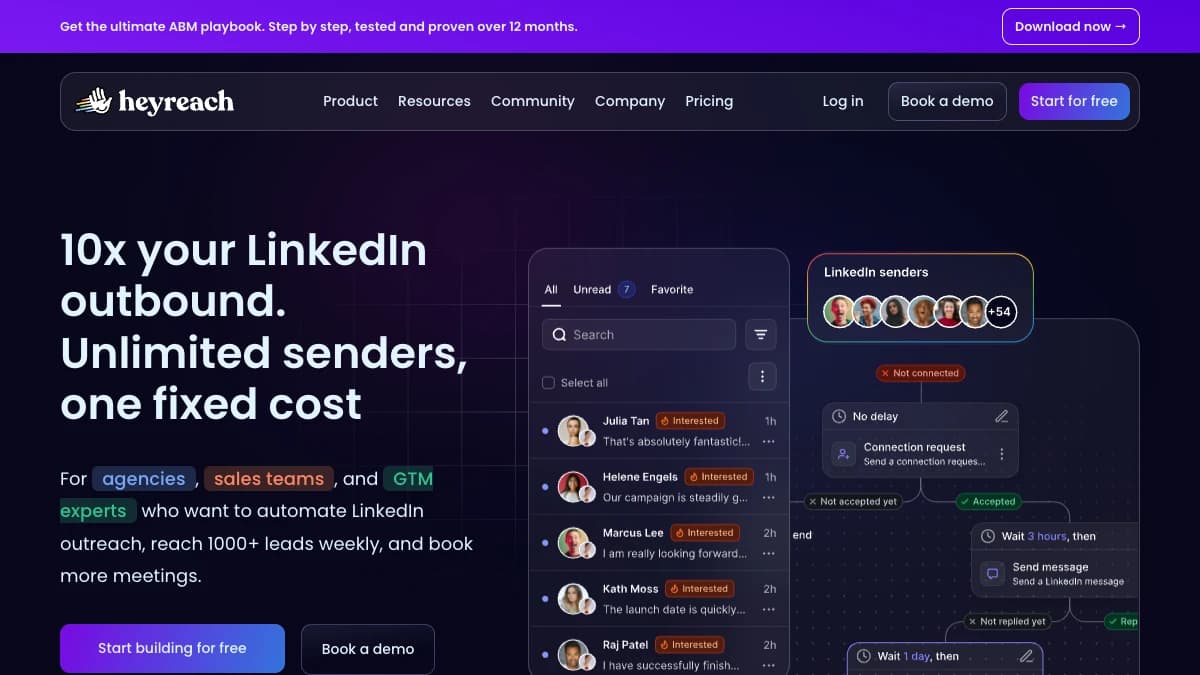
HeyReach: cloud LinkedIn automation with a unified inbox across senders.
HeyReach is a cloud LinkedIn automation platform for agencies and sales teams running many sender accounts, with a shared inbox called Unibox.
How it connects: HeyReach's setup guide offers two routes: via cookies, or “using LinkedIn credentials (email and password).” Cookies are the preferred route, exported with a browser cookie extension.
Its safety article says each account gets “a dedicated static residential proxy (i.e. real IP address that never changes),” never shared between two accounts.
Safety approach: the same article says “Each of our LinkedIn accounts is allowed 200 actions per day,” and HeyReach freezes an account until the next day once it hits that.
Browser open: no. Accounts run through HeyReach's proxy, not your browser.
The Unibox lets you “manage all conversations from all leads from all LinkedIn senders, centralized in one place.” Our HeyReach review and guide to managing multiple LinkedIn accounts go deeper.
Pros
- Dedicated static residential IP per account, never shared
- Published daily action cap with an automatic freeze
- One Unibox across every sender account
- Per-sender price drops from 10 senders
Cons
- Built for automated outreach, the activity LinkedIn's policy names
- Needs your cookies or your LinkedIn email and password
- Costs scale with every sender you add
Best for: agencies and outbound teams running campaigns across many LinkedIn senders.
Pricing: Growth is $79 per sender a month for 1 to 9 senders, or $59 per sender from 10 senders, billed monthly (HeyReach pricing).
6. Expandi: Cloud Automation With a Built-In Inbox
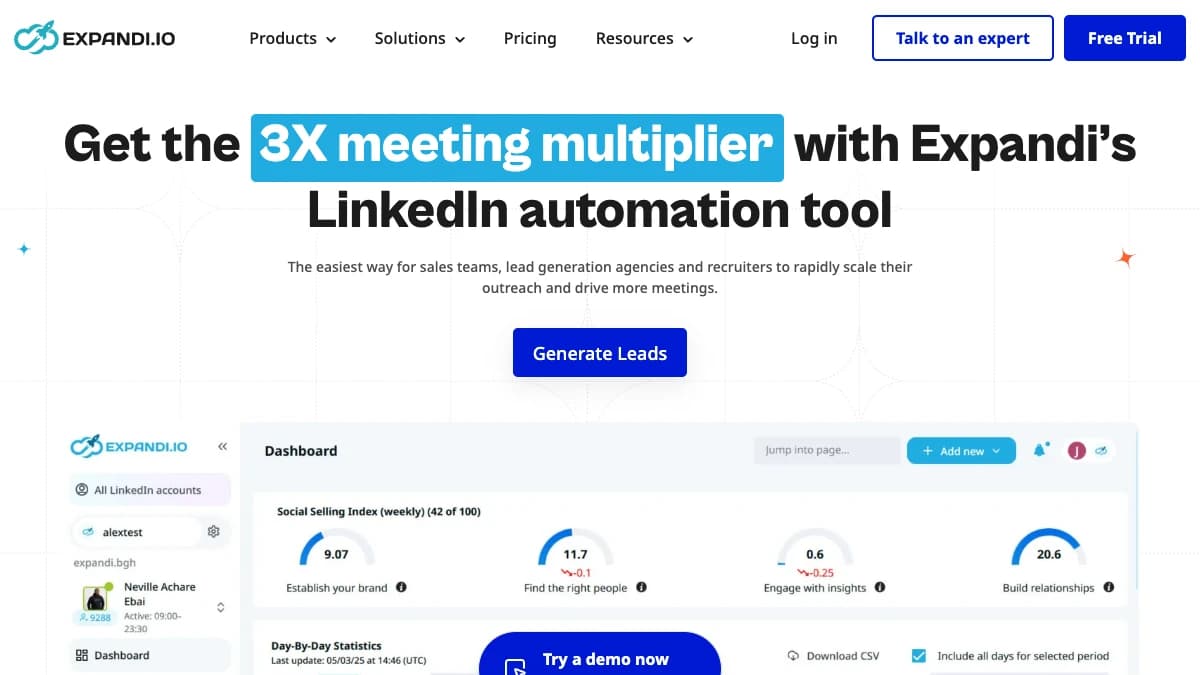
Expandi: cloud LinkedIn automation with campaigns and a shared inbox.
Expandi is a cloud-based LinkedIn automation tool with outreach campaigns, an inbox and a dedicated IP for each account.
How it connects: Expandi's pricing page lists “Cloud-based software” and a “Dedicated country-based IP address.” You add an account with your LinkedIn password, per its help center.
Its IP article says that dedicated IP “is provided by a data center.” That is a different footprint from a home or office connection, and you can swap in a custom proxy.
Safety approach: Expandi offers a “gradual warm-up (14-day warm-up)” for new accounts, per its warm-up guide, plus adjustable daily limits.
Browser open: no; it's cloud-based.
The Inbox lets you send manual messages, schedule replies, snooze or archive conversations, and filter leads. Our Expandi review covers its campaigns in depth.
Pros
- Dedicated country-based IP per account
- 14-day warm-up option for new accounts
- Inbox with scheduled replies, snooze and archive
- 7-day free trial
Cons
- Default IP comes from a data center, not a residential connection
- Built for automated campaign volume
- Needs your LinkedIn password
Best for: teams that want LinkedIn campaigns and replies in one cloud tool and accept the higher footprint.
Pricing: Solo is $99 a month, or $79 a month billed yearly, per account, on Expandi's pricing page. Team and agency tiers cost less per account, and there's a 7-day free trial.
LinkedIn Inbox Apps Compared: Method, Login, Price
Rows run from smallest footprint to largest. Prices are entry-level list prices on each vendor's site as of November 2026.
| App | Method | Login held by | Browser open? | Who sends | Starting price |
|---|---|---|---|---|---|
| LinkedIn app | Native (mobile and web) | Not applicable | You | Free | |
| syncIn | Browser extension (Edge, Chrome, Brave) | Your browser; cookies never leave it | Yes, signed in to LinkedIn | Only on your click | $29/seat/mo (early access) |
| Kondo | Browser extension | Your browser's active session cookie | Stops when you log out of LinkedIn | You; no automation | $28/user/mo yearly |
| Breakcold | Vendor-held session | Breakcold (LinkedIn credentials) | Not documented | You; not an automation tool | $49/seat/mo |
| HeyReach | Cloud, static residential proxy | HeyReach (cookies or email and password) | No; runs through its proxy | Automated campaigns and you | $79/sender/mo |
| Expandi | Cloud, dedicated data-center IP | Expandi (LinkedIn password) | No; cloud-based | Automated campaigns and you | $99/mo or $79/mo yearly |
Need tags, AI triage and CRM sync side by side instead? Our LinkedIn inbox manager comparison breaks down features per tool.
How to Choose a LinkedIn Inbox App Without Risking Your Account
- Your account is your pipeline? Stay with LinkedIn's app or an extension that sends only on your click. Founder-led sellers have the most to lose from a restriction.
- You need organization, not automation? Pick a browser extension such as syncIn or Kondo. Both work in your own session and publish how they pace requests.
- You run many senders for clients? HeyReach or Expandi fit that job. Warm up new accounts and stay under the vendor's caps.
- Don't stack tools on one account. Breakcold's own guidance is not to run other LinkedIn automation tools at the same time.
- Plugging in AI agents? Choose a connector that saves drafts rather than sending. Our LinkedIn inbox API guide compares the options.
- Read the vendor's connection docs first. If a tool won't say where your session runs, treat that as an answer.
Final Verdict
If safety is the deciding factor, LinkedIn's own app wins by definition. It's the only LinkedIn inbox app fully inside the platform's rules, and the trade-off is a thin feature set.
For sellers who need more, a browser extension that works in your own session is the next step down in footprint. syncIn adds a daily request budget and auto-pause on top of single-file pacing.
Kondo is the established pick for keyboard-speed SDRs on a single LinkedIn account.
Cloud tools earn their place when you need many senders or round-the-clock campaigns. Breakcold suits CRM-first teams, while HeyReach and Expandi suit automation at scale, with a larger footprint to manage.
Whichever you choose, no vendor can promise LinkedIn won't act on your account. Pick the smallest footprint that still does the job.
Want to try syncIn? Join the waitlist on the syncIn page.