

6 Master Inbox Alternatives for Agency Reply Management 2026

By Kushal Magar · November 28, 2026 · 13 min read
Key Takeaway
Master Inbox now starts at $799 a month and sends new agencies to its partner program. Agencies on one sender usually get enough from that sender's own inbox: HeyReach for LinkedIn, Smartlead or Instantly for email. lemlist and La Growth Machine thread LinkedIn and email replies inside the tool that sends. syncIn is for in-house sellers on their own LinkedIn accounts, not sender fleets.
TL;DR
- HeyReach Unibox — Best for agencies running LinkedIn sender fleets. One workspace per client on Growth; 25 senders cost $999 a month on Agency.
- Instantly Unibox — Best for email-only agencies on a flat plan. AI reply labels built in, but every client workspace is its own subscription.
- Smartlead Master Inbox — Best for email agencies that want white-labeled client dashboards at $29 per client workspace.
- lemlist — Best for one thread per lead across email and LinkedIn inside the sender. Priced per seat, one LinkedIn account each.
- La Growth Machine — Best when a few people answer replies for many senders: teammates join free, you pay per identity.
- syncIn by SyncGTM — Not an agency tool. The pick for in-house sellers answering from their own LinkedIn accounts, in early access from $29 a seat.
What Master Inbox Does in 2026
Before ranking Master Inbox alternatives, one naming problem. Smartlead also calls the unified inbox inside its cold email tool "Master Inbox".
This post is about the standalone product at masterinbox.com. Smartlead's inbox is option 3 below.
Master Inbox is a reply layer that sits on top of the tools you already send with. It doesn't send campaigns itself, and its pricing FAQ tells you to keep your sequencer for sending.
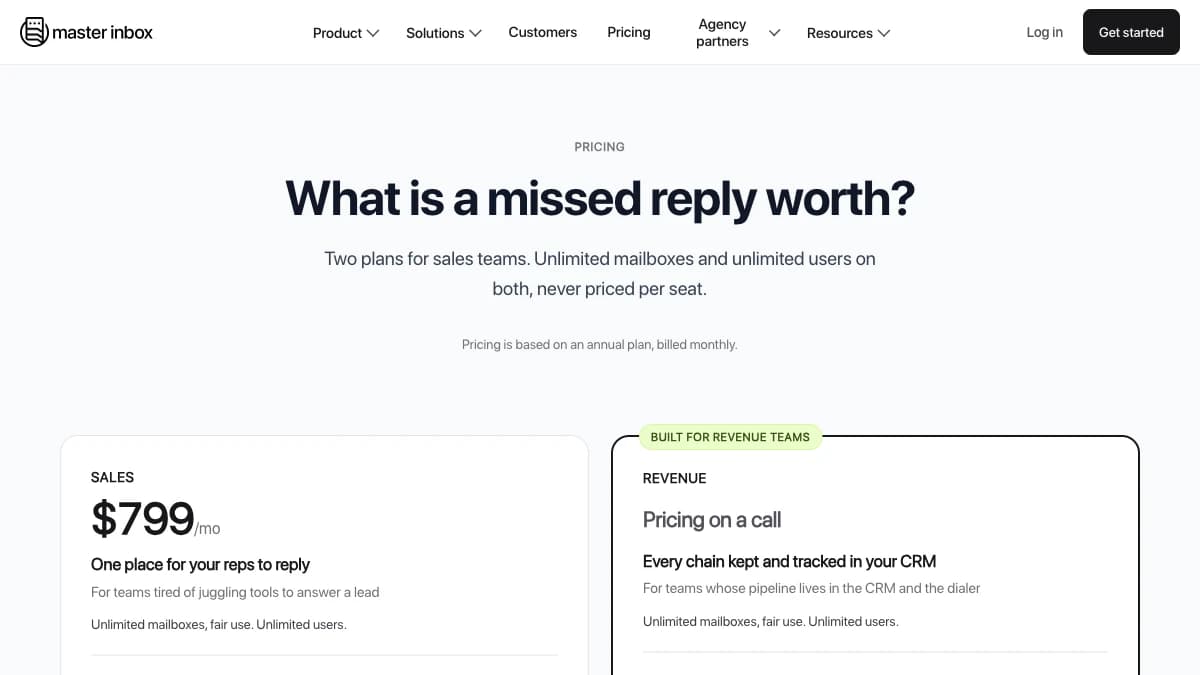
Master Inbox pricing page: Sales at a flat monthly price, Revenue priced on a call
Its pricing page names eight sender tools it pulls replies from: Smartlead, Instantly, EmailBison, PlusVibe, lemlist, HeyReach, Expandi and Aimfox, plus nine more. On the LinkedIn side, its LinkedIn inbox page adds Salesflow, SalesRobot and GetSales, or a native LinkedIn seat as a per-account add-on.
Replies from the same prospect on email and LinkedIn land in one thread. Its AI labeling applies thirteen default labels, from Interested to Out of office, on the OpenAI, Anthropic or OpenRouter key you choose.
Our Master Inbox review covers the product in depth. This post is for agencies deciding whether they need it at all.
Why Agencies Look for Master Inbox Alternatives
The price moved. The Master Inbox pricing page lists one Sales plan at $799 a month, based on an annual plan billed monthly, with unlimited users and mailboxes.
Revenue, the plan with two-way CRM sync, is priced on a call.
Comparison pages such as HotHawk's still quote $299 a month, so budgets built on them come up short. Per the same pricing FAQ, the 14-day trial of Sales needs a card, though nothing is charged before day 15.
The agency model changed. The Master Inbox partner page points agencies to a partner program instead of an agency plan.
Each client buys from Master Inbox and owns its workspace, while the agency earns 15% recurring as an affiliate or up to 30% as a preferred partner.
The same page says existing agency plans stay as they are. That suits agencies happy to resell, but not ones that want a single reply desk under their own bill.
It is a second bill on top of the sender. You still pay HeyReach, Smartlead or Instantly to send, and AI labeling runs on your own model provider at its token rate.
CRM sync is a Revenue feature. On Sales, replies reach your stack through workflows, webhooks and the API, not native two-way sync.
None of that makes Master Inbox a bad tool, since it still covers more sender tools than anything below. But if your agency sends through one or two tools, their own inbox may already do the job.
How We Compared Each Tool
We scored each Master Inbox alternative on five things an agency reply desk depends on:
- Reply sources — Which sender tools and channels feed the inbox: LinkedIn, email or both.
- Per-client workspaces — Can each client get separate data and logins, and what does that cost?
- AI reply labels — Does the inbox sort replies by intent without a person reading each one?
- CRM sync — Native sync, API only, or not yet.
- Price at 10 and 25 senders — Arithmetic from each vendor's list prices, monthly billing.
Every feature and price was checked on the vendor's own pricing page, product page or help center on November 28, 2026. Black Friday promo prices running until November 30 are left out, because they don't renew.
We didn't run paid accounts on every tool, so feature descriptions follow each vendor's own documentation.
1. HeyReach Unibox
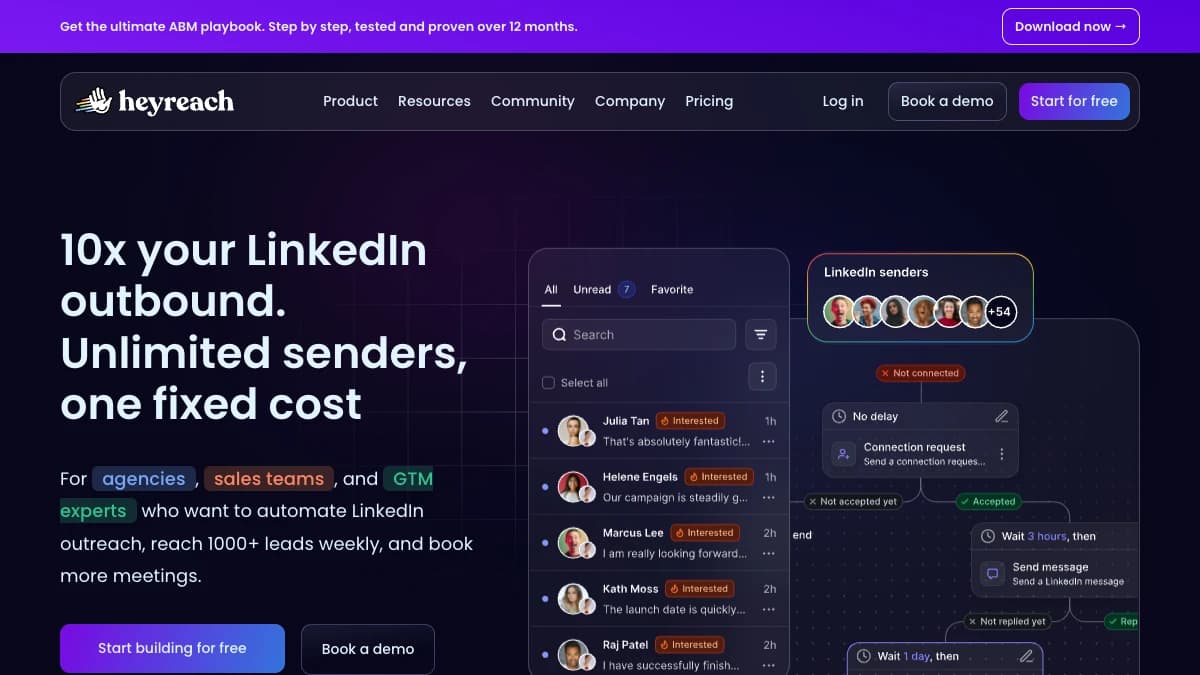
HeyReach — LinkedIn automation with a Unibox and client workspaces
HeyReach is a LinkedIn automation tool whose Unibox pulls replies from every connected sender into one inbox. For an agency whose replies mostly come from LinkedIn, it covers most of what Master Inbox does for that channel.
The Unibox page lists DMs, InMails and voice notes, filtered by sender, workspace, campaign, tag and response. It sorts warm replies from generic and negative ones and shows auto-tags like Interested.
Client separation is built in. The pricing page includes workspaces and permissions on Growth, keeping each client's data, senders, leads and campaigns separate under one login.
The same page includes native Instantly and Smartlead integrations for multichannel campaigns. The Unibox page itself describes LinkedIn conversations only, so email replies still live in the email tool.
Replies sync to your CRM through native integrations or the API, with warm leads pushed to HubSpot. Our HeyReach review covers sending limits and setup, and HeyReach alternatives covers the rest of the field.
Pros
- ✓ Every LinkedIn reply from every sender in one Unibox, including InMails and voice notes
- ✓ Client workspaces included on the Growth plan
- ✓ Only campaign conversations are shared, so senders' personal DMs stay private
- ✓ Sentiment sorting and auto-tags such as Interested
- ✓ Agency plan covers 25 senders for $999 a month with whitelabel
Cons
- ✗ LinkedIn only: email replies stay in your email tool
- ✗ Per-sender pricing on Growth adds up past 10 senders
- ✗ LinkedIn automation always carries some account restriction risk
Best for: Agencies whose client outreach runs mainly on LinkedIn sender accounts
Pricing: Growth $79/sender/month below 10 senders, $59 from 10. Agency $999/month for 25 senders ($1,399 for 50). Unlimited $2,999/month. HeyReach pricing.
2. Instantly Unibox
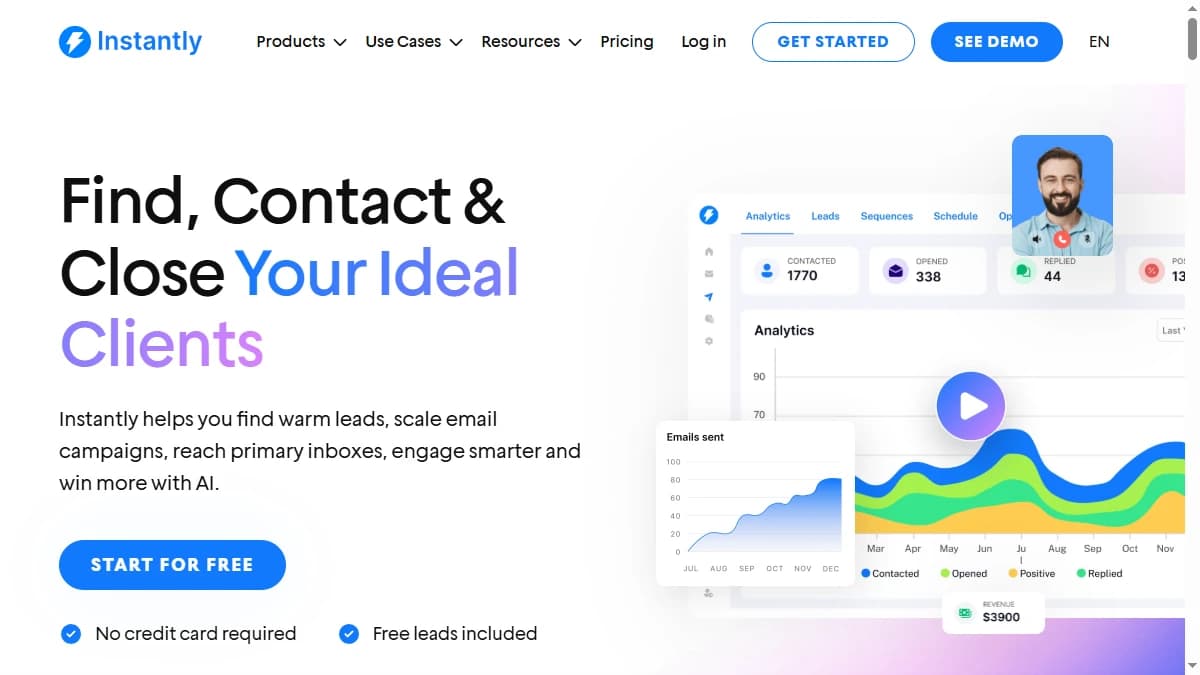
Instantly — cold email platform with Unibox and AI reply labels
Instantly is a cold email platform with unlimited email accounts on a flat plan. Its Unibox collects replies from every connected mailbox in one view.
The Unibox help article lets you filter by lead status, campaign, AI Sales Agent and inbox. One plan detail matters for agencies: replying directly in Unibox needs Hypergrowth or Light Speed, while Growth is preview only.
AI labels apply Interested, Not interested and Out of Office to incoming replies by default. Custom labels are available on Hypergrowth and Light Speed, with a test tab to check a label before it goes live.
Workspaces keep each client's campaigns, contacts and analytics apart. The workspace help article also says each workspace requires its own subscription, so 10 clients means 10 plans.
Instantly has its own built-in CRM and connects to HubSpot and Salesforce through its API, webhooks and no-code connectors. Its site mentions LinkedIn steps in multichannel campaigns, but the Unibox help article covers email replies only.
See our Instantly review for sending and deliverability, or Smartlead vs Instantly for a head-to-head.
Pros
- ✓ Unlimited email accounts on every plan, so more mailboxes don't raise the price
- ✓ AI labels Interested, Not interested and Out of Office by default
- ✓ Custom AI labels with a test tab on Hypergrowth and Light Speed
- ✓ Separate workspace per client with its own campaigns, contacts and analytics
- ✓ Built-in CRM tied to the Unibox
Cons
- ✗ Each client workspace needs its own subscription
- ✗ On Growth, Unibox is preview only: replying needs Hypergrowth or higher
- ✗ Unibox is built around email; LinkedIn replies aren't part of its help docs
Best for: Email-only agencies that want AI-labeled replies without a separate reply tool
Pricing: Growth $47/month, Hypergrowth $107/month, Light Speed $358/month, or $37.60, $85.58 and $286.30 billed yearly. Instantly pricing.
3. Smartlead Master Inbox
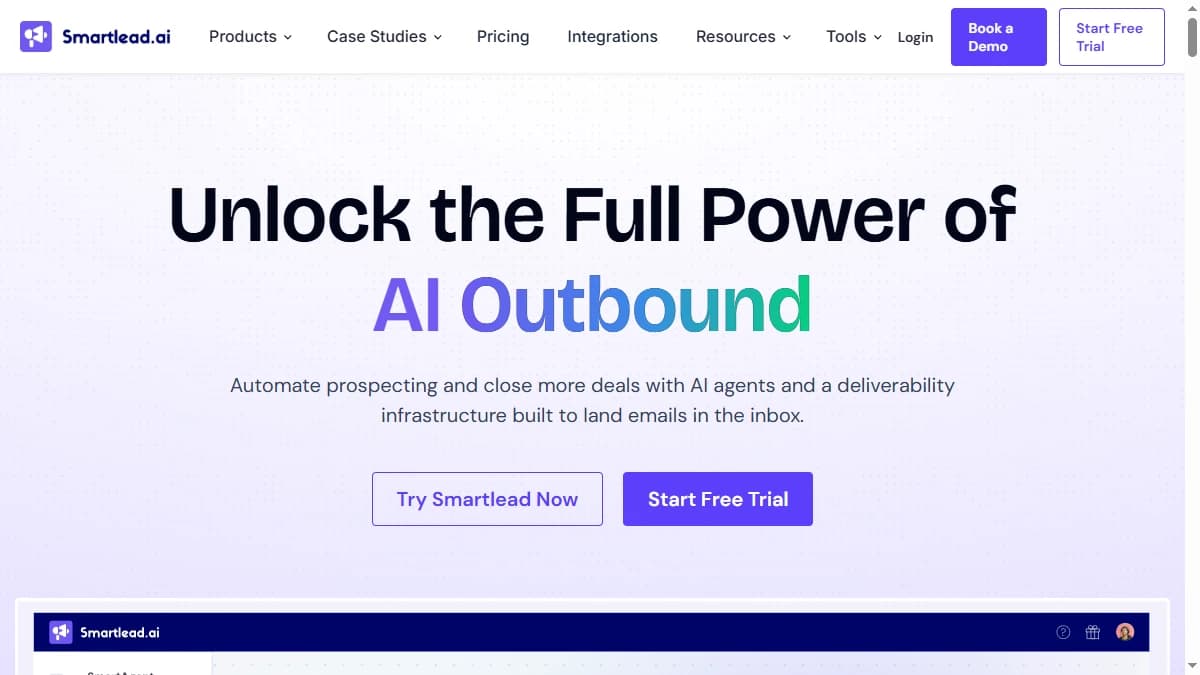
Smartlead — cold email platform whose built-in unified inbox is called Master Inbox
Smartlead is a cold email platform whose built-in unified inbox is literally branded Master Inbox. It gathers replies from all connected mailboxes in one view, with no account switching.
Replies can be tagged automatically or by hand, by sentiment or context. Filters cover sender, tag, reply type, campaign and time, and you can assign replies to teammates with internal comments.
Agencies get client dashboards that can be fully white-labeled. The pricing page FAQ says clients can be added from Pro, at $29 a month per client workspace, and Unlimited Prime includes 3.
The inbox pushes replies into your CRM with full thread context and sends Slack alerts for interested leads. Our Smartlead review covers the sending side, and Smartlead alternatives lists other email tools.
Pros
- ✓ Built-in Master Inbox shows replies from every connected mailbox under one login
- ✓ Tags replies automatically or manually by sentiment or context
- ✓ White-labeled client dashboards for agencies
- ✓ Unlimited email accounts on every plan
- ✓ Pushes replies to your CRM with the full thread
Cons
- ✗ Email only: the inbox page doesn't list LinkedIn replies
- ✗ Client workspaces start on Pro and cost $29/month each
- ✗ Base plan has no CRM access
Best for: Cold email agencies that want white-labeled client dashboards inside the tool that sends
Pricing: Base $39/month, Pro $94/month, Unlimited Smart $174/month, Unlimited Prime $379/month; yearly billing saves 17%. Client workspaces $29/month each from Pro. Smartlead pricing.
4. lemlist
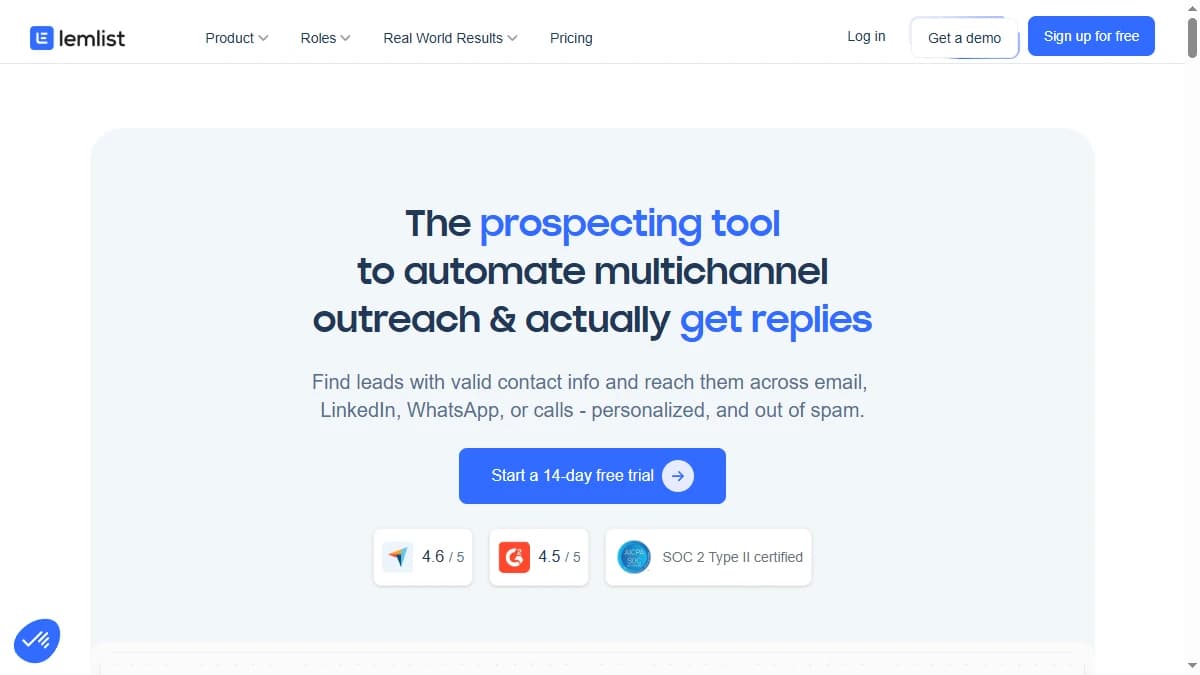
lemlist — multichannel outreach with a Unified Inbox for email and LinkedIn
lemlist is a multichannel outreach tool whose Unified Inbox shows every interaction with a lead in one thread. That covers the main Master Inbox promise for teams that send email and LinkedIn from lemlist itself.
The Unified Inbox page says it handles email and LinkedIn messages in one interface and groups replies that reach different sending addresses. You can mark leads Interested or Not interested and reply on either channel.
The pricing grid puts the Unified Inbox on Multichannel and Enterprise only, while AI reply intent detection and AI out-of-office detection appear on all three plans.
For agencies, LinkedIn is where the cost climbs. A lemlist help article says each lemlist account can only connect to one LinkedIn account, so 10 LinkedIn senders need 10 seats.
Client separation works through teams. Per lemlist's teams guide, each team gets its own subscription and invoice, and teams share no campaigns, leads or unsubscribe lists.
Our lemlist review and lemlist alternatives cover the sending side in detail.
Pros
- ✓ Email and LinkedIn replies from the same lead in one thread
- ✓ AI reply intent and out-of-office detection on every plan
- ✓ Reply from the thread on email or LinkedIn
- ✓ HubSpot, Salesforce, Attio and Pipedrive integrations
Cons
- ✗ Unified Inbox needs the Multichannel or Enterprise plan
- ✗ One LinkedIn account per paid seat, so LinkedIn senders cost a seat each
- ✗ Each client team is a separate subscription and invoice
Best for: Agencies that want email and LinkedIn replies threaded per lead inside the tool that sends
Pricing: Email $69/month ($55 yearly), Multichannel $109/user/month ($87 yearly), Enterprise custom. lemlist pricing.
5. La Growth Machine
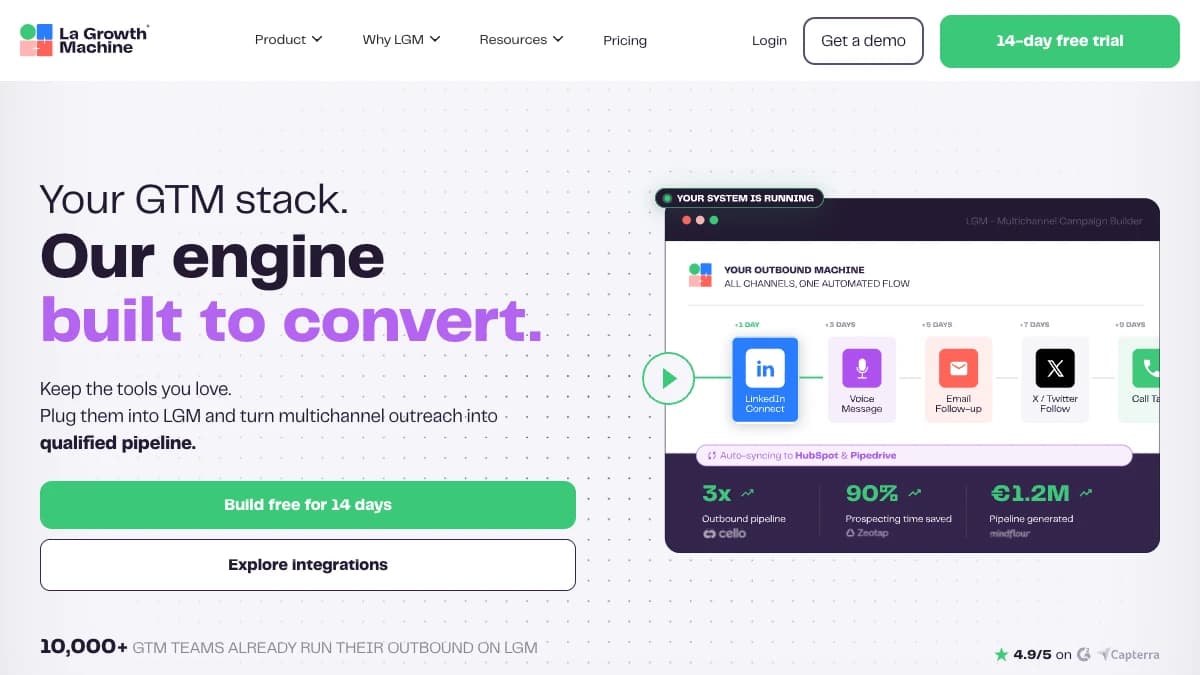
La Growth Machine — LinkedIn and email sequences with a Multichannel Inbox
La Growth Machine is a LinkedIn-and-email outreach tool priced per identity, where an identity is one sender's LinkedIn account plus its email inboxes. Its pricing works well for reply desks: per the pricing FAQ, teammates who import leads and answer replies join free.
The Multichannel Inbox, on Pro and Ultimate, reads LinkedIn and email replies from every identity in one place. The inbox page says only campaign conversations show up, so a sender's personal messages stay private.
AI help is spread across features rather than one labeler. Reply Agent (beta) answers vague LinkedIn replies from a playbook you approve, follows up twice at most, then hands the lead back.
AI pauses sequences on out-of-office replies. One click files each reply as Won or Lost with a reason, and the MCP server lets Claude or ChatGPT sort replies and draft answers that wait for your approval.
The pricing table lists workspaces as an add-on on every plan, described as separate spaces per team or client. HubSpot and Pipedrive sync come with Ultimate or as an add-on.
Our La Growth Machine review covers sequences and safety settings.
Pros
- ✓ LinkedIn and email replies from every identity in one inbox (Pro and Ultimate)
- ✓ Teammates who answer replies join free: 25 on Pro, unlimited on Ultimate
- ✓ Reply Agent (beta) follows up on vague LinkedIn replies, twice at most
- ✓ Only campaign conversations show, so personal messages stay private
- ✓ 14-day free trial with no credit card
Cons
- ✗ Multichannel Inbox isn't on Basic
- ✗ CRM sync (HubSpot, Pipedrive) needs Ultimate or a paid add-on
- ✗ Workspaces per client are an add-on set up on a call
- ✗ Priced and invoiced in euros
Best for: Teams where a few people answer replies for many LinkedIn-and-email senders
Pricing: Basic €60, Pro €120, Ultimate €180 per identity a month; €50, €100 and €150 billed yearly. Volume discounts from 3 identities. La Growth Machine pricing.
6. syncIn by SyncGTM
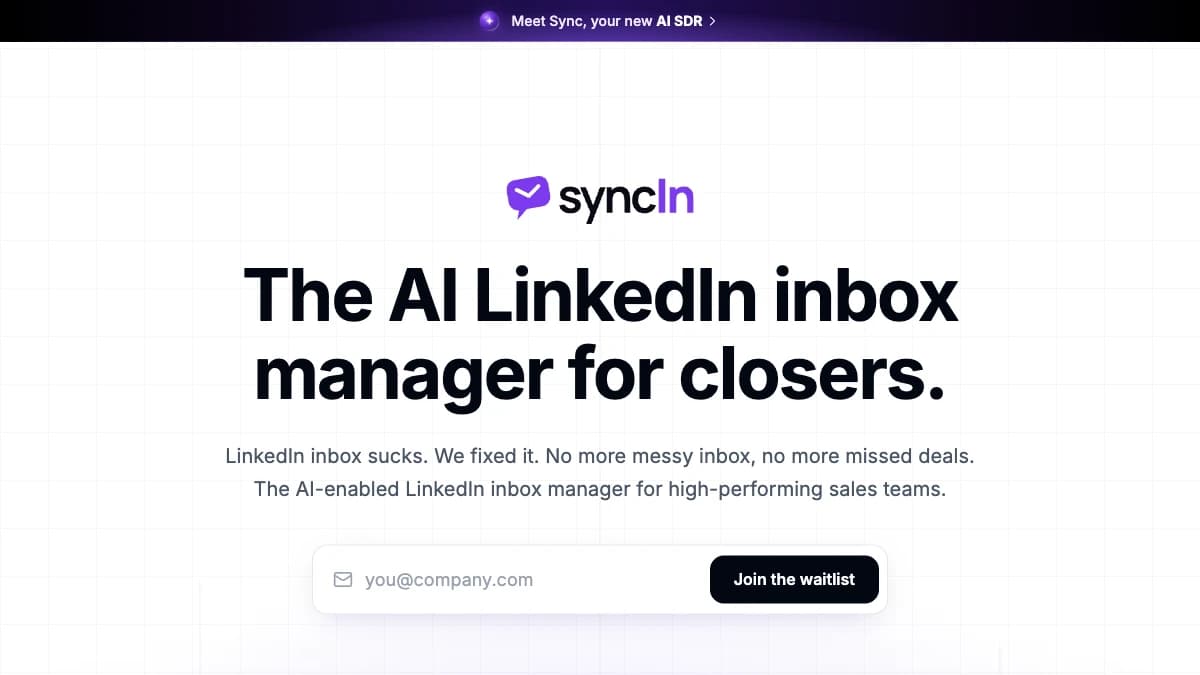
syncIn — LinkedIn inbox manager for sellers answering from their own accounts (early access)
syncIn is a LinkedIn inbox manager from SyncGTM for people who answer prospects from their own LinkedIn accounts. It's on this list for the in-house team that searched for Master Inbox but doesn't run a sender fleet.
A browser extension in Edge, Chrome or Brave syncs your inbox, archive and 1st-degree connections. The extension isn't on the Chrome Web Store, and syncIn is in early access through a waitlist.
AI labels each conversation by intent, like Buying intent or Needs reply, and drafts replies in your voice from your product brief. Pro adds AI filtering with your own prompt, auto-spam for cold pitches, and an MCP connector for Claude.
syncIn sends only when you click, in conversations you already have. No tool that works through LinkedIn's website can promise LinkedIn won't restrict an account, and syncIn doesn't either.
Be clear on the limits. It doesn't pull email replies or replies from HeyReach, Instantly or other senders, and CRM sync is coming soon.
For more on the in-house use case, see our LinkedIn inbox manager roundup and LinkedIn inbox management tools guide.
Pros
- ✓ Organizes your own LinkedIn inbox: tags, folders, job-title filters and snooze
- ✓ AI labels conversations by intent, like Buying intent or Needs reply
- ✓ Sends only when you click; MCP agents can save drafts but can't send
- ✓ Pro connects Claude, ChatGPT or other agents via MCP
- ✓ Per-seat price, 25% off yearly
Cons
- ✗ Not built for agency sender fleets or per-client workspaces
- ✗ LinkedIn only: doesn't pull email replies or replies from HeyReach, Instantly or other senders
- ✗ CRM sync is still coming soon
- ✗ Early access via waitlist; extension isn't on the Chrome Web Store
Best for: In-house sellers and founders who answer prospects from their own LinkedIn accounts
Pricing: Basic $29/seat/month, Pro $55/seat/month; 25% off yearly. syncIn page.
Master Inbox Alternatives Compared
Features per each vendor's own pages, November 28, 2026. Master Inbox is shown as the baseline.
| Tool | Replies it pulls in | Per-client workspaces | AI reply labels | CRM sync |
|---|---|---|---|---|
| Master Inbox (baseline) | Email from Smartlead, Instantly, EmailBison, PlusVibe, lemlist and more; LinkedIn from HeyReach, Expandi, Aimfox, Salesflow, lemlist or a native seat add-on | Yes, with scoped logins and a cross-workspace view; agencies go through the partner program | Thirteen default labels or your own prompt, run on your own OpenAI, Anthropic or OpenRouter key | Two-way sync on the Revenue plan only |
| HeyReach Unibox | LinkedIn only: DMs, InMails and voice notes from HeyReach senders | Yes, on Growth; whitelabel on Agency | Sentiment sorting and auto-tags such as Interested | Native integrations (HubSpot) or the API |
| Instantly Unibox | Email replies to mailboxes connected to Instantly | Yes, but each workspace needs its own subscription | Interested, Not interested, Out of Office by default; custom labels on Hypergrowth+ | Built-in CRM; HubSpot and Salesforce via API, webhooks and connectors |
| Smartlead Master Inbox | Email replies to mailboxes connected to Smartlead | From Pro at $29/mo per client; 3 included on Unlimited Prime | Auto or manual tags by sentiment or context | Pushes replies to your CRM; CRM access from Pro |
| lemlist | Email and LinkedIn messages in one thread (Multichannel and Enterprise plans) | Separate teams per client, each with its own subscription | AI reply intent and out-of-office detection | HubSpot, Salesforce, Attio, Pipedrive |
| La Growth Machine | LinkedIn and email replies from every identity (Pro and Ultimate) | Add-on on every plan | AI out-of-office detection, Reply Agent (beta), one-click Won/Lost tags | HubSpot and Pipedrive on Ultimate, add-on below |
| syncIn by SyncGTM | One person's own LinkedIn inbox, via browser extension | No (per-seat, each seller on their own account) | AI intent labels; prompt-based AI filtering on Pro | Coming soon |
What 10 and 25 Senders Cost
The figures below are our arithmetic from each vendor's list prices on monthly billing, not quotes. Instantly and Smartlead price by plan with unlimited email accounts, so the sender count doesn't change their bill.
| Tool (plan) | 10 senders / month | 25 senders / month | How it's priced |
|---|---|---|---|
| Master Inbox (Sales) | $799 | $799 | Flat, annual plan billed monthly; your sending tool is a separate bill |
| HeyReach | $590 (10 × $59 on Growth) | $999 (Agency plan, 25 senders) | Per LinkedIn sender; $79 each below 10 senders |
| Instantly (Hypergrowth) | $107 | $107 | Per plan, unlimited email accounts; one subscription per workspace |
| Smartlead (Pro) | $94 | $94 | Per plan, unlimited email accounts; +$29/mo per client workspace |
| lemlist (Multichannel) | $1,090 (10 × $109) | $2,725 (25 × $109) | Per seat, one LinkedIn account per seat |
| La Growth Machine (Pro) | €1,200 (10 × €120) | €3,000 (25 × €120) | Per identity; teammates who answer replies join free |
| syncIn (Basic / Pro) | $290 / $550 | $725 / $1,375 | Per seat; one seller on their own LinkedIn account |
A few notes on reading it:
- Master Inbox is $799 on the Sales plan at any sender count, but it doesn't send. Add your HeyReach, Smartlead or Instantly bill on top, plus AI tokens from your own provider.
- HeyReach charges $59 a sender from 10 senders on Growth, so 25 senders on Growth would be $1,475. The Agency plan covers 25 for $999.
- Instantly is priced per workspace: $107 covers one Hypergrowth workspace. Per its workspace article, separate client workspaces each need their own subscription.
- Smartlead Pro is $94 for any mailbox count. Ten client workspaces add 10 × $29 = $290, for $384 a month, per the pricing FAQ.
- La Growth Machine lists −20% yearly for 3 to 5 identities and −30% yearly from 6 on its pricing page. CRM sync needs Ultimate at €180 an identity.
- syncIn seats are people answering their own LinkedIn inboxes, not automated senders. Basic is $29 and Pro $55 a seat per the syncIn page.
How to Choose
- Your client replies come mostly from LinkedIn senders → HeyReach. Client workspaces come on Growth, and the Agency plan caps 25 senders at $999.
- You run cold email only → Smartlead if you want white-labeled client dashboards at $29 each, Instantly if you want AI labels and a built-in CRM.
- You need one thread per lead across email and LinkedIn → lemlist (Multichannel) or La Growth Machine (Pro), both of which send as well as receive.
- Your replies come from three or more different senders → Master Inbox may still be worth the $799. Each alternative here mainly shows replies to its own sends.
- You're in-house and answer from your own LinkedIn account → syncIn. It organizes that inbox and labels intent, but it isn't an agency reply desk.
Whichever you pick, reply handling only pays off if the right people are in the campaign. For a wider look at reply tools, see our best reply manager guide.
Final Verdict
Master Inbox is still the broadest reply layer: it reads from more sender tools than any option here. But at $799 a month, with new agencies routed to a partner program, it now fits sales teams better than agencies running their own reply desk.
Most agencies send through one or two tools, and those tools already have decent inboxes. HeyReach is the strongest pick for LinkedIn-heavy agencies because client workspaces come on the base plan.
Smartlead and Instantly cover email-only agencies, with Smartlead cheaper per client and Instantly stronger on AI labels. lemlist and La Growth Machine are the picks when one person needs both channels in one thread.
syncIn sits outside the agency question. If you're an in-house seller answering from your own LinkedIn account, join the syncIn waitlist.