

Mixmax Review 2026: Gmail Sales Engagement \u2014 Pricing, Features, and Verdict

By Kushal Magar · March 20, 2026 · 14 min read · Last updated: March 21, 2026
Key Takeaway
Mixmax is a Gmail-native sales engagement platform with 4.6/5 on G2 across 1400+ reviews. Email tracking, sequences, scheduling, and templates run inside Gmail without switching tabs. Pricing starts at $34 per user per month for SMB teams and $89 per user per month for Salesforce integration on the Growth plan. Enterprise pricing is custom. The platform earns strong marks for ease of use and Gmail integration depth. The main limitations are no built-in dialer, no LinkedIn automation, no buying signal intelligence, and limited enrichment depth. Pairing Mixmax with SyncGTM at $99 per month adds the enrichment and signal layer that turns Gmail-native outreach into signal-driven campaigns.
Mixmax is a sales engagement platform that lives entirely inside Gmail. Email tracking, sequences, scheduling, and templates without leaving your inbox. With 1400+ reviews on G2 and a 4.6 rating, it resonates with Gmail-native sales teams. Unlike standalone platforms like Outplay or Salesloft, Mixmax never pulls you out of Gmail.
You are probably here because you want sales engagement without learning a new platform. Mixmax hits that sweet spot. If you need multichannel outreach beyond email, tools like Outplay or Reply.io may serve better. But if Gmail is your primary workspace, the question is whether Mixmax gives you enough without native enrichment or signal intelligence.
This Mixmax review covers Gmail-native sequences, scheduling, pricing tiers, real limitations, and why SyncGTM adds the enrichment and signal layer that turns Mixmax sequences into signal-driven campaigns. If you are comparing sales engagement tools more broadly, see our best sales prospecting tools roundup.
Mixmax Review: What You Get (and What You Don't)
Mixmax is a Gmail-native sales engagement platform that installs as a Chrome extension and adds sequences, scheduling, tracking, and templates directly into the Gmail interface. You never leave your inbox to run outbound.
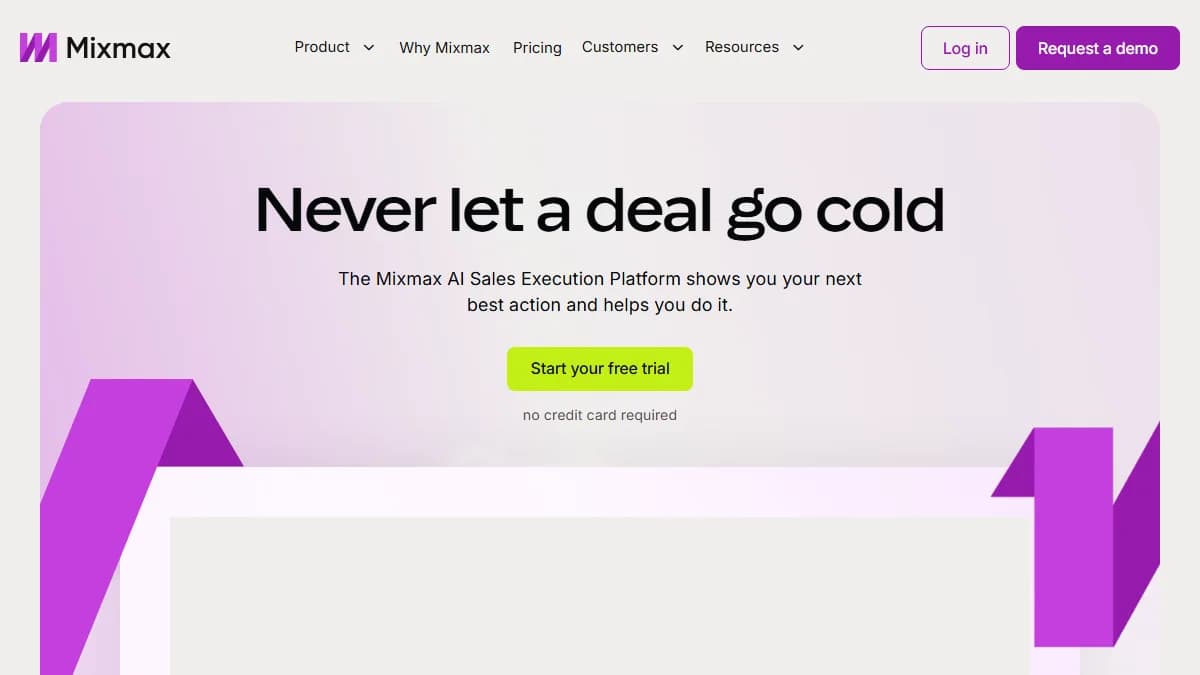
Mixmax brings sales engagement directly into Gmail with tracking, sequences, and one-click scheduling.
| Feature | What's Included | Limitations |
|---|---|---|
| Email Sequences | Multi-step email sequences inside Gmail | No phone or LinkedIn steps |
| Email Tracking | Open, click, and download tracking | Gmail only, no Outlook |
| Scheduling | One-click calendar booking links | Basic compared to Calendly |
| Salesforce Sync | Bi-directional CRM integration | Growth plan only ($89/user/mo) |
| Buying Signals | Not available | No intent, funding, or hiring data |
| Enrichment | Not available | No contact or company enrichment |
Mixmax excels at Gmail-native execution. It does not tell you who to sequence. That gap is where SyncGTM's signal intelligence fits, providing enrichment and buying signals at $99/mo.
Gmail-Native Sequences: Email, Scheduling, and Tracking
Mixmax's sequence builder works directly in the Gmail compose window. Create multi-step email sequences with automated follow-ups, A/B test subject lines, and track opens and clicks in real time. Everything runs from the Chrome extension without switching tabs.
The one-click scheduling feature embeds available time slots directly into emails. Prospects pick a slot and the meeting appears on your calendar. Users on G2 and Capterra consistently praise the scheduling experience as the smoothest in the category.
What works well
Speed and simplicity. You never leave Gmail. Sequences launch from the compose window. Templates auto-fill with merge fields. Real-time notifications show who opened, clicked, or downloaded. For teams that live in Gmail, the friction reduction is significant compared to standalone platforms like Outreach or Salesloft.
Where it stops
Sequences are email-only. There is no dialer, no LinkedIn automation, and no SMS channel. If you need multichannel outreach, Outplay or Reply.io offer more channels. More importantly, Mixmax sequences every prospect the same regardless of buying readiness. Without enrichment signals, reps waste steps on accounts that are not in-market. SyncGTM's enrichment identifies which contacts show real buying intent before they enter a sequence.
Mixmax Pricing Breakdown
Mixmax publishes pricing on their website. Based on publicly available data from G2 and Capterra:
- —Free: Basic email tracking and scheduling. No sequences.
- —SMB: ~$34/user/mo. Sequences, templates, polls, surveys.
- —Growth: ~$89/user/mo. Adds Salesforce integration, rules, and automation.
- —Enterprise: Custom pricing. Security, compliance, dedicated support.
What you actually pay
A 5-person team on SMB: ~$170/mo. On Growth with Salesforce: ~$445/mo. Add SyncGTM at $99/mo for signal intelligence and the total stack costs ~$544/mo for Gmail-native engagement plus buying signals and enrichment.
For a broader look at how Mixmax stacks up against the competition, see our guide to the best sales prospecting tools for B2B teams.
Hidden costs and limitations
- No buying signals or intent data at any tier
- No contact or company enrichment included
- Salesforce integration locked behind Growth plan ($89/user/mo)
- No built-in dialer or LinkedIn automation
- Gmail only — no Outlook or other email clients
- Signal-driven targeting requires pairing with an enrichment tool
What Are the Downsides of Using Mixmax?
No buying signals
Mixmax does not include buying signal intelligence. It does not know if a prospect just raised funding, hired a new VP of Sales, or started evaluating competitors. Without enrichment signals, outreach timing is random rather than strategic. Every prospect in your sequence gets the same treatment regardless of where they sit in their buying journey.
Email-only channel
Mixmax is confined to email. There is no built-in dialer, no LinkedIn automation, no SMS, and no WhatsApp. If your sales process requires multichannel touchpoints, you need to bolt on additional tools. Teams needing multichannel should look at Outplay ($79/user/mo) or Reply.io for broader channel coverage.
Limited enrichment depth
Mixmax does not include contact or company enrichment. Firmographic depth, technographic data, and multi-source verification are absent. SyncGTM's waterfall enrichment fills these gaps with verified data from 20+ providers, turning raw contact lists into enriched, signal-scored prospects.
Gmail lock-in
Mixmax only works with Gmail. Teams using Outlook, HubSpot email, or other clients cannot use it. This is a hard blocker for organizations with mixed email environments.
SyncGTM vs. Mixmax: Feature-by-Feature Comparison
SyncGTM and Mixmax are complementary. Mixmax runs sequences inside Gmail. SyncGTM provides the data and signals that decide who enters those sequences.
| Feature | SyncGTM | Mixmax |
|---|---|---|
| Starting Price | $99/mo (enrichment + signals) | $34/user/mo (sequences) |
| Buying Signals | Job changes, funding, hiring, intent | Not included |
| Enrichment | Waterfall across 20+ providers | No enrichment |
| Gmail Integration | Not included | Native Chrome extension |
| CRM Enrichment | Auto-enrich + workflow triggers | Activity logging only |
| Best Together | Signal intelligence layer | Gmail execution layer |
Signals + Gmail Sequences
SyncGTM identifies who is in-market. Mixmax sequences them inside Gmail. Together: signal-driven outreach without leaving your inbox.
Enrichment + Execution
SyncGTM enriches every contact with firmographic, technographic, and signal data. Mixmax executes the outreach.
Cost-Effective Stack
Mixmax SMB ($34/user/mo) plus SyncGTM ($99/mo) costs a fraction of enterprise platforms like Salesloft.
Warm, Not Cold
SyncGTM's buying signals turn cold Gmail sequences into warm outreach. Prospects who just raised funding or hired a new CRO are 3 to 5 times more likely to respond.
Is Mixmax Worth It?
Mixmax is the right choice for Gmail-native sales teams that want sequences, scheduling, and tracking without leaving their inbox. The Chrome extension approach means zero context-switching. At $34 to $89 per user per month, it undercuts enterprise platforms like Salesloft and Outreach significantly.
Mixmax is not the right choice for teams that need multichannel outreach (phone, LinkedIn, SMS), buying signal intelligence, or contact enrichment. If your sales process goes beyond email, consider Outplay for multichannel or Instantly for high-volume cold email infrastructure.
The verdict: strong Gmail-native sales engagement at fair pricing. Pair it with SyncGTM at $99/mo for the enrichment and buying signals that transform Mixmax sequences from spray-and-pray to signal-driven outreach. Your Mixmax investment works twice as hard when reps know which contacts are actually in-market.
Exploring other sales engagement tools? Read our reviews of Outplay, Salesloft, Outreach.io, Reply.io, Instantly, and Lemlist, or compare options in our best cold email tools guide.