

6 Best Company Research Tools for Sales Prospecting 2026

By Kushal Magar · October 29, 2026 · 14 min read
Key Takeaway
The best company research tools for sales prospecting in 2026 are SyncGTM, Crunchbase, Owler, BuiltWith, Similarweb, and Wappalyzer. SyncGTM ranks first because it compiles firmographics, revenue, funding, tech stack, traffic, headcount growth, and job listings into one account record, and its AI Research Agents answer custom questions from company websites, from $49/mo. Crunchbase is the deepest source for funding ($49/mo annual on Pro), Owler is the cheapest way to track news and competitors ($39/mo), BuiltWith and Wappalyzer cover technology installs ($295/mo and $250/mo), and Similarweb leads on digital traffic but is quote-only.
Company research tools tell you about the account before you write to the person: what the company sells, how big it is, whether it just raised money, what software it runs, and whether it is hiring. Good account research is the difference between a cold email that names a real trigger and one that gets deleted.
Most lists ranking for this keyword are really contact databases with a company tab bolted on. This one is different: we compared six tools on the company data itself (firmographics, funding, tech stack, traffic, news, and hiring) and checked every price on the vendor's own pricing page in October 2026.
Research time is the bottleneck. Salesforce's State of Sales research found reps spend only 28% of their week actually selling, so every tab you close per account matters.
TL;DR
- SyncGTM: best for automated account briefs. Company enrichment, tech stack, traffic, hiring, and AI Research Agents in one table. Free plan, then $49/mo.
- Crunchbase: best for funding, investors, and private-company data. Pro from $49/mo billed annually.
- Owler: best budget pick for company news, competitor maps, and alerts. Free plan, Pro $39/mo billed annually.
- BuiltWith: best for technology install history and tech-based lead lists. From $295/mo.
- Similarweb Sales Intelligence: best for traffic-led selling to digital businesses. Quote-only, with a free trial.
- Wappalyzer: cheaper technographics with 50 free lookups a month. Paid lists from $250/mo.
What a Sales Team Needs to Know About an Account
Account research answers three questions: does this company fit, is now a good time, and what should the first message say? Each question needs a different kind of data.
- Fit: industry, headcount, location, revenue estimate, and technology stack.
- Timing: a new funding round, an acquisition, a leadership hire, a hiring spree, or a jump in website traffic.
- Angle: what the company says on its own website, careers page, and press releases.
No single database is best at all three. That is why most reps juggle several tools, and why the ranking below rewards breadth as much as depth.
How We Ranked These Tools
We scored each tool on five things a prospecting team cares about:
- Data breadth: how many of firmographics, funding, tech stack, traffic, news, and hiring it covers.
- Depth on its specialty: history, freshness, and detail on the data point it is known for.
- Workflow fit: bulk research, exports, CRM sync, and API access.
- Price transparency: a public price you can budget against.
- Cost per account: what it costs to research one account to a usable standard.
We did not run a scored accuracy test across vendors. Prices and plan limits come from each vendor's pricing page in October 2026, and vendor data claims are labelled as claims.
1. SyncGTM
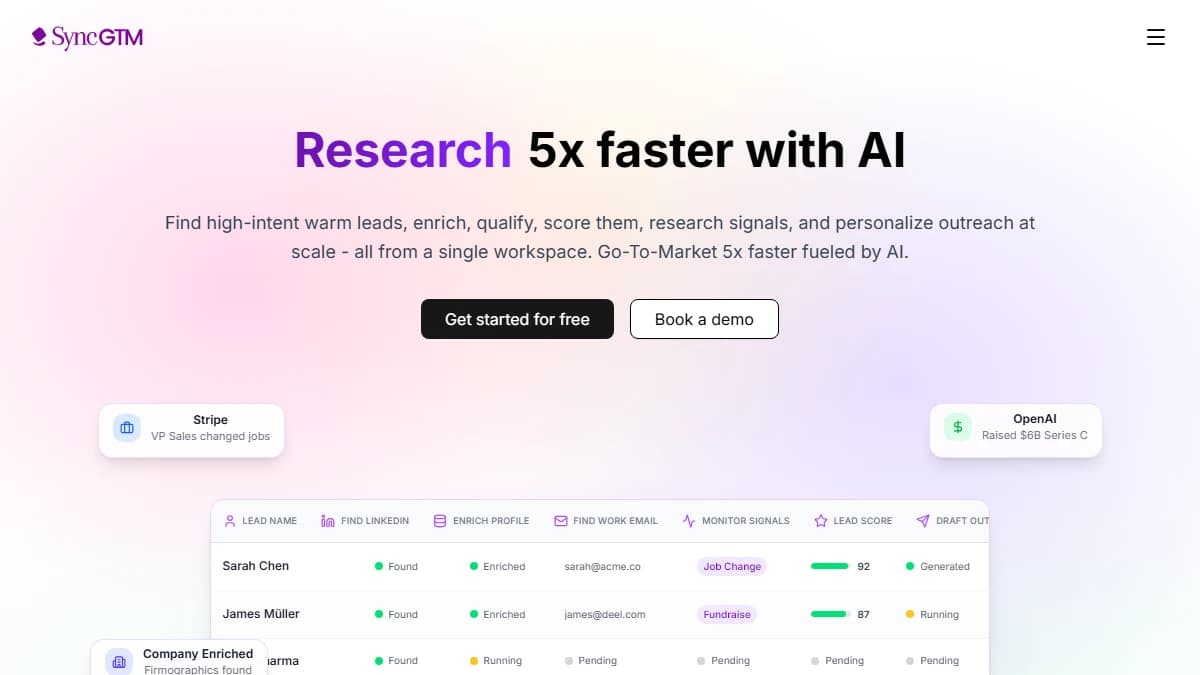
SyncGTM — company enrichment, buying signals, and AI Research Agents in one workspace
SyncGTM is a GTM data platform that turns a list of domains into complete account records. It is the only tool here built to assemble a brief, not to be one more tab you read.
The core is company enrichment. The Enrich Organization action returns industry, size, funding, and technologies for 2 credits per domain, and separate actions add tech stack (1 credit), website traffic (1 credit), headcount growth by function (2 credits), and current job listings (5 credits).
AI Research Agentscover what databases miss. You pass a list of domains and a prompt such as "Do they list a HubSpot integration?", and the agent reads each site and returns a structured answer.
A full brief (enrichment, tech stack, traffic, headcount growth, and job listings) costs about 11 credits, or roughly $0.54 per account on the Solo plan. Results sync to your CRM, so reps see the brief on the account record.
- Company data it covers
- Industry, size, revenue, funding, tech stack, website traffic, headcount growth, job listings, product launches
- Strongest signal
- Combined account record plus custom answers from AI Research Agents
- Integrations
- Two-way sync with HubSpot and Salesforce; Pipedrive and Attio integrations; API; MCP server for AI assistants
- Free option
- Free plan with 50 credits a month
Pros
- ✓ Compiles every data type in this list into one row per account
- ✓ AI Research Agents answer custom questions from company websites
- ✓ Waterfall enrichment queries several providers before returning a miss
- ✓ Per-action credit pricing, so you only pay for the fields you pull
- ✓ Scheduled re-enrichment keeps funding and hiring fields fresh
Cons
- ✗ No Chrome extension yet (it is on the public roadmap)
- ✗ Funding detail is shallower than Crunchbase's investor and round data
- ✗ Traffic data is a summary, not Similarweb's full audience breakdown
- ✗ Building a brief means choosing actions, which takes a short setup
Best for: Sales and RevOps teams that research dozens or hundreds of accounts a week and want the brief to build itself.
Pricing: Free plan with 50 credits a month. Solo is $49/mo for 1,000 credits, Growth $99/mo for 3,000, and Pro $249/mo for 10,000. See SyncGTM pricing.
2. Crunchbase
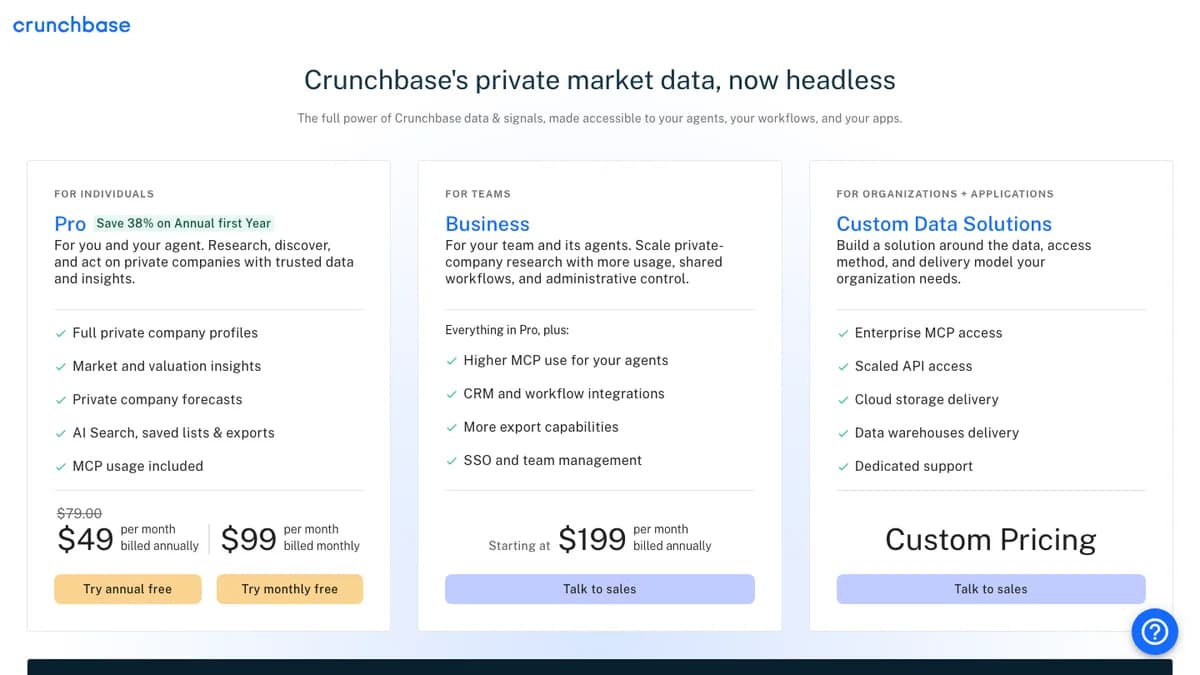
Crunchbase pricing, October 2026 — Pro, Business, and Custom Data Solutions
Crunchbase is a private-company database best known for funding rounds, investors, and acquisitions. For sales teams, its value is timing: a fresh round usually means new budget and new hires.
In 2026 Crunchbase repositioned around AI. Pro now includes AI Search, the Crunchbase Scout assistant, and MCP access for tools like ChatGPT and Claude, alongside saved lists and exports.
The limits show up at team scale. Pro allows 2,000 export rows a month and up to 100 lists, while CRM sync and 5,000 export rows need Business. Our Crunchbase Pro review and Crunchbase vs PitchBook comparison go deeper.
- Company data it covers
- Firmographics, funding rounds, investors, acquisitions, growth and heat scores, valuation estimates, forecasts
- Strongest signal
- Funding rounds and investor data on private companies
- Integrations
- Salesforce, HubSpot, Zapier, and Outreach on Business; ChatGPT and Claude via MCP
- Free option
- Free trial of Pro (annual or monthly)
Pros
- ✓ Deepest funding and investor data of any self-serve tool here
- ✓ Public pricing with a self-serve Pro plan
- ✓ AI Search, Crunchbase Scout, and MCP access on Pro
- ✓ Private-company forecasts for funding, acquisition, and IPO
- ✓ Chrome extension for research while browsing
Cons
- ✗ Pro exports are capped at 2,000 rows a month
- ✗ CRM integrations require Business, from $199/mo billed annually
- ✗ The $49 Pro rate is a first-year annual discount; the page lists $79 as the regular annual rate
- ✗ Little technographic or traffic data
Best for: Reps who sell into venture-backed companies and time outreach around funding rounds.
Pricing: Pro is $49/mo billed annually for the first year or $99/mo billed monthly. Business starts at $199/mo billed annually, per Crunchbase's pricing page.
3. Owler
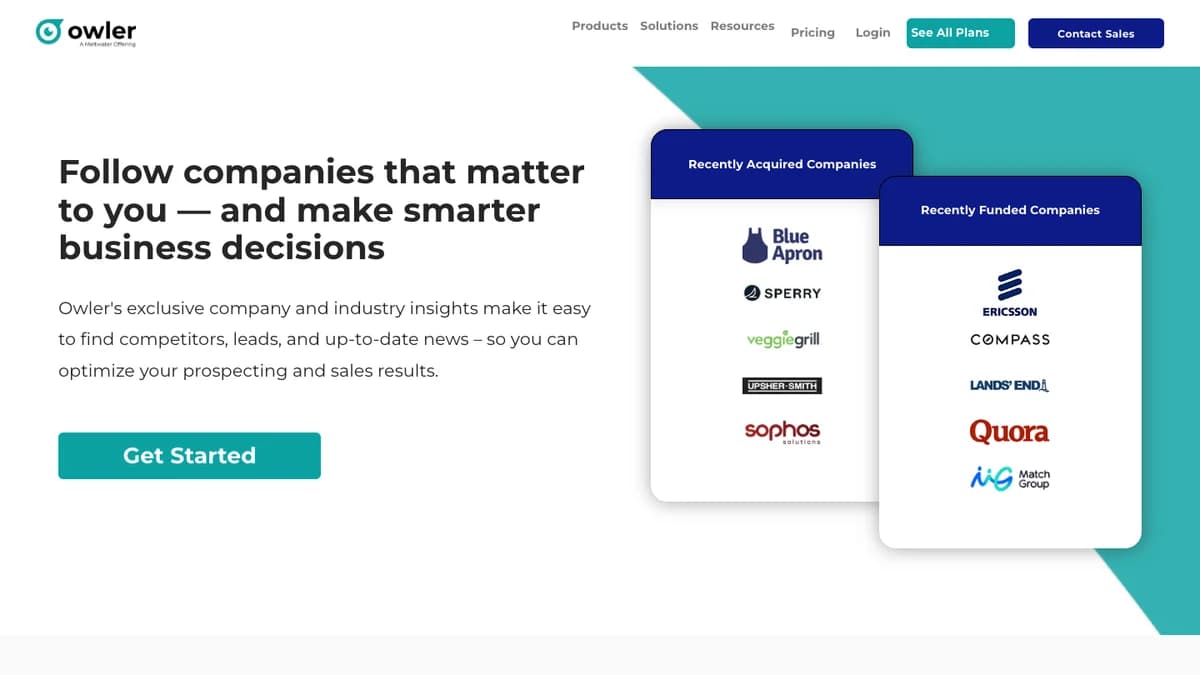
Owler — company news, competitor graph, and funding and acquisition alerts
Owler is a company intelligence and news platform, now part of Meltwater. You follow companies, and Owler sends a daily snapshot plus real-time alerts on funding, acquisitions, leadership hires, and more than 15 other insight types.
Its standout is the competitor graph. Owler says it maps 45M+ competitive relationships, which makes it a quick way to build a list of a customer's lookalikes.
Treat the revenue and headcount numbers as directional. Owler blends its own data with community contributions, so verify before you use them in a pitch; our Owler review covers data quality in detail.
- Company data it covers
- Revenue and employee estimates, CEO, funding and acquisition history, leadership hires, competitors, news
- Strongest signal
- News alerts and competitor relationships
- Integrations
- Salesforce, HubSpot, Marketo, Slack, and API on Enterprise
- Free option
- Community plan: follow 5 companies, 1 full profile a month
Pros
- ✓ Cheapest paid plan in this list at $39/mo billed annually
- ✓ Instant Insight alerts on funding, acquisitions, and leadership hires
- ✓ Competitor graph with an average of 25 competitors per company
- ✓ Covers 20M+ company profiles, per Owler
Cons
- ✗ Revenue and employee figures are estimates, partly community-sourced
- ✗ CRM integrations and API sit on the custom-priced Enterprise plan
- ✗ No technographic or traffic data
- ✗ Free plan is too limited for daily prospecting
Best for: Reps and founders who want a daily feed of news and triggers on a list of target accounts.
Pricing: Community is free. Pro is $39/mo billed annually, and Enterprise is custom, per Owler's pricing page.
4. BuiltWith
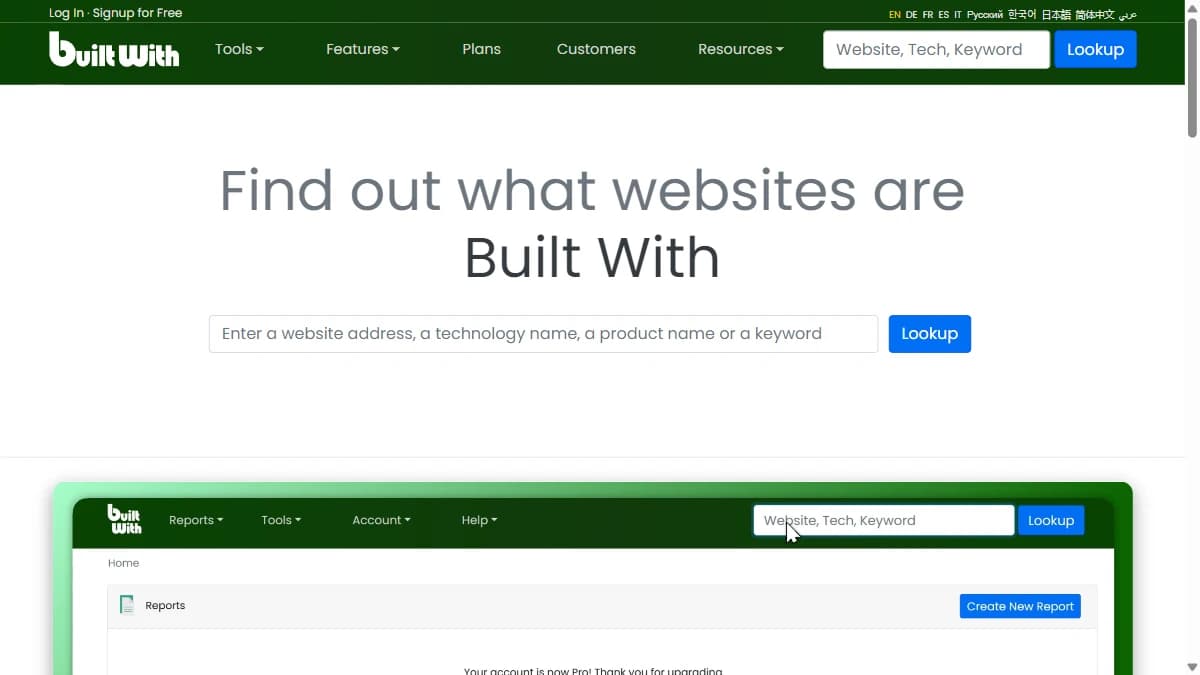
BuiltWith — technology lookup, install history, and tech-based lead lists
BuiltWithis a technographic database that detects the technologies on a company's website and records when they were added or removed. If you sell an integration or a competitive replacement, this is your targeting list.
The history is the point. A company that removed a competitor last month or added a complementary tool last week is a far warmer target than one that simply fits your ICP.
For a deeper look, read our BuiltWith review or the BuiltWith alternatives roundup.
- Company data it covers
- Technologies used, first and last detected dates, spend estimates, company and contact names, emails, titles
- Strongest signal
- Historical technology install and removal data
- Integrations
- CRM integration on every plan; API
- Free option
- Free single-site lookups on the website
Pros
- ✓ Install and removal history shows when a company switched tools
- ✓ Lead lists by technology, keyword, and retail reports
- ✓ CRM integration included on every plan
- ✓ Contact names, emails, and titles included with lead lists
Cons
- ✗ Starts at $295/mo, steep for a single data type
- ✗ Basic limits lead lists to 2 technologies
- ✗ One login on Basic and Pro; team access needs the $995/mo Team plan
- ✗ Client-side detection misses back-end tools that leave no web footprint
Best for: Teams that sell a replacement for, or an add-on to, a specific technology.
Pricing: Basic is $295/mo, Pro $495/mo, and Team $995/mo, per BuiltWith's plans page.
5. Similarweb Sales Intelligence
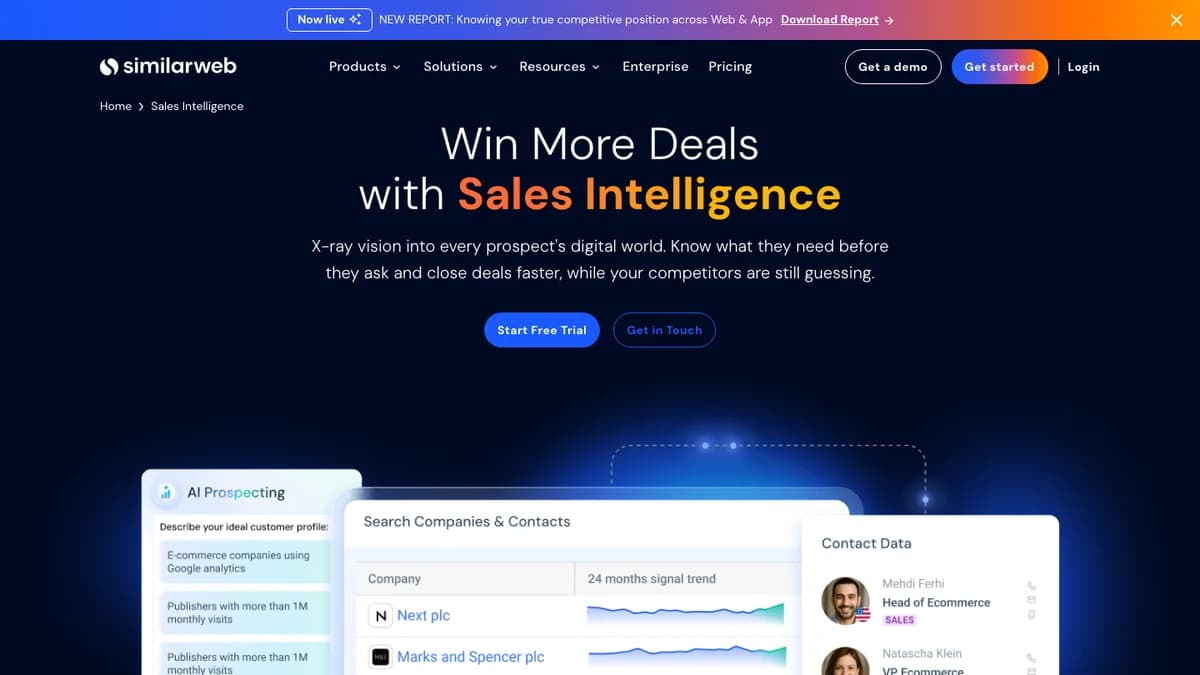
Similarweb Sales Intelligence — digital signals, AI Prospecting, and contact data
Similarweb estimates traffic and engagement for websites and apps, and its Sales Intelligence product turns that into prospecting. You can search for companies by 24-month traffic trend, then enrich contacts and push them to your CRM.
The newer AI Meeting Prep agent builds a call brief from digital signals and competitive insights. Similarweb claims it saves 30+ minutes of research per meeting.
The catch is price. Similarweb moved to quote-only pricing, so compare it with the options in our Similarweb alternatives list and our Similarweb review before you take the call.
- Company data it covers
- Website and app traffic, traffic sources, engagement, competitor performance, buyer intent, contacts
- Strongest signal
- Traffic and digital-growth trends
- Integrations
- CRM integrations; Sales Extension for the browser
- Free option
- Free trial; free extension
Pros
- ✓ Best traffic and engagement data of any tool here
- ✓ AI Meeting Prep builds a call brief from digital signals
- ✓ App leads for mobile-first businesses
- ✓ Search companies by traffic trend, not only firmographics
Cons
- ✗ No public pricing; you need a sales call for a quote
- ✗ Third-party estimates put annual contracts in the five figures
- ✗ Traffic estimates are less reliable for low-traffic B2B sites
- ✗ Built for digital businesses; weak for offline or industrial accounts
Best for: Teams selling to e-commerce, media, and app companies, where traffic is the buying signal.
Pricing: Quote-only with a free trial, per Similarweb's Sales Intelligence page.
6. Wappalyzer
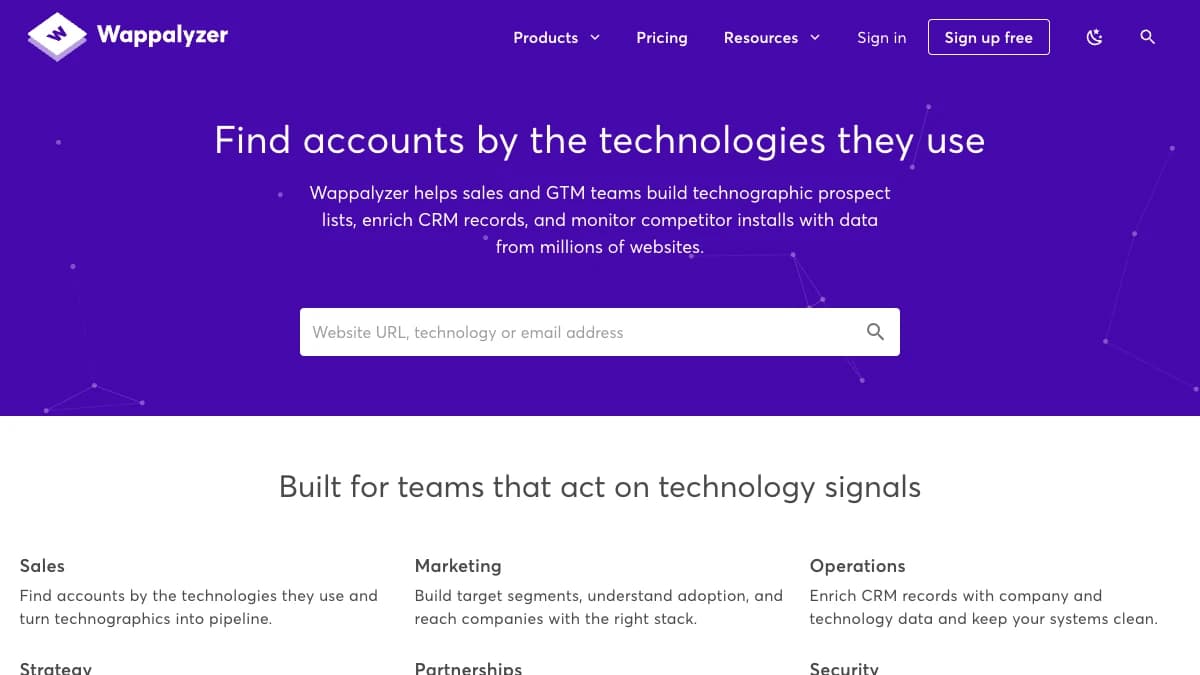
Wappalyzer — technology lookups, lead lists, and website alerts
Wappalyzer is a technographic tool that identifies the software a website runs and builds lead lists of companies using a given technology. It is the budget alternative to BuiltWith.
The free tier is genuinely useful for prospecting. Fifty lookups a month is enough to check the stack of every account you call this week, and paid plans add lists, API credits, and CRM enrichment.
Our Wappalyzer review covers plan limits and accuracy in detail.
- Company data it covers
- Technologies used, company details, contact details, technology change alerts
- Strongest signal
- Low-cost technology lookups
- Integrations
- CRM enrichment and API from the Business plan
- Free option
- 50 technology lookups a month and free sample lead lists
Pros
- ✓ 50 free lookups a month covers one-off account checks
- ✓ Business plan includes 5 users, cheaper per seat than BuiltWith Team
- ✓ Website alerts flag technology changes on tracked sites
- ✓ Annual billing saves 17%
Cons
- ✗ Pro limits lead lists to 2 technologies
- ✗ Plan credits expire after 60 days
- ✗ No install history as deep as BuiltWith's
- ✗ CRM enrichment starts at $450/mo
Best for: Small teams that need technographics without a BuiltWith budget.
Pricing: Free account with 50 lookups a month. Pro is $250/mo, Business $450/mo, and Enterprise from $850/mo, per Wappalyzer's pricing page.
Company Research Tools Compared
Here is how the six company research tools line up on focus, data, AI features, CRM sync, and price:
| Tool | Focus | Company data | AI research | CRM and API | Starting price |
|---|---|---|---|---|---|
| SyncGTM | Automated account briefs | Firmographics, revenue, funding, tech stack, traffic, headcount growth, job listings, product launches | AI Research Agents answer custom questions from company websites | Two-way sync: HubSpot, Salesforce; also Pipedrive, Attio; API and MCP | Free (50 credits); $49/mo for 1,000 credits |
| Crunchbase | Funding and private-company data | Firmographics, funding rounds, investors, acquisitions, growth scores, forecasts | AI Search, Crunchbase Scout, MCP access | Business plan: Salesforce, HubSpot, Zapier, Outreach | Pro $49/mo annual (first year) or $99/mo monthly |
| Owler | News, competitors, and alerts | Revenue and employee estimates, funding, acquisitions, leadership hires, competitor graph | Instant Insight alerts and daily snapshots | CRM, Marketo, and API on Enterprise | Free Community; Pro $39/mo billed annually |
| BuiltWith | Technology install history | Technologies used, install and removal dates, spend estimates, contact names and titles | Not a focus | CRM integration on every plan | $295/mo Basic; $495/mo Pro; $995/mo Team |
| Similarweb | Digital traffic and intent | Website and app traffic, traffic sources, engagement, competitor share, buyer intent | AI Prospecting, Outreach, and Meeting Prep agents | CRM integrations (sales-led) | Quote-only; free trial |
| Wappalyzer | Low-cost technographics | Technologies used, company and contact details, website alerts | Not a focus | CRM enrichment from Business plan | Free 50 lookups/mo; Pro $250/mo |
Which Tool Covers Which Data Point
Pick tools by the data point that drives your outreach, not by brand. This table maps each research question to the tools that answer it:
| Data point | Why it matters | Tools that cover it |
|---|---|---|
| Industry, size, location | Fit: is this account in your ICP at all? | SyncGTM, Crunchbase, Owler, Similarweb, Wappalyzer |
| Revenue estimate | Budget and deal-size sizing | SyncGTM, Owler, Crunchbase |
| Funding rounds and investors | Fresh budget and growth pressure | Crunchbase (deepest), Owler, SyncGTM |
| Technology stack | Integration fit, displacement targets | BuiltWith (deepest history), Wappalyzer, SyncGTM |
| Website traffic | Scale and momentum for digital businesses | Similarweb (deepest), SyncGTM |
| News, acquisitions, leadership changes | A timely reason to reach out | Owler (deepest), Crunchbase, SyncGTM |
| Hiring and headcount growth | Which teams are growing, and which pains follow | SyncGTM (job listings and growth by function) |
| Custom questions from the website | Data no database sells, such as pricing model or a listed integration | SyncGTM AI Research Agents |
Hiring data deserves more attention than it gets. Open roles tell you which team is growing and which problems are coming, as we cover in our guide to AI lead research tools.
What One Seat Costs per Year
Entry prices range from $39 to $295 a month, and the gap widens fast at team scale. Here is the cheapest paid entry point for each tool, for one user:
| Tool | Entry plan | Per year | Watch out for |
|---|---|---|---|
| Owler | Pro, $39/mo billed annually | $468 | Unlimited company follows; CRM sync is Enterprise-only |
| SyncGTM | Solo, $49/mo, 1,000 credits | $588 | About 90 full account briefs a month at 11 credits each |
| Crunchbase | Pro, $49/mo billed annually | $588 first year | Page shows $79/mo as the regular annual rate; $99/mo if billed monthly |
| Wappalyzer | Pro, $250/mo | $3,000 | Annual billing saves 17%; credits expire after 60 days |
| BuiltWith | Basic, $295/mo | $3,540 | Lead lists for 2 technologies; 1 login |
| Similarweb | Sales Intelligence, quote | Not published | Third-party estimates sit in the five figures per year |
Stacking specialists adds up. Crunchbase Pro plus Owler Pro plus BuiltWith Basic costs about $4,600 in year one for a single rep, before any contact data.
What Goes in a One-Page Account Brief
Whatever tools you choose, the output should be the same: a short brief a rep can read in 60 seconds. Use this template and fill each line from the data source on the right.
| Brief line | Question it answers | Data source |
|---|---|---|
| Snapshot | What do they sell, to whom, and how big are they? | Firmographics |
| Money | Did they raise, get acquired, or report revenue growth? | Funding and revenue data |
| Stack | What tools do they run that you replace or connect to? | Technographics |
| Momentum | Is traffic or headcount rising or falling? | Traffic and headcount growth |
| Hiring | Which roles are open, and what problems do they hint at? | Job listings |
| Trigger | What happened in the last 90 days? | News, launches, leadership hires |
| Angle | One sentence linking a trigger to your offer | Your rep, or an AI draft you check |
Keep the brief tied to one trigger. A rep who opens with "saw you hired three RevOps roles this month" beats one who recites the company's headcount.
Once briefs are standard, the next step is turning triggers into a workflow. Our guide to Crunchbase Pro alternatives covers tools that push funding and hiring triggers straight into outreach.
How to Choose
- You research many accounts a week and want one record per account: SyncGTM. Enrichment, tech stack, traffic, hiring, and AI Research Agents run across a whole list.
- Your best trigger is a funding round: Crunchbase. Nothing else here matches its round and investor depth.
- You want news and competitor alerts on a budget: Owler Pro at $39/mo billed annually.
- You sell into a specific technology: BuiltWith for install history, or Wappalyzer if $295/mo is too much.
- Your buyers live online: Similarweb Sales Intelligence, if your deal sizes justify a five-figure contract.
Before you buy, run 20 of your real target accounts through each trial. Check whether the funding, headcount, and tech-stack fields match what you can verify on the company's own site.
Final Verdict
The best company research tool depends on the trigger you sell on. Crunchbase owns funding, Owler owns news on a budget, BuiltWith and Wappalyzer own technographics, and Similarweb owns traffic.
SyncGTM ranks first because most teams need all of those signals, not one. It compiles firmographics, funding, tech stack, traffic, and hiring into one account record, and its AI Research Agents fill the gaps no database covers.
Start with the free plan and research your next 10 target accounts. See plans and credit costs when you are ready to scale.