

6 Best Yesware Alternatives for Sales Email Tracking 2026

By Kushal Magar · October 25, 2026 · 13 min read
Key Takeaway
The best Yesware alternatives in 2026 split into two groups. In-inbox trackers replace Yesware like for like: Mixmax is the best Gmail pick from $29 per user per month, HubSpot Sales Hub gives free unlimited tracking in Gmail and Outlook, and Mailtrack is the cheapest at $2.99 per user. Cold email platforms replace Yesware campaigns: Mailshake adds a power dialer from $29/mo, Woodpecker prices by contacted prospect, and Saleshandy is the budget pick at $34/mo annual with unlimited inboxes and warm-up. Yesware itself runs from free to $65 per user per month annual.
Yesware alternatives are tools that track sales email opens, clicks, and replies, and many add the sequences Yesware gates behind Premium. Yesware is a dependable Gmail and Outlook tracker, but its free plan caps campaigns at 10 recipients a month and its CRM depth is Salesforce-first.
Teams usually start looking for one of two reasons. Either they want the same in-inbox tracking for less, or they have outgrown one-to-one tracking and need real outbound sequences.
This guide compares 6 Yesware alternatives for 2026 across both camps: Mixmax, HubSpot Sales Hub, Mailtrack, Mailshake, Woodpecker, and Saleshandy. Prices come from each vendor's pricing page in October 2026, and SyncGTM has no affiliate deal with any of them.
Quick Summary
Want Yesware without Yesware? Pick Mixmax in Gmail, HubSpot Sales Hub in Outlook or on a $0 budget, and Mailtrack for bare-bones open alerts. Need outbound campaigns? Pick Mailshake for email plus calls, Woodpecker for careful low-volume sequences, and Saleshandy on a tight budget.
TL;DR
- Mixmax — Best Yesware alternative for Gmail. Tracking, sequences, templates, and one-click scheduling in the inbox, from $29 per user per month billed annually.
- HubSpot Sales Hub — Best free and best for Outlook. Unlimited tracking and notifications on the free plan, logged to a CRM.
- Mailtrack — Cheapest. Simple read receipts in Gmail or Outlook for $2.99 per user per month.
- Mailshake — Best for email plus calls. Sequences from $29/mo and a power dialer on the $99 Sales Engagement plan.
- Woodpecker — Best for careful, low-volume outbound. Priced by contacted prospect, with free catch-all verification.
- Saleshandy — Best budget cold email pick. Unlimited email accounts and warm-up from $34/mo billed annually.
- SyncGTM (not a tracker) — The data and copy layer behind any of them: verified work emails and an AI Email Writer for first lines.
Why Teams Look for Yesware Alternatives
Teams look for Yesware alternatives when per-seat pricing stops matching how they actually sell. Here is what Yesware's pricing page listed in October 2026:
| Yesware plan | Annual (per user/mo) | Monthly | What it adds |
|---|---|---|---|
| Free | $0 | $0 | Basic open and attachment tracking, meeting scheduler, 10 campaign recipients/mo |
| Pro | $15 | $19 | Unlimited open, link, and attachment tracking, 20 campaign recipients/mo |
| Premium | $35 | $45 | Unlimited campaigns, shared templates, team reporting |
| Enterprise | $65 | $85 | Salesforce sidebar, email and calendar sync, activity sync, SSO |
Four limits push teams to look elsewhere:
- Campaigns are gated. Free and Pro cap campaign recipients at 10 and 20 a month, so real multi-step outreach starts at $35 per user.
- Salesforce-first CRM. Deep CRM sync sits on Enterprise, and it is built around Salesforce. HubSpot or Pipedrive teams get less.
- No outbound infrastructure. The pricing page lists no warm-up, no inbox rotation, and no native dialer, only a RingCentral integration.
- Per-seat math. A 10-rep team on Premium pays $350 a month annually just for tracking and campaigns.
None of that makes Yesware a bad tool. It means the right replacement depends on which limit you hit first.
How We Compared Each Tool
We split Yesware alternatives into two groups, because they solve different problems. In-inbox trackers (Mixmax, HubSpot, Mailtrack) sit inside Gmail or Outlook and track one-to-one sales email, like Yesware.
Cold email platforms (Mailshake, Woodpecker, Saleshandy) connect your mailboxes and run tracked sequences at volume. We read every vendor's pricing page in October 2026 and scored each tool on five things:
- Tracking: opens, link clicks, replies, and attachments.
- Inbox support: Gmail, Outlook, or both.
- Templates and sequences: and what each plan caps.
- CRM sync: which CRMs, and on which plan.
- Pricing model: per user, flat plan, or per prospect.
One caveat applies to every tool here. Apple's Mail Privacy Protection loads remote content privately in the background, which can fire tracking pixels before anyone reads the email.
So opens from Apple Mail users run high. Use clicks and replies to decide who gets a call, and read our guide to email tracking software for how pixel tracking works.
We compared published plans and features. We did not run a side-by-side tracking test, so treat accuracy and deliverability claims as vendor claims.
Before You Switch: Data and Copy (SyncGTM)
A tracker only reports on emails that land. Bounced addresses never open, and a high bounce rate hurts the domain every tracked email goes out from.
SyncGTM handles the layer before the send. Its Find Work Email action runs a waterfall across 50+ providers for 1 credit per found email, and misses are not billed.
Verify Email then checks each address for 0.1 credits. The AI Email Writer drafts short, personalized first lines from enriched fields and signals such as a job change, a promotion, or new hiring.
SyncGTM syncs records to HubSpot, Salesforce, Pipedrive, Attio, and Close, so the tracker you pick works from clean contacts. Plans start at $49/mo on the SyncGTM pricing page.
Now, the six Yesware alternatives.
1. Mixmax
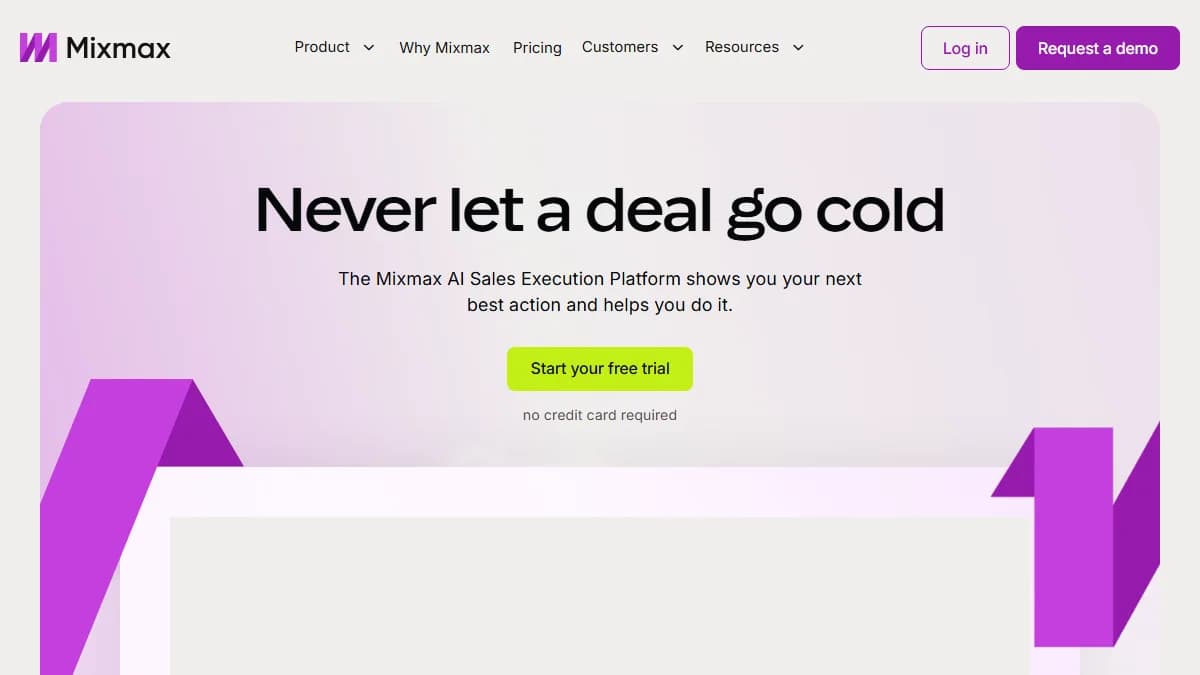
Mixmax — Gmail-native tracking, sequences, and one-click scheduling
Mixmax is a Gmail-native sales engagement tool that tracks opens, clicks, and replies and adds sequences, templates, and scheduling, from $29 per user per month billed annually. It is the closest like-for-like Yesware replacement for Google Workspace teams.
Coming from Yesware
Campaigns stop being the premium feature. Sequences, polls, and one-click scheduling live in the same compose window, and Salesforce or HubSpot sync starts on the entry paid plan instead of Enterprise.
Watch the recipient caps. The $29 tier covers 100 sequence recipients a month, so reps running real outbound move up a tier fast.
Full plan breakdown in our Mixmax review.
Pros
- ✓ Tracks opens, clicks, and replies inside Gmail
- ✓ Sequences, templates, snippets, and in-email polls in one extension
- ✓ One-click meeting scheduling and reminders
- ✓ Salesforce and HubSpot sync on paid plans
- ✓ 14-day free trial with all features, no card required
Cons
- ✗ Gmail only, no Outlook support
- ✗ Paid tiers are capped by monthly sequence recipients
- ✗ Dialer and SMS cost extra
Best for: Gmail-based account executives and SDR teams that want Yesware-style tracking plus stronger sequences without leaving the inbox.
Pricing: Free plan with 50 sequence recipients a month. Paid plans from $29 per user per month billed annually (100 recipients), with higher tiers priced by monthly recipients. Annual billing saves about 15%.
2. HubSpot Sales Hub
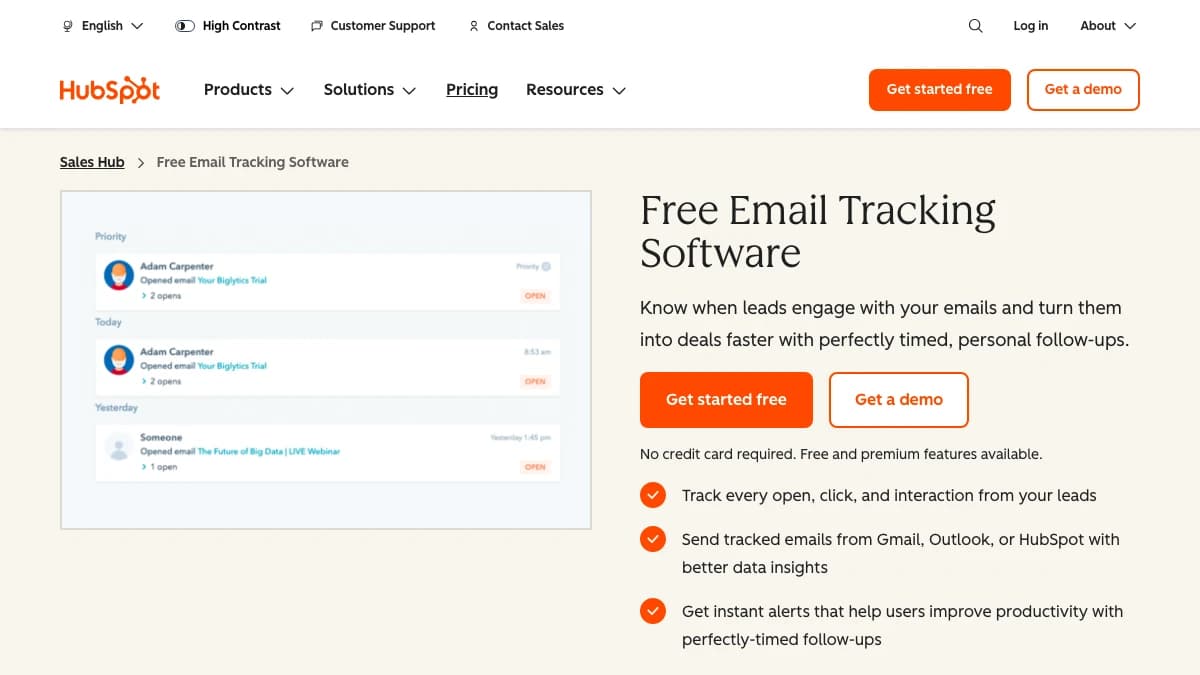
HubSpot Sales Hub — free email tracking in Gmail, Outlook, and Office 365
HubSpot Sales Hub is a CRM-backed sales platform whose free plan includes unlimited email tracking and notifications in Gmail, Outlook, and Office 365. You install the Sales extension, tick Track when composing, and every open and click lands on the contact record.
Coming from Yesware
Outlook teams keep in-inbox tracking, and HubSpot users get native CRM logging instead of Yesware's Salesforce-first sync. Templates and sequences move to Starter and Professional.
The free tier is generous on tracking and tight on templates. Teams that live on templates should budget for Starter seats.
More on the full platform in our HubSpot review.
Pros
- ✓ Unlimited tracking and notifications on the free plan
- ✓ Works in Gmail, Outlook, and Office 365 through one extension
- ✓ Every tracked email logs to a free CRM record
- ✓ Sequences from Starter, capped at 500 sends per user per day
Cons
- ✗ Free plan includes only 3 templates and snippets
- ✗ Professional adds a $1,500 one-time onboarding fee
- ✗ Overkill if you only want read receipts and already run another CRM
Best for: Outlook users, teams on a $0 budget, and anyone who wants tracked email logged to a CRM automatically.
Pricing: Free for up to 2 users. Starter listed at $20 per seat per month on monthly billing, lower when billed annually. Professional $90 per seat per month annual ($100 monthly) plus $1,500 onboarding.
3. Mailtrack
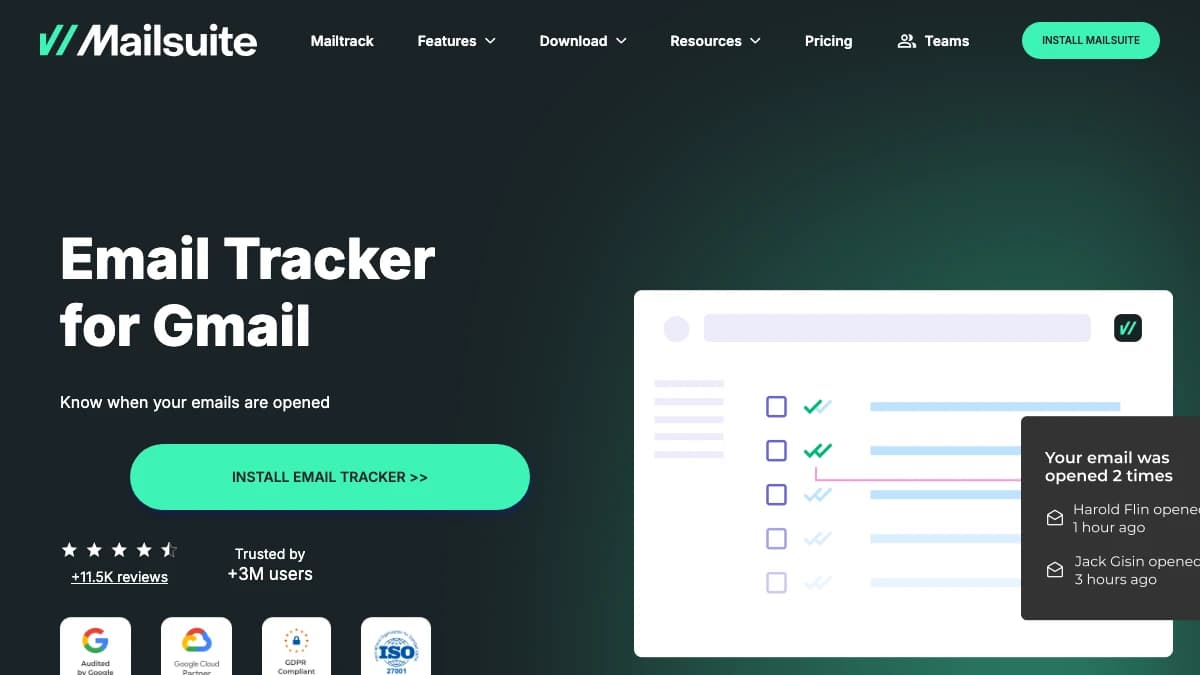
Mailtrack (by Mailsuite) — lightweight read receipts for Gmail and Outlook
Mailtrackis a lightweight email tracker from Mailsuite that adds read receipts to Gmail and Outlook, from free to $5.99 per user per month. It does one job, and it is the cheapest way to replace Yesware's open alerts.
Coming from Yesware
You trade campaigns, team reporting, and CRM sync for a much smaller bill. Opens show as double check marks next to sent emails, with alerts when someone reads.
Mailtrack fits solo sellers. Once you need sequences or shared templates, Mixmax or HubSpot is the better step.
Pros
- ✓ Cheapest paid tracker here at $2.99 per user per month
- ✓ Gmail extension plus a separate Outlook add-in
- ✓ Unlimited tracked emails on every plan
- ✓ Mailsuite tier adds full history and unlimited link tracking
Cons
- ✗ Free plan shows only the first open
- ✗ Link tracking capped at 10 emails below Mailsuite
- ✗ No multi-step sequences or CRM sync for sales teams
Best for: Founders and individual reps who only want to know when an email was opened, at the lowest possible price.
Pricing: Free (first open only). Mailtrack $2.99 per user per month (7-day open history). Mailsuite $5.99 per user per month with full history, unlimited link tracking, and mail merge up to 60,000 emails a month.
4. Mailshake
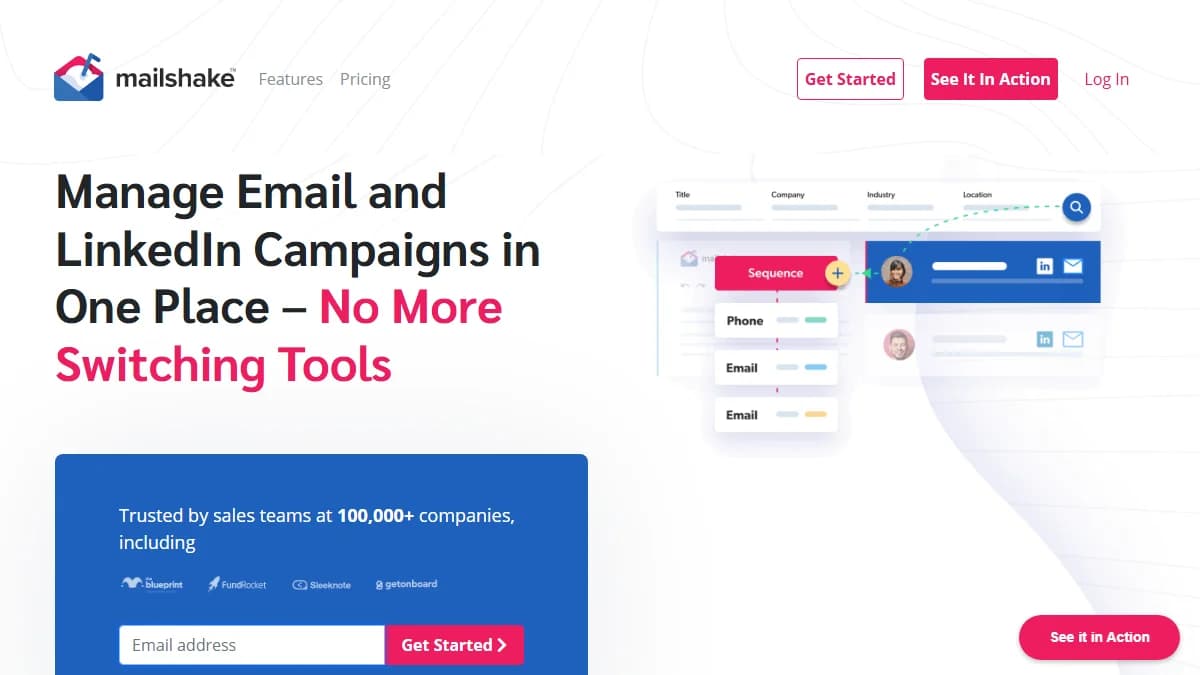
Mailshake — tracked cold email sequences with a built-in power dialer
Mailshakeis a sales engagement platform that runs tracked email sequences with warm-up and an optional power dialer, from $29 per user per month. It replaces Yesware campaigns rather than Yesware's one-to-one inbox tracking.
Coming from Yesware
Campaigns stop living in your personal inbox. You get warm-up, inbox rotation on Email Outreach, a unified reply inbox, and a dialer instead of a RingCentral hand-off.
Most teams land on Email Outreach at $49. It removes the send cap and adds rotation and CRM integrations.
Details in our Mailshake review, or compare options in Mailshake alternatives.
Pros
- ✓ Unlimited contacts, campaigns, warm-up, and email verification on every plan
- ✓ Power dialer with unlimited North American minutes on Sales Engagement
- ✓ Salesforce, Pipedrive, and HubSpot integrations from Email Outreach
- ✓ Works with Gmail, Office 365, and most Outlook or Exchange accounts
Cons
- ✗ Starter allows 1 email address and 1,500 sends a month
- ✗ No free trial; payment is collected up front
- ✗ Priced per user, so seats add up
Best for: Small sales teams that want tracked email sequences and a phone step in one tool.
Pricing: Starter $29 per user per month ($25 annual), Email Outreach $49 ($45 annual), Sales Engagement $99 ($85 annual) with the power dialer. Agency is custom.
5. Woodpecker
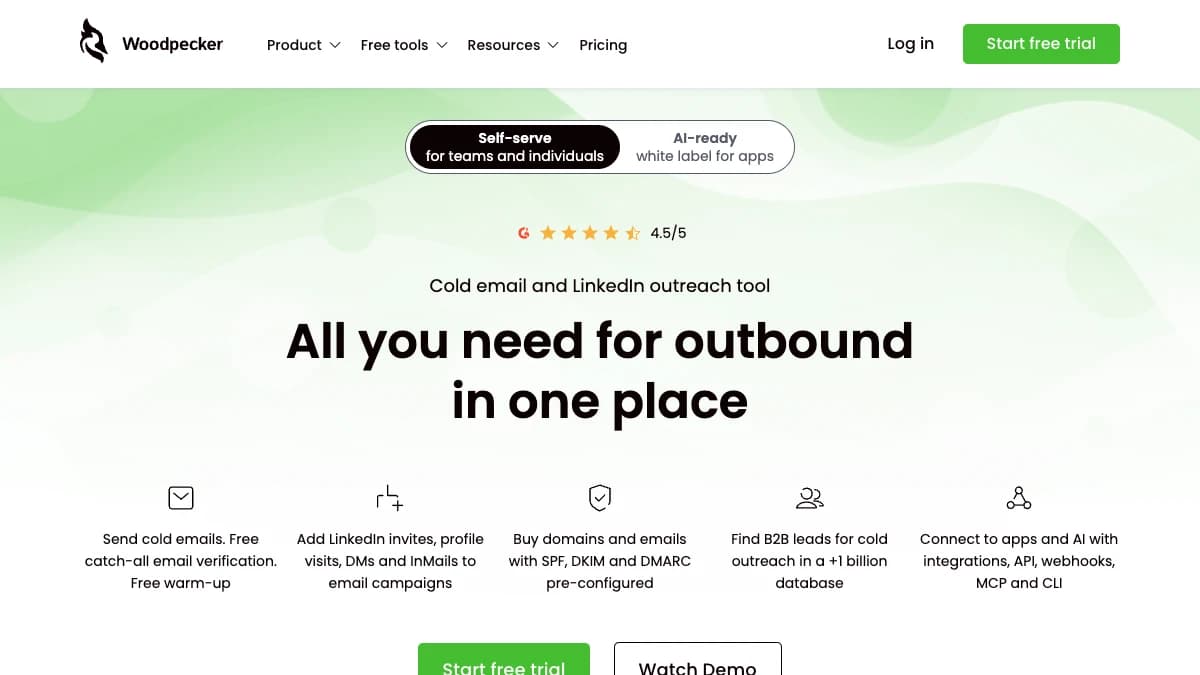
Woodpecker — cold email priced by contacted prospect, with free verification
Woodpecker is a cold email platform priced by contacted prospect, with unlimited inboxes, free catch-all verification, and condition-based follow-ups. You pay for the people you reach, not the seats or the follow-ups.
Coming from Yesware
Pricing flips from per-user to per-prospect. A team of five sharing one prospect pool pays once, and catch-all verification runs before the first send.
It suits quality over volume. Teams sending tens of thousands of emails a month get better value from Saleshandy.
More in our Woodpecker review.
Pros
- ✓ Unlimited email accounts and team members
- ✓ Unlimited catch-all email verification included
- ✓ Condition-based campaigns, A/B tests, and AI interest detection
- ✓ 14-day trial or 100 cold emails, no card required
Cons
- ✗ Slider pricing makes the bill harder to predict
- ✗ Only 4 warm-ups included; extra warm-ups cost $5/mo each
- ✗ LinkedIn steps and API access are paid add-ons
Best for: Consultants and small B2B teams that send careful, low-volume sequences and want follow-ups that don't raise the bill.
Pricing: Priced by contacted prospects, at about $7 per 100 a month on monthly billing, with 33% off annually. Add-ons: LinkedIn $29/mo per account, API and integrations $20/mo.
6. Saleshandy
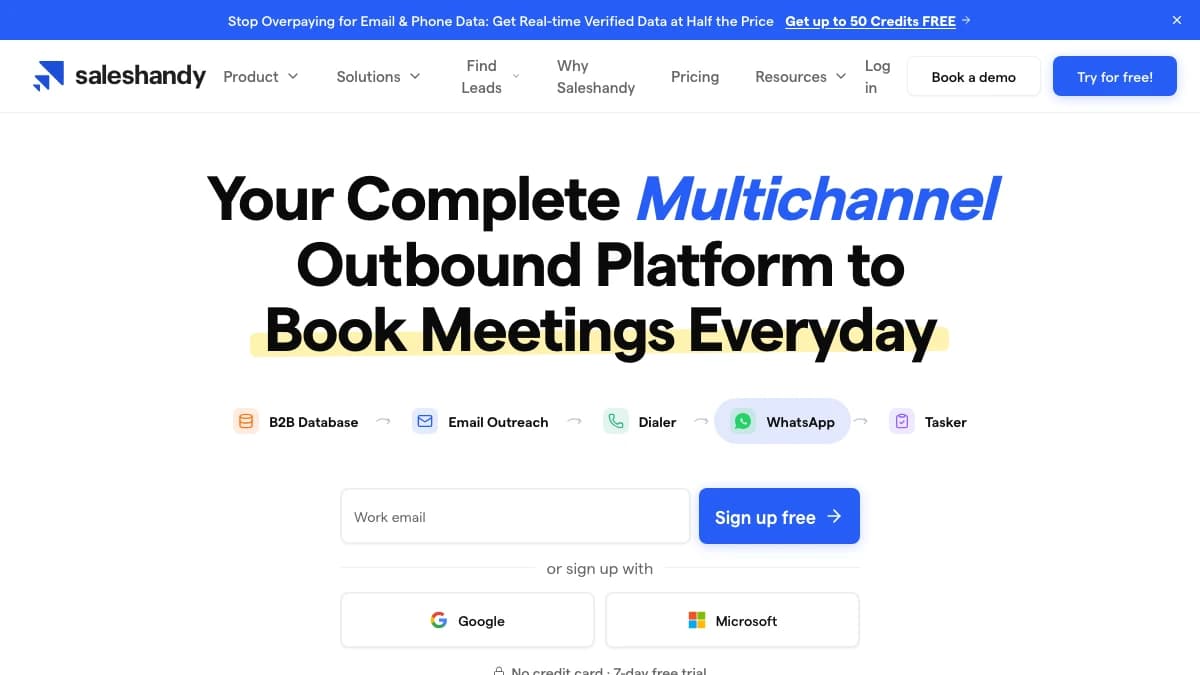
Saleshandy — budget cold email with unlimited inboxes and warm-up
Saleshandy is a budget cold email platform with unlimited email accounts, unlimited warm-up, and open, click, and reply tracking, from $34/mo billed annually. It is flat-priced by plan, not by seat.
Coming from Yesware
Seats stop driving the bill on Pro and Scale. You connect as many Gmail or Outlook inboxes as you like and spread campaigns across them with warm-up running in the background.
Starter is a single-user plan. Teams of 2 to 10 reps should price Pro at $76/mo annual.
Full rundown in our Saleshandy review.
Pros
- ✓ Unlimited email accounts with no per-inbox fees
- ✓ Unlimited warm-up on every plan
- ✓ Open, click, and reply tracking on all plans
- ✓ 7-day free trial, no card required
Cons
- ✗ Starter is limited to 1 user and 6,000 emails a month
- ✗ Pro jumps to $99/mo monthly for team seats
- ✗ Cold email focus; no one-to-one inbox tracker experience like Yesware
Best for: Budget-conscious founders and small teams moving from Yesware campaigns to real cold email volume.
Pricing: Starter $41/mo ($34 annual) for 2,000 active prospects and 6,000 emails, Pro $99/mo ($76 annual) for 30,000 prospects and 10 users, Scale $189/mo ($149 annual) with 200,000 emails.
Yesware Alternatives Compared
Yesware is the baseline row. Prices are entry paid plans as listed in October 2026.
| Tool | Type | Gmail | Outlook | Tracking | Sequences | Starting price |
|---|---|---|---|---|---|---|
| Yesware (baseline) | In-inbox tracker | Chrome extension | Add-on | Opens, links, attachments | Campaigns: 10/mo Free, 20/mo Pro, unlimited Premium | Free; Pro $15/user/mo annual |
| Mixmax | In-inbox engagement | Yes | No | Opens, clicks, replies | Yes, capped by monthly recipients | Free; $29/user/mo annual |
| HubSpot Sales Hub | CRM + inbox extension | Yes | Yes (Outlook, Office 365) | Opens, clicks; unlimited on Free | Starter and up | Free; Starter $20/seat/mo monthly |
| Mailtrack | Lightweight tracker | Yes | Add-in | Opens; links capped below Mailsuite | Mail merge, no multi-step sequences | Free; $2.99/user/mo |
| Mailshake | Cold email + dialer | Connects inboxes | Office 365, Outlook, Exchange | Opens, clicks, replies | Yes, plus power dialer on top plan | $29/mo ($25 annual) |
| Woodpecker | Cold email platform | Connects inboxes | Connects Microsoft inboxes | Opens, clicks, replies | Condition-based campaigns | ~$7 per 100 contacted prospects |
| Saleshandy | Cold email platform | Connects inboxes | Connects Microsoft inboxes | Opens, clicks, replies | Yes, unlimited accounts | $41/mo ($34 annual) |
Running a cold email platform? Google's email sender guidelines ask bulk senders to authenticate their domains and keep spam complaints under 0.3%. Our guide to avoiding spam filters covers the setup.
When Yesware Is Still the Right Call
Stay on Yesware if your team runs Salesforce, splits between Gmail and Outlook, and mostly sends one-to-one email. Few tools give mixed-client teams the same tracker in both inboxes plus a Salesforce sidebar.
Attachment tracking is another reason. Yesware tracks attachment views on every plan, which matters for reps who send proposals and decks.
If you are happy with the tool and only want more replies, fix the inputs first. Verified contacts and tighter copy usually move reply rates more than a new tracker.
How to Choose
Match the tool to the Yesware limit you hit first:
- "We are on Gmail and want better sequences." Mixmax.
- "We are on Outlook, or our budget is $0." HubSpot Sales Hub free.
- "I just want to know who opened." Mailtrack at $2.99 per user.
- "We want calls next to email." Mailshake Sales Engagement.
- "We send long sequences to a small list." Woodpecker.
- "We need volume on a tight budget." Saleshandy.
Moving to a cold email platform changes how mail is delivered, not just tracked. Warm new inboxes, keep copy plain, and check placement with our guide to avoiding the Gmail Promotions tab.
Weighing Gmail-only senders too? Our GMass alternatives roundup covers the next step up in volume.
Final Verdict
Mixmax is the best Yesware alternative for Gmail sales teams in 2026. It matches Yesware's tracking, adds stronger sequences and scheduling, and brings CRM sync down to the entry paid plan.
HubSpot Sales Hub is the pick for Outlook and for $0 budgets, and Mailtrack is the cheapest read receipt. Choose Mailshake, Woodpecker, or Saleshandy when you have outgrown one-to-one tracking and need real outbound sequences.
Whichever you choose, tracking only works on emails that arrive. SyncGTM plans start at $49/mo for finding, verifying, and writing to the prospects behind every tracked send.