Enrichments MCP is now live for all plans. Try it out today

Script your go-to-market pipeline — prospect, enrich, and trigger outreach from the terminal

The GTM CLI turns shell scripts into automated sales pipelines. Chain enrichment, signal detection, and outreach commands into workflows you can version-control, schedule with cron, and hand off to AI agents. Install in 60 seconds. Free credits included.

Works with your favorite AI tools

Invoke GTM CLI commands from AI agents, automation platforms, and developer tools.
Claude
OpenAI
Gemini
Cursor
Windsurf
Manus
Make
Zapier
n8n
Gumloop
Cline
Zen
Codeium
Replit
Ollama
Kimi
Qwen
DeepSeek
Perplexity
GTM pipeline-as-code with SyncGTM CLI
Pipeline-as-Code

Build repeatable GTM pipelines with shell scripts — not spreadsheets

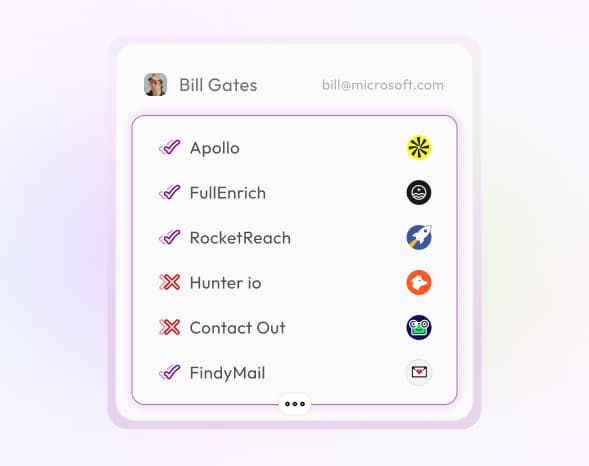
Define your go-to-market workflow as a script: source target accounts by ICP criteria, enrich each one through 20+ data providers, score them by intent signals, and push qualified leads to your CRM. Every step is a CLI command that returns structured JSON — chain them with pipes, loops, and conditionals like any Unix tool. Version-control your pipeline in Git. Run it locally, in CI/CD, or on a cron schedule. Reproduce results across teammates without configuring dashboards or clicking through UIs.
  • Chain enrichment, scoring, and CRM sync into a single shell script
  • Version-control your GTM pipeline alongside your application code
  • Run the same pipeline across dev, staging, and production environments
  • Parallelize batch enrichment with xargs or GNU parallel
Terminal-native B2B prospecting with SyncGTM CLI
Terminal-Native Prospecting

Find, qualify, and enrich prospects without leaving your terminal

Most sales tools force you into browser tabs and drag-and-drop builders. The GTM CLI lets you prospect the way engineers work — from the command line. Search for companies by industry, headcount, or tech stack. Pull verified decision-maker contacts. Score each lead against your ICP. All without opening a browser. Pipe results into jq for filtering, feed them to your AI agent for personalization, or append them directly to a CSV for your SDR team. The terminal is your prospecting workspace.

  • Search and filter target accounts by firmographic criteria
  • Pull verified emails and direct dials for key decision-makers
  • Score and rank leads by ICP fit directly in the terminal
  • Export prospect lists as JSON, CSV, or pipe to downstream tools
Automated Outbound Engine

Schedule signal-triggered outreach — your pipeline runs while you sleep

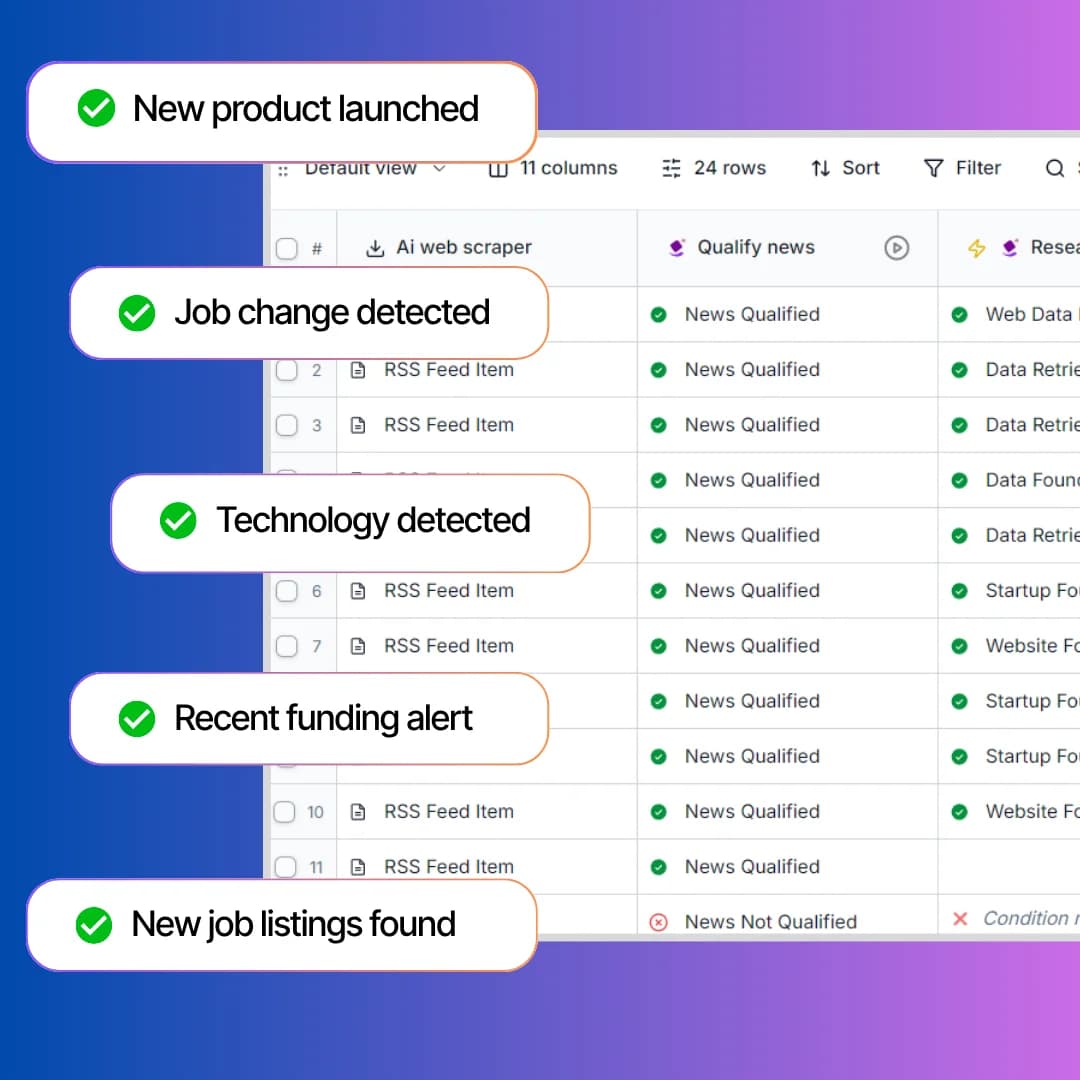
Set up a cron job that checks target accounts for buying signals every morning. When a company raises funding, hires a VP of Sales, or adopts a competitor's tool, your script auto-enriches the account, drafts personalized outreach with your AI agent, and queues it in your sequencer. This is not a dashboard alert you check manually. It is a fully automated outbound engine that runs on your schedule, uses your logic, and feeds your pipeline without human intervention.

  • Trigger enrichment and outreach based on real-time buying signals
  • Schedule automated account monitoring with cron or task schedulers
  • Pipe signal data into AI agents for automated message drafting
  • Connect to Slack, HubSpot, or Salesforce via webhooks and scripts
Overview

What is the GTM CLI?

The SyncGTM GTM CLI gives your terminal and AI agents direct access to 75+ GTM actions — enrich B2B data, detect buying signals, and build pipeline from the command line.

How the GTM CLI fits into your stack

The SyncGTM GTM CLI is a command-line tool that turns your terminal into a go-to-market workstation. It connects to 75+ actions spanning company enrichment, contact discovery, buying signal detection, and AI-powered research — all routed through waterfall enrichment across 20+ premium data providers. Every command outputs structured JSON, so you can pipe results into scripts, AI agent frameworks, CRMs, or data pipelines. Install it alongside your existing dev tools. Run it in Docker, CI/CD, or on bare metal. It works anywhere a shell command runs.

Built for GTM engineers and technical founders

  • GTM engineers building automated prospecting and enrichment pipelines they can version-control and deploy
  • Technical founders running lean outbound — enriching, researching, and prospecting from a single terminal session
  • DevOps-minded sellers who prefer scripts and cron jobs over clicking through sales tool dashboards
  • AI agent developers wiring B2B data into LangChain, CrewAI, or custom agent loops as a callable tool
  • RevOps teams scheduling CRM hygiene, lead scoring, and data validation as nightly batch jobs

From install to first enrichment in 60 seconds

01

Install the CLI globally — npm install -g @syncgtm/cli — and authenticate with your API key.

02

Run your first command: enrich a company, find contacts at an account, or check for buying signals.

03

Script it — chain commands into a pipeline, schedule with cron, or hand the output to your AI agent.

75+ CLI Actions

All Actions Available via SyncGTM GTM CLI

Every enrichment, signal, and research action below is a single CLI command. Chain them into automated GTM pipelines.

Find Work Email

Find a person's verified work email address using name and company data.

Find Personal Email

Find a person's personal email address from public data sources.

Find Work Phone

Find a person's direct work phone number using professional data sources.

Find Mobile Number

Find a person's mobile phone number from public and professional data.

Enrich Organization

Get a full company profile including industry, size, location, and firmographic data from a domain or name.

Enrich Person

Get a full person profile including current role, company, location, and social links.

Person LinkedIn Profile

Find the LinkedIn profile URL for a person using their name and company.

Find LinkedIn Profile URL

Find the full LinkedIn profile URL for a person from their name and company.

Enrich/Scrape LinkedIn Profile

Scrape and enrich any LinkedIn profile to get full details including headline, summary, experience, skills, and certifications.

Scrape LinkedIn Profile Posts

Scrape recent LinkedIn posts published by a person's profile.

Score LinkedIn Engagement

Checks if a prospect has posted or engaged with posts on certain topics. Ideal for identifying active buyers, personalizing outreach, and scoring leads based on real-time social activity.

Find Company LinkedIn Page

Find the official LinkedIn company page URL for any organization.

Enrich/Scrape LinkedIn Page

Find and enrich any LinkedIn company page to get follower count, specialties, industry, company size, and recent updates.

Company TechStack

Identify the technologies and tools a company uses across their website and infrastructure.

Company Domain

Resolve a company's primary website domain from a name or LinkedIn URL.

Headcount Growth

Detect when a company increases employee headcount. Ideal for scoring growth stage accounts.

Leadership Change

Detect when a company hires or replaces senior leaders like CMO CRO VP Sales or RevOps.

Scrape Company LinkedIn Posts

Scrape recent LinkedIn posts published by a company page.

Scrape Employees From LinkedIn Page

Find employee profiles from a company's LinkedIn page to build targeted contact lists.

Find Meta Ads From Page ID

Find active Meta (Facebook/Instagram) ads running from a specific page ID.

Find Meta Ads Using Search Terms

Find the Meta Ad Library for ads matching specific keywords or topics.

Reverse Phone Lookup

Look up the owner and details associated with a phone number.

Recent Acquisitions

Find recent acquisitions made by a company to understand strategic direction and expansion moves.

Mergers and Acquisitions

Detect company M&A events. Ideal for outreach when organizations are restructuring.

New Location

Detect when a company opens a new office or expands internationally.

Revenue Growth

Detect companies showing estimated revenue growth from external data. Ideal for prioritizing momentum accounts.

New Blog Posted

Detect when a company publishes a new blog. Ideal for content monitoring and warm personalization.

New Product Launched

Detect when a company launches a new product. Perfect for understanding strategic moves.

Job Change

Detect if a person has changed jobs in the last 3 months using public data and LinkedIn activity. Ideal for triggering timely outreach, re-engaging old leads, or identifying warm prospects during career transitions.

Is Hiring

Detect if a company is actively hiring across sales, marketing, engineering, or operations. Ideal for finding companies in growth mode.

Techstack Change

Detect when a company starts or stops using specific technologies. Ideal for scoring and qualifying leads.

Mentioned Recently on News

Detect when a company or keyword appears in news sources. Ideal for personalizing outreach with timely updates.

Raised Funding Recently

Detect companies that have raised funding across different rounds. Ideal for prioritizing fast growing accounts.

Recently Promoted

Detect when a prospect or contact has recently been promoted.

Website Traffic Growth

Detect spikes in website traffic using external traffic data.

Company Founded Date

Look up when a company was founded to gauge maturity and stage.

Company Revenue

Estimate a company's annual revenue range using public and third-party data sources.

Company Total Funding

Look up the total amount of funding a company has raised across all rounds.

Company Latest Funding

Get details on a company's most recent funding round including amount, date, and investors.

Company Instagram

Find the official Instagram profile URL for a company.

Company Total Employees

Get the estimated total employee count for a company from public data.

Company GitHub

Find the official GitHub organization profile for a company.

Company X (Twitter)

Find the official X (Twitter) profile URL for a company.

Company Address

Look up the headquarters street address for a company.

Company Country

Identify the country where a company is headquartered.

Company Post Code

Get the postal or ZIP code for a company's headquarters location.

Company Website Traffic

Estimate monthly website visits and traffic trends for a company's domain.

Find Number Of Business Locations

Find how many office or business locations a company operates worldwide.

Find Domain Details

Find WHOIS and registration details for a company's domain including age and registrar.

Domain Threat Detection

Check if a domain is flagged for malware, phishing, or other security threats.

Reverse IP Lookup

Find all domains hosted on the same IP address as a company's website.

Scrape Page LinkedIn Posts

Find recent LinkedIn posts published by a company page to monitor content and engagement.

Find People Within Company

Find people working at a specific company by role, seniority, or department.

Current Role

Look up a person's current job title and company from their LinkedIn profile.

Past Role

Retrieve a person's previous job titles and companies from their work history.

Person Twitter Profile

Find a person's X (Twitter) profile URL from public data.

Person Location

Look up a person's current city and country from their professional profile.

Person Github Profile

Find a person's GitHub profile URL using their name or email.

Job Start Date

Find when a person started their current role to gauge tenure and timing.

Scrape Profile LinkedIn Posts

Find recent LinkedIn posts published by a person to understand their interests and activity.

Find B2B Customers

Find acompany's B2B customers from public sources like case studies and reviews.

Find Pricing Plans

Find pricing plan details from a company's website including tiers, features, and costs.

Find YouTube Transcript

Find the full text transcript from any YouTube video URL.

Find YouTube Video URLs

Collect video URLs from a YouTube channel or playlist.

Find YouTube Videos By Channels

Retrieve recent videos published by specific YouTube channels.

Find YouTube Videos By Query

Search YouTube and retrieve video results matching a keyword or topic.

WhatsApp Number Validator

Check if a phone number is registered on WhatsApp.

Find Yelp Business Details

Find business details, reviews, and ratings from Yelp for any local business.

Find LinkedIn from Work Email

Resolve a person's LinkedIn profile URL from their verified work email address.

Find LinkedIn from Personal Email

Resolve a person's LinkedIn profile URL from their personal email address.

Find Email from LinkedIn URL

Find a person's verified email address from their LinkedIn profile URL.

Find Email from Phone

Resolve a person's email address from a phone number using reverse lookup providers.

Find Phone from Email

Resolve a person's phone number from their email address using reverse lookup providers.

Find Phone from LinkedIn

Find a person's phone number from their LinkedIn profile URL.

Company Job Listings

Find active job listings for any company from public job boards and career pages.

Company TikTok

Find the official TikTok profile URL for a company.

Frequently Asked Questions

Can I script multi-step GTM workflows with the CLI?

How do I integrate CLI output with my CRM?

Can I run the CLI in Docker or CI/CD pipelines?

What is the difference between GTM CLI and Lead Enrichment CLI?

Does the CLI work offline or require an internet connection?

How does the CLI handle rate limits and large batch jobs?

Can my AI agents call the GTM CLI as a tool?

How is this different from the MCP server?

What operating systems does the CLI support?

What does the GTM CLI cost?

Question not answered above? Contact us here

Your GTM pipeline starts with one command

Install the SyncGTM CLI, script your first workflow, and automate your outbound engine. Free to start.