

8 Best Octoparse Alternatives for B2B Enrichment in 2026

By Kushal Magar · June 8, 2026 · 14 min read · Last updated: September 30, 2026
Key Takeaway
Octoparse earned its reputation as a no-code visual web scraper — click the elements you want, and it extracts the list on a schedule in the cloud. It is also the wrong tool for most B2B prospecting in 2026. Octoparse scrapes raw rows but does not verify emails, find mobile dials, or enrich firmographics, so the output still needs a second tool. SyncGTM is our top pick for revenue teams that want verified, CRM-ready contacts instead of raw rows. Apollo.io is the cheapest day-one swap. Explorium.ai is the strongest API-first data source for AI agents. ParseHub and WebScraper.io are the closest no-code scrapers. Browse.ai is the best monitoring and change-detection tool. TexAu and PhantomBuster suit scrape-and-automate workflows.
Octoparse has built its reputation as a no-code visual web scraper — click the elements you want on a page, and it detects the pattern and extracts the full list on a schedule in the cloud.
That makes Octoparse a strong pick for pulling structured data off directories, job boards, and product pages without writing code. It makes Octoparse a harder fit for B2B revenue teams that want verified, CRM-ready contacts rather than a raw list of scraped rows.
Reviewer complaints cluster around three issues — Octoparse scrapes data but does not verify or enrich it, the heavier features sit behind higher-priced tiers, and scraping templates break when a target site changes its layout. For prospecting, the scrape-only model means the output still needs a second tool before it is usable.
We evaluated eight Octoparse alternatives across enrichment depth, data verification, CRM-readiness, and fit for different teams. For broader context, see our roundup of the best waterfall contact providers and our deep dive on B2B lead enrichment.
According to G2 and Capterra, Octoparse reviewers consistently flag the lack of built-in verification, template maintenance, and the learning curve on advanced workflows as the top reasons they evaluate alternatives.
TL;DR
| Tool | Best For | Starting Price | Free Tier |
|---|---|---|---|
| SyncGTM | Revenue teams that want verified enrichment and buying signals in one tool | Free to start | Yes |
| Apollo.io | Outbound-led teams that want cheap contacts and sequences in one product | $59/user/mo | Yes |
| Explorium.ai | Technical teams that want structured company and prospect data for AI agents instead of scraping | $29.99/pkg | Yes (100-credit trial) |
| ParseHub | Teams that want a free, cross-platform visual scraper for JS-heavy sites | $189/mo | Yes (200 pages/run) |
| WebScraper.io | Light scraping from a Chrome extension with minimal setup | $50/mo | Yes (browser) |
| Browse.ai | No-code scraping plus monitoring and change detection | $48.75/mo | Yes |
| TexAu | Teams that want scrape-and-automate workflows across LinkedIn and the web | $29/mo | 14-day trial |
| PhantomBuster | Growth operators that want chainable scraping and automation Phantoms | $56/mo | 14-day trial |
Verdict: SyncGTM is the best overall Octoparse replacement for revenue teams — waterfall enrichment across 50+ providers, buying signals, and native CRM sync, free to start. Apollo.io is the cheapest day-one swap. Explorium.ai is the strongest API-first data source for AI agents. ParseHub and WebScraper.io are the closest no-code scrapers. Browse.ai is the best monitoring tool. TexAu and PhantomBuster suit scrape-and-automate workflows.
Why Teams Look for Octoparse Alternatives
Octoparse — no-code, point-and-click visual web scraper with scheduled cloud extraction
Octoparse earned its reputation on no-code scraping. Three structural patterns keep pushing B2B revenue teams toward Octoparse alternatives.
- It scrapes, but it does not enrich or verify. Octoparse pulls whatever text is on a page, but it does not confirm an email is deliverable, find a mobile direct dial, or attach firmographics. For prospecting, that means raw rows that bounce and decay until a second tool cleans them.
- Advanced features sit behind higher tiers. Scheduled cloud runs, higher concurrency, and API export live on the Standard and Professional plans, and the desktop app is Windows-first — which frustrates Mac and Linux users who expected a fully browser-based tool.
- Templates break on layout changes. When a target site updates its HTML, the scraping template quietly stops returning data until someone rebuilds it. For a deeper look at why on-demand verified data beats raw scraping, see our breakdown of waterfall enrichment and on-demand verification.
For more on building a CRM-ready enrichment stack that re-verifies contacts on every lookup, see our explainer on what waterfall enrichment is and our roundup of the best CRM data enrichment tools.
1. SyncGTM
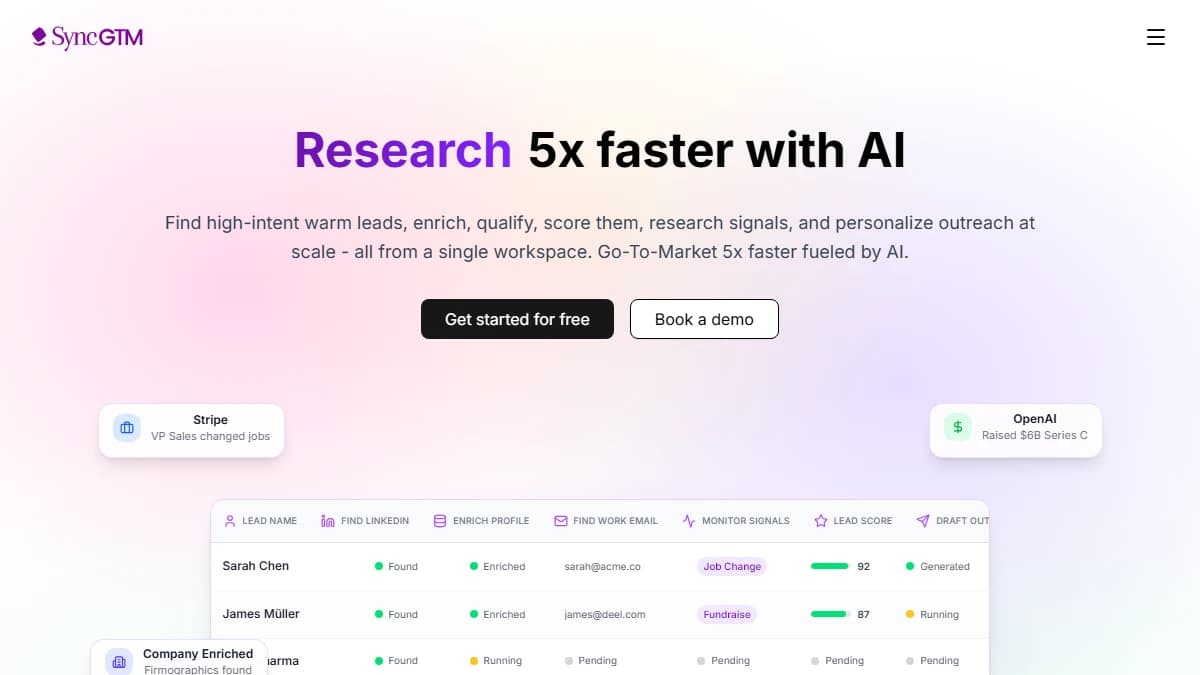
SyncGTM — waterfall enrichment across 50+ providers with buying signals and native CRM sync
SyncGTM is a B2B data enrichment platform best suited for revenue teams that want fresh, verified leads in their CRM without writing code, offering waterfall enrichment across 50+ providers and buying signals, with a free plan to start.
Where Octoparse scrapes raw, unverified rows off a web page, SyncGTM runs each lookup through a waterfall of 50+ providers for verified emails, phone numbers, and firmographics. No scraping template to maintain. No raw list to clean before it is usable.
The signal layer is the real differentiator. Beyond contact data, SyncGTM tracks buying signals — job changes, funding, headcount growth, hiring, and web traffic — and uses AI lead scoring to rank leads against your ICP.
Native integrations with Salesforce, HubSpot, Pipedrive, Attio, and Close push enriched records into your CRM — no CSV export from a scraper and re-import into a separate tool.
MCP access from Claude, ChatGPT, and Cursor lets you run lookups from the AI tools your team already uses. See the plan breakdown on the pricing page.
Pros
- Waterfall enrichment across 50+ providers — verified emails, phone numbers, and firmographics
- Verified contact data — not raw scraped rows
- Native Salesforce, HubSpot, Pipedrive, Attio, and Close integrations
- Buying signals — job changes, funding, headcount growth, hiring, and web traffic
- AI lead scoring against your ICP
- MCP access from Claude, ChatGPT, and Cursor
- Free to start
Cons
- Not a general-purpose web scraper like Octoparse
- Smaller brand footprint than legacy scraping vendors
- Built for B2B contact data, not arbitrary page scraping
Best for: Revenue teams that want waterfall enrichment, buying signals, and native CRM sync in one platform instead of raw scraped lists.
Pricing: Free to start · paid plans on the pricing page
2. Apollo.io
Apollo.io — 275M+ contact database bundled with sequences, dialer, and basic enrichment
Apollo.io is a B2B sales engagement platform best suited for outbound-led teams that want contacts, sequences, and a dialer in one product, offering a 275M+ profile database with enrichment from $59/user/month and a free tier.
Apollo is the cheapest Octoparse swap for teams whose actual problem was finding contacts and emailing them — not scraping web pages. Instead of building a scraping template and cleaning the output, Apollo gives you a search-ready contact database and sequences in one product.
Published per-seat pricing and a free tier make it accessible to founders and small teams from day one — no template maintenance, no Windows desktop app, no raw rows to verify before you can send.
The tradeoff is depth. Apollo's enrichment is single-source, so the data hit rate on direct dials and international contacts can be uneven. See our Apollo alternatives roundup for deeper coverage.
Pros
- Cheapest entry point — free tier and $59/user/mo
- 275M+ contact database — no scraping required
- Bundled sequences and dialer — no integration project
- Browser-based — no Windows desktop dependency
- Self-serve onboarding for revenue teams
Cons
- Single-source enrichment — no waterfall
- Direct dial and international hit rates can be uneven
- No general-purpose web scraping like Octoparse
- Heavy use of credit-style limits on free and starter tiers
Best for: Outbound-led teams and founders that want contacts, sequences, and a dialer in one cheap product without scraping.
Pricing: Free tier · Basic $59/user/mo · Professional $99/user/mo · Custom enterprise
3. Explorium.ai
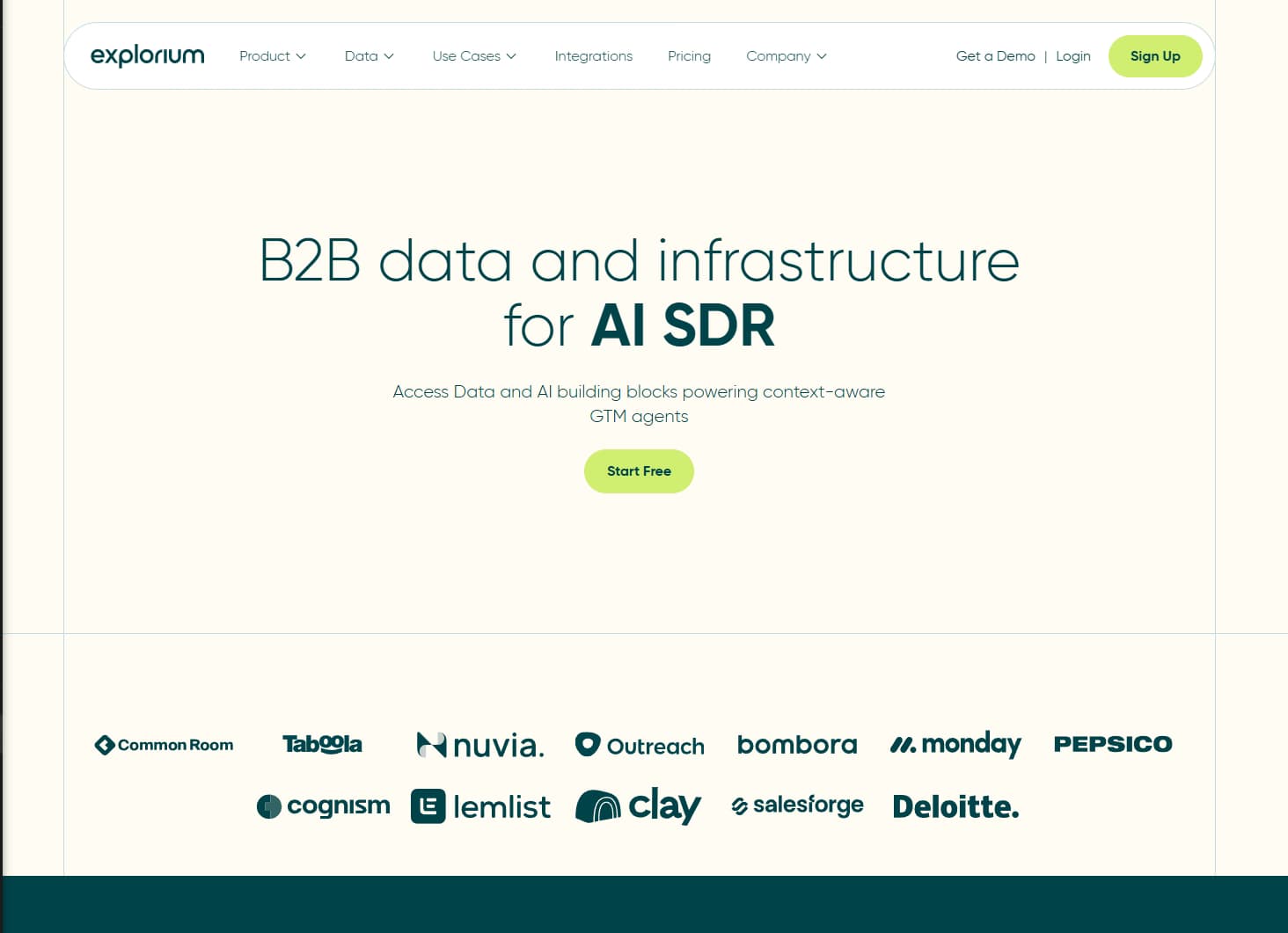
Explorium.ai — structured B2B company and prospect data with 4,000+ signals through one API and MCP server
Explorium.ai is a B2B data platform best suited for technical teams that want structured company and prospect data through an API instead of scraping it, offering 146M+ companies, 767M+ professional profiles, and 4,000+ signals from $29.99 per credit package with a free trial.
Explorium is the Octoparse swap for teams whose scrapers were really collecting B2B data. Instead of maintaining templates that break when a page changes, you query AgentSource, one REST API plus a hosted MCP server, for firmographics, technographics, funding data, and contact details such as work emails and phone numbers. Company enrichment also tracks website changes, a job teams often point a scraper at.
The AI layer is the standout. The MCP server lets agents in Claude and other stacks pull and enrich records directly, and Vibe Prospecting builds and enriches lists from plain-English prompts, with one-click installs in Claude and ChatGPT. Real-time events such as funding rounds, hiring, and job changes turn a static list into a timed one.
The tradeoff is scope. Explorium covers B2B company and prospect data, so it won't replace a general-purpose scraper for arbitrary sites, and credit cost varies by enrichment type. See our B2B lead enrichment guide for where a data API fits in the stack.
Pros
- 146M+ companies and 767M+ profiles — no scraping templates to maintain
- Firmographics, technographics, funding, and website-change data
- 4,000+ signals, including funding, hiring, and job changes
- AgentSource API and hosted MCP server for AI agents
- Vibe Prospecting builds lists from plain-English prompts
Cons
- B2B data only — not a general-purpose web scraper
- Credit cost varies by enrichment type
- No native outreach sequencing built in
- API and MCP paths assume technical comfort
Best for: Technical and ops teams that want structured B2B data for AI agents and pipelines instead of maintaining scrapers.
Pricing: Free trial (100 credits) · Lite $29.99 · Starter $149.99 · Growth $749.99 · Scale $7,499.99 · Enterprise custom
4. ParseHub
ParseHub — visual point-and-click scraper with a desktop app that handles JavaScript and infinite scroll
ParseHub is a visual web scraping tool best suited for teams that hit Octoparse's JavaScript limits, offering a cross-platform desktop app, point-and-click selection, and a free tier of 200 pages per run with paid plans from $189/mo.
ParseHub is the closest like-for-like Octoparse alternative for pure scraping. Same point-and-click model, same scheduled runs — but its rendering engine often handles JavaScript-heavy sites, infinite scroll, and dropdowns more reliably than Octoparse.
The cross-platform desktop app is the standout. ParseHub runs on Mac, Windows, and Linux, which removes the Windows-first friction that pushes some Octoparse users to look elsewhere.
The tradeoff is the same scope limit. ParseHub scrapes structured data but does not verify emails, find phone numbers, or enrich contacts — so for B2B prospecting the output still needs an enrichment layer. See our full ParseHub review for the pricing and capability breakdown.
Pros
- Cross-platform desktop app — Mac, Windows, and Linux
- Handles JavaScript, infinite scroll, and dropdowns well
- Free tier of 200 pages per run for testing
- Point-and-click visual selection — no code
- Scheduled runs and API access on paid plans
Cons
- Pure scraper — no contact enrichment or verification
- Paid tiers jump to $189/mo for serious volume
- No outreach or CRM-ready workflow
- Templates still break on site layout changes
Best for: Teams that want a free, cross-platform visual scraper that handles JavaScript-heavy sites better than Octoparse.
Pricing: Free (200 pages/run) · Standard $189/mo · Professional $599/mo · Custom enterprise
5. WebScraper.io
WebScraper.io — Chrome extension that builds visual sitemaps and runs them in-browser or in the cloud
WebScraper.io is a browser-based scraping tool best suited for light, ad-hoc extraction with minimal setup, offering a free Chrome extension, visual sitemaps, and cloud runs from $50/mo.
WebScraper.io is the Octoparse swap for teams that want a lighter, browser-first tool. You build a visual sitemap directly in the Chrome DevTools panel and run it in-browser for free — no desktop install, no Windows dependency.
The free browser tier is the standout. For small, one-off scraping jobs, WebScraper.io costs nothing, which makes it the cheapest pure no-code scraper on this list to get started.
The tradeoff is scope and scale. WebScraper.io is a scraper only — it does not verify or enrich contacts — and serious volume, scheduling, and API access live on the $50/mo+ cloud plans. For prospecting, the scraped output still needs a separate enrichment layer.
Pros
- Free Chrome extension — runs in-browser at no cost
- Visual sitemap builder — no code required
- Browser-first — no desktop install or OS lock-in
- Cloud scheduling and API on paid plans
- Lowest barrier to entry for one-off scraping
Cons
- Pure scraper — no enrichment or email verification
- Browser runs are slow for large jobs
- Scheduling and scale gated behind cloud plans
- No outreach or CRM-ready workflow
Best for: Teams that want light, ad-hoc no-code scraping from a free Chrome extension.
Pricing: Free (browser) · Project $50/mo · Professional $100/mo · Business $200/mo
6. Browse.ai
Browse.ai — trained robots that scrape data and alert you when a monitored page changes
Browse.ai is a no-code scraping and monitoring platform best suited for teams that need page-change alerts alongside extraction, offering trained robots, change detection, and 7,000+ integrations from $48.75/mo with a free tier.
Browse.ai is the Octoparse swap for teams whose use case was watching pages, not just scraping them once. You train a robot by demonstrating the clicks, then Browse.ai re-runs it on a schedule and alerts you when the monitored data changes — a job Octoparse does not do natively.
The monitoring layer is the standout. For tracking competitor pricing, job postings, or directory updates, Browse.ai turns a scrape into a live signal feed with email and webhook alerts.
The tradeoff is the same B2B gap. Browse.ai extracts and monitors, but it does not verify emails or enrich contacts — so for outbound, it needs a separate verification and enrichment step. See our full Browse.ai review for the monitoring and pricing details.
Pros
- Built-in monitoring and page-change alerts
- No-code robot training by demonstration
- 7,000+ integrations via Zapier, Make, and webhooks
- Free tier for small monitoring jobs
- Browser-based — no desktop install
Cons
- No contact enrichment or email verification
- Credit model can climb with frequent monitoring
- Not purpose-built for B2B prospecting
- No outreach or CRM-ready workflow
Best for: Teams that want no-code scraping plus monitoring and change detection in one tool.
Pricing: Free tier · Starter $48.75/mo · Professional $123/mo · Custom enterprise
7. TexAu
TexAu — cloud and desktop automation with 1,000+ growth recipes across LinkedIn and the web
TexAu is a growth automation platform best suited for teams that want scrape-and-automate workflows across LinkedIn and the web, offering cloud and desktop automation, 1,000+ growth recipes, and chained workflows from $29/mo with a 14-day trial.
TexAu is the Octoparse swap for teams whose scraping was a step in a bigger automation, not the end goal. Where Octoparse stops at extraction, TexAu chains scraping with actions — scrape a list, enrich it through a recipe, then trigger an outreach step.
The recipe library is the standout. TexAu ships 1,000+ pre-built recipes for LinkedIn, Twitter, and the web, with flat published pricing from $29/mo that is more predictable than per-page scraping costs.
The tradeoff is account safety and verification. TexAu automates against LinkedIn through your session, which carries ban risk, and its scraped data is not re-verified. See our full TexAu review for the safety and pricing breakdown.
Pros
- Scrape-and-automate workflows — not just extraction
- 1,000+ growth recipes across LinkedIn, Twitter, and the web
- Cloud and desktop automation options
- Flat published pricing from $29/mo — predictable budgeting
- Chained workflows for multi-step automation
Cons
- LinkedIn automation carries account ban risk
- Learning curve persists — chaining recipes takes setup
- Scraped data is unverified — no waterfall verification
- No native CRM-ready enrichment or outreach inbox
Best for: Growth operators that want scrape-and-automate workflows with cheaper, more predictable flat pricing.
Pricing: 14-day trial · Starter $29/mo · Growth $79/mo · Agency (custom)
8. PhantomBuster
PhantomBuster — cloud automation platform with 100+ scraping and outreach Phantoms
PhantomBuster is a cloud automation platform best suited for growth operators that want chainable scraping and automation, offering 100+ "Phantoms" for LinkedIn, the web, and CRM integrations from $56/mo with a 14-day trial.
PhantomBuster is the Octoparse swap for teams that need scraping plus social automation. Where Octoparse is a pure web scraper, PhantomBuster ships a library of Phantoms that scrape LinkedIn profiles, extract search results, and automate connection requests — all in the cloud.
The Phantom marketplace is the standout. For sales-specific scraping — LinkedIn lists, Sales Navigator exports, group members — PhantomBuster has purpose-built Phantoms that Octoparse's generic visual scraper cannot match out of the box.
The tradeoff is account risk and unpredictable cost. PhantomBuster bills by execution time and automates against LinkedIn through your session, which carries ban risk at volume. See our PhantomBuster alternatives roundup for safer, verified options.
Pros
- 100+ Phantoms for LinkedIn, the web, and CRMs
- Purpose-built sales scrapers Octoparse lacks
- Chainable workflows for multi-step automation
- Cloud execution — no desktop install
- Large community and recipe library
Cons
- Execution-time pricing is hard to forecast
- LinkedIn automation carries account ban risk
- Steep learning curve to chain Phantoms
- Scraped data is unverified — no waterfall enrichment
Best for: Growth operators that want chainable scraping and social automation Phantoms.
Pricing: 14-day trial · Starter $56/mo · Pro $128/mo · Team $352/mo
Side-by-Side Comparison
| Tool | Standout | Starting Price | G2 |
|---|---|---|---|
| SyncGTM | 50+ provider waterfall, buying signals, AI lead scoring, native CRM sync | Free to start | N/A |
| Apollo.io | 275M+ contacts, built-in sequences and dialer | $59/user/mo | 4.7 |
| Explorium.ai | 146M+ companies, 767M+ profiles, 4,000+ signals, API + MCP | $29.99/pkg | N/A |
| ParseHub | Desktop app, handles JavaScript and infinite scroll | $189/mo | 4.3 |
| WebScraper.io | Browser extension, visual sitemaps, cloud runs | $50/mo | 4.2 |
| Browse.ai | Trained robots, page-change alerts, 7,000+ integrations | $48.75/mo | 4.8 |
| TexAu | Cloud + desktop automation, 1,000+ growth recipes | $29/mo | 4.3 |
| PhantomBuster | 100+ Phantoms, cloud automation, CRM integrations | $56/mo | 4.3 |
How to Choose the Right Octoparse Alternative
The right swap depends on what you actually used Octoparse for. Eight decision points cover most cases.
- You want verified, CRM-ready leads — not raw scraped rows. Pick SyncGTM. Waterfall enrichment across 50+ providers, buying signals, and native CRM sync, free to start.
- You are outbound-led and want one cheap tool for contacts plus sequences. Pick Apollo.io. Free tier and $59/user/mo with 275M+ contacts and a built-in dialer — no scraping required.
- You are technical and want structured B2B data for AI agents instead of scraping it. Pick Explorium.ai. 767M+ profiles and 4,000+ signals via API and MCP, with credit packages from $29.99.
- You hit Octoparse's JavaScript limits and want a cross-platform scraper. Pick ParseHub. Free tier, desktop app for Mac/Windows/Linux, and better JS handling.
- You want the cheapest no-code scraper for light, ad-hoc jobs. Pick WebScraper.io. Free Chrome extension with cloud runs from $50/mo.
- You need page-change monitoring alongside scraping. Pick Browse.ai. Trained robots with change alerts and 7,000+ integrations from $48.75/mo.
- You want scrape-and-automate workflows across LinkedIn and the web. Pick TexAu. 1,000+ recipes with flat pricing from $29/mo.
- You need purpose-built LinkedIn and sales scrapers you can chain. Pick PhantomBuster. 100+ Phantoms in the cloud — mind the execution-time billing and ban risk.
For a broader breakdown of the modern enrichment stack, see our best CRM data enrichment tools guide.
Final Verdict
Octoparse built its reputation on no-code visual scraping — that motion still works for pulling structured data off any web page without code. Most teams that buy a scraper for prospecting in 2026 want CRM-ready contacts with verified emails and mobile dials, not raw rows that bounce and need a second tool to clean.
For B2B revenue teams searching for an Octoparse replacement, the answer is to unbundle from scrape-and-clean, pick a waterfall enrichment layer that re-verifies on lookup, and run outreach on top of it.
SyncGTM is the best overall pick for that motion — waterfall enrichment across 50+ providers for verified emails and phone numbers, buying signals, and native CRM sync to Salesforce, HubSpot, Pipedrive, Attio, and Close, free to start — with no scraping templates to maintain.
Apollo.io is the cheapest day-one swap. Explorium.ai is the strongest API-first data source for AI agents. ParseHub and WebScraper.io are the closest no-code scrapers. Browse.ai is the best monitoring tool. TexAu and PhantomBuster suit scrape-and-automate workflows. Pick the one that maps to how your team actually prospects.