
By Kushal Magar · October 3, 2026 · 10 min read
Apollo.io vs LinkedIn Sales Navigator: Which to Buy in 2026?
Apollo.io and LinkedIn Sales Navigator answer different questions. Sales Navigator tells you who someone is right now, straight from a profile they edit themselves. Apollo tells you how to reach them: a verified email, a phone number, and a sequence to send from. The right purchase depends on which gap is costing your team more meetings.
Apollo.io vs LinkedIn Sales Navigator is the comparison most outbound teams run once free LinkedIn search stops being enough. Both build lists of the right people, but they start from very different data.
Sales Navigator searches LinkedIn's own network, so titles are as current as the profiles themselves, but it gives you no emails, phone numbers, or list export. Apollo searches a licensed database of 240M+ contacts and hands you verified contact data and sequences, but its titles are only as fresh as its last verified update.
Below, we compare search filters, data freshness, outreach, and October 2026 pricing, then say who should buy which. For each tool on its own, see our Apollo.io review and LinkedIn Sales Navigator review.
Quick Summary
Apollo.io vs LinkedIn Sales Navigator comes down to freshness versus reach. LinkedIn Sales Navigator searches LinkedIn's 1.3B+ members with 50+ filters and sends real-time job change alerts, but it provides no emails, phone numbers, or CSV export; as of October 2026, Core costs $1,079.88 a year and Advanced $1,799.88. Apollo.io is an AI GTM system with 240M+ contacts and 98% reported email accuracy that reveals emails and phones and runs multichannel sequences, at $49, $79, or $119 per seat per month billed annually, but its titles can trail LinkedIn.
TL;DR
- Short answer: Buy LinkedIn Sales Navigator if your reps sell through LinkedIn conversations and need the freshest titles. Buy Apollo.io if they need emails, phone numbers, and sequences. Many teams run both.
- Search filters: Navigator offers 50+ filters across LinkedIn's 1.3B+ members, plus AI account research. Apollo offers 65+ filters across 240M+ contacts, plus intent topics and job change enrichment.
- Data freshness: Navigator reads the member's own profile and sends real-time job change alerts. Apollo refreshes continuously but updates a title only once it verifies the move, so it can trail LinkedIn.
- Contact data: Navigator has no emails, no phone numbers, and no CSV export. Apollo reveals an email for 1 credit and a phone number for 8, and reports 98% email accuracy.
- Price (October 2026): Navigator Core is $119.99 a month or $1,079.88 a year, Advanced is $159.99 or $1,799.88, and Advanced Plus is custom. Apollo has a free plan, then $49, $79, or $119 per seat per month billed annually.
What We Evaluated
- Apollo.io vs LinkedIn Sales Navigator search filters: what each targets, and how big the pool is
- Data freshness: where each tool's job titles come from and how quickly a job change shows up
- Contact data and export: emails, phone numbers, and getting records into a CRM
- Outreach: InMail and LinkedIn messaging versus multichannel sequences from your own mailbox
- Price as of October 2026: per-seat cost at 1 and 5 reps, and which plan unlocks CRM sync
- Workflow fit: CRM integrations, MCP and API access, and LinkedIn's rules on scraping
1. Apollo.io — Verified emails, phone numbers, and multichannel sequences in one seat
Apollo.io — Verified emails, phone numbers, and multichannel sequences in one seat
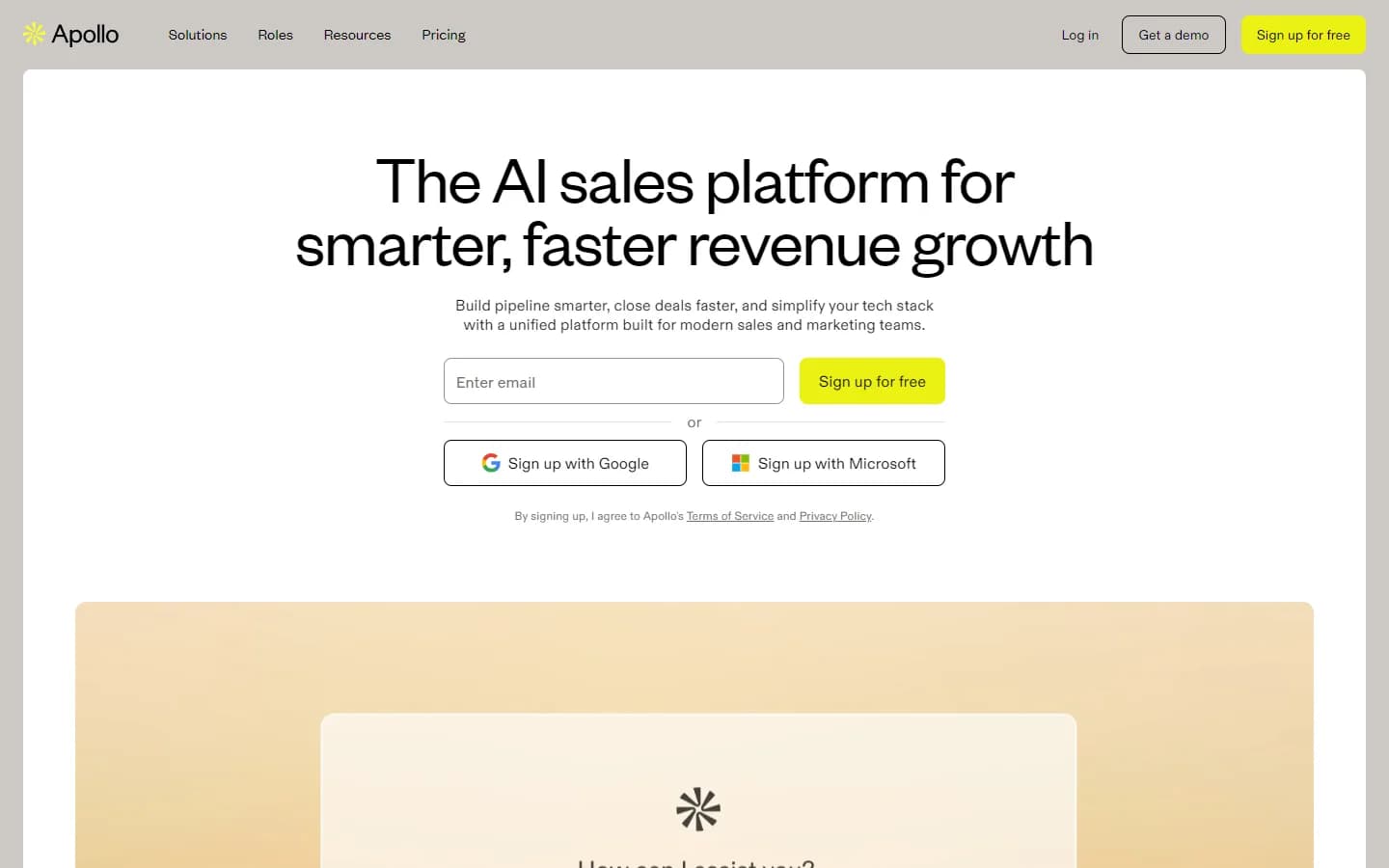
Apollo.io is an AI GTM system anchored by 240M+ contacts and 30M+ companies, with 98% email accuracy by Apollo's own count. You search with 65+ filters such as title, seniority, industry, and company size, then spend credits to reveal contact details: 1 credit per email and 8 per phone number, according to Apollo's pricing page.
That's the gap Sales Navigator can't fill. When Apollo's own record lacks an email or phone, waterfall enrichment checks 20+ data partners, and paid plans add CSV, CRM, and API enrichment for lists built elsewhere.
Apollo also tracks change. Its buying signals cover intent, job changes, and website visitors, and Basic and above include job change enrichment. Apollo says its data is refreshed continuously and that job change alerts fire as soon as a change is verified.
The catch is that verification step. A title in Apollo is a record Apollo has to detect and confirm, so it can trail a profile the person updated this morning, and G2 reviewers report outdated titles more often in Europe, APAC, and LATAM.
Outreach lives in the same seat: sequences mix email, calls, and LinkedIn tasks and send from your own connected mailbox, with domain warming, inbox rotation, and reputation monitoring. Apollo also offers 200+ integrations plus Apollo MCP, the Apollo CLI, and an API.
As of October 2026, Apollo's pricing page lists Free (900 credits per seat per year), Basic ($49 per seat per month billed annually or $65 monthly, 30,000 credits per seat per year), Professional ($79 annually or $99 monthly, 48,000 credits), and Organization ($119 per seat per month billed annually, 3-seat minimum, 72,000 credits), plus custom plans through sales. Credits are pooled across the team and don't roll over.
Watch the Basic limits: one mailbox per user and 250 emails a day, both lifted on Professional. If Apollo isn't the fit, see our Apollo alternatives and Apollo.io vs ZoomInfo comparisons.
Pros
- +Reveals emails and phone numbers from 240M+ contacts, with 98% email accuracy (vendor-reported)
- +65+ search filters, plus intent topics and job change enrichment on paid plans
- +Waterfall enrichment across 20+ data partners fills missing fields
- +Multichannel sequences from your own mailbox, with deliverability tools and a dialer
- +Free plan, and Basic at $49 per seat per month costs about half of Navigator Core annually
- +200+ integrations plus Apollo MCP, CLI, and API
Cons
- −Titles can trail LinkedIn, because a job change has to be detected and verified first
- −Data is weaker outside North America, according to G2 reviewers
- −Per-seat pricing, and credits don't roll over
- −Basic sends from one mailbox per user, up to 250 emails a day; the free plan connects Gmail only
Best for: Verified emails, phone numbers, and multichannel sequences in one seat
Pricing: Free ($0, 900 credits/seat/year); Basic $49/seat/month billed annually or $65 monthly (30,000 credits/seat/year); Professional $79/seat/month annually or $99 monthly (48,000 credits/seat/year); Organization $119/seat/month billed annually, 3-seat minimum (72,000 credits/seat/year); custom plans via sales. As of October 2026, apollo.io/pricing.
2. LinkedIn Sales Navigator — The freshest job titles, LinkedIn-native research, and InMail
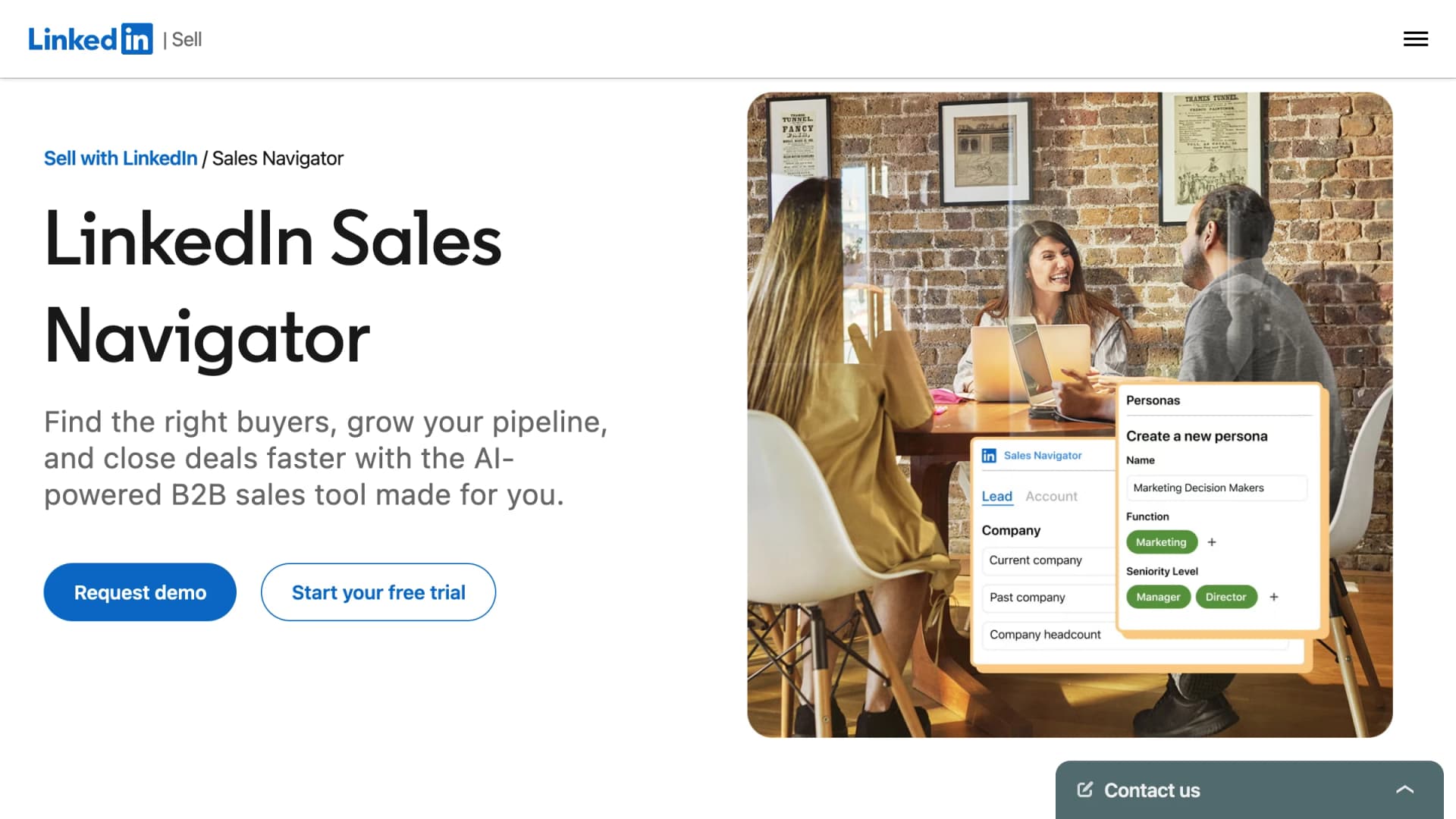
LinkedIn Sales Navigator — The freshest job titles, LinkedIn-native research, and InMail
LinkedIn Sales Navigator is LinkedIn's paid prospecting product, built on a network of 1.3B+ members. You search people and accounts with 50+ filters, save them to lists, and get alerts when saved leads change jobs or post.
Its edge is freshness. Titles come straight from profiles members maintain, so a promotion shows up the moment the profile changes; if someone never updates LinkedIn, Navigator is stale too.
According to LinkedIn's compare-plans page, every plan includes Account IQ and Lead IQ (AI summaries of accounts and people), Relationship Map, and Message Assist for AI-drafted outreach. Advanced adds Buyer Intent, TeamLink for warm introductions, Smart Links, and team seat management.
Outreach stays inside LinkedIn. Every plan includes 50 InMail credits a month; per LinkedIn's help center, unused credits roll over up to 150 for 90 days, and every InMail answered within 90 days earns its credit back.
The gaps are contact data and export. Navigator provides no emails or phone numbers, and LinkedIn doesn't offer CSV or XLS export; Advanced Plus syncs leads and accounts to your CRM instead. Exporter extensions exist, but LinkedIn's User Agreement prohibits software and browser plugins that scrape or copy profiles.
As of October 2026, Core costs $119.99 a month or $1,079.88 a year (about $90 a month), Advanced costs $159.99 a month or $1,799.88 a year (about $150 a month), and Advanced Plus is priced on team size, CRM integration, and onboarding needs. LinkedIn's plan table now puts advanced CRM integrations and lead creation on Advanced Plus only, so budget for a sales call if CRM sync is the reason you're buying.
Free trials of Core and Advanced are open to members with no paid LinkedIn subscription and no trial in the past 365 days. To pair Navigator with contact data, see our guide to finding emails from Sales Navigator.
Apollo.io vs LinkedIn Sales Navigator head-to-head: search filters, data freshness, and price
| Dimension | Apollo.io | LinkedIn Sales Navigator |
|---|---|---|
| Data source | Licensed database: 240M+ contacts, 30M+ companies | LinkedIn's network of 1.3B+ members |
| Search filters | 65+ filters plus intent topics | 50+ lead and account filters, saved searches |
| Job title freshness | Updated once Apollo verifies a move | The member's own profile; real-time alerts |
| Emails and phones | Yes: 1 credit per email, 8 per phone | No |
| Export | CSV export and native CRM sync | No CSV or XLS; CRM Sync on Advanced Plus |
| Outreach | Email, call, and LinkedIn-task sequences; dialer | 50 InMail credits a month, connection requests |
| Buying signals | Intent, job changes, website visitors | Alerts on every plan; Buyer Intent on Advanced+ |
| Price (Oct 2026) | Free; $49, $79, or $119/seat/month, billed annually | $1,079.88 or $1,799.88/seat/year; Advanced Plus custom |
Search filters. Both filter by title, seniority, company size, industry, and location, so the difference is the pool. Navigator searches everyone on LinkedIn; Apollo searches a smaller licensed database, but every result can become a revealed email and a sequence step.
Data freshness. This is Navigator's clearest win, because a LinkedIn title is the member's own latest edit. Apollo tracks job changes as a signal, so the gap is refresh lag rather than missing data; check the profile before emailing executives or anyone recently promoted.
Contact data and outreach. This is Apollo's clearest win: Navigator gives you 50 InMails a month and no way to email or call the people it finds, while Apollo gives you the email, the phone, and the sequence.
Price. For one rep on annual billing, Apollo Basic costs $588 a year and Navigator Core $1,079.88. For five reps, Apollo Professional costs $4,740 a year, while Navigator Advanced, the first tier with team seat management, costs $8,999.40.
How to run Apollo and Sales Navigator together
- Qualify in Navigator. Save leads to a list and use Lead IQ and alerts to decide who to contact now.
- Reach through Apollo. Look up those people by name and company, reveal emails and phones, and sequence them.
- Keep LinkedIn touches native. Use InMail and connection requests, not tools that scrape or automate LinkedIn.
- Re-check on job changes. When a Navigator alert flags a move, re-enrich the contact in Apollo before the next step.
For more options around that workflow, see our guides to enrichment tools for LinkedIn leads and LinkedIn lead generation tools.
Pros
- +Freshest titles of the two: data comes from member-maintained profiles, with real-time job change alerts
- +Searches LinkedIn's 1.3B+ members with 50+ lead and account filters
- +AI research on every plan: Account IQ, Lead IQ, and Message Assist
- +50 InMail credits a month, with a credit back for every reply within 90 days; TeamLink and Buyer Intent on Advanced and up
Cons
- −No email addresses or phone numbers
- −No CSV or XLS export; CRM Sync and lead creation only on custom-priced Advanced Plus
- −50 InMail credits a month on every plan, with at most 150 banked
- −Core lacks team seat management, TeamLink, and Buyer Intent as of October 2026
Best for: The freshest job titles, LinkedIn-native research, and InMail
Pricing: Core $119.99/month or $1,079.88/year; Advanced $159.99/month or $1,799.88/year; Advanced Plus custom (based on team size, CRM integration, and onboarding needs). 50 InMail credits/month on every plan. Free trial on Core and Advanced for eligible members. As of October 2026, business.linkedin.com/sell/sales-navigator/compare-plans.
Comparison Table
| Tool | Best For | Free Tier | Starting Price | Standout Feature |
|---|---|---|---|---|
| Apollo.io | Verified emails, phone numbers, and multichannel sequences in one seat | Yes (900 credits per seat per year, 2 sequences, Gmail only) | $49/seat/month (Basic, annual) | Contact data, buying signals, and sequences in one seat, backed by a 20+ partner waterfall |
| LinkedIn Sales Navigator | The freshest job titles, LinkedIn-native research, and InMail | No free plan; free trial on Core and Advanced for eligible members | $1,079.88/year or $119.99/month (Core) | Real-time job change alerts and AI account research on LinkedIn's 1.3B+ member network |
How to Choose
- Apollo.io if you need verified emails, phone numbers, and multichannel sequences in one seat
- LinkedIn Sales Navigator if you need the freshest job titles, LinkedIn-native research, and InMail
Final Verdict
Pick Apollo.io if your reps run outbound by email and phone. One seat gets you 240M+ contacts, revealed emails and phone numbers, intent and job change signals, and sequences from your own mailbox, for about half the annual price of Navigator Core. Just verify titles for senior or recently promoted contacts before you send.
Pick LinkedIn Sales Navigator if your deals start in LinkedIn conversations. Account executives working named accounts, founders selling to a few hundred buyers, and teams that rely on warm intros get the freshest titles, real-time job change alerts, AI research, and InMail. If more than one person needs it, choose Advanced, because Core lacks team seat management, TeamLink, and Buyer Intent.
Buy both if your team researches on LinkedIn and sends by email, which describes most SDR teams. Navigator finds and qualifies the person; Apollo supplies the email, phone, and sequence. One rep pays $1,667.88 a year for Apollo Basic plus Navigator Core on annual billing, so test whether the pair books more meetings than either tool alone.
Whichever you choose, SyncGTM can strengthen the enrichment behind it with verified emails, phone numbers, and firmographics from 50+ providers.