


7 Best Sales Chrome Extensions for Prospecting in 2026

By Kushal Magar · October 29, 2026 · 14 min read
Key Takeaway
The best sales Chrome extensions in 2026 are Lusha, Kaspr, ContactOut, Hunter, Wiza, SignalHire, and Snov.io. Lusha is the best all-rounder, with email and direct-dial reveals on LinkedIn, in Gmail, and on company sites (400,000 Chrome users, 40 free credits a month). Kaspr is the pick for European phone numbers, ContactOut for heavy LinkedIn and recruiter use, and Hunter (700,000 users, 4.8 stars) for finding emails from a company domain. Wiza and SignalHire suit bulk LinkedIn exports, and Snov.io pairs its email finder with built-in campaigns. Compare phone credit allowances, not headline credit counts, because a phone reveal often costs 3 to 5 times an email.
The best sales Chrome extensions put a prospect's email and phone number one click away while you browse LinkedIn, Gmail, or a company website. The seven worth installing in 2026 are Lusha, Kaspr, ContactOut, Hunter, Wiza, SignalHire, and Snov.io.
Most roundups for this keyword are written by a vendor that ranks itself first. This one ranks only extensions you can install today, using live Chrome Web Store data and each vendor's own pricing page.
We compare them on four things that decide whether an extension earns its spot in your toolbar: LinkedIn contact reveals, Gmail and website support, credit cost per contact, and CRM push. All user counts and ratings were checked on the Chrome Web Store in October 2026.
TL;DR
- 1. Lusha: best all-rounder. Emails, direct dials, and firmographics on LinkedIn, Gmail, and company sites.
- 2. Kaspr: best for European phone numbers from LinkedIn and Sales Navigator.
- 3. ContactOut: best for heavy LinkedIn users and recruiters who need high limits.
- 4. Hunter: best for finding emails from a company domain. Highest rated, email only.
- 5. Wiza: best for exporting Sales Navigator searches with emails and phones.
- 6. SignalHire: best for bulk lookups of up to 1,000 profiles at a time.
- 7. Snov.io: best for finding emails and sending campaigns from one cheap tool.
- No extension needed: if you already have a list of LinkedIn URLs, SyncGTM enriches them in bulk across 50+ providers.
What a Sales Chrome Extension Does
A sales Chrome extension is a browser add-on that matches the page you are viewing to a contact database. Open a LinkedIn profile or a company website, click the icon, and it shows that person's verified email or phone number.
The extension itself is just a window into the vendor's data. Two extensions on the same profile can return different results, because each one draws from its own sources.
Most prospecting extensions do some mix of four jobs:
- Reveal contacts on LinkedIn: show emails and phones on a profile or a Sales Navigator search.
- Find emails from a domain: list the people and email pattern behind a company website.
- Work inside Gmail: show who is behind an email thread, or track opens.
- Push to CRM or outreach: save the contact to Salesforce, HubSpot, or a sequence in one click.
Phone data is the expensive part. If calling is your main channel, read our phone number lookup tools comparison alongside this list.
How We Ranked Each Extension
We only included extensions with a live Chrome Web Store listing updated in 2026. We pulled each listing's user count, rating, and stated features, then checked plans and credits on the vendor's pricing page.
We weighted five criteria:
- LinkedIn reveals: does it show emails and phones on profiles and Sales Navigator?
- Coverage beyond LinkedIn: Gmail, company websites, and other profiles.
- Credit cost: real price per email and per phone, not the headline credit count.
- CRM push: which CRMs it syncs with, and on which plan.
- User trust: install base and rating on the Chrome Web Store.
We did not run a hit-rate test for this article. Accuracy figures below are vendor claims and are labeled as such.
1. Lusha
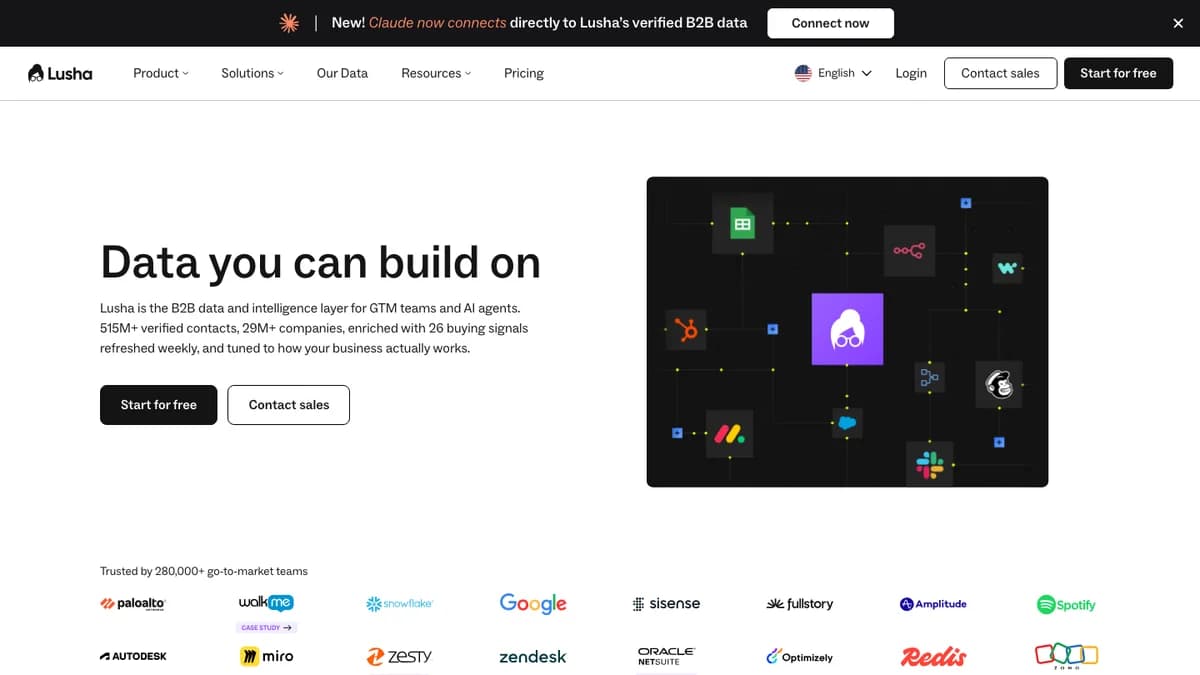
Lusha — B2B contact data with an extension for LinkedIn, Gmail, and company websites
Lusha is the best all-round sales Chrome extension, revealing verified emails and direct dials on LinkedIn, in Gmail, and on company websites. Its Chrome Web Store listing shows 400,000 users and a 4.2-star rating from 1,900 reviews, and it was updated in October 2026.
Every profile comes with firmographic context: revenue, headcount, industry, and tech stack. That helps reps decide who to call first, not only how to reach them.
Lusha claims 98% email accuracy and 86% phone accuracy on its listing. Treat those as vendor claims and run your own sample before you commit.
Saved contacts sync to your CRM from the extension. For a deeper look at plans and data quality, read our Lusha review.
Pros
- ✓ Works on LinkedIn, in Gmail, and on any company website
- ✓ Shows revenue, headcount, industry, and tech stack with each contact
- ✓ Bulk reveal and save-to-list straight from the extension
- ✓ Credits are shared across the extension, web app, and API
Cons
- ✗ A phone reveal costs 5 credits versus 1 for an email
- ✗ 4.2-star rating trails Kaspr, Hunter, and Snov.io
- ✗ Starter plan's 400 credits cover only 80 phone reveals
Best for: SDRs and AEs who want emails and direct dials everywhere they prospect, not just on LinkedIn.
Pricing: Free plan with 40 credits a month. Starter is $49.90/mo (400 credits), Pro is $69.90/mo (600 credits), and Premium is $399.90/mo (3,400 credits), with about 25% off billed annually. See Lusha pricing.
2. Kaspr
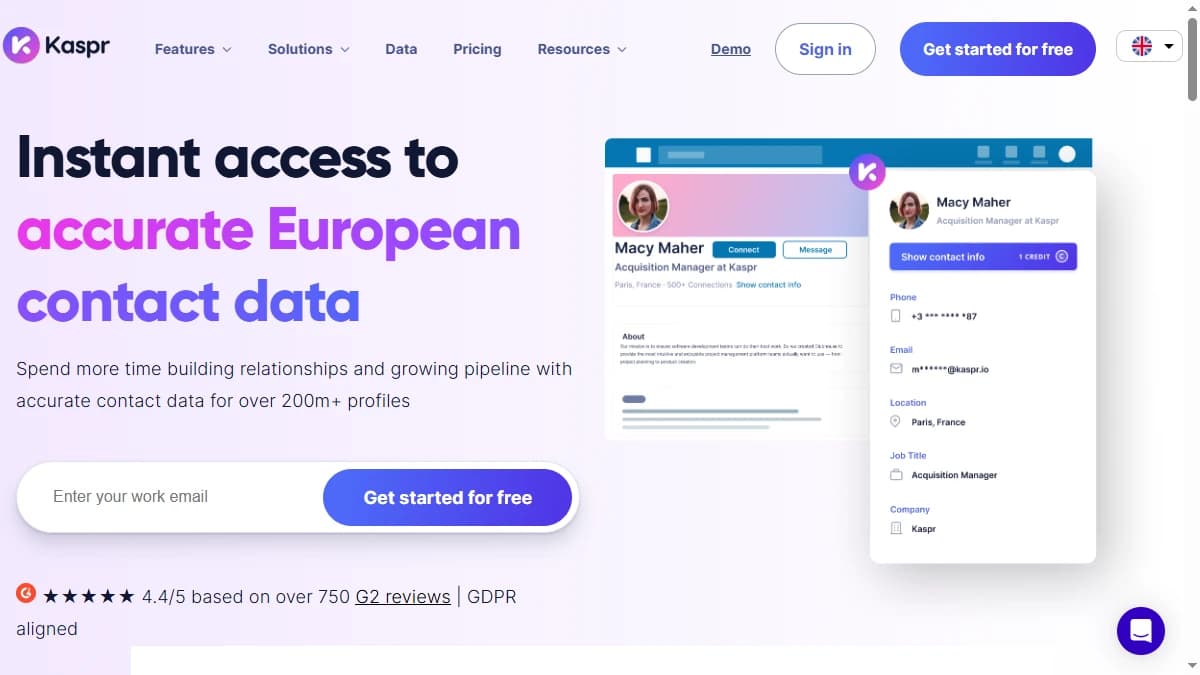
Kaspr — LinkedIn and Sales Navigator extension focused on European contact data
Kaspr is a LinkedIn-first Chrome extension built for European phone numbers and emails. Its Chrome Web Store listing shows 100,000 users and a 4.7-star rating from 1,200 reviews.
You open a LinkedIn profile, a Sales Navigator list, a group, or an event, and Kaspr reveals the contact data. It can also enrich a whole search list at once.
Kaspr pushes contacts to HubSpot, Salesforce, Pipedrive, and Zoho, plus lemlist and Brevo. Zapier is limited to paid plans.
The catch is phone volume. Starter's 100 phone credits a month will not last a cold-calling team, so most callers end up on Business. Our Kaspr review has the full plan breakdown.
Pros
- ✓ Strong European phone and email coverage
- ✓ Reveals contacts from LinkedIn profiles, searches, groups, and events
- ✓ Unlimited B2B email credits on paid plans
- ✓ 4.7-star rating from 1,200 reviews
Cons
- ✗ Works on LinkedIn and Sales Navigator only, not Gmail or company sites
- ✗ Starter includes just 1,200 phone credits a year (100 a month)
- ✗ Priced in euros, per user
Best for: Teams selling into Europe who prospect mostly on LinkedIn and need mobile numbers.
Pricing: Free plan with 15 B2B email, 5 phone, and 5 direct email credits a month. Starter runs €45 to €59 per user per month depending on billing, and Business €79 to €99. See Kaspr pricing.
3. ContactOut
ContactOut — email and phone finder for LinkedIn, Sales Navigator, Recruiter, and any website
ContactOut is an email and phone finder extension for heavy LinkedIn users, with support for Sales Navigator and LinkedIn Recruiter. Its Chrome Web Store listing shows 600,000 users and a 4.1-star rating from 800 reviews.
ContactOut says it covers 300 million professionals. Its ContactOut Anywhere feature also surfaces decision-makers when you visit a company website.
It is popular with recruiters because it often returns personal emails. For B2B sales, check that your use of personal addresses fits your GDPR basis before emailing them.
The listing also bundles an AI email writer. Our ContactOut review covers the fair-use limits in detail.
Pros
- ✓ Works on LinkedIn, Sales Navigator, and LinkedIn Recruiter
- ✓ ContactOut Anywhere finds contacts on company websites
- ✓ Returns personal emails as well as work emails
- ✓ Syncs to Salesforce, HubSpot, and ATS tools
Cons
- ✗ Self-serve plans are limited to one user
- ✗ "Unlimited" plans carry fair-use and export caps
- ✗ Pricing varies by billing term and US/UK data, so quotes are hard to compare
Best for: Recruiters and full-cycle reps who reveal many LinkedIn contacts every day.
Pricing: Free plan with roughly 5 emails, 5 phones, and 5 exports a day. Paid Email plans start around $49/mo, with Email + Phone higher; exact prices depend on billing term and whether US and UK data are included. Check ContactOut pricing for your region.
4. Hunter
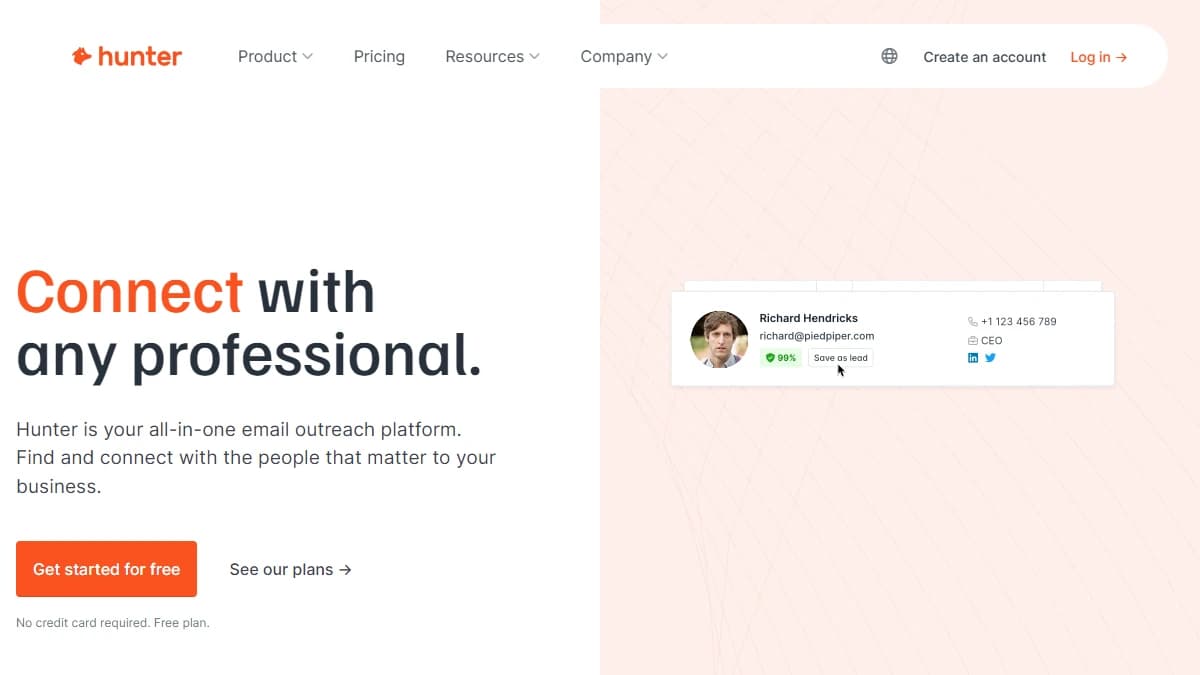
Hunter — find every email address behind a company domain from your browser
Hunter is the best Chrome extension for finding emails from a company domain. Its Chrome Web Store listing shows 700,000 users and a 4.8-star rating from 12,500 reviews, the largest install base and best rating on this list.
Click the icon on any website and Domain Search lists the emails tied to that domain, with the most common email pattern and department filters. If you know a name, Email Finder returns the address with a confidence score and its sources.
You can save a lead to a list and drop it into a Hunter sequence without leaving the page. Hunter does not sell phone numbers, so pair it with a phone tool if you call.
Weighing other email-only options? See our list of Hunter.io alternatives.
Pros
- ✓ Highest rated on this list: 4.8 stars from 12,500 reviews
- ✓ Domain Search shows a company's emails and email pattern
- ✓ Confidence scores and one-click verification
- ✓ Save leads to sequences or sync to Salesforce, HubSpot, Pipedrive, and Zoho
Cons
- ✗ Emails only, no phone numbers
- ✗ Built around company domains rather than LinkedIn profiles
- ✗ Credits run out fast on the free plan
Best for: Reps and founders who prospect by company website and only need emails.
Pricing: Free plan with 50 credits a month. Starter is $49/mo or $34/mo billed annually (2,000 credits), Growth $149/mo (10,000 credits), and Scale $299/mo (25,000 credits). See Hunter pricing.
5. Wiza
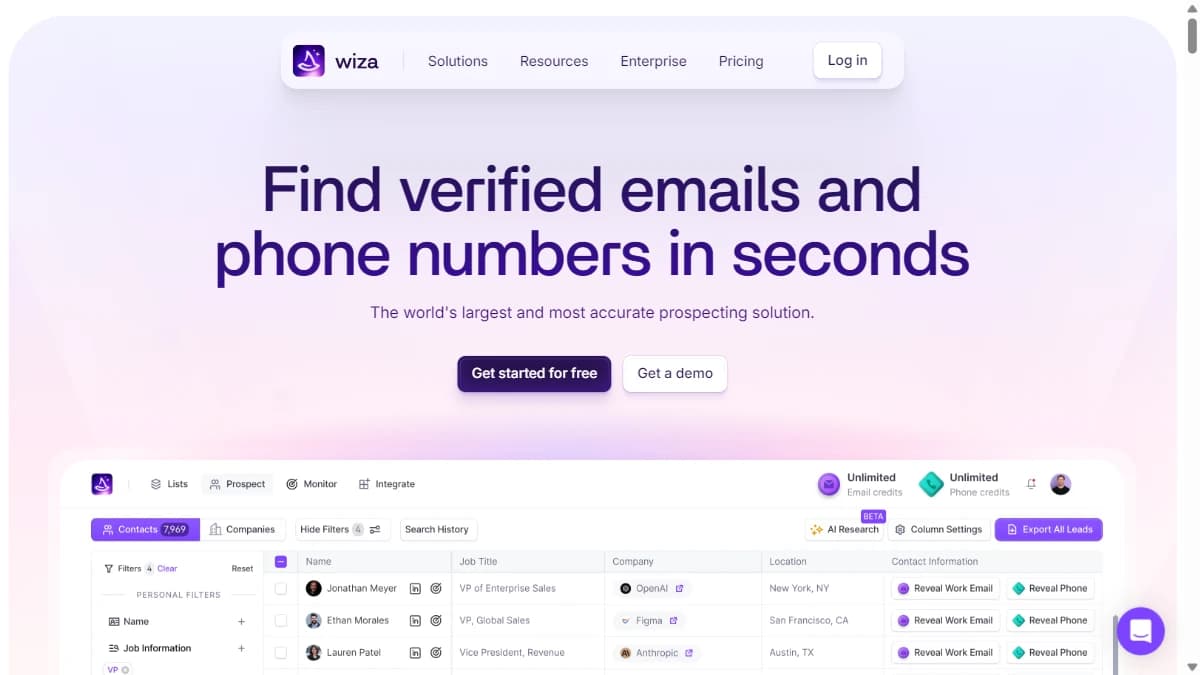
Wiza — export LinkedIn and Sales Navigator searches with verified emails and phones
Wiza is a LinkedIn list-export extension that turns Sales Navigator searches into spreadsheets of verified emails and phones. Its Chrome Web Store listing shows 100,000 users and a 3.7-star rating from 140 reviews.
Where Lusha and Kaspr shine on a single profile, Wiza is built for exporting a whole list. Each row carries name, employer, title, contact info, and 30+ other fields.
The rating is the weak spot, and the sample is small, so read recent reviews before buying. Our Wiza review covers export limits and accuracy.
If you rely on Sales Navigator filters, our LinkedIn Sales Navigator review explains what the seat costs on top.
Pros
- ✓ Exports whole Sales Navigator searches and lead lists to CSV
- ✓ Returns 30+ data points per contact, including personal emails
- ✓ Wiza Anywhere side panel works on company websites
- ✓ One-click push to Salesforce and HubSpot
Cons
- ✗ Lowest rating on this list: 3.7 stars from 140 reviews
- ✗ Starter caps you at 100 emails and 100 phones a month
- ✗ Best results depend on a paid Sales Navigator seat
Best for: Teams that build lists in Sales Navigator and want them exported with contact data.
Pricing: Free plan with 20 emails and 5 phones. Starter is $49/mo per user (100 emails and 100 phones), with extra emails at $0.15 and extra phones at $0.35. Higher tiers add unlimited emails. See Wiza pricing.
6. SignalHire
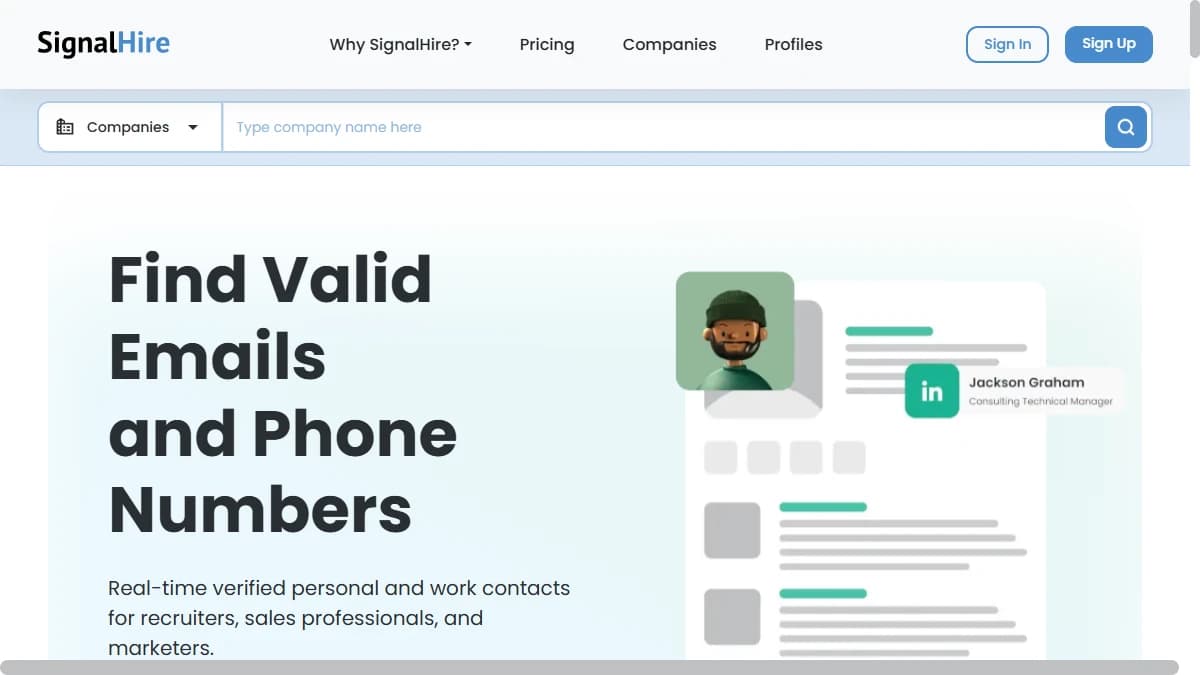
SignalHire — real-time email and phone lookups from LinkedIn and other profiles
SignalHire is a contact finder extension that searches and verifies emails and phones in real time. Its Chrome Web Store listing shows 400,000 users and a 5.0-star rating from 647 reviews.
The standout is its bulk finder, which looks up contact details for up to 1,000 profiles at a time. That makes it a middle ground between single-profile extensions and full list tools.
SignalHire says it checks details at the moment you search rather than serving a cached record. Our SignalHire review breaks down the plans.
Pros
- ✓ One credit returns both email and phone for a contact
- ✓ Bulk finder handles up to 1,000 profiles at a time
- ✓ 10 free credits a month just for installing the extension
- ✓ No seat limit on team accounts, per the listing
Cons
- ✗ Separate plans for emails and phones raise the cost of both
- ✗ Interface feels dated next to Lusha or Kaspr
- ✗ CRM and ATS export only on paid plans
Best for: Small teams and recruiters who look up contacts in batches rather than one at a time.
Pricing: Free plan with a handful of credits, plus 10 a month for using the extension. Emails is $69/mo or $57/mo billed annually (1,000 credits), and the Phones plan is $69/mo (435 credits). See SignalHire pricing.
7. Snov.io
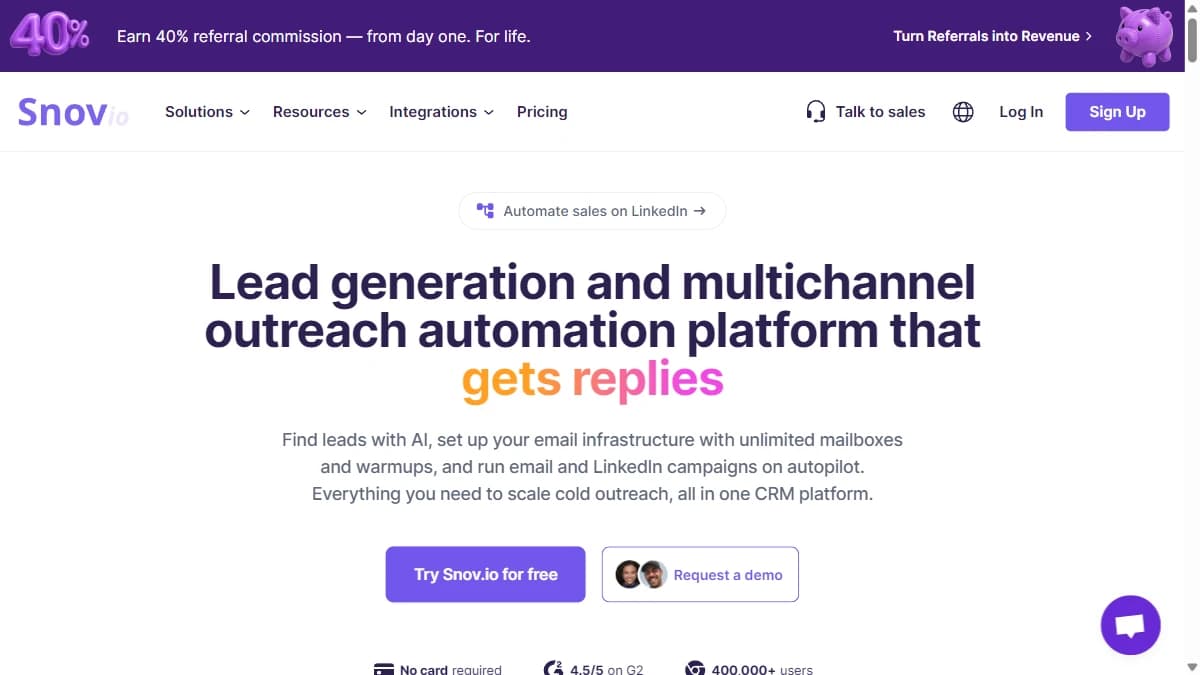
Snov.io — email finder extension connected to campaigns, warmup, and a built-in CRM
Snov.io is an email finder extension tied to a full outreach platform. Its Chrome Web Store listing shows 400,000 users and a 4.9-star rating from 6,000 reviews.
The extension collects emails from websites and search results and checks them as it goes. Snov.io says you are not charged for invalid emails.
Found leads drop into drip campaigns and Snov.io's built-in CRM. For LinkedIn, it ships a separate LinkedIn Prospect Finder extension, and Gmail tracking lives in its Email Tracker extension.
Our Snov.io review covers the campaign side in more depth.
Pros
- ✓ 4.9 stars from 6,000 reviews
- ✓ Finds emails on any website, with no charge for invalid emails
- ✓ Found contacts flow straight into Snov.io email campaigns
- ✓ Cheapest paid entry point: $39/mo for 1,000 credits
Cons
- ✗ Emails only, no phone numbers
- ✗ LinkedIn prospecting needs a separate Snov.io extension
- ✗ Gmail tracking is yet another extension
Best for: Founders and small teams who want to find emails and send campaigns from one low-cost tool.
Pricing: Free trial with 50 credits. Starter is $39/mo (1,000 credits), Pro S $99/mo (5,000 credits), and Pro M $189/mo (20,000 credits), with 25% off billed annually. See Snov.io pricing.
Skip the Extension: Bulk Enrichment With SyncGTM
Not every team needs another extension. If you already have a list of LinkedIn profile URLs, clicking through them one at a time is the slow way to get contact data.
SyncGTM takes the opposite approach. It has no Chrome extension today (one is listed as planned on the SyncGTM roadmap), and it works on lists instead of single pages.
You paste or upload LinkedIn URLs into a table and add a column such as find email from LinkedIn URL. Each lookup runs as a waterfall across 50+ data providers, so when one provider misses, the next one tries.
- A work email costs 1 credit, and empty lookups are not billed.
- Mobile numbers run through the same waterfall at a higher credit cost per number.
- It runs from the web table, the API, the lead enrichment CLI, or the enrichment MCP server for AI agents.
- Results sync natively to Salesforce, HubSpot, Pipedrive, Attio, and Close.
The free plan includes 50 credits a month, and paid plans start at $49/mo on the pricing page. Use an extension for live browsing, and SyncGTM when the list already exists.
The Best Sales Chrome Extensions Compared
Here are the seven best sales Chrome extensions side by side. Users and ratings come from each Chrome Web Store listing in October 2026; prices are entry paid plans billed monthly.
| Extension | Chrome users | Rating (reviews) | Works on | Data | Free tier | Entry paid plan | CRM push |
|---|---|---|---|---|---|---|---|
| Lusha | 400,000 | 4.2 (1.9K) | LinkedIn, Gmail, company sites | Email + direct dial + firmographics | 40 credits/mo | $49.90/mo (400 credits) | Yes, CRM sync |
| Kaspr | 100,000 | 4.7 (1.2K) | LinkedIn, Sales Navigator | Email + phone | 15 emails, 5 phones/mo | €45 to €59/user/mo | HubSpot, Salesforce, Pipedrive, Zoho |
| ContactOut | 600,000 | 4.1 (800) | LinkedIn, Sales Navigator, Recruiter, any site | Work + personal email, phone | About 5 emails, 5 phones/day | From about $49/mo | Salesforce, HubSpot, ATS |
| Hunter | 700,000 | 4.8 (12.5K) | Any website (domain search) | Email only | 50 credits/mo | $49/mo (2,000 credits) | Salesforce, HubSpot, Pipedrive, Zoho |
| Wiza | 100,000 | 3.7 (140) | LinkedIn, Sales Navigator, company sites | Work + personal email, phone | 20 emails, 5 phones | $49/mo (100 emails + 100 phones) | Salesforce, HubSpot |
| SignalHire | 400,000 | 5.0 (647) | LinkedIn and other profiles | Email + phone | 10 credits/mo via extension | $69/mo (1,000 email credits) | CRM and ATS export (paid) |
| Snov.io | 400,000 | 4.9 (6K) | Any website, LinkedIn (separate extension) | Email only | 50-credit trial | $39/mo (1,000 credits) | Built-in CRM + integrations |
Ratings are averages shown on each listing and can shift quickly with a small number of reviews.
What a Contact Really Costs: Credit Math
Headline credit counts hide the real price, because phone reveals usually cost several times an email. Here is what one contact costs on each entry plan, billed monthly.
| Extension | Entry plan | Cost per email | Cost per phone |
|---|---|---|---|
| Lusha | $49.90 for 400 credits | About $0.12 (1 credit) | About $0.62 (5 credits) |
| Kaspr | €45 to €59, 100 phone credits/mo | Unlimited B2B emails | About €0.45 to €0.59 |
| ContactOut | From about $49/mo | Unlimited under fair use | On Email + Phone plan only |
| Hunter | $49 for 2,000 credits | About $0.02 | Not offered |
| Wiza | $49 for 100 emails + 100 phones | $0.15 per extra email | $0.35 per extra phone |
| SignalHire | $69 for 1,000 or 435 credits | About $0.07 | About $0.16 |
| Snov.io | $39 for 1,000 credits | About $0.04 | Not offered |
Cost per credit is not cost per usable contact. A cheap email that bounces costs more than a pricier one that lands, so test hit rate and bounce rate on 50 to 100 of your own prospects first.
Extension Risks: LinkedIn Rules, Permissions, and GDPR
Sales extensions carry three risks that most roundups skip. Check each before you roll an extension out to a team.
LinkedIn account restrictions
The LinkedIn User Agreement bans third-party software that scrapes or automates activity on the site. Extensions that only show their own data on the profile you opened are lower risk than tools that auto-visit profiles, but LinkedIn can still restrict accounts it flags.
Browser permissions
Most contact extensions ask to read and change data on the sites you visit. Install only from the official listing, and remove extensions your team no longer uses.
Data protection
In the EU and UK, emailing a prospect needs a lawful basis such as legitimate interest under GDPR Article 6. Personal emails and mobile numbers need extra care, so document why you contact each person and honor opt-outs.
How to Choose
Match the extension to where you prospect and what you need back:
- "We prospect everywhere and need emails and direct dials." Lusha.
- "We sell into Europe and live on LinkedIn." Kaspr.
- "We reveal dozens of LinkedIn contacts a day, including for hiring." ContactOut.
- "We prospect by company website and only email." Hunter, or Snov.io if you also want campaigns.
- "We build lists in Sales Navigator." Wiza, or SignalHire for batches up to 1,000.
- "We already have the LinkedIn URLs." Skip the extension and enrich the list in bulk with SyncGTM.
If your team also runs LinkedIn conversations at volume, an inbox tool helps too. See our Kondo review for one option.
Final Verdict
Lusha is the best sales Chrome extension for most reps in 2026. It works on LinkedIn, in Gmail, and on company sites, returns both emails and direct dials, and adds firmographics, though phone reveals eat credits fast.
Kaspr is the pick for European phone numbers, ContactOut for heavy LinkedIn and recruiter use, and Hunter for domain-based email finding with the best rating on the store. Wiza and SignalHire suit list exports, and Snov.io is the cheapest way to find emails and send campaigns from one tool.
Extensions are built for one profile at a time. When you already have hundreds of LinkedIn URLs, SyncGTM enriches the whole list across 50+ providers and bills only the contacts it finds.