
By Kushal Magar · September 29, 2026 · 13 min read
HubSpot vs Salesforce: Which CRM Wins for B2B Teams 2026
HubSpot vs Salesforce is the highest-competition CRM comparison on the internet, and nearly every post answering it still leans on a split that stopped being true years ago: 'HubSpot for small teams, Salesforce for enterprise.' HubSpot now ships an Enterprise-tier Sales Hub built for exactly the complex, multi-team orgs it used to concede to Salesforce. Salesforce now sells a $25-per-user Starter Suite aimed squarely at the small teams HubSpot used to own outright. The company-size heuristic is dead. What's left is pricing-model shape, implementation burden, and how each vendor charges as your contact volume grows — and that's the version of this comparison worth reading.
Type 'HubSpot vs Salesforce' into any search engine and the first page reads almost identically across sites: HubSpot wins on ease of use, Salesforce wins on customization, pick HubSpot if you're small and Salesforce if you're big. That framing was accurate around 2018. It's outdated now. HubSpot has spent several product cycles moving upmarket — its Enterprise-tier Sales Hub is built for multi-team forecasting and complex approval chains, the exact use case it used to hand off to Salesforce. Salesforce, in the same window, built Starter Suite and Pro Suite specifically to compete for the small and mid-market deals HubSpot used to win by default.
With the size-based split gone, the real decision drivers are structural: how each vendor's pricing model is shaped, how much admin and implementation capacity a team has on hand, and how each platform charges as data volume grows rather than just as headcount grows. That last point is where HubSpot in particular catches teams off guard — Sales Hub itself is priced per seat, but plenty of teams evaluating HubSpot are pricing the CRM in isolation and get surprised later by how Marketing Hub costs scale with marketing contact volume, plus one-time onboarding fees that don't show up on the sticker price. Salesforce's model is more uniform (per user, per edition) but the jump between editions is steep enough to be its own kind of trap.
This post verifies every figure directly on each vendor's own pricing page, states the exact hub or edition each number belongs to, and frames the decision by team profile — size, in-house admin capacity, data volume, and how custom the sales process is — instead of a blanket verdict. For how a narrower sales-engagement layer compares to Salesforce specifically, see our Salesloft vs Salesforce breakdown, and for the same engagement-layer question against HubSpot, see Salesloft vs HubSpot.
Quick Summary
HubSpot vs Salesforce is the most-searched CRM comparison that exists, which is exactly why most published answers to it are stale. The 'HubSpot is for small teams, Salesforce is for enterprise' heuristic that dominates search results today was a fair read of the market years ago; it isn't anymore. HubSpot's Sales Hub now ships an Enterprise tier built for multi-team sales orgs with complex approval and forecasting needs, and Salesforce's Starter Suite and Pro Suite were built specifically to win the small-team deals HubSpot used to take uncontested. As of September 2026, verified on hubspot.com/pricing/sales, HubSpot Sales Hub is priced at Free ($0), Starter ($7/seat/month annual, $20/seat/month billed monthly), Professional ($90/seat/month annual, $100/seat/month monthly, plus a required $1,500 one-time onboarding fee), and Enterprise ($150/seat/month annual, plus a required $3,500 one-time onboarding fee). Verified on salesforce.com/sales/pricing/, Salesforce Sales Cloud is priced at Free Suite ($0), Starter Suite ($25/user/month), Pro Suite ($100/user/month), Core ($195/user/month), Advanced ($395/user/month), and Max ($550/user/month), all annual billing in USD. The number that gets buried in most comparisons is the pricing-model shape, not just the sticker price: HubSpot Sales Hub itself is a per-seat product, but most HubSpot deals aren't Sales Hub in isolation — they bundle in Marketing Hub, and Marketing Hub's cost scales with marketing contact tiers rather than seats. A team that budgets HubSpot as a flat per-seat cost and doesn't model contact-tier growth, plus the one-time onboarding fees on Professional and Enterprise, is the most common way HubSpot costs more than expected a year in. Salesforce's model is more predictable to forecast — strictly per user, per edition — but the tradeoff shows up as a steep edition ceiling instead: moving from Pro Suite to Core alone nearly doubles the per-user cost, from $100 to $195/user/month. Beyond pricing shape, the practical decision comes down to admin capacity and process complexity. HubSpot's UI and setup are built to be usable without a dedicated administrator, which matters most for teams without in-house CRM/RevOps headcount. Salesforce's customization ceiling (Apex, custom objects, the AppExchange marketplace) is higher, but realizing it typically requires a dedicated admin or consultant as configurations get non-trivial. Neither platform solves the problem underneath both of them: keeping contact and account records accurate as reps work them day to day. SyncGTM connects to both — native 2-way Salesforce sync and HubSpot integration — running a 76+ data-point waterfall across 50+ providers so records stay current in whichever CRM a team ultimately picks.
TL;DR
- Short answer: There's no universal winner. The old 'HubSpot for SMB, Salesforce for enterprise' split has eroded — HubSpot now has an Enterprise tier, Salesforce now has a $25/user Starter Suite. Pick based on pricing-model shape, admin capacity, and data volume, not company size alone.
- Verified pricing (as of September 2026, annual billing, USD): HubSpot Sales Hub runs Free $0, Starter $7/seat/mo, Professional $90/seat/mo (plus a $1,500 one-time onboarding fee), Enterprise $150/seat/mo (plus a $3,500 one-time onboarding fee). Salesforce Sales Cloud runs Free Suite $0, Starter Suite $25/user/mo, Pro Suite $100/user/mo, Core $195/user/mo, Advanced $395/user/mo, Max $550/user/mo.
- The pricing trap: HubSpot Sales Hub itself is priced per seat, but Marketing Hub — which many HubSpot deals bundle in — prices by marketing contact volume, not seats. Budgeting HubSpot like a flat per-seat tool and ignoring contact-tier scaling plus onboarding fees is the single most common cost surprise in HubSpot deployments. Salesforce prices uniformly per user per edition, which is simpler to forecast but makes the edition jump (Pro Suite to Core is $100 to $195/user/mo) the place costs spike instead.
- Lean HubSpot if your team wants one platform for marketing and sales without stitching integrations together, has lighter admin capacity, and your contact volume is predictable enough to forecast Marketing Hub tier costs.
- Lean Salesforce if your sales process is highly custom, you need the deepest configuration and AppExchange ecosystem, or you already have (or plan to hire) dedicated CRM admin capacity.
- SyncGTM isn't a third CRM in this decision — it's the enrichment and sync layer underneath either one, with native 2-way Salesforce sync and HubSpot integration, so contact and account data stays current no matter which platform wins your evaluation.
What We Evaluated
- Verified per-seat and per-user pricing at every published tier, with currency, billing cadence, and the exact hub or edition each figure belongs to
- Pricing-model shape — per-seat vs. contact-volume scaling (HubSpot Marketing Hub) vs. uniform per-user-per-edition (Salesforce)
- One-time onboarding or implementation fees disclosed on the vendor's own pricing page
- Admin and implementation burden required to run each platform day-to-day, not just at setup
- Customization ceiling — native configuration vs. code-level customization (Apex on Salesforce) and each platform's third-party ecosystem depth
- Whether the comparison still leans on the outdated 'SMB vs enterprise' split instead of current product scope on both sides
1. SyncGTM — Teams on either HubSpot or Salesforce who need contact and account data to stay accurate without manual upkeep
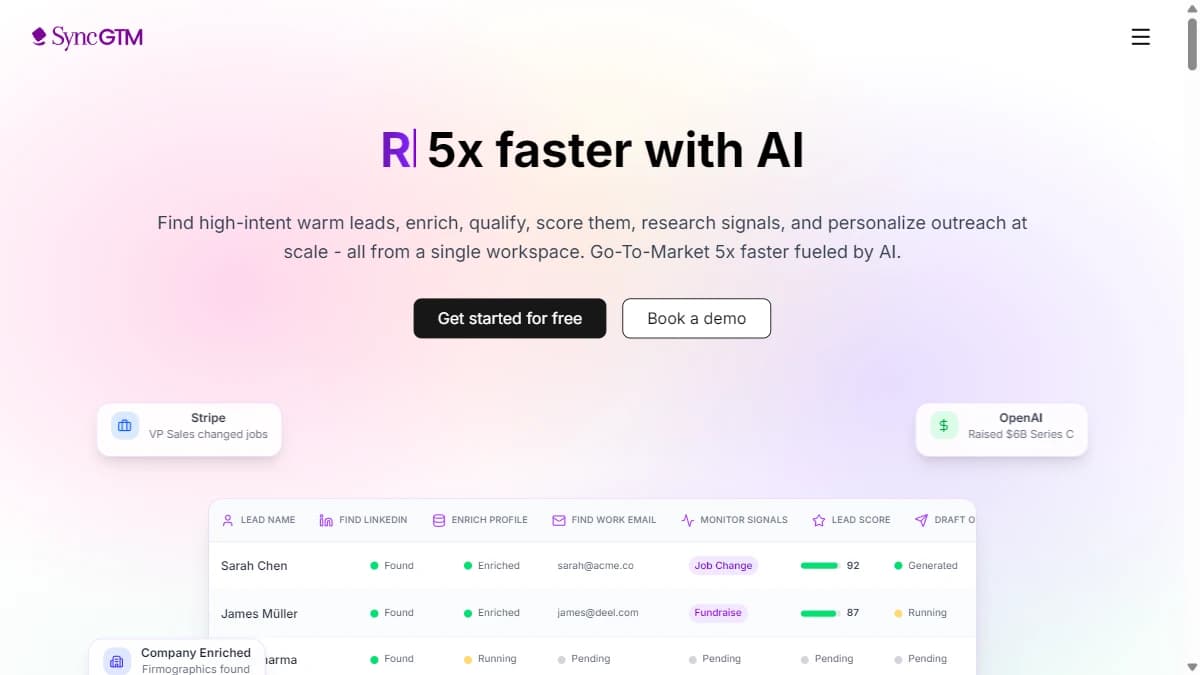
SyncGTM — Teams on either HubSpot or Salesforce who need contact and account data to stay accurate without manual upkeep
Before the head-to-head: SyncGTM isn't a third CRM competing with HubSpot or Salesforce here — it's the data layer that keeps whichever one you pick from going stale.
Native 2-way Salesforce sync keeps enriched records flowing back into the CRM instead of sitting in a spreadsheet, and HubSpot integration does the same on that side. Underneath both, a real-time waterfall across 50+ data providers adds 76+ data points per lead — verified email, direct phone, firmographics, and job-change or growth signals — so reps aren't working stale contact data regardless of which CRM wins your evaluation.
See pricing for current plans, or the product tour for how enrichment and sync connect end to end. Now, the actual HubSpot-vs-Salesforce comparison.
Pros
- +Native 2-way Salesforce sync and HubSpot integration — works underneath either CRM in this comparison
- +76+ data points per lead from a 50+ provider waterfall, refreshed at lookup rather than a static append
- +Keeps records current regardless of which platform a team lands on, so the CRM decision doesn't also become a data-quality decision
- +Not a competing CRM — no migration required to add it on top of an existing HubSpot or Salesforce setup
Cons
- −Not a CRM itself — HubSpot or Salesforce is still required as the system of record
- −Value depends on actually acting on enrichment and signals inside the CRM workflow, not just having the data
Best for: Teams on either HubSpot or Salesforce who need contact and account data to stay accurate without manual upkeep
Pricing: Starts at $99/mo. Free tier available.
2. HubSpot Sales Hub — Teams without dedicated CRM admin capacity that want marketing and sales tools in one platform
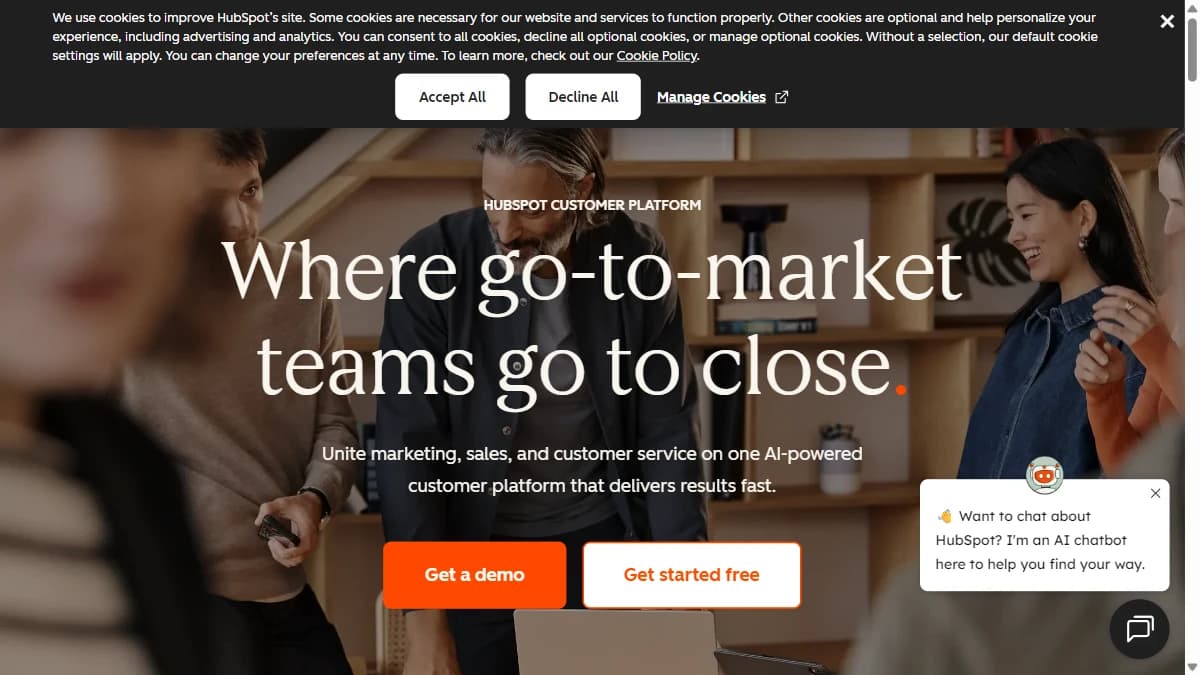
HubSpot Sales Hub — Teams without dedicated CRM admin capacity that want marketing and sales tools in one platform
HubSpot Sales Hub is priced per seat across four tiers as of September 2026, verified on hubspot.com/pricing/sales: Free ($0), Starter ($7/seat/month annual, $20/seat/month billed monthly), Professional ($90/seat/month annual, $100/seat/month monthly), and Enterprise ($150/seat/month annual). Professional and Enterprise both carry a required one-time onboarding fee — $1,500 and $3,500 respectively — that doesn't show up in the headline per-seat number.
The pricing detail most comparisons skip: Sales Hub itself scales with seats, but HubSpot deployments that bundle Marketing Hub add a second pricing axis that scales with marketing contact volume instead of seats. A team pricing HubSpot purely on Sales Hub seat count will understate cost the moment Marketing Hub contact tiers enter the picture.
Where HubSpot pulls ahead structurally is having marketing and sales tools natively in one platform, which is also why its onboarding fee exists — Professional and Enterprise are built with enough surface area that guided setup is bundled rather than left self-serve.
Pros
- +Usable without a dedicated CRM administrator — UI and default workflows are built for self-serve setup
- +Marketing and sales tools live in one platform natively, avoiding separate Marketing Cloud licensing
- +Starter tier ($7/seat/month annual) undercuts Salesforce Starter Suite ($25/user/month) at the entry point
- +Sales Hub pricing itself is a flat per-seat model, simple to forecast in isolation
Cons
- −Professional ($1,500) and Enterprise ($3,500) carry required one-time onboarding fees not reflected in the per-seat price
- −Marketing Hub — commonly bundled alongside Sales Hub — prices by marketing contact volume, a second cost axis beyond seats
- −Customization ceiling is lower than Salesforce for highly complex, multi-team sales processes
- −Enterprise tier ($150/seat/month) narrows the cost gap against Salesforce's mid-tier editions once onboarding fees are included
Best for: Teams without dedicated CRM admin capacity that want marketing and sales tools in one platform
Pricing: $0–$150/seat/month across four tiers (Free, Starter, Professional, Enterprise), billed annually in USD, plus one-time onboarding fees of $1,500 (Professional) and $3,500 (Enterprise). Verified on hubspot.com/pricing/sales, September 2026.
3. Salesforce Sales Cloud — Teams with a highly custom sales process, in-house admin capacity, or a need for the deepest third-party integration ecosystem
Salesforce Sales Cloud — Teams with a highly custom sales process, in-house admin capacity, or a need for the deepest third-party integration ecosystem
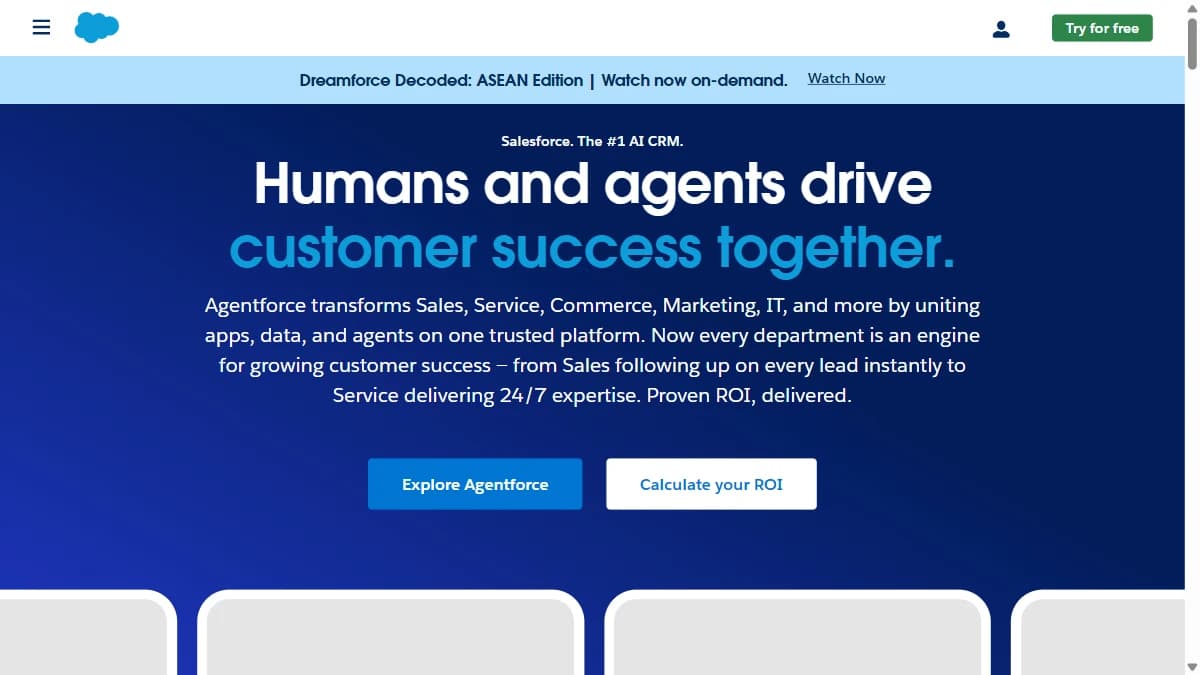
Salesforce Sales Cloud is priced uniformly per user per month across six editions as of September 2026, verified on salesforce.com/sales/pricing/: Free Suite ($0), Starter Suite ($25), Pro Suite ($100), Core ($195), Advanced ($395), and Max ($550), all annual billing in USD.
Unlike HubSpot, there's no second pricing axis scaling with contact or data volume — every edition is a flat per-user rate. That makes Salesforce more predictable to forecast, but the tradeoff shows up in the edition ceiling: Pro Suite to Core alone is a jump from $100 to $195/user/month, and reaching Salesforce's deepest customization (Apex, custom objects) generally means Core or above.
Salesforce's AppExchange integration ecosystem is the deepest in the CRM market, and Starter Suite ($25/user/month) now directly targets the small-team segment HubSpot used to win by default — part of why the old size-based split no longer holds.
Pros
- +Uniform per-user-per-edition pricing — no second cost axis scaling with contact or data volume
- +Starter Suite ($25/user/month) undercuts HubSpot's effective entry cost once HubSpot's onboarding fees are factored in at higher tiers
- +Deepest customization ceiling on the market via Apex, custom objects, and configurable automation at Core and above
- +Largest CRM integration ecosystem (AppExchange), covering long-tail and industry-specific tools
Cons
- −No published one-time onboarding fee, but Core-and-above implementations commonly require paid admin or consulting help not billed by Salesforce directly
- −Steep edition jump from Pro Suite ($100/user/month) to Core ($195/user/month) is where real customization starts
- −Marketing tools require separate Marketing Cloud licensing rather than a bundled hub like HubSpot's
- −Customization depth typically requires a dedicated Salesforce admin as configurations get non-trivial
Best for: Teams with a highly custom sales process, in-house admin capacity, or a need for the deepest third-party integration ecosystem
Pricing: $0–$550/user/month across six editions (Free Suite, Starter Suite, Pro Suite, Core, Advanced, Max), billed annually in USD. Verified on salesforce.com/sales/pricing/, September 2026.
Comparison Table
| Tool | Best For | Free Tier | Starting Price | Standout Feature |
|---|---|---|---|---|
| SyncGTM | Teams on either HubSpot or Salesforce who need contact and account data to stay accurate without manual upkeep | Yes | $99/mo | Works underneath both CRMs in this comparison, so the enrichment layer doesn't change if the platform decision does |
| HubSpot Sales Hub | Teams without dedicated CRM admin capacity that want marketing and sales tools in one platform | Yes | $7/seat/month (Starter, annual) | Self-serve usability and bundled marketing tools, at the cost of a second pricing axis (marketing contacts) most comparisons don't disclose |
| Salesforce Sales Cloud | Teams with a highly custom sales process, in-house admin capacity, or a need for the deepest third-party integration ecosystem | No (paid editions only; a $0 Free Suite tier exists at the entry level) | $25/user/month (Starter Suite, annual) | Predictable, uniform per-user pricing and the highest customization ceiling, at the cost of a steep edition jump to reach it |
How to Choose
- SyncGTM if you need teams on either hubspot or salesforce who need contact and account data to stay accurate without manual upkeep
- HubSpot Sales Hub if you need teams without dedicated crm admin capacity that want marketing and sales tools in one platform
- Salesforce Sales Cloud if you need teams with a highly custom sales process, in-house admin capacity, or a need for the deepest third-party integration ecosystem