


LeadMagic 2026: Budget-Friendly B2B Data? Full Review and Pricing

By Kushal Magar · March 16, 2026 · 11 min read · Last updated: September 30, 2026
Key Takeaway
LeadMagic is an API-first B2B data enrichment platform for finding and validating work emails, mobile numbers, and company data. As of September 2026, plans start at 99 dollars per month for 5,000 credits, credits are only deducted on successful results, and searching people, companies, and job posts spends no credits. A valid email costs 1 credit and a valid mobile number costs 5. Email accuracy sits around 75 to 85 percent for US and European contacts according to user reports. The main limitations are no free credits to test with, no native HubSpot or Salesforce connector, and signal data limited to on-demand job-change checks. It suits teams comfortable wiring data through an API, Clay, Zapier, or Make.
LeadMagic is an API-first B2B data enrichment platform for finding and validating work emails, mobile numbers, and company data at some of the lowest per-credit prices in the market. As of September 2026, it sells monthly or annual subscriptions starting at $99/mo for 5,000 credits, and credits are only deducted on successful results.
You are probably here because you want reliable enrichment without an enterprise contract. LeadMagic's entry plan is not the cheapest way to look up a handful of emails, but its per-credit cost drops quickly as volume grows, which makes it attractive for agencies and teams running steady outbound.
But cheap credits and a complete GTM workflow are different things. Compared to platforms like Apollo.io or Clearbit, LeadMagic trades workspace features for affordability. This LeadMagic review covers what the platform does well, where it falls short, and whether the pricing holds up when you factor in the missing pieces.
LeadMagic Review: What You Get (and What You Don't)
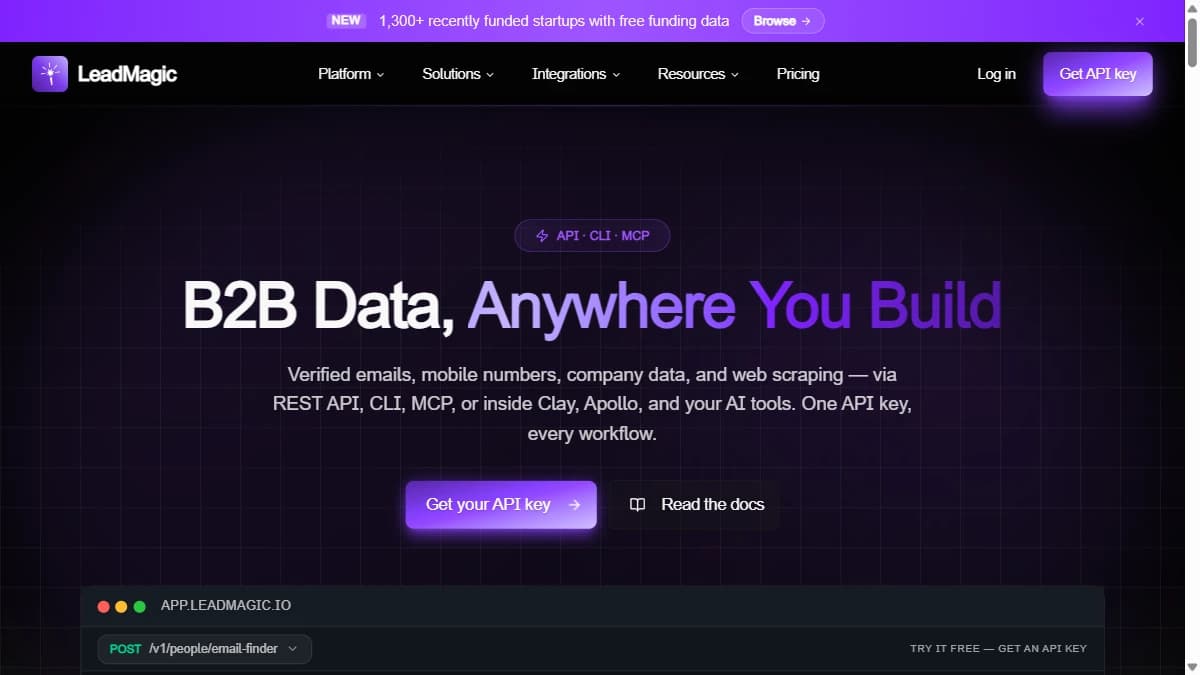
LeadMagic is a B2B data tool built around lookups: work emails, mobile numbers, email validation, and people, company, and job search. Everything runs on credits from a monthly or annual subscription.
| Feature | What's Included | Limitations |
|---|---|---|
| Email Finding | Verified work emails at 1 credit per valid email; failed lookups are free | Validation is billed separately (0.25 credits per check) |
| Mobile Finding | Mobile numbers at 5 credits per valid number | Five times the cost of an email lookup |
| Search | People, company, and job search across 400M+ people, 25M+ companies, and 46M+ job posts; searching spends no credits | Enriching the results still costs credits |
| Job Change Detector | Checks whether a contact has changed jobs, at 3 credits per request | On-demand checks you run, not an alert feed |
| Integrations | REST API, hosted MCP server, CLI, Zapier, Make, Clay, Smartlead, Instantly | No native HubSpot, Salesforce, or Pipedrive connector listed |
How LeadMagic Credits Work
LeadMagic's credit model is its strongest selling point. Credits come with a monthly or annual subscription, and the pricing page states that credits are only deducted on successful results: if the email finder comes back empty, you pay nothing. Unused credits can be banked for up to two months, so a slow month does not waste your budget.
What a credit buys depends on the action: 1 credit per valid work email, 0.25 credits per email validation, 5 credits per valid mobile number, 1 credit per company or profile lookup, 5 credits per social-profile-to-email lookup, 0.05 credits per employee from the employee finder, and 3 credits per Job Change Detector request. Searching people, companies, and job posts spends no credits.
For a solo founder doing 1,000 email lookups a month, the $99 Essential plan (5,000 credits) leaves room for another 800 mobile lookups. The model works especially well for teams with uneven volumes, since banked credits smooth out busy and quiet months.
The catch: credits buy data, not workflow. CRM sync, scheduled refreshes, and signal monitoring are things you build around LeadMagic with its API, Zapier, or Make.
LeadMagic Data Quality: How Accurate Is It?
Email accuracy is solid — around 75-85% for US and European contacts according to user reports on G2. Verification happens at the point of lookup, so bounce rates stay low. Company data accuracy is reasonable for mid-market companies but thinner for SMBs.
Coverage claims are large: LeadMagic says you can search 400M+ people, 25M+ companies, and 46M+ job posts. Because credits are only deducted on valid results, a low match rate costs you coverage rather than money, which is a practical advantage over tools that charge per attempt. Still, test on a sample of your own ICP before committing, since headline database sizes say little about coverage in a specific niche.
LeadMagic Pricing Breakdown
As of September 2026, LeadMagic sells four subscription tiers, billed monthly or annually with no annual contract required. Annual billing costs ten times the monthly price. Every plan includes API access, the MCP server, the CLI, and free people, company, and job search.
| Plan | Monthly | Annual | Credits/Month | Cost per Credit | Team Seats |
|---|---|---|---|---|---|
| Essential | $99 | $990 | 5,000 | $0.0198 | 3 |
| Growth | $249 | $2,490 | 20,000 | $0.0125 | 5 |
| Professional | $499 | $4,990 | 50,000 | $0.01 | 10 |
| Ultimate | $849 | $8,490 | 100,000 | $0.0085 | 20 |
What you actually pay
A team of 2 SDRs doing 1,000 email lookups and 500 company enrichments per month uses about 1,500 credits. That fits inside Essential at $99/mo with room for roughly 700 mobile lookups. Teams that need more than 5,000 credits a month move to Growth at $249/mo, where the cost per credit drops to $0.0125.
Hidden costs
- No native CRM sync: You need Zapier, Make, or custom API work to get data into your CRM. That is extra cost and time.
- DIY automation: Beyond CSV uploads, automated enrichment means building on the API, MCP server, or an integration platform.
- Mobiles cost 5x: A valid mobile number costs 5 credits versus 1 for an email, so phone-heavy workflows burn through plans faster.
- No free credits: There is no free plan to test on. A full refund of your first payment within 14 days is the only safety net.
What Are the Downsides of Using LeadMagic?
The biggest downsides are DIY workflows, no native CRM connectors, a thin signal layer, and no free credits to test with.
DIY workflows
LeadMagic is a data tool, not a workflow platform. In the web app, enrichment is CSV in, CSV out. Anything more automated, such as enriching new CRM records or triggering outreach, means building on the API, MCP server, Zapier, or Make. At 100 lookups per month, that is fine. At 5,000 across a team, someone has to own that plumbing.
Thin signal layer
LeadMagic gives you data more than timing. The Job Change Detector (3 credits per request) and job-posting search are useful signal inputs, but they are checks you run on demand. As with other lookup-first tools such as Datagma or BetterContact, deciding when to reach out is largely left to you.
Limited scalability without technical help
The credit model scales well on price: the cost per credit falls from $0.0198 on Essential to $0.0085 on Ultimate across LeadMagic's credit tiers. The ceiling is operational. Teams that grow beyond 2-3 SDRs without RevOps support often find the integration work, not the credits, becomes the bottleneck.
LeadMagic Integrations and API: How It Fits Your Stack
LeadMagic is built to plug into other tools rather than to be a standalone workspace. Every plan includes API access, a hosted MCP server, and lm-tui, LeadMagic's command-line tool, alongside free people, company, and job search.
- REST API: the core of the product. Endpoints cover email finding and validation, mobile finding, company and profile enrichment, employee finding, and job change detection, all billed in the same credits as the web app.
- MCP server: a hosted MCP server lets AI assistants that support the protocol call LeadMagic's lookups directly.
- Enrichment platforms: LeadMagic is available as a data provider inside Clay, Databar, Bitscale, and Freckle, so you can use it as one step in a larger enrichment workflow.
- Outreach and automation: named integrations include Smartlead, Instantly, Zapier, and Make, plus Apollo and ZoomInfo.
What is missing is a native CRM connector. HubSpot, Salesforce, and Pipedrive are not among LeadMagic's named integrations, so getting enriched data into your CRM means Zapier, Make, a custom API integration, or routing through a tool like Clay. For technical teams that is a small cost. For a sales team without RevOps support, it is the main barrier to adoption.
On compliance, LeadMagic publishes a privacy policy and a DPA with Standard Contractual Clauses, and says data is protected with TLS 1.3 and AES-256 encryption. It also notes that customers remain responsible for the legal basis, notices, and opt-outs when contacting people. That is standard for B2B data vendors, but worth reading before you run outbound into the EU.
Is LeadMagic Worth It?
LeadMagic is worth it for technical teams and agencies that want affordable, verified email and mobile lookups inside their own workflows. Charging only for successful results is honest and transparent, and the cost per credit falls steeply on higher plans. For a broader comparison of enrichment platforms, see our roundup of the best CRM data enrichment tools.
LeadMagic is not worth it for teams that want a no-code workspace with native CRM sync, signal monitoring, and outreach built in. The DIY setup becomes a bottleneck without technical help, and the cost of bolting on additional tools can exceed what you save on credits.
The verdict: LeadMagic is one of the most cost-efficient ways to look up a verified email or mobile number at volume. But if you need that data to land in your CRM, trigger a sequence, and reach a prospect at the right moment without engineering work, you need more than a lookup tool.
If LeadMagic having no native HubSpot or Salesforce connector is a dealbreaker, SyncGTM is one alternative worth a look: it pairs waterfall enrichment across 50+ data providers with native HubSpot, Salesforce, and Pipedrive integrations.